How do I use the Cinematic Luxury Studio Portrait template?
Choose the primary action to open PicX Studio with the available template settings. Review the model and format, personalize the creative direction, and generate when ready.
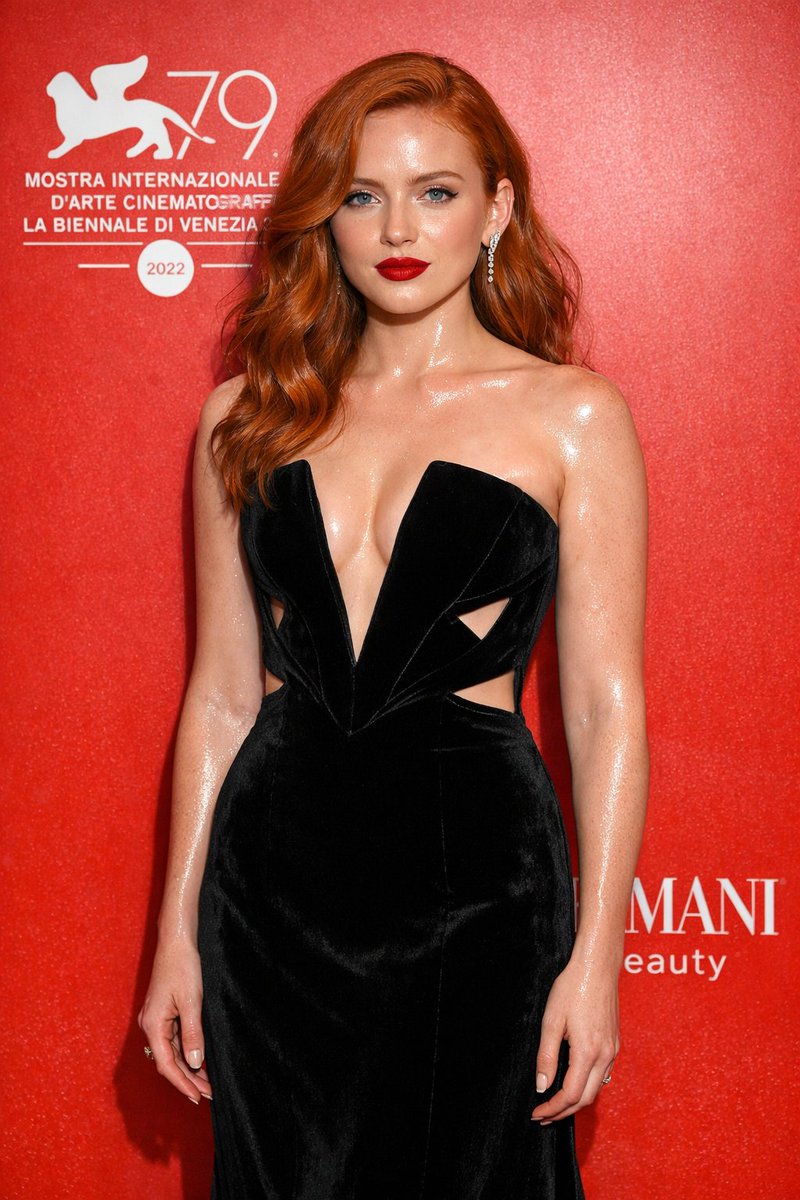
A prompt for a high-fashion editorial portrait with moody luxury lighting, featuring deep violet and magenta rim lights and photorealistic skin textures.
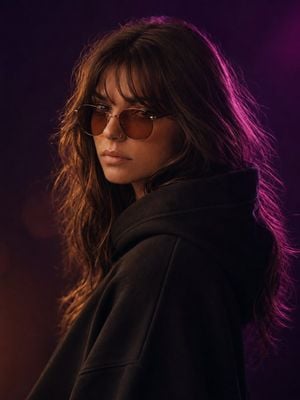
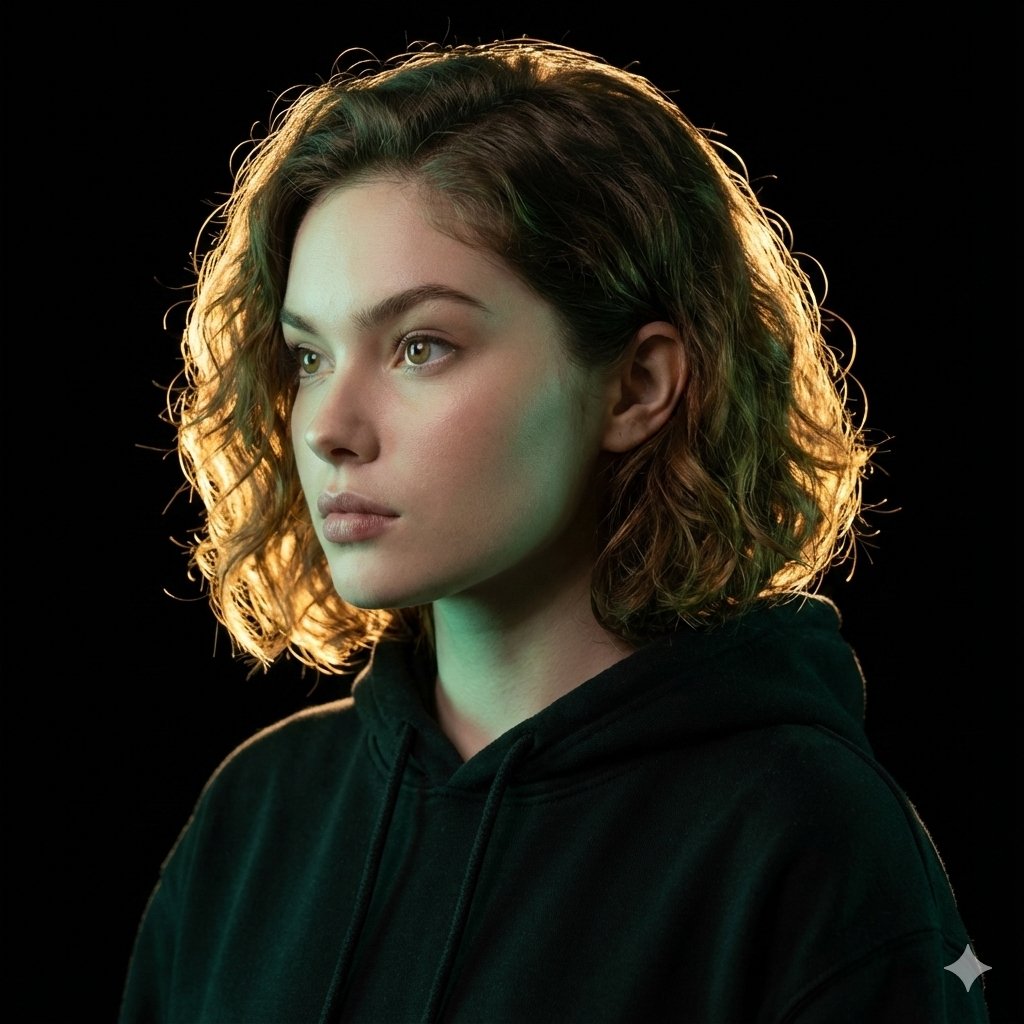
A cinematic, ultra-realistic close-up portrait of a {argument name="subject" default="charming, elegant woman"}, using the provided image as a face reference. She has naturally voluminous, softly wavy dark brown hair, beautifully defined feminine facial features, expressive almond-shaped eyes, naturally full lips, and a graceful, confident presence. She is wearing stylish round vintage amber-brown sunglasses and a sophisticated black oversized hoodie with the hood resting naturally around her neck. Moody luxury studio lighting with a dramatic {argument name="accent light" default="deep violet and magenta rim light"} illuminating the right side of her hair and face, contrasted by a soft warm champagne-golden light from the front. Highly detailed natural skin texture, realistic individual hair strands, subtle facial imperfections, delicate makeup, naturally defined eyebrows, realistic lips and eyes, rich dimensional shadows, soft highlights, shallow depth of field. Background features a luxurious gradient of deep plum, burgundy, and midnight purple with subtle cinematic haze and glowing bokeh, creating a glamorous and mysterious atmosphere. High-fashion editorial photography, sophisticated and alluring mood, effortless elegance, 85mm portrait lens, f/1.8, crisp facial details, cinematic color grading, photorealistic, high dynamic range, professional studio photography, centered composition, head-and-shoulders framing, natural proportions, 3:4 aspect ratio.
Choose the primary action to open PicX Studio with the available template settings. Review the model and format, personalize the creative direction, and generate when ready.
Yes. You can change the subject, setting, lighting, mood, format, and available model controls before creating your image.
This template is free to open and customize. Generation usage is shown in PicX Studio before you create.
Start with GPT Image 2, which is the model associated with this template. You can compare another compatible model for a different finish.
Follow a topic to a crawlable collection of related PicX Studio templates.