
Retro Synthwave Podcast Host
A photorealistic 1980s vaporwave studio portrait for creating a neon podcast host scene with nostalgic props and signage.

- Prompt included
- Model and format preset
- Free template
The prompt behind this image
Copy the exact prompt behind Retro Synthwave Podcast Host, or open it in the studio and make it yours.
Create a photorealistic retro 1980s synthwave podcast portrait of a smiling {argument name="host description" default="white male host in his 30s with blue eyes, short messy brown mullet hair, light stubble, and a friendly grin"} seated close to camera at a desk, facing forward with relaxed crossed arms. He wears a bold neon windbreaker in {argument name="jacket colors" default="teal, hot pink, purple, and black geometric panels"}, a white T-shirt, and a black digital wristwatch. Place a large vintage silver broadcast microphone on a black boom arm centered in the foreground, with small SHURE branding visible. The background is a dim studio filled with 1980s nostalgia: a bright neon triangle sign behind him reading {argument name="neon sign text" default="Thursday AI"} in pink cursive and cyan tube lights, a stack of exactly 4 cassette tapes on the left labeled “SYNTHWAVE”, “HITS 1984”, “MIXTAPE”, and “GOOD VIBES”, a retro boombox beneath them, and on the right an old CRT television showing a vaporwave sunset with palm trees and a blue grid horizon. Add one framed lightning-bolt poster above the TV. Use saturated magenta and cyan rim lighting, warm skin tones, shallow depth of field, soft film grain, slight dust and scratches, worn rounded photo border, high-detail studio photography, square-ish vertical crop, nostalgic vaporwave color palette, no extra people, no modern devices, no watermark.
How to use Retro Synthwave Podcast Host in 3 steps
- 1Upload ImagePNG, JPG or paste
Add your photo
Upload the photo the template builds on. The prompt, model and format are already set.
- 2…a portrait of your subject in softgolden-hour light, 85mm…
Personalize
Edit the subject and creative details for your destination.
- 3Generate
Generate
Press Generate — your image is created in PicX Studio, so you can compare it with the original and refine one variable at a time.
More like this
Templates with the same subject, style or setup. Open one to see its prompt.










Make it yours
Retro Synthwave Podcast Host works as-is. These are the safest ways to change it without losing the look.
Change one field
Copy a single group, rewrite it, and generate again so you can see what that field is doing.
Keep the frame, change the subject
Hold the composition and light of Retro Synthwave Podcast Host, then swap wardrobe, props or the person for a new take.
| If the result… | Why | Fix |
|---|---|---|
| The result drifts from the preview | Too many fields changed at once. | Reuse Retro Synthwave Podcast Host as-is first, then change one group — subject, light, or setting. |
| The model over-stylizes the scene | The prose prompt leaves finish and camera underspecified. | Add one camera or lighting sentence and stay on GPT Image 2. |
More GPT Image 2 templates
Other prompts made for GPT Image 2.

Six VTuber Japanese Logo Sheet

Realistic Portrait of Woman and Deer

The Vista Modular Condo Poster

AI Model Routing Comparison Infographic

2.5D Anime Art Board

Isometric Productivity Desk Scene

New York Double Exposure Poster

Four-Panel AI Landscape Comparison

Japanese Tatami Lifestyle Magazine Cover

NESCAFÉ Coffee Map Poster
More image prompts
Fresh picks from across the catalog.
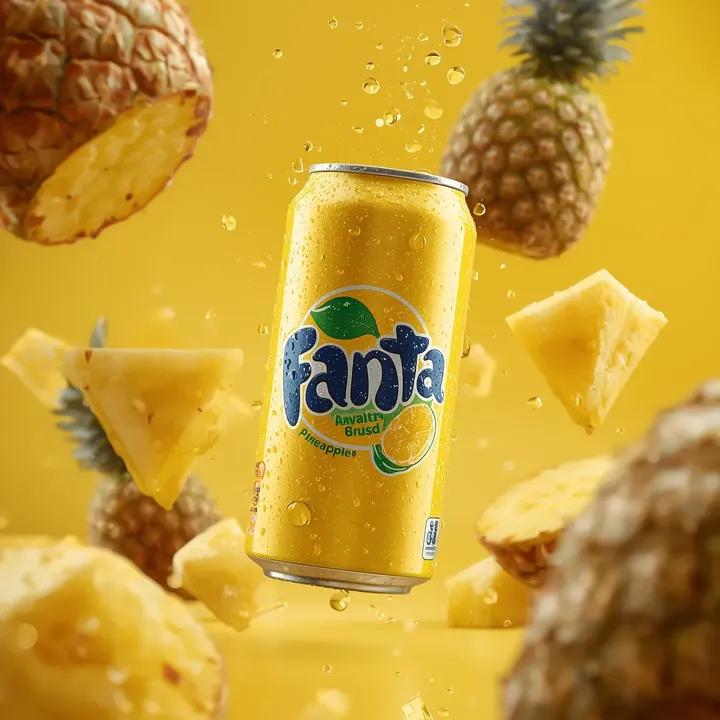
Ultra-Realistic Commercial Soda Can Photography
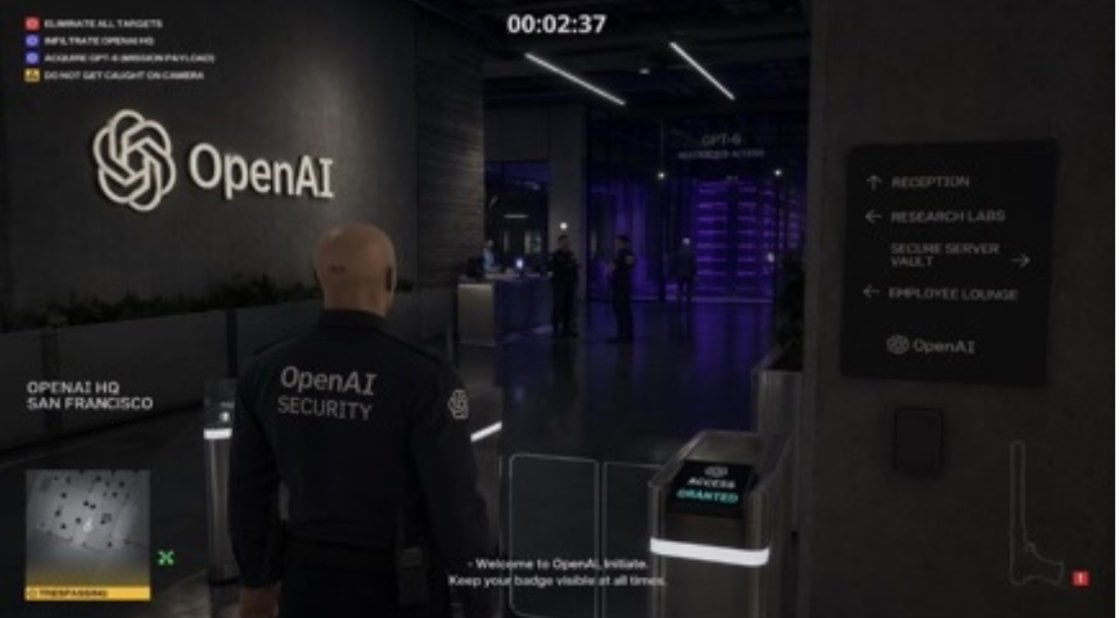
Hitman Game Screenshot Prompt
Cute Totoro Puzzle Game UI
Cozy-Sweet Editorial Portrait with Cotton Candy
Minimal Isometric 3D Perspective
Style Transfer for Cinematic Live-Action Keyframes
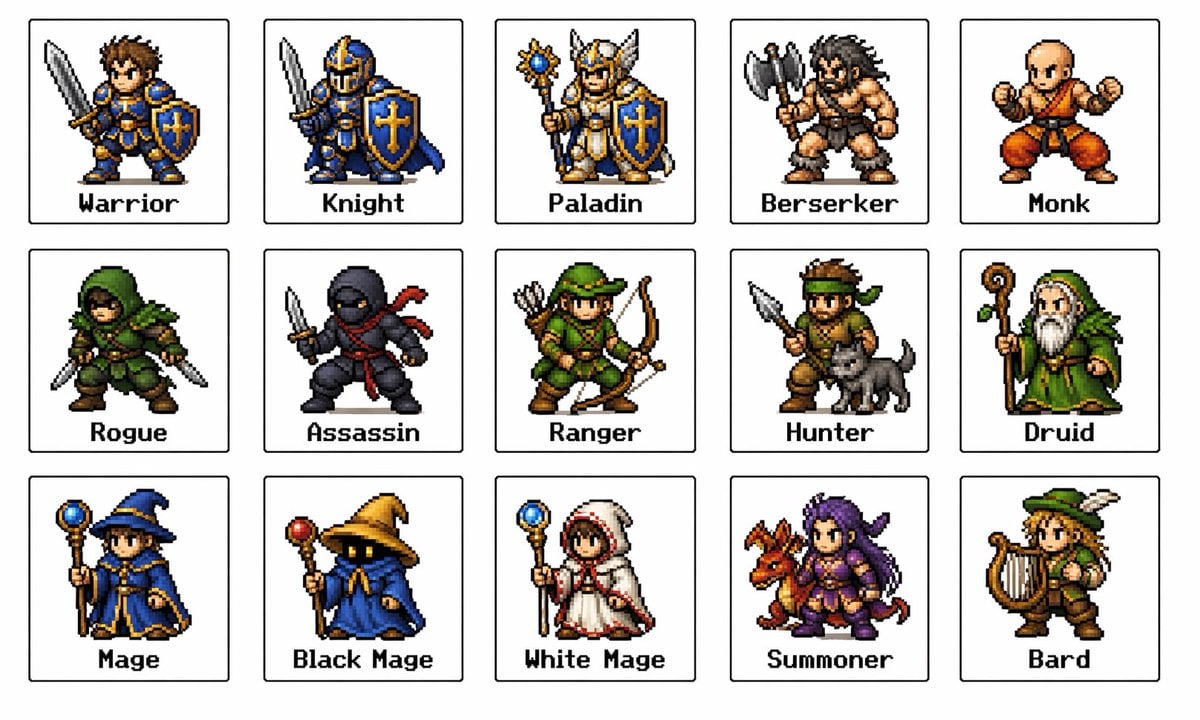
Retro Fantasy Class Sprite Grid
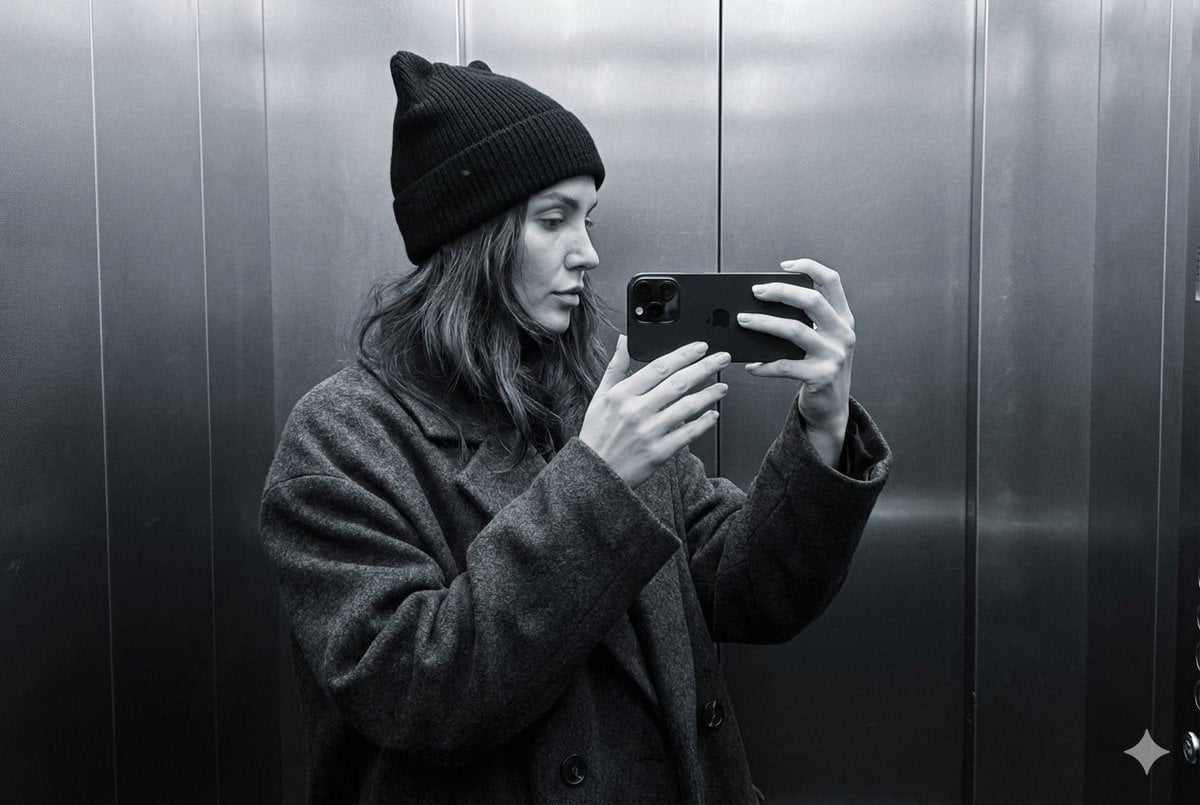
Monochrome Elevator Mirror Selfie with Cat-Ear Hat
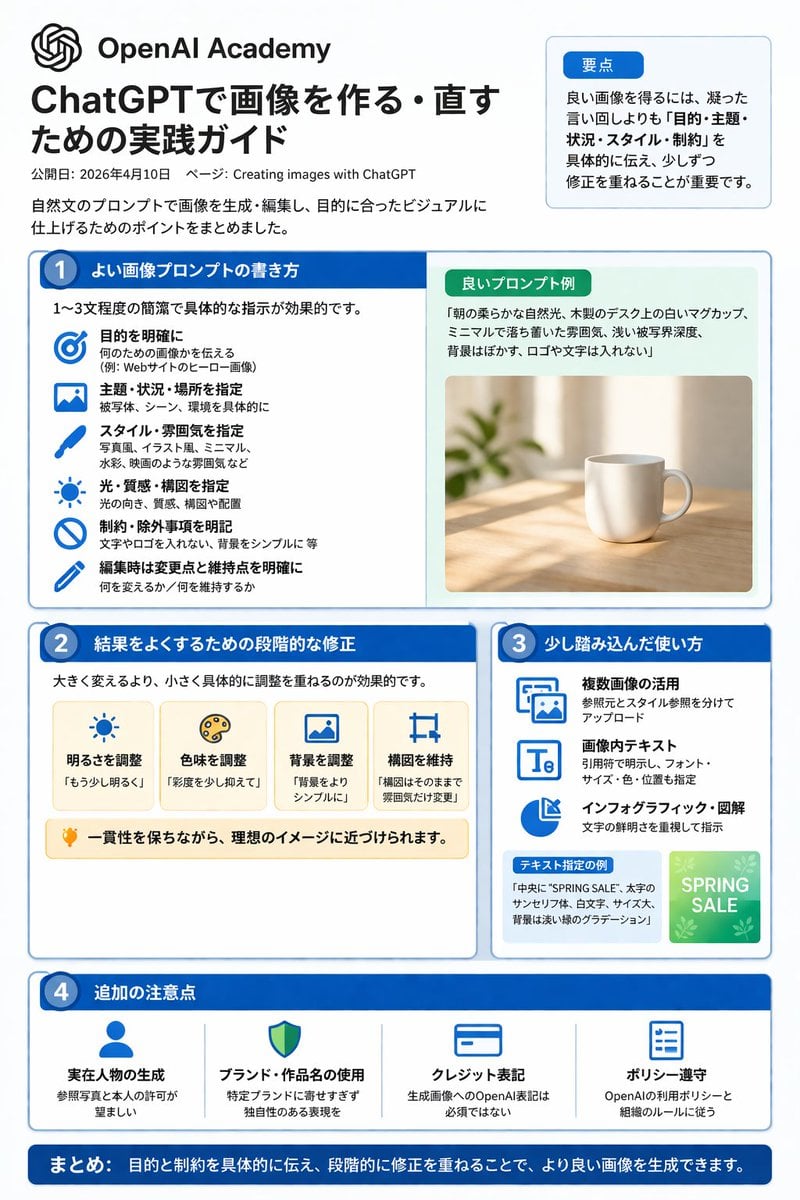
ChatGPT Image Generation Guide Infographic
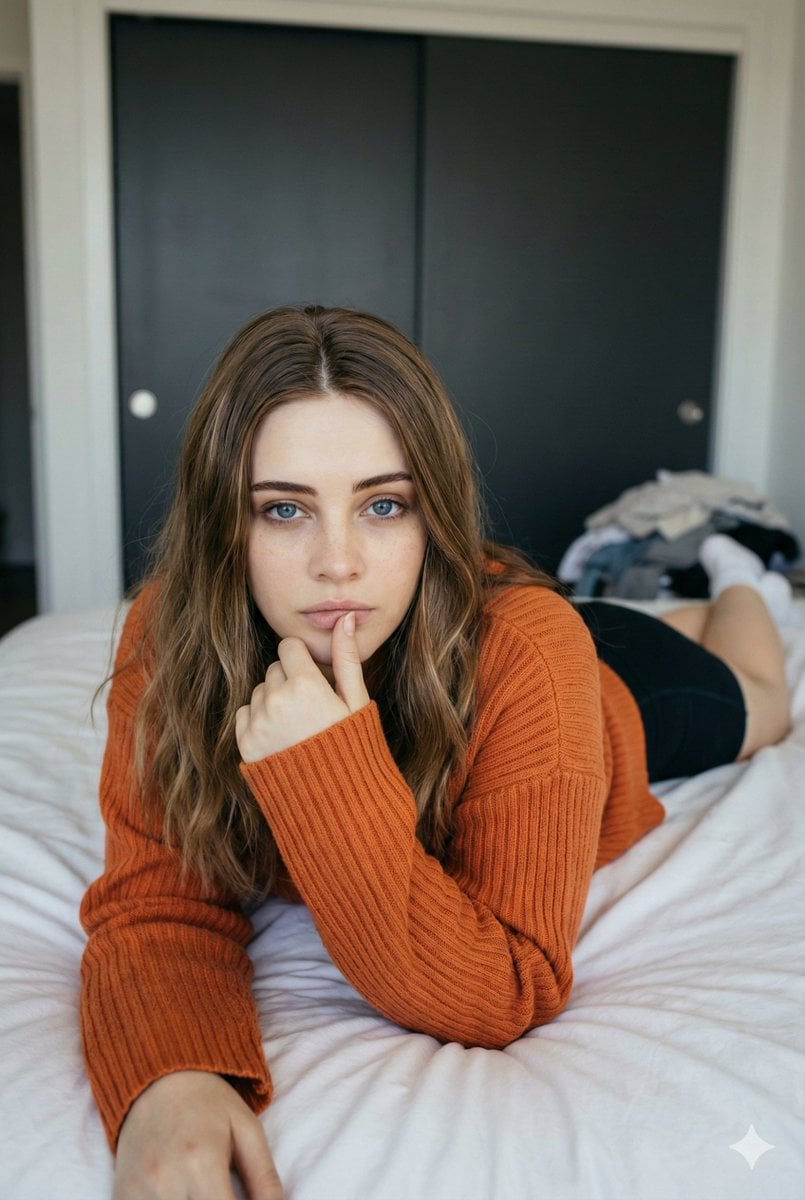
Josephine Langford Casual Bedroom Portrait
Browse template categories
Retro Synthwave Podcast Host questions
How do I use the Retro Synthwave Podcast Host template?
Add your photo if the template asks for one, edit the prompt if you like — the template's model and format are already selected — and press Generate. Your version opens in PicX Studio.
Can I customize the Retro Synthwave Podcast Host template?
Yes. You can change the subject, setting, lighting, mood, format, and available model controls before creating your image.
Is the Retro Synthwave Podcast Host template free?
Opening and editing this template is free. Generating uses credits, shown on the Generate button when you are signed in.
Which AI model should I use?
Start with GPT Image 2, which is the model associated with this template. You can compare another compatible model for a different finish.
Looking for something else? Browse all templates.

Your photo, any look
Thousands of ready templates for every top image and video model, from one credit balance.