
Photo to Cozy Crayon Drawing Comparison
Creates a two-panel sunny balcony guitar scene with a realistic photo-style top half and a soft crayon illustration version below.
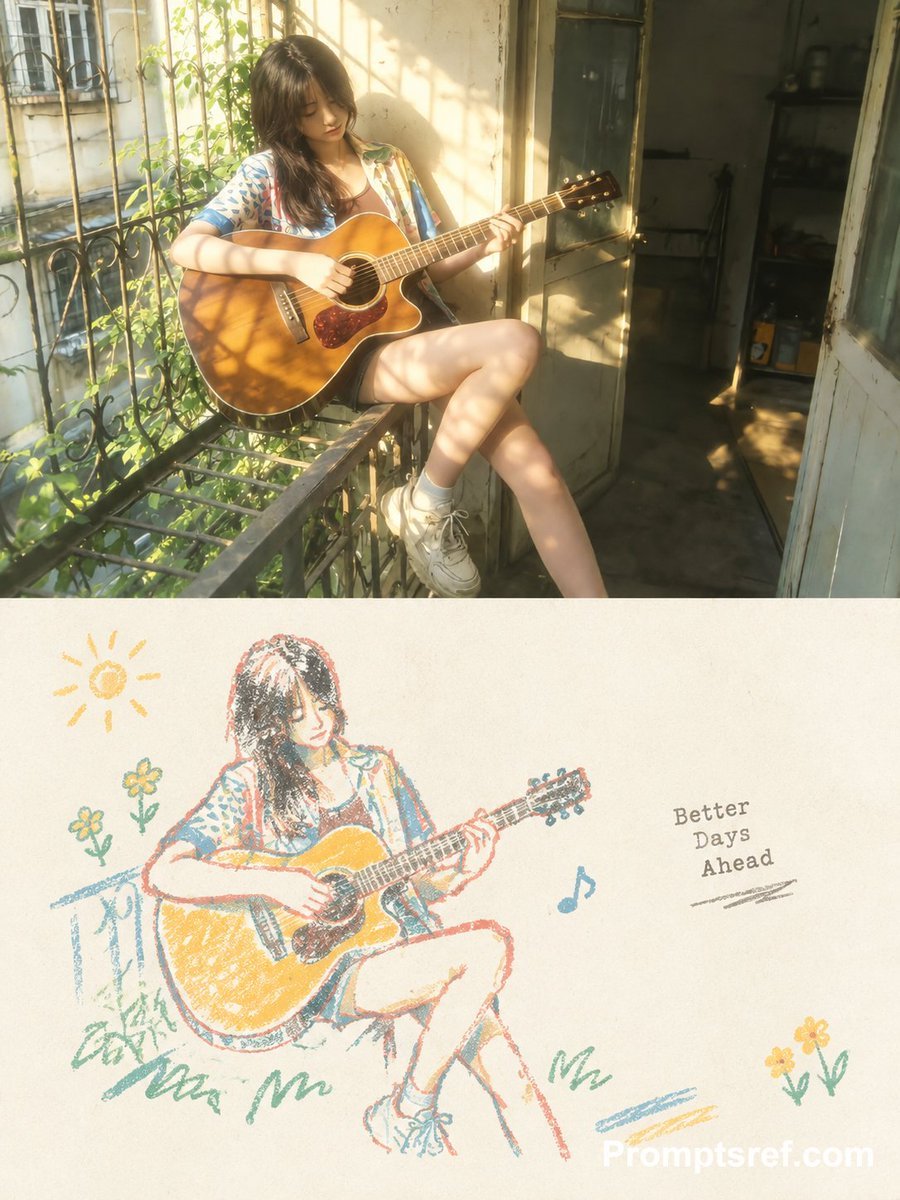
- Prompt included
- Model and format preset
- Free template
The prompt behind this image
Copy the exact prompt behind Photo to Cozy Crayon Drawing Comparison, or open it in the studio and make it yours.
Goal: Create a vertical 3:4 comparison image showing a warm original-photo scene on top and its cozy crayon-drawing interpretation on the bottom. Canvas: Vertical image, approximately 900 x 1200 px, split into exactly 2 horizontal panels of equal width. The top panel is a soft, sunlit realistic photo; the bottom panel is an off-white paper illustration with wax-crayon texture. Top panel: Show {argument name="character description" default="a young woman with long dark hair"} sitting sideways on a narrow old balcony railing outside a weathered apartment doorway. She is relaxed and slightly introspective, looking down at an acoustic guitar while playing it. She wears {argument name="outfit" default="a loose patterned short-sleeve shirt, dark shorts, white socks, and chunky white sneakers"}. The guitar is a glossy honey-brown acoustic cutaway guitar with a dark tortoiseshell pickguard. Include iron balcony bars, leafy green vines, a cream stucco wall, an open aged door, and a dim interior room in the background. Use golden late-afternoon sunlight with dappled leaf shadows across her legs, guitar, wall, and floor; dreamy lens softness, cozy summer atmosphere, shallow depth of field. Bottom panel: Recreate the same subject as a loose hand-drawn crayon sketch on textured cream paper. The woman, pose, guitar, balcony railing, and shoes should be simplified but recognizable, drawn with sketchy overlapping crayon strokes in warm yellow, teal blue, coral red, green, and charcoal gray. Keep the style childlike yet stylish, soft and cozy, with visible wax grain and imperfect outlines. Add exactly 7 decorative crayon elements around the main figure: 1 simple yellow sun in the upper left, 2 small yellow flowers on green stems on the left, 1 blue musical note near the center-right, 1 short gray handwritten phrase reading {argument name="quote text" default="Better Days Ahead"}, and 2 small yellow flowers on green stems in the lower right. Add a few loose green and blue ground scribbles below the seated figure. Text and branding: The only readable phrase inside the drawing is {argument name="quote text" default="Better Days Ahead"}, set in a small gray typewriter-like handwritten style to the right of the illustrated guitar player. Add a subtle white watermark reading {argument name="watermark text" default="Promptsref.com"} in the bottom-right corner. Constraints: Use exactly 2 panels, with the top photorealistic and the bottom crayon-drawn. Do not add extra people, extra guitars, or additional readable text. Preserve the warm sunny mood and the cozy hand-crafted crayon aesthetic.
How to use Photo to Cozy Crayon Drawing Comparison in 3 steps
- 1Upload ImagePNG, JPG or paste
Add your photo
Upload the photo the template builds on. The prompt, model and format are already set.
- 2…a portrait of your subject in softgolden-hour light, 85mm…
Personalize
Edit the subject and creative details for your destination.
- 3Generate
Generate
Press Generate — your image is created in PicX Studio, so you can compare it with the original and refine one variable at a time.
More like this
Templates with the same subject, style or setup. Open one to see its prompt.
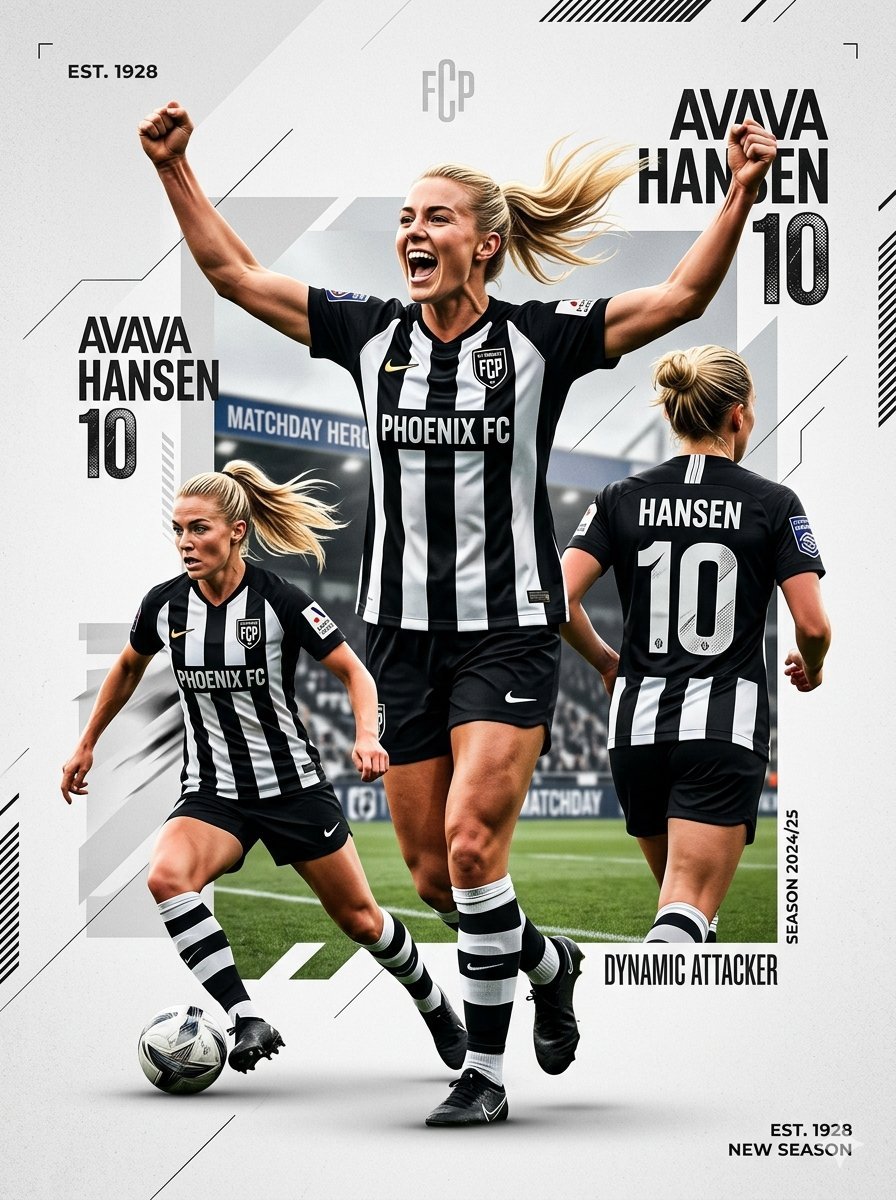
Sports Graphic Poster and Crayon Style Drawing
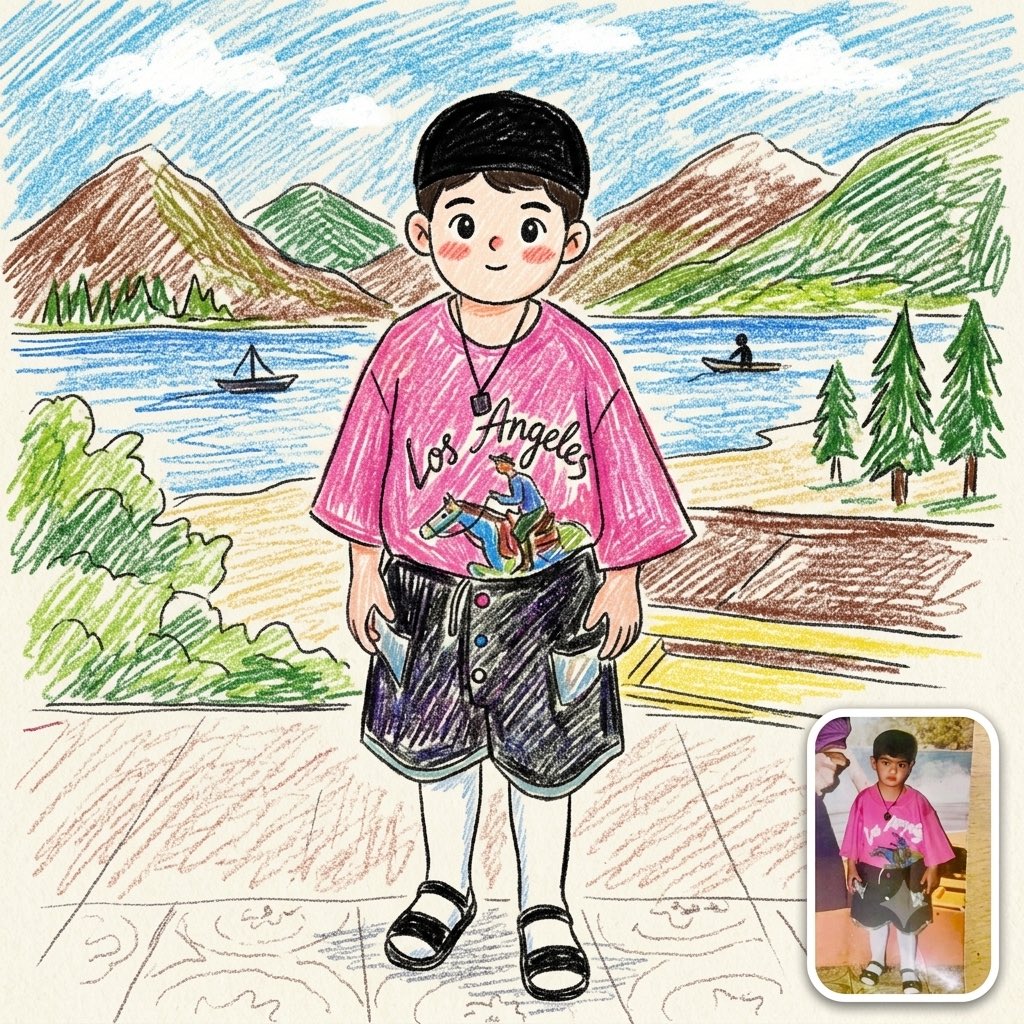
Photo to Crayon Drawing
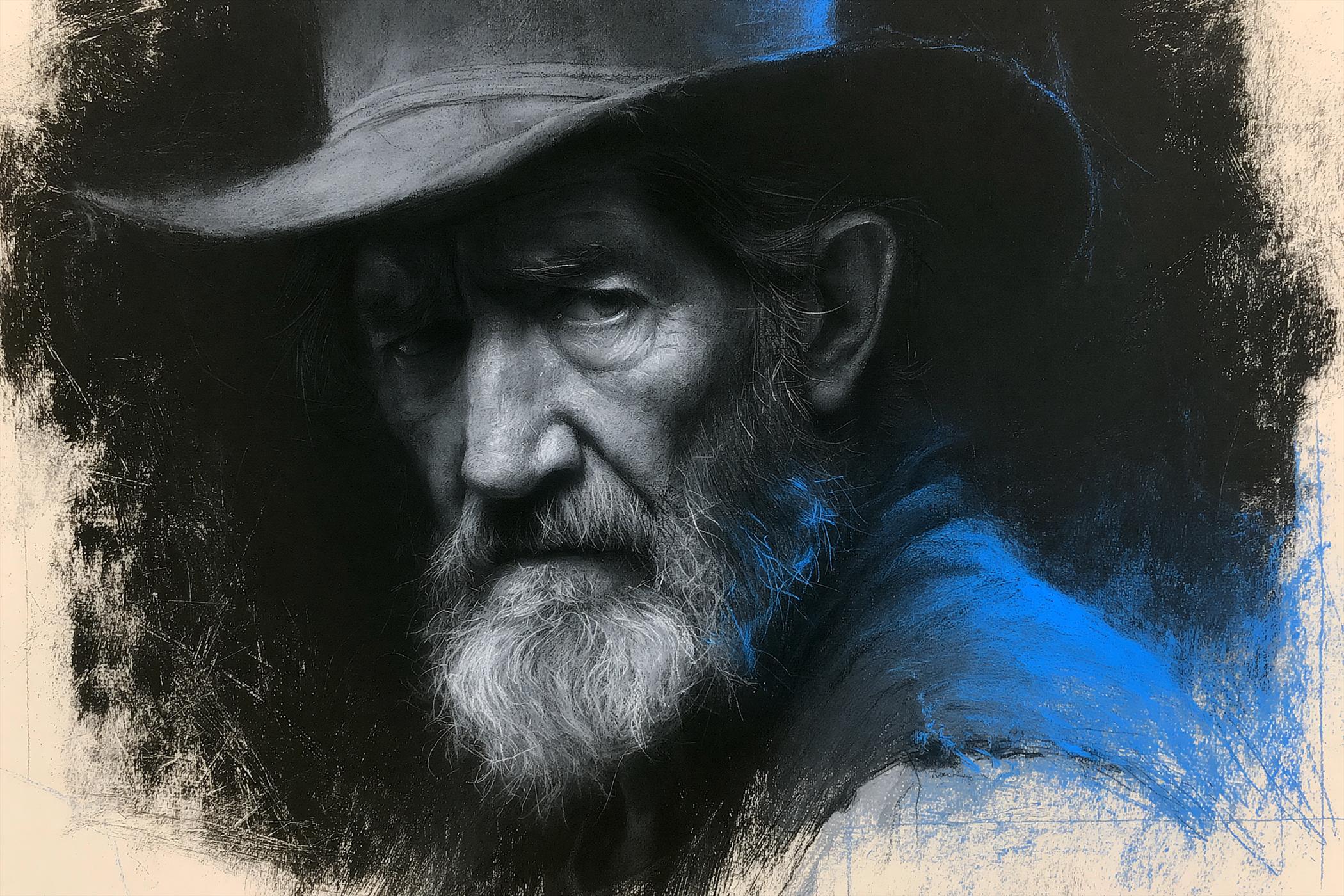
Charcoal Chiaroscuro Portraiture

Nostalgic Digicam Café Afternoon Portrait

Pixar-Style Chibi Café Morning Scene

Japanese Café Sketch Duo Illustration

Delicate Japanese Café Lifestyle Illustration

Parisian Outdoor Café Silver-Hair Portrait
Pixar-Style Chibi Café Morning Scene
Japanese Café Sketch Duo Illustration
Delicate Japanese Café Lifestyle Illustration

Cozy Café Ice Cream Hands Close-Up
Make it yours
Photo to Cozy Crayon Drawing Comparison works as-is. These are the safest ways to change it without losing the look.
Change one field
Copy a single group, rewrite it, and generate again so you can see what that field is doing.
Keep the frame, change the subject
Hold the composition and light of Photo to Cozy Crayon Drawing Comparison, then swap wardrobe, props or the person for a new take.
| If the result… | Why | Fix |
|---|---|---|
| The result drifts from the preview | Too many fields changed at once. | Reuse Photo to Cozy Crayon Drawing Comparison as-is first, then change one group — subject, light, or setting. |
| The model over-stylizes the scene | The prose prompt leaves finish and camera underspecified. | Add one camera or lighting sentence and stay on GPT Image 2. |
More GPT Image 2 templates
Other prompts made for GPT Image 2.

Six VTuber Japanese Logo Sheet

Realistic Portrait of Woman and Deer

The Vista Modular Condo Poster

AI Model Routing Comparison Infographic

2.5D Anime Art Board

Isometric Productivity Desk Scene

New York Double Exposure Poster

Four-Panel AI Landscape Comparison

Japanese Tatami Lifestyle Magazine Cover

NESCAFÉ Coffee Map Poster
More image prompts
Fresh picks from across the catalog.
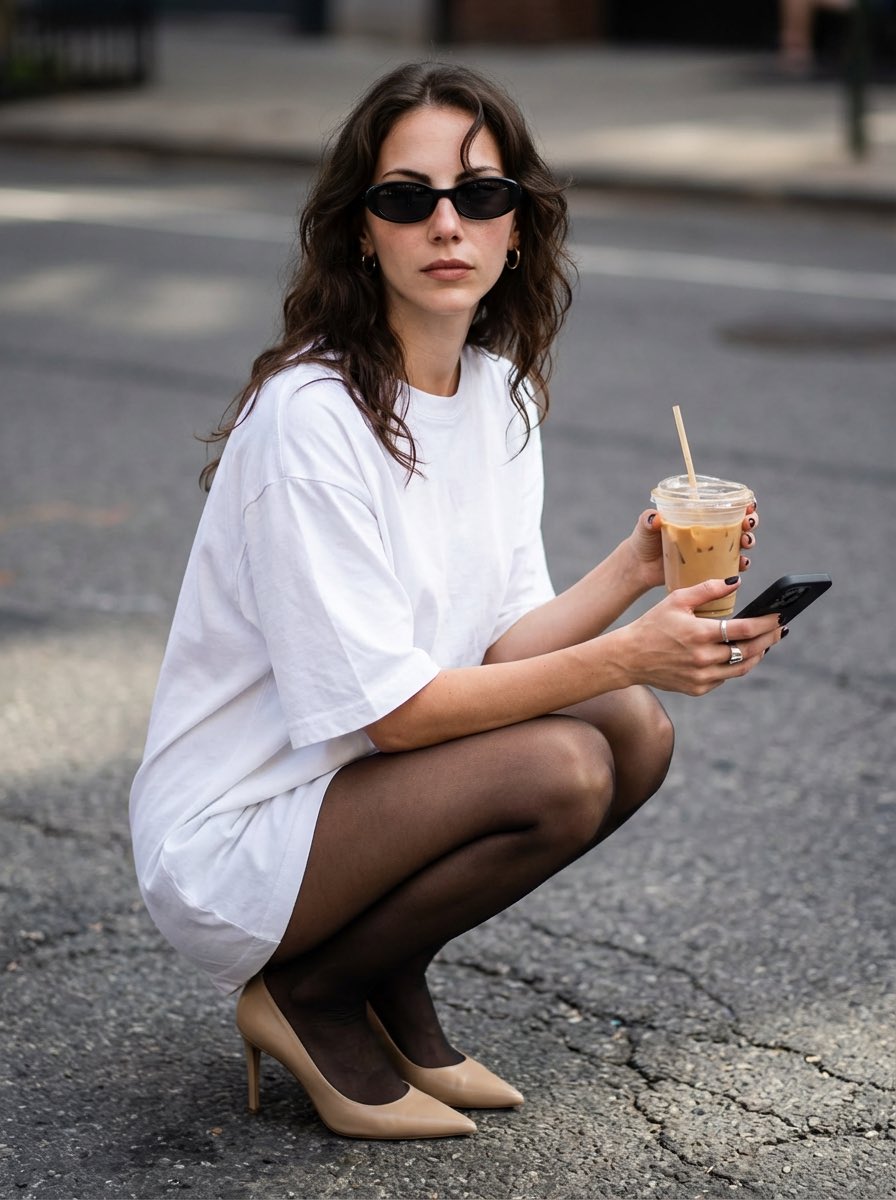
Street Style Portrait with Identity Lock and Specific Pose
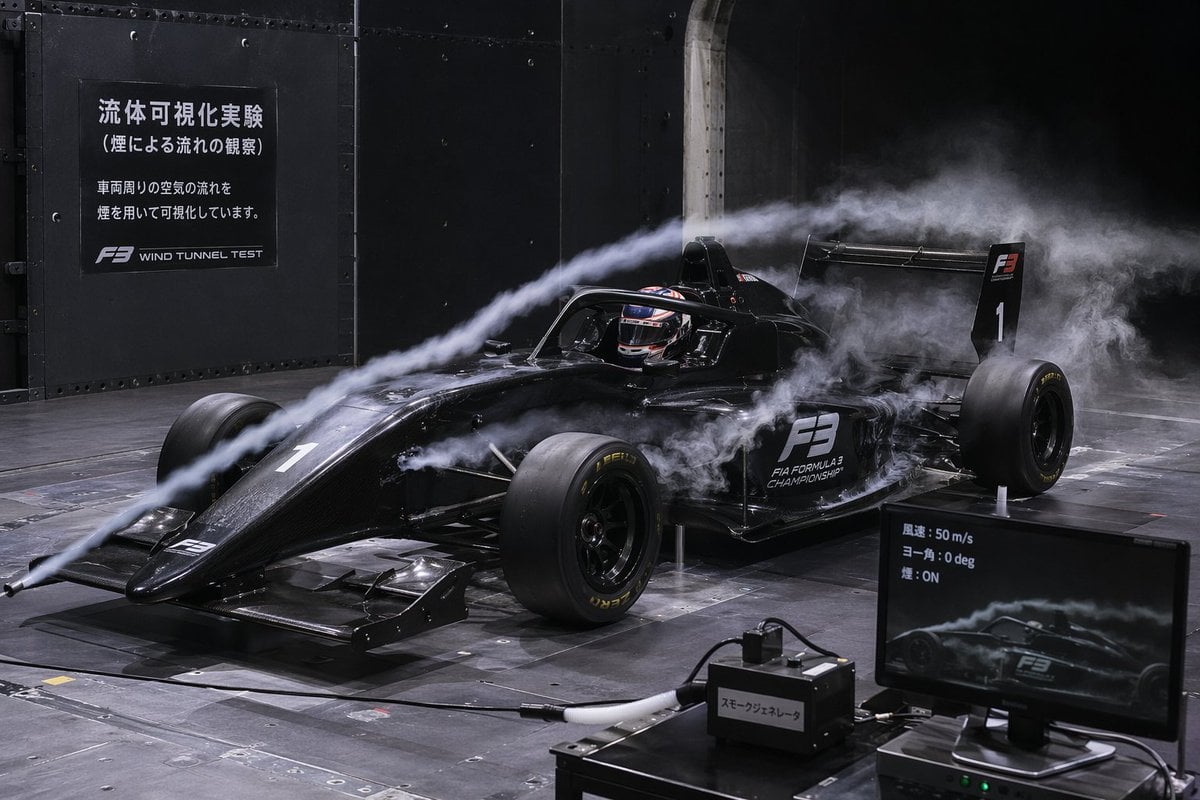
F3 Wind Tunnel Aerodynamic Test

Cinematic SUV Selfie Portrait with Lifestyle Inset
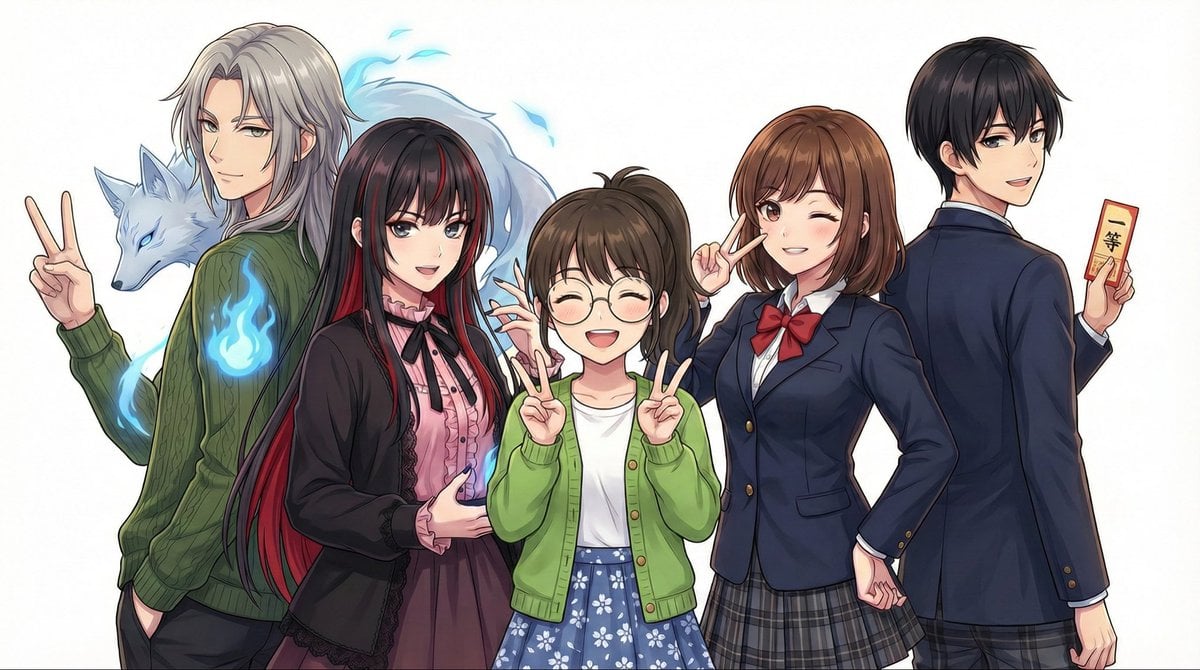
Complex Multi-Instruction Image Generation
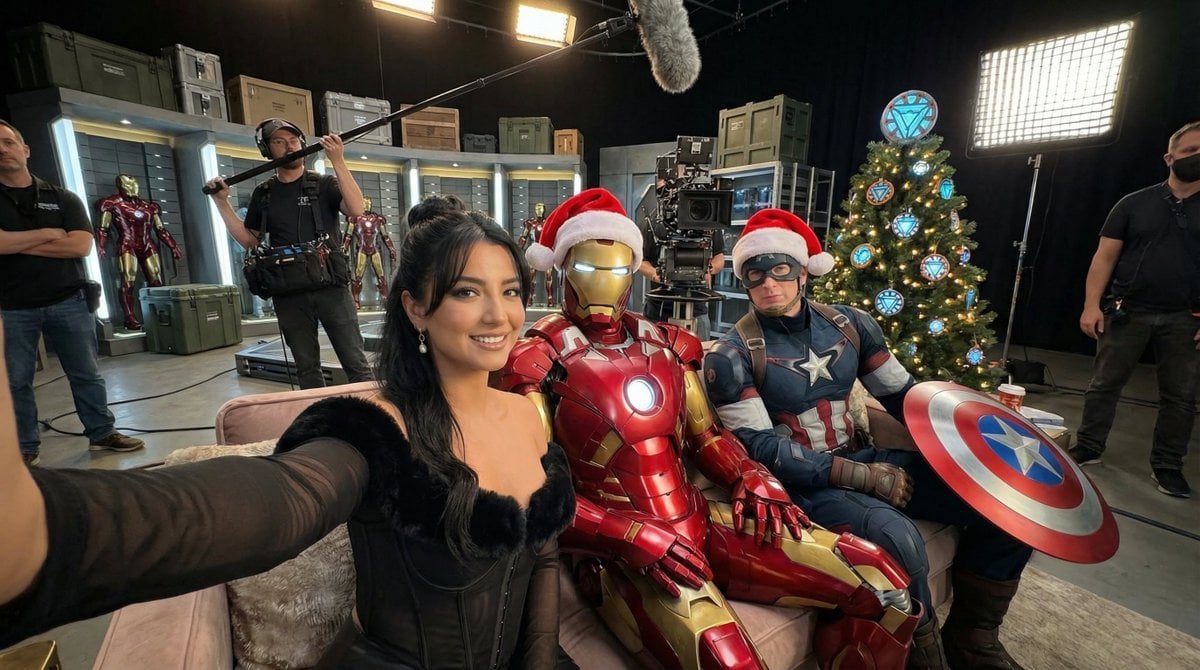
Ultra-Photoreal BTS Superhero Selfie

Professional ID Photo Generation Prompt
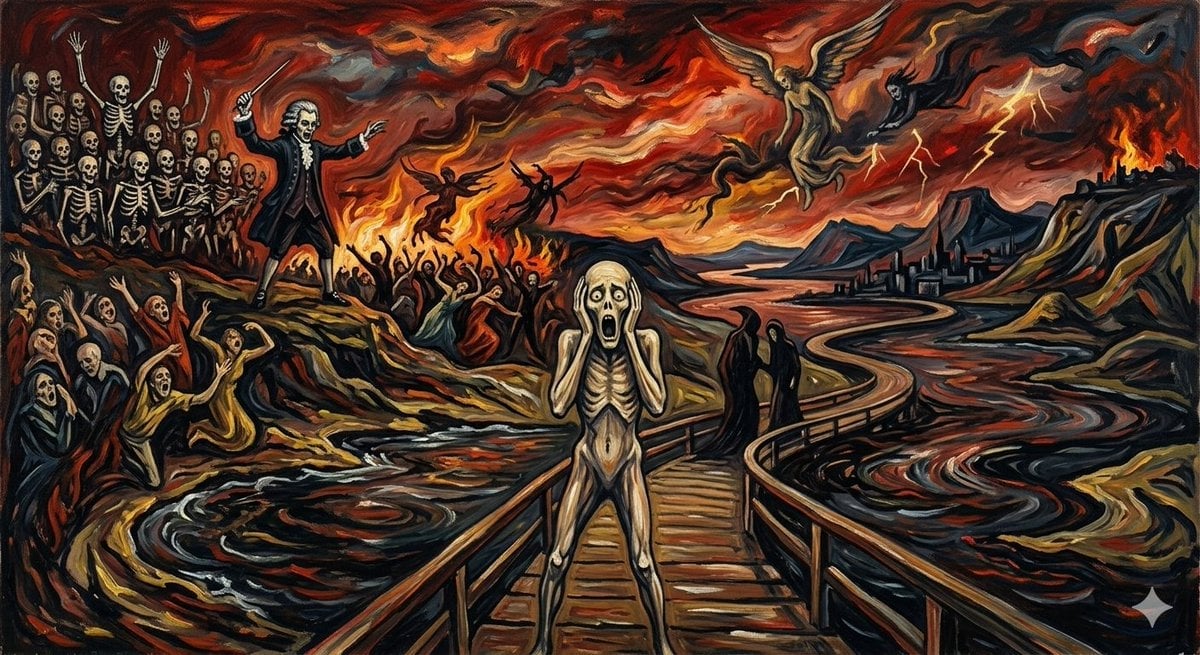
Mozart's Dies Irae in Munch's Scream Style

High-Resolution 2.5D Illustration Prompt for Winged Space Battleship
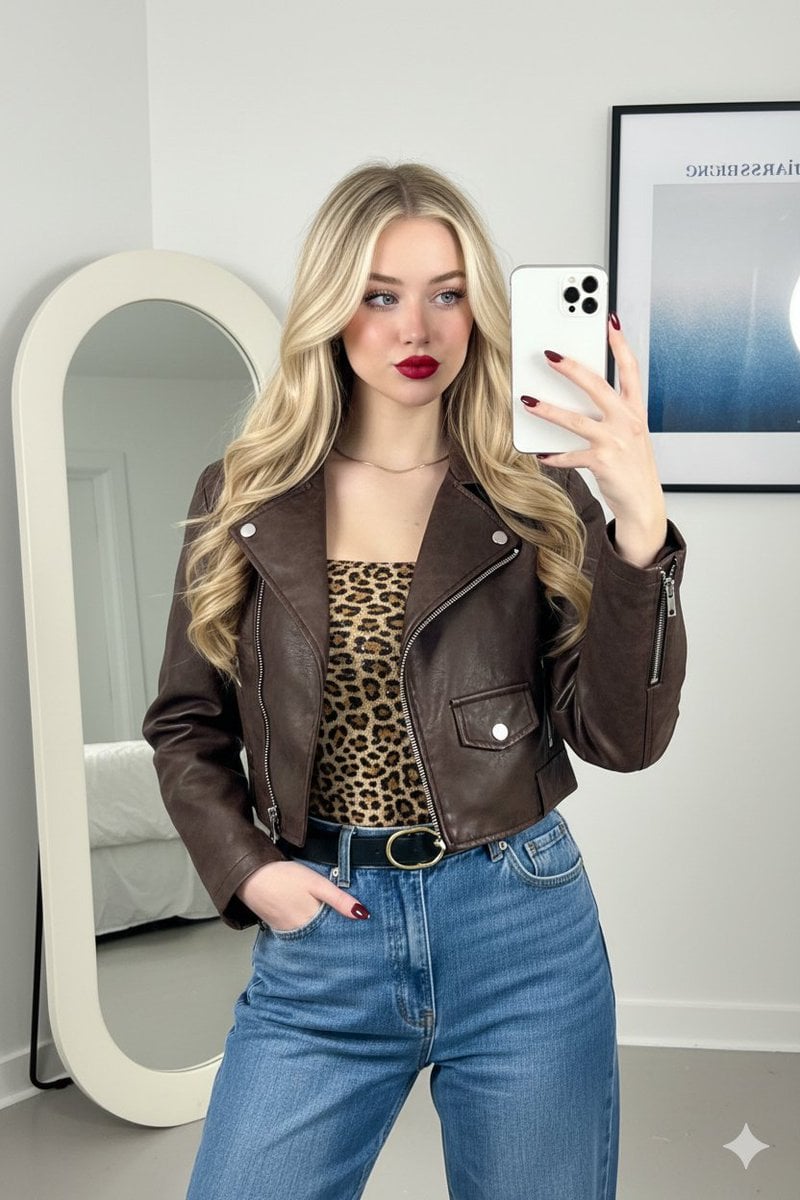
Mirror Selfie Fashion Prompt with Face Lock
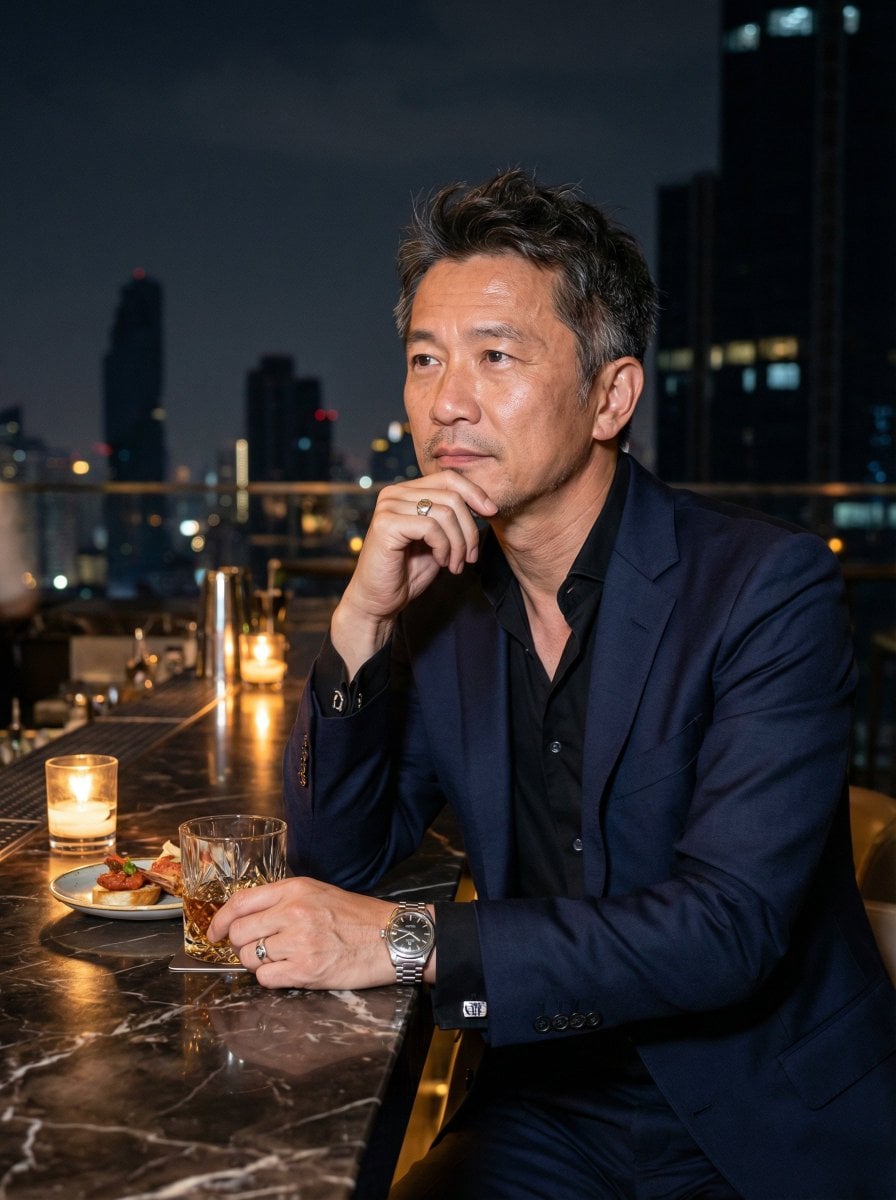
Ultra-Realistic Asian Male Editorial Portrait
Browse template categories
Photo to Cozy Crayon Drawing Comparison questions
How do I use the Photo to Cozy Crayon Drawing Comparison template?
Add your photo if the template asks for one, edit the prompt if you like — the template's model and format are already selected — and press Generate. Your version opens in PicX Studio.
Can I customize the Photo to Cozy Crayon Drawing Comparison template?
Yes. You can change the subject, setting, lighting, mood, format, and available model controls before creating your image.
Is the Photo to Cozy Crayon Drawing Comparison template free?
Opening and editing this template is free. Generating uses credits, shown on the Generate button when you are signed in.
Which AI model should I use?
Start with GPT Image 2, which is the model associated with this template. You can compare another compatible model for a different finish.
Looking for something else? Browse all templates.

Your photo, any look
Thousands of ready templates for every top image and video model, from one credit balance.