
Pixel Art Animation Sprite Sheet
Generates a game-ready pixel art sprite sheet for a character, featuring four distinct motions: running, jumping, rotating attack, and falling, based on a reference image.
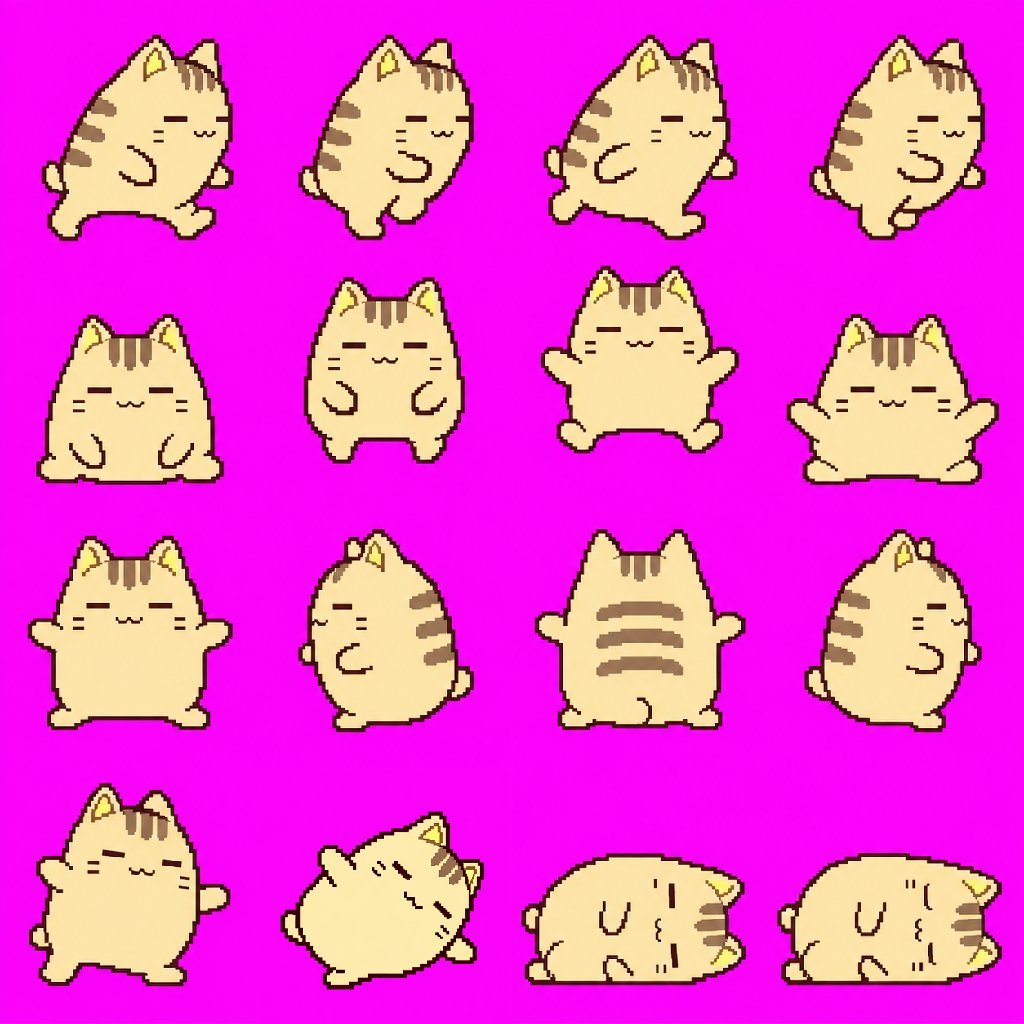
- Prompt included
- Model and format preset
- Free template
The prompt behind this image
Copy the exact prompt behind Pixel Art Animation Sprite Sheet, or open it in the studio and make it yours.
添付キャラクターの顔・髪型・衣装・配色・体格を統一し、ゲームで映える4種類のドット絵モーションを、各最大4フレームで1枚のスプライトシート画像に生成して。{argument name="フレームサイズ" default="1フレームのサイズは256x256px"}。 ・{argument name="モーション1" default="走る:体を前傾させ、手足を大きく交互に動かす。"} ・{argument name="モーション2" default="ジャンプ:しゃがむ → 跳び上がる → 空中で手足を広げる → 着地。"} ・回転攻撃:正面 → 横向き → 後ろ向き → 反対の横向きと、全身を一回転。 ・倒れる:よろめく → 横に傾く → 寝転ぶ → 目を閉じて動かなくなる。 1行に1動作を横一列で配置し、全セルの大きさ、足元、中心、縮尺を揃える。背景は完全な単色とし、影、文字、枠、番号、UI、ぼかし、半透明、グラデーション、アンチエイリアスは使用しない。ループ動作は最初と最後が自然につながるようにする。
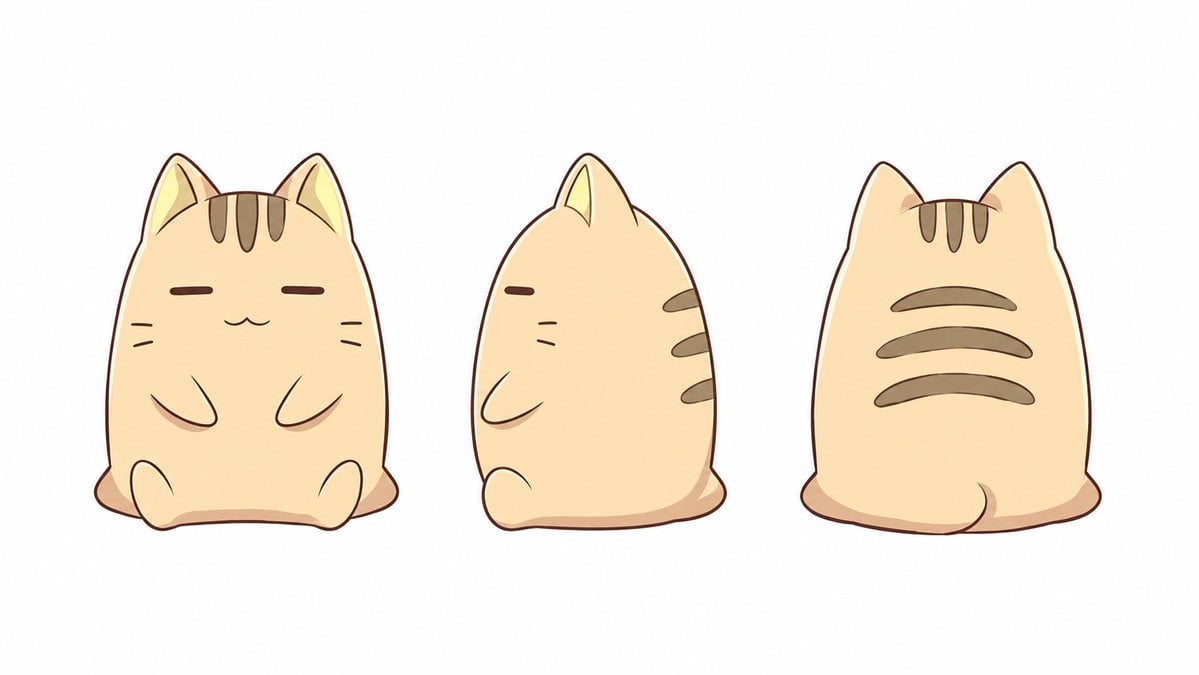
Reference images included
Pixel Art Animation Sprite Sheet needs input media to work. They load alongside the prompt when you open it in the studio.
How to use Pixel Art Animation Sprite Sheet in 3 steps
- 1Upload ImagePNG, JPG or paste
Add your photo
Upload the photo the template builds on. The prompt, model and format are already set.
- 2…a portrait of your subject in softgolden-hour light, 85mm…
Personalize
Edit the subject and creative details for your destination.
- 3Generate
Generate
Press Generate — your image is created in PicX Studio, so you can compare it with the original and refine one variable at a time.
More like this
Templates with the same subject, style or setup. Open one to see its prompt.

Pixel Limited Garden Maze

Pixel Limited Bicycle Coast

Pixel Limited Kitchen Chaos

Pixel Limited Carnival Ride
Pixel Limited Sky Temple
Red Alert Style Pixel Sprite Sheet
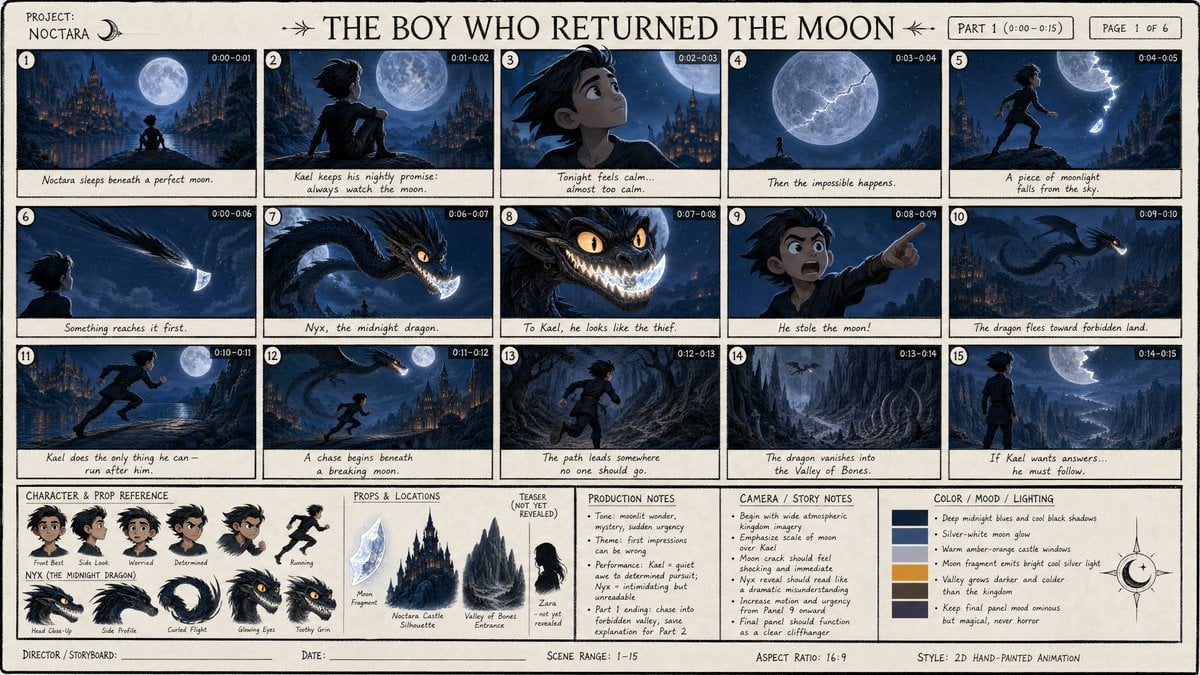
Dark Fantasy Animation Storyboard Sheet

Cute Blue Water Slime Pixel Sprite
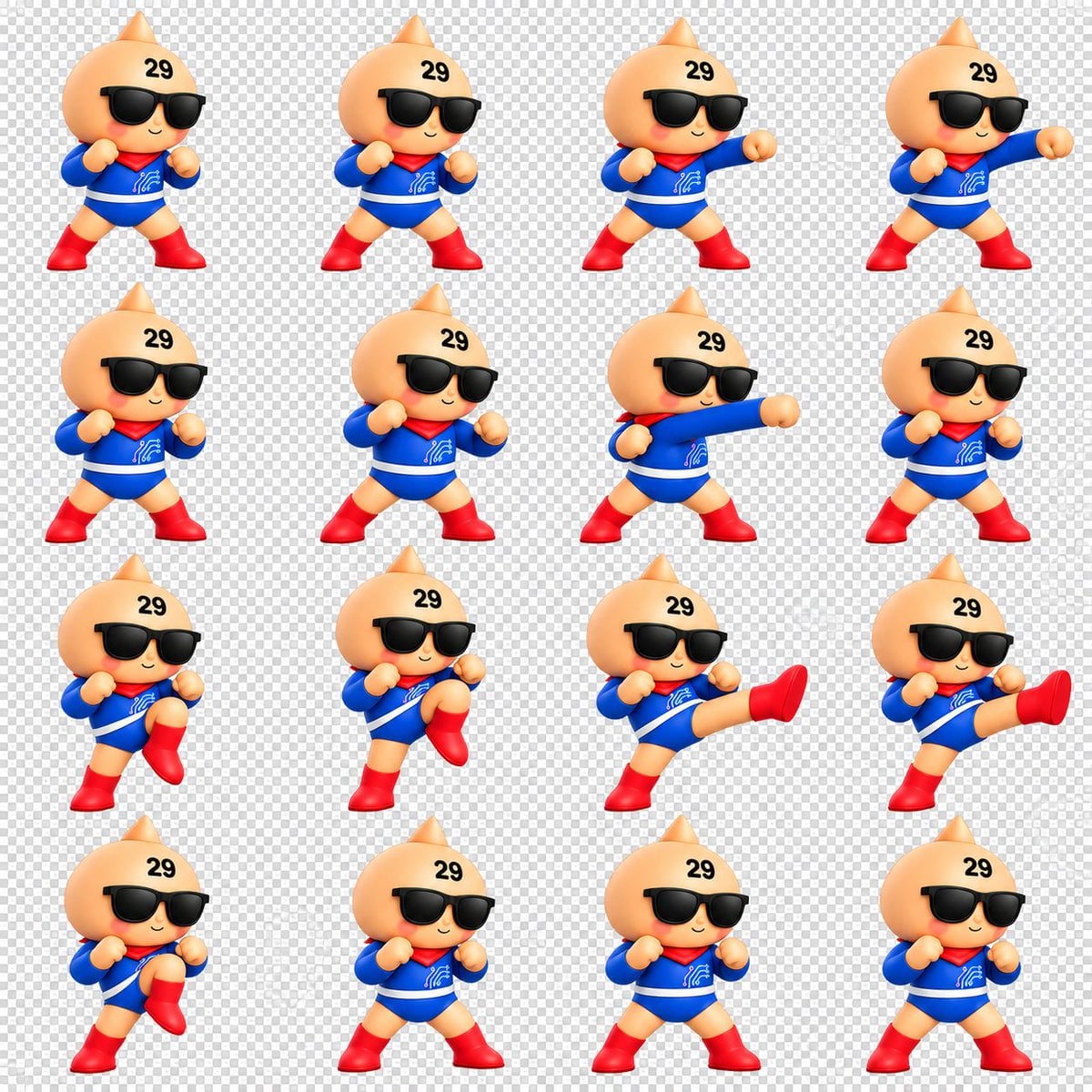
Chibi Mascot Fighting Sprite Sheet

Character Battle Motion Sprite Sheet
Cartoon Character GIF Sprite Sheet

Toon Cartoon Finale Fireworks
Make it yours
Pixel Art Animation Sprite Sheet works as-is. These are the safest ways to change it without losing the look.
Change one field
Copy a single group, rewrite it, and generate again so you can see what that field is doing.
Keep the frame, change the subject
Hold the composition and light of Pixel Art Animation Sprite Sheet, then swap wardrobe, props or the person for a new take.
| If the result… | Why | Fix |
|---|---|---|
| The result drifts from the preview | Too many fields changed at once. | Reuse Pixel Art Animation Sprite Sheet as-is first, then change one group — subject, light, or setting. |
| The model over-stylizes the scene | The prose prompt leaves finish and camera underspecified. | Add one camera or lighting sentence and stay on GPT Image 2. |
More GPT Image 2 templates
Other prompts made for GPT Image 2.

Six VTuber Japanese Logo Sheet

Realistic Portrait of Woman and Deer

The Vista Modular Condo Poster

AI Model Routing Comparison Infographic

2.5D Anime Art Board

Isometric Productivity Desk Scene

New York Double Exposure Poster

Four-Panel AI Landscape Comparison

Japanese Tatami Lifestyle Magazine Cover

NESCAFÉ Coffee Map Poster
More image prompts
Fresh picks from across the catalog.
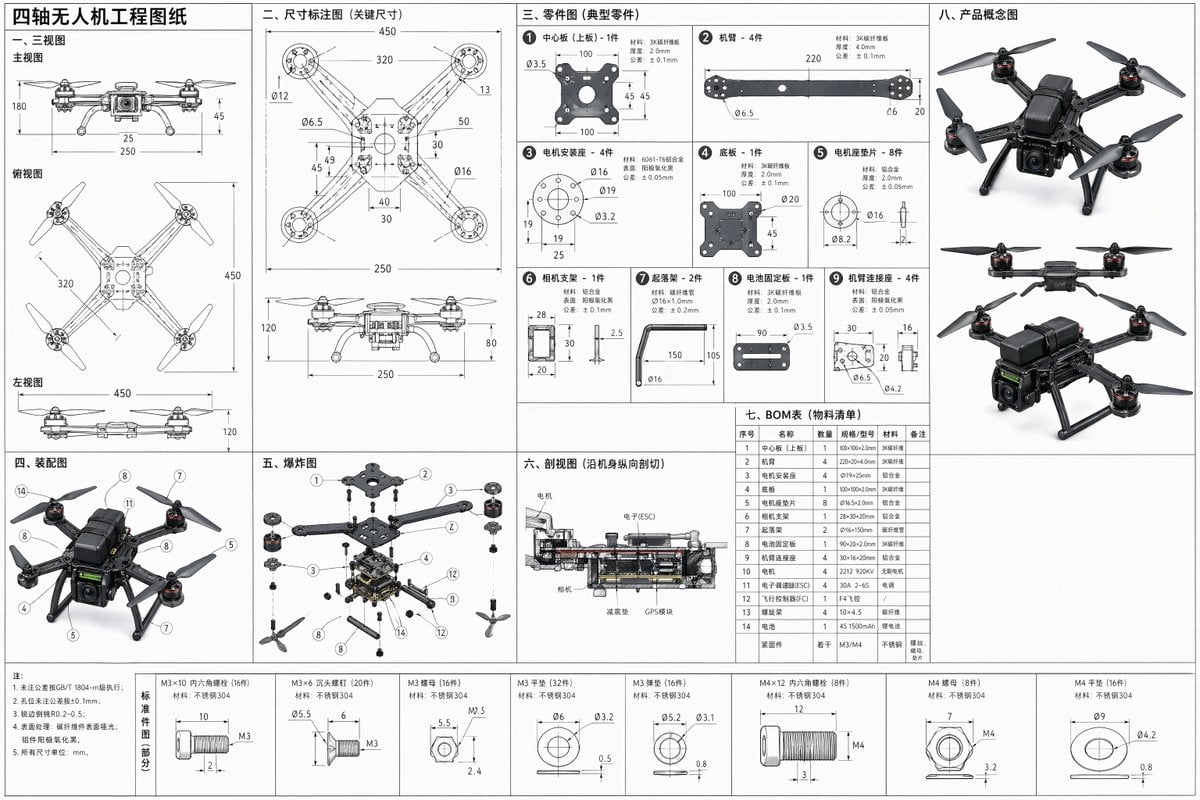
Technical Drone Engineering Blueprint

High-End Studio Male Portrait

Isometric Coastal Base Under Naval Attack
Surreal Conceptual Fashion Portrait
Candid Outdoor Portrait by a Creek
Realistic Action Selfie with Shopping Cart
Nano Banana 2 Portrait Gemini
Cozy Cinematic Home Workspace Portrait
Nano Banana prompt for 3D pencil sketch
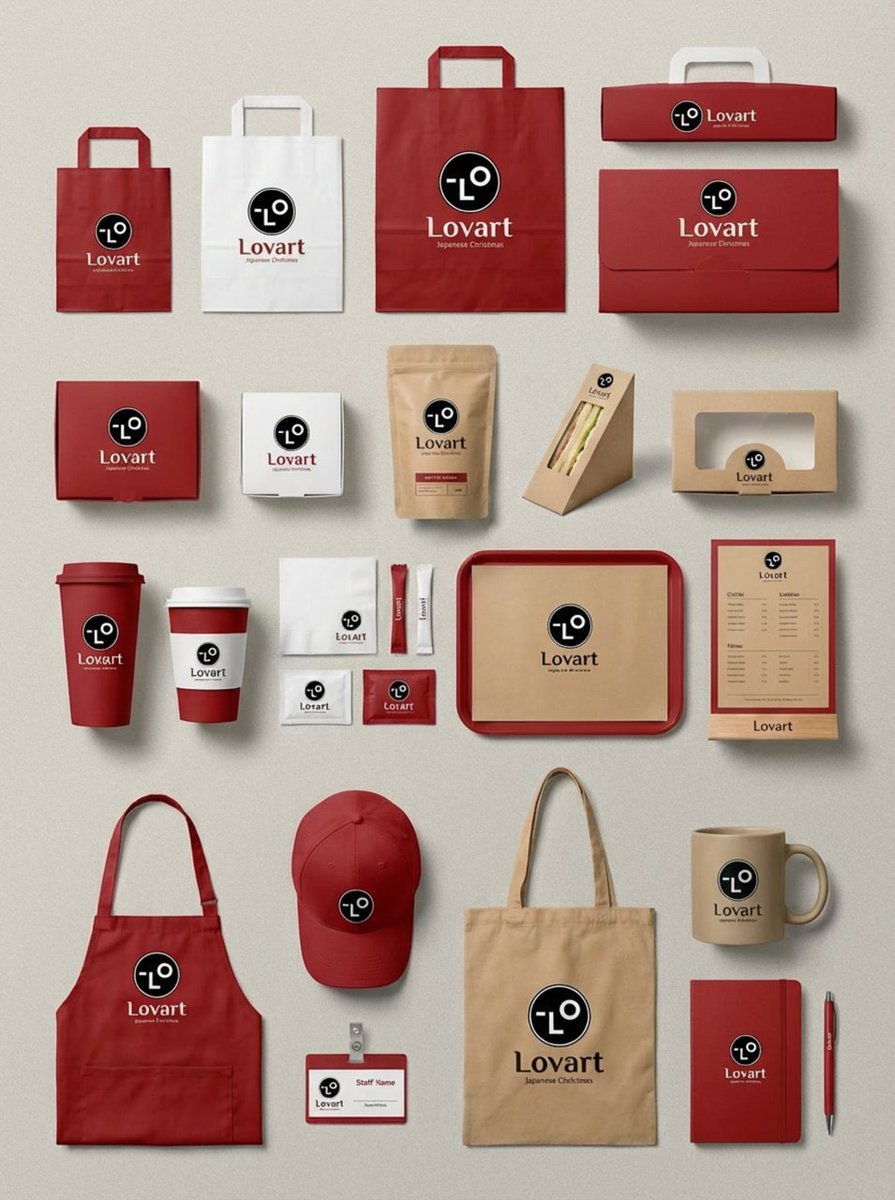
Flagship Brand Identity Mockup (Nano Banana Pro)
Browse template categories
Pixel Art Animation Sprite Sheet questions
How do I use the Pixel Art Animation Sprite Sheet template?
Add your photo if the template asks for one, edit the prompt if you like — the template's model and format are already selected — and press Generate. Your version opens in PicX Studio.
Can I customize the Pixel Art Animation Sprite Sheet template?
Yes. You can change the subject, setting, lighting, mood, format, and available model controls before creating your image.
Is the Pixel Art Animation Sprite Sheet template free?
Opening and editing this template is free. Generating uses credits, shown on the Generate button when you are signed in.
Which AI model should I use?
Start with GPT Image 2, which is the model associated with this template. You can compare another compatible model for a different finish.
Looking for something else? Browse all templates.

Your photo, any look
Thousands of ready templates for every top image and video model, from one credit balance.