
Vintage Car Ad Poster
An alternate-history advertisement prompt for a modern car appearing in a vintage era, complete with period styling and layout.
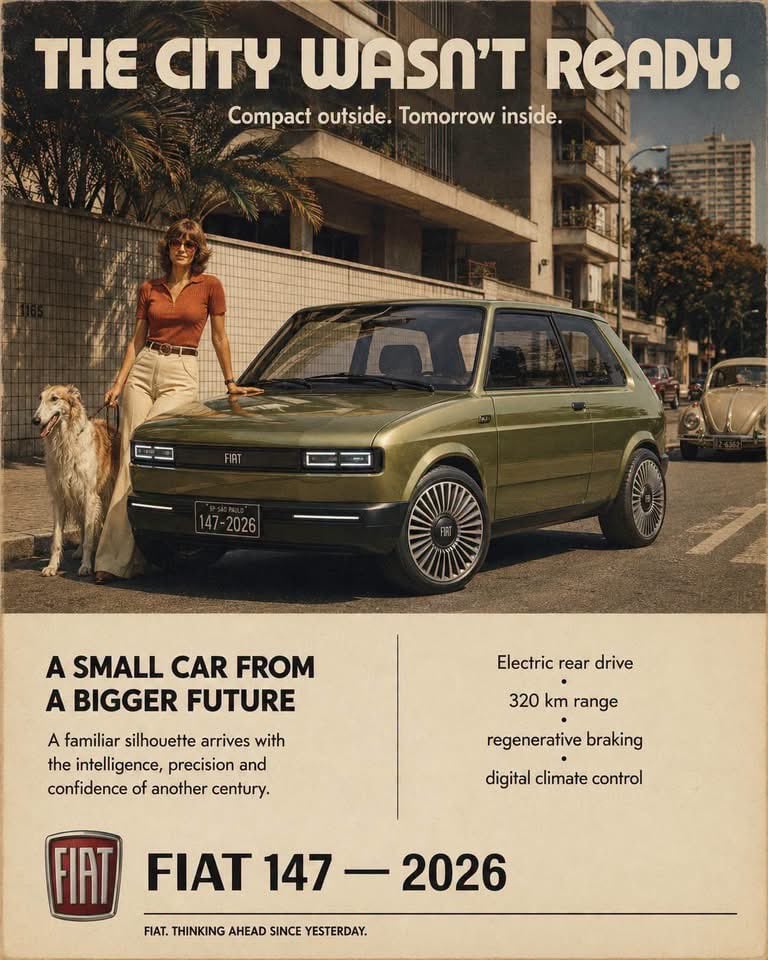
- Prompt included
- Model and format preset
- Free template
The prompt behind this image
Copy the exact prompt behind Vintage Car Ad Poster, or open it in the studio and make it yours.
Alternate-history vintage automobile advertisement, as if photographed and printed in {argument name="era" default="[ERA]"}, featuring a radically modern 2026 reinterpretation of {argument name="car model" default="[CAR]"} appearing decades before its time. The vehicle must remain immediately recognizable through its original proportions, roofline, greenhouse, body stance and signature design cues, but reinterpret them with sophisticated 2026 surfacing, advanced LED lighting, contemporary wheels, flush detailing and precision materials; futuristic but believable, never a generic concept car. Feature [HUMAN] wearing authentic period [CLOTHING], accompanied by [ANIMAL], inside [SCENERY]. Use a controlled [PALETTE] palette with authentic period color photography, slightly faded dyes, warm analog contrast, subtle film grain, aged offset-print texture and restrained chrome highlights. Reserve the upper image area for one perfectly aligned headline “{argument name="headline" default="[TITLE]"}” set in [TYPE], straight across the page grid with generous margins, with one small period advertising slogan beneath it. The lower 31% is a large warm-ivory editorial panel separated from the photograph by a clean horizontal edge; divide this panel vertically into two balanced columns, with a bold heading and concise lifestyle copy on the left, and four neatly aligned technical specifications on the right. At the bottom create a separate footer lockup with the authentic manufacturer emblem beside the model name, followed by a thin horizontal rule extending across the page and a small period-style closing slogan. Elegant alternate-timeline automotive advertising, visually surprising, highly believable period styling, collectible wall-poster composition, ar 4:5.
How to use Vintage Car Ad Poster in 3 steps
- 1
Open
The prompt is already in the box next to the preview, with the template's model and format selected.
- 2…a portrait of your subject in softgolden-hour light, 85mm…
Personalize
Edit the subject and creative details for your destination.
- 3Generate
Generate
Press Generate — your image is created in PicX Studio, so you can compare it with the original and refine one variable at a time.
More like this
Templates with the same subject, style or setup. Open one to see its prompt.

Japan Travel Brochure Poster
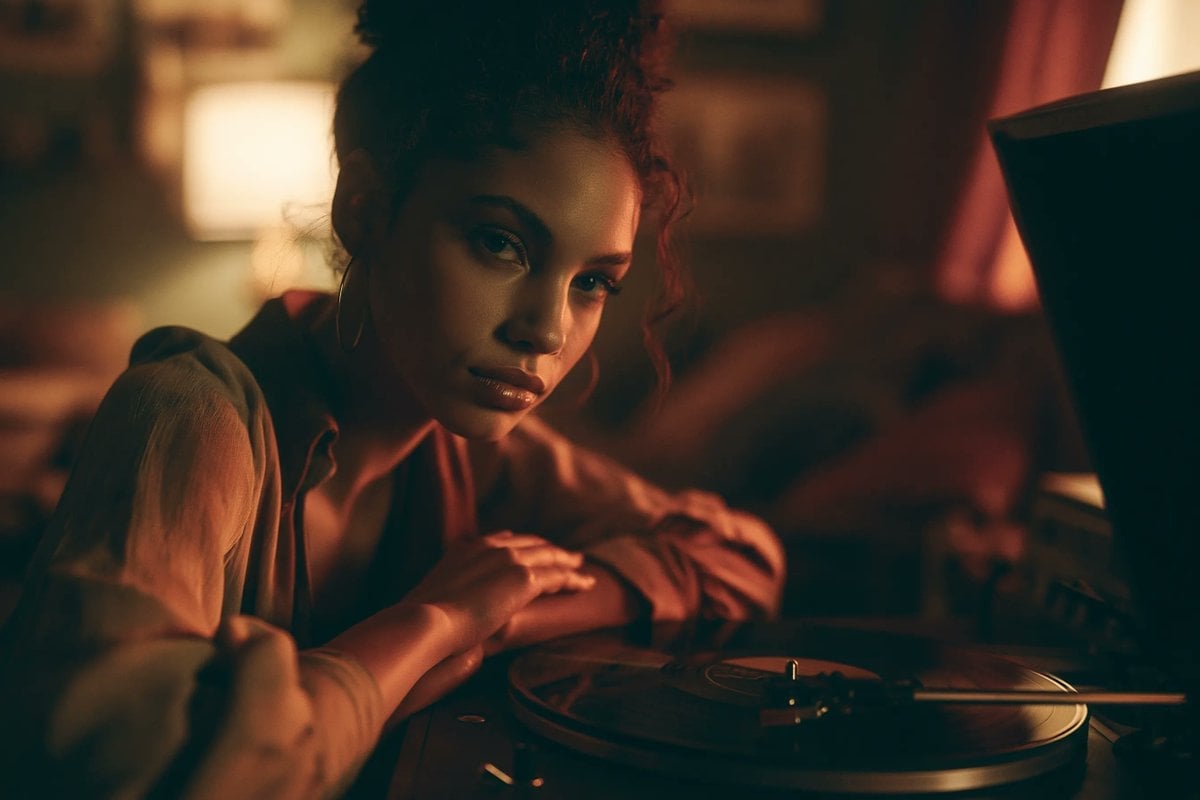
Jukebox Selection Cards
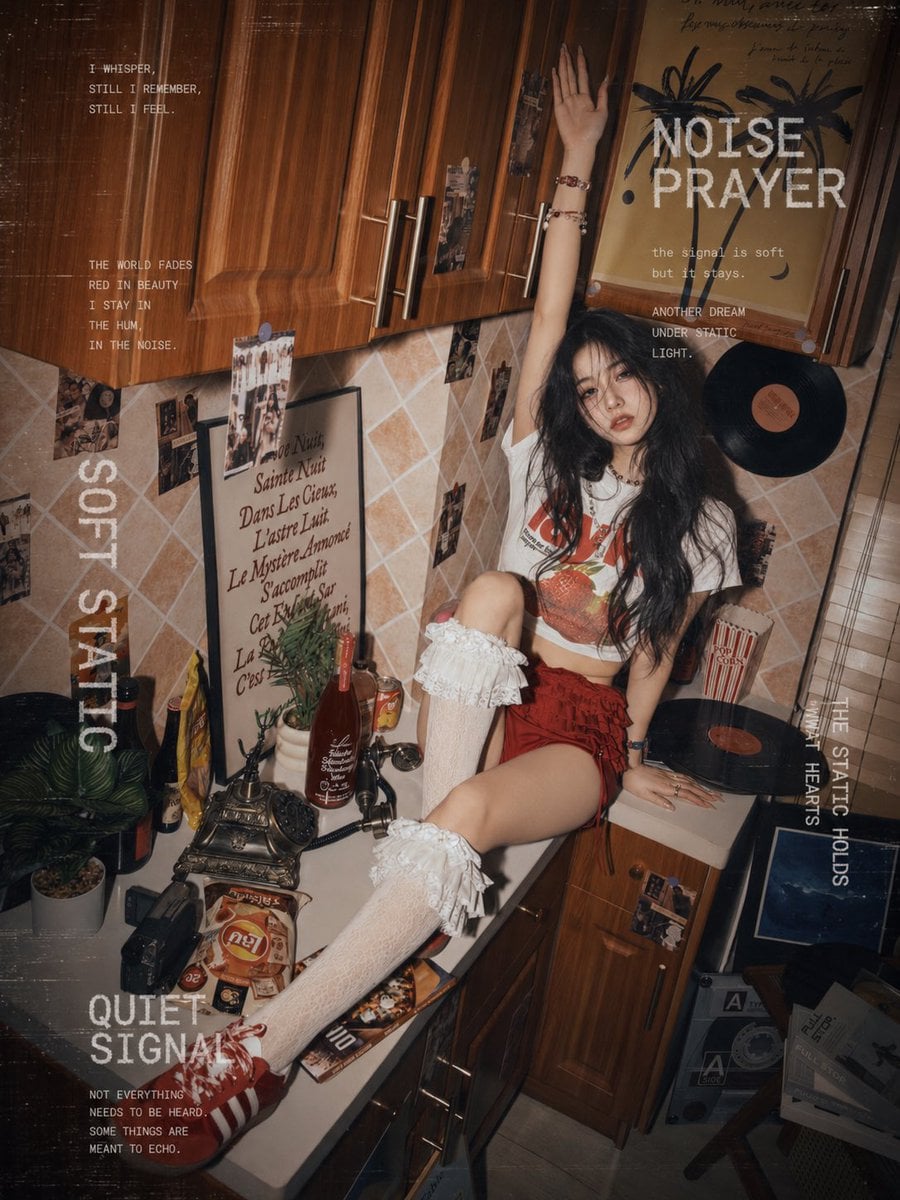
Muscle Car Garage Door
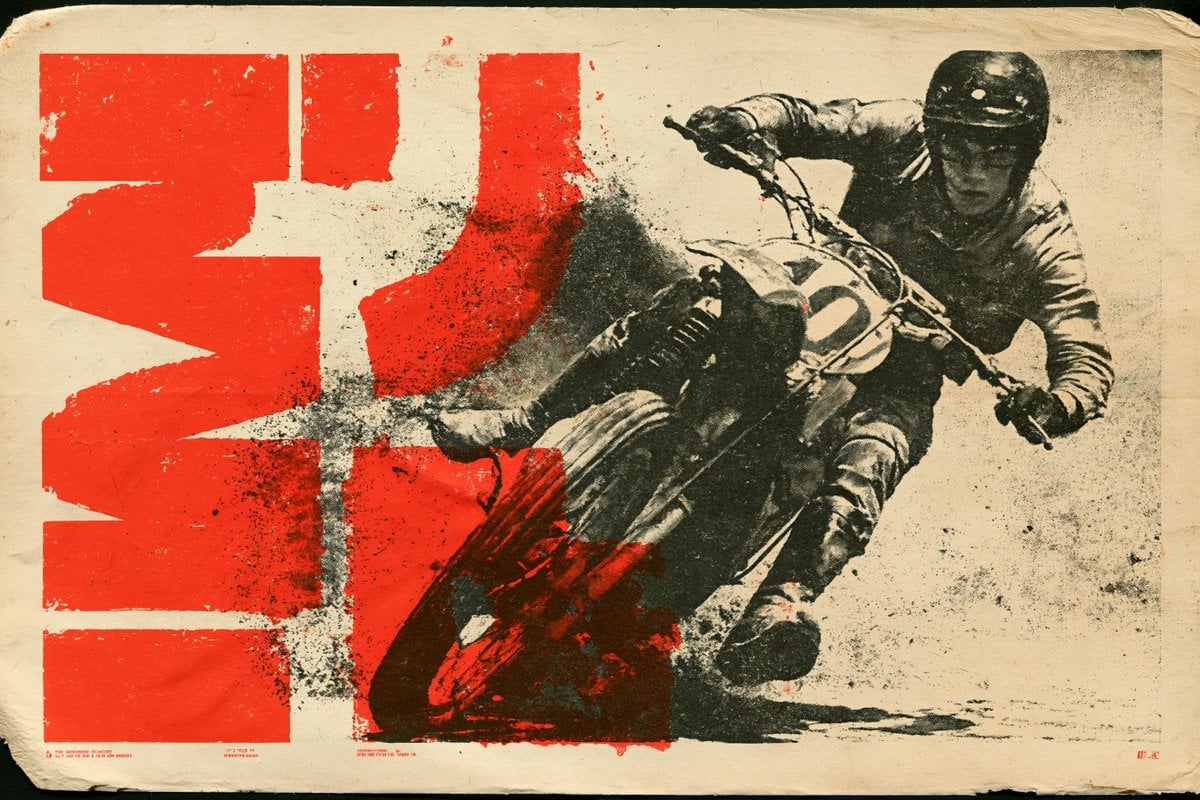
70s Living Room Shag Carpet

Cartoon TV Show Poster Pack
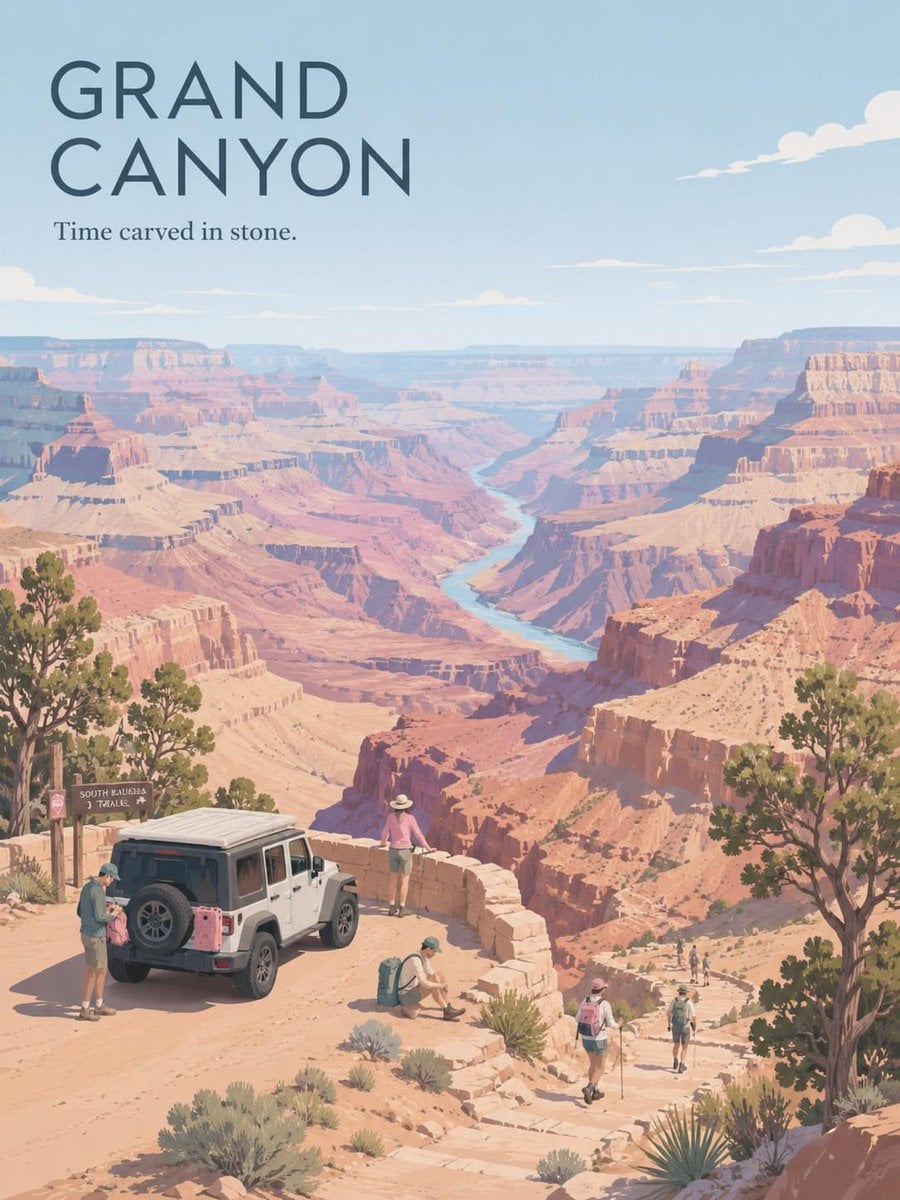
Premium Vintage Travel Poster Landscape

Sunday Afternoon, 1988

Two Tickets, One Night

If We Met in 1985

Found Photograph: Us, 1970

One Dance Before Midnight

Before We said Goodbye
Make it yours
Vintage Car Ad Poster works as-is. These are the safest ways to change it without losing the look.
Change one field
Copy a single group, rewrite it, and generate again so you can see what that field is doing.
Keep the frame, change the subject
Hold the composition and light of Vintage Car Ad Poster, then swap wardrobe, props or the person for a new take.
| If the result… | Why | Fix |
|---|---|---|
| The result drifts from the preview | Too many fields changed at once. | Reuse Vintage Car Ad Poster as-is first, then change one group — subject, light, or setting. |
| The model over-stylizes the scene | The prose prompt leaves finish and camera underspecified. | Add one camera or lighting sentence and stay on GPT Image 2. |
More GPT Image 2 templates
Other prompts made for GPT Image 2.

Six VTuber Japanese Logo Sheet

Realistic Portrait of Woman and Deer

The Vista Modular Condo Poster

AI Model Routing Comparison Infographic

2.5D Anime Art Board

Isometric Productivity Desk Scene

New York Double Exposure Poster

Four-Panel AI Landscape Comparison

Japanese Tatami Lifestyle Magazine Cover

NESCAFÉ Coffee Map Poster
More image prompts
Fresh picks from across the catalog.
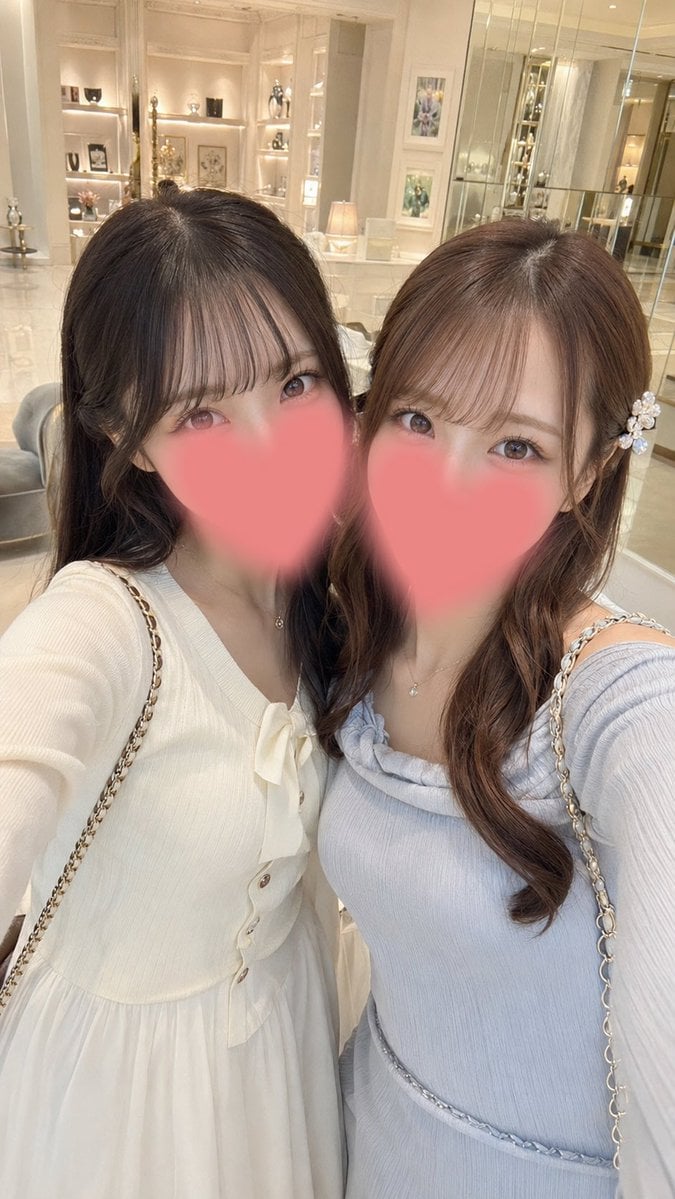
Luxury Boutique Two-Woman Selfie
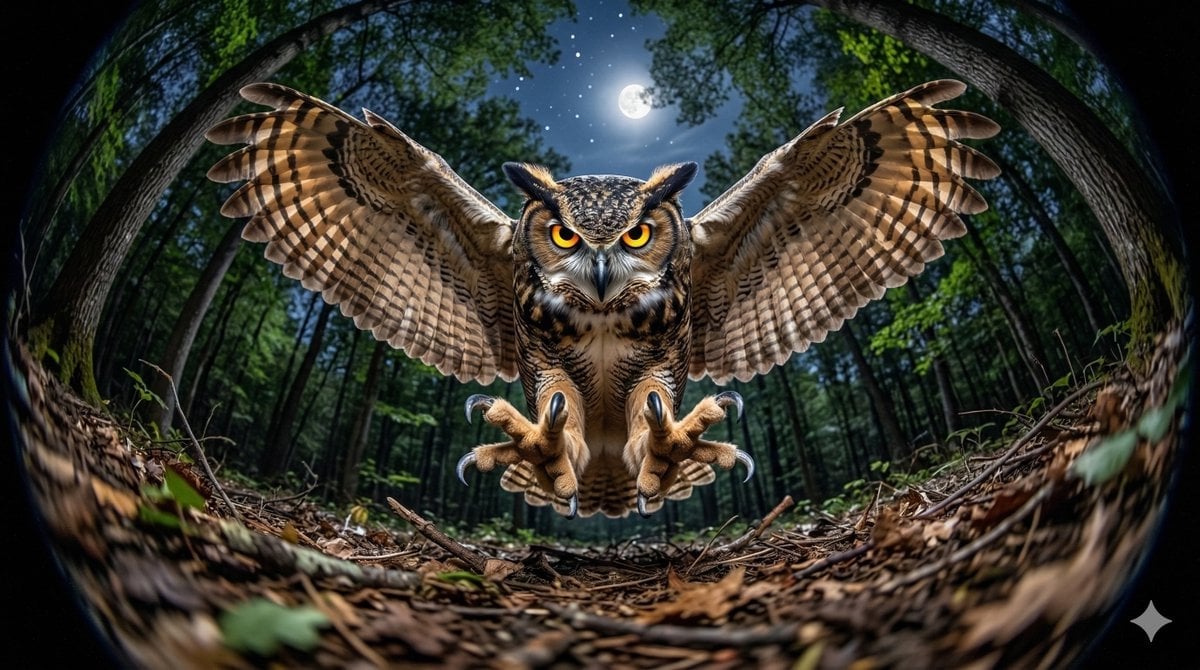
Fisheye Perspective of a Mouse and Owl

Street Style Squatting Pose with Iced Coffee

Clay Astronaut Moon Market

Mumbai Rainy Street Photography

High-Contrast Athleisure Mirror Selfie

Analog-Inspired Male Portrait with Hard Flash Prompt
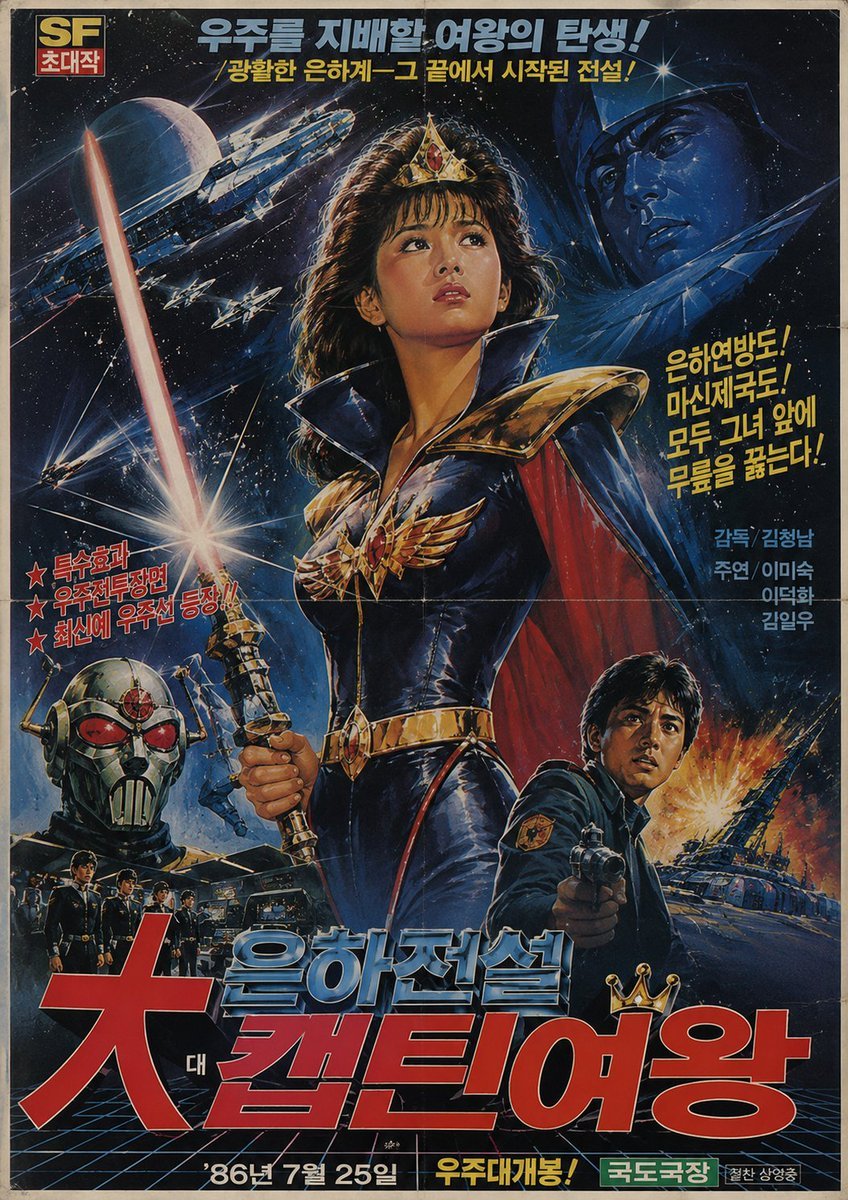
1980s Retro Korean Sci-Fi Poster
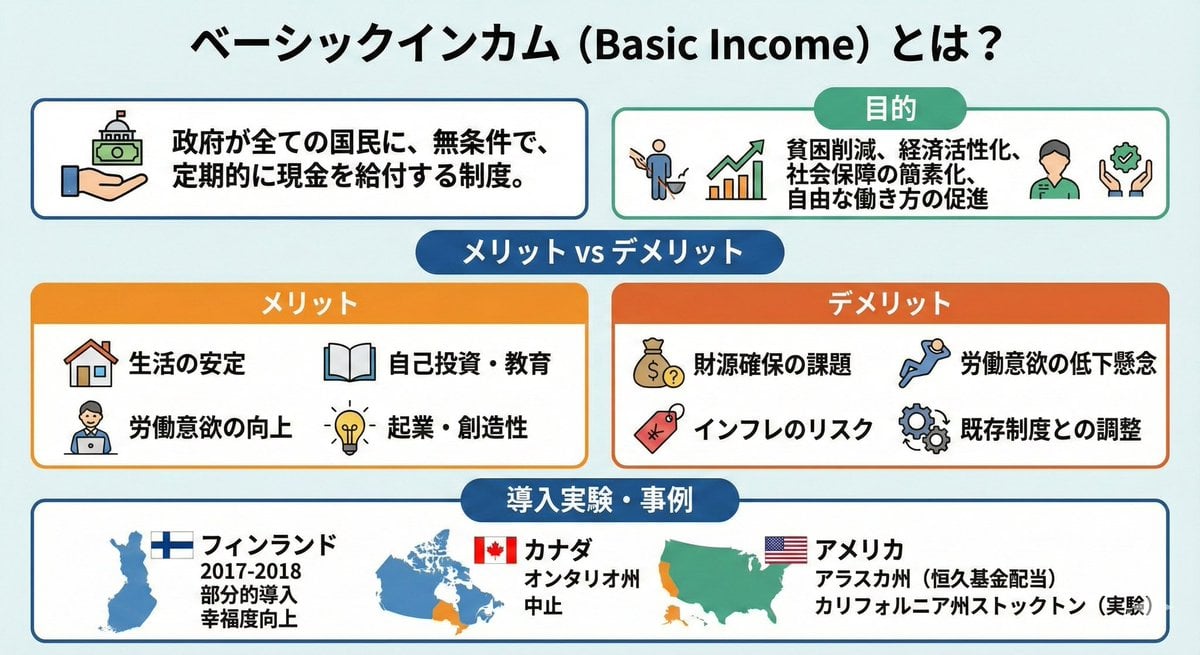
Image summarizing basic income
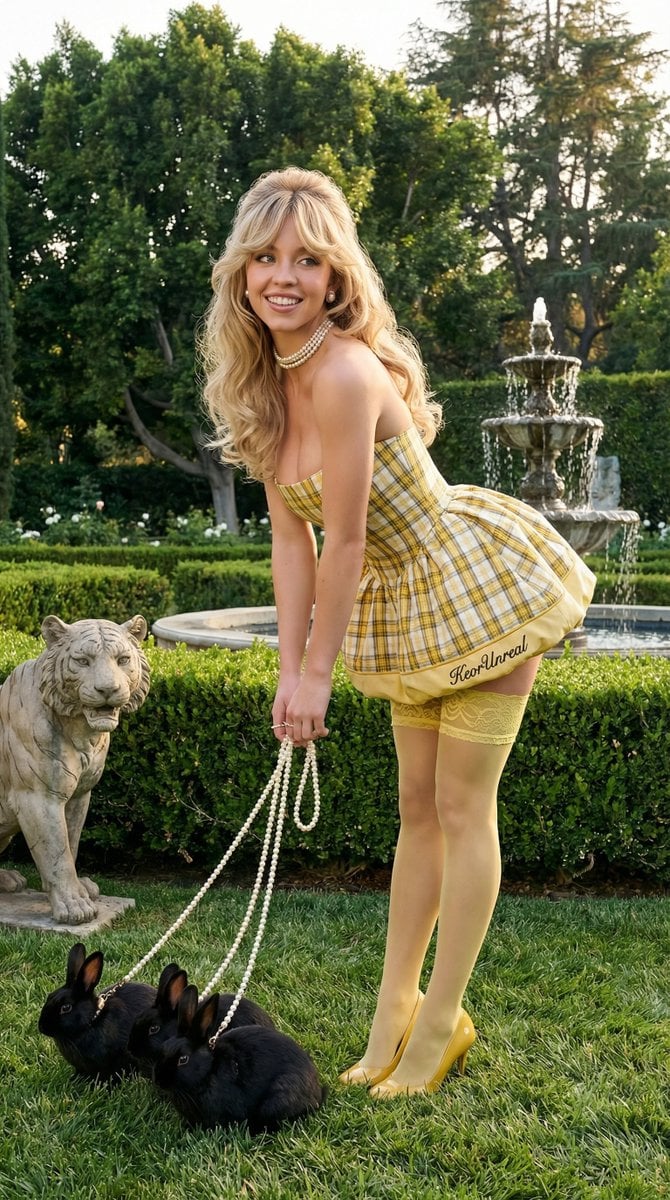
Avant-Garde Coquette Bunny Editorial
Browse template categories
Vintage Car Ad Poster questions
How do I use the Vintage Car Ad Poster template?
Add your photo if the template asks for one, edit the prompt if you like — the template's model and format are already selected — and press Generate. Your version opens in PicX Studio.
Can I customize the Vintage Car Ad Poster template?
Yes. You can change the subject, setting, lighting, mood, format, and available model controls before creating your image.
Is the Vintage Car Ad Poster template free?
Opening and editing this template is free. Generating uses credits, shown on the Generate button when you are signed in.
Which AI model should I use?
Start with GPT Image 2, which is the model associated with this template. You can compare another compatible model for a different finish.
Looking for something else? Browse all templates.

Your photo, any look
Thousands of ready templates for every top image and video model, from one credit balance.