How do I use the Dark Urban Streetwear Portrait template?
Choose the primary action to open PicX Studio with the available template settings. Review the model and format, personalize the creative direction, and generate when ready.
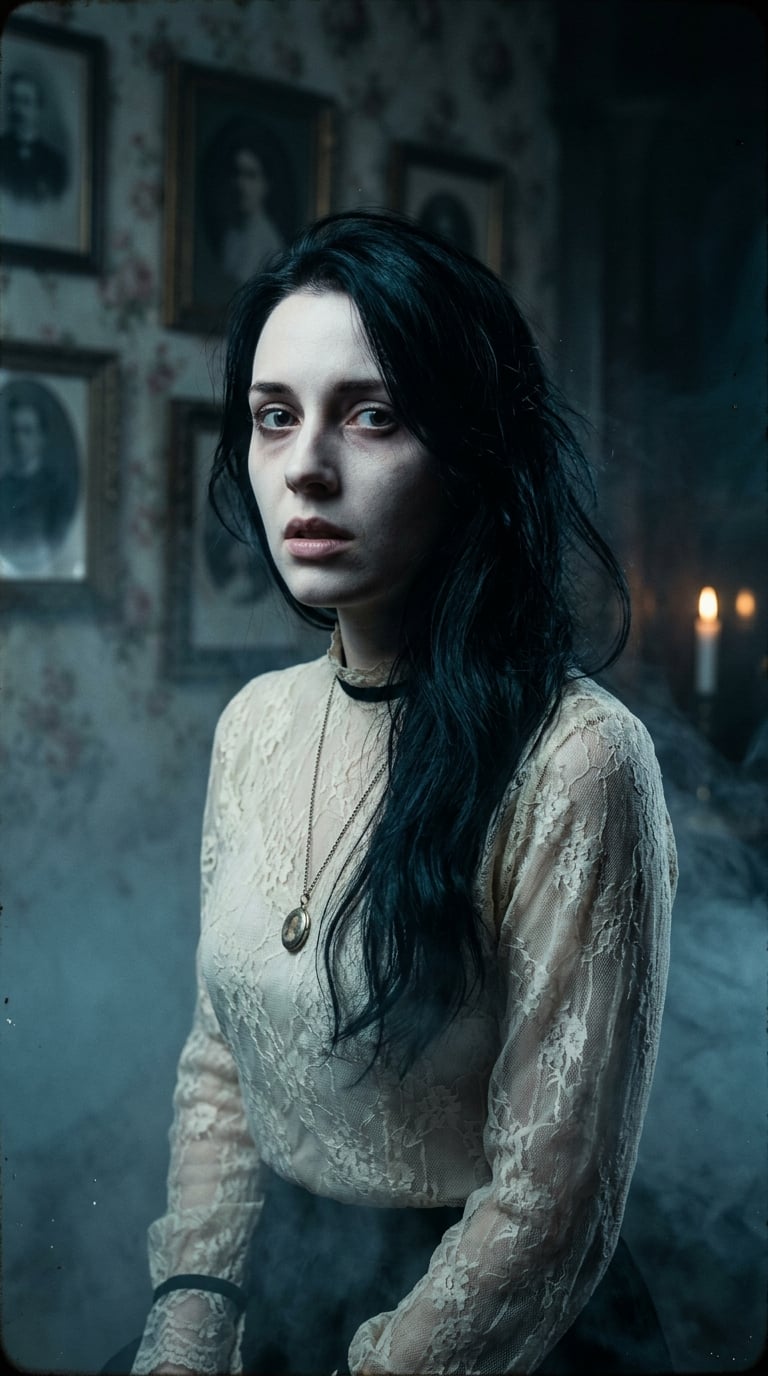
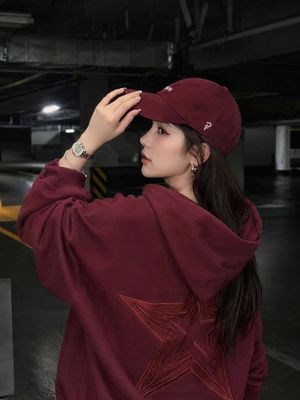
A moody low-key street fashion portrait of a woman in an oversized hoodie against a graffiti wall with a black-and-red aesthetic.
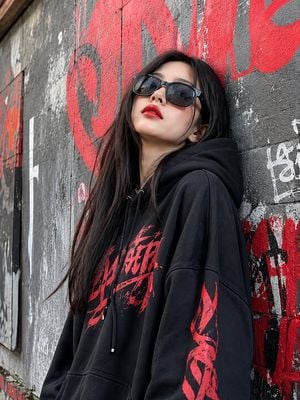
A cinematic dark street-fashion portrait of a young woman leaning against a {argument name="background" default="gritty urban wall"}, wearing an {argument name="outfit" default="oversized black hoodie with subtle red graphic typography"}. She has long, straight dark hair flowing naturally around her shoulders, oversized black angular sunglasses, and bold {argument name="lipstick color" default="deep-red"} lipstick. Her head is slightly tilted upward with a confident, mysterious expression. The background features distressed concrete and large abstract red graffiti lettering, creating a dramatic black-and-red aesthetic. Moody low-key lighting, strong red highlights, deep shadows, high contrast, muted skin tones, atmospheric urban editorial photography, rebellious luxury streetwear vibe, shallow depth of field, soft film grain, cinematic color grading, realistic skin texture, sharp facial details, vertical composition, 9:16, ultra-detailed, photorealistic.
Choose the primary action to open PicX Studio with the available template settings. Review the model and format, personalize the creative direction, and generate when ready.
Yes. You can change the subject, setting, lighting, mood, format, and available model controls before creating your image.
This template is free to open and customize. Generation usage is shown in PicX Studio before you create.
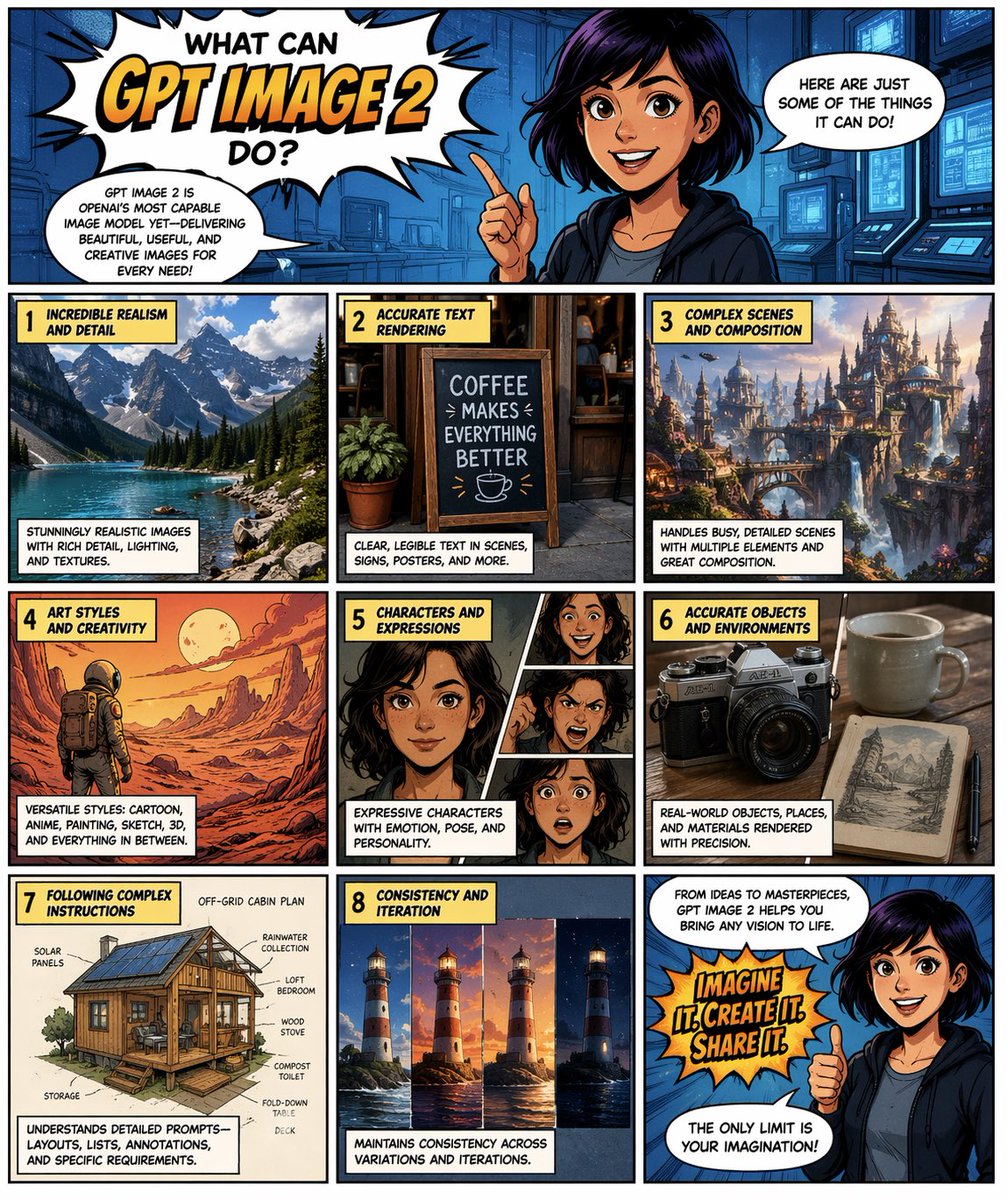
Start with GPT Image 2, which is the model associated with this template. You can compare another compatible model for a different finish.
Follow a topic to a crawlable collection of related PicX Studio templates.