
Between Technology and Nature
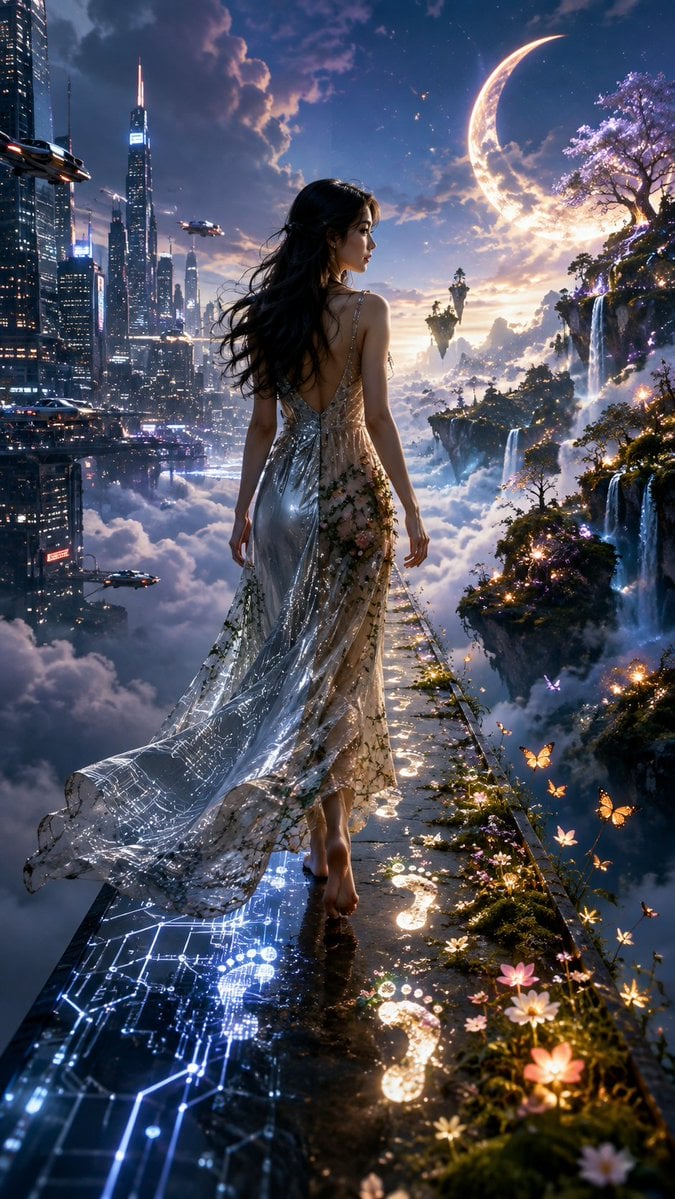
A cinematic vertical fantasy scene of a woman walking between a futuristic cloud city and an enchanted moonlit nature world.
- Prompt included
- Model and format preset
- Free template
The prompt behind this image
Copy the exact prompt behind Between Technology and Nature, or open it in the studio and make it yours.
Create a breathtaking ultra-realistic cinematic fantasy portrait in a vertical 9:16 composition. Show {argument name="character description" default="a beautiful young woman"} walking barefoot away from the viewer along a narrow wet reflective pathway suspended high above a sea of clouds, photographed from slightly behind with her elegant face visible in side profile. Divide the world into two spectacular realities: on the left, a futuristic cyberpunk metropolis rises through the clouds with towering glass skyscrapers, glowing windows, blue-white neon accents, and exactly 4 sleek flying vehicles at different depths; on the right, an enchanted fantasy realm of floating rocky islands, cascading waterfalls, luminous flowers, magical trees, glowing butterflies, mist, and a huge radiant crescent moon in the sky. The woman has long windblown {argument name="hair color" default="black"} hair and wears a backless flowing gown that transforms between both worlds: the left half is shimmering futuristic silver translucent fabric with delicate glowing circuit-board patterns, while the right half is soft botanical fabric covered with tiny flowers, mossy vines, and natural embroidery. Make the pathway transform beneath her feet: the left side becomes bright blue digital circuitry and reflective glass, while the right side becomes moss, blossoms, and golden magical light. Behind her steps, show a trail of luminous footprints, with exactly 8 visible glowing footprint marks receding along the path, mixing digital light on the city side and warm magical light on the nature side. Add small glowing flowers and butterflies along the right edge of the path, sparkling particles in the air, dramatic clouds, warm moonlight from the right and cool neon light from the left, high contrast, sharp detail, volumetric lighting, deep depth, epic scale, dreamlike atmosphere, no text, no watermark.
How to use Between Technology and Nature in 3 steps
- 1Upload ImagePNG, JPG or paste
Add your photo
Upload the photo the template builds on. The prompt, model and format are already set.
- 2…a portrait of your subject in softgolden-hour light, 85mm…
Personalize
Edit the subject and creative details for your destination.
- 3Generate
Generate
Press Generate — your image is created in PicX Studio, so you can compare it with the original and refine one variable at a time.
More like this
Templates with the same subject, style or setup. Open one to see its prompt.

Teen Girl Alpine Lake Mountain View

Mountain Lake Sunset Landscape
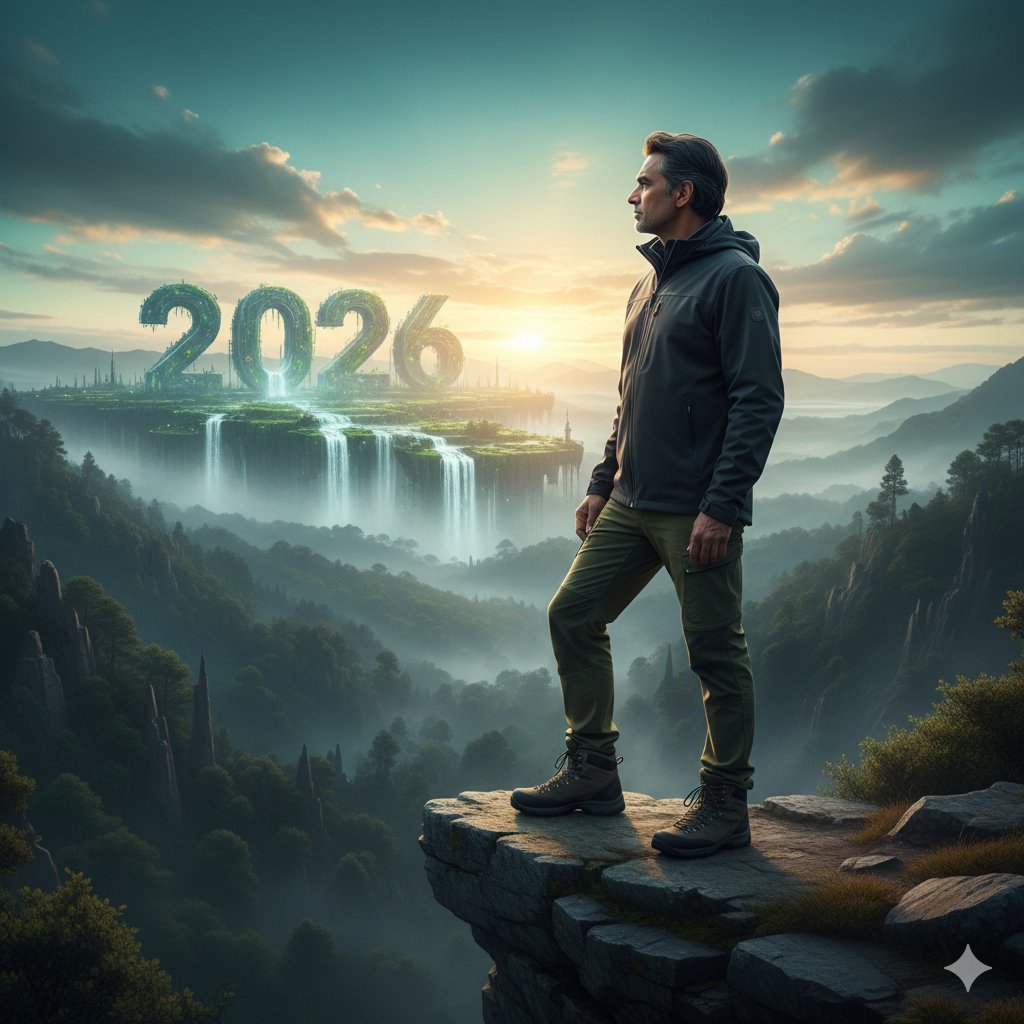
Futuristic Nature and Technology Landscape Portrait
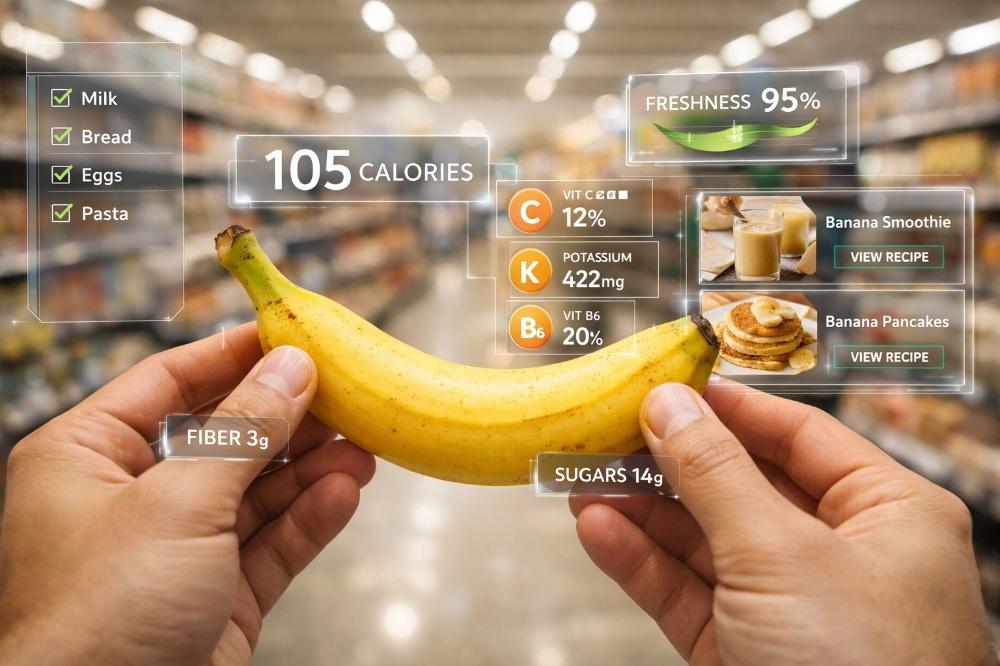
Ultra-realistic photography blended with futuristic AR technology
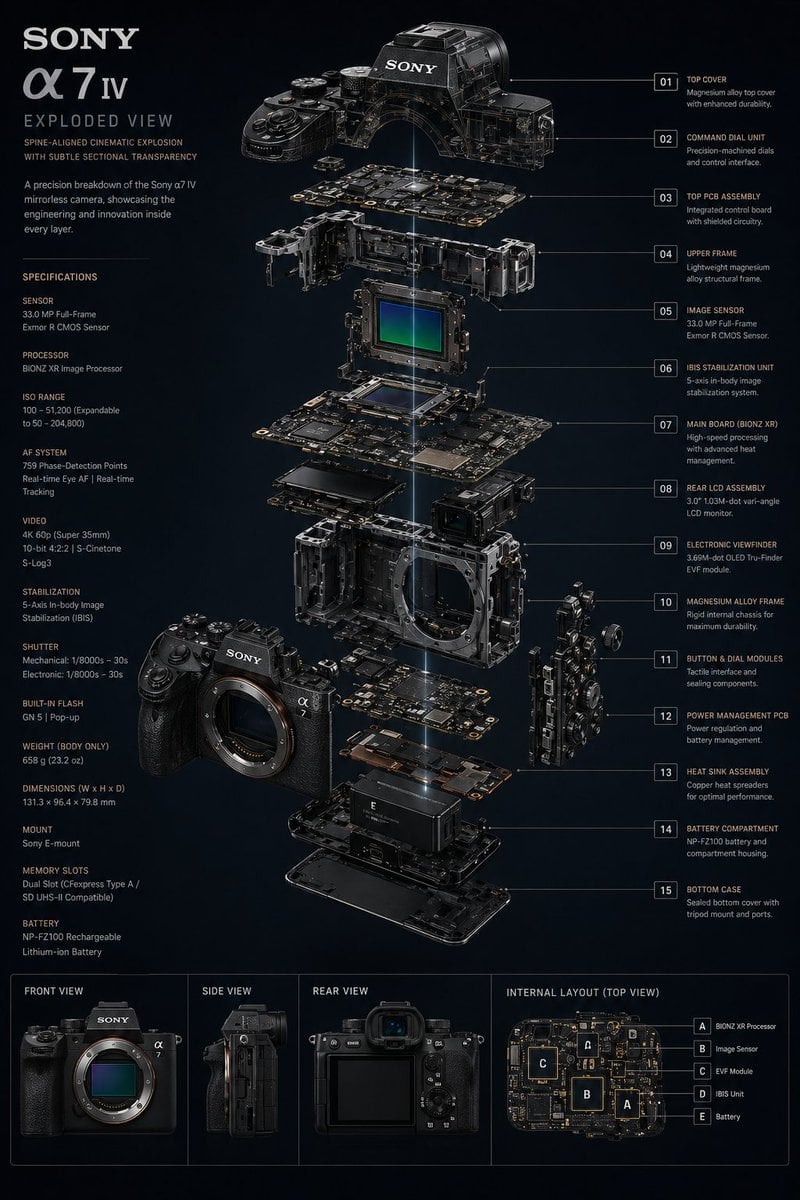
Technology Exploded View
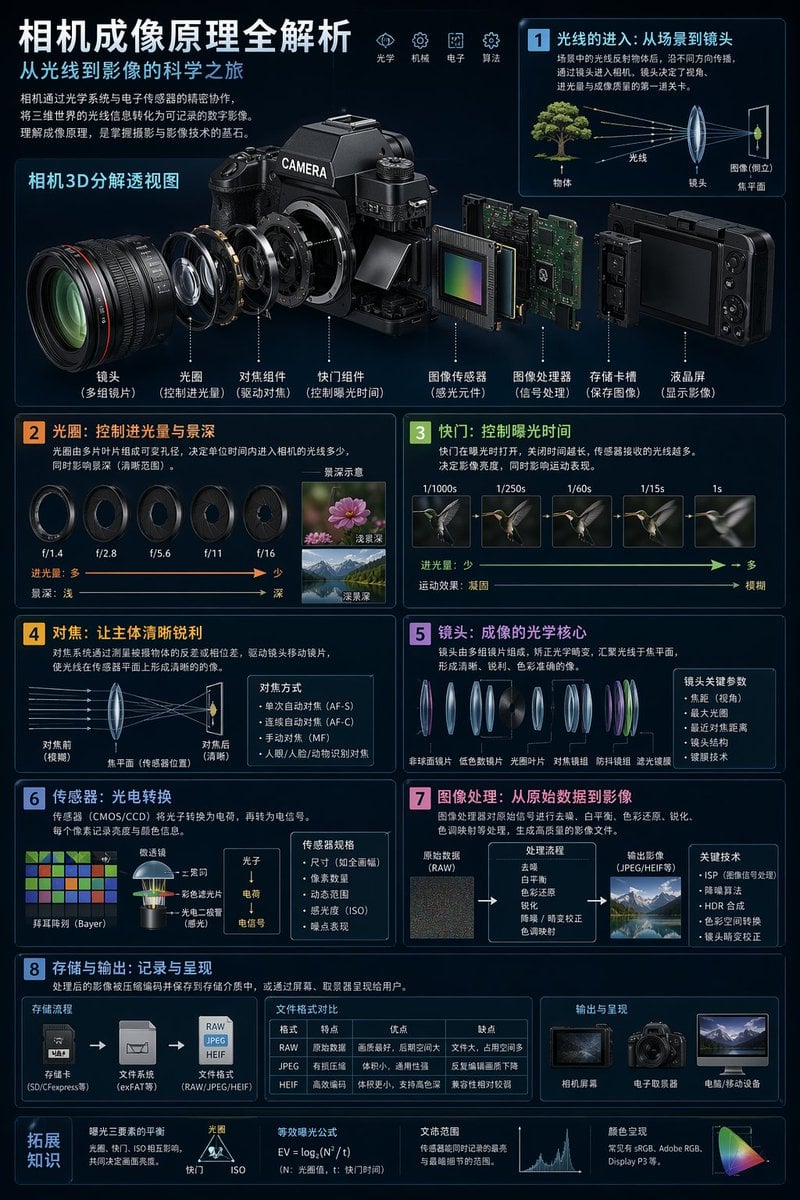
Camera Imaging Technology Infographic
Cinematic Android in Nature
Isometric miniature nature diorama showing a mother feeding newborn
Deep Work in Nature Editorial Photo
City Nature Observation Exhibition Poster
Nature Field Portrait Image Edit
Heroic Nature-Punk Collage Poster
Make it yours
Between Technology and Nature works as-is. These are the safest ways to change it without losing the look.
Change one field
Copy a single group, rewrite it, and generate again so you can see what that field is doing.
Keep the frame, change the subject
Hold the composition and light of Between Technology and Nature, then swap wardrobe, props or the person for a new take.
| If the result… | Why | Fix |
|---|---|---|
| The result drifts from the preview | Too many fields changed at once. | Reuse Between Technology and Nature as-is first, then change one group — subject, light, or setting. |
| The model over-stylizes the scene | The prose prompt leaves finish and camera underspecified. | Add one camera or lighting sentence and stay on GPT Image 2. |
More GPT Image 2 templates
Other prompts made for GPT Image 2.

Six VTuber Japanese Logo Sheet

Realistic Portrait of Woman and Deer

The Vista Modular Condo Poster

AI Model Routing Comparison Infographic

2.5D Anime Art Board

Isometric Productivity Desk Scene

New York Double Exposure Poster

Four-Panel AI Landscape Comparison

Japanese Tatami Lifestyle Magazine Cover

NESCAFÉ Coffee Map Poster
More image prompts
Fresh picks from across the catalog.
Vogue Editorial on Lake Como in a Riva Boat
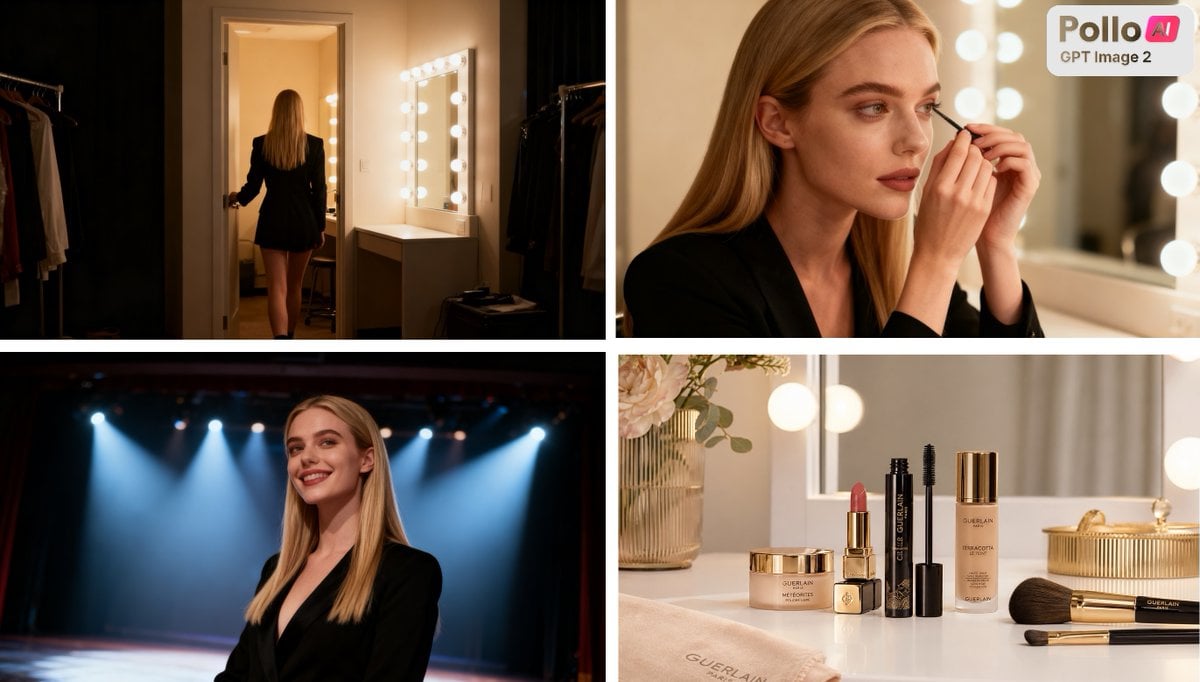
Luxury Beauty Ad Storyboard
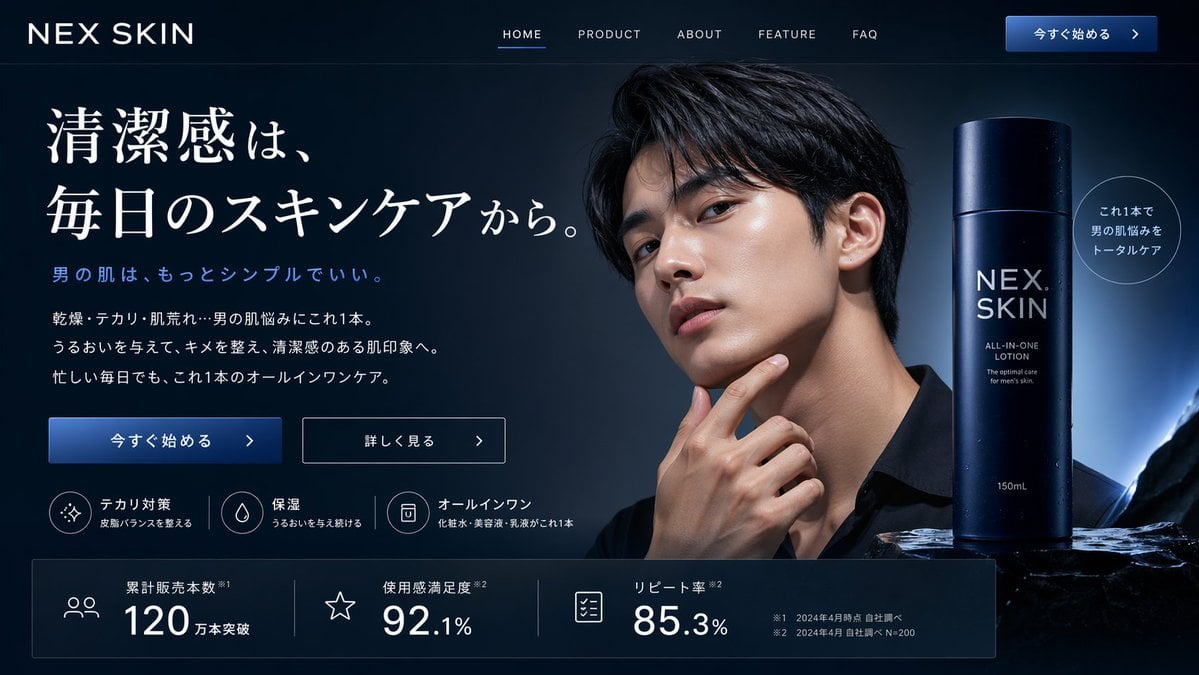
Men's Skincare Landing Page Mockup
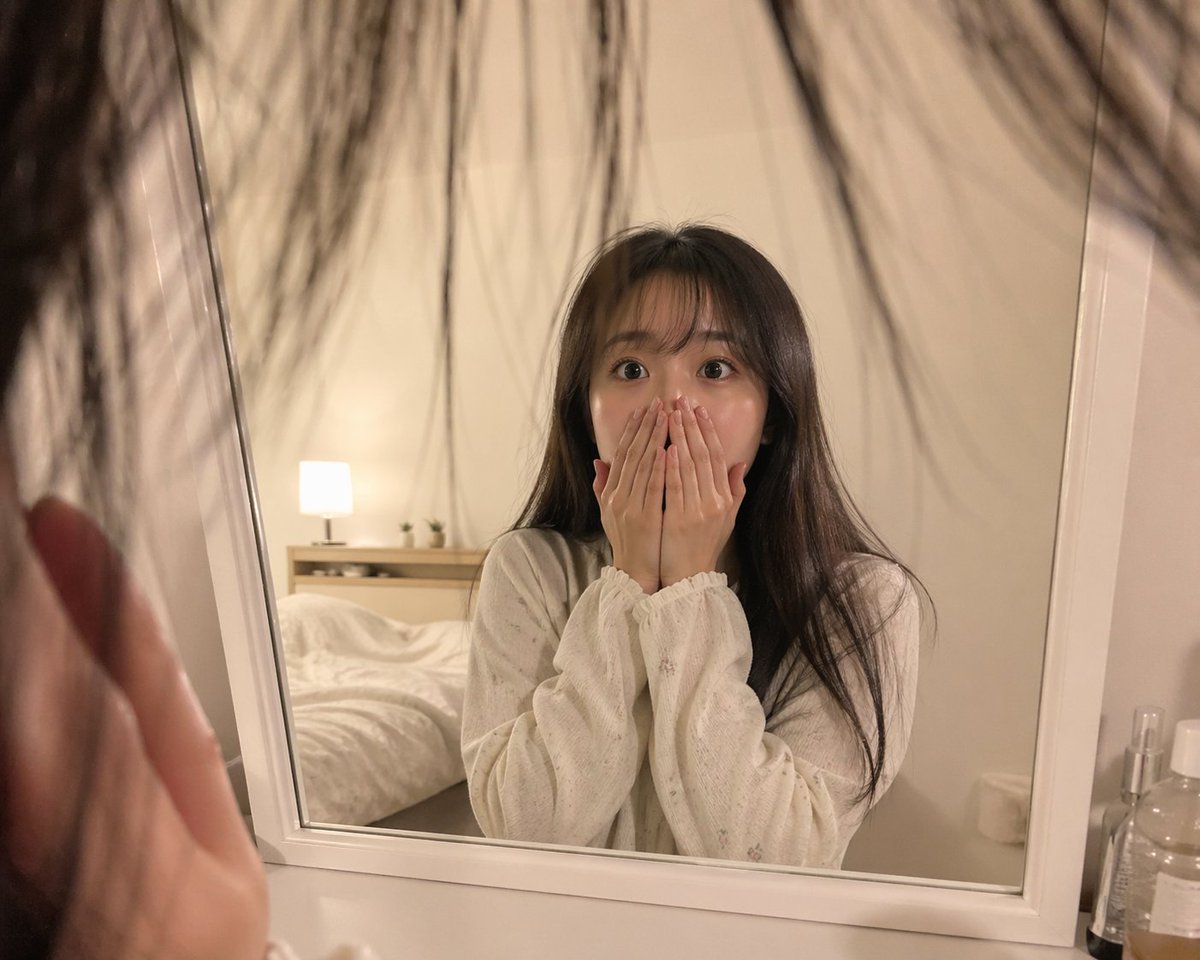
First-Person Mirror Bedroom Photo
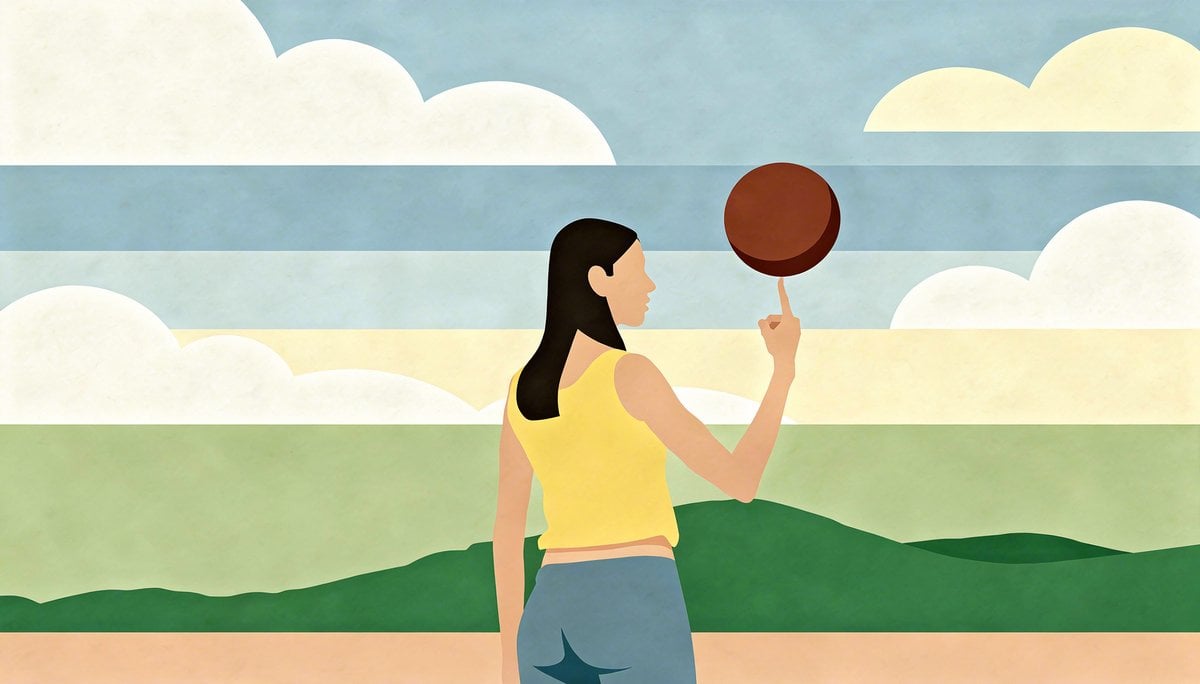
Image Transformation to Minimal Vector Poster
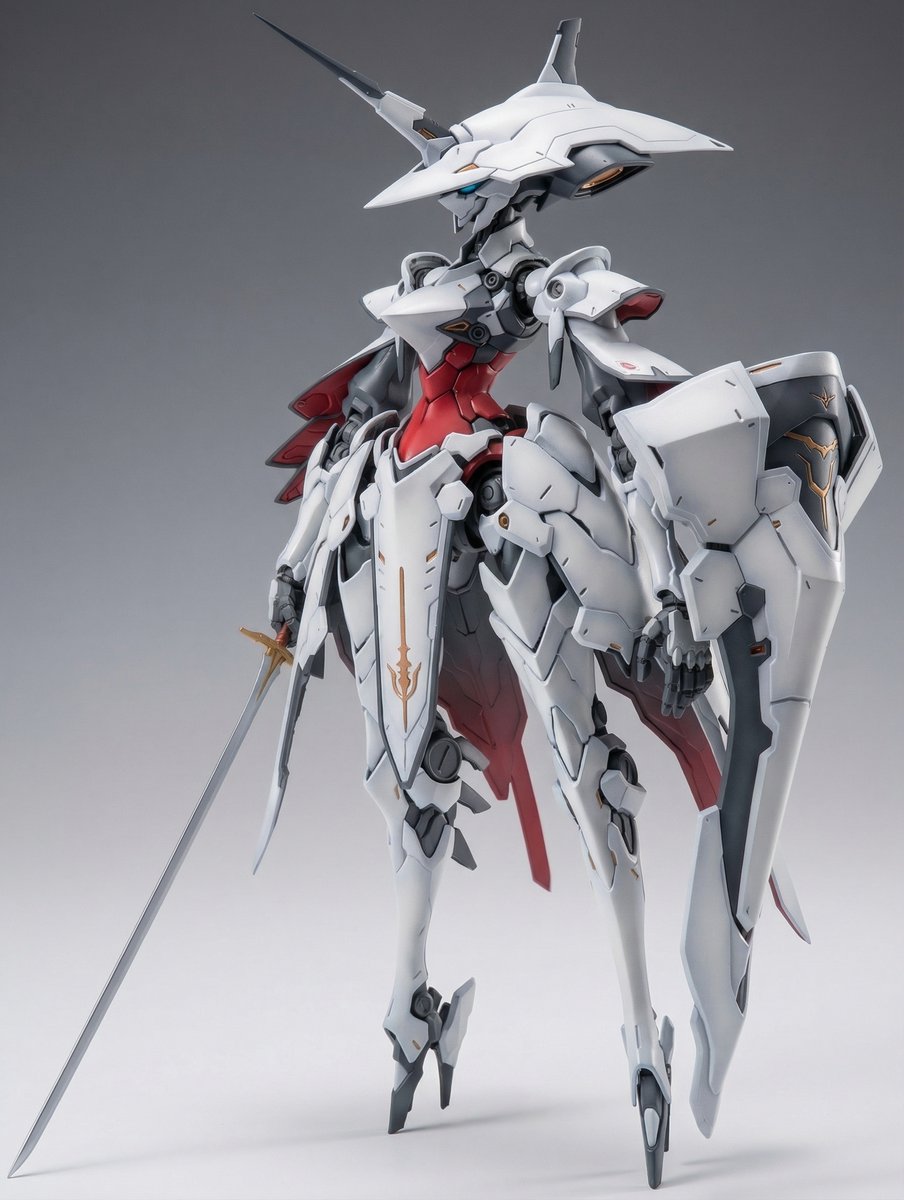
Full Armor Mecha Girl model kit concept prompt
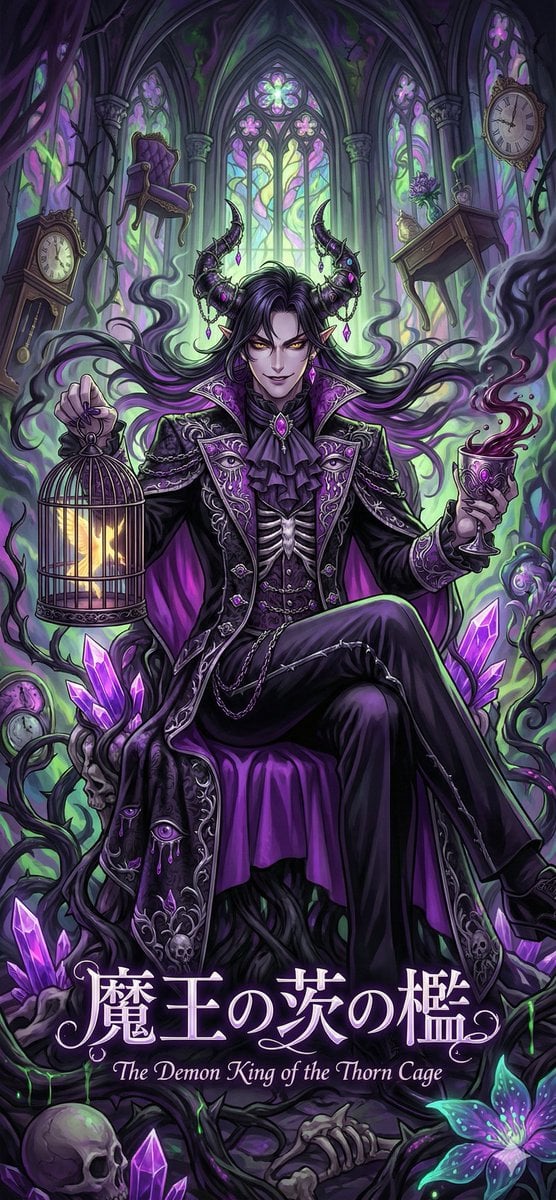
Dark Fairy Tale, Surrealism, Gothic Psychedelic Character Generation

Cloisonné Craft PPT Cover
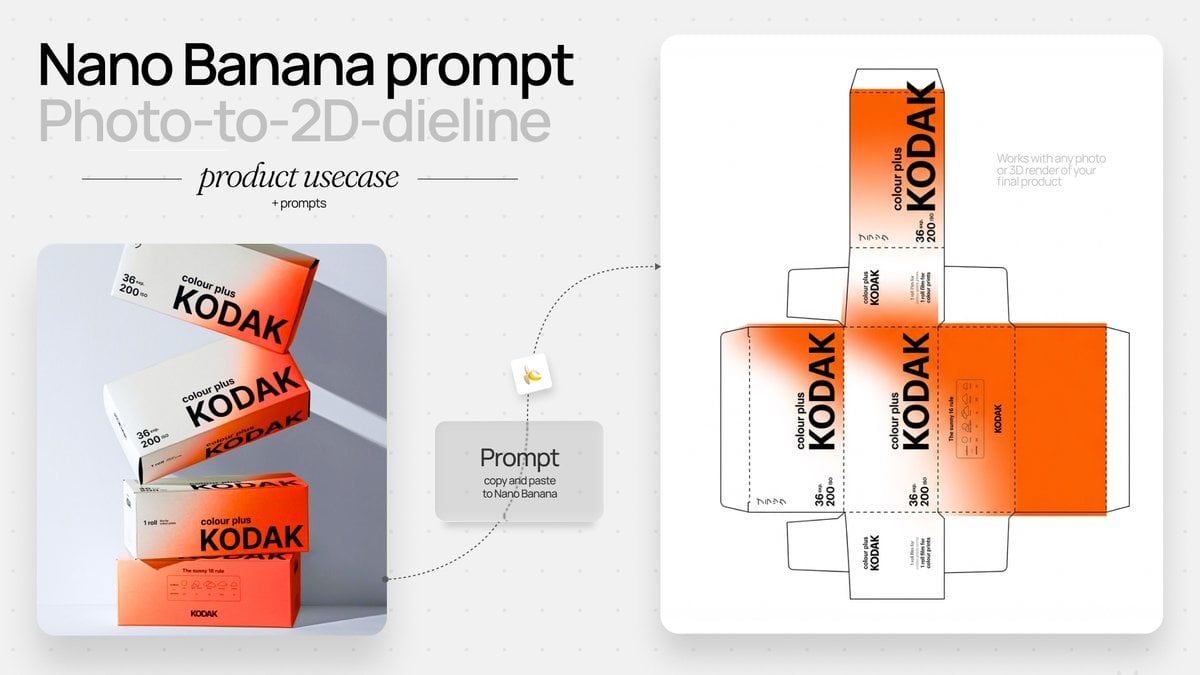
Photo to Product Packaging Dieline Prompt
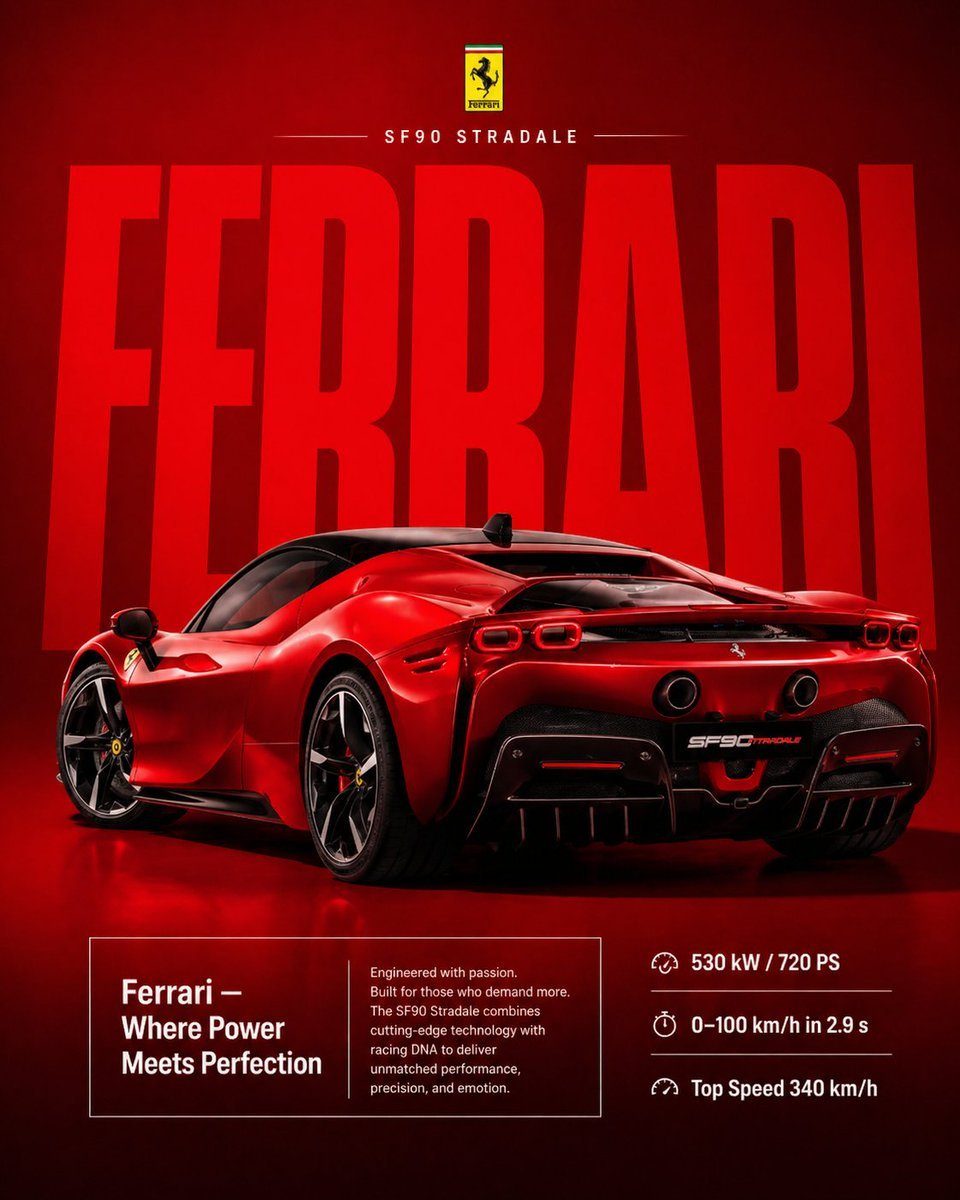
Premium Ferrari Advertisement Poster
Browse template categories
Between Technology and Nature questions
How do I use the Between Technology and Nature template?
Add your photo if the template asks for one, edit the prompt if you like — the template's model and format are already selected — and press Generate. Your version opens in PicX Studio.
Can I customize the Between Technology and Nature template?
Yes. You can change the subject, setting, lighting, mood, format, and available model controls before creating your image.
Is the Between Technology and Nature template free?
Opening and editing this template is free. Generating uses credits, shown on the Generate button when you are signed in.
Which AI model should I use?
Start with GPT Image 2, which is the model associated with this template. You can compare another compatible model for a different finish.
Looking for something else? Browse all templates.

Your photo, any look
Thousands of ready templates for every top image and video model, from one credit balance.