
Hamster Japanese Summer Card
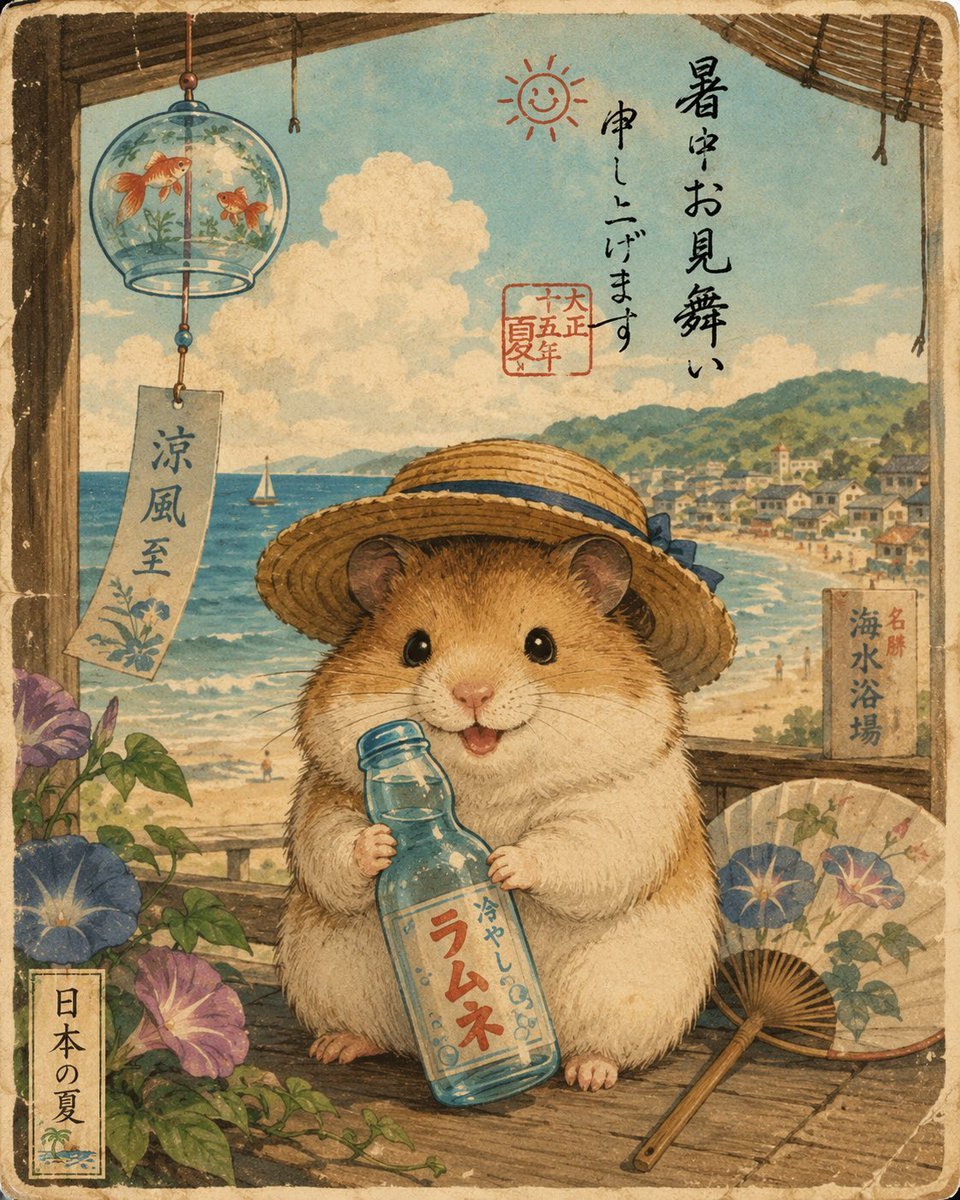
A square vintage Japanese summer greeting-card illustration featuring a straw-hat hamster with ramune soda on a seaside veranda.
- Prompt included
- Model and format preset
- Free template
The prompt behind this image
Copy the exact prompt behind Hamster Japanese Summer Card, or open it in the studio and make it yours.
Create a nostalgic Japanese summer greeting-card illustration in a traditional ukiyo-e / shin-hanga watercolor style. The scene shows one adorable realistic hamster as the central subject, standing on a shaded wooden veranda by the sea, wearing a wide straw hat with a blue ribbon and holding a clear blue glass ramune soda bottle with the label “ラムネ” and smaller text “冷やしの味”. The hamster has warm golden-brown and cream fur, glossy black eyes, tiny pink nose, small open smiling mouth, and soft detailed whiskers. Behind it is a bright summer beach landscape with turquoise ocean waves, sandy shore, one small white sailboat, distant green hills, and a seaside town with tiny houses. Frame the top with dark bamboo blinds and hanging cords, and place a glass wind chime at upper left containing exactly two orange goldfish; below it hangs a rectangular paper strip reading “涼風至”. Include exactly two main morning glory flower clusters in the foreground, one at lower left with blue and purple blossoms and one at lower right near a folded paper fan with floral patterns. Add a wooden sign on the right reading “名勝 海水浴場”, and a vertical label at bottom left reading “日本の夏”. In the sky area, write vertical calligraphy “暑中お見舞い申し上げます” with a small red smiling sun doodle nearby and a red seal stamp containing “大正十五年 夏”. Use aged cream paper texture, faded ink, visible grain, rough deckle border, muted vintage colors, soft natural light, and delicate hand-painted linework. Keep the composition square, cozy, whimsical, and authentically Japanese, with all text integrated as hand-brushed calligraphy and no modern objects besides the retro soda bottle.
How to use Hamster Japanese Summer Card in 3 steps
- 1Upload ImagePNG, JPG or paste
Add your photo
Upload the photo the template builds on. The prompt, model and format are already set.
- 2…a portrait of your subject in softgolden-hour light, 85mm…
Personalize
Edit the subject and creative details for your destination.
- 3Generate
Generate
Press Generate — your image is created in PicX Studio, so you can compare it with the original and refine one variable at a time.
More like this
Templates with the same subject, style or setup. Open one to see its prompt.

Japanese Negative Film Rooftop Summer Portrait
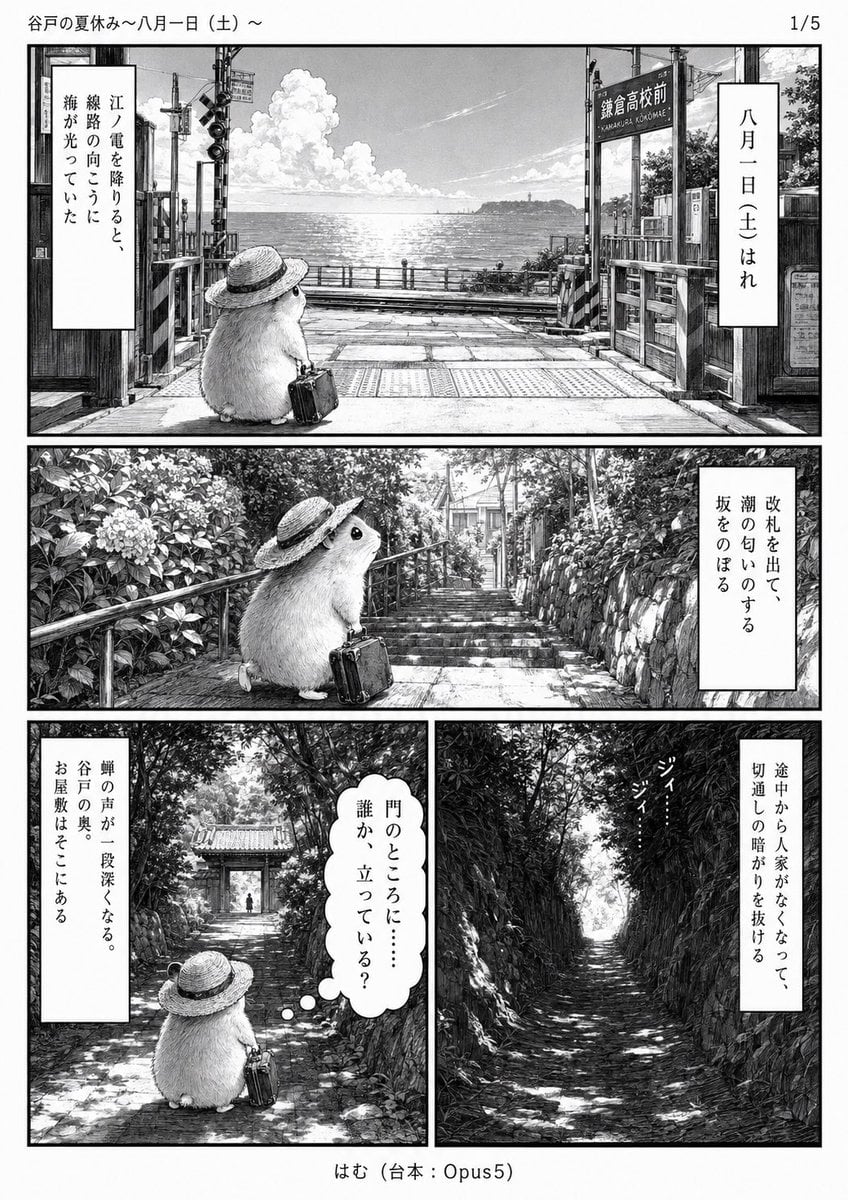
Monochrome Summer Hamster Manga Page
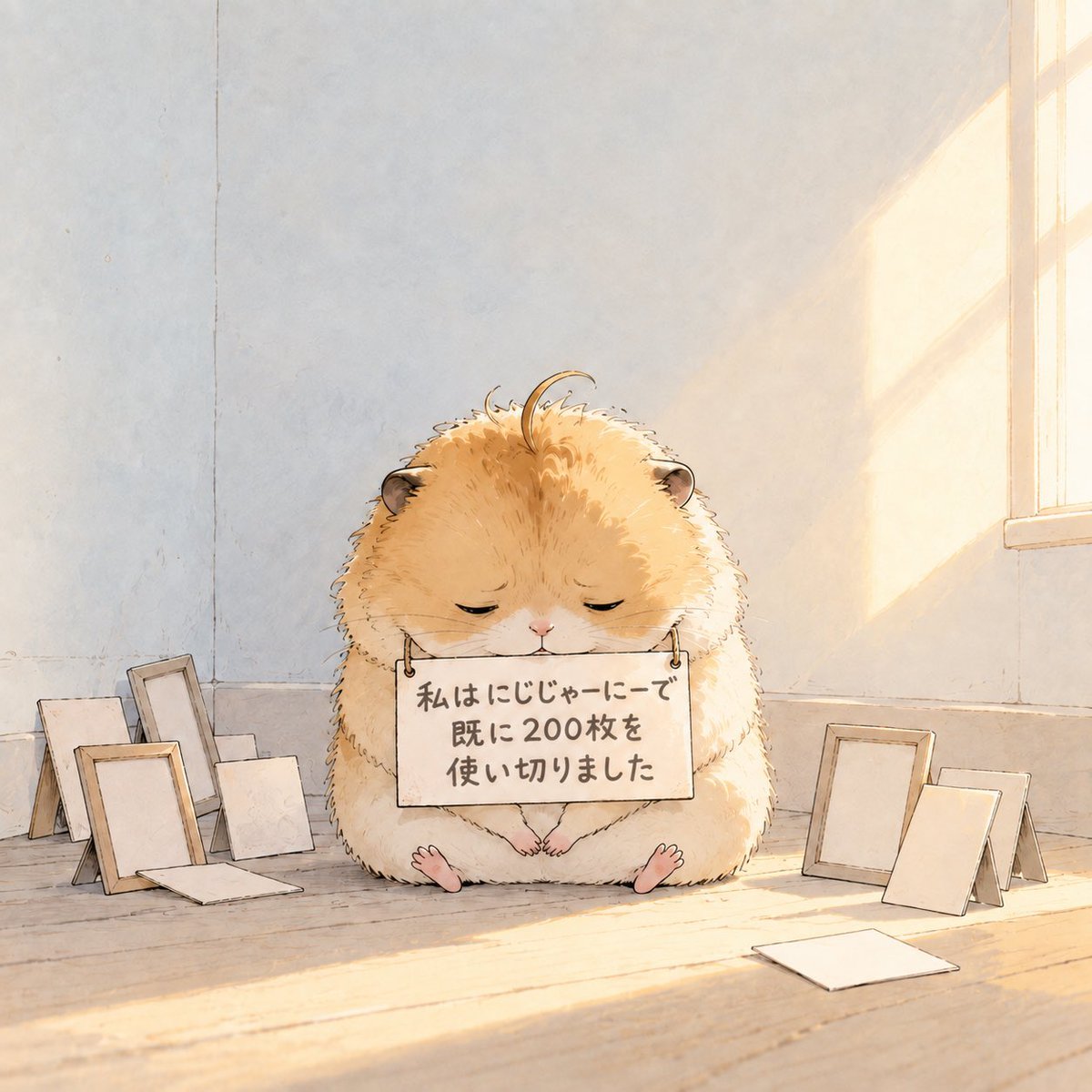
Fluffy Hamster Holding Japanese Sign

Teal Japanese Handwritten Lyric Card

Minecraft Japanese Research Lab Exploration
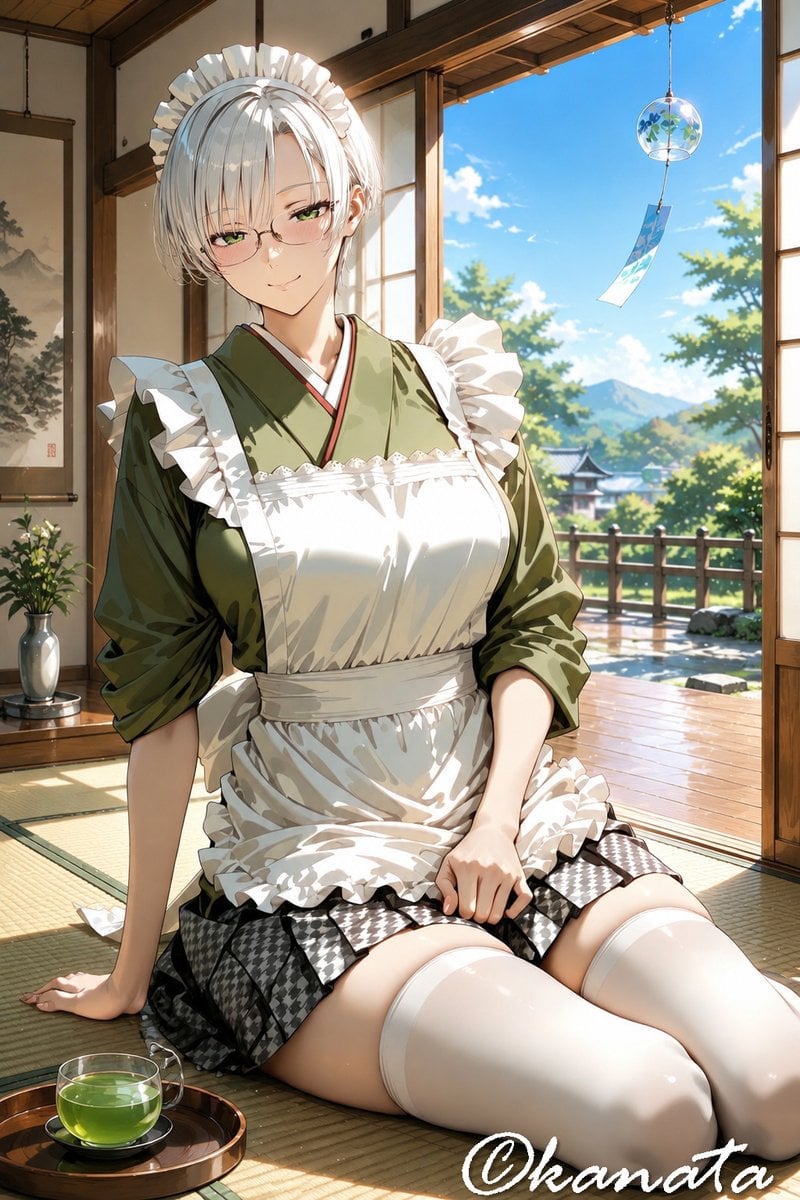
Summer Japanese Maid Resting
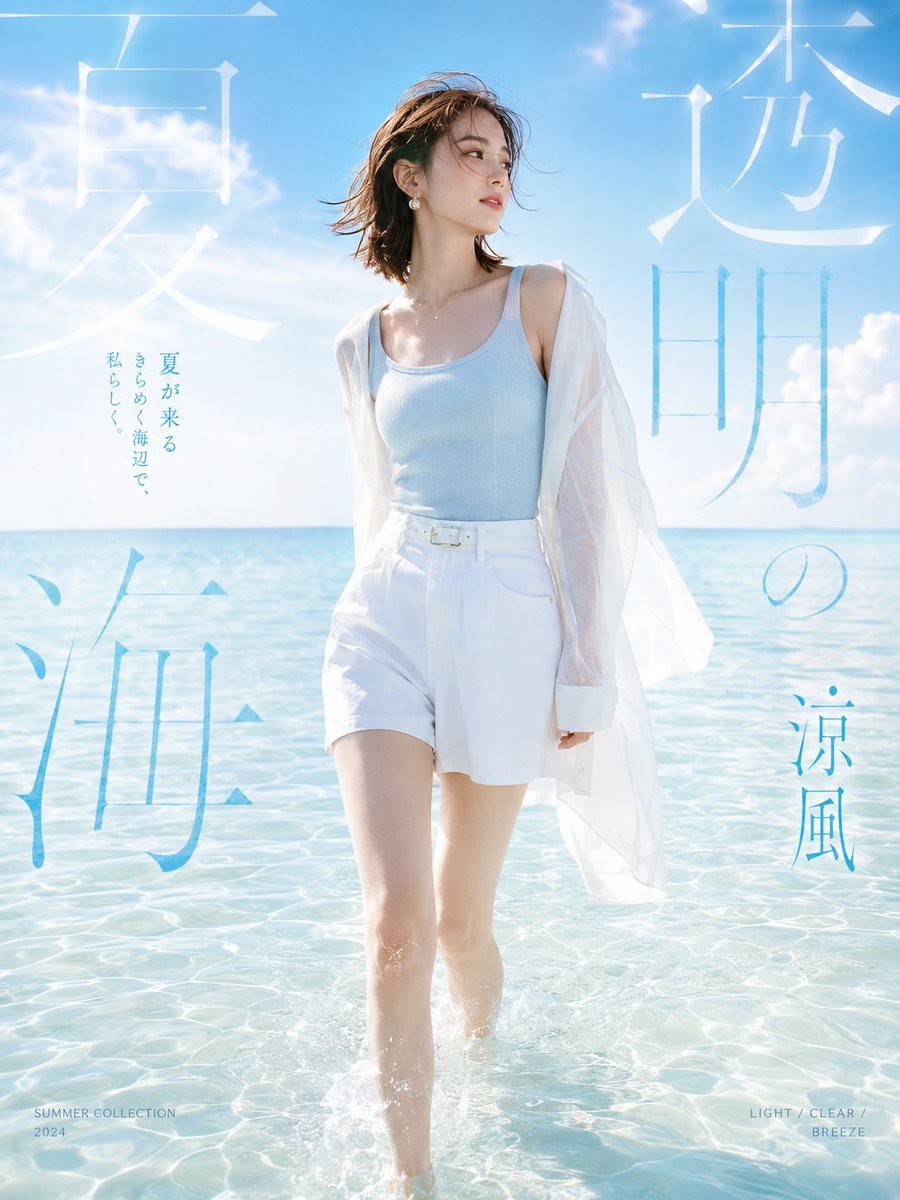
Japanese Summer Beach Fashion Poster
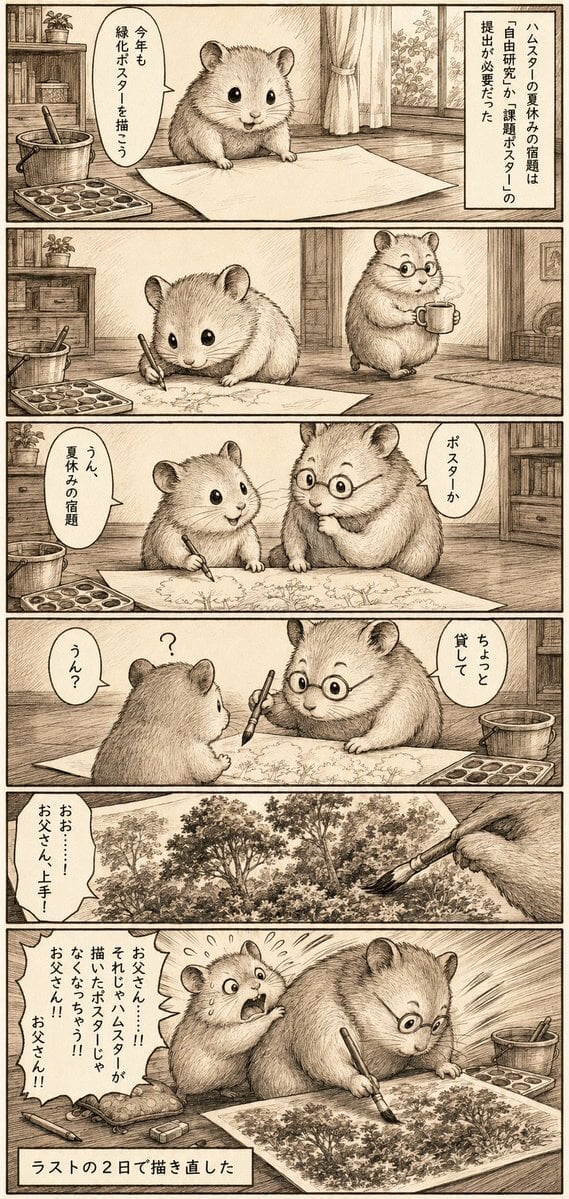
Sepia Hamster Summer Homework Manga

Japanese Architectural Concrete Studio Fashion Campaign

Japanese Minimalist Concrete Studio Fashion Editorial

2000s Retro-Pop Fashion Cinematic Editorial Portrait

Blue Backdrop Luxury Fashion Portrait Campaign
Make it yours
Hamster Japanese Summer Card works as-is. These are the safest ways to change it without losing the look.
Change one field
Copy a single group, rewrite it, and generate again so you can see what that field is doing.
Keep the frame, change the subject
Hold the composition and light of Hamster Japanese Summer Card, then swap wardrobe, props or the person for a new take.
| If the result… | Why | Fix |
|---|---|---|
| The result drifts from the preview | Too many fields changed at once. | Reuse Hamster Japanese Summer Card as-is first, then change one group — subject, light, or setting. |
| The model over-stylizes the scene | The prose prompt leaves finish and camera underspecified. | Add one camera or lighting sentence and stay on GPT Image 2. |
More GPT Image 2 templates
Other prompts made for GPT Image 2.

Six VTuber Japanese Logo Sheet

Realistic Portrait of Woman and Deer

The Vista Modular Condo Poster

AI Model Routing Comparison Infographic

2.5D Anime Art Board

Isometric Productivity Desk Scene

New York Double Exposure Poster

Four-Panel AI Landscape Comparison

Japanese Tatami Lifestyle Magazine Cover

NESCAFÉ Coffee Map Poster
More image prompts
Fresh picks from across the catalog.

Deconstructed Food Photography Series in Levitation
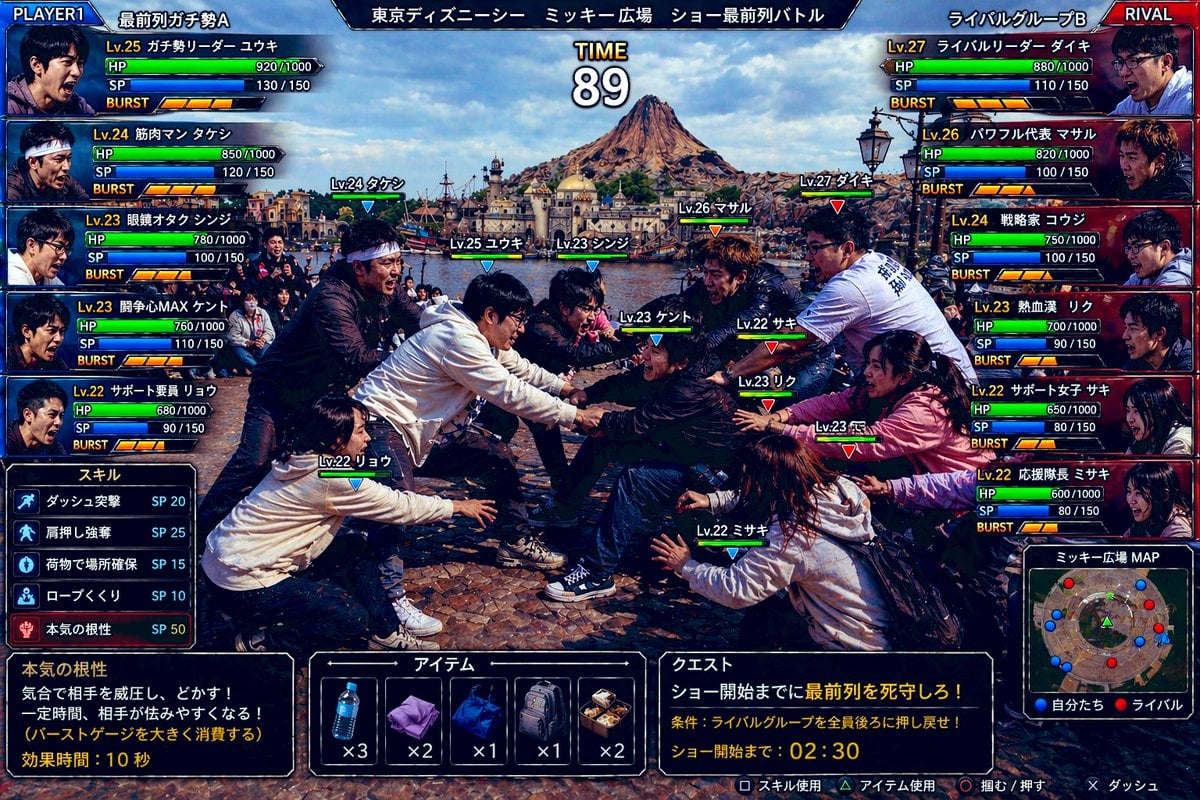
Gpt2 Youtube Thumbnail Tokyo Disneysea Front Row Battle Ui

Merl iOS Personalization Screenshot

Playful Convenience Store Portrait
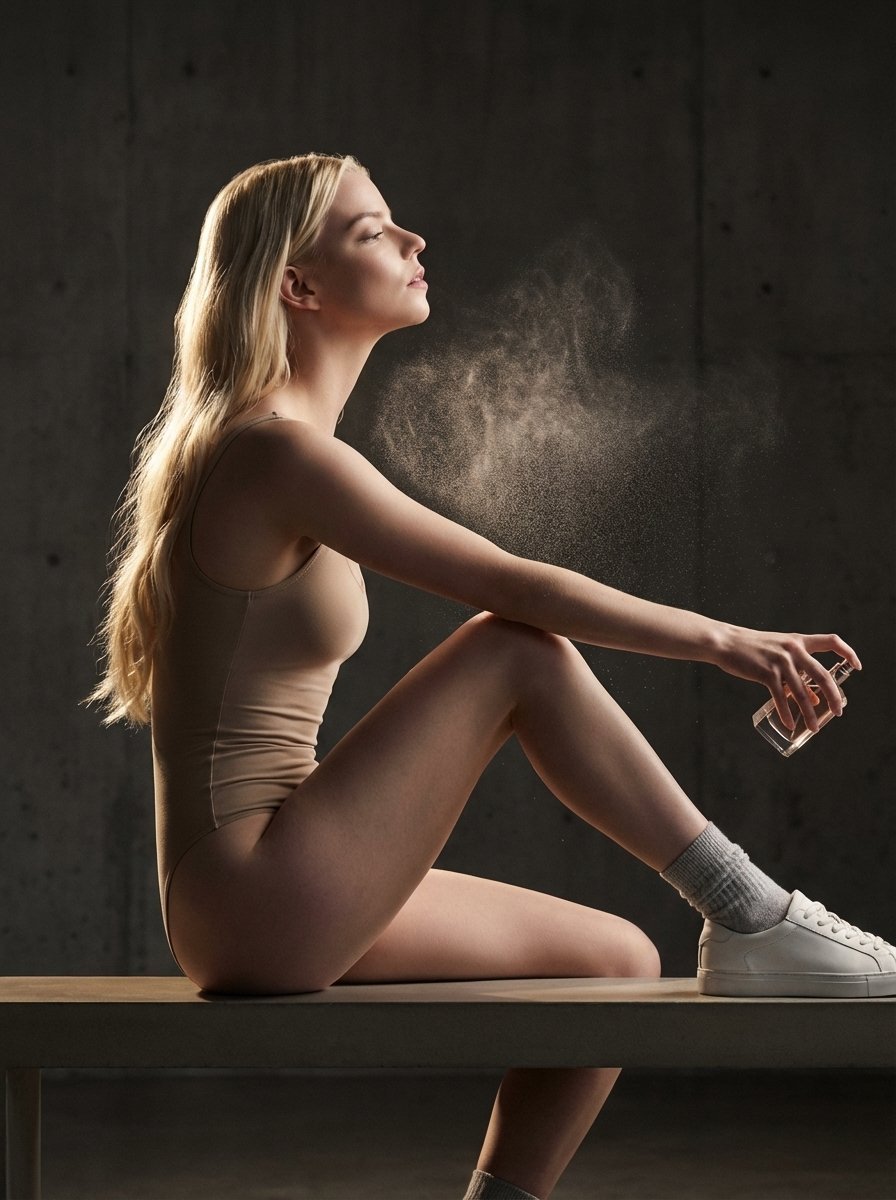
High-Fashion Perfume Campaign Prompt with Side Lighting

F1 Heiress Editorial Portrait with Racing Helmet and Pearls

Fast-Food Lifestyle Commercial

Luxury Golf Sports Editorial Collage
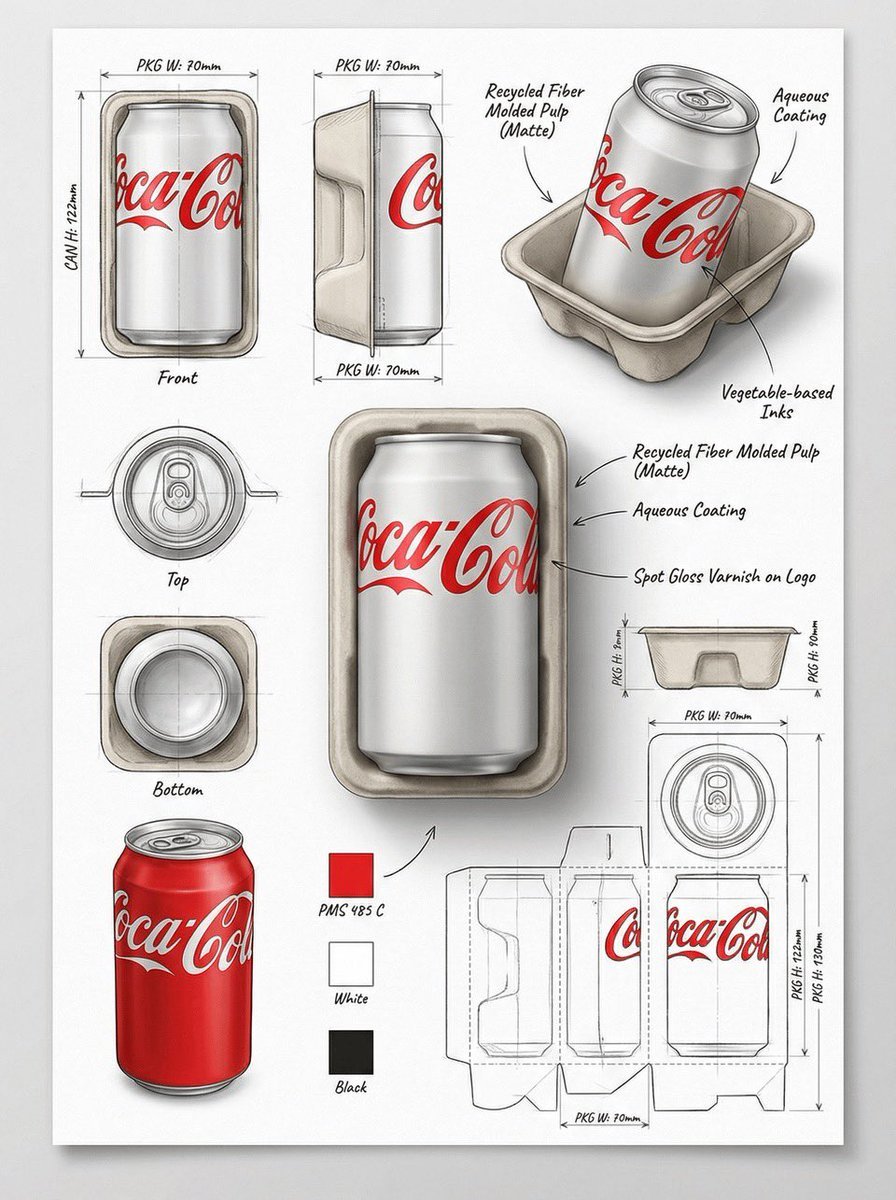
Industrial Packaging Design Sheet Prompt

Cosmic Catastrophe Blackout Scene
Browse template categories
Hamster Japanese Summer Card questions
How do I use the Hamster Japanese Summer Card template?
Add your photo if the template asks for one, edit the prompt if you like — the template's model and format are already selected — and press Generate. Your version opens in PicX Studio.
Can I customize the Hamster Japanese Summer Card template?
Yes. You can change the subject, setting, lighting, mood, format, and available model controls before creating your image.
Is the Hamster Japanese Summer Card template free?
Opening and editing this template is free. Generating uses credits, shown on the Generate button when you are signed in.
Which AI model should I use?
Start with GPT Image 2, which is the model associated with this template. You can compare another compatible model for a different finish.
Looking for something else? Browse all templates.

Your photo, any look
Thousands of ready templates for every top image and video model, from one credit balance.