
Candid Night Motion Portrait
Captures a spontaneous, unpolished night photograph of a subject leaning out of a moving car window, utilizing realistic motion blur and authentic digital noise for a snapshot aesthetic.
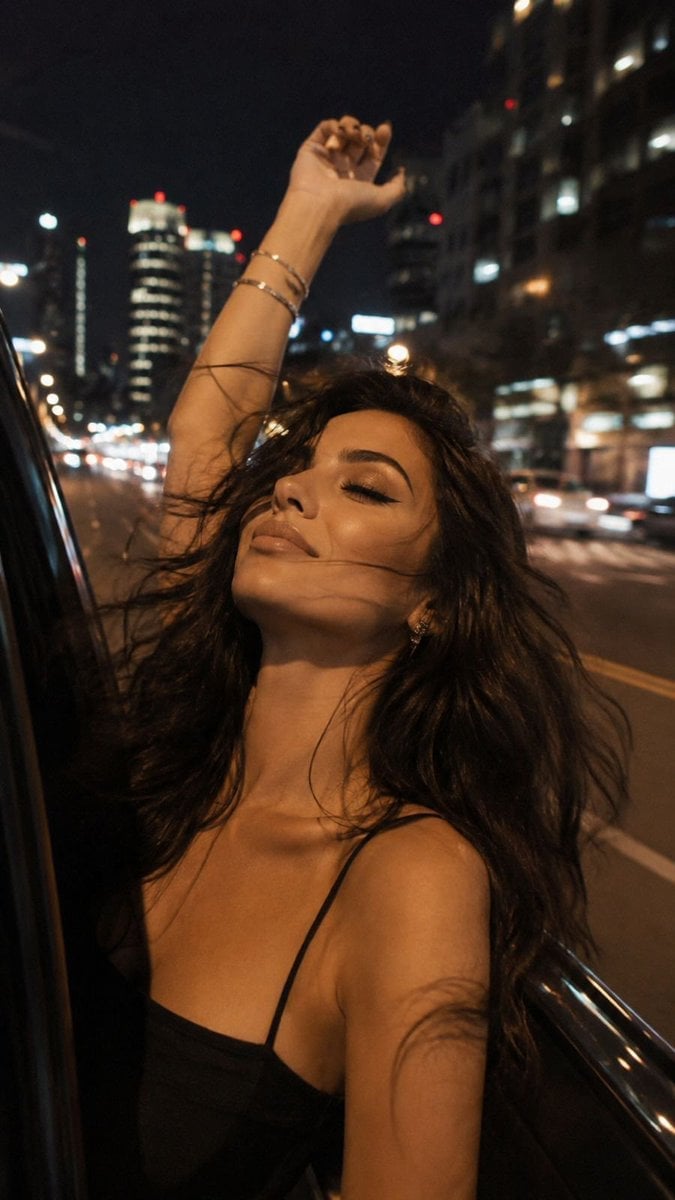
- Prompt included
- Model and format preset
- Free template
The prompt behind this image
Copy the exact prompt behind Candid Night Motion Portrait, or open it in the studio and make it yours.
Strictly preserve the girl’s identity and appearance from the uploaded reference image. She must be unmistakably the same {argument name="subject" default="girl"}: preserve her facial features, facial proportions, natural skin tone, eye color, hair color, hair texture, face shape, and other recognizable characteristics with maximum fidelity. Do not beautify, idealize, age, de-age, or alter her identity. Do not use the outfit from the reference image. Emphasized light eye makeup, clean cat-eye eyeliner on the upper lids, subtly defined eyes. Lips outlined with a lip liner approximately one shade darker than the lipstick, with {argument name="lipstick color" default="dusty-rose matte lipstick"} in a natural, skin-like tone. Tanned skin with realistic variation and warmth. Create an ultra-realistic spontaneous 9:16 night photograph that looks like an authentic phone snapshot rather than a staged fashion shoot. Natural skin texture with visible pores, fine lines, subtle capillaries around the eyes, tiny imperfections and realistic tonal variation. No beauty filter, no artificial skin smoothing, no CGI, no plastic-looking skin. The girl is leaning out of the {argument name="setting" default="window of a moving car at night"}, throwing her head slightly back and savoring the moment. She has a subtle genuine smile, her eyes are closed, and her face is turned upward toward the night air. One hand is raised naturally above her head, fingers relaxed and slightly bent. The photograph is captured during movement. Her face has subtle natural motion smear, while her hair flies chaotically in different directions and is noticeably motion-blurred, conveying the speed and spontaneity of the moment. The motion blur must look physically natural, not like an artificial distortion. She is wearing a simple thin-strap black top and several delicate thin bracelets on the raised wrist. No outfit elements from the reference image. Very close framing, with the girl filling most of the frame. Camera positioned slightly to the side and below her face, creating an intimate candid perspective. Keep her facial identity sharp enough to remain recognizable despite the natural motion blur. Behind her is a real nighttime city street with blurred buildings, illuminated windows, streetlights and passing cars. Because the car is moving, the background is softly smeared with subtle elongated light trails and realistic directional motion blur. Warm street-lamp illumination naturally falls across her face, windblown hair and shoulders, mixed with cooler ambient city light. Soft contrast, muted nighttime colors, realistic exposure, imperfect highlights, natural shadows and authentic digital noise. Capture the feeling of an old iPhone night photograph: slightly noisy, grainy, imperfect, spontaneous and unpolished, with the character of a random photograph taken during a moving car ride. Camera aesthetic: authentic compact-camera/phone snapshot with the optical character of a Canon G7 X and Fujifilm GFX 100-style detail, approximately 100mm-equivalent perspective
How to use Candid Night Motion Portrait in 3 steps
- 1Upload ImagePNG, JPG or paste
Add your photo
Upload the photo the template builds on. The prompt, model and format are already set.
- 2…a portrait of your subject in softgolden-hour light, 85mm…
Personalize
Edit the subject and creative details for your destination.
- 3Generate
Generate
Press Generate — your image is created in PicX Studio, so you can compare it with the original and refine one variable at a time.
More like this
Templates with the same subject, style or setup. Open one to see its prompt.










Make it yours
Candid Night Motion Portrait works as-is. These are the safest ways to change it without losing the look.
Change one field
Copy a single group, rewrite it, and generate again so you can see what that field is doing.
Keep the frame, change the subject
Hold the composition and light of Candid Night Motion Portrait, then swap wardrobe, props or the person for a new take.
| If the result… | Why | Fix |
|---|---|---|
| The result drifts from the preview | Too many fields changed at once. | Reuse Candid Night Motion Portrait as-is first, then change one group — subject, light, or setting. |
| The model over-stylizes the scene | The prose prompt leaves finish and camera underspecified. | Add one camera or lighting sentence and stay on GPT Image 2. |
More GPT Image 2 templates
Other prompts made for GPT Image 2.

Six VTuber Japanese Logo Sheet

Realistic Portrait of Woman and Deer

The Vista Modular Condo Poster

AI Model Routing Comparison Infographic

2.5D Anime Art Board

Isometric Productivity Desk Scene

New York Double Exposure Poster

Four-Panel AI Landscape Comparison

Japanese Tatami Lifestyle Magazine Cover

NESCAFÉ Coffee Map Poster
More image prompts
Fresh picks from across the catalog.
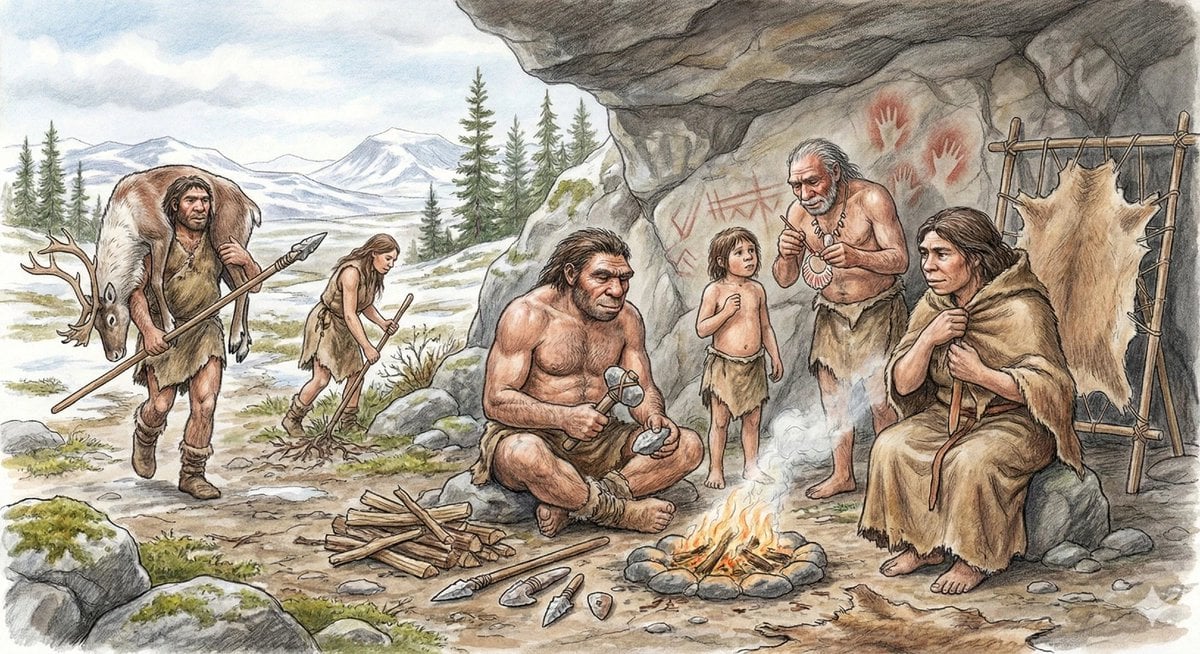
Neanderthal image generation based on expert knowledge
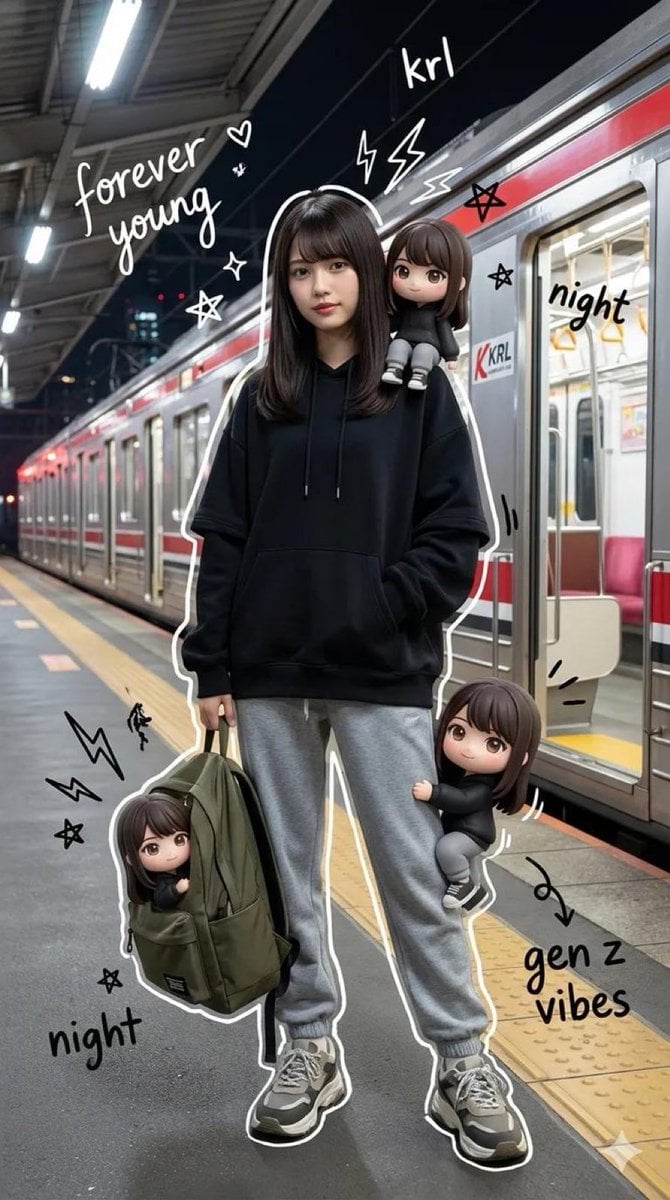
Mixed Media Portrait of Gen Z Teenager with Chibi Companions

Tianjin City Promotional Poster Prompt
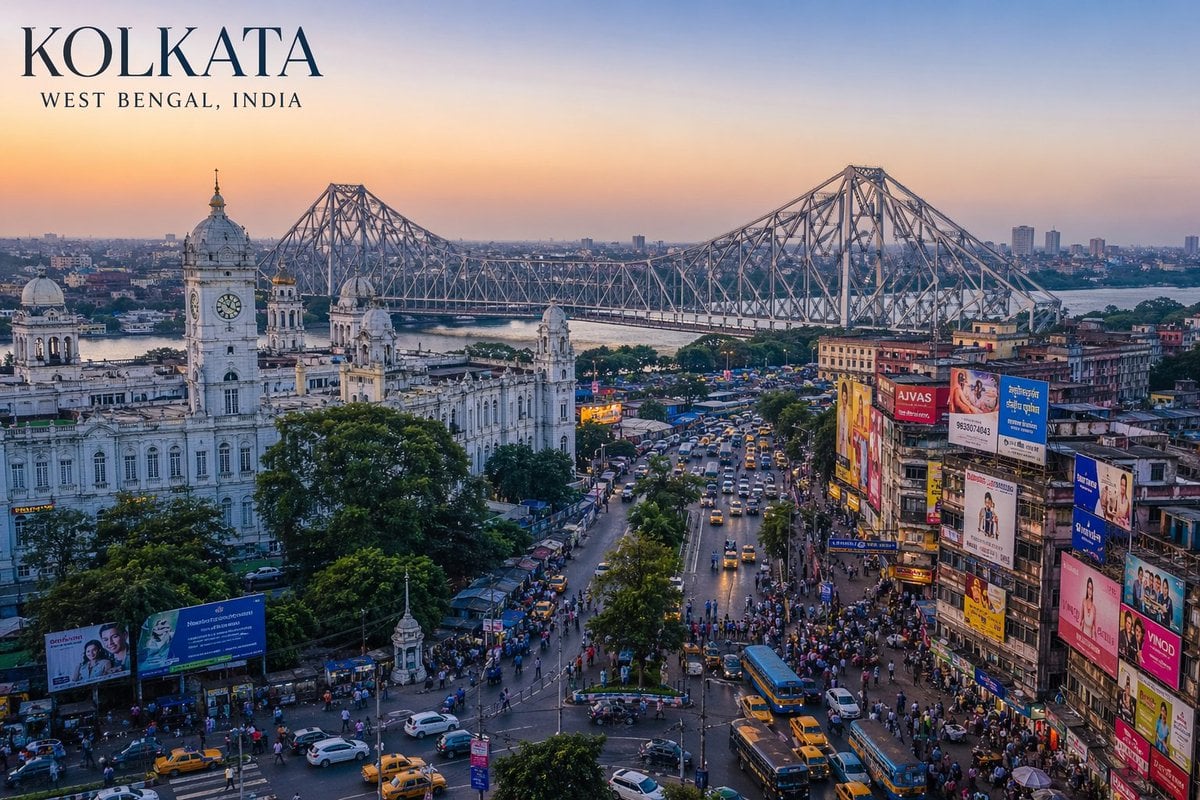
West Bengal City View
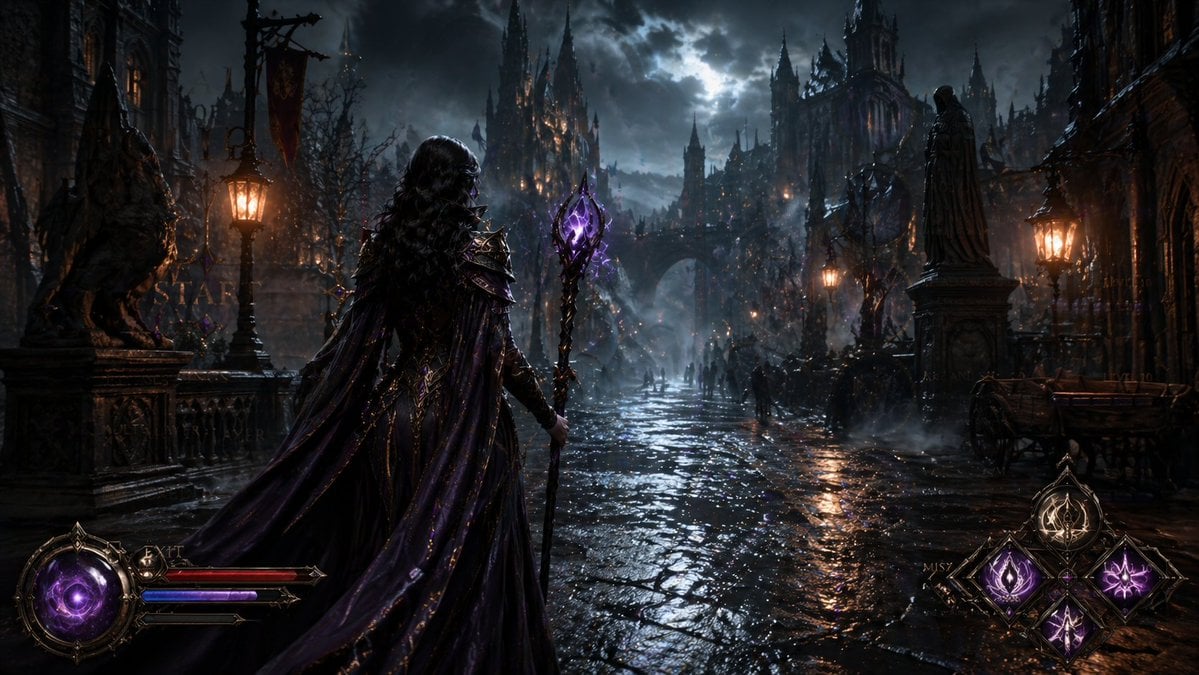
Dark Medieval Sorceress Scene
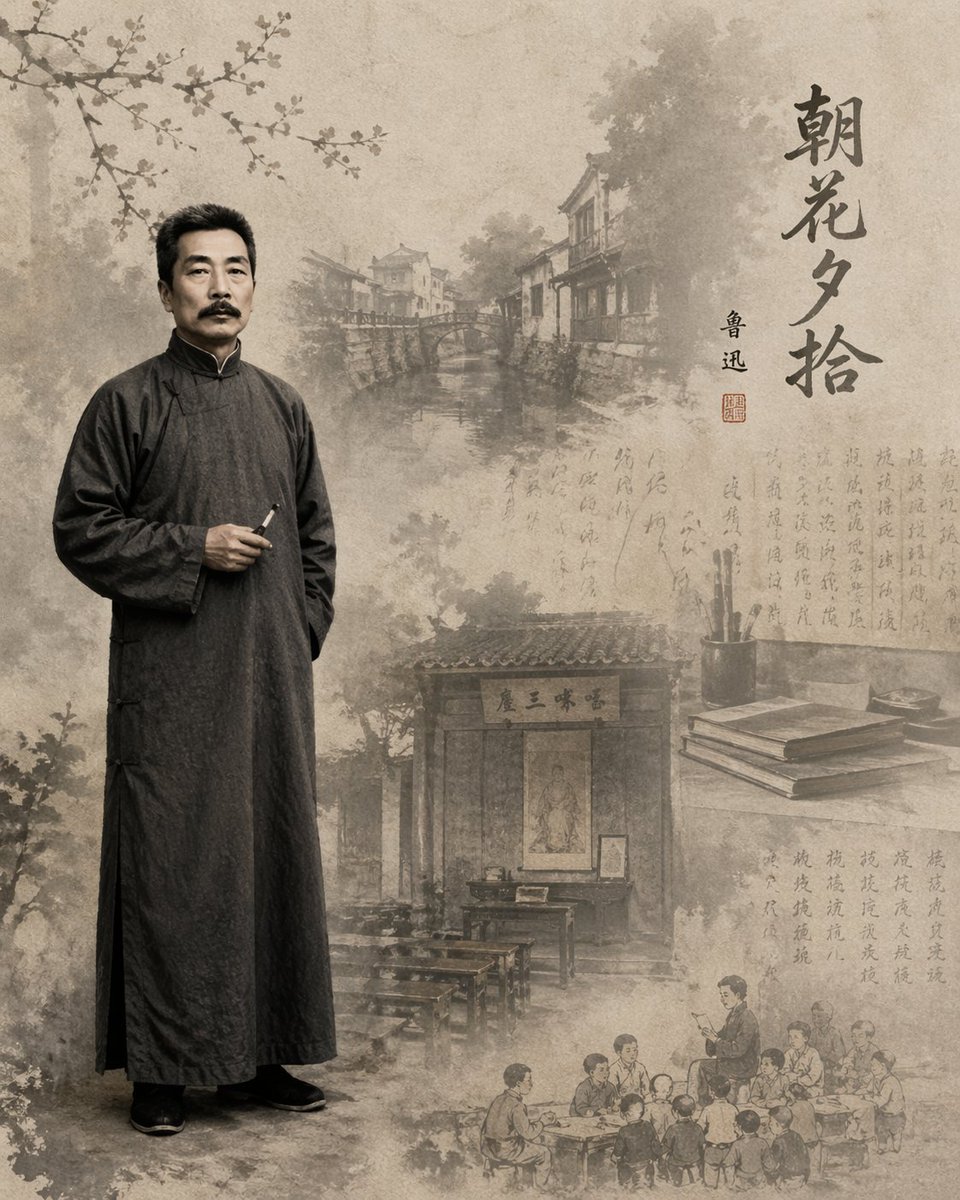
Literary Illustration Portrait
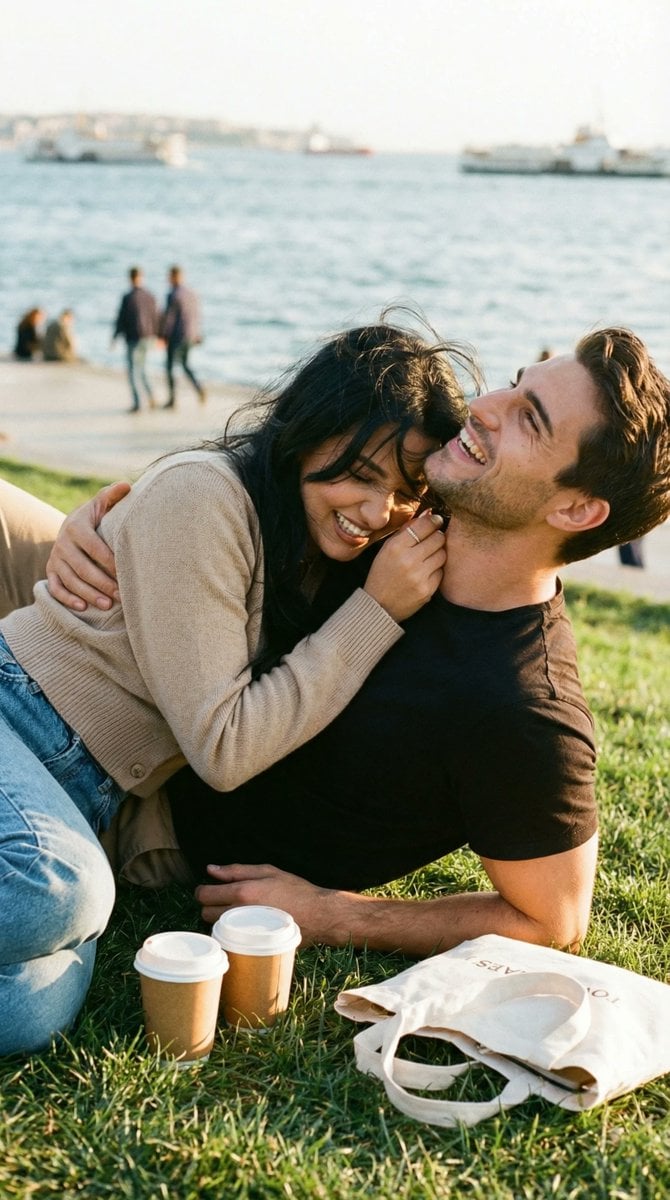
Ultra-Photorealistic Candid Romance Scene Prompt (JSON)
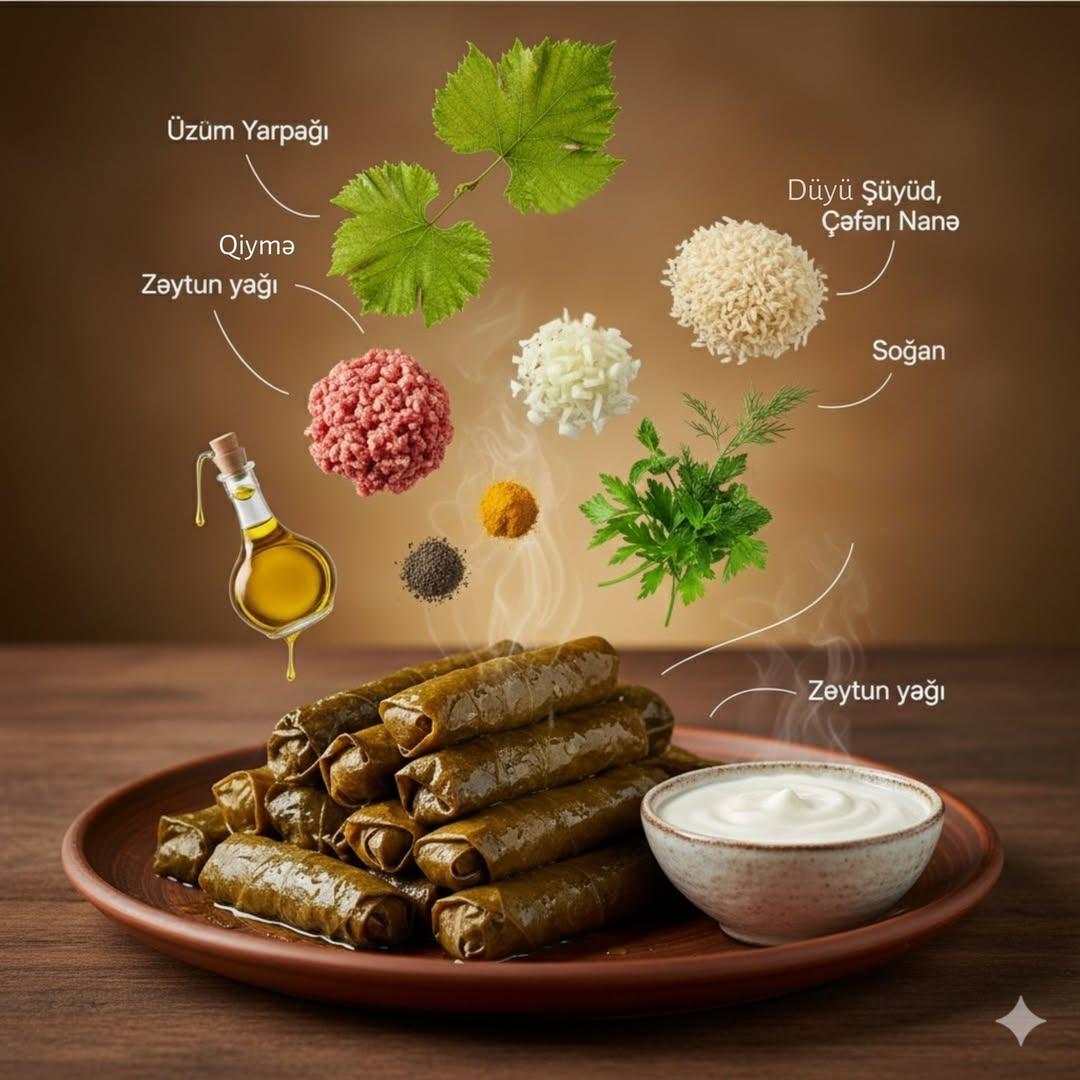
Ultra Realistic Cinematic Food Photograp
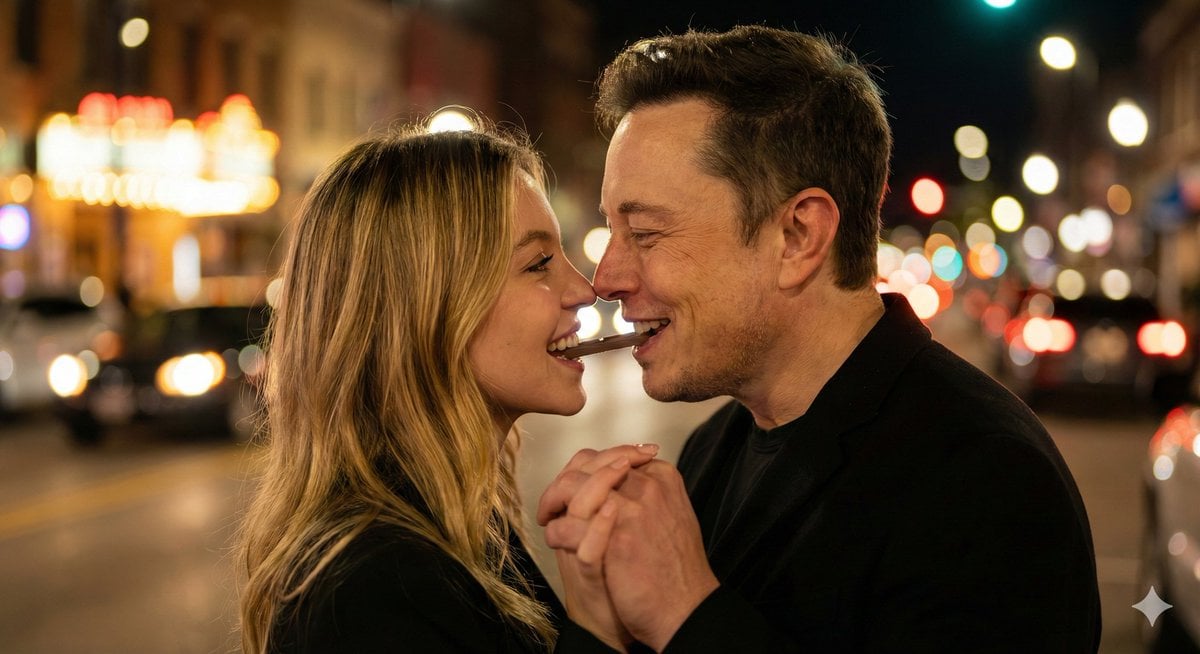
Ultra-Realistic Romantic Chocolate Portrait
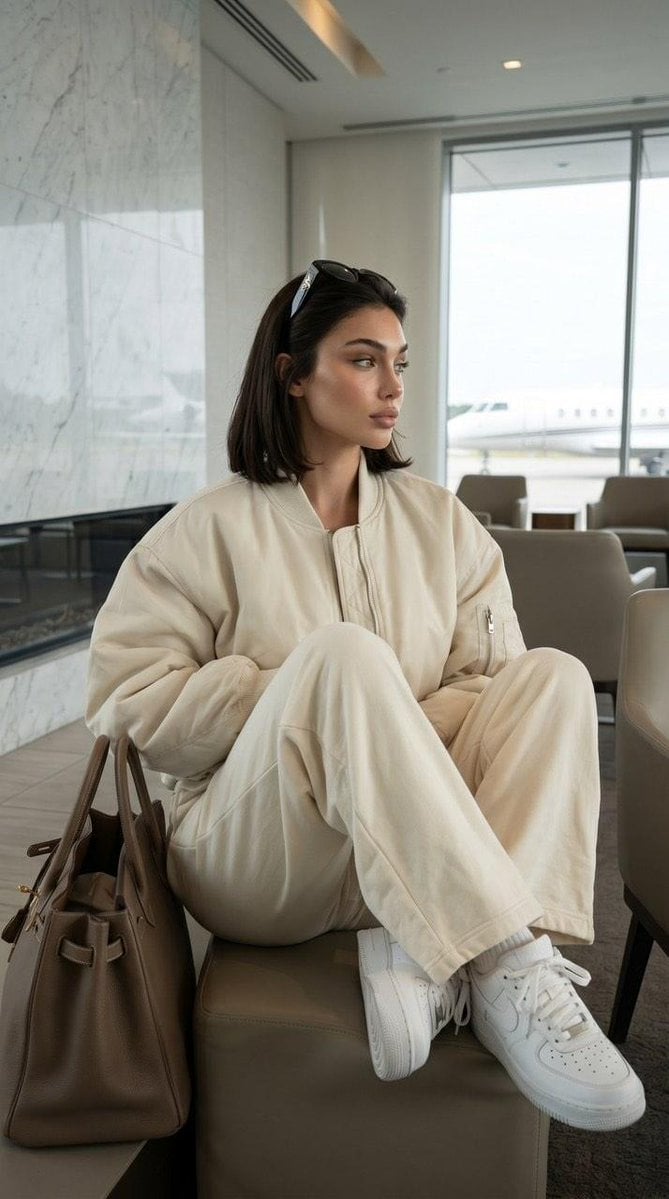
Private Terminal Lounge Elegance
Browse template categories
Candid Night Motion Portrait questions
How do I use the Candid Night Motion Portrait template?
Add your photo if the template asks for one, edit the prompt if you like — the template's model and format are already selected — and press Generate. Your version opens in PicX Studio.
Can I customize the Candid Night Motion Portrait template?
Yes. You can change the subject, setting, lighting, mood, format, and available model controls before creating your image.
Is the Candid Night Motion Portrait template free?
Opening and editing this template is free. Generating uses credits, shown on the Generate button when you are signed in.
Which AI model should I use?
Start with GPT Image 2, which is the model associated with this template. You can compare another compatible model for a different finish.
Looking for something else? Browse all templates.

Your photo, any look
Thousands of ready templates for every top image and video model, from one credit balance.