
Summer Japanese Street Fashion Portrait
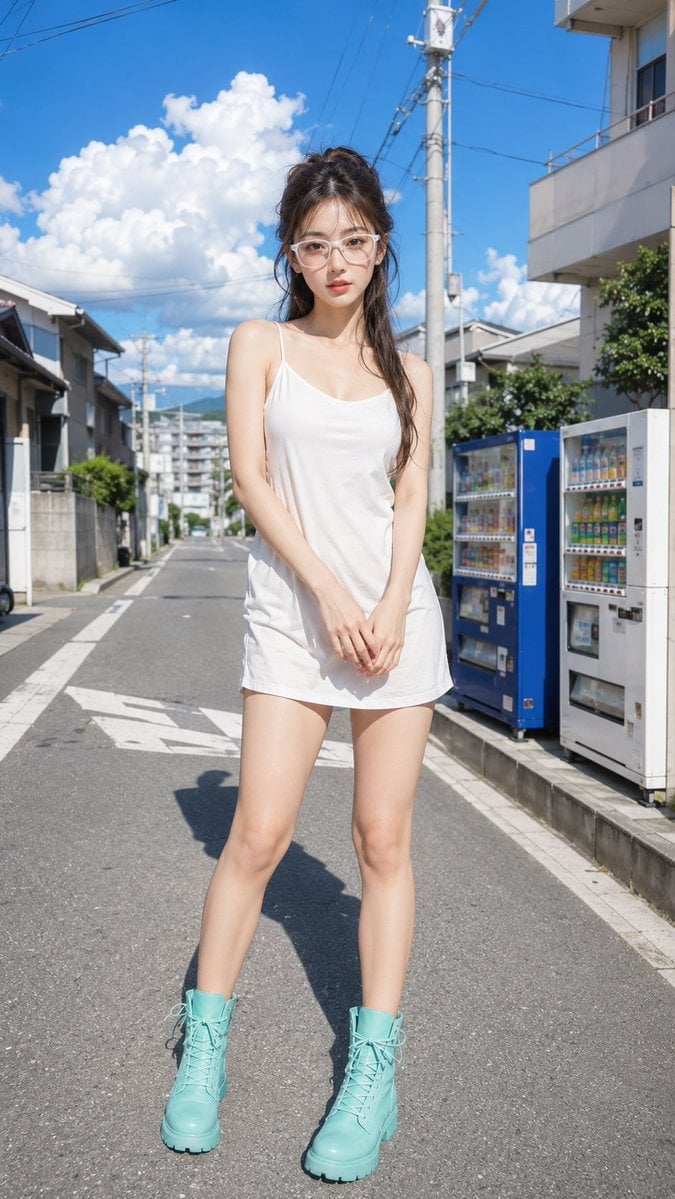
A photorealistic full-body street fashion portrait set on a sunny Japanese residential road with vending machines and dramatic clouds.
- Prompt included
- Model and format preset
- Free template
The prompt behind this image
Copy the exact prompt behind Summer Japanese Street Fashion Portrait, or open it in the studio and make it yours.
Create a full-body photorealistic fashion portrait of a young East Asian woman standing in the middle of a quiet Japanese residential street on a bright summer day. She has {argument name="hair color" default="dark brown-black"} long hair styled half-up in a loose messy ponytail with soft bangs and wispy strands, a slim build, fair skin, and a calm slightly serious expression while looking directly at the camera. She wears oversized translucent pale-pink square glasses, a simple {argument name="dress color" default="white"} sleeveless mini slip dress with thin spaghetti straps, and chunky lace-up combat boots in {argument name="boot color" default="mint turquoise"}. Her hands are gently clasped in front of her hips, feet apart in a relaxed pose. The setting is a narrow suburban street in Japan with low houses and apartment buildings, concrete walls, utility poles, overhead power lines, road markings, and exactly two vending machines on the right side: one blue machine and one white machine filled with colorful drinks. Use a low-to-mid eye-level camera, vertical 9:16 composition, centered subject, 35mm realistic lens feel, crisp sunlight, hard shadows on asphalt, vivid blue sky with large fluffy cumulus clouds, distant hills at the end of the road, high-detail skin and fabric texture, natural color grading, shallow-to-moderate depth of field, ultra-realistic editorial street photography. Avoid text overlays, logos, watermarks, extra people, distorted anatomy, or unrealistic proportions.
How to use Summer Japanese Street Fashion Portrait in 3 steps
- 1Upload ImagePNG, JPG or paste
Add your photo
Upload the photo the template builds on. The prompt, model and format are already set.
- 2…a portrait of your subject in softgolden-hour light, 85mm…
Personalize
Edit the subject and creative details for your destination.
- 3Generate
Generate
Press Generate — your image is created in PicX Studio, so you can compare it with the original and refine one variable at a time.
More like this
Templates with the same subject, style or setup. Open one to see its prompt.

Nano Banana 2 High Fashion Sports Campai

Couture Fashion Editorial Woman and Drag

Ive Yujin Fashion Portrait in Blue

Nano Banana 2 Editorial Fashion Portrait

Caution Tape Fashion — Industrial Editorial

Nano Banana - Street Paris T-Shirt
Japanese Summer Beach Fashion Poster
Kawaii Street Fashion Duo Portrait

Miniature Self Portrait Collage

Two Tickets, One Night

Found Photograph: Us, 1970

Meet Me When It Rains
Make it yours
Summer Japanese Street Fashion Portrait works as-is. These are the safest ways to change it without losing the look.
Change one field
Copy a single group, rewrite it, and generate again so you can see what that field is doing.
Keep the frame, change the subject
Hold the composition and light of Summer Japanese Street Fashion Portrait, then swap wardrobe, props or the person for a new take.
| If the result… | Why | Fix |
|---|---|---|
| The result drifts from the preview | Too many fields changed at once. | Reuse Summer Japanese Street Fashion Portrait as-is first, then change one group — subject, light, or setting. |
| The model over-stylizes the scene | The prose prompt leaves finish and camera underspecified. | Add one camera or lighting sentence and stay on GPT Image 2. |
More GPT Image 2 templates
Other prompts made for GPT Image 2.

Six VTuber Japanese Logo Sheet

Realistic Portrait of Woman and Deer

The Vista Modular Condo Poster

AI Model Routing Comparison Infographic

2.5D Anime Art Board

Isometric Productivity Desk Scene

New York Double Exposure Poster

Four-Panel AI Landscape Comparison

Japanese Tatami Lifestyle Magazine Cover

NESCAFÉ Coffee Map Poster
More image prompts
Fresh picks from across the catalog.
Vector-Style Character Illustration Portrait
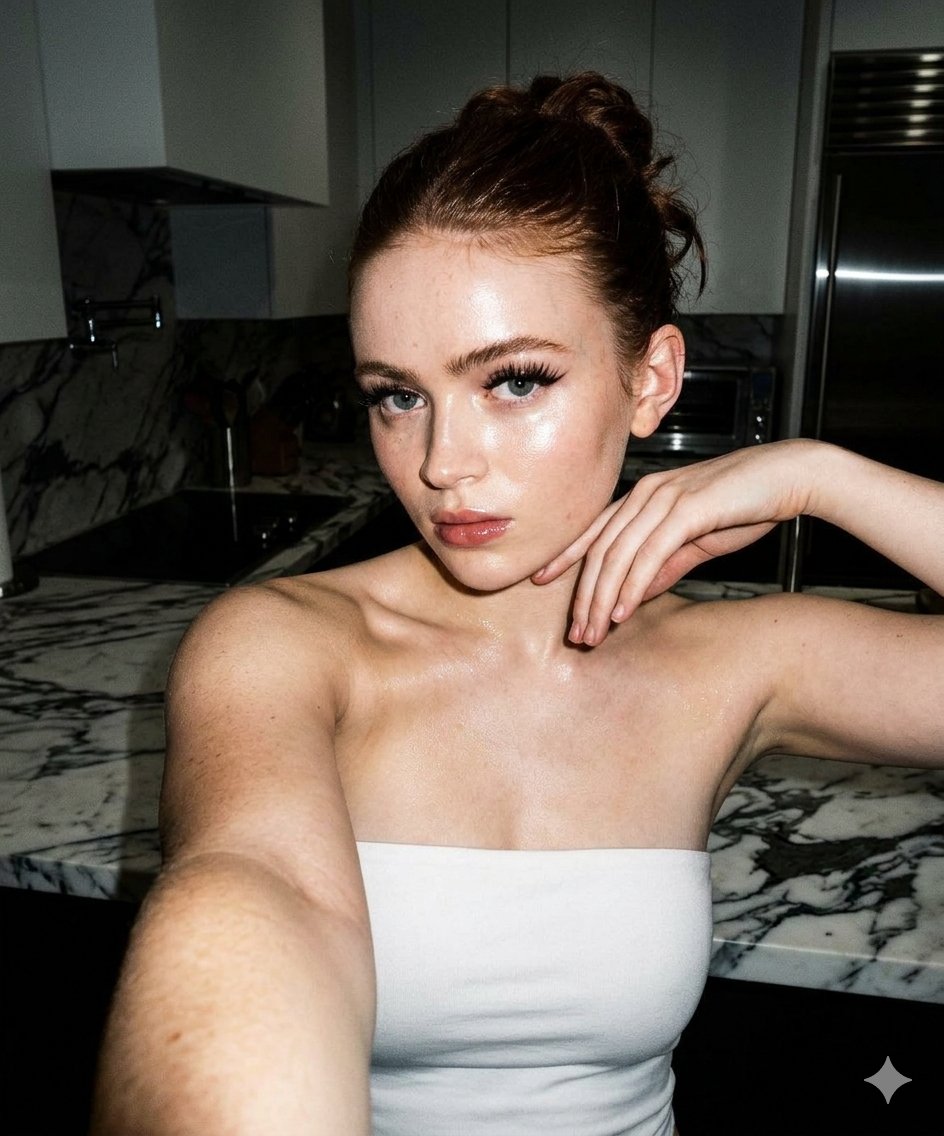
High-Contrast Selfie Photo Prompt in Modern Kitchen
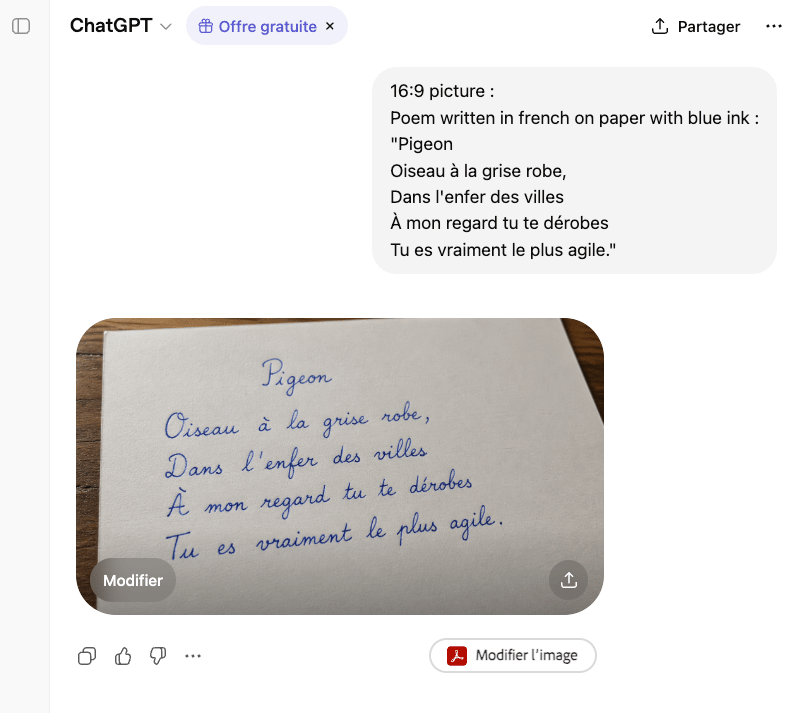
Handwritten French Poem on Paper
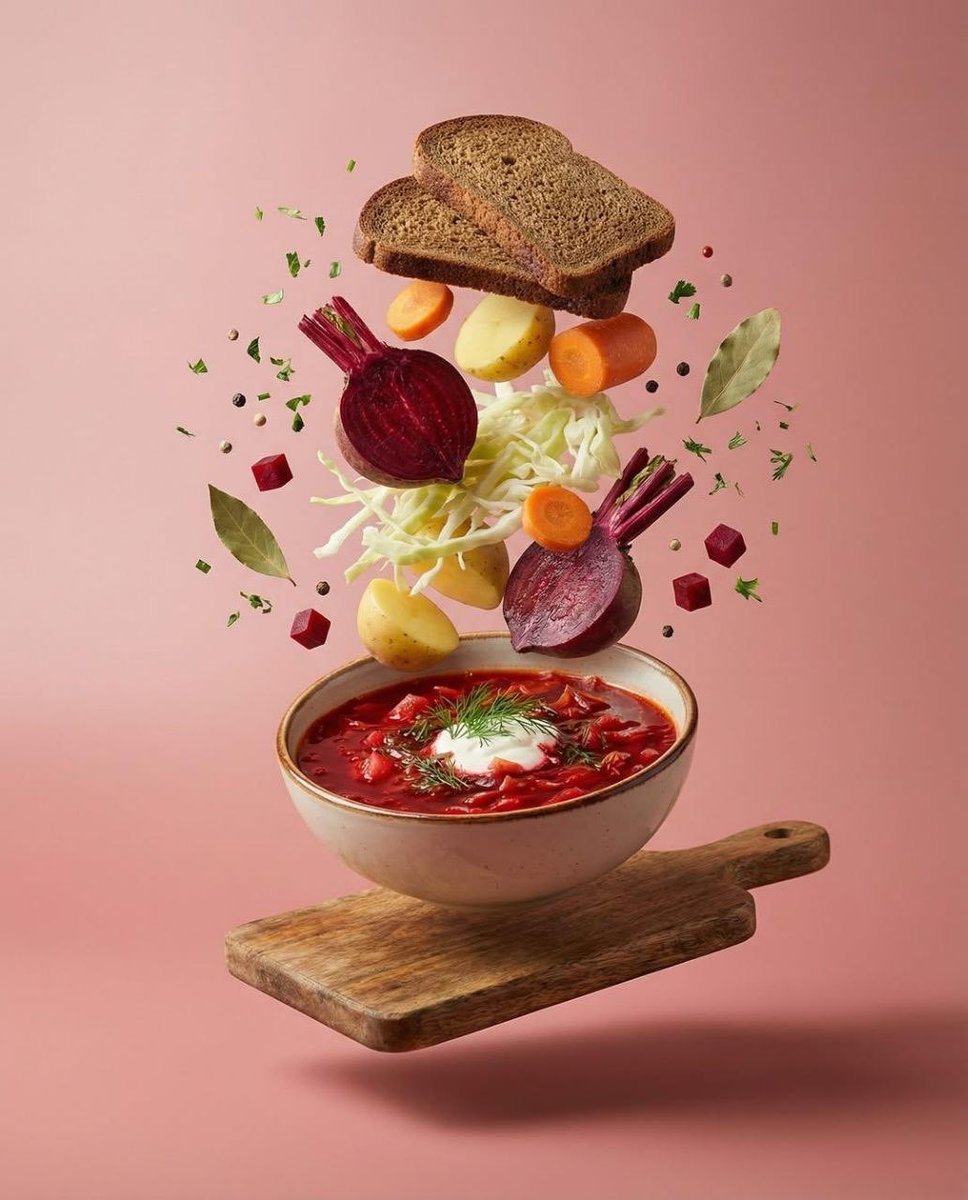
Surreal Levitation Food Photography of Traditional Beet Soup (Borscht)
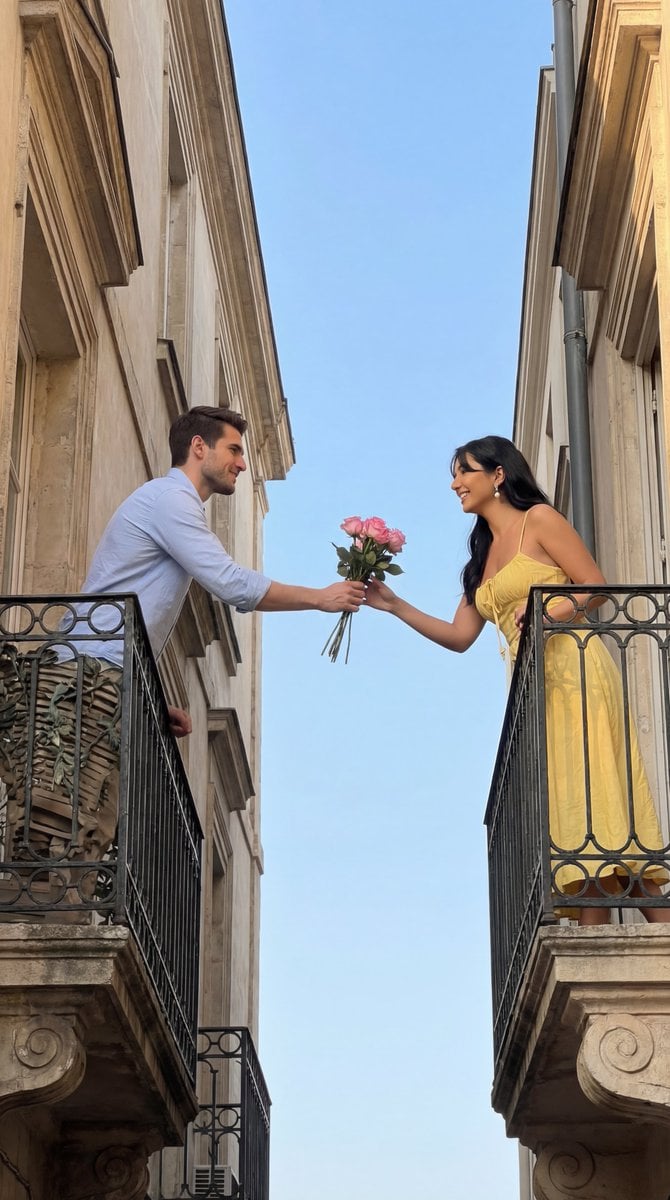
Cinematic Romantic Editorial: Balcony Flower Exchange
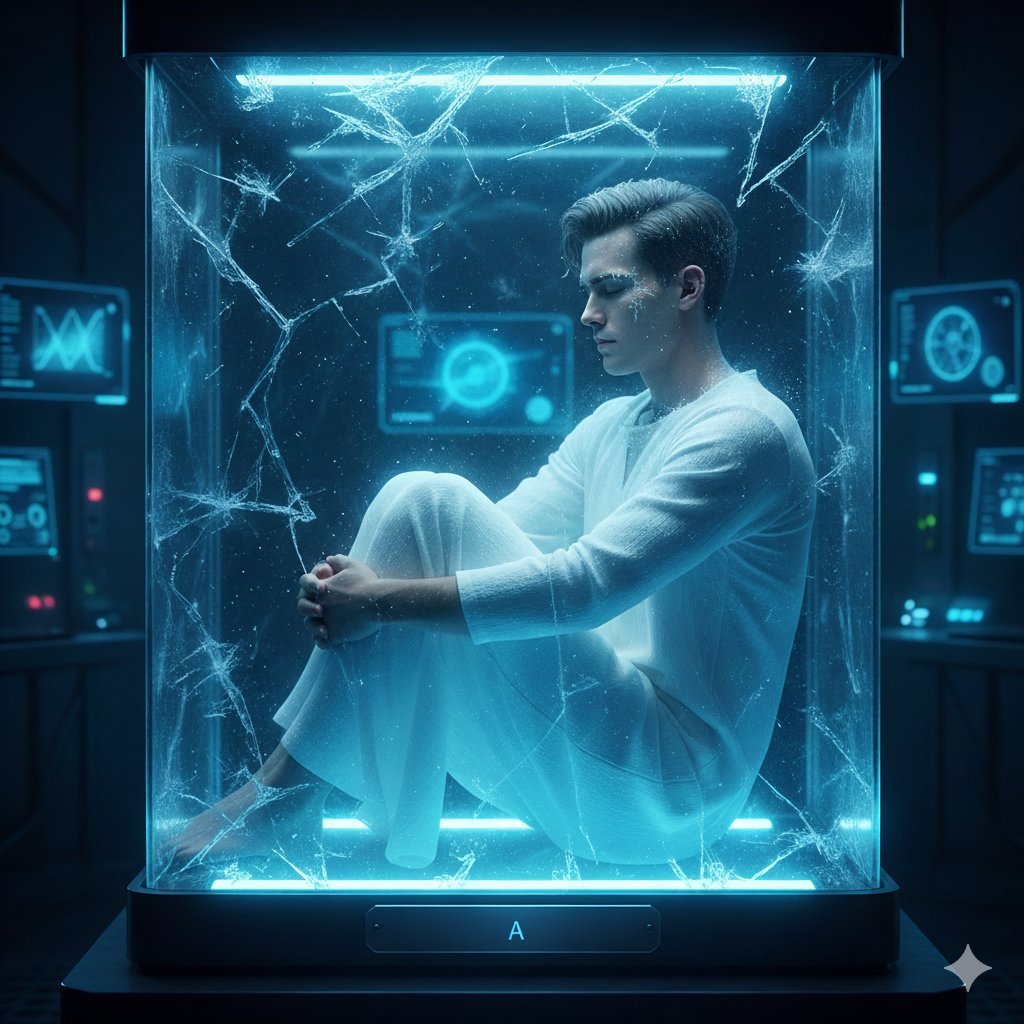
Sci-Fi Cinematic Image: Man in Cryo-Chamber
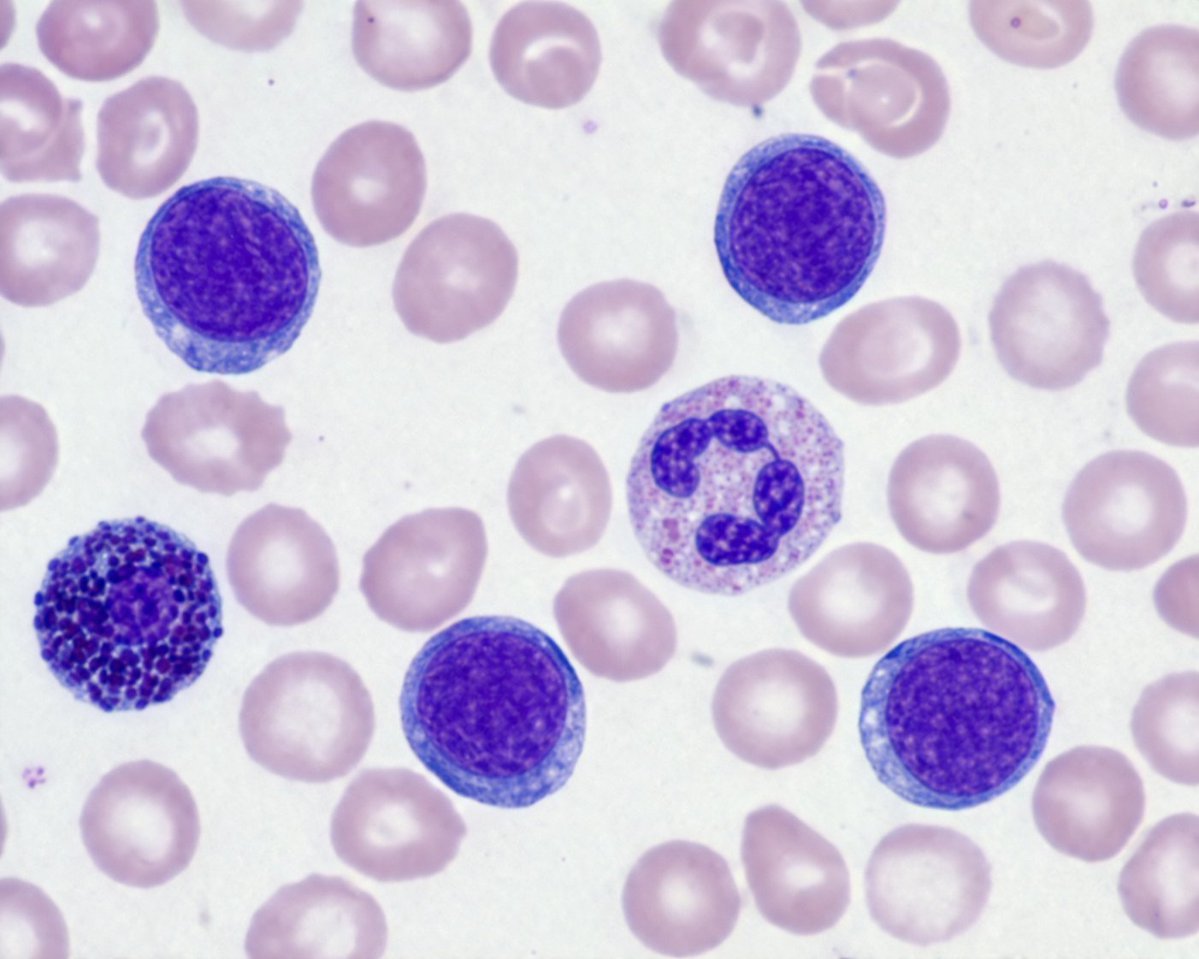
Biological Specimen Microscopy Prompt
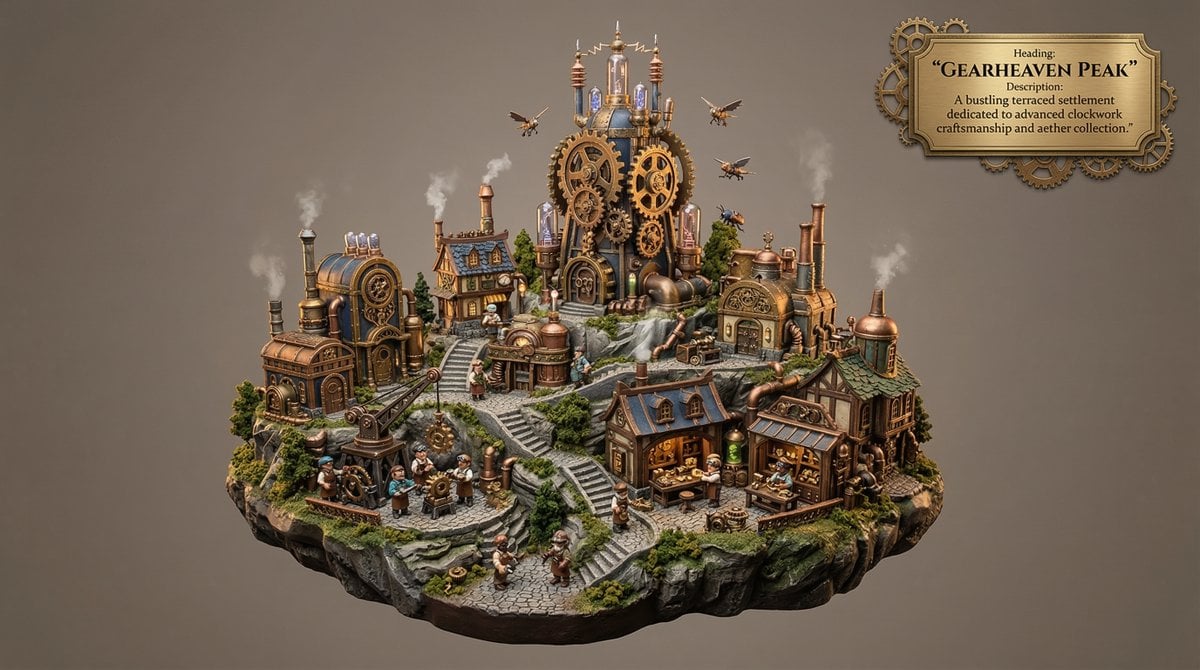
Whimsical Mono-Punk Floating Miniature Diorama Generator

Hyper-Realistic 3D Chibi Doll
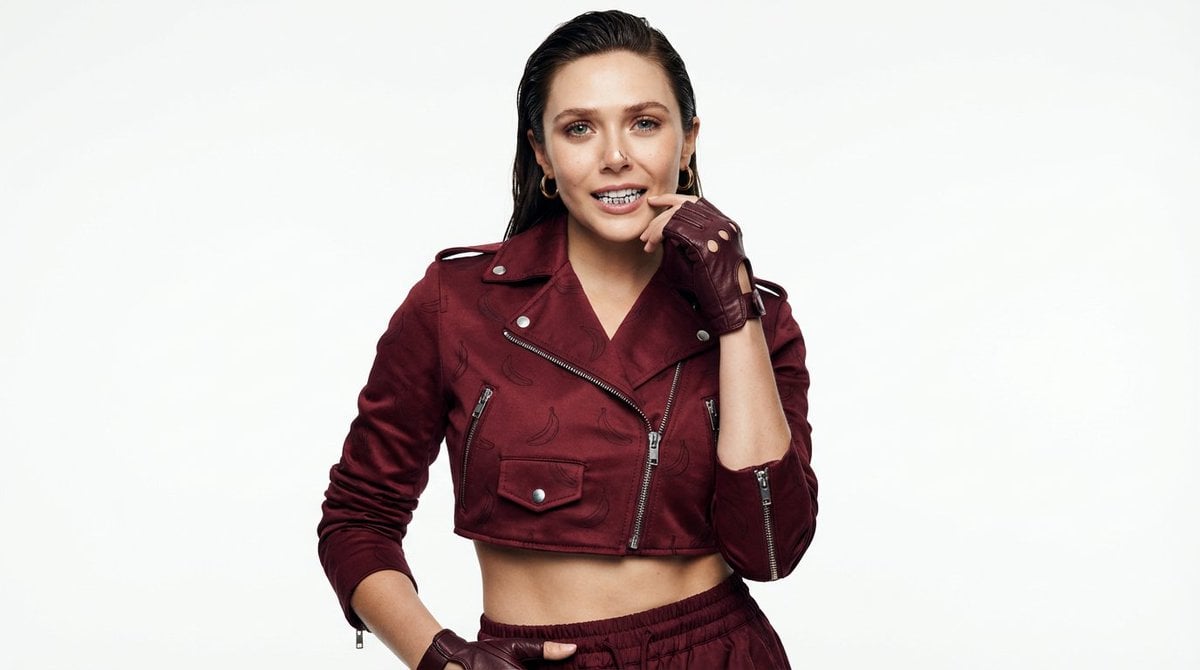
High-Fashion Urban Gangster Editorial Portrait
Browse template categories
Summer Japanese Street Fashion Portrait questions
How do I use the Summer Japanese Street Fashion Portrait template?
Add your photo if the template asks for one, edit the prompt if you like — the template's model and format are already selected — and press Generate. Your version opens in PicX Studio.
Can I customize the Summer Japanese Street Fashion Portrait template?
Yes. You can change the subject, setting, lighting, mood, format, and available model controls before creating your image.
Is the Summer Japanese Street Fashion Portrait template free?
Opening and editing this template is free. Generating uses credits, shown on the Generate button when you are signed in.
Which AI model should I use?
Start with GPT Image 2, which is the model associated with this template. You can compare another compatible model for a different finish.
Looking for something else? Browse all templates.

Your photo, any look
Thousands of ready templates for every top image and video model, from one credit balance.