
Distressed Chinese Typography Poster
Generates a gritty art-house Chinese typographic movie poster with bold title characters obscured by distressed red lattice bars.
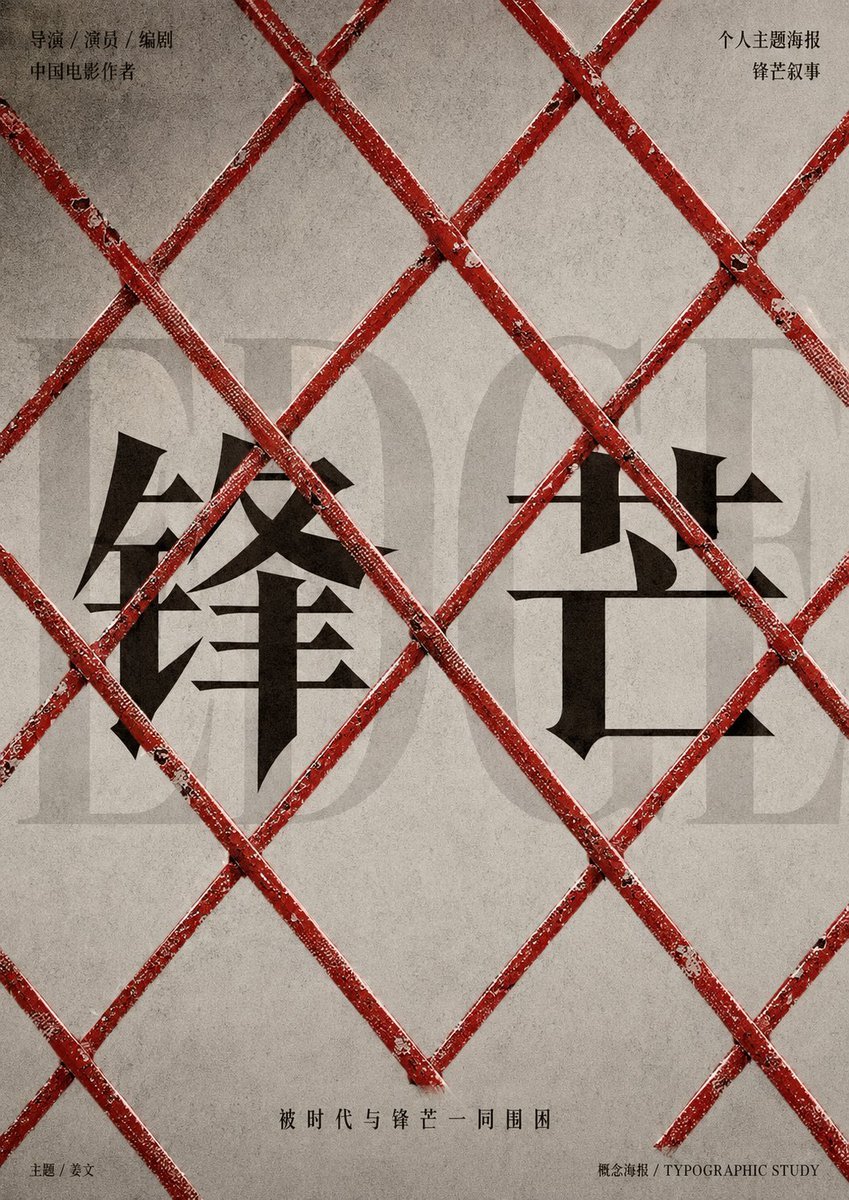
- Prompt included
- Model and format preset
- Free template
The prompt behind this image
Copy the exact prompt behind Distressed Chinese Typography Poster, or open it in the studio and make it yours.
Goal: Create a minimalist Chinese typographic movie poster with a gritty art-house aesthetic, centered on the theme of hardship and being trapped by time. Canvas: Vertical poster, 3:4 aspect ratio, muted warm gray concrete-paper background with subtle stains, film grain, scratches, and worn texture. No border. Layout: Place a large faint translucent English word in the background across the middle, reading “EDGE” in an elegant tall serif font, very low contrast. Over it, place two huge black Chinese characters as the main title: {argument name="main title" default="锋芒"}. The first character sits left of center and the second sits right of center, both in a sharp, dramatic Songti/Ming-style typeface with blade-like serifs. Cover the entire poster with a foreground lattice of red distressed metal bars forming large diagonal diamond shapes, like an X-pattern barricade or construction fence. The bars must visibly pass in front of the title, with chipped red paint, rust, scratches, white scuffs, dark grime, and small highlights at intersections. Use exactly 10 prominent diagonal red bar segments crossing the canvas: 5 running from upper left to lower right and 5 running from lower left to upper right, cropped by the poster edges. Text content: Add small black Chinese text in the top left in two lines: “导演 / 演员 / 编剧” and “中国电影作者”. Add small black Chinese text in the top right in two lines: “个人主题海报” and “锋芒叙事”. Add a centered bottom tagline in spaced Chinese characters: {argument name="bottom tagline" default="被时代与锋芒一同围困"}. Add tiny footer text at bottom left: “主题 / 发文”. Add tiny footer text at bottom right: “概念海报 / TYPOGRAPHIC STUDY”. Visual style: Serious cinematic poster design, restrained Chinese editorial typography, brutalist composition, high negative space, black ink title, faded gray background typography, distressed red barricade dominating the foreground, realistic texture but graphic design layout. Keep all text flat and printed, while the red bars have slight dimensionality and tactile worn paint. Constraints: Use only the described text, keep the composition symmetrical but imperfect, preserve the Chinese characters accurately, avoid people, faces, scenery, logos, watermarks, extra decorations, or bright colors beyond red, black, and gray.
How to use Distressed Chinese Typography Poster in 3 steps
- 1Upload ImagePNG, JPG or paste
Add your photo
Upload the photo the template builds on. The prompt, model and format are already set.
- 2…a portrait of your subject in softgolden-hour light, 85mm…
Personalize
Edit the subject and creative details for your destination.
- 3Generate
Generate
Press Generate — your image is created in PicX Studio, so you can compare it with the original and refine one variable at a time.
More like this
Templates with the same subject, style or setup. Open one to see its prompt.

Trendy Cafe Drink Promo Poster

Premium Fashion Editorial Cover Layout System

Premium Fashion Editorial Campaign Poster System

Typography Mask Editorial Fashion Poster

Luxury Sliced Wordmark Player Poster

Luxury Fashion Campaign Typography Poster System

Brutalist Cogito Chinese Typography Poster
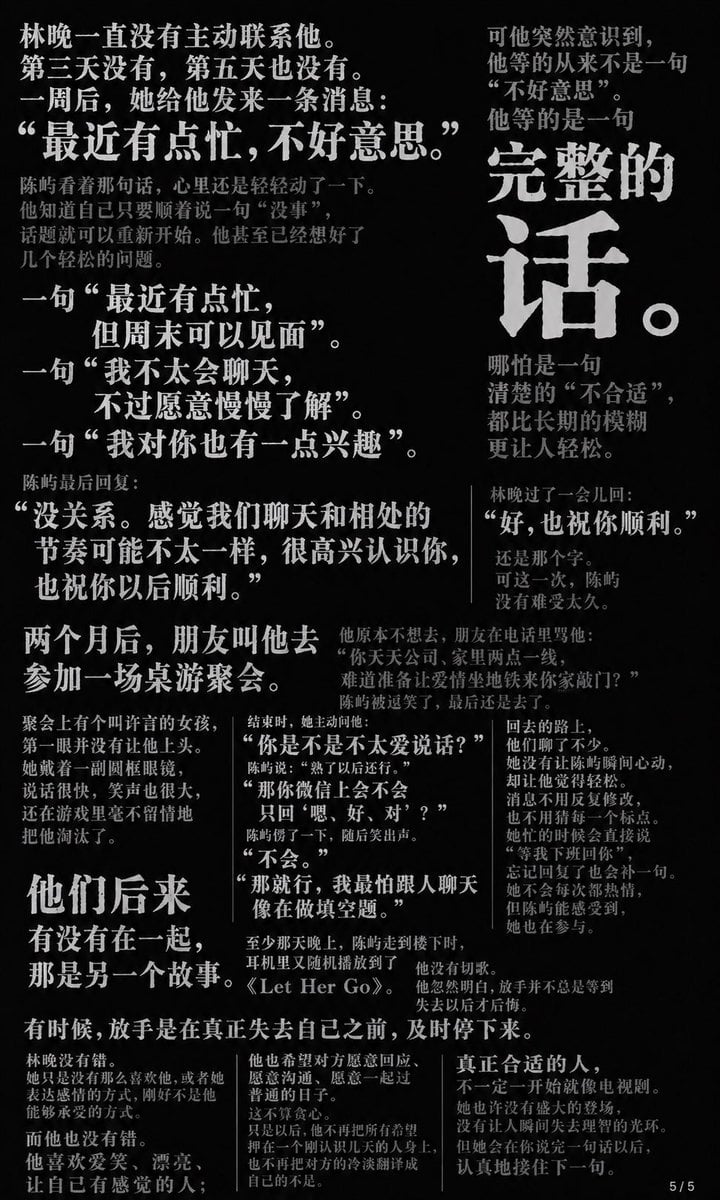
Chinese Novel Quote Typography Poster

Premium Vertical Product Campaign Poster
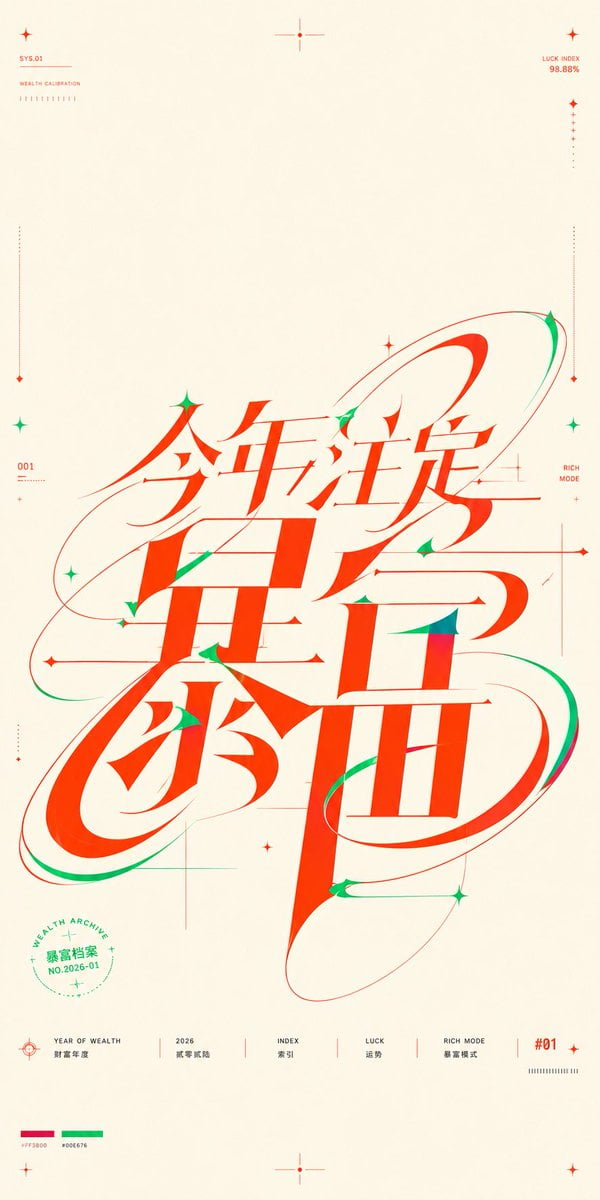
Chinese Wealth Typography Poster

Japan Travel Brochure Poster

Motion Graphics Finale Fireworks
Make it yours
Distressed Chinese Typography Poster works as-is. These are the safest ways to change it without losing the look.
Change one field
Copy a single group, rewrite it, and generate again so you can see what that field is doing.
Keep the frame, change the subject
Hold the composition and light of Distressed Chinese Typography Poster, then swap wardrobe, props or the person for a new take.
| If the result… | Why | Fix |
|---|---|---|
| The result drifts from the preview | Too many fields changed at once. | Reuse Distressed Chinese Typography Poster as-is first, then change one group — subject, light, or setting. |
| The model over-stylizes the scene | The prose prompt leaves finish and camera underspecified. | Add one camera or lighting sentence and stay on GPT Image 2. |
More GPT Image 2 templates
Other prompts made for GPT Image 2.

Six VTuber Japanese Logo Sheet

Realistic Portrait of Woman and Deer

The Vista Modular Condo Poster

AI Model Routing Comparison Infographic

2.5D Anime Art Board

Isometric Productivity Desk Scene

New York Double Exposure Poster

Four-Panel AI Landscape Comparison

Japanese Tatami Lifestyle Magazine Cover

NESCAFÉ Coffee Map Poster
More image prompts
Fresh picks from across the catalog.
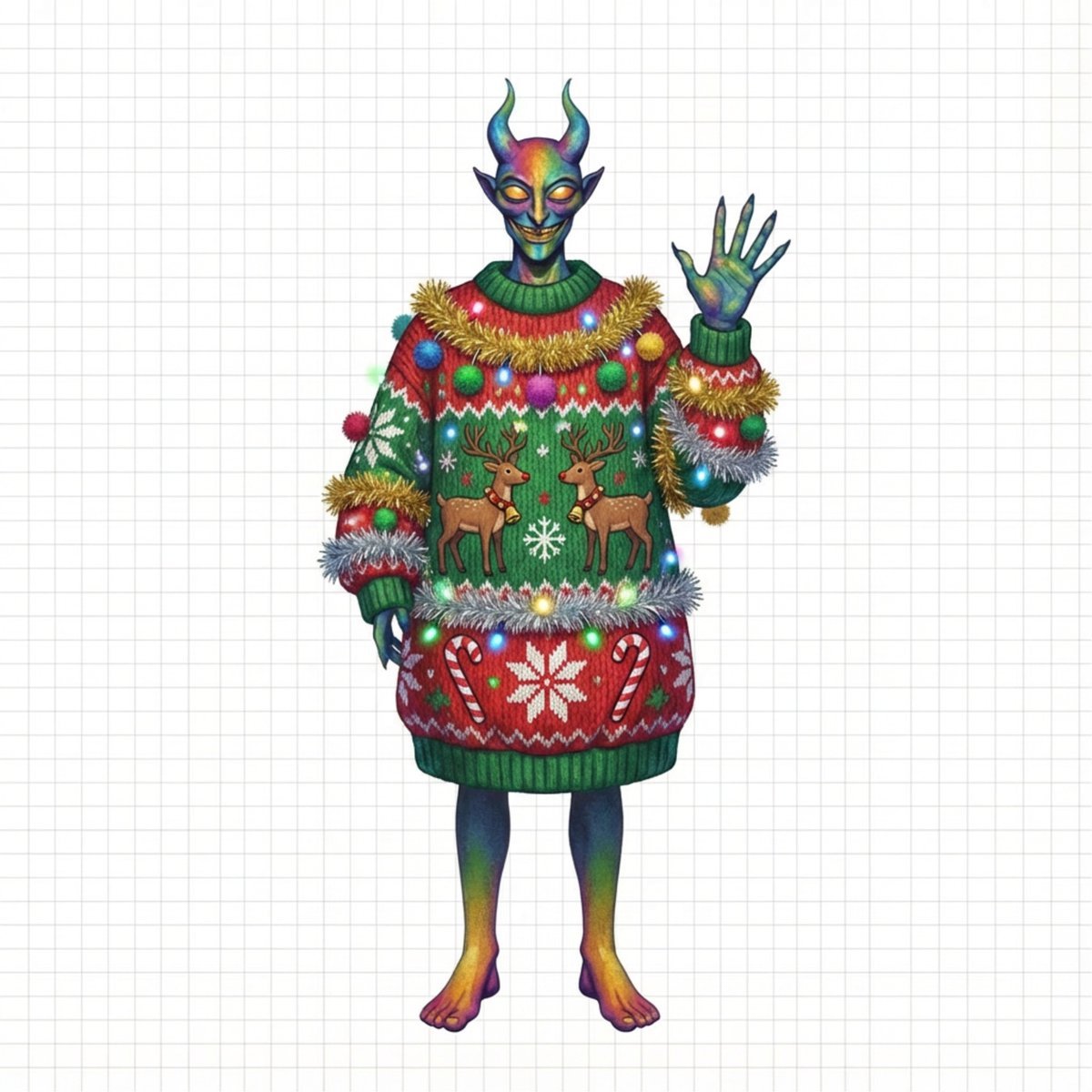
Ugly Christmas Sweater Prompt Template
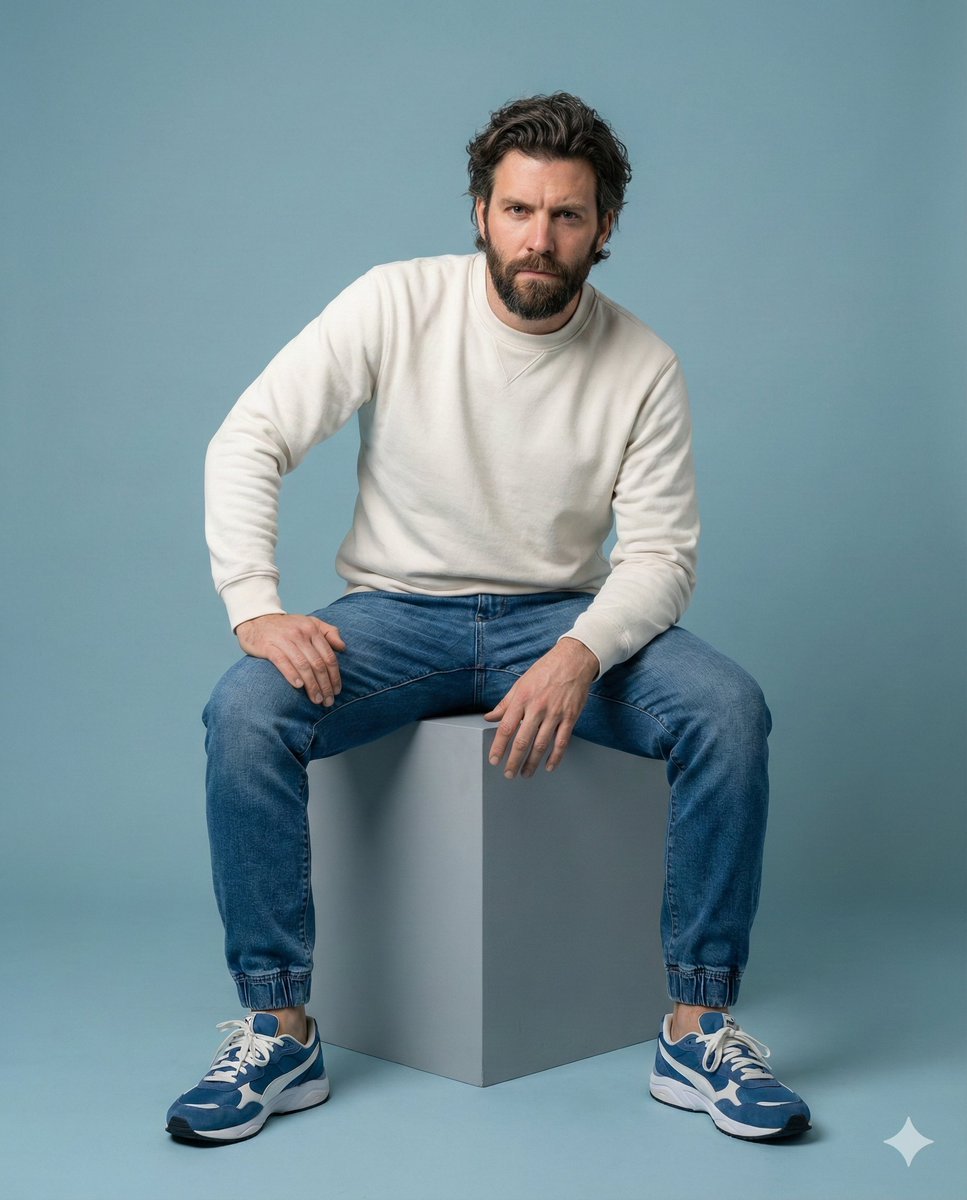
Minimalist Studio Portrait of a Man
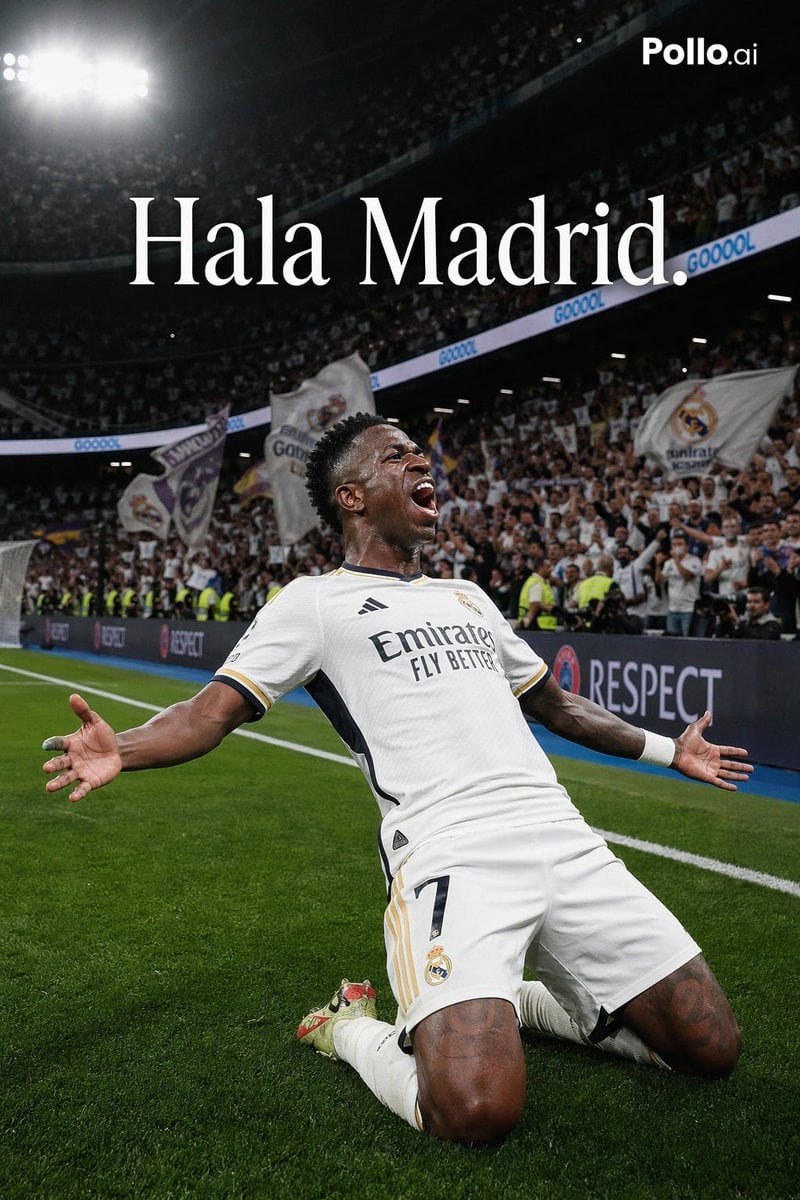
Luxury Football Victory Campaign Poster
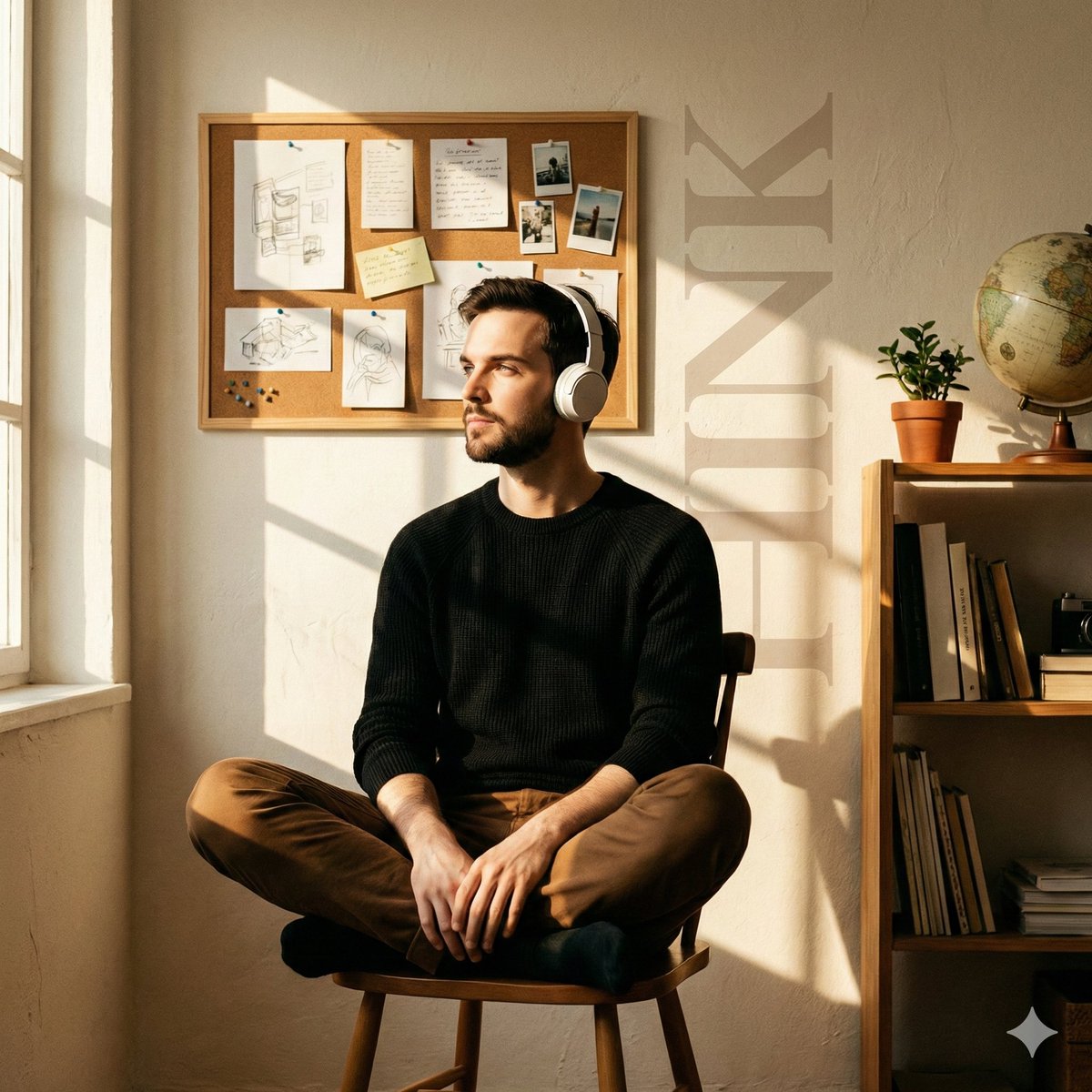
Cinematic Editorial Portrait in a Cafe with Window Shadows
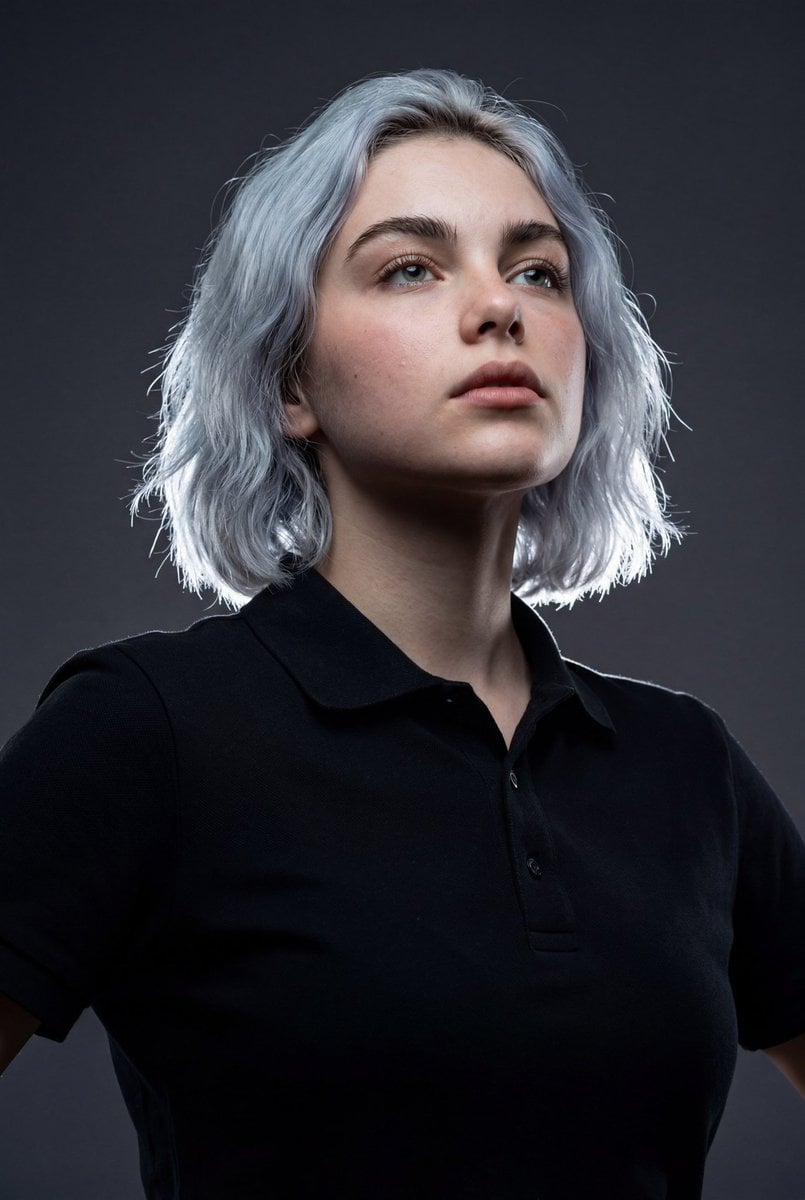
High-Impact Editorial Studio Portrait with Identity Lock
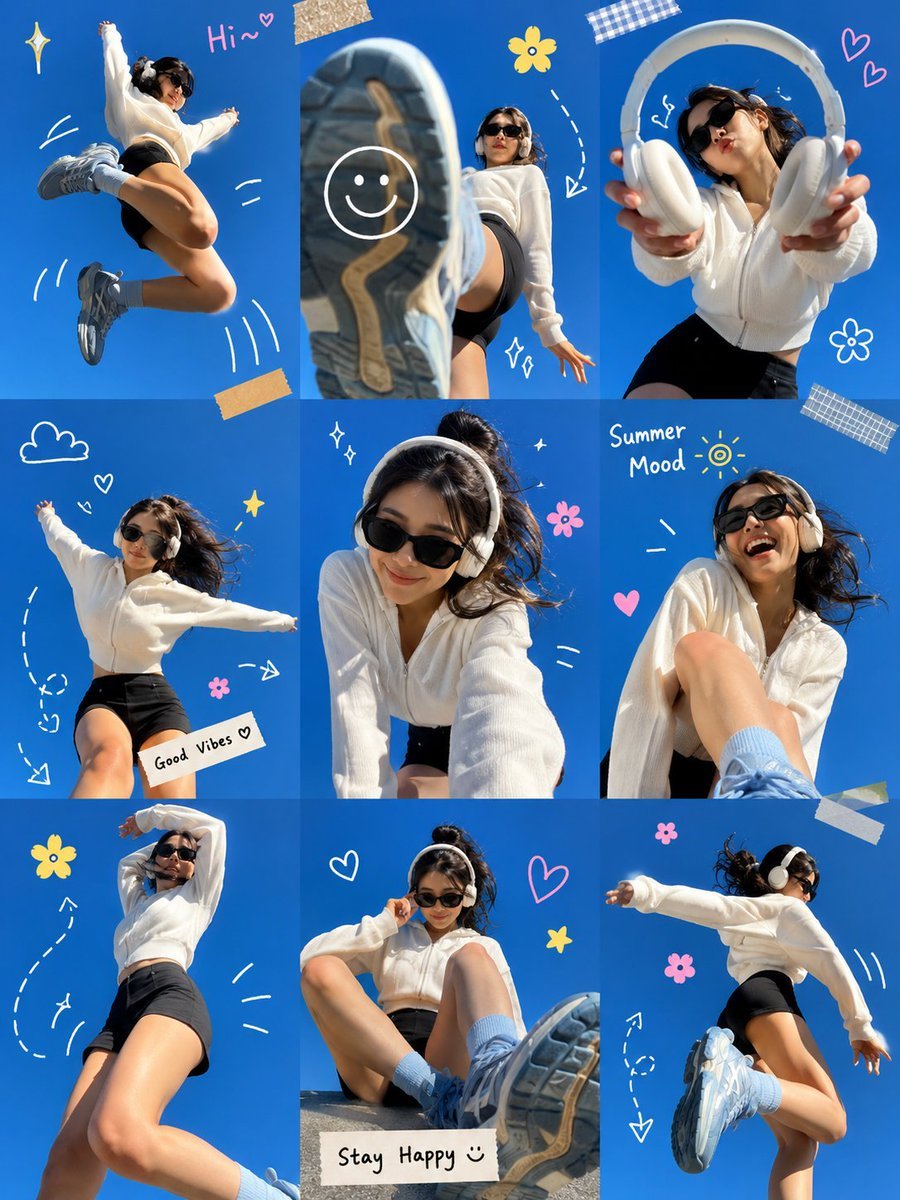
Gen Z Summer Photo Dump Collage
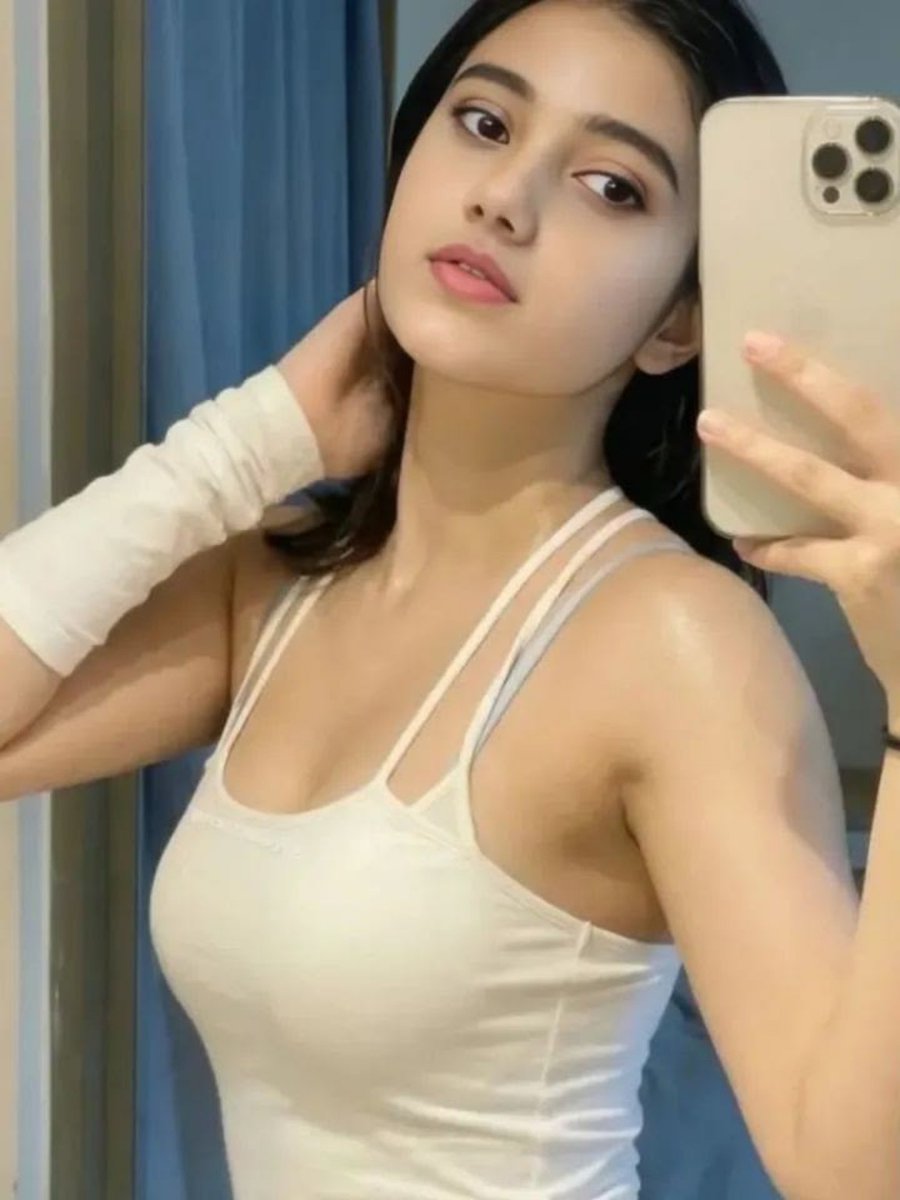
Soft Glow Indoor Mirror Selfie Portrait
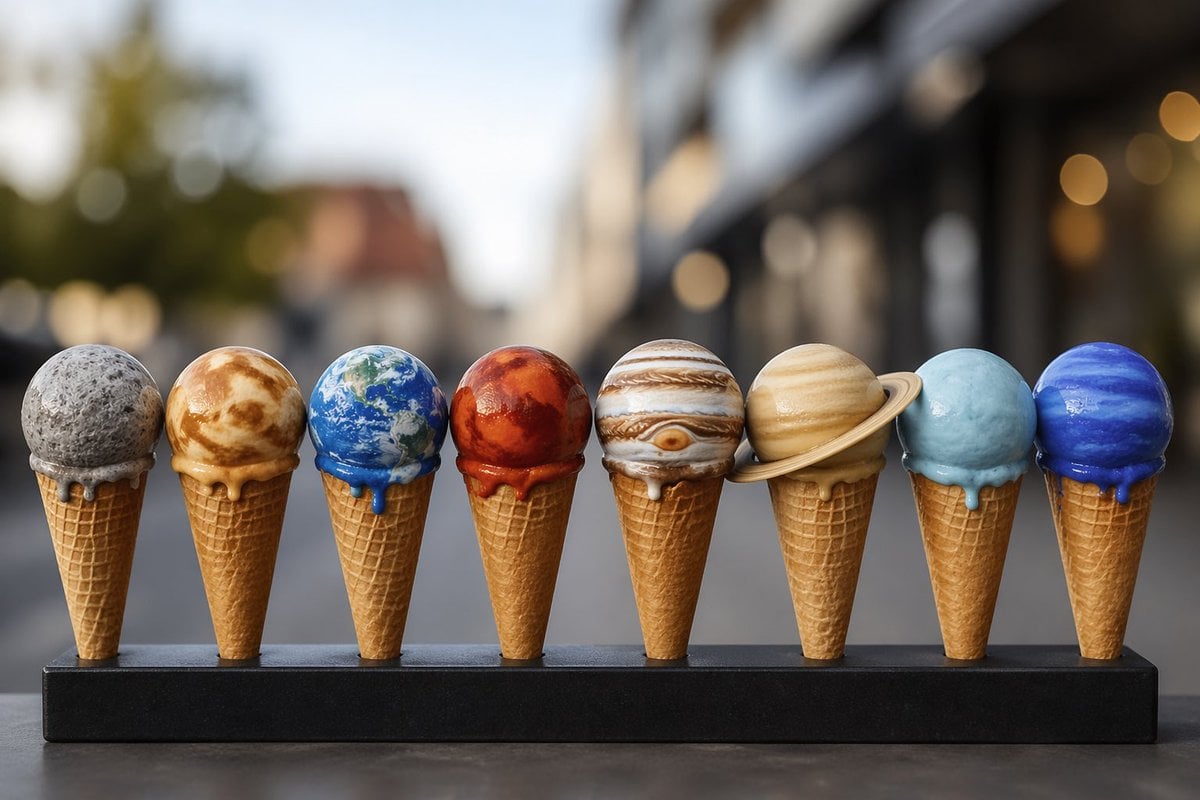
Solar System Ice Cream Cones
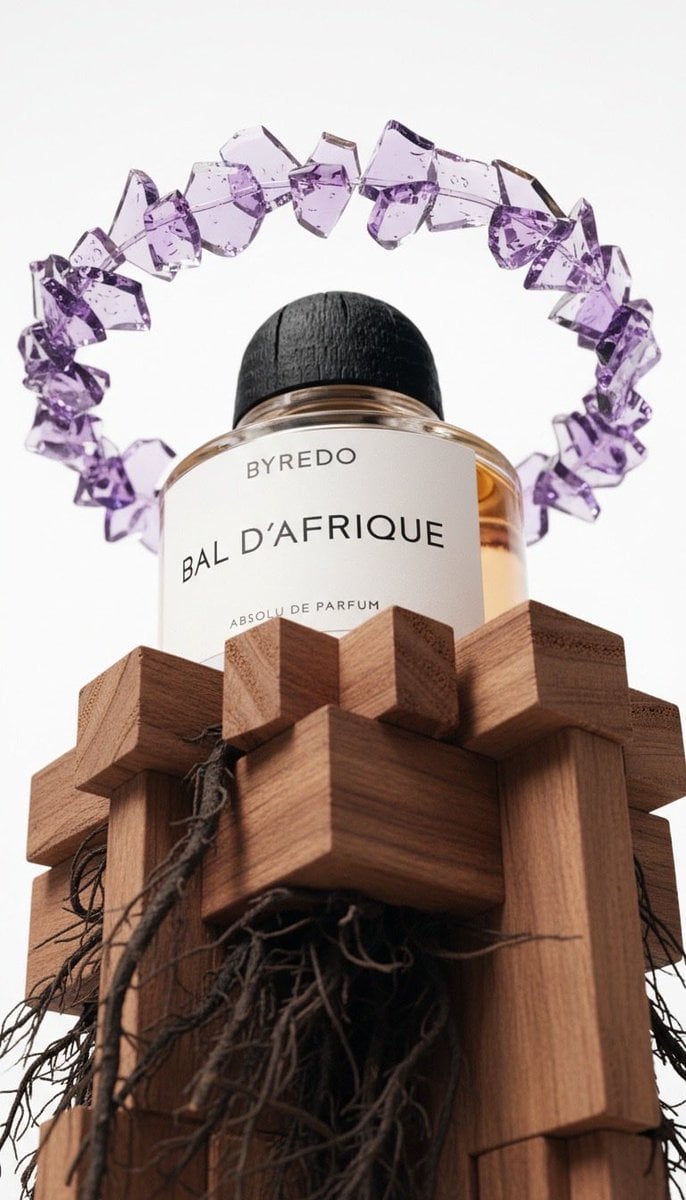
Luxury Product Photography of Byredo Perfume
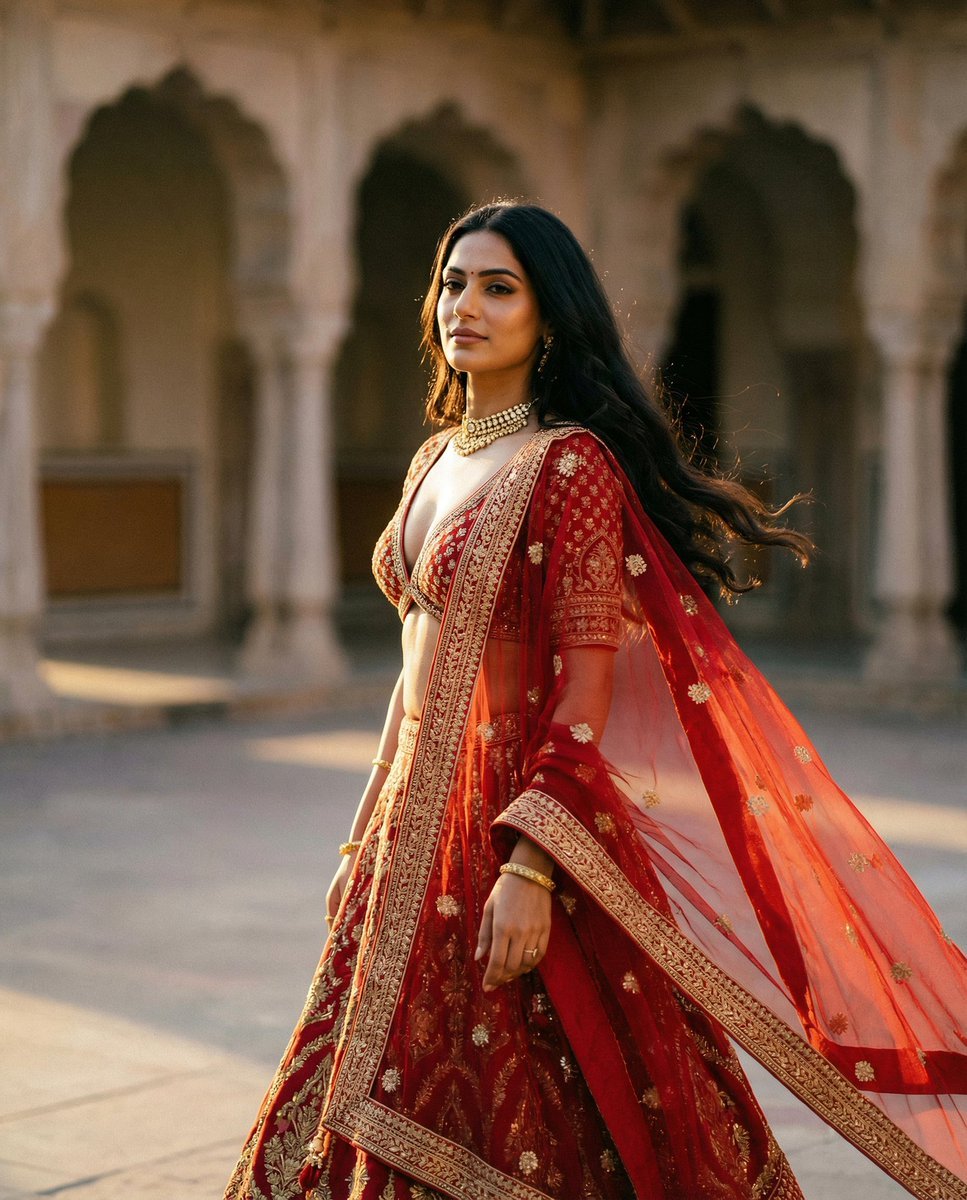
Cinematic Indian Royal Bridal Portrait
Browse template categories
Distressed Chinese Typography Poster questions
How do I use the Distressed Chinese Typography Poster template?
Add your photo if the template asks for one, edit the prompt if you like — the template's model and format are already selected — and press Generate. Your version opens in PicX Studio.
Can I customize the Distressed Chinese Typography Poster template?
Yes. You can change the subject, setting, lighting, mood, format, and available model controls before creating your image.
Is the Distressed Chinese Typography Poster template free?
Opening and editing this template is free. Generating uses credits, shown on the Generate button when you are signed in.
Which AI model should I use?
Start with GPT Image 2, which is the model associated with this template. You can compare another compatible model for a different finish.
Looking for something else? Browse all templates.

Your photo, any look
Thousands of ready templates for every top image and video model, from one credit balance.