
Shojo Idol Manga Protagonist Page
Generates a dramatic black-and-white manga page starring an original idol heroine with stage panels, Japanese title text, and a defining quote.
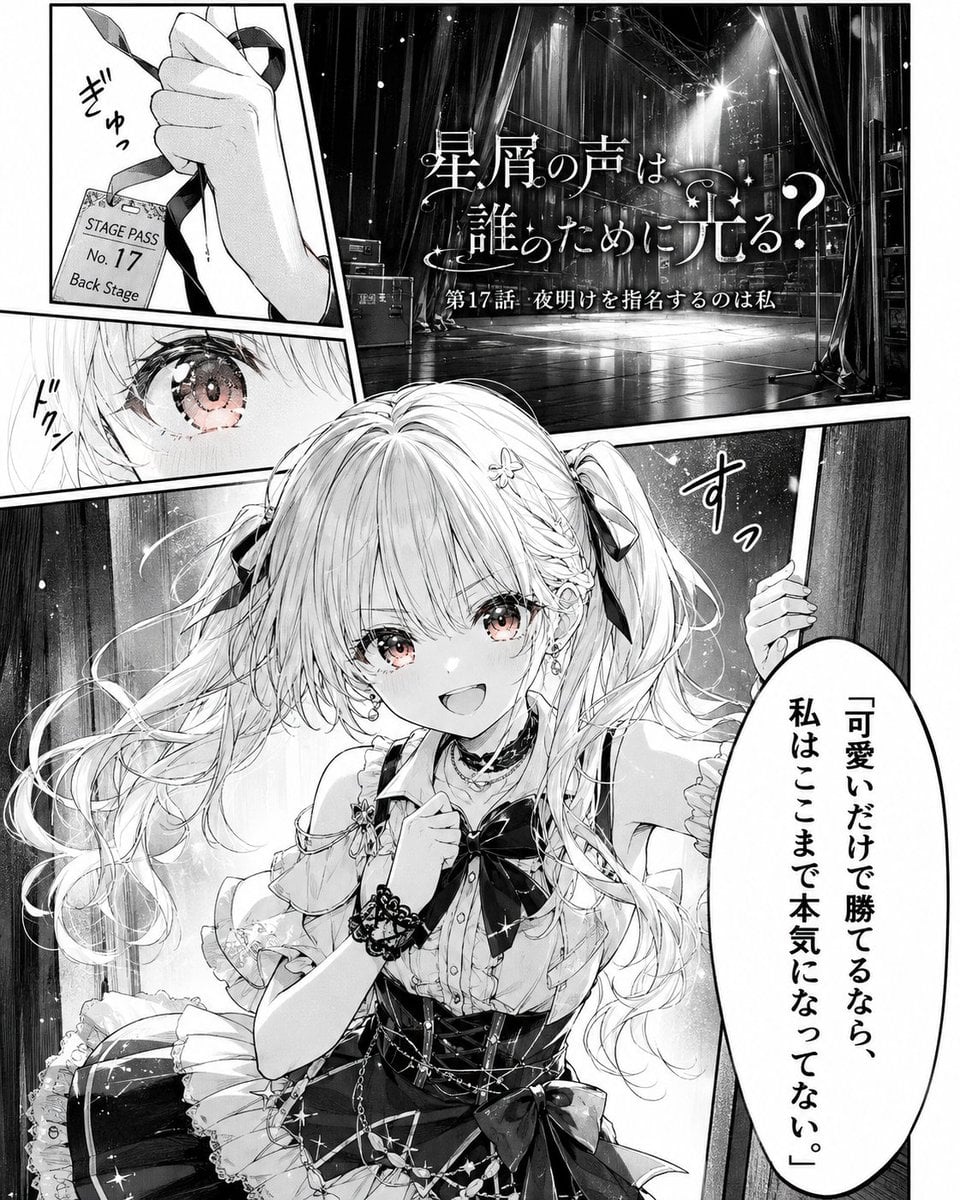
- Prompt included
- Model and format preset
- Free template
The prompt behind this image
Copy the exact prompt behind Shojo Idol Manga Protagonist Page, or open it in the studio and make it yours.
Goal: Create a dramatic black-and-white manga page that turns {argument name="character name" default="an original idol girl"} into the protagonist of a serialized manga chapter, with cinematic paneling, Japanese shojo manga linework, and a powerful quote scene. Canvas: Vertical manga page, roughly 4:5 aspect ratio, high-resolution monochrome with screentones, ink hatching, glossy highlights, thick white panel gutters, and slightly tilted dynamic panels. Layout: Use exactly 5 discrete panels. Panel 1 is a small upper-left close-up of a hand tightly gripping a backstage pass on a lanyard. Panel 2 is a large upper-right establishing shot of an empty theater stage from backstage, with curtains, rigging, spotlights, microphone stand, stage floor reflections, and the manga title overlaid. Panel 3 is a narrow middle-left close-up of one sparkling eye filled with determination. Panel 4 is the large main lower panel showing the heroine entering from behind a curtain, smiling confidently toward the viewer. Panel 5 is a tall oval speech balloon on the lower-right side containing the heroine’s quote. Subject details: The protagonist is a cute young idol heroine with {argument name="hair style" default="long pale twin tails with ribbons, braids, and small flower hairpins"}, huge sparkling eyes with light pink-tinted irises as the only subtle color accent, a bright determined smile, and delicate earrings. She wears {argument name="outfit" default="a frilly black-and-white idol stage dress with a large bow, lace cuffs, layered skirt, corset-like bodice, chains, ribbons, and sparkling star details"}. Her pose is energetic and story-defining: one hand clutches near her chest while the other pulls aside a backstage curtain, as if stepping onto the stage for a decisive performance. Text content: Include Japanese manga text. On the backstage pass, write “STAGE PASS”, “No. 17”, and “Back Stage”. On the theater-stage title panel, write the ornate title {argument name="manga title" default="星屑の声は誰のために光る?"} and below it “第17話・夜明けを指名するのは私”. Add hand-drawn sound effects near the pass, eye, and curtain, such as “ぎゅっ”, “ドクン”, and “すっ”. In the speech balloon, write the vertical quote {argument name="quote" default="「可愛いだけで勝てるなら、私はここまで本気になってない。」"}. Visual style: Premium serialized shojo manga opening page, extremely detailed hair strands, luminous eyes, expressive ink lines, dramatic lighting, soft sparkles, star motifs, halftone gradients, reflective stage blacks, ornate typography, emotional idol-drama atmosphere, polished professional manga composition. Constraints: Keep the page monochrome except for the faint pink eye accents. Use exactly 5 panels and exactly 1 speech balloon. Do not add extra characters, logos, watermarks, or modern UI elements.
How to use Shojo Idol Manga Protagonist Page in 3 steps
- 1Upload ImagePNG, JPG or paste
Add your photo
Upload the photo the template builds on. The prompt, model and format are already set.
- 2…a portrait of your subject in softgolden-hour light, 85mm…
Personalize
Edit the subject and creative details for your destination.
- 3Generate
Generate
Press Generate — your image is created in PicX Studio, so you can compare it with the original and refine one variable at a time.
More like this
Templates with the same subject, style or setup. Open one to see its prompt.

Shojo Horror Manga Corridor Page

Quiet Hamster Manga Page

Late-Night Hamster Manga Page

Surreal Noir Hamster Manga Page

Cute AI Manga Lesson Comic Page

Hamster Summons Sol Manga Page

Lazy Day Chibi Manga Page

Overwhelmed Coding Manga Page

Fantasy Wagashi Manga Cooking Page

Sunny Seaside Anime Manga Page
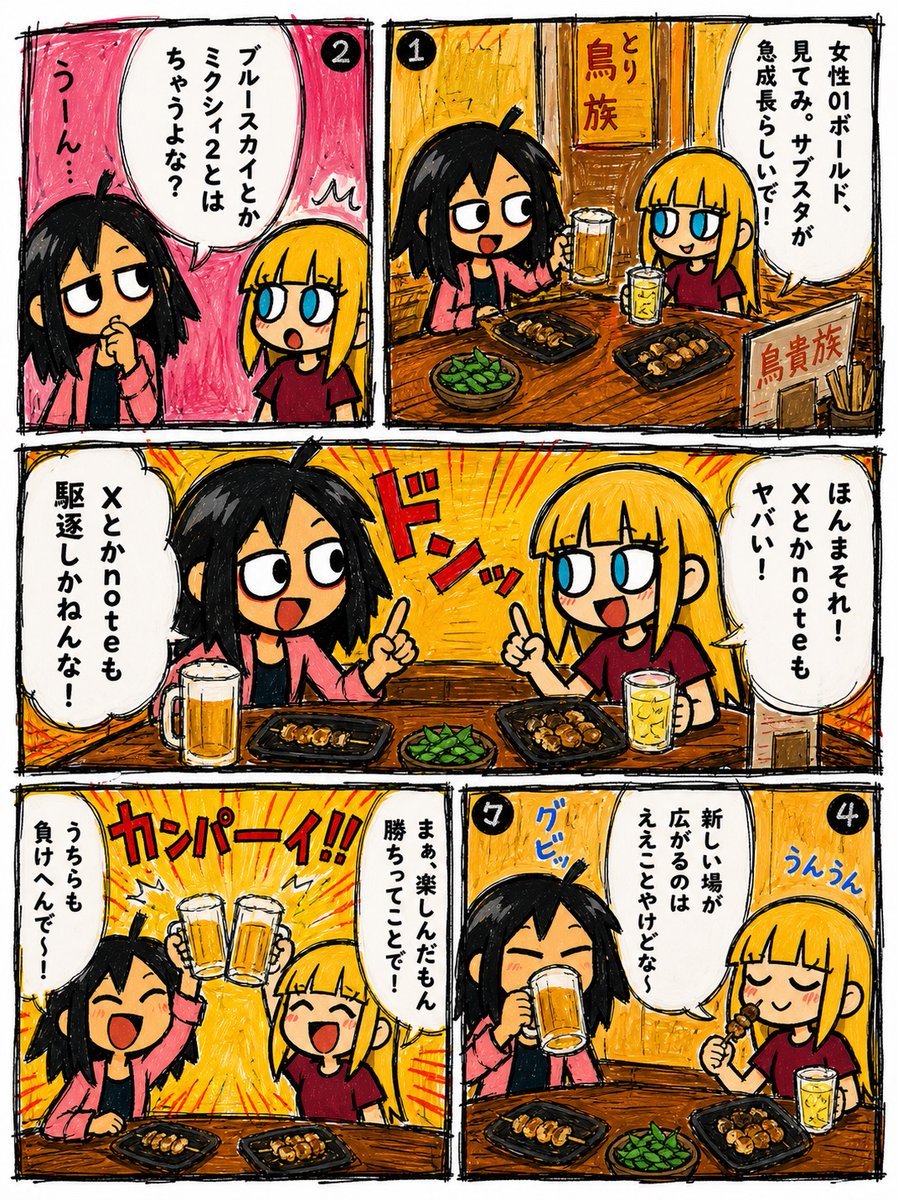
Hand-Drawn Izakaya Manga Page
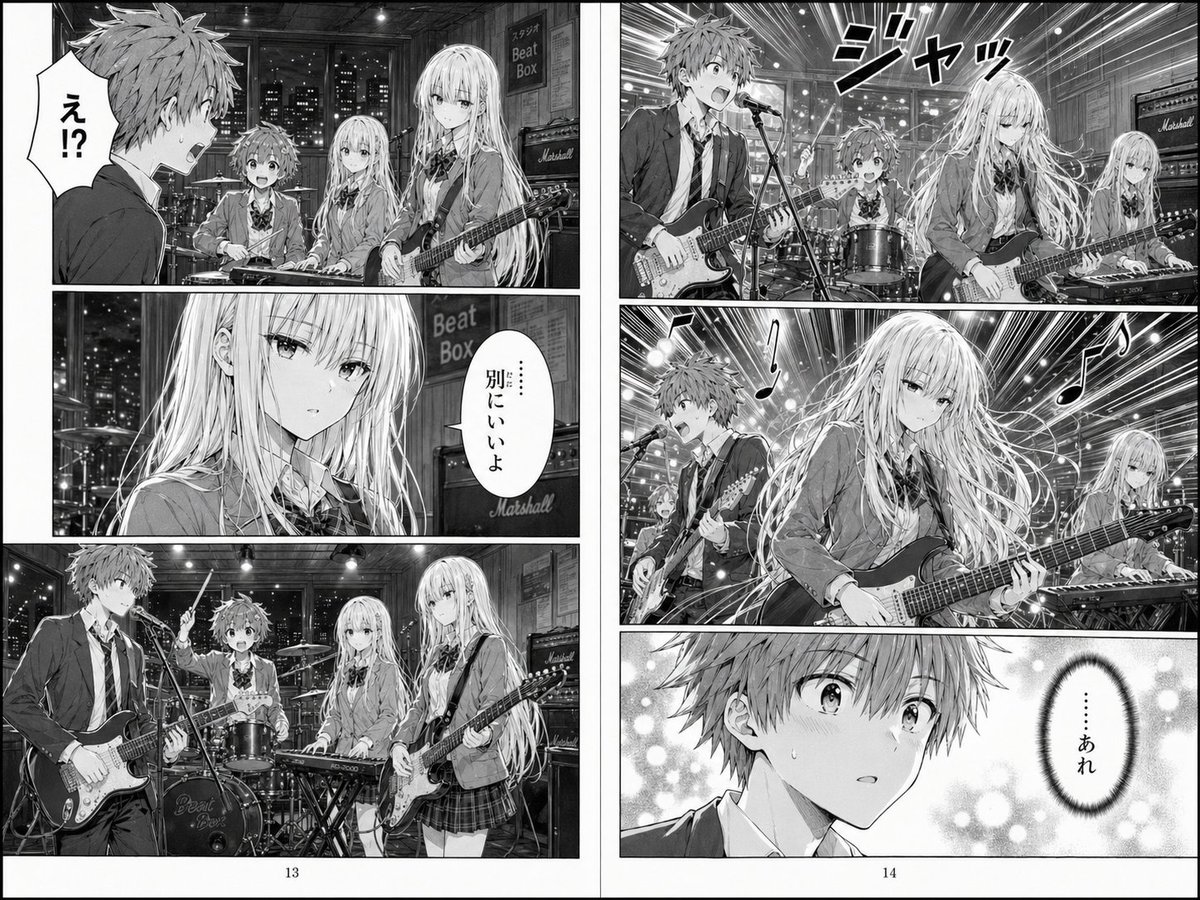
Two-Page School Band Manga Spread
Make it yours
Shojo Idol Manga Protagonist Page works as-is. These are the safest ways to change it without losing the look.
Change one field
Copy a single group, rewrite it, and generate again so you can see what that field is doing.
Keep the frame, change the subject
Hold the composition and light of Shojo Idol Manga Protagonist Page, then swap wardrobe, props or the person for a new take.
| If the result… | Why | Fix |
|---|---|---|
| The result drifts from the preview | Too many fields changed at once. | Reuse Shojo Idol Manga Protagonist Page as-is first, then change one group — subject, light, or setting. |
| The model over-stylizes the scene | The prose prompt leaves finish and camera underspecified. | Add one camera or lighting sentence and stay on GPT Image 2. |
More GPT Image 2 templates
Other prompts made for GPT Image 2.

Six VTuber Japanese Logo Sheet

Realistic Portrait of Woman and Deer

The Vista Modular Condo Poster

AI Model Routing Comparison Infographic

2.5D Anime Art Board

Isometric Productivity Desk Scene

New York Double Exposure Poster

Four-Panel AI Landscape Comparison

Japanese Tatami Lifestyle Magazine Cover

NESCAFÉ Coffee Map Poster
More image prompts
Fresh picks from across the catalog.
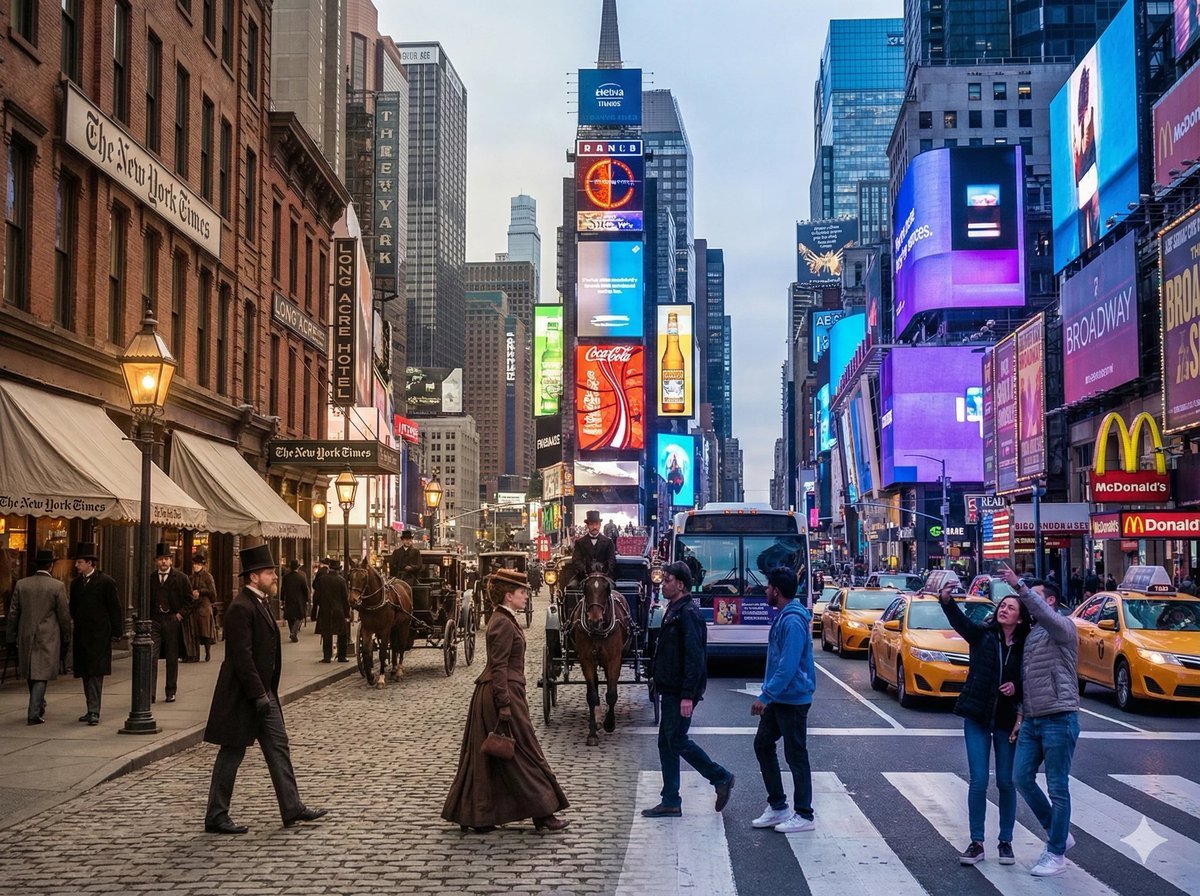
Times Square Time-Blend Split-Screen

Japanese SaaS Ad Banner at Night
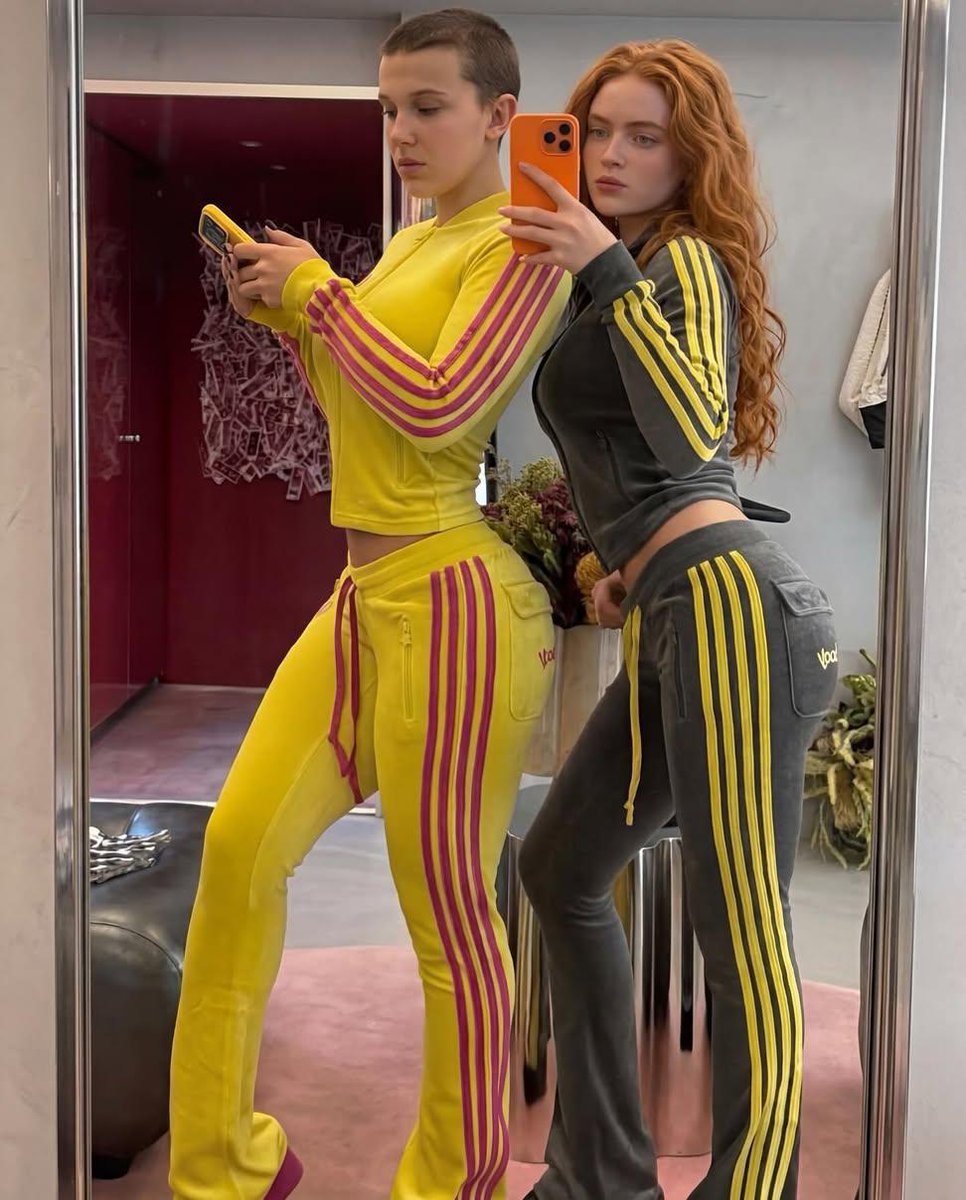
Mirror Selfie of Two Women in Velour Tracksuits

Professional Fashion Shot on Yacht Deck
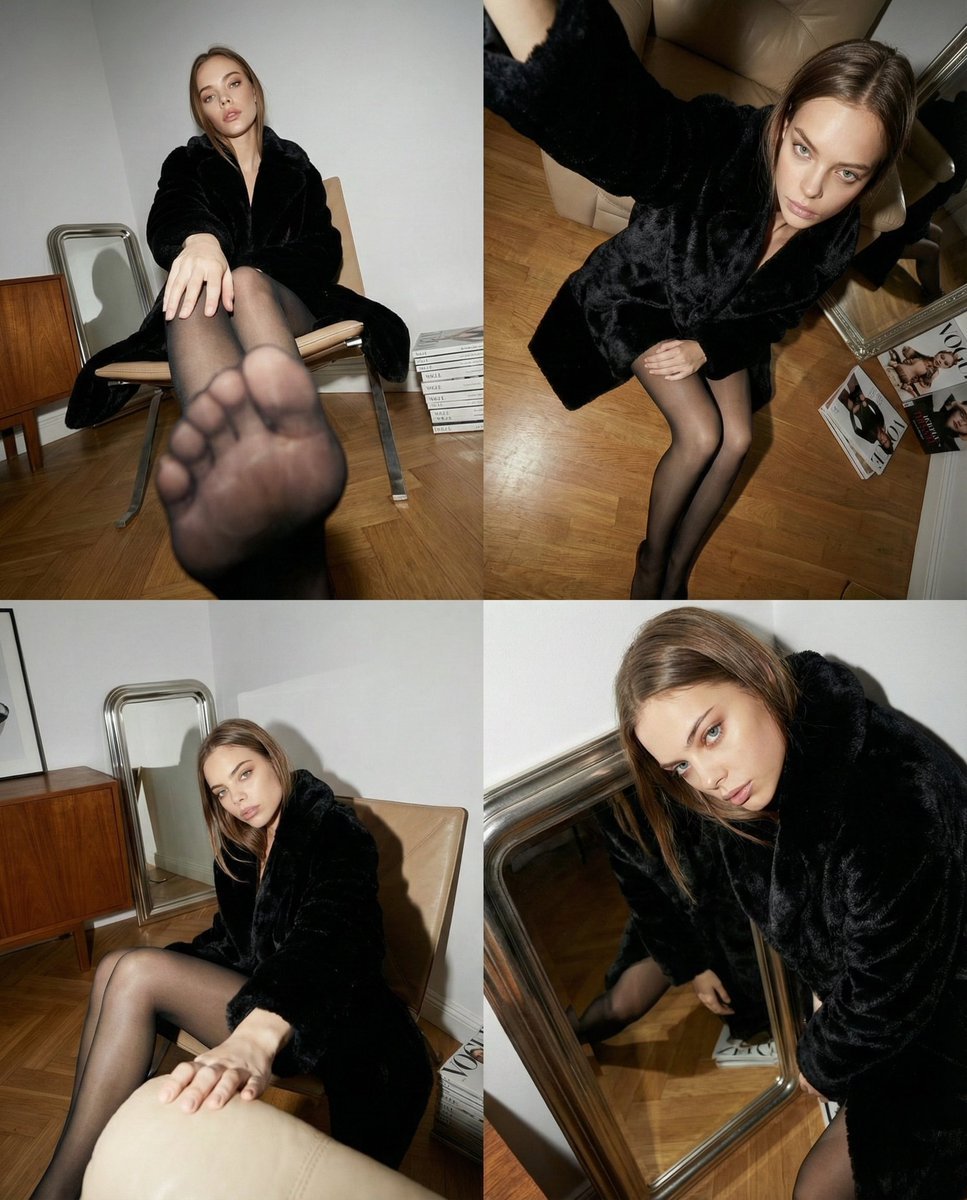
Dynamic Wide-Angle Perspective Transformation
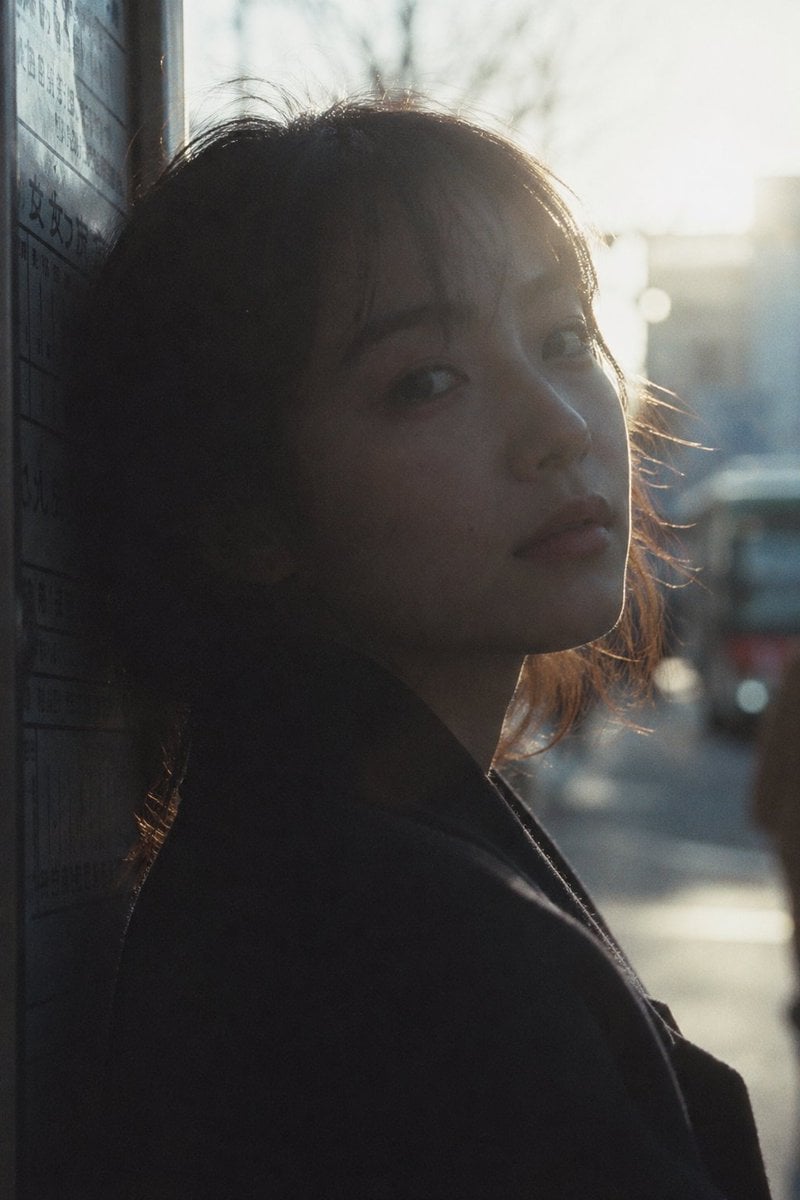
Cinematic Urban Silhouette Portrait

Forbes 30 Under 30 Magazine Style Portrait

Editorial Lifestyle Portrait Prompt for Upscale Bar Scene
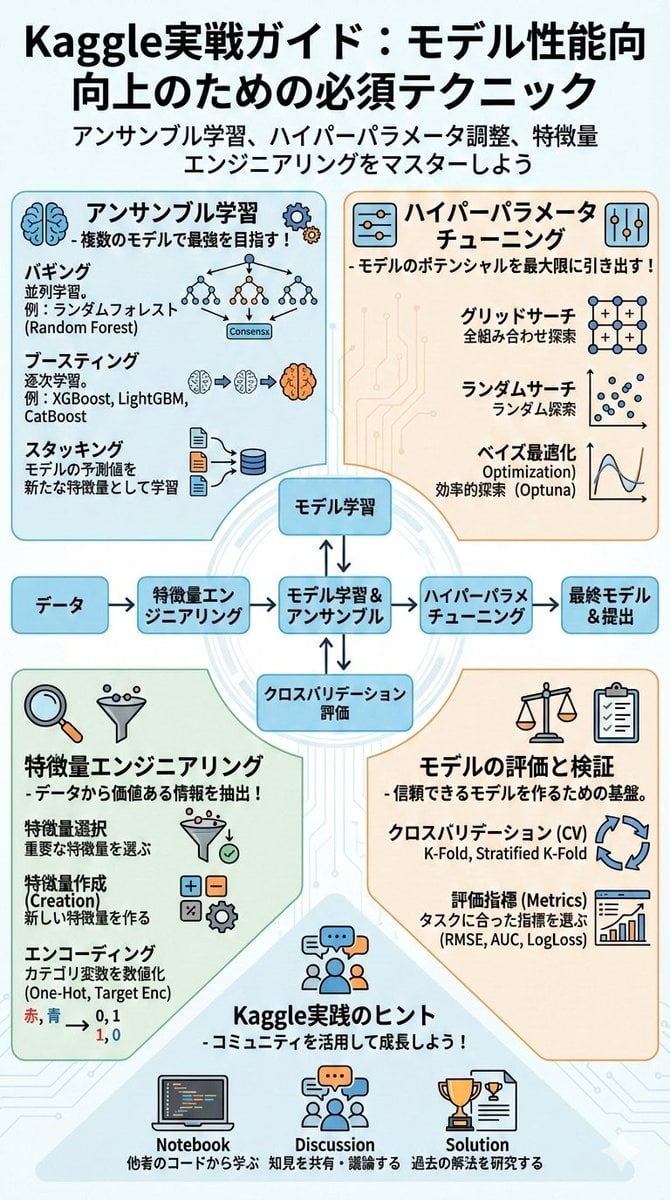
Summarize a book into a Japanese poster image

Neon GPT 5.5 Celebration Party
Browse template categories
Shojo Idol Manga Protagonist Page questions
How do I use the Shojo Idol Manga Protagonist Page template?
Add your photo if the template asks for one, edit the prompt if you like — the template's model and format are already selected — and press Generate. Your version opens in PicX Studio.
Can I customize the Shojo Idol Manga Protagonist Page template?
Yes. You can change the subject, setting, lighting, mood, format, and available model controls before creating your image.
Is the Shojo Idol Manga Protagonist Page template free?
Opening and editing this template is free. Generating uses credits, shown on the Generate button when you are signed in.
Which AI model should I use?
Start with GPT Image 2, which is the model associated with this template. You can compare another compatible model for a different finish.
Looking for something else? Browse all templates.

Your photo, any look
Thousands of ready templates for every top image and video model, from one credit balance.