How do I use the 4-Panel Manga Page Generator template?
Edit the prompt in the box under the preview — the template's model and format are already selected — and press Generate. Your version appears right on this page.
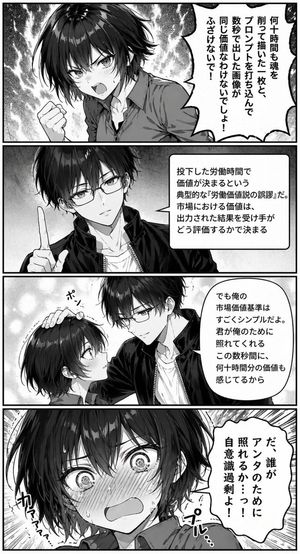
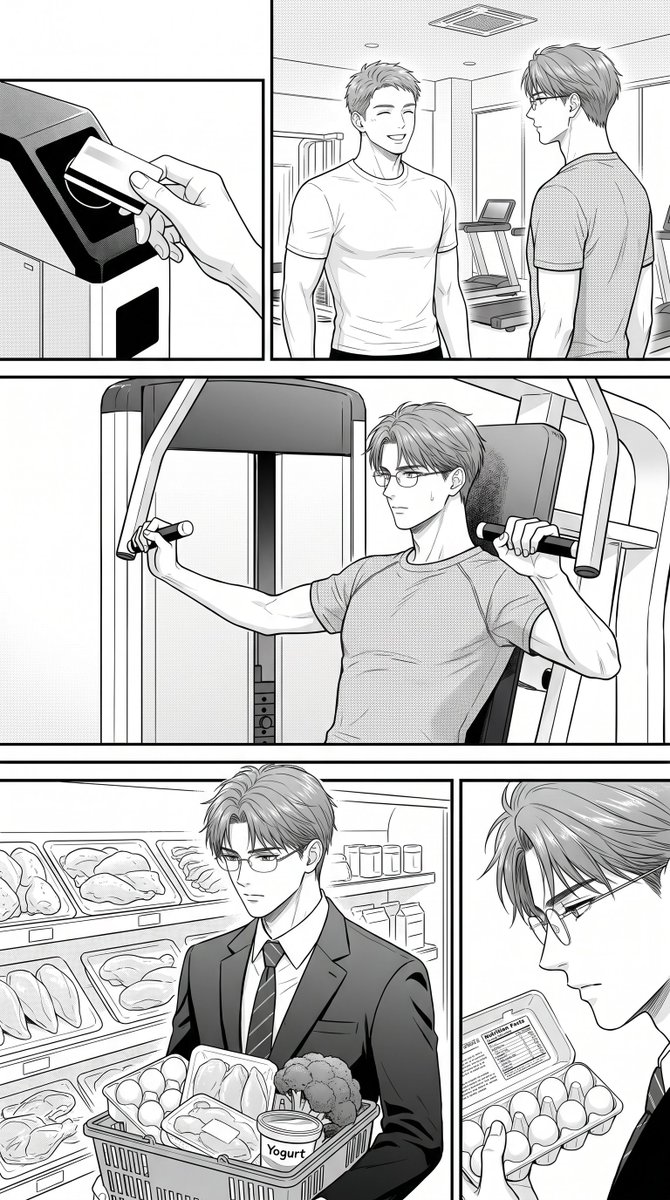
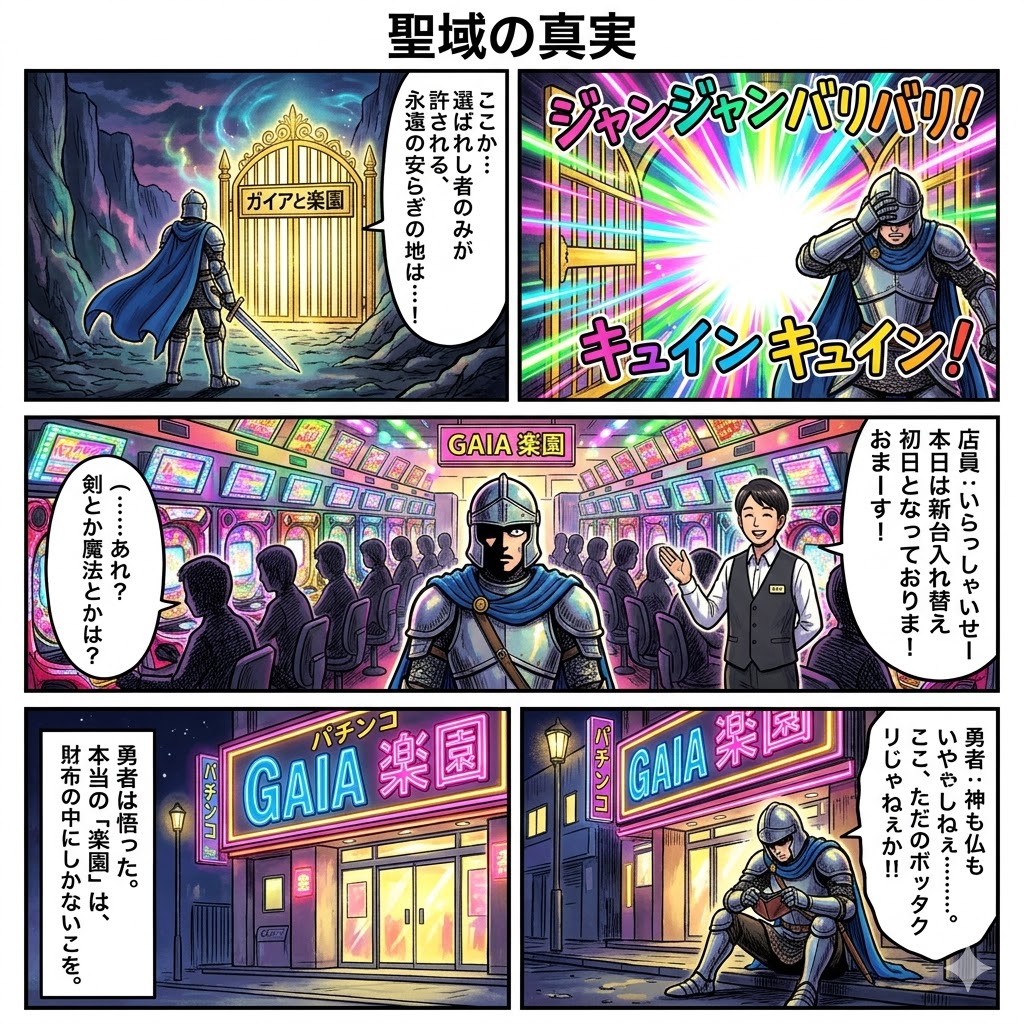
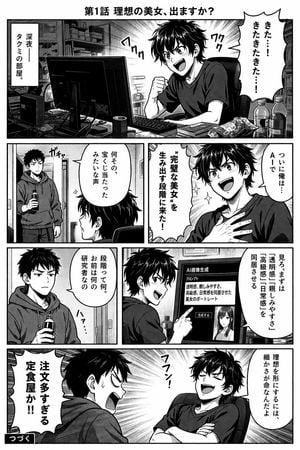
Generates a 4-panel black and white manga page featuring two characters interacting over a computer, complete with Japanese dialogue and screentones.
This template uses your photo — add one with the + button.
{ "type": "comic page", "style": "{argument name=\"art style\" default=\"black and white manga with screentones\"}", "header": "{argument name=\"manga title\" default=\"第1話 理想の美女、出ますか?\"}", "characters": [ { "name": "{argument name=\"protagonist name\" default=\"タクミ\"}", "appearance": "messy dark hair, dark t-shirt, expressive" }, { "name": "Roommate", "appearance": "short dark hair, wearing a hoodie, deadpan expression" } ], "layout": { "format": "4 horizontal panels, read left-to-right", "panels": [ { "row": 1, "setting": "cluttered dark room, desk with computer monitors", "action": "Protagonist sits at computer, fist clenched in excitement.", "text_elements": [ "きた…!きたきたきた…!", "深夜——タクミの部屋。" ] }, { "row": 2, "action": "Protagonist looks proud with hand on chest. Roommate enters through door holding a bottle.", "text_elements": [ "ついに俺は…AIで", "{argument name=\"protagonist goal\" default=\"”完璧な美女”を生み出す段階に来た!\"}", "何その、宝くじ当たったみたいな声" ] }, { "row": 3, "action": "Protagonist points at monitor showing an AI-generated portrait of a woman. Roommate looks unamused.", "text_elements": [ "見ろ。まずは「透明感」「親しみやすさ」「高級感」「日常感」を同居させる", "段階って何。お前は何の研究者なの" ] }, { "row": 4, "action": "Protagonist leans back smugly. Roommate yells angrily.", "text_elements": [ "理想を形にするには、細かさが命なんだよ", "{argument name=\"punchline\" default=\"注文多すぎる定食屋か!!\"}", "つづく" ] } ] } }
Edit the prompt in the box under the preview — the template's model and format are already selected — and press Generate. Your version appears right on this page.
Yes. You can change the subject, setting, lighting, mood, format, and available model controls before creating your image.

Opening and editing this template is free. Generating uses credits, shown on the Generate button when you are signed in.
Start with GPT Image 2, which is the model associated with this template. You can compare another compatible model for a different finish.
Follow a topic to a crawlable collection of related PicX Studio templates.