
Professional Brand Portrait Collection
A comprehensive prompt for creating a diverse collection of eight distinct editorial-quality personal brand portraits.
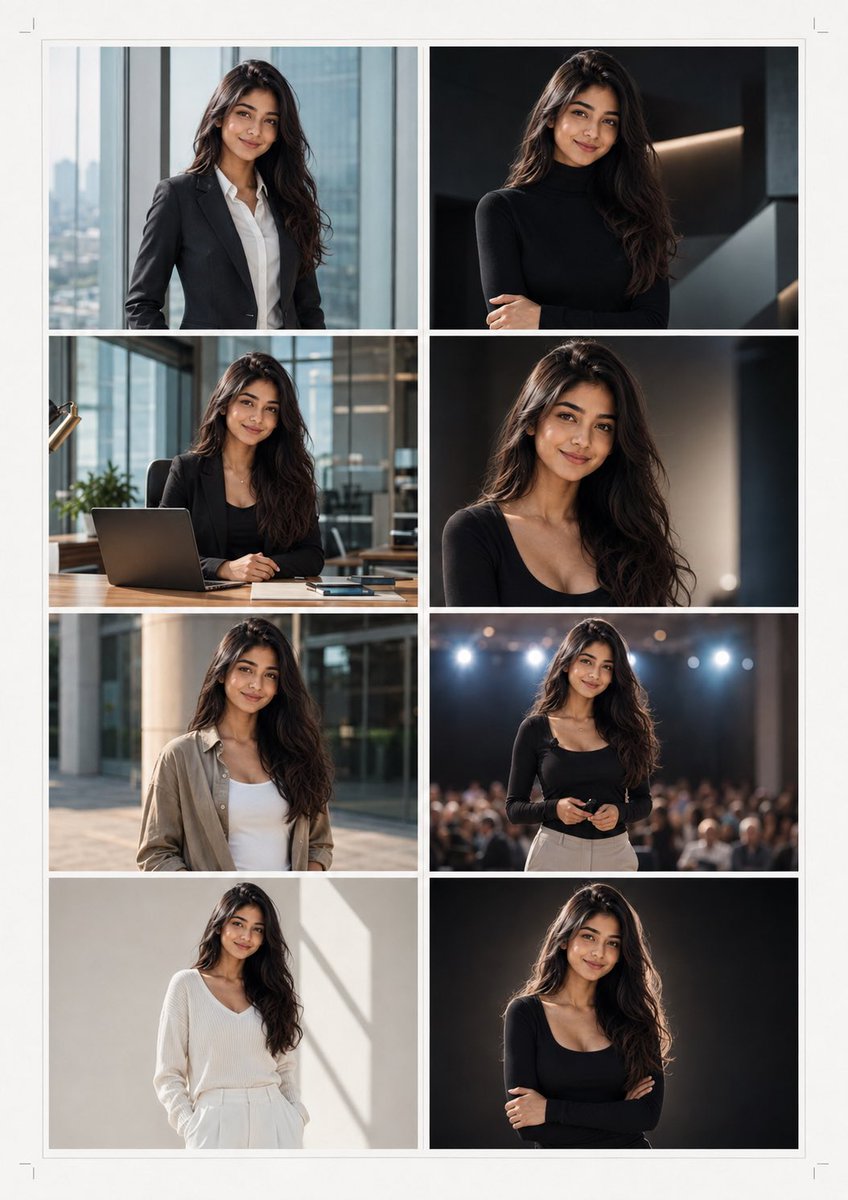
- Prompt included
- Model and format preset
- Free template
The prompt behind this image
Copy the exact prompt behind Professional Brand Portrait Collection, or open it in the studio and make it yours.
Create an exceptional Personal Brand Portrait Collection using the uploaded reference image as the exact facial identity source. Preserve the person’s identity with maximum fidelity: exact facial structure, eye shape and color, nose, lips, jawline, ears, hairstyle, facial hair, skin tone, natural skin texture, and distinctive facial characteristics. Do not beautify, reshape, slim, age, de-age, or replace facial features. Design a premium A4 vertical portrait presentation sheet containing 8 distinct editorial-quality photographs, not repetitive headshots. Every image must clearly depict the same person. Portrait Concepts 1. The Executive A powerful three-quarter portrait wearing a perfectly tailored charcoal suit and white shirt, standing beside a large floor-to-ceiling window overlooking a modern city skyline. Calm, confident expression. 2. The Creative Director Relaxed portrait in a sophisticated black turtleneck inside a dark contemporary studio filled with subtle architectural shapes, dramatic side lighting, sophisticated editorial atmosphere. 3. The Founder Seated naturally at a premium wooden desk inside a modern glass office, wearing a dark blazer over a minimal shirt. Laptop and subtle workspace elements in the background. Approachable, intelligent expression. 4. The Cinematic Portrait Close three-quarter portrait against a deep architectural background with controlled rim lighting, rich shadows, realistic skin texture, and a refined luxury campaign aesthetic. 5. The Casual Professional Smart-casual appearance with an elegant overshirt or premium knitwear, photographed outdoors beside modern architecture during golden hour. Natural posture and genuine subtle smile. 6. The Speaker Dynamic environmental portrait on a modern presentation stage with softly blurred auditorium lights behind the subject. Subject facing the camera confidently, conveying authority and communication skills. 7. The Minimalist Extremely clean studio portrait wearing a monochromatic outfit against an off-white architectural background. Soft natural lighting, generous negative space, premium magazine aesthetic. 8. The Signature Portrait Hero image with the subject standing confidently against a sophisticated dark gradient background, subtle rim light around the hair and shoulders, direct eye contact, relaxed confident expression, luxurious personal-brand campaign aesthetic. Visual Requirements • Each photograph must have a genuinely different composition, environment, wardrobe, and mood. • Maintain the exact same facial identity across all eight images. • Natural realistic skin pores and texture. • No plastic skin, excessive sharpening, face smoothing, or beauty-filter appearance. • Professional grooming while preserving the original hairstyle and facial hair. • Realistic hands and anatomy whenever hands are visible. • Sophisticated cinematic photography with physically accurate lighting. • Natural depth of field and realistic lens characteristics. • Premium editorial photography rather than generic corporate stock photography. • No logos, no watermarks, no random text, no distorted objects. Sheet Design Place the 8 photographs in an elegant 2 × 4 editorial grid on a clean warm-white A4 sheet. Give every photograph consistent dimensions and generous spacing. Add extremely subtle thin borders and minimal alignment marks. The overall result should resemble a luxury personal-brand photography contact sheet created by a professional creative agency, giving the subject eight completely different visual identities for use across websites, speaker profiles, social media, press kits, portfolios, business presentations, company profiles, and personal branding. Photorealistic, premium editorial photography, authentic identity preservation, sophisticated composition, natural skin texture, realistic lighting, exceptionally detailed.
How to use Professional Brand Portrait Collection in 3 steps
- 1Upload ImagePNG, JPG or paste
Add your photo
Upload the photo the template builds on. The prompt, model and format are already set.
- 2…a portrait of your subject in softgolden-hour light, 85mm…
Personalize
Edit the subject and creative details for your destination.
- 3Generate
Generate
Press Generate — your image is created in PicX Studio, so you can compare it with the original and refine one variable at a time.
More like this
Templates with the same subject, style or setup. Open one to see its prompt.

Found Photograph: Us, 1970

80s Couple Studio Portrait

80s Bollywood Star

80s Golden Hour Cinema

Me in 1985

1985 Studio Portrait

Hyper-Realistic Minecraft POV Portrait
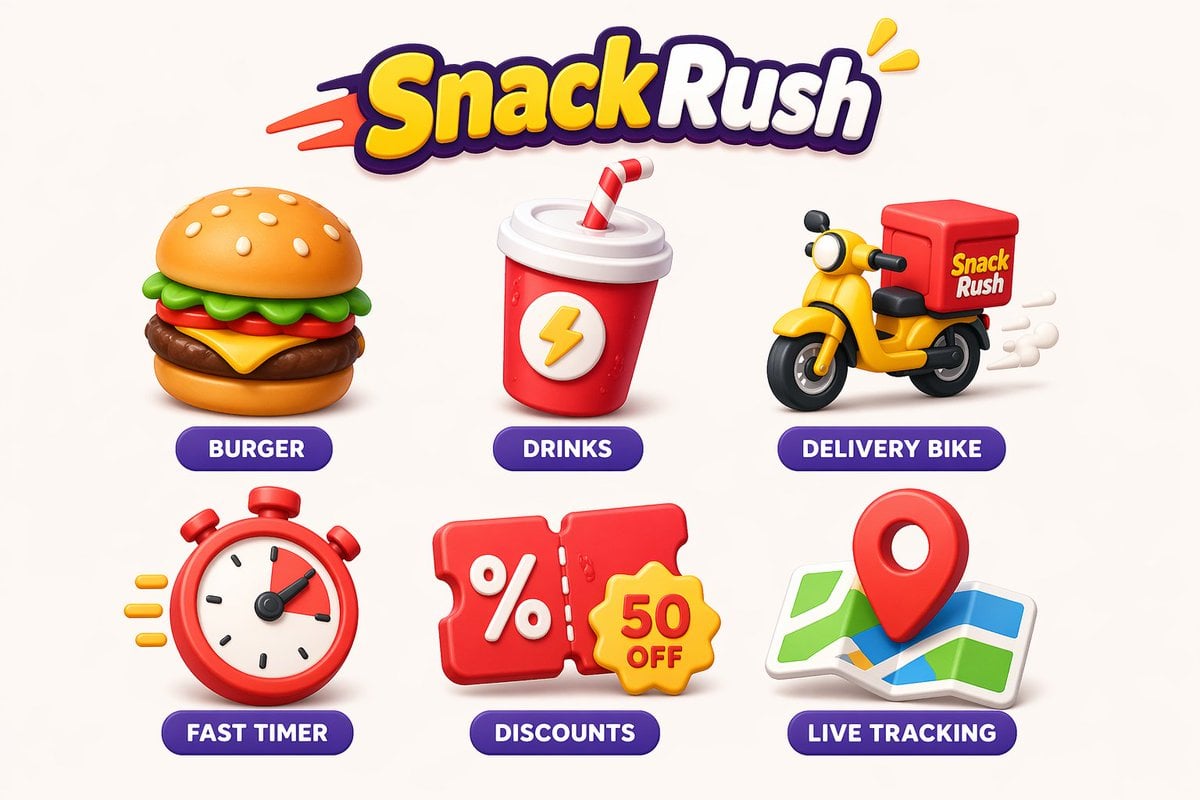
Cohesive collection of playful icons a brand
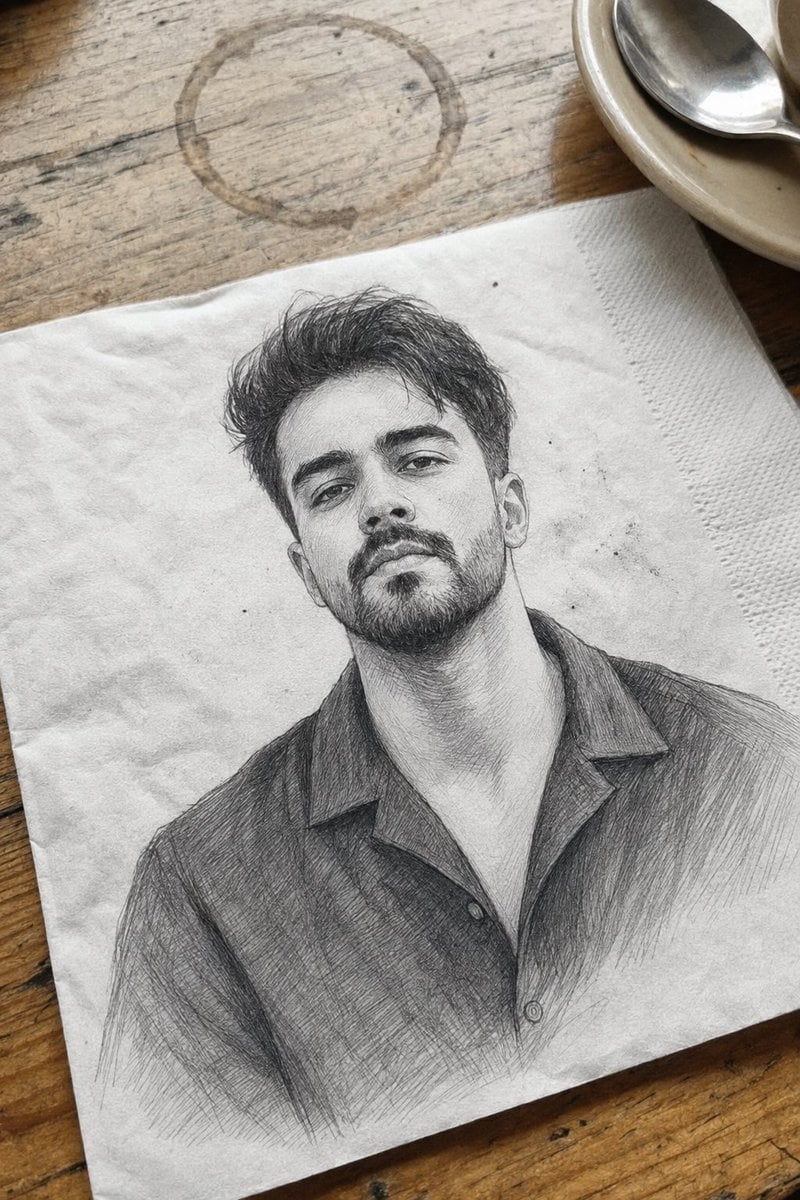
Professional Graphite Pencil Sketch Portrait

Rooftop Fisheye — Cat-Ear Balaclava at Golden Hour
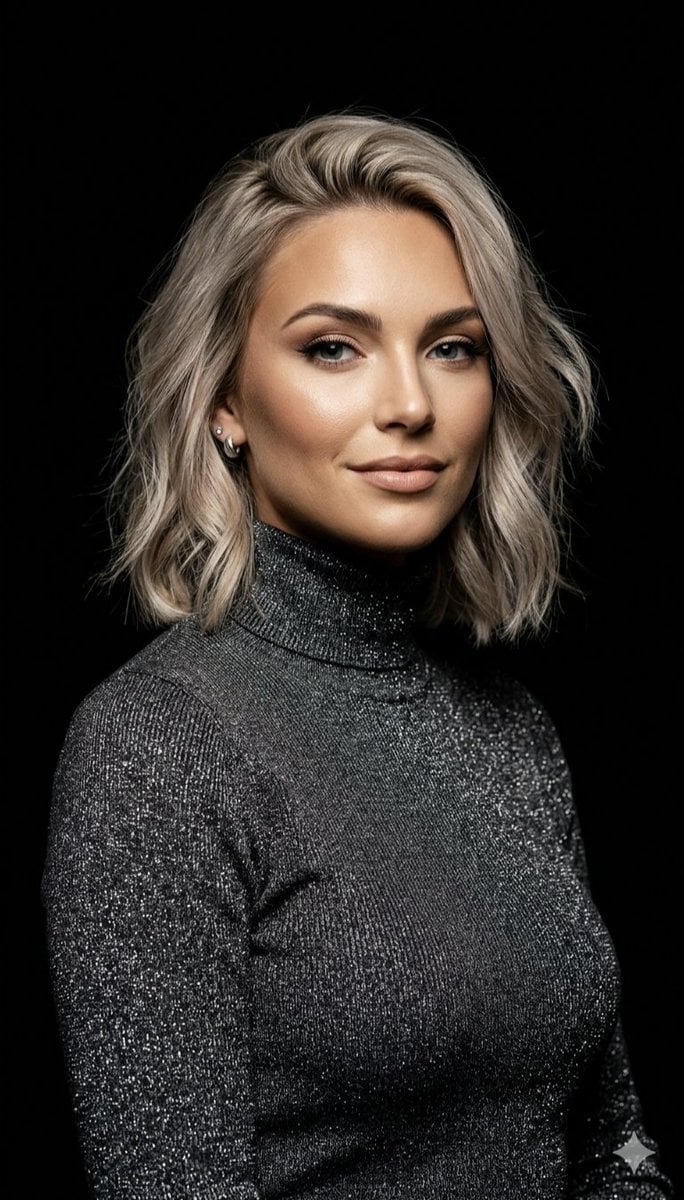
Professional Ash-Blonde Bob Portrait
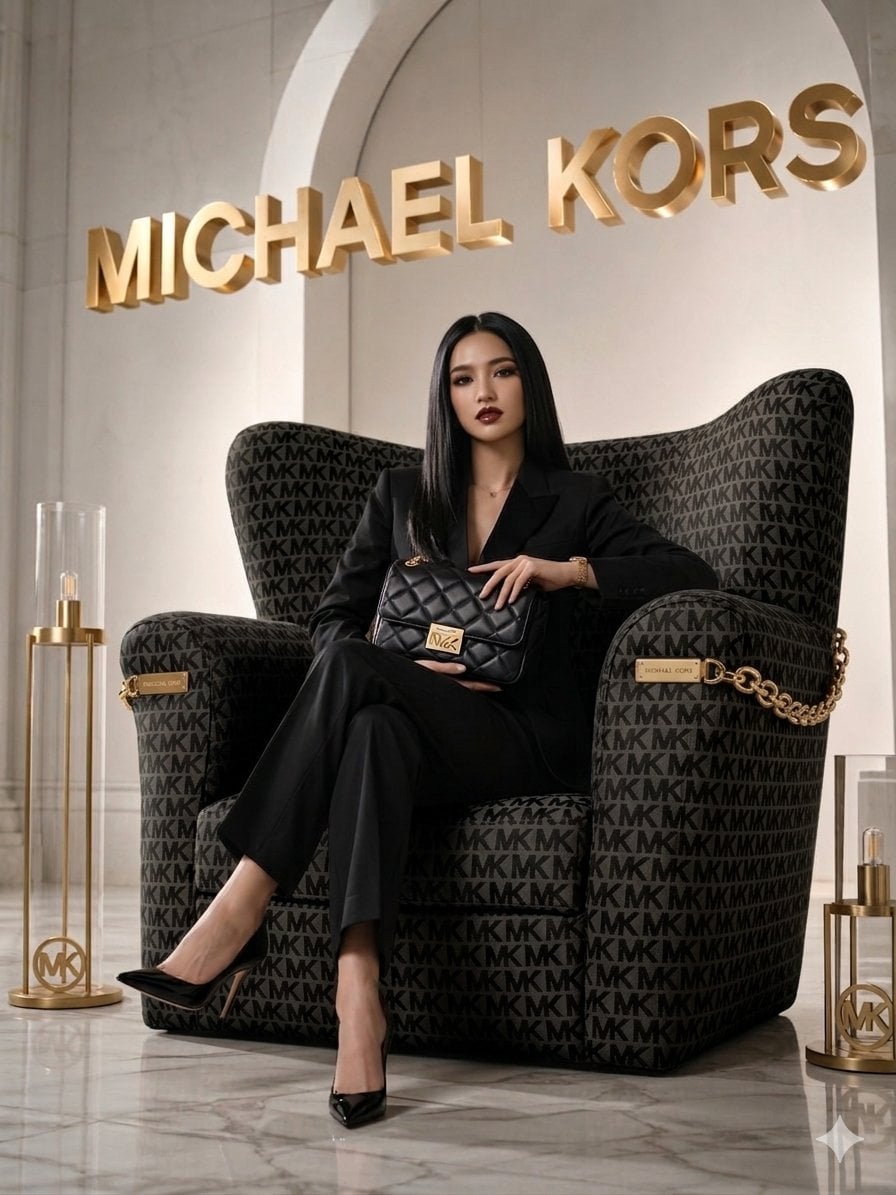
Luxury Brand Campaign Portrait
Make it yours
Professional Brand Portrait Collection works as-is. These are the safest ways to change it without losing the look.
Change one field
Copy a single group, rewrite it, and generate again so you can see what that field is doing.
Keep the frame, change the subject
Hold the composition and light of Professional Brand Portrait Collection, then swap wardrobe, props or the person for a new take.
| If the result… | Why | Fix |
|---|---|---|
| The result drifts from the preview | Too many fields changed at once. | Reuse Professional Brand Portrait Collection as-is first, then change one group — subject, light, or setting. |
| The model over-stylizes the scene | The prose prompt leaves finish and camera underspecified. | Add one camera or lighting sentence and stay on GPT Image 2. |
More GPT Image 2 templates
Other prompts made for GPT Image 2.

Six VTuber Japanese Logo Sheet

Realistic Portrait of Woman and Deer

The Vista Modular Condo Poster

AI Model Routing Comparison Infographic

2.5D Anime Art Board

Isometric Productivity Desk Scene

New York Double Exposure Poster

Four-Panel AI Landscape Comparison

Japanese Tatami Lifestyle Magazine Cover

NESCAFÉ Coffee Map Poster
More image prompts
Fresh picks from across the catalog.
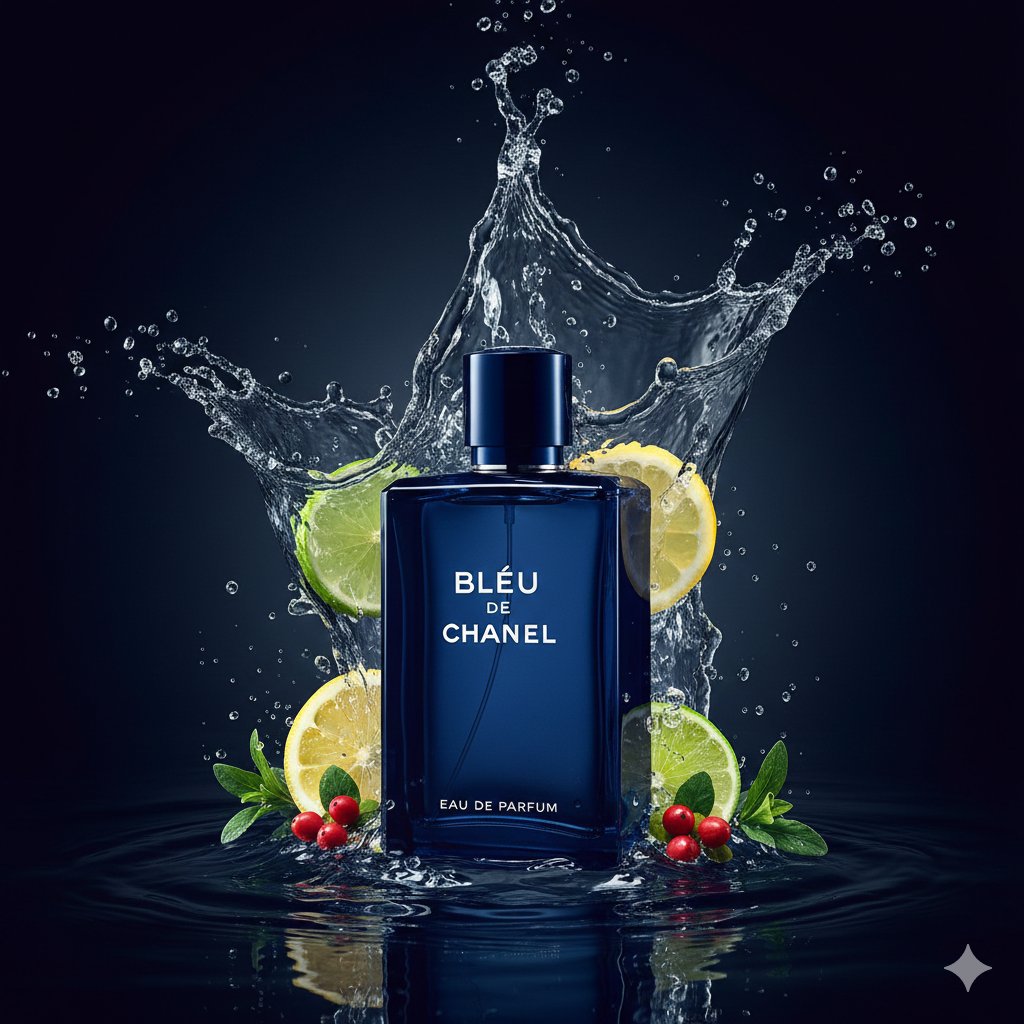
Dual Luxury Perfume Product Photography Prompts
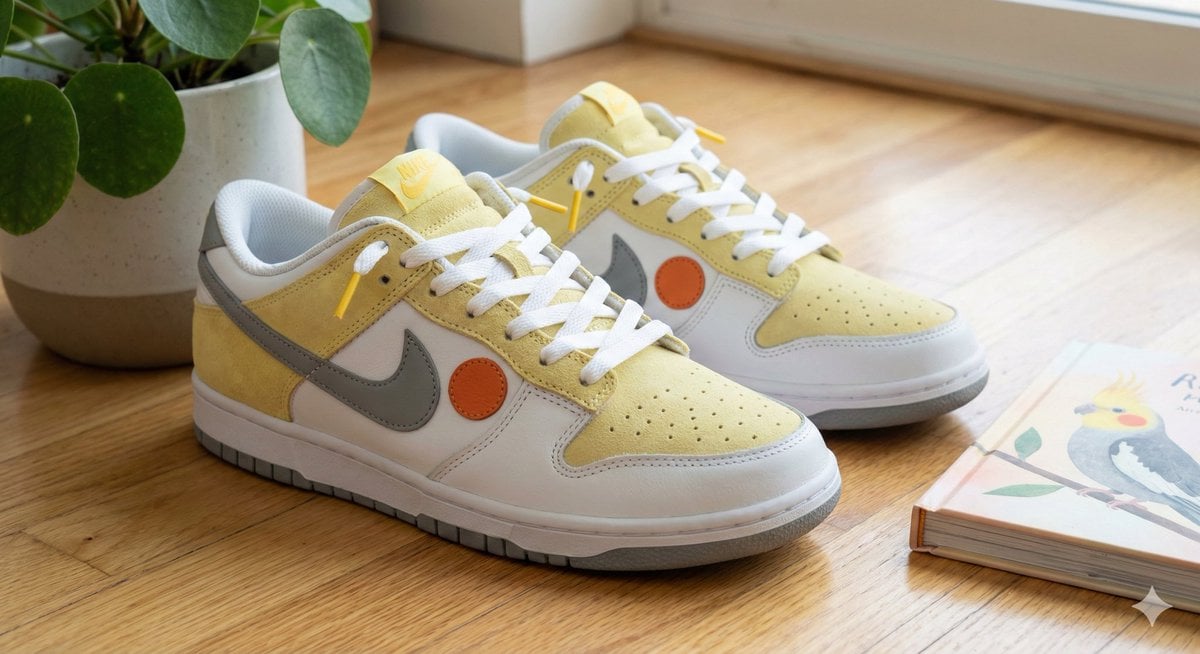
Cockatiel Model Sneakers Generated by Nano Banana Pro
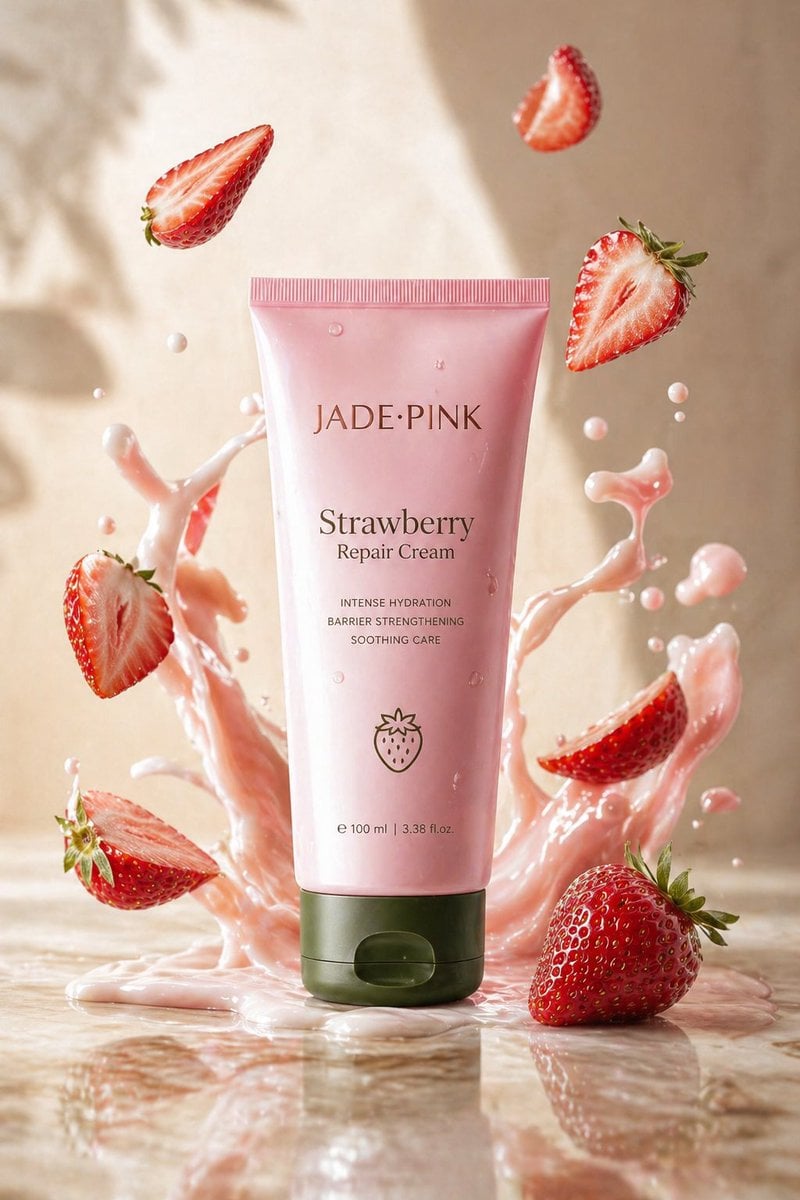
Strawberry Repair Cream Product Shot
Nano Banana Pro Prompt (ALT Text)

Summon Dash Roblox Fantasy Thumbnail
Authentic, Frantic Nightlife Selfie
East Asian Woman in Silk Qipao
World Champion Stadium Victory Poster
Cinematic Pure Joy Splashing Prompt
Nighttime Portrait with Luxury Car
Browse template categories
Professional Brand Portrait Collection questions
How do I use the Professional Brand Portrait Collection template?
Add your photo if the template asks for one, edit the prompt if you like — the template's model and format are already selected — and press Generate. Your version opens in PicX Studio.
Can I customize the Professional Brand Portrait Collection template?
Yes. You can change the subject, setting, lighting, mood, format, and available model controls before creating your image.
Is the Professional Brand Portrait Collection template free?
Opening and editing this template is free. Generating uses credits, shown on the Generate button when you are signed in.
Which AI model should I use?
Start with GPT Image 2, which is the model associated with this template. You can compare another compatible model for a different finish.
Looking for something else? Browse all templates.

Your photo, any look
Thousands of ready templates for every top image and video model, from one credit balance.