
Sketchy Graphic Portrait Poster
A prompt for generating rough, expressive illustrated posters featuring a subject and an animal with minimal scenery and a restrained color palette.
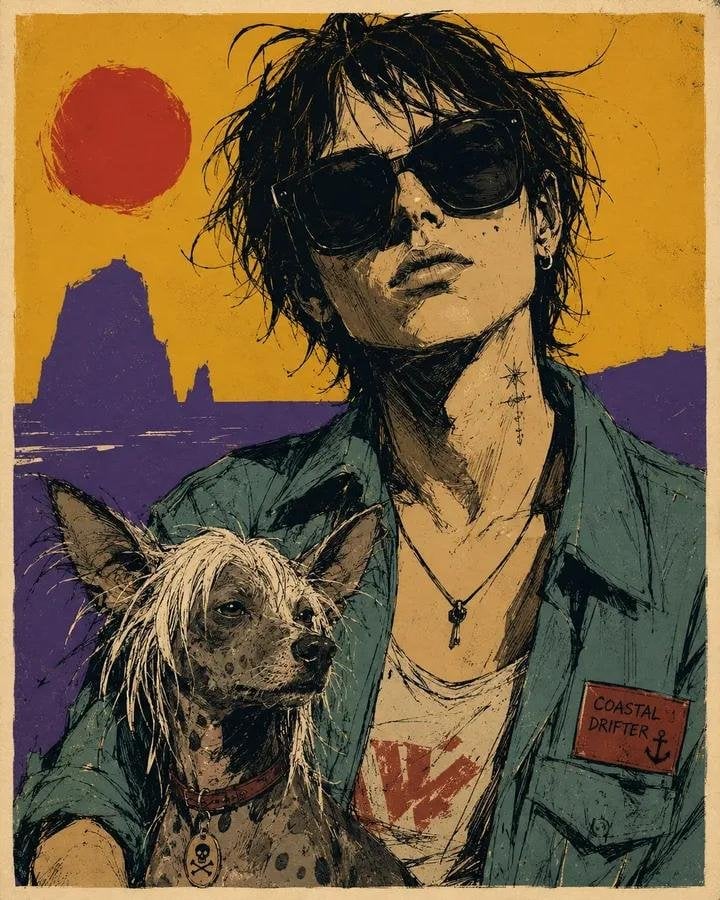
- Prompt included
- Model and format preset
- Free template
The prompt behind this image
Copy the exact prompt behind Sketchy Graphic Portrait Poster, or open it in the studio and make it yours.
Raw sketchy graphic portrait poster of {argument name="subject" default="[HUMAN]"} wearing {argument name="outfit" default="[CLOTHING]"}, half-body and large in frame, accompanied closely by {argument name="companion" default="[ANIMAL]"}, with a minimal [SCENERY] background. Render in a rough expressive illustrated style with broken black ink contours, loose sketch lines, scratchy hatching, irregular stroke weight, imperfect line edges, fast gestural mark-making, simplified anatomy, flat cel-like shadow blocks, and reduced detail. Use a restrained [COLORS] palette with one dominant warm field, one cool counter-field, dark inked shadows, and a few pale highlight accents. Keep the face oversized and central, crop around mid-torso, and place the animal in the lower foreground or tucked beside the subject, drawn with the same simplified raw linework. Reduce the scenery into only 2 or 3 bold silhouette shapes behind the subject, with no detailed environment rendering. Add a narrow warm off-white poster border and very light print texture. Strong attitude, graphic poster energy, intentionally imperfect strokes, raw and sketchy finish, ar 4:5
How to use Sketchy Graphic Portrait Poster in 3 steps
- 1
Open
The prompt is already in the box next to the preview, with the template's model and format selected.
- 2…a portrait of your subject in softgolden-hour light, 85mm…
Personalize
Edit the subject and creative details for your destination.
- 3Generate
Generate
Press Generate — your image is created in PicX Studio, so you can compare it with the original and refine one variable at a time.
More like this
Templates with the same subject, style or setup. Open one to see its prompt.
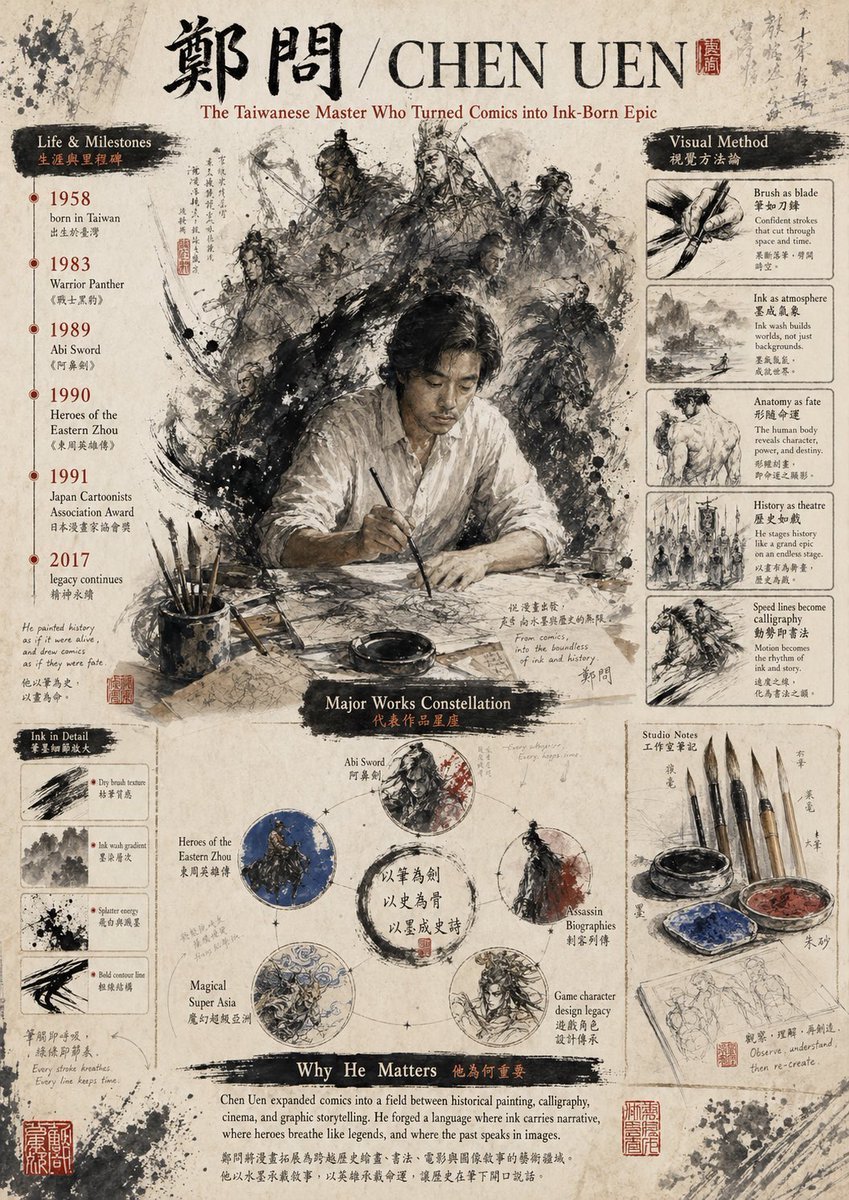
Gpt2 Infographic Edu Visual Ink Wash Tribute Poster for Chen Uen
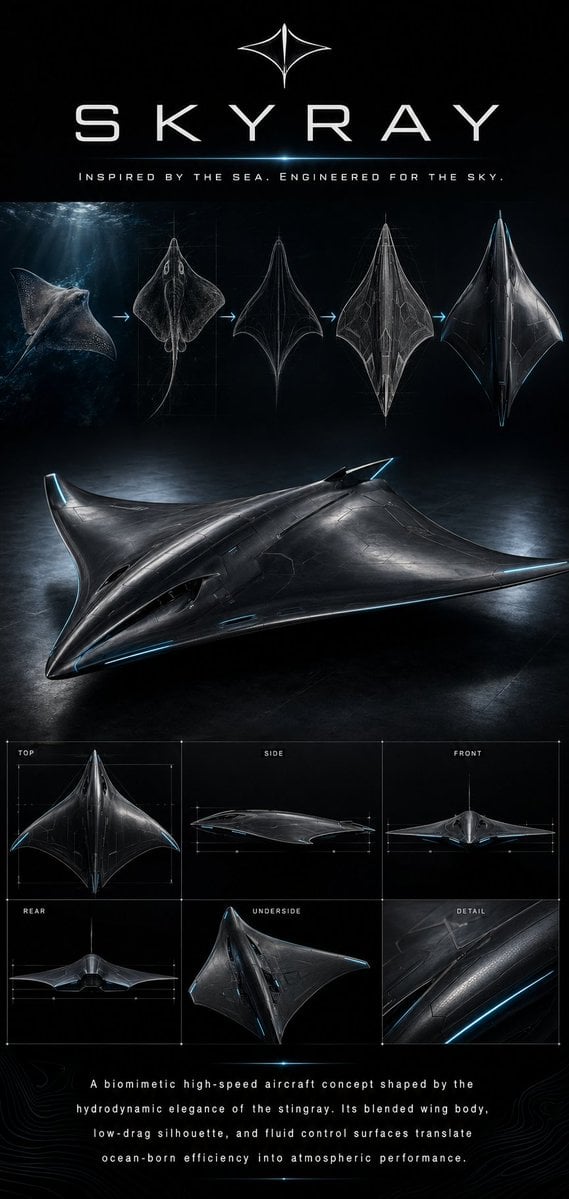
Gpt2 Infographic Edu Visual Biomimetic Skyray Aircraft Poster

Found Photograph: Us, 1970

80s Couple Studio Portrait

80s Bollywood Star

80s Golden Hour Cinema

Me in 1985

1985 Studio Portrait
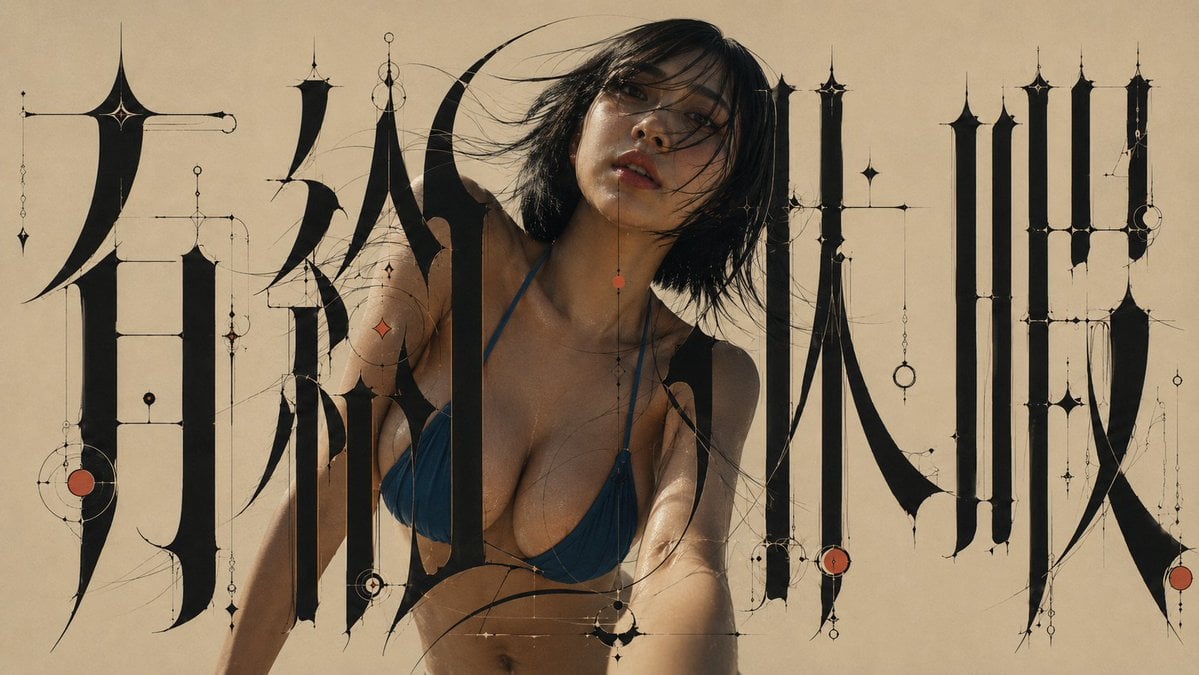
Architectural Typographic Portrait Fusion

Hyper-Realistic Minecraft POV Portrait

Japan Travel Brochure Poster

Rooftop Fisheye — Cat-Ear Balaclava at Golden Hour
Make it yours
Sketchy Graphic Portrait Poster works as-is. These are the safest ways to change it without losing the look.
Change one field
Copy a single group, rewrite it, and generate again so you can see what that field is doing.
Keep the frame, change the subject
Hold the composition and light of Sketchy Graphic Portrait Poster, then swap wardrobe, props or the person for a new take.
| If the result… | Why | Fix |
|---|---|---|
| The result drifts from the preview | Too many fields changed at once. | Reuse Sketchy Graphic Portrait Poster as-is first, then change one group — subject, light, or setting. |
| The model over-stylizes the scene | The prose prompt leaves finish and camera underspecified. | Add one camera or lighting sentence and stay on GPT Image 2. |
More GPT Image 2 templates
Other prompts made for GPT Image 2.

Six VTuber Japanese Logo Sheet

Realistic Portrait of Woman and Deer

The Vista Modular Condo Poster

AI Model Routing Comparison Infographic

2.5D Anime Art Board

Isometric Productivity Desk Scene

New York Double Exposure Poster

Four-Panel AI Landscape Comparison

Japanese Tatami Lifestyle Magazine Cover

NESCAFÉ Coffee Map Poster
More image prompts
Fresh picks from across the catalog.
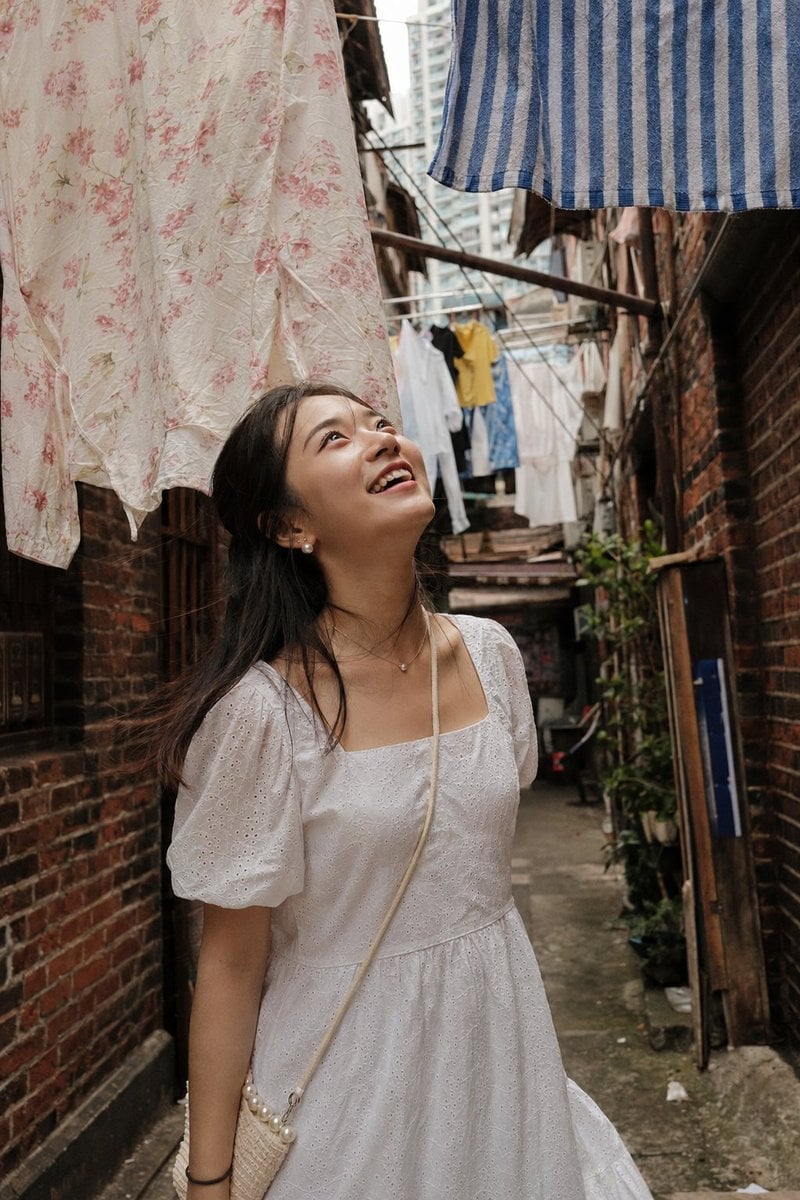
Shanghai Alley Candid Street Photography
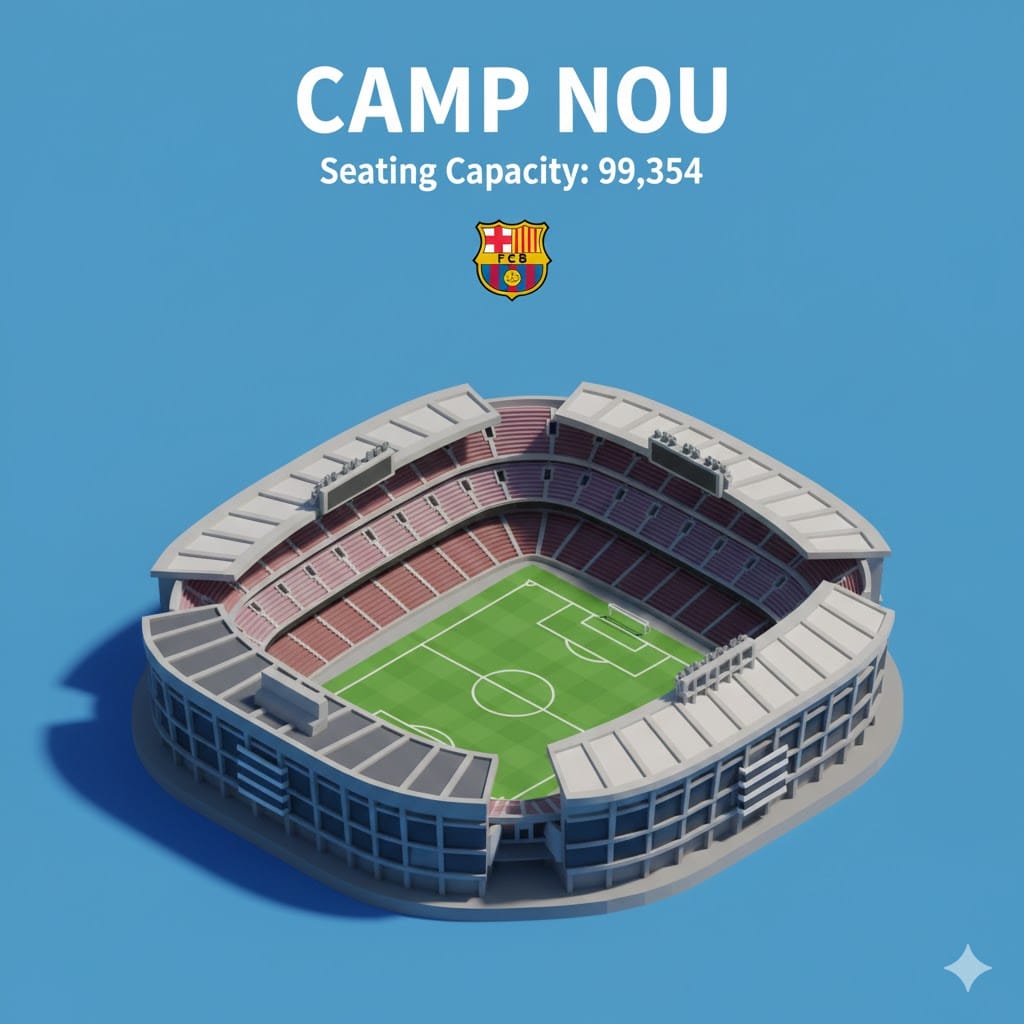
Isometric 3D Miniature Stadium Infographic
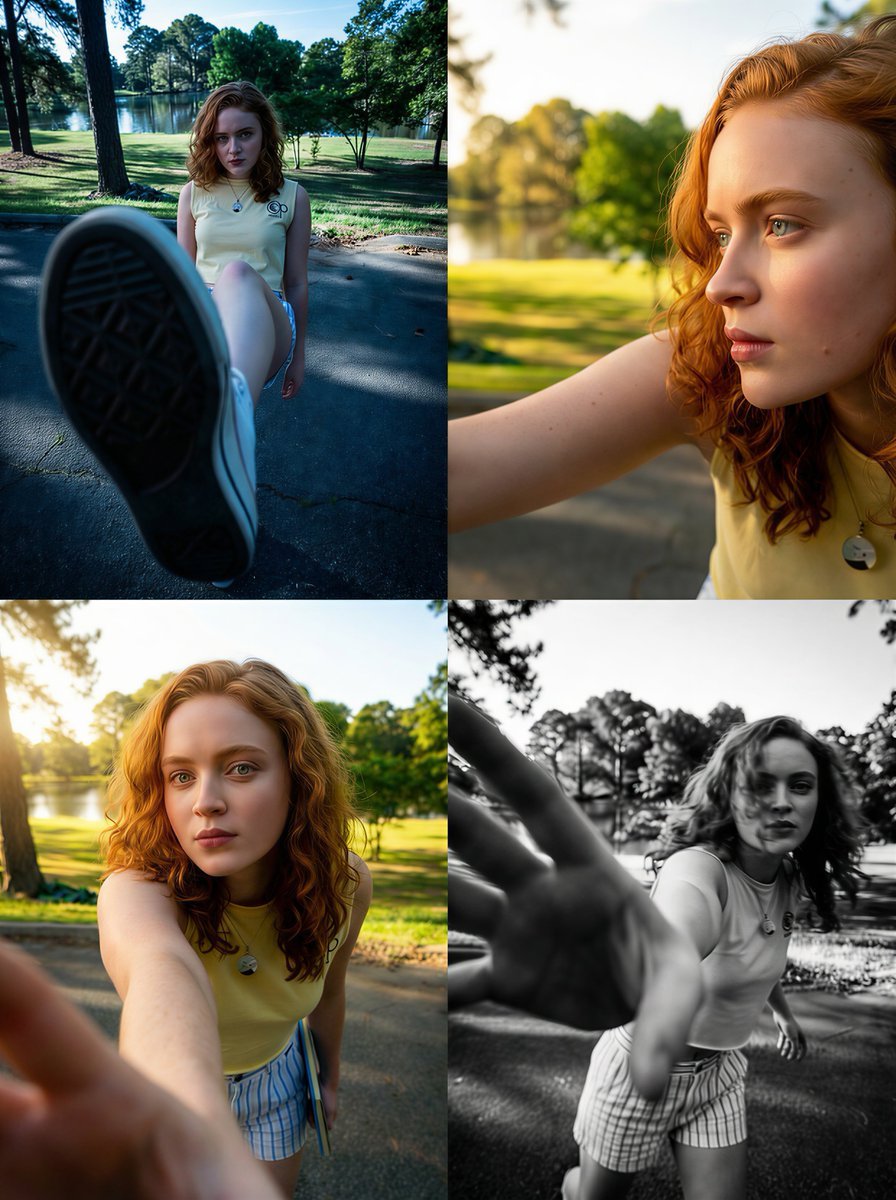
Dramatic Wide-Angle Perspective Transformation Prompt
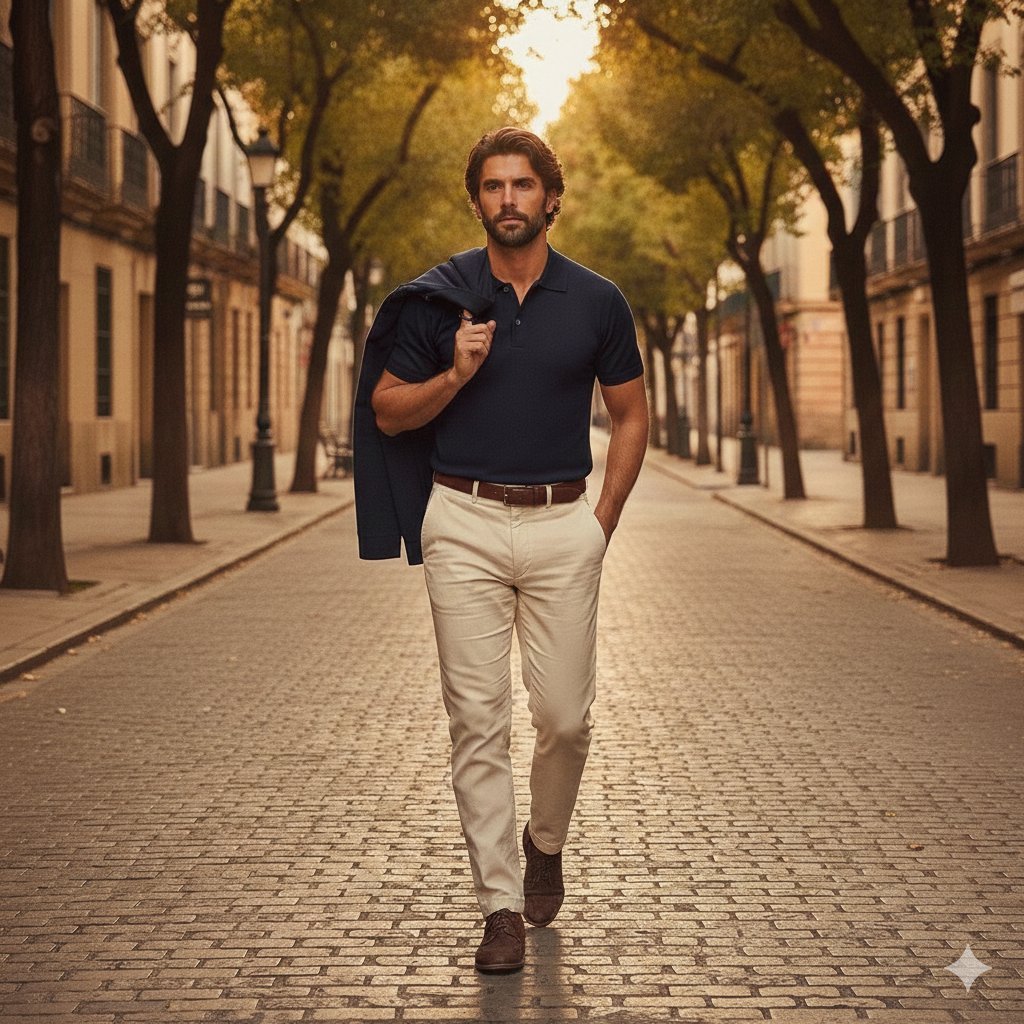
Golden hour European street fashion portrait prompt
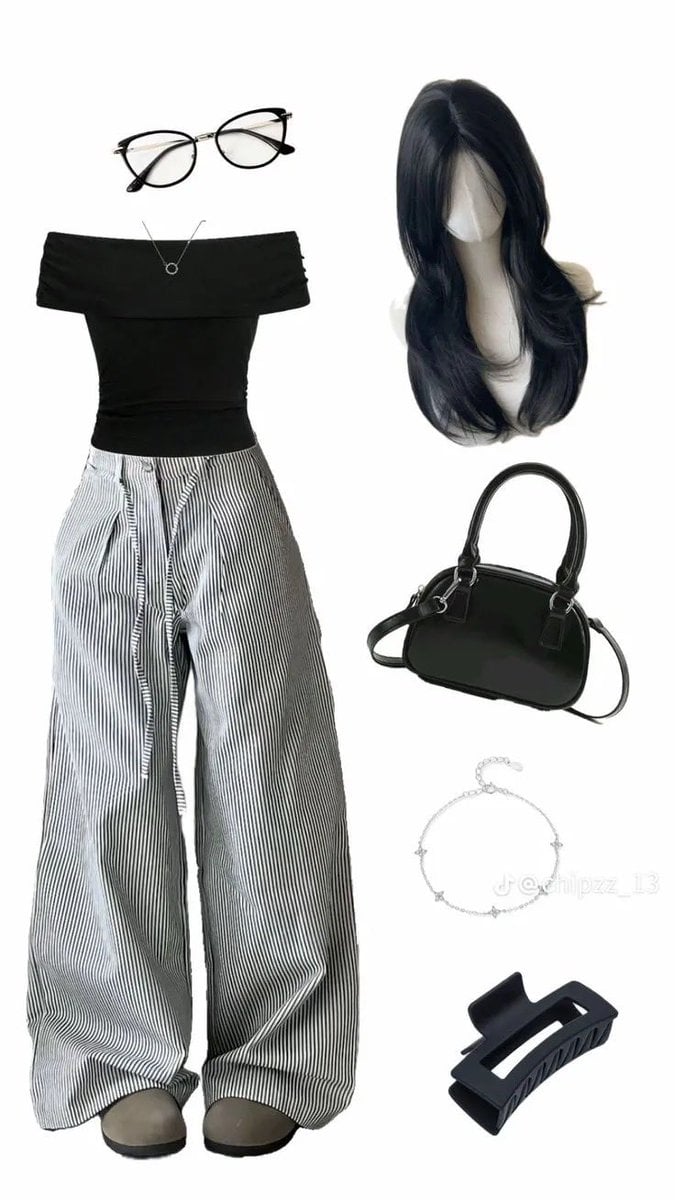
High-End Pinstripe Fashion Portrait
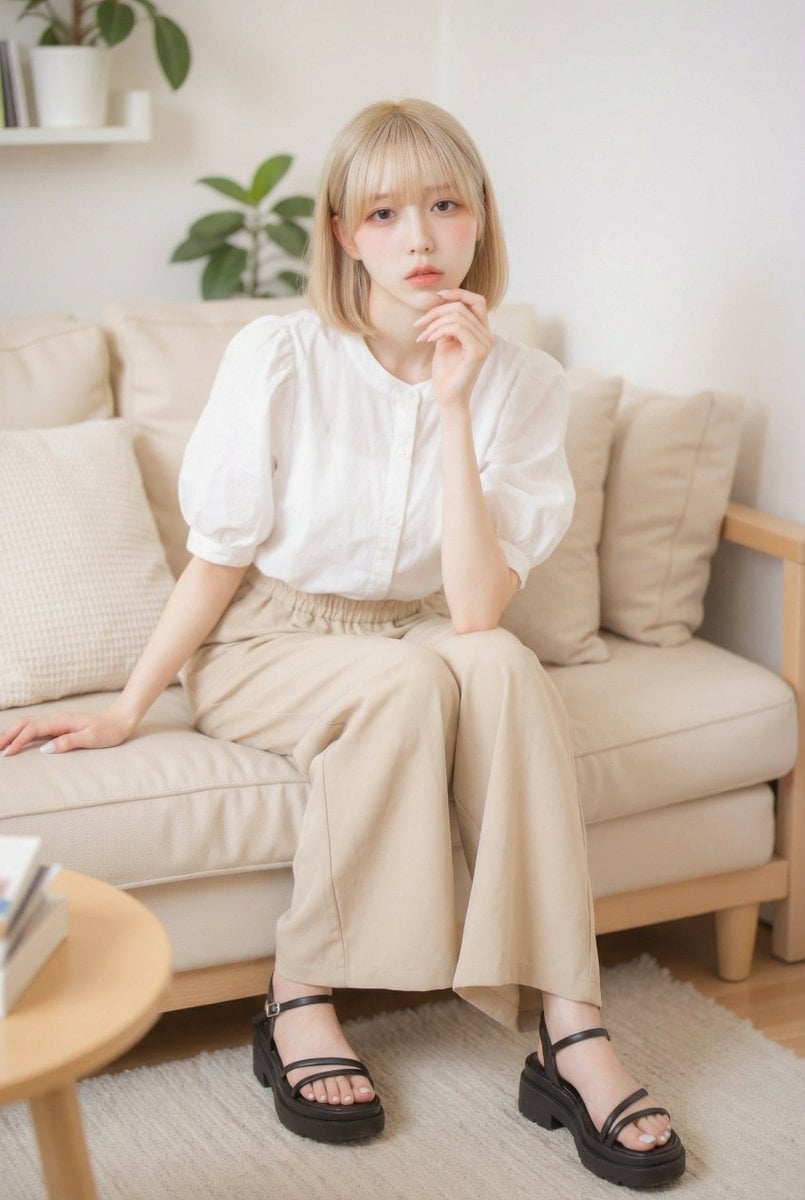
Vlog Style Fashion Video Generation Prompt
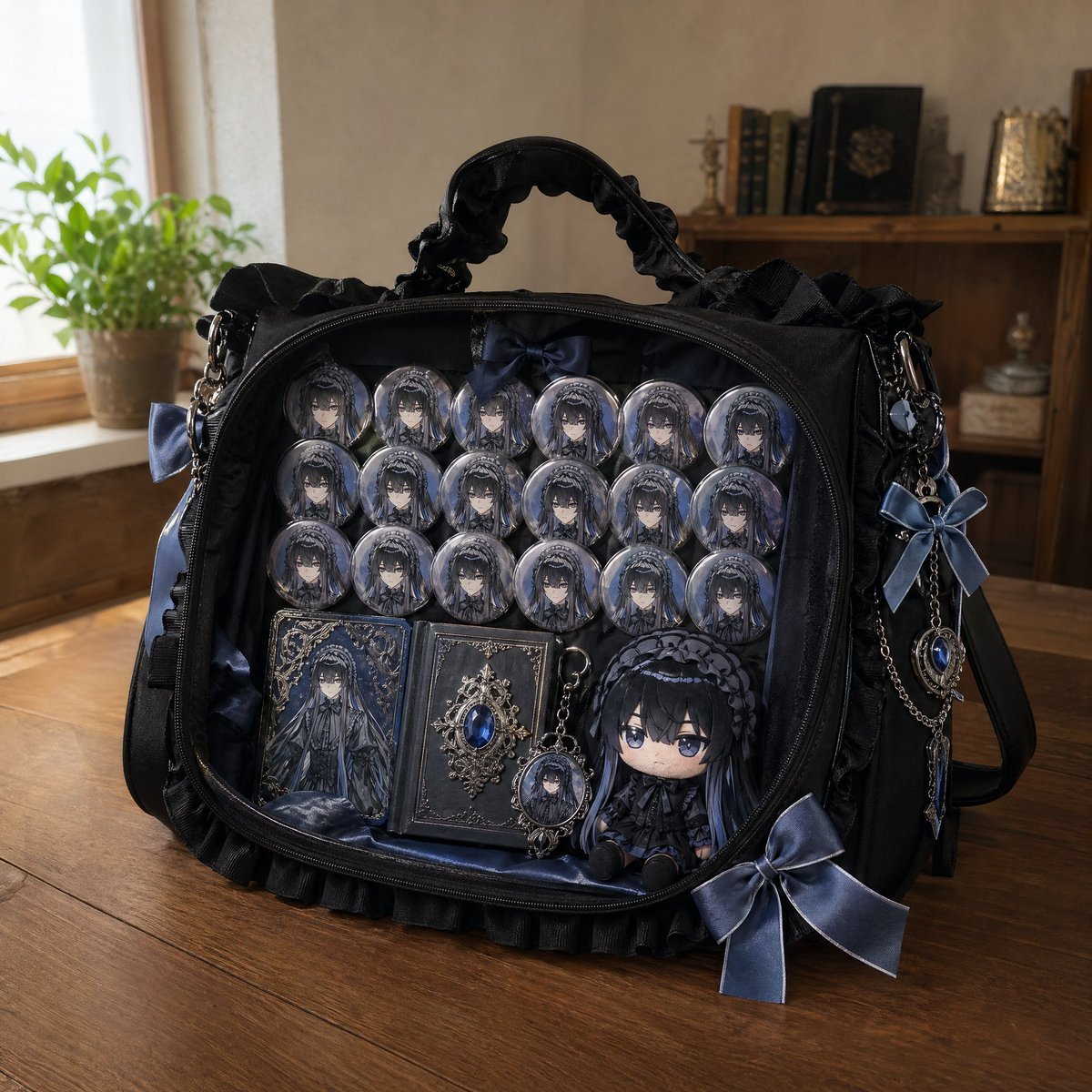
Anime Ita-bag Mockup
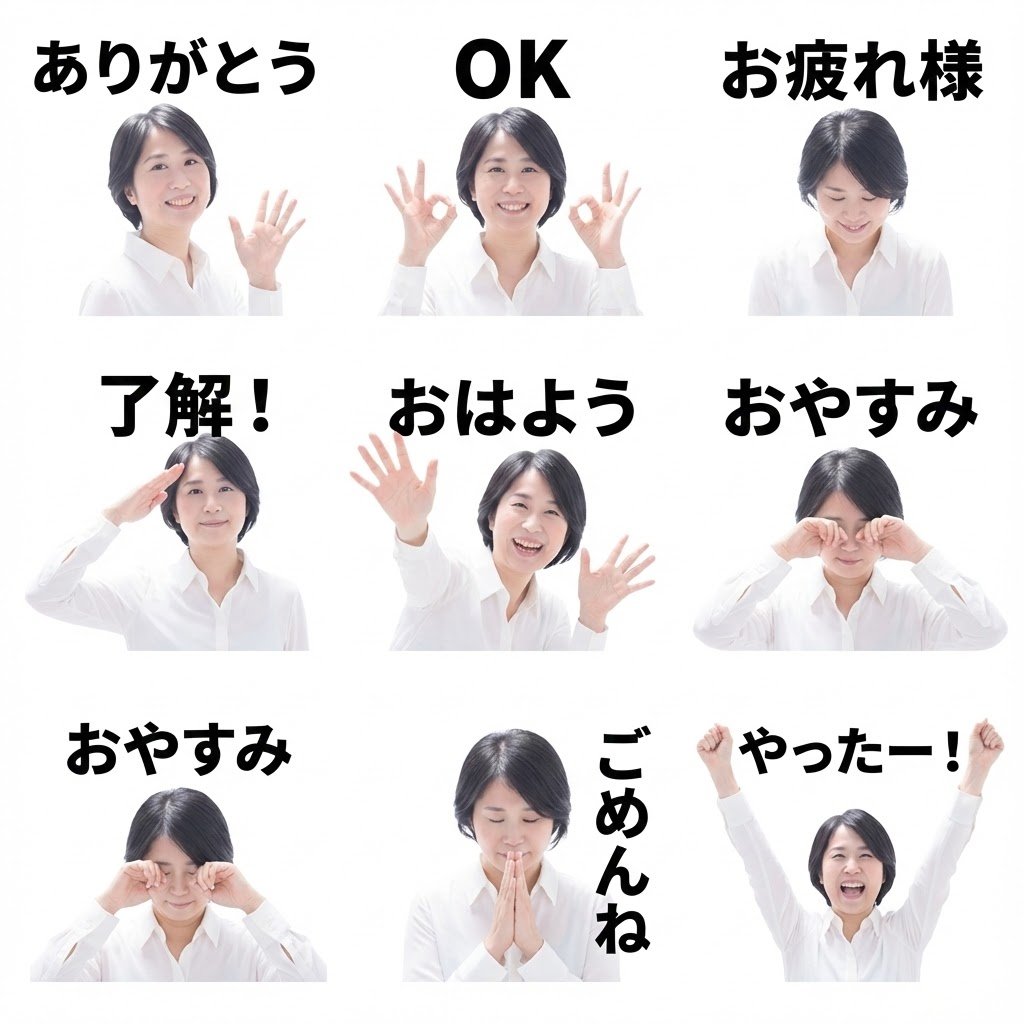
8 LINE stickers from a person image
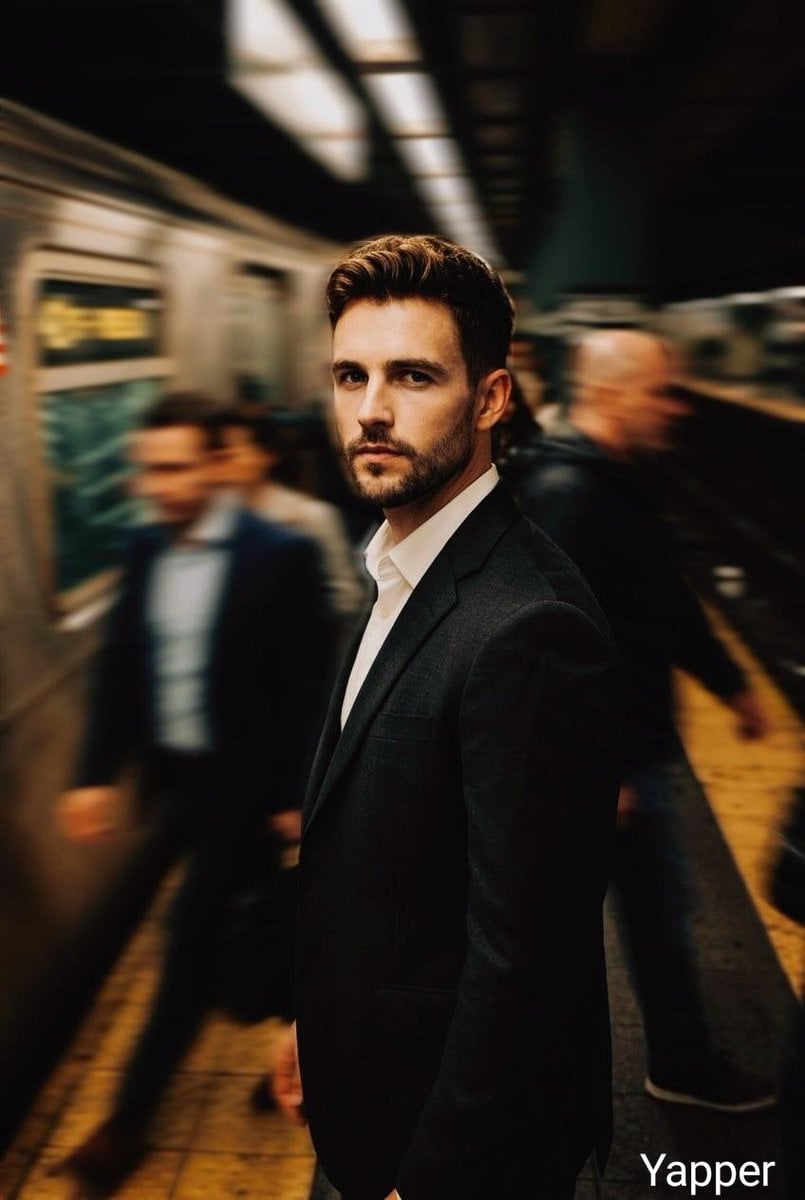
Cinematic Subway Thriller Portrait Prompt for Nano Banana 2

Cute Chinese LLM Training Infographic
Browse template categories
Sketchy Graphic Portrait Poster questions
How do I use the Sketchy Graphic Portrait Poster template?
Add your photo if the template asks for one, edit the prompt if you like — the template's model and format are already selected — and press Generate. Your version opens in PicX Studio.
Can I customize the Sketchy Graphic Portrait Poster template?
Yes. You can change the subject, setting, lighting, mood, format, and available model controls before creating your image.
Is the Sketchy Graphic Portrait Poster template free?
Opening and editing this template is free. Generating uses credits, shown on the Generate button when you are signed in.
Which AI model should I use?
Start with GPT Image 2, which is the model associated with this template. You can compare another compatible model for a different finish.
Looking for something else? Browse all templates.

Your photo, any look
Thousands of ready templates for every top image and video model, from one credit balance.