
Golden Hour Tropical Portrait
A lifestyle fashion prompt that generates a serene portrait of a subject in a lush botanical garden during the golden hour, emphasizing natural light and textures.
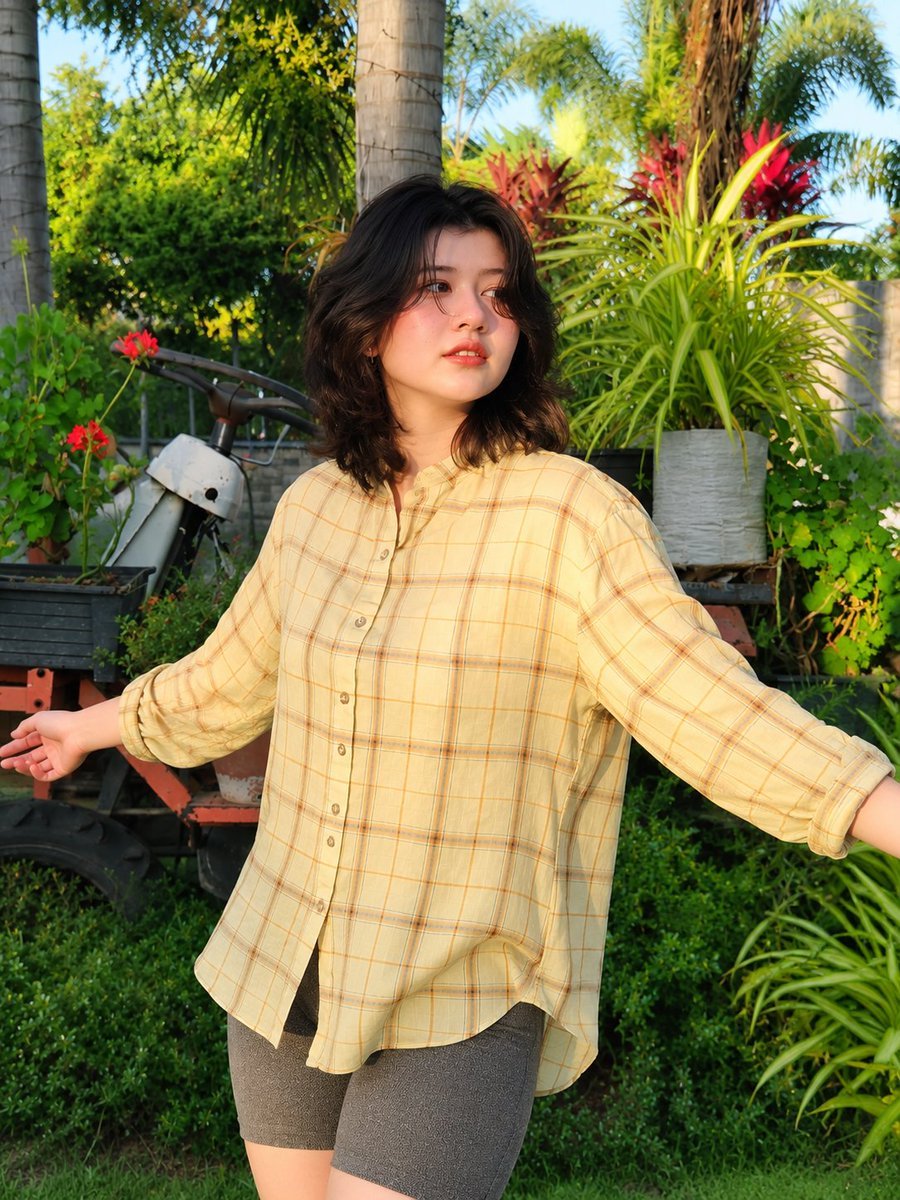
- Prompt included
- Model and format preset
- Free template
The prompt behind this image
Copy the exact prompt behind Golden Hour Tropical Portrait, or open it in the studio and make it yours.
A full-body lifestyle fashion portrait of a {argument name="subject" default="young East Asian woman"} standing in a {argument name="location" default="lush tropical garden"} during golden hour, arms fully outstretched in an open, carefree pose, body slightly turned at a 3/4 angle with one leg subtly crossed forward, looking off-camera with a calm, dreamy expression. She has fair porcelain skin, soft shoulder-length wavy black hair with natural volume, rosy cheeks, glossy natural lips, and minimal makeup. She wears {argument name="outfit" default="an oversized pale yellow plaid button-up shirt with rolled-up sleeves"}, charcoal gray fitted biker shorts, dark ribbed crew socks, and black sneakers. The loose shirt drapes naturally with realistic fabric folds, creating a relaxed oversized silhouette. The environment is a vibrant botanical garden filled with tropical palm trees, dense green foliage, colorful ornamental plants, terracotta and black flower pots, rustic wooden plant stands, and a weathered orange garden cart with a vintage white scooter partially visible in the background. Fresh green grass covers the foreground, adding depth and natural texture. Warm golden-hour sunlight illuminates the scene from the right side, producing soft highlights on the subject's face and hair, long cinematic shadows across the grass, subtle rim lighting, rich natural contrast, and a warm sun-kissed color palette. The atmosphere feels peaceful, fresh, and nostalgic. Shot on a full-frame DSLR with an 85mm lens, eye-level perspective, vertical composition, shallow depth of field, creamy background bokeh, ultra-sharp facial details, realistic skin texture, highly detailed fabric, vibrant botanical colors, HDR quality, photorealistic, cinematic lifestyle photography, natural color grading, editorial fashion shoot, premium Instagram aesthetic, 8K ultra-HD, extremely detailed, masterpiece quality.
How to use Golden Hour Tropical Portrait in 3 steps
- 1
Open
The prompt is already in the box next to the preview, with the template's model and format selected.
- 2…a portrait of your subject in softgolden-hour light, 85mm…
Personalize
Edit the subject and creative details for your destination.
- 3Generate
Generate
Press Generate — your image is created in PicX Studio, so you can compare it with the original and refine one variable at a time.
More like this
Templates with the same subject, style or setup. Open one to see its prompt.

80s Golden Hour Cinema

Rooftop Fisheye — Cat-Ear Balaclava at Golden Hour
Golden Hour Tropical Cafe Portrait
Cinematic Golden Hour Garden Portrait
Cinematic Golden Hour Urban Portrait
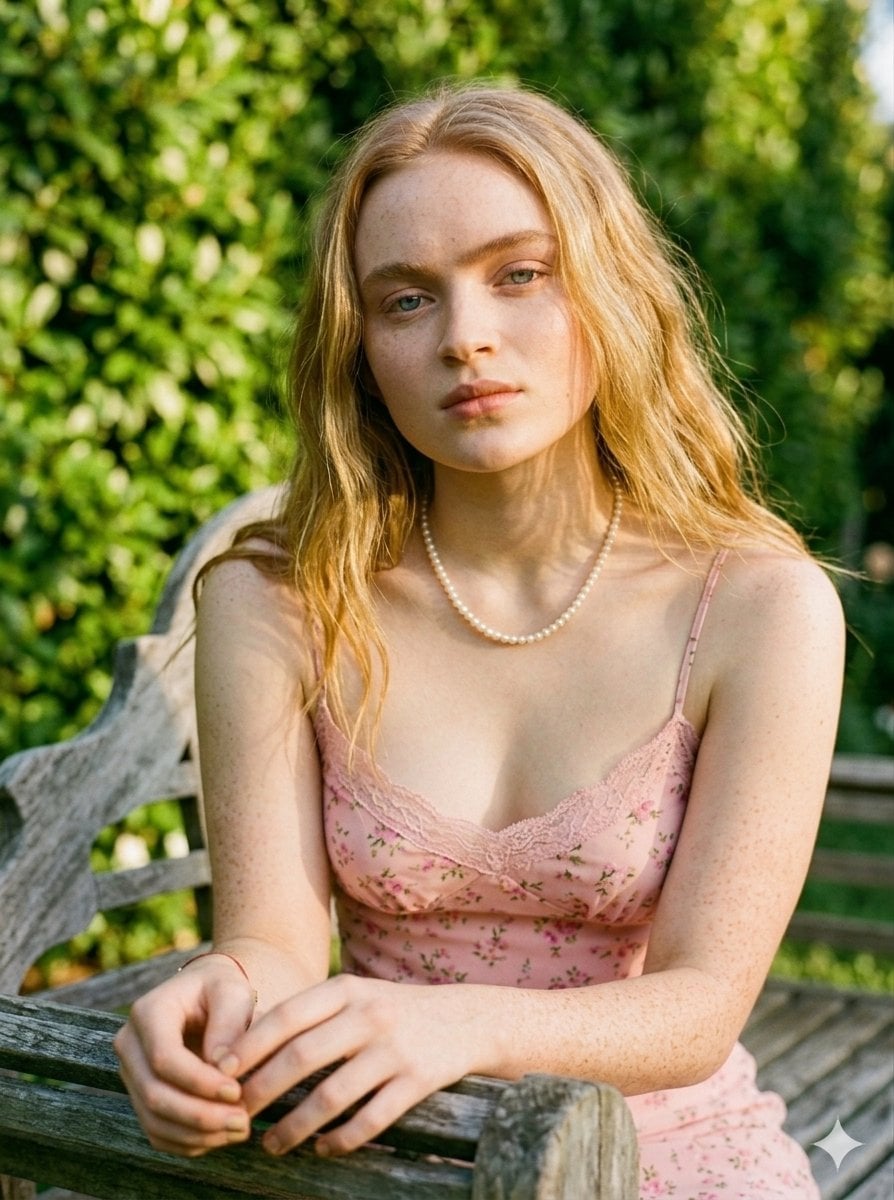
Golden Hour Redhead Portrait
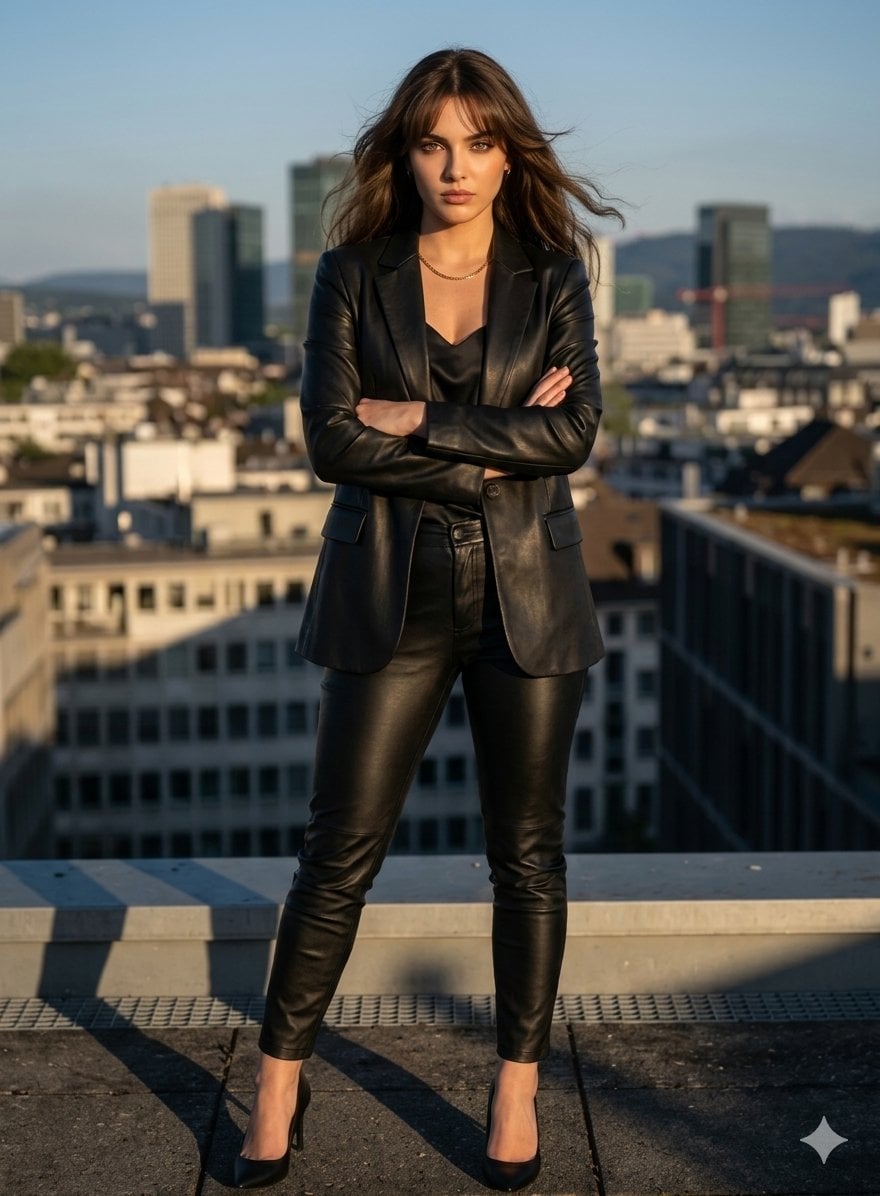
Golden Hour Cinematic Boss Energy Portrait
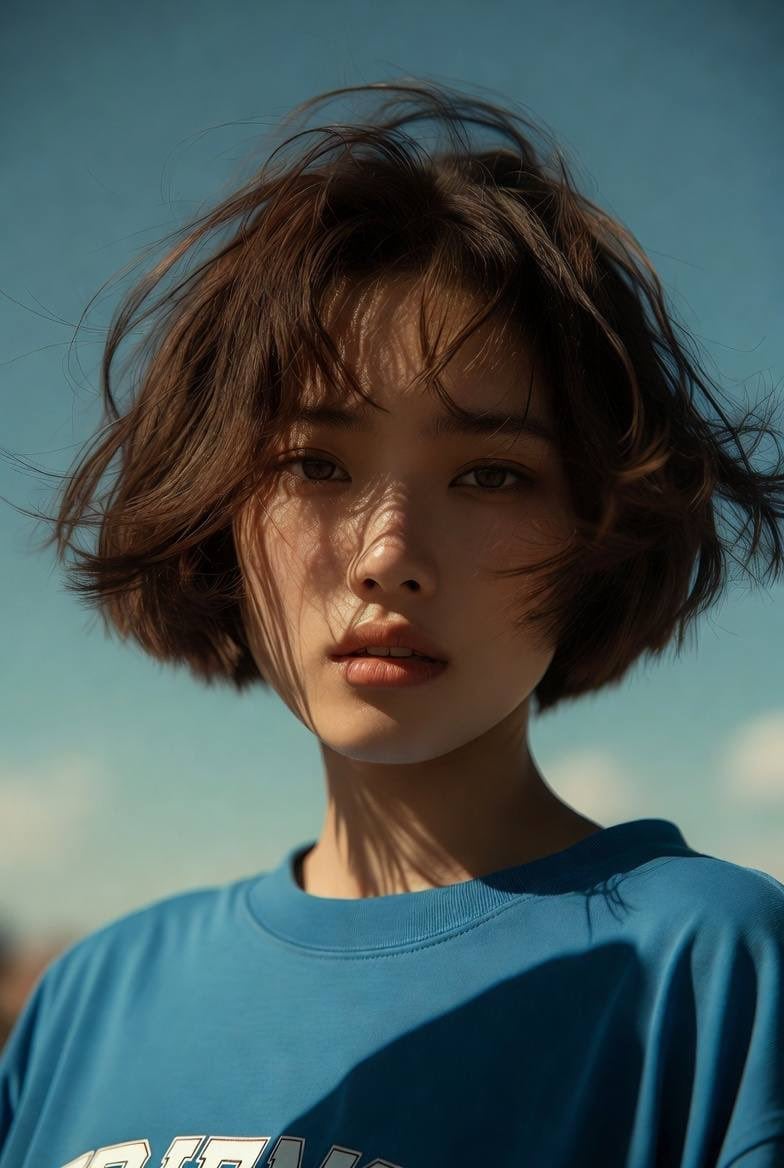
Golden Hour Cinematic Portrait
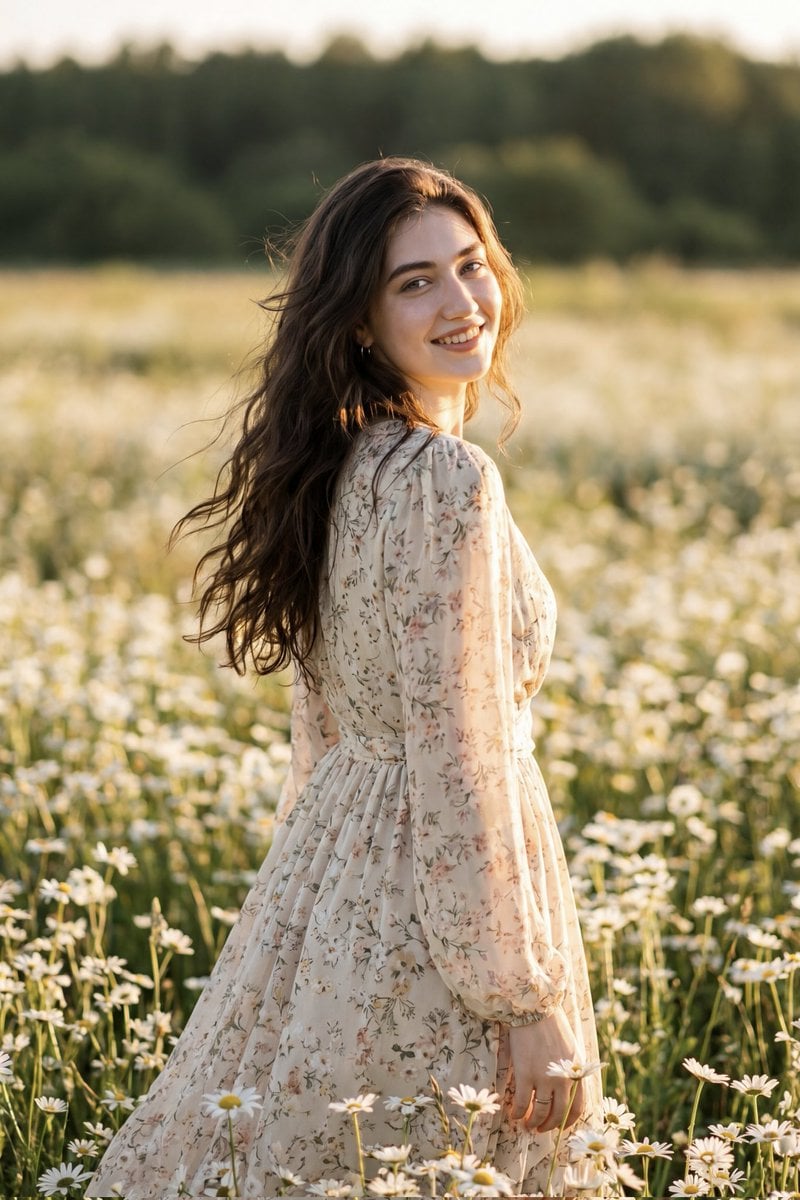
Golden Hour Daisy Field Portrait
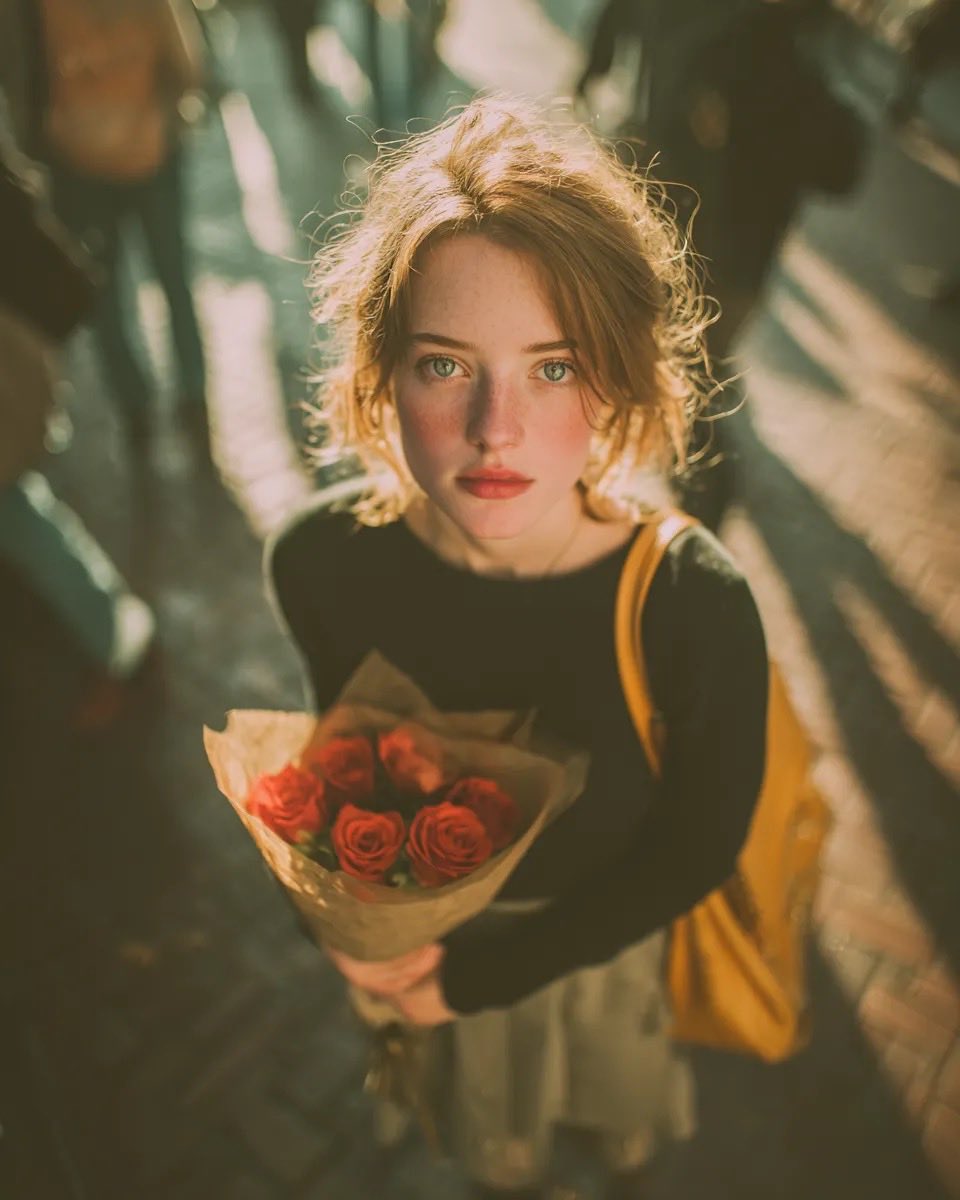
Golden Hour Rose Portrait

Golden Hour Korean Classroom Portrait
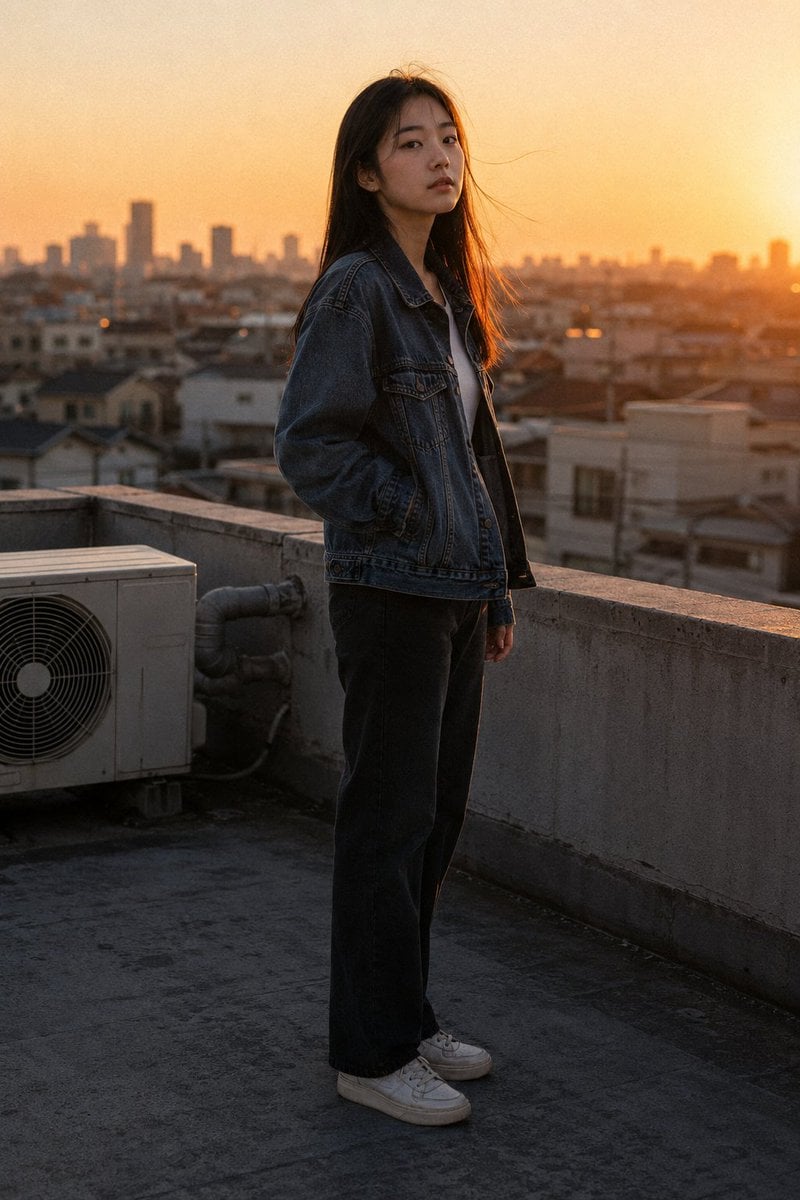
Golden Hour Rooftop Portrait
Make it yours
Golden Hour Tropical Portrait works as-is. These are the safest ways to change it without losing the look.
Change one field
Copy a single group, rewrite it, and generate again so you can see what that field is doing.
Keep the frame, change the subject
Hold the composition and light of Golden Hour Tropical Portrait, then swap wardrobe, props or the person for a new take.
| If the result… | Why | Fix |
|---|---|---|
| The result drifts from the preview | Too many fields changed at once. | Reuse Golden Hour Tropical Portrait as-is first, then change one group — subject, light, or setting. |
| The model over-stylizes the scene | The prose prompt leaves finish and camera underspecified. | Add one camera or lighting sentence and stay on GPT Image 2. |
More GPT Image 2 templates
Other prompts made for GPT Image 2.

Six VTuber Japanese Logo Sheet

Realistic Portrait of Woman and Deer

The Vista Modular Condo Poster

AI Model Routing Comparison Infographic

2.5D Anime Art Board

Isometric Productivity Desk Scene

New York Double Exposure Poster

Four-Panel AI Landscape Comparison

Japanese Tatami Lifestyle Magazine Cover

NESCAFÉ Coffee Map Poster
More image prompts
Fresh picks from across the catalog.

Golden Hour Intellectual Study Portrait

Casual Woman in Cafe Photo Prompt for Gemini Nano Banana
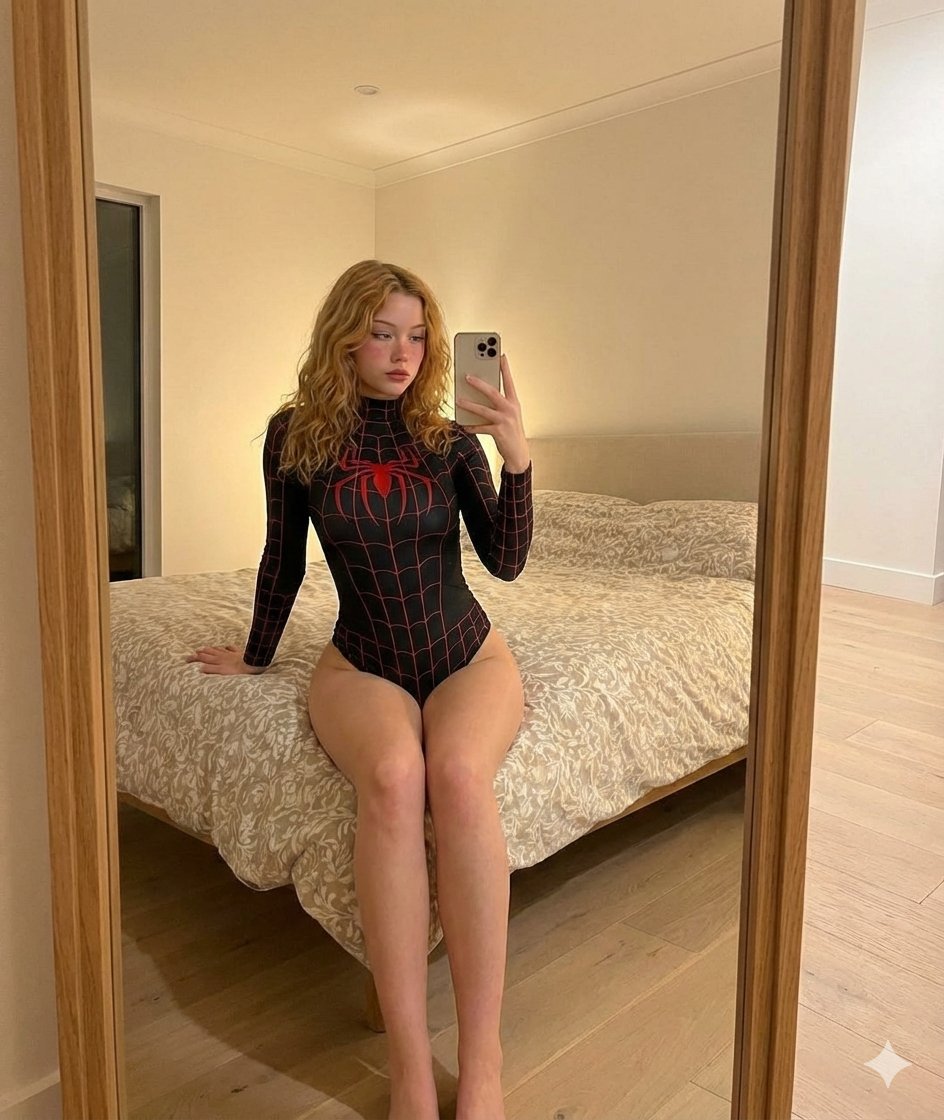
iPhone Mirror Selfie Photography Prompt for Character Replacement
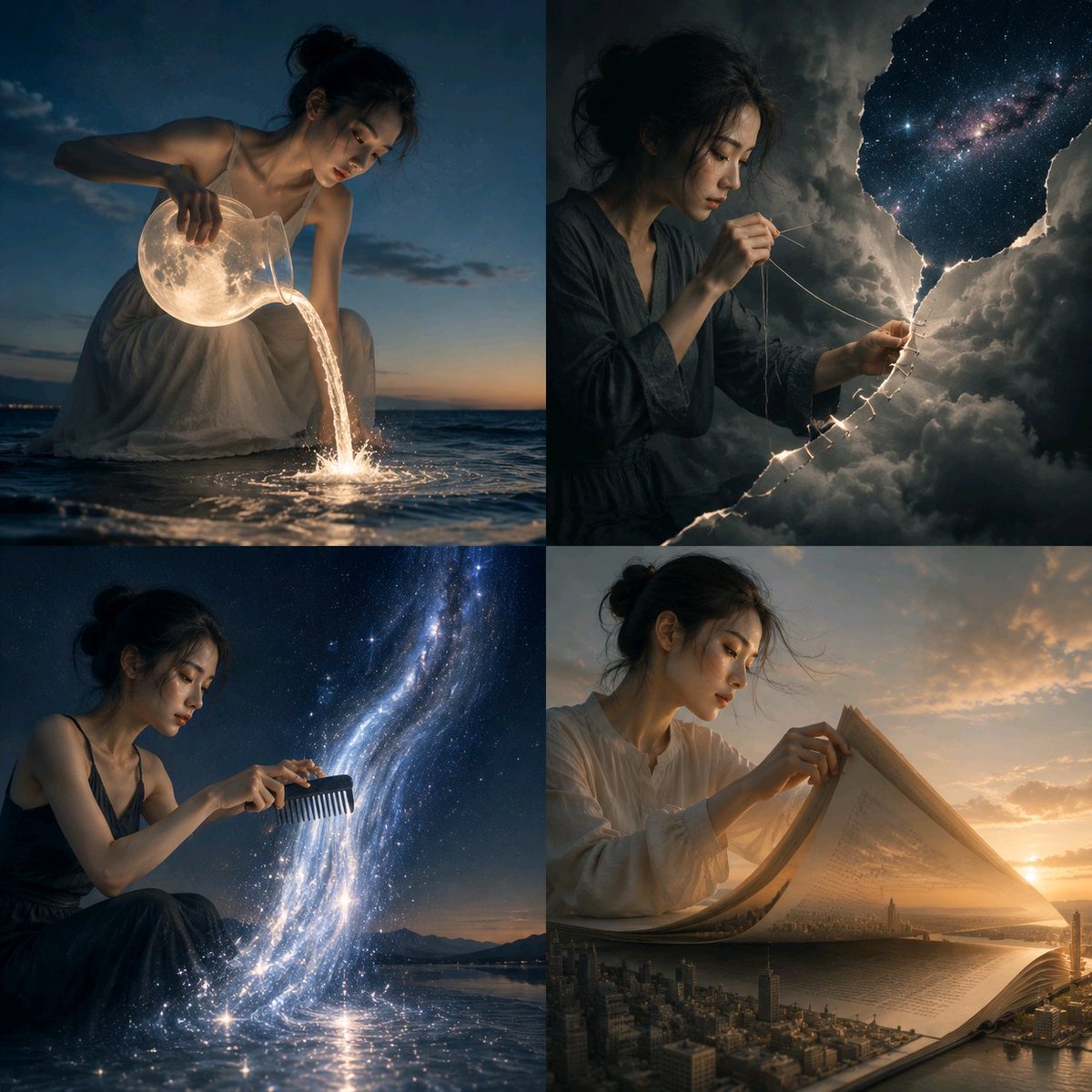
Surreal Visual Metaphor Template

Trompe l'oeil subject stepping out of social media screen
Dreamlike Double Exposure Montage

Nike Dunk Low Commercial Poster
3D Block Letter Fashion Portrait
Maximalist Sky Temple City
Censored Monochrome Manga Profile
Browse template categories
Golden Hour Tropical Portrait questions
How do I use the Golden Hour Tropical Portrait template?
Add your photo if the template asks for one, edit the prompt if you like — the template's model and format are already selected — and press Generate. Your version opens in PicX Studio.
Can I customize the Golden Hour Tropical Portrait template?
Yes. You can change the subject, setting, lighting, mood, format, and available model controls before creating your image.
Is the Golden Hour Tropical Portrait template free?
Opening and editing this template is free. Generating uses credits, shown on the Generate button when you are signed in.
Which AI model should I use?
Start with GPT Image 2, which is the model associated with this template. You can compare another compatible model for a different finish.
Looking for something else? Browse all templates.

Your photo, any look
Thousands of ready templates for every top image and video model, from one credit balance.