How do I use the Chinese Guochao Warrior Portrait template?
Choose the primary action to open PicX Studio with the available template settings. Review the model and format, personalize the creative direction, and generate when ready.
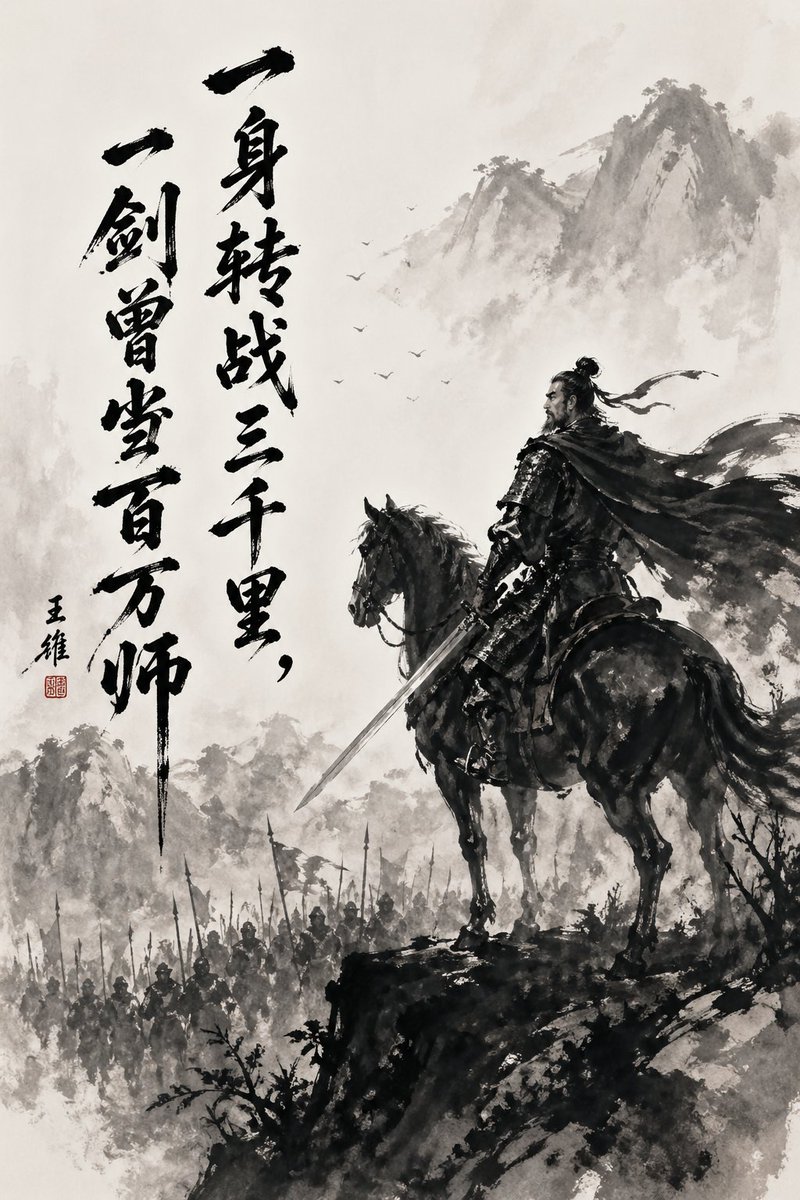
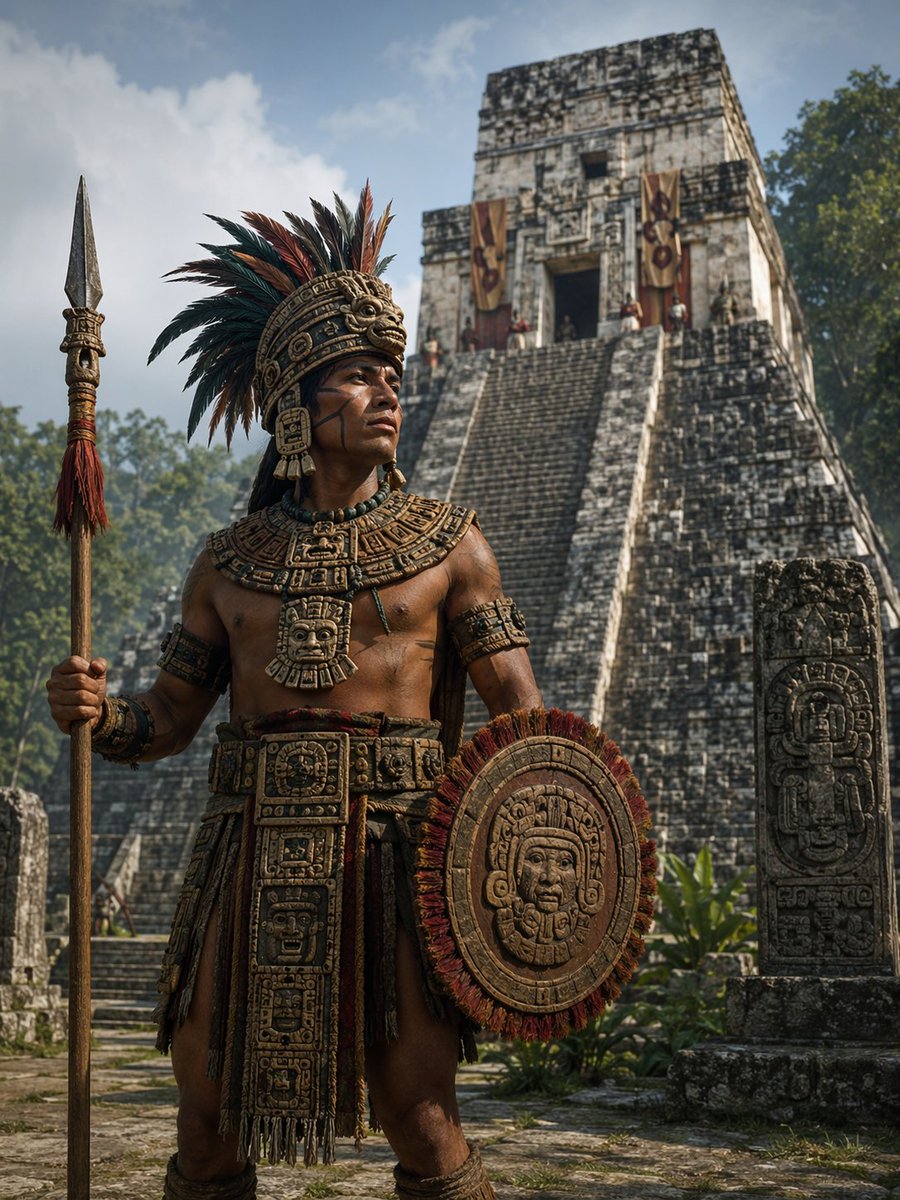
Creates a dramatic, cinematic portrait of a historical figure in the 'Guochao' style, featuring Han Dynasty armor, ink elements, and epic lighting.
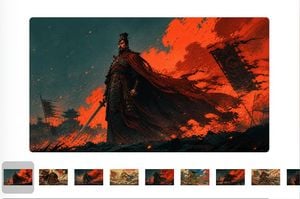
{argument name="风格" default="国潮风"}{argument name="人物" default="曹操"},身穿{argument name="盔甲描述" default="黑红汉代战甲"},手持长剑。朱砂火焰水墨与深青天空交织,披风迎风飞扬,低机位仰拍,史诗感、电影感,16:9横屏,无文字、无水印。
Choose the primary action to open PicX Studio with the available template settings. Review the model and format, personalize the creative direction, and generate when ready.
Yes. You can change the subject, setting, lighting, mood, format, and available model controls before creating your image.
This template is free to open and customize. Generation usage is shown in PicX Studio before you create.
Start with GPT Image 2, which is the model associated with this template. You can compare another compatible model for a different finish.
Follow a topic to a crawlable collection of related PicX Studio templates.