
Five GitHub AI Tools Tech Poster
A cinematic Chinese tech banner showcasing five GitHub AI tools with dashboard-style UI cards for social media or newsletter use.

- Prompt included
- Model and format preset
- Free template
The prompt behind this image
Copy the exact prompt behind Five GitHub AI Tools Tech Poster, or open it in the studio and make it yours.
Goal: Create a dark futuristic widescreen tech poster introducing {argument name="headline text" default="今日分享:5 个 GitHub 爆涨星技能"}, showing five fast-growing GitHub AI tools as large interface cards above a modern developer workstation. Canvas: 16:9 horizontal social media banner, cinematic dark office background, cool blue lighting, high contrast, sharp UI mockup style. Use a blurred glass-and-metal workspace at night, with a desk across the bottom third. Layout: Place a large centered Chinese headline at the top; make the number “5” oversized and bright electric blue while the rest of the headline is bold white. Under it, add a thin decorative line and small subtitle text reading {argument name="subtitle text" default="真实工作流场景一图看懂"}. Arrange exactly 5 numbered feature sections in a row across the middle, each with a circular number badge, tool name, short Chinese description, and a large screenshot-style UI card beneath it. The five sections are: 1) GPT-Image2-Skill, description “图像生成与创意设计”; 2) smart-ralph, description “智能开发规划与执行”; 3) OpenAI Skills, description “可复用的 AI 技能目录”; 4) open-saas, description “开箱即用的 SaaS 基础设施”; 5) awesome-copilot, description “Copilot 配置与提示词库”. Subject details: Section 1 card is a dark prompt-library interface titled “GPT-Image2-Skill,” with a left sidebar of categories and a grid of poster/UI/illustration thumbnails. Section 2 card is a dark coding workflow interface titled “smart-ralph,” showing a task checklist, code editor, checkpoints, and an approval dialog. Section 3 card is a clean light “Skills Directory” interface with category navigation and stacked skill cards such as Code Reviewer, API Documenter, SQL Assistant, and Data Analyst. Section 4 card is an open-saas dashboard mockup with a landing page headline “Build Faster. Launch Sooner.”, login panel, dashboard metrics, payments table, and deploy panel. Section 5 card is a dark awesome-copilot marketplace/library interface with tabs and exactly 6 visible tool rows: Python Best Practices, API Development, Test Generator, Code Refactor, Security Scanner, and Docs Generator. Desk foreground: Include exactly 4 main desk objects: an open laptop on the left showing a mountain wallpaper, two wide desktop monitors in the center showing code and analytics dashboards, a white keyboard with mouse, and a small potted plant near the right monitor. Keep the desk minimal, premium, and realistic. Visual style: Premium GitHub/AI tooling aesthetic, dark navy and black palette, electric blue accents, crisp white typography, glassmorphism UI panels, realistic reflections, subtle depth of field, cinematic lighting, polished startup presentation design. Constraints: Keep all five tool names readable. Do not add extra tools or extra numbered sections. Preserve the Chinese headline and short Chinese descriptions. Avoid watermarks, logos unrelated to the five tools, clutter, distorted text, or cartoon styling.
How to use Five GitHub AI Tools Tech Poster in 3 steps
- 1Upload ImagePNG, JPG or paste
Add your photo
Upload the photo the template builds on. The prompt, model and format are already set.
- 2…a portrait of your subject in softgolden-hour light, 85mm…
Personalize
Edit the subject and creative details for your destination.
- 3Generate
Generate
Press Generate — your image is created in PicX Studio, so you can compare it with the original and refine one variable at a time.
More like this
Templates with the same subject, style or setup. Open one to see its prompt.
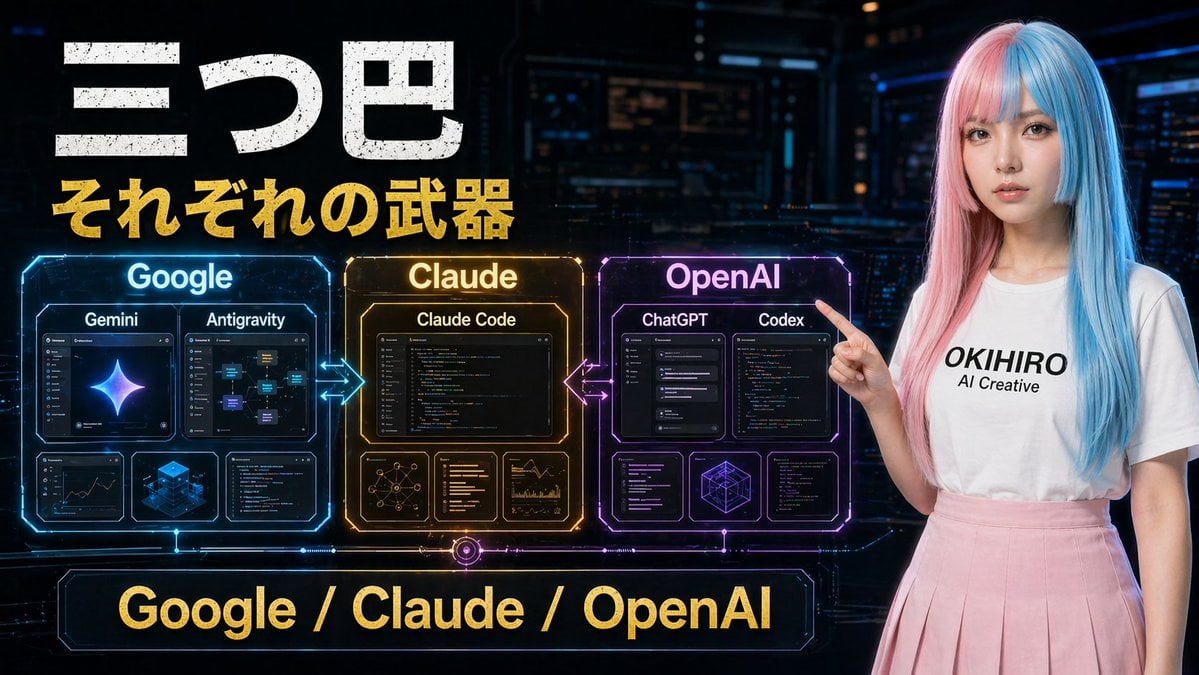
Gpt2 Youtube Thumbnail Cyberpunk Ai Tools Comparison Poster

Japan Travel Brochure Poster

Cartoon TV Show Poster Pack

Trendy Cafe Drink Promo Poster

Urban Fashion Editorial Collage Streetwear Poster

Premium Fashion Editorial Cover Layout System

Polo Ralph Lauren Luxury American Heritage Fashion Campaign

Monochrome Halftone Editorial Fashion Poster

Retro Mirror Luxury Fashion Campaign Poster

Luxury Fashion Campaign Typography Poster System

Premium Fashion Editorial Campaign Poster System

Ultra-Stylized High-Fashion Streetwear Poster
Make it yours
Five GitHub AI Tools Tech Poster works as-is. These are the safest ways to change it without losing the look.
Change one field
Copy a single group, rewrite it, and generate again so you can see what that field is doing.
Keep the frame, change the subject
Hold the composition and light of Five GitHub AI Tools Tech Poster, then swap wardrobe, props or the person for a new take.
| If the result… | Why | Fix |
|---|---|---|
| The result drifts from the preview | Too many fields changed at once. | Reuse Five GitHub AI Tools Tech Poster as-is first, then change one group — subject, light, or setting. |
| The model over-stylizes the scene | The prose prompt leaves finish and camera underspecified. | Add one camera or lighting sentence and stay on GPT Image 2. |
More GPT Image 2 templates
Other prompts made for GPT Image 2.

Six VTuber Japanese Logo Sheet

Realistic Portrait of Woman and Deer

The Vista Modular Condo Poster

AI Model Routing Comparison Infographic

2.5D Anime Art Board

Isometric Productivity Desk Scene

New York Double Exposure Poster

Four-Panel AI Landscape Comparison

Japanese Tatami Lifestyle Magazine Cover

NESCAFÉ Coffee Map Poster
More image prompts
Fresh picks from across the catalog.
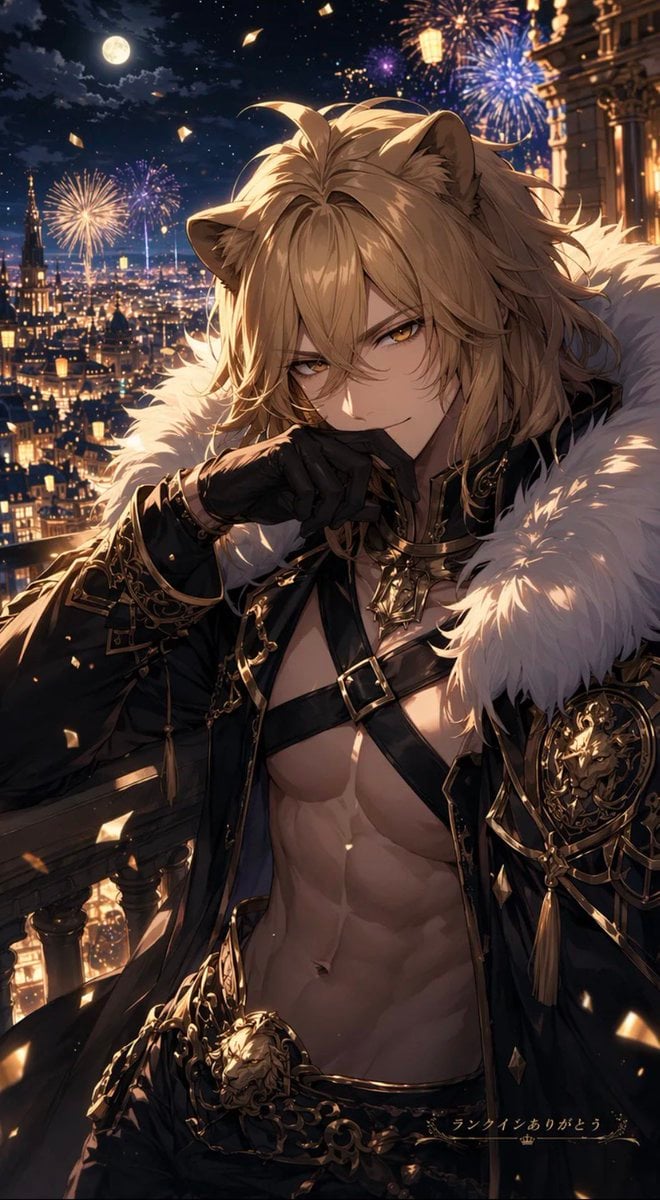
Lion Prince Fireworks Balcony
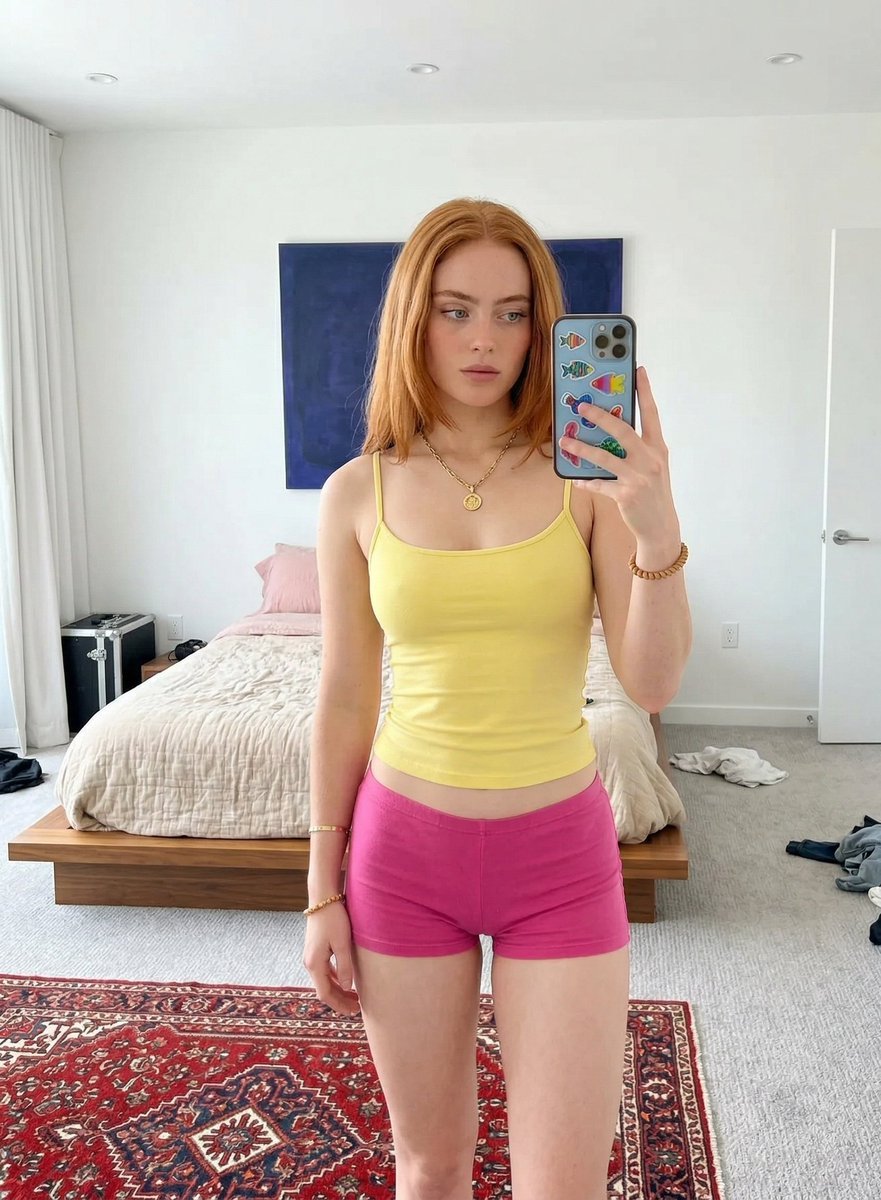
Mirror Selfie in Minimalist Bedroom with Vibrant Clothing

Japanese Kids English LP Hero

Panel Self-Care Infographic Grid
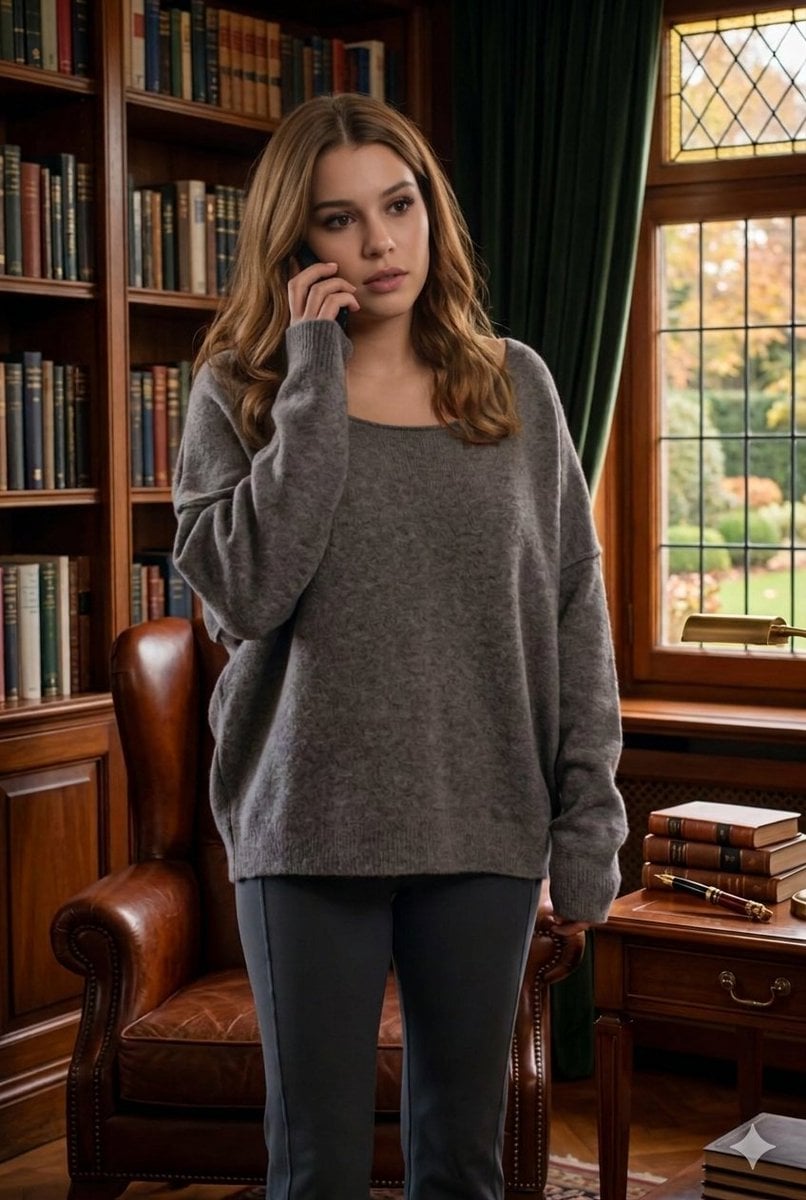
Cinematic Library Scene with Woman on Phone
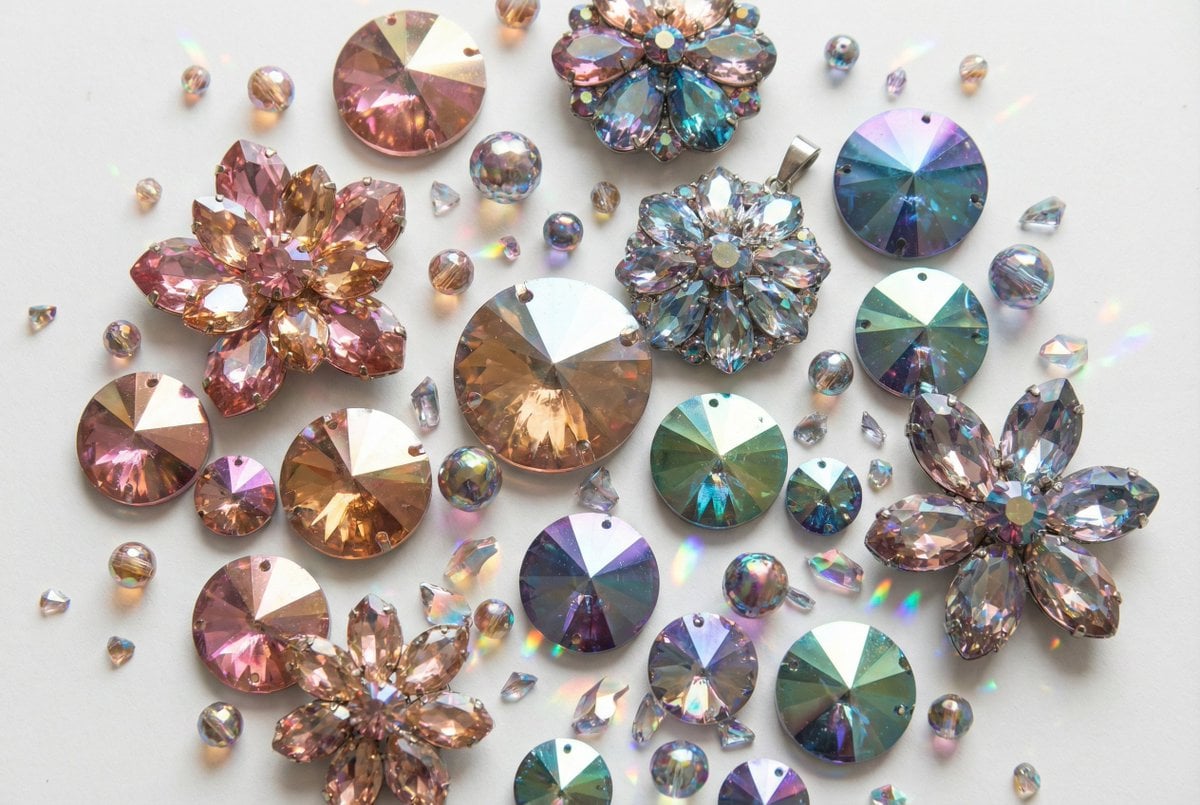
Iridescent Faceted Jewel Arrangement Product Shot
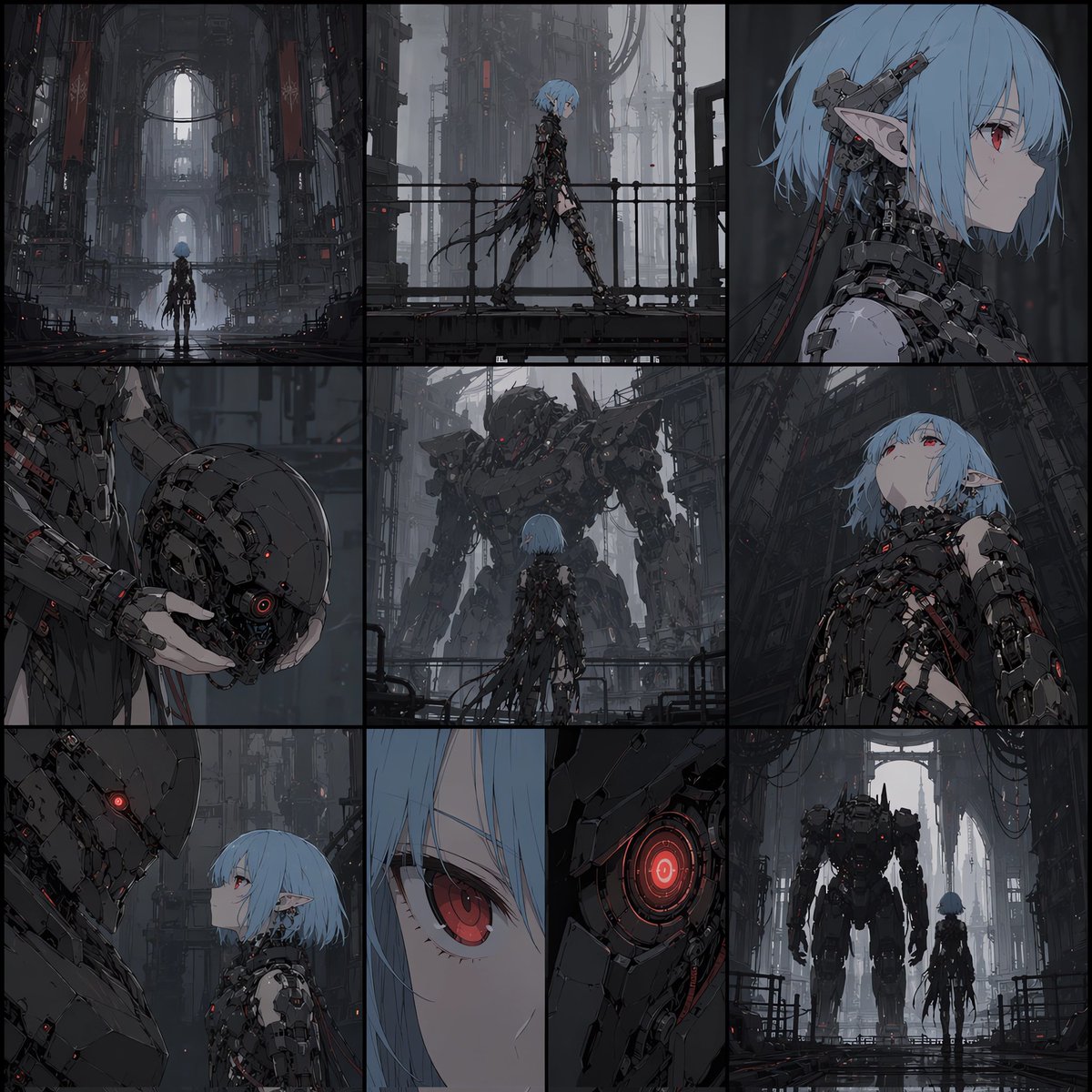
Cyberpunk Android Elf Storyboard
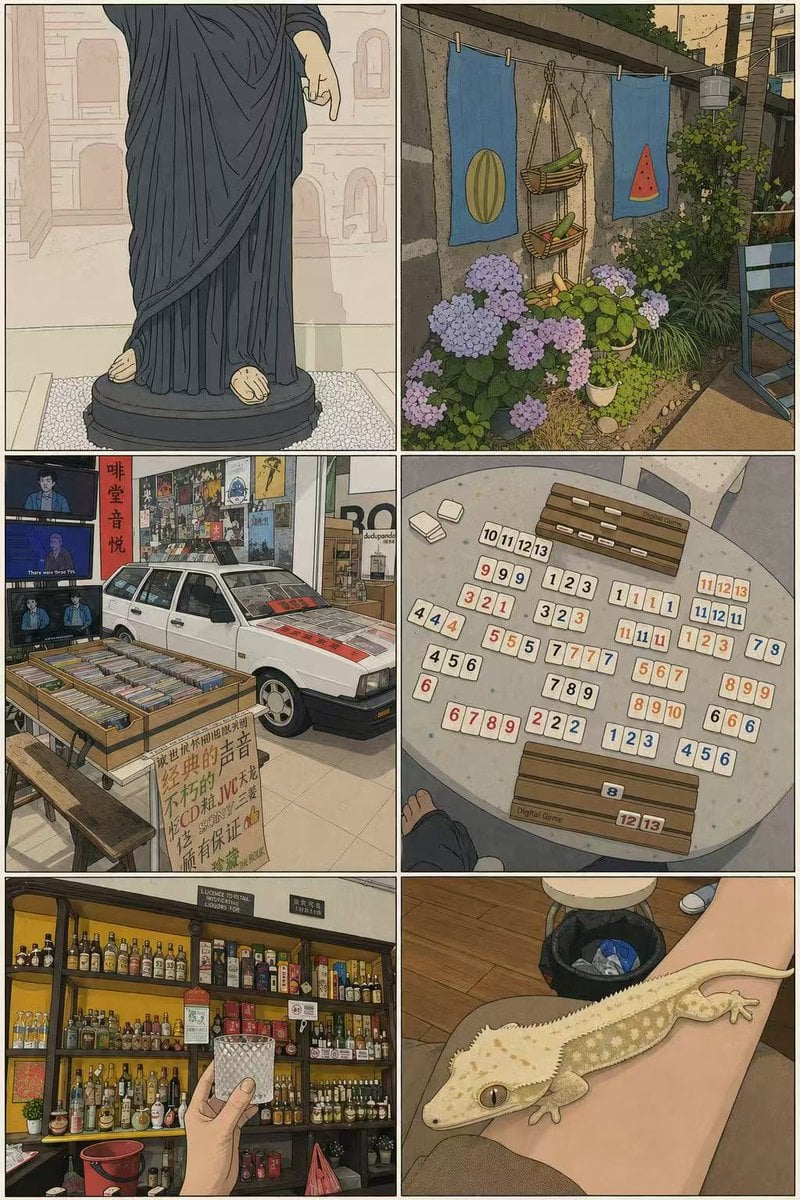
Minimalist Alt-Comic Style Transformation
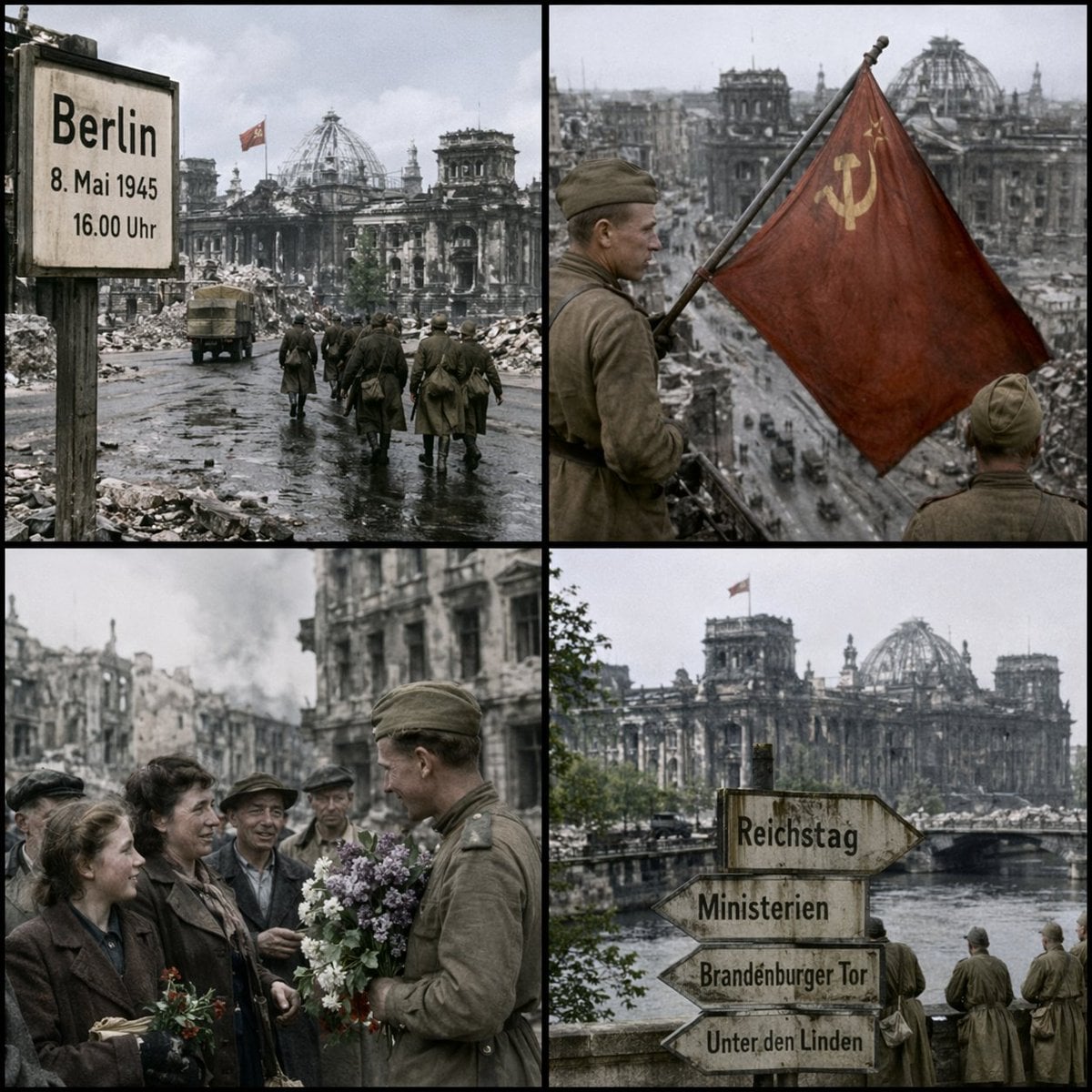
Historical Coordinate Grid Generation
Candid iPhone Night Portrait
Browse template categories
Five GitHub AI Tools Tech Poster questions
How do I use the Five GitHub AI Tools Tech Poster template?
Add your photo if the template asks for one, edit the prompt if you like — the template's model and format are already selected — and press Generate. Your version opens in PicX Studio.
Can I customize the Five GitHub AI Tools Tech Poster template?
Yes. You can change the subject, setting, lighting, mood, format, and available model controls before creating your image.
Is the Five GitHub AI Tools Tech Poster template free?
Opening and editing this template is free. Generating uses credits, shown on the Generate button when you are signed in.
Which AI model should I use?
Start with GPT Image 2, which is the model associated with this template. You can compare another compatible model for a different finish.
Looking for something else? Browse all templates.

Your photo, any look
Thousands of ready templates for every top image and video model, from one credit balance.