
Candid Urban Satin Street Fashion
Generates a film-like street fashion photo of a woman in ivory satin walking past a poster-covered urban wall.
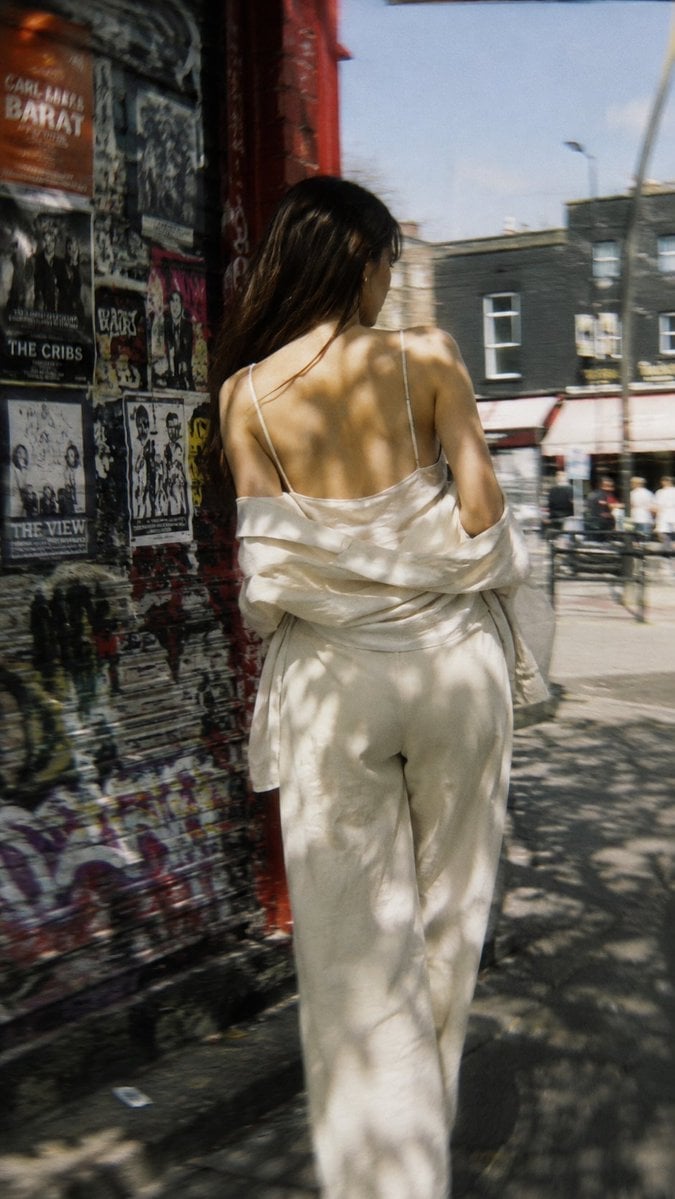
- Prompt included
- Model and format preset
- Free template
The prompt behind this image
Copy the exact prompt behind Candid Urban Satin Street Fashion, or open it in the studio and make it yours.
Create a vertical 9:16 candid street-fashion photograph of {argument name="subject" default="a young woman"} walking away from the camera on a sunny urban sidewalk. She has {argument name="hair color" default="long dark brown hair"} falling over one shoulder and wears an elegant monochrome {argument name="outfit" default="ivory satin camisole, loose matching trousers, and an oversized ivory shirt slipped off both shoulders"}, exposing her upper back and thin straps. The composition is shot from behind at waist-to-full-body height, slightly close, with the subject centered and moving forward. On the left side, show a gritty red-and-black building corner covered with layered concert posters, stickers, torn paper, graffiti, and visible band-poster text such as “CARL BARAT,” “THE CRIBS,” and “THE VIEW.” On the right and background, show a London-like street with brick storefronts, railings, pedestrians, a lamppost, and soft traffic blur. Use harsh midday sunlight filtered through tree leaves, creating irregular dappled shadows across her back, clothing, wall, pavement, and the street. Style it as a real 35mm film snapshot: natural skin tones, slight motion blur, shallow-to-moderate depth of field, warm highlights, muted shadows, visible grain, subtle lens softness, imperfect candid framing, no posed fashion-studio look, no watermark, no extra text beyond environmental posters.
How to use Candid Urban Satin Street Fashion in 3 steps
- 1Upload ImagePNG, JPG or paste
Add your photo
Upload the photo the template builds on. The prompt, model and format are already set.
- 2…a portrait of your subject in softgolden-hour light, 85mm…
Personalize
Edit the subject and creative details for your destination.
- 3Generate
Generate
Press Generate — your image is created in PicX Studio, so you can compare it with the original and refine one variable at a time.
More like this
Templates with the same subject, style or setup. Open one to see its prompt.

Nano Banana - Street Paris T-Shirt

80s College Gate

Neon Night Crosswalk Candid Portrait
Neon Night Crosswalk Candid Portrait

Face-Locked Cream Half-Zip Street Walk
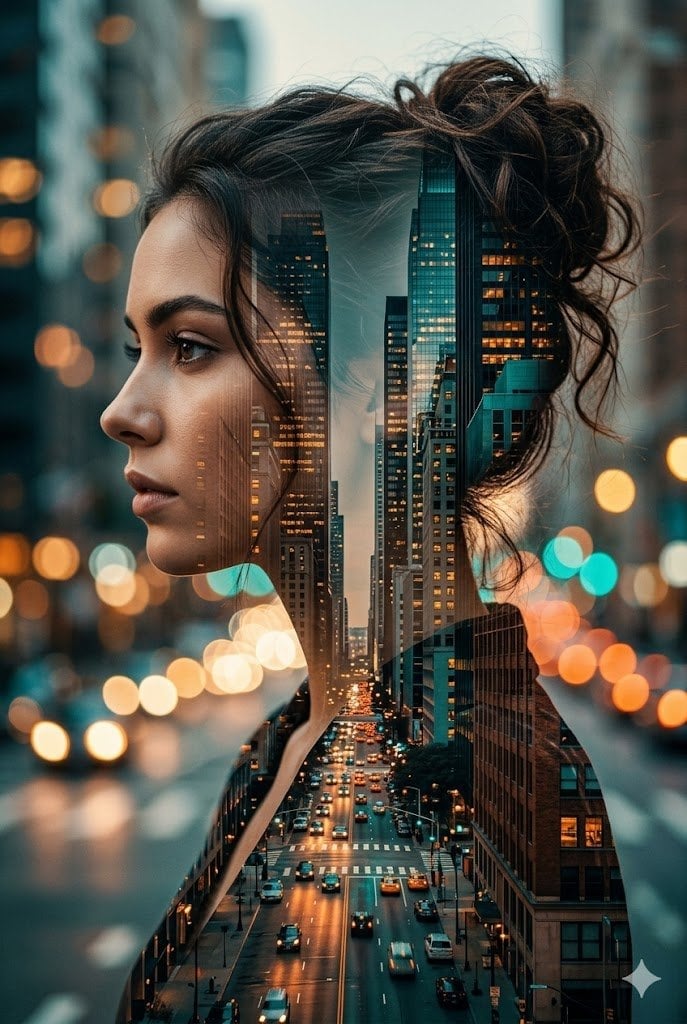
Double Exposure City Street Portrait

Giant Forced Perspective Street Product Selfie

Sunday Afternoon, 1988

Two Tickets, One Night

Our Song was on a Cassette

Meet Me When It Rains

The Date After College
Make it yours
Candid Urban Satin Street Fashion works as-is. These are the safest ways to change it without losing the look.
Change one field
Copy a single group, rewrite it, and generate again so you can see what that field is doing.
Keep the frame, change the subject
Hold the composition and light of Candid Urban Satin Street Fashion, then swap wardrobe, props or the person for a new take.
| If the result… | Why | Fix |
|---|---|---|
| The result drifts from the preview | Too many fields changed at once. | Reuse Candid Urban Satin Street Fashion as-is first, then change one group — subject, light, or setting. |
| The model over-stylizes the scene | The prose prompt leaves finish and camera underspecified. | Add one camera or lighting sentence and stay on GPT Image 2. |
More GPT Image 2 templates
Other prompts made for GPT Image 2.

Six VTuber Japanese Logo Sheet

Realistic Portrait of Woman and Deer

The Vista Modular Condo Poster

AI Model Routing Comparison Infographic

2.5D Anime Art Board

Isometric Productivity Desk Scene

New York Double Exposure Poster

Four-Panel AI Landscape Comparison

Japanese Tatami Lifestyle Magazine Cover

NESCAFÉ Coffee Map Poster
More image prompts
Fresh picks from across the catalog.
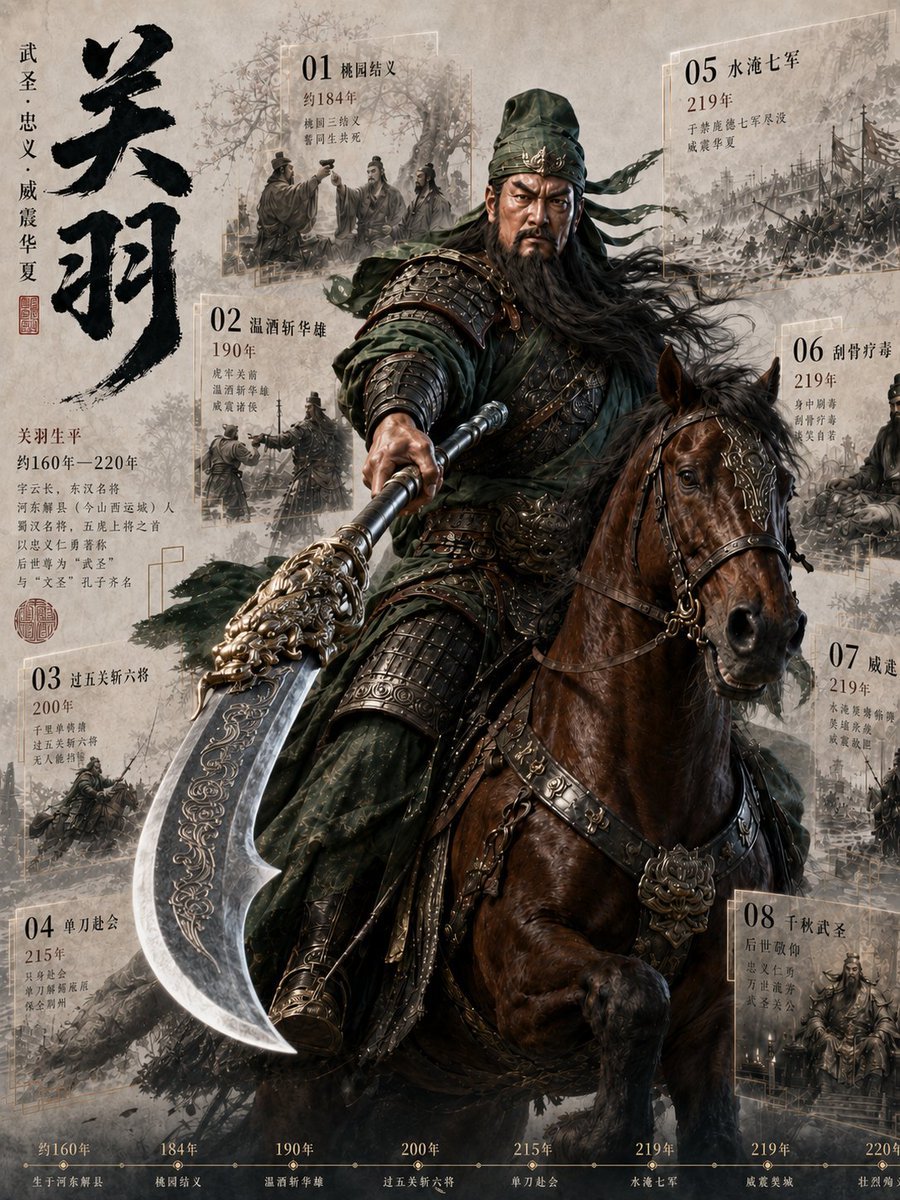
Guan Yu Historical Infographic Poster
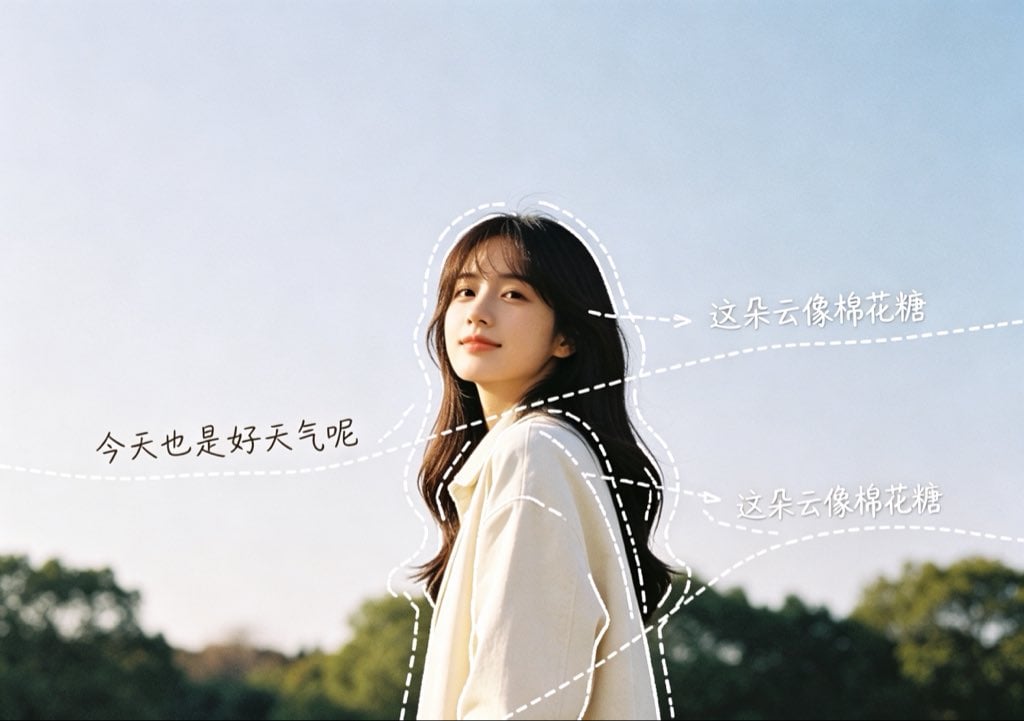
Diary-Style Annotated Portrait
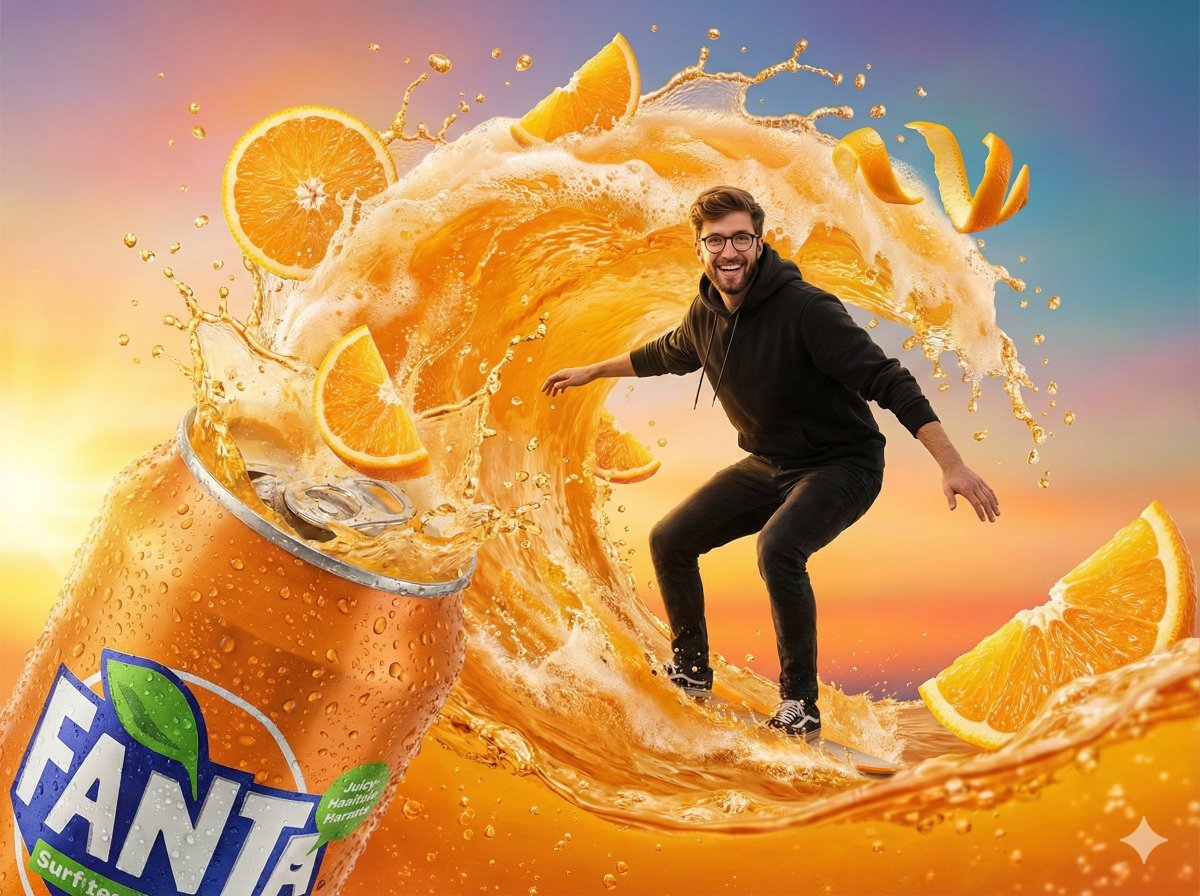
Fantasy Soda Commercial
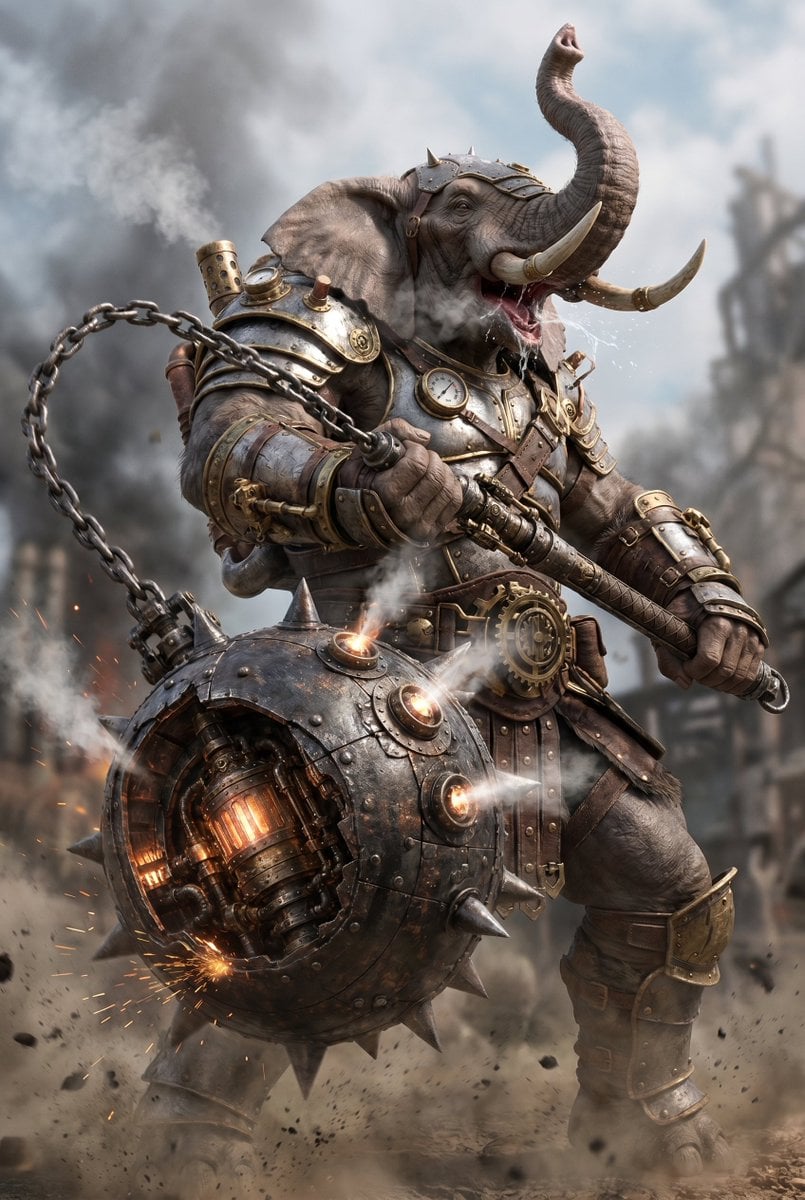
Steampunk Elephant Warrior
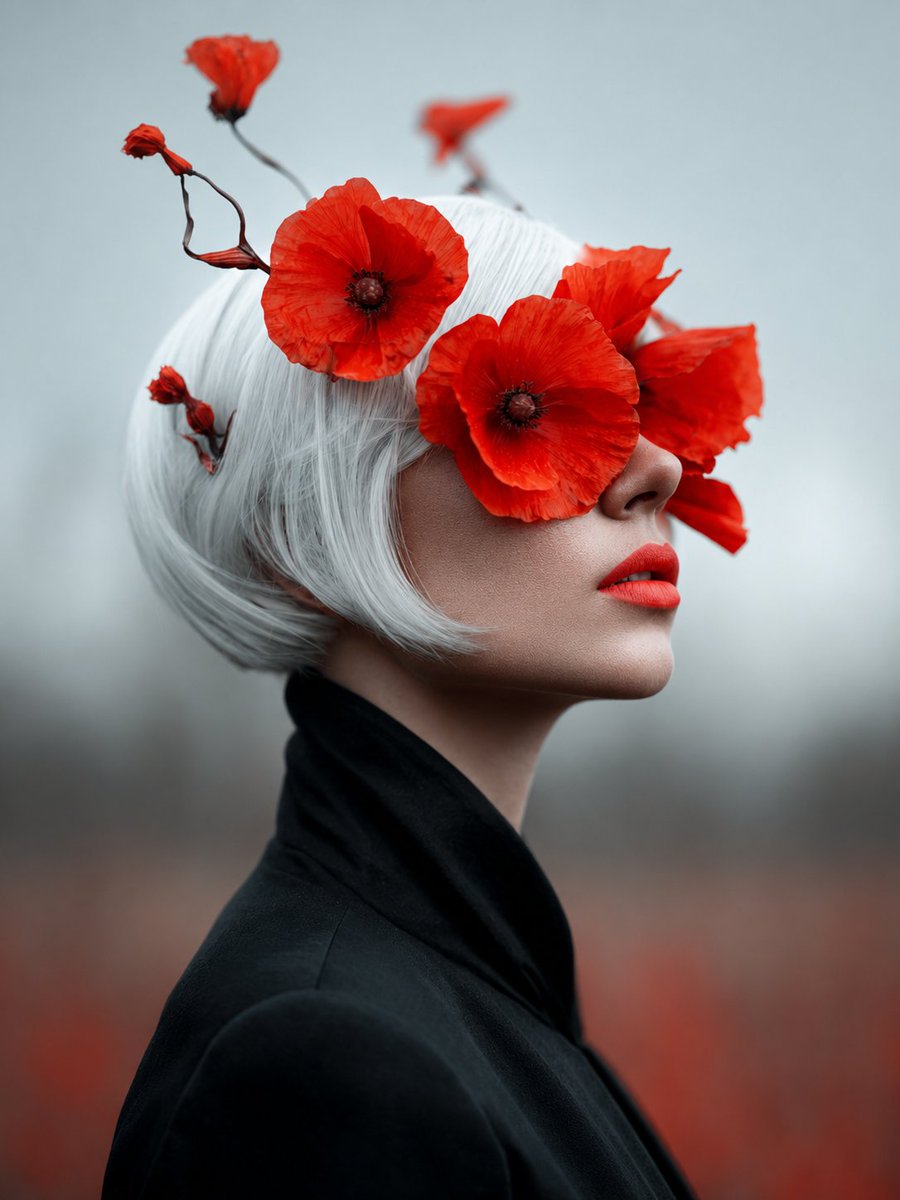
Lady of Red Poppies Portrait
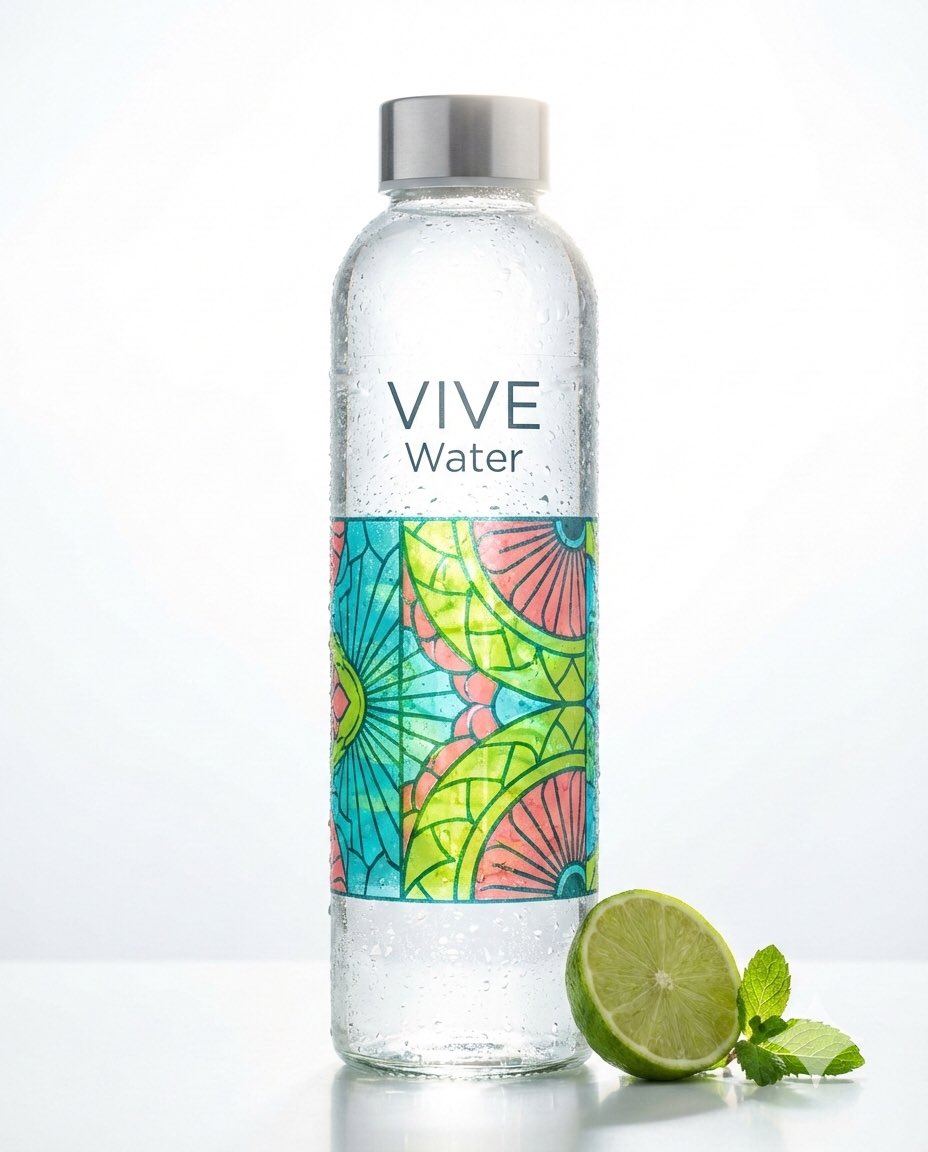
TikTok Creator Holding Product Screengrab
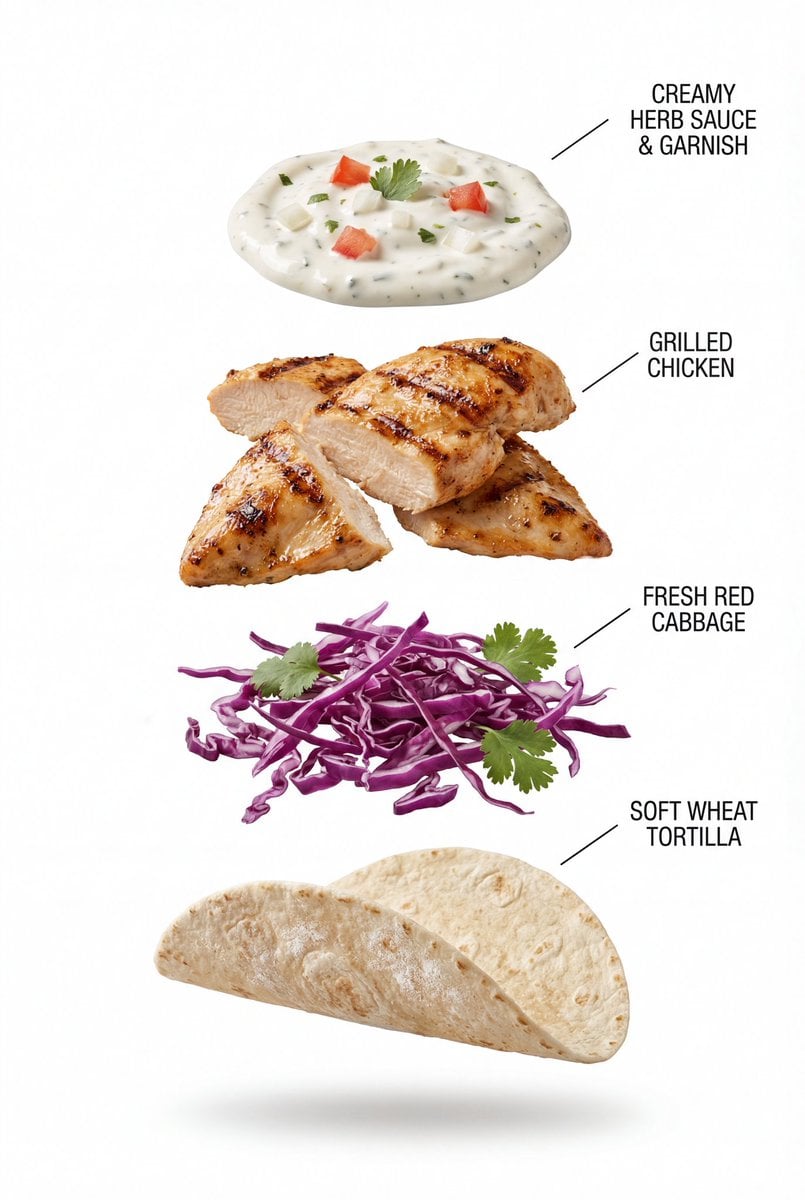
Exploded View Grilled Chicken Taco Product Photography
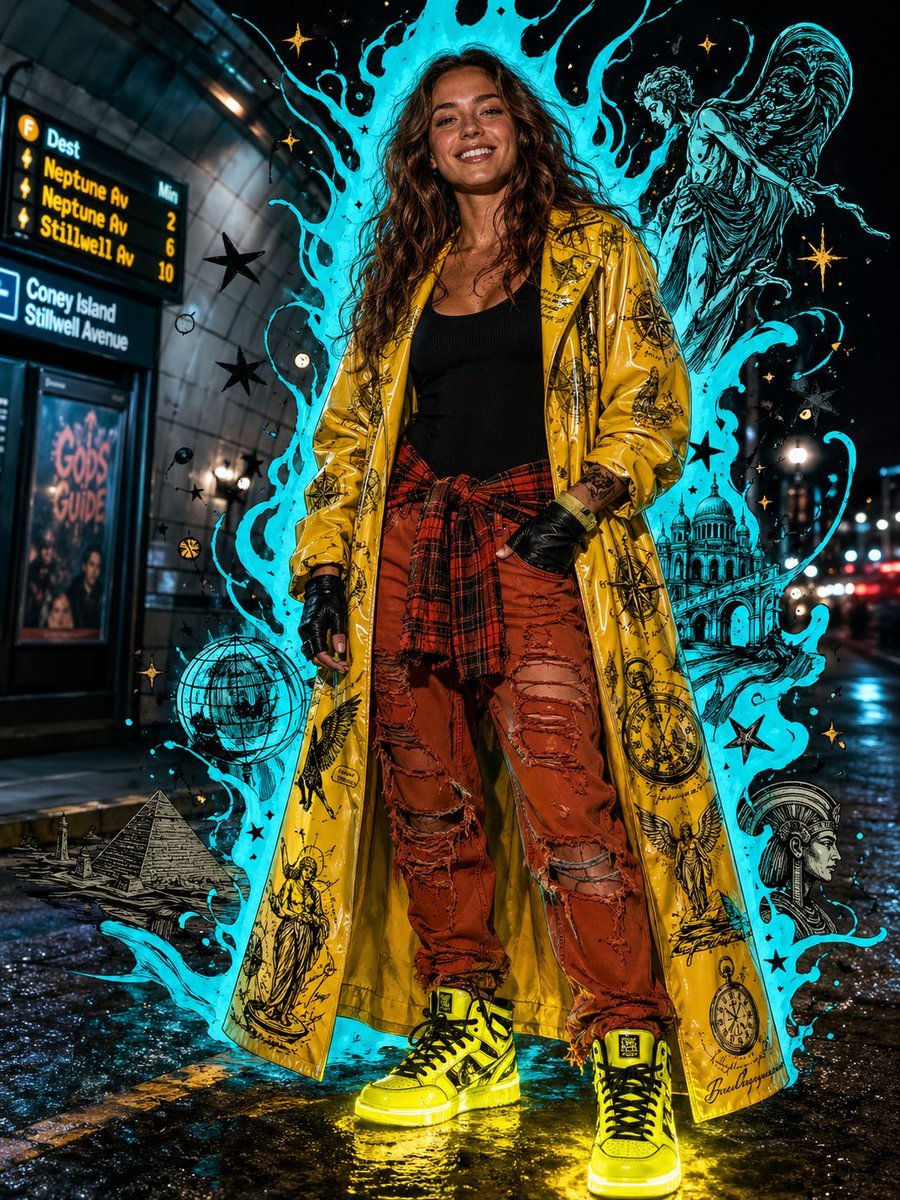
Afrofuturist Streetwear Editorial Portrait
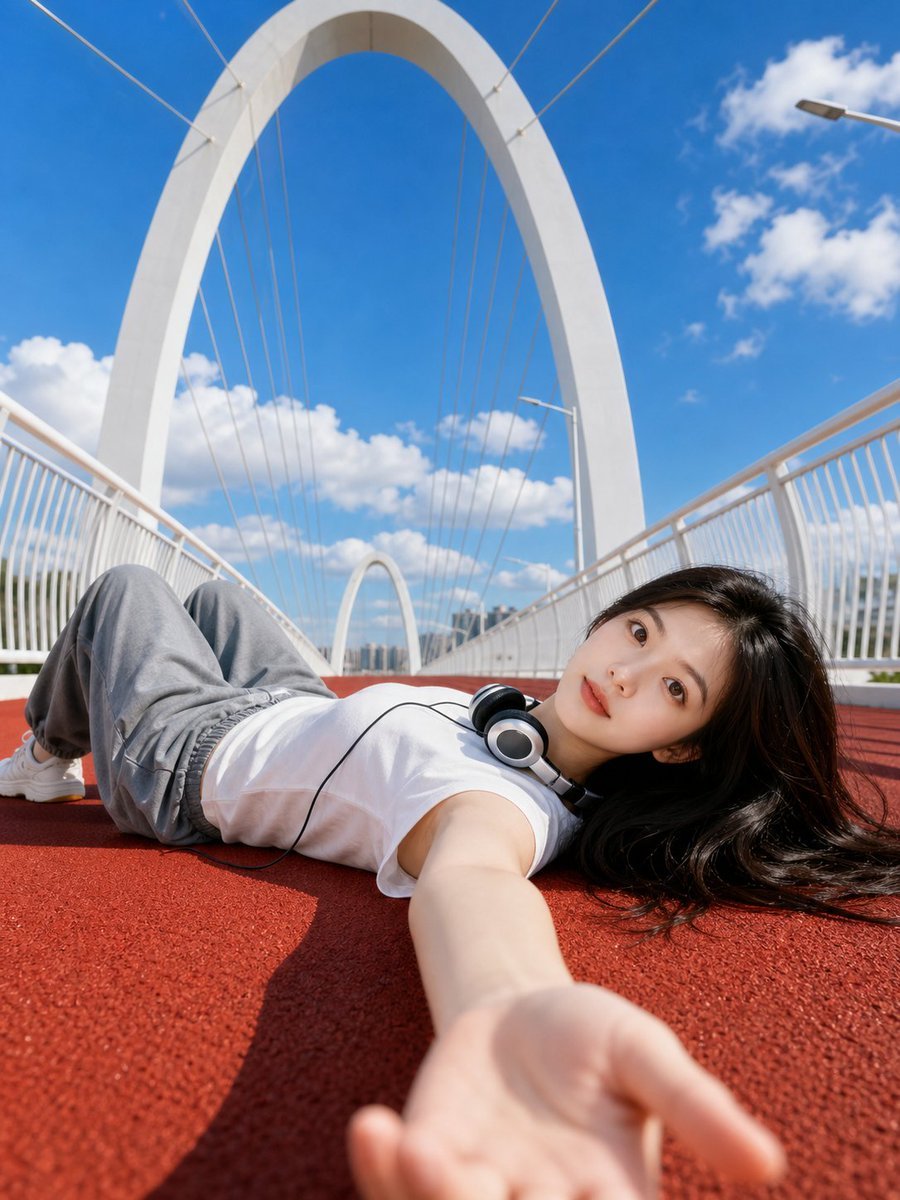
Summer Bridge Track Portrait
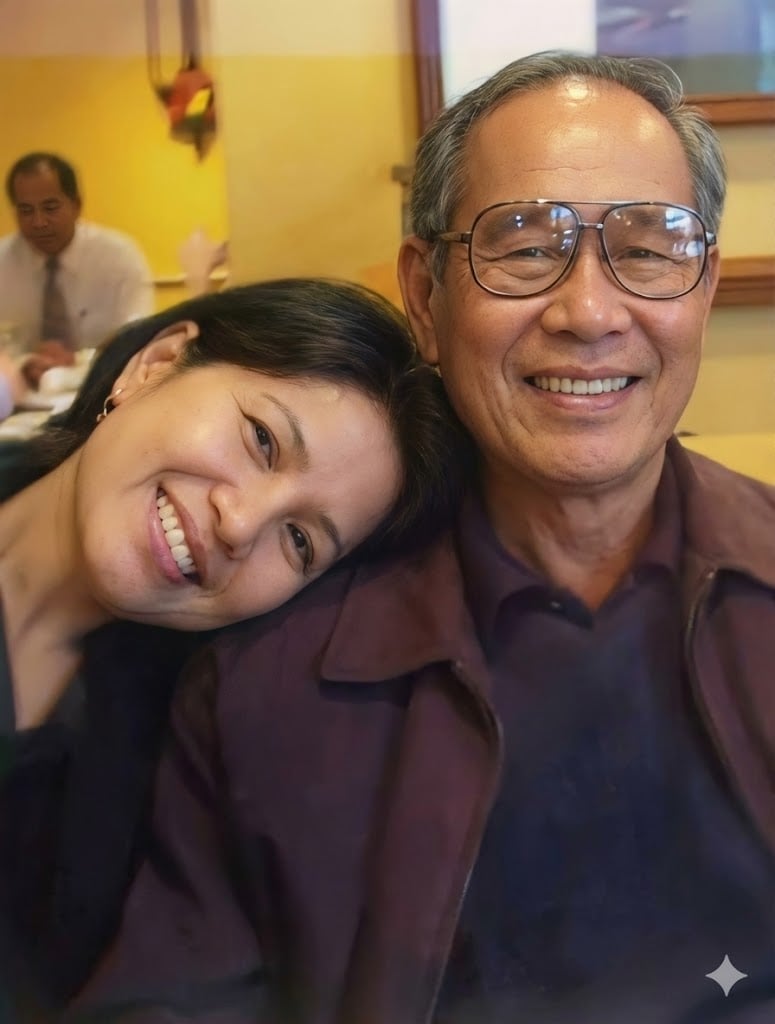
Old photo restoration prompt
Browse template categories
Candid Urban Satin Street Fashion questions
How do I use the Candid Urban Satin Street Fashion template?
Add your photo if the template asks for one, edit the prompt if you like — the template's model and format are already selected — and press Generate. Your version opens in PicX Studio.
Can I customize the Candid Urban Satin Street Fashion template?
Yes. You can change the subject, setting, lighting, mood, format, and available model controls before creating your image.
Is the Candid Urban Satin Street Fashion template free?
Opening and editing this template is free. Generating uses credits, shown on the Generate button when you are signed in.
Which AI model should I use?
Start with GPT Image 2, which is the model associated with this template. You can compare another compatible model for a different finish.
Looking for something else? Browse all templates.

Your photo, any look
Thousands of ready templates for every top image and video model, from one credit balance.