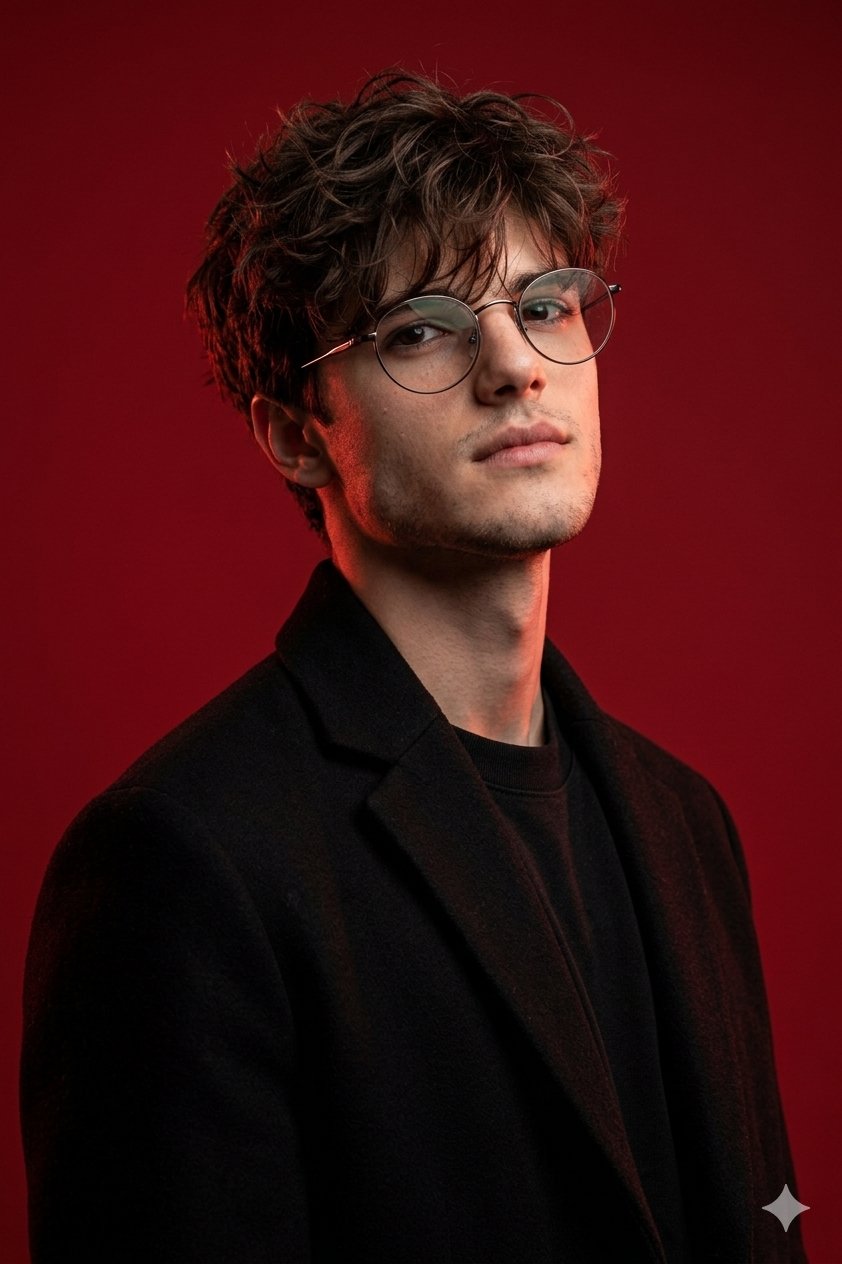
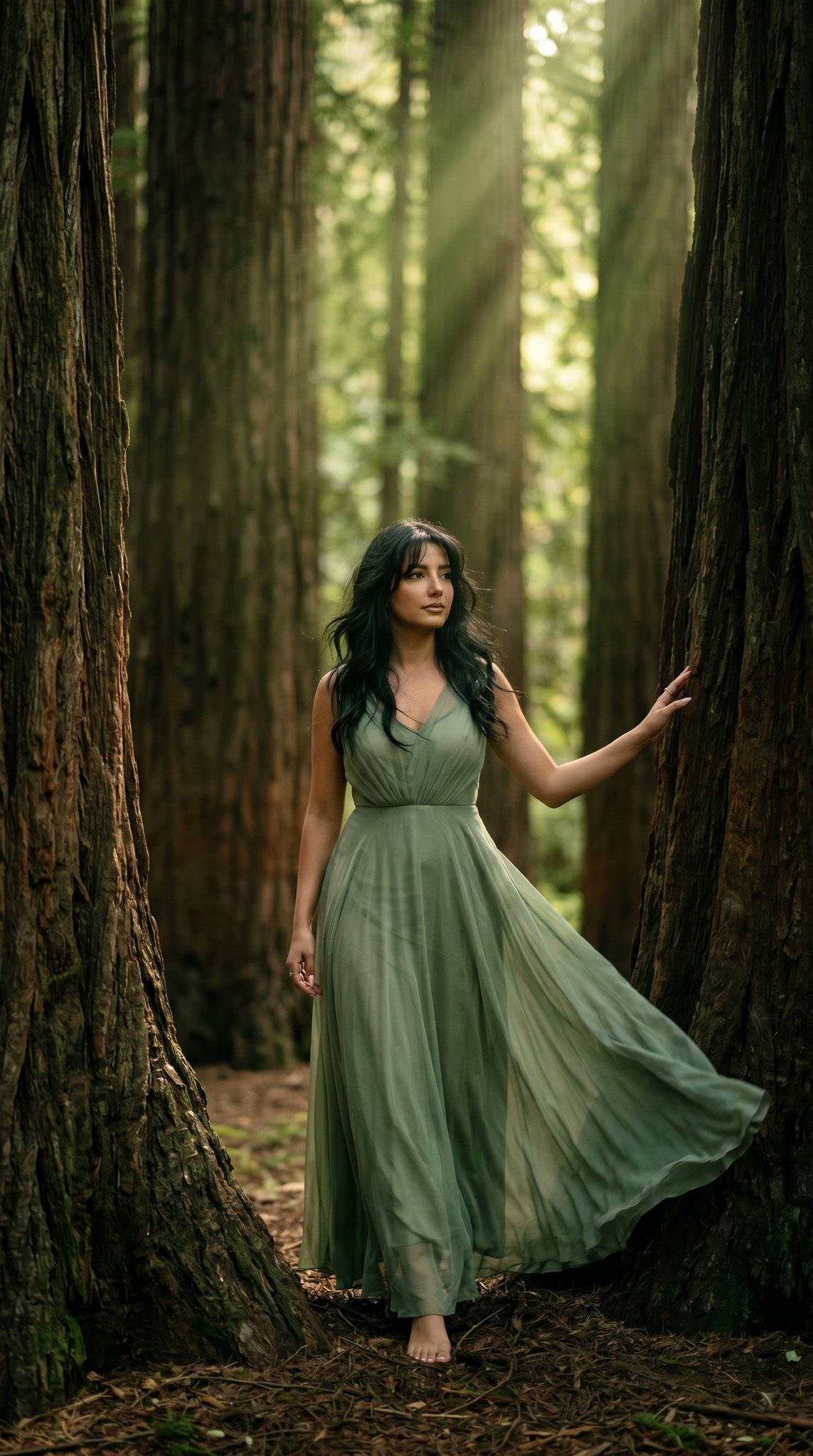
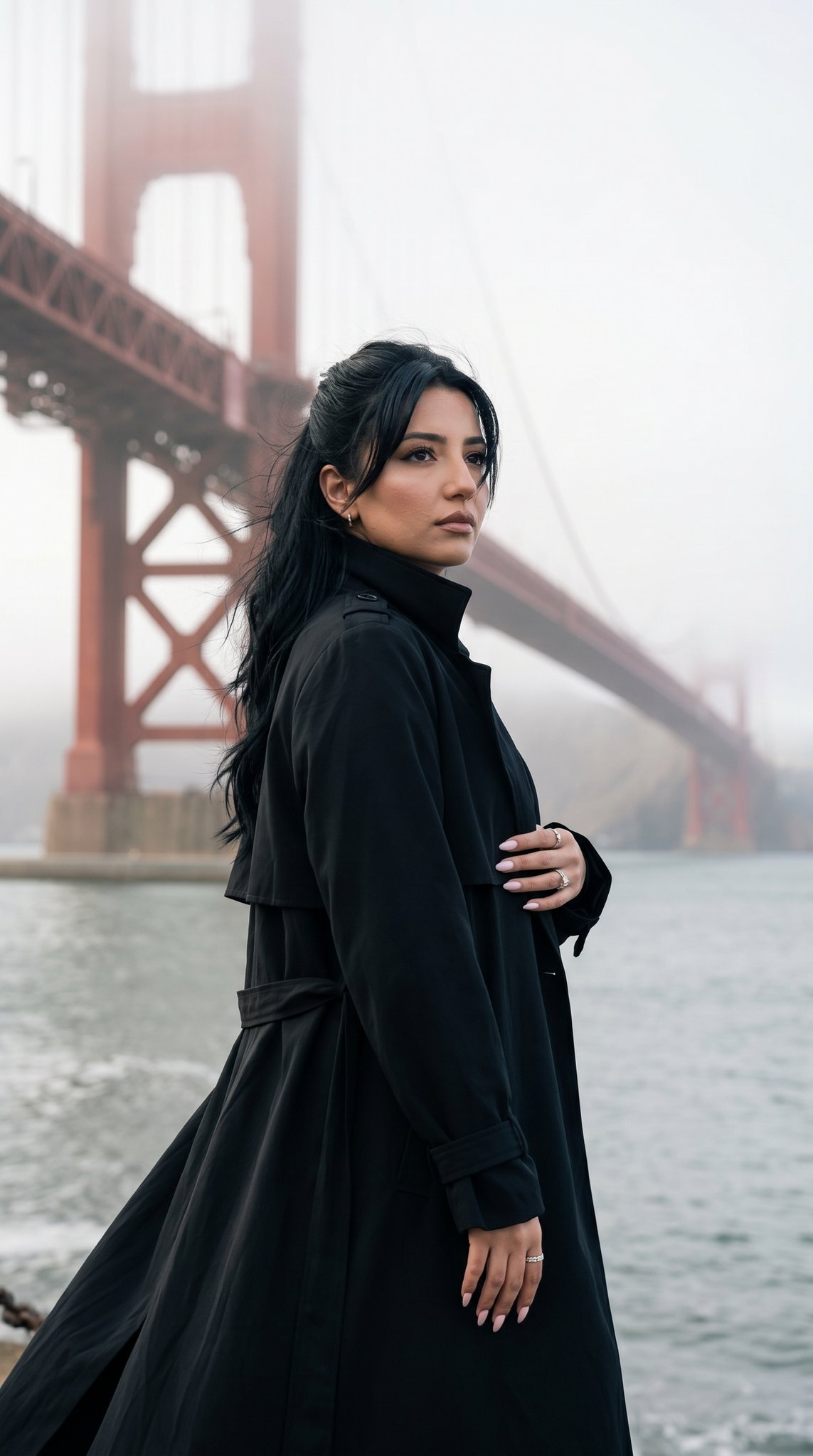
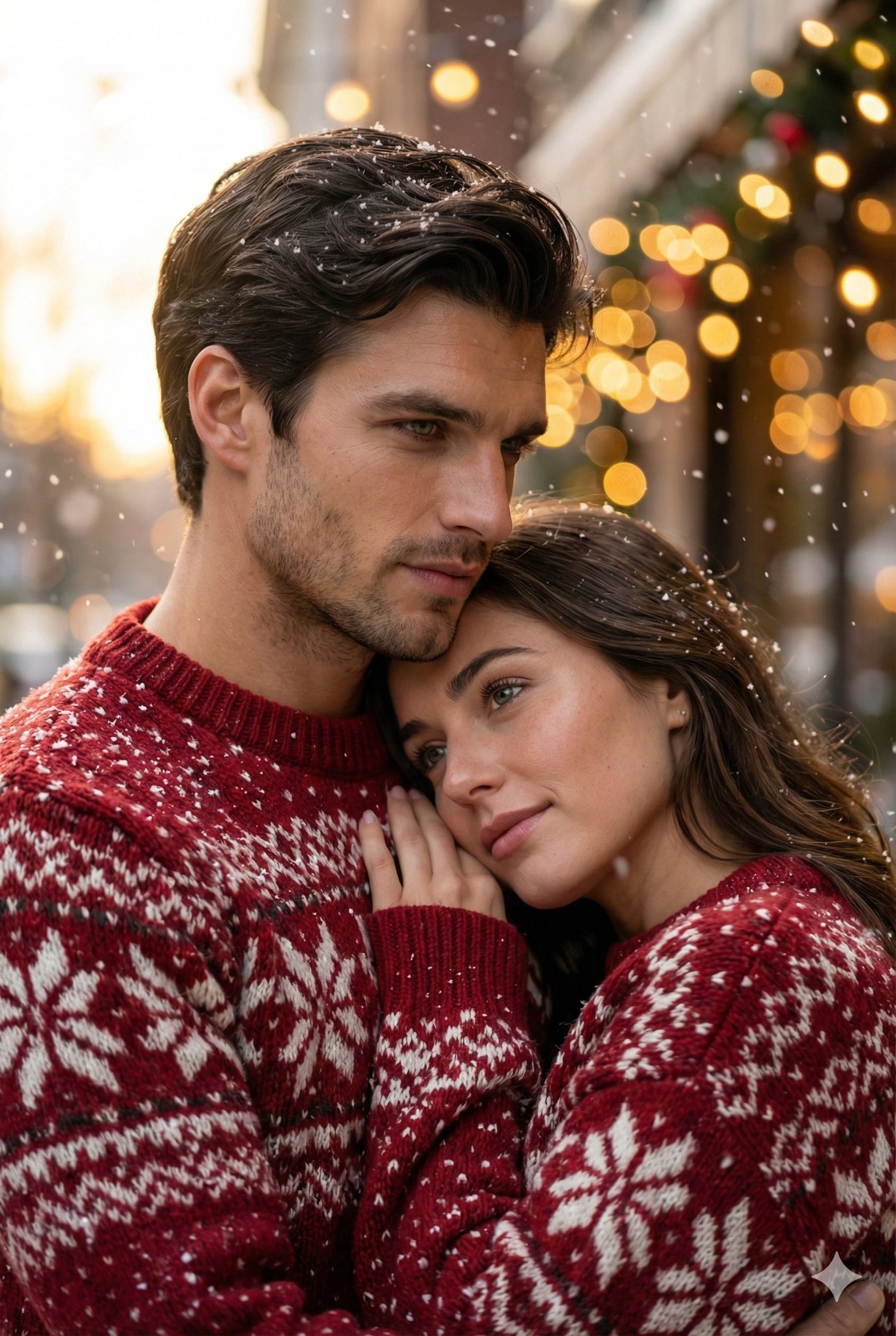
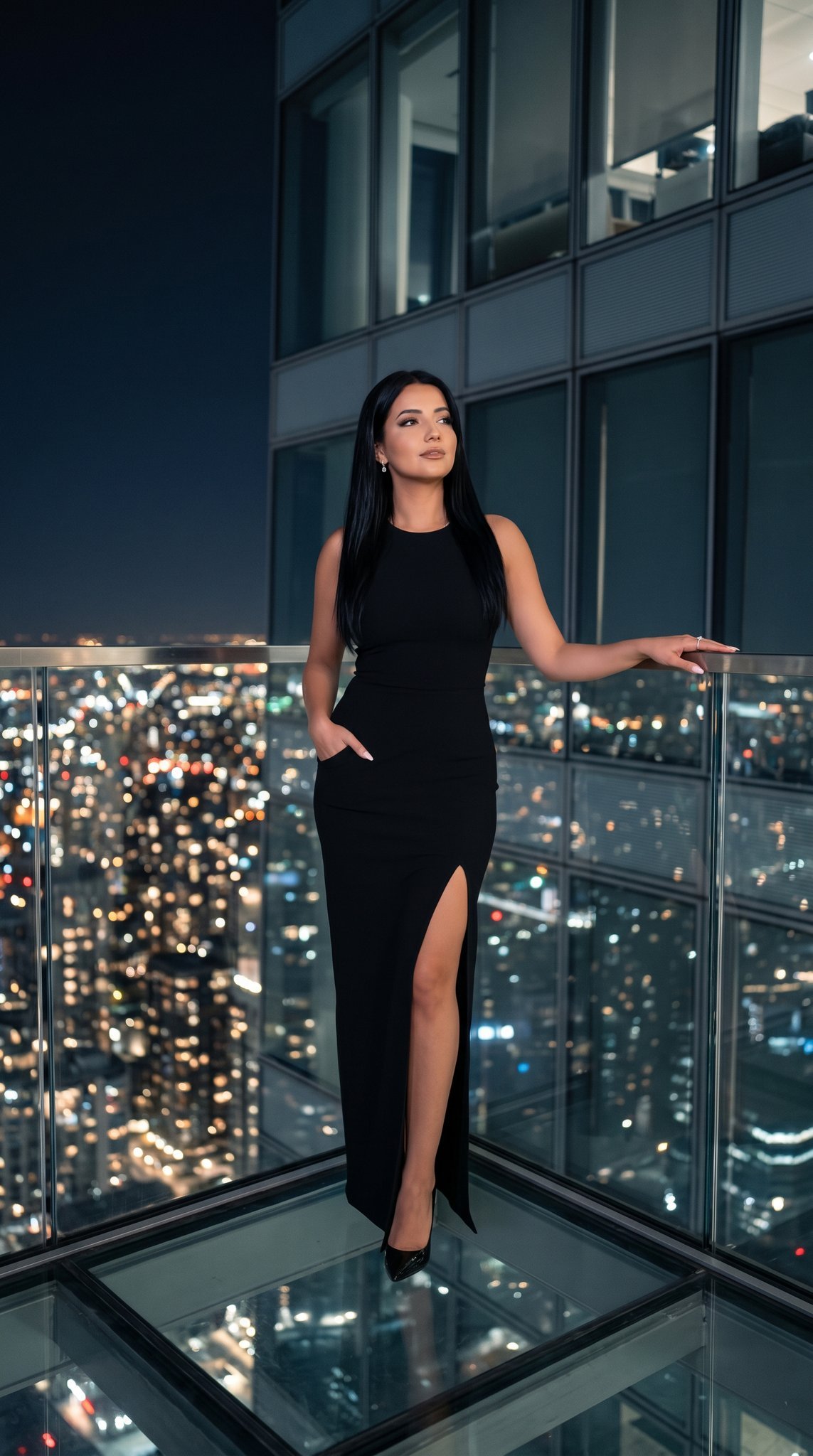
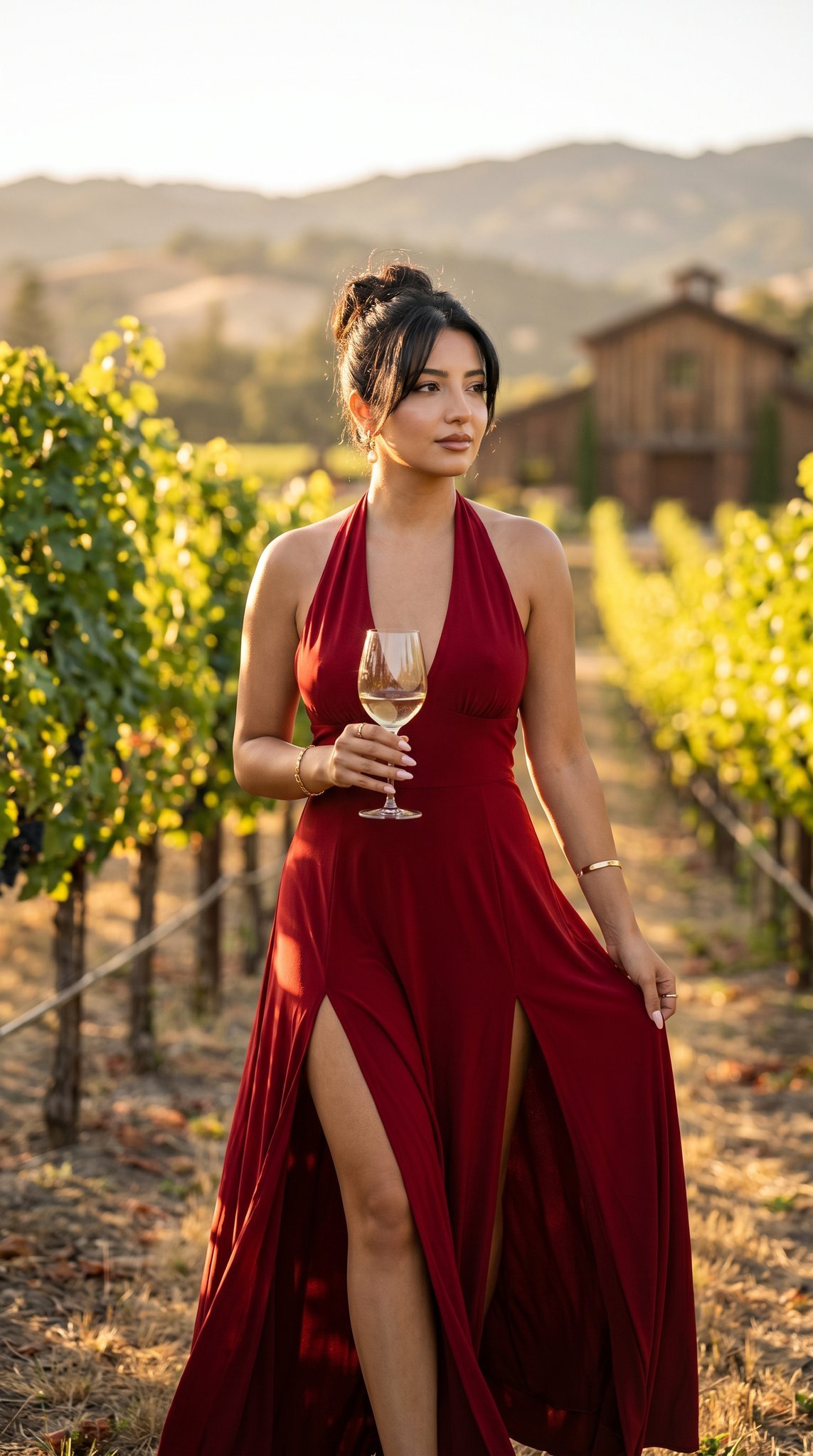
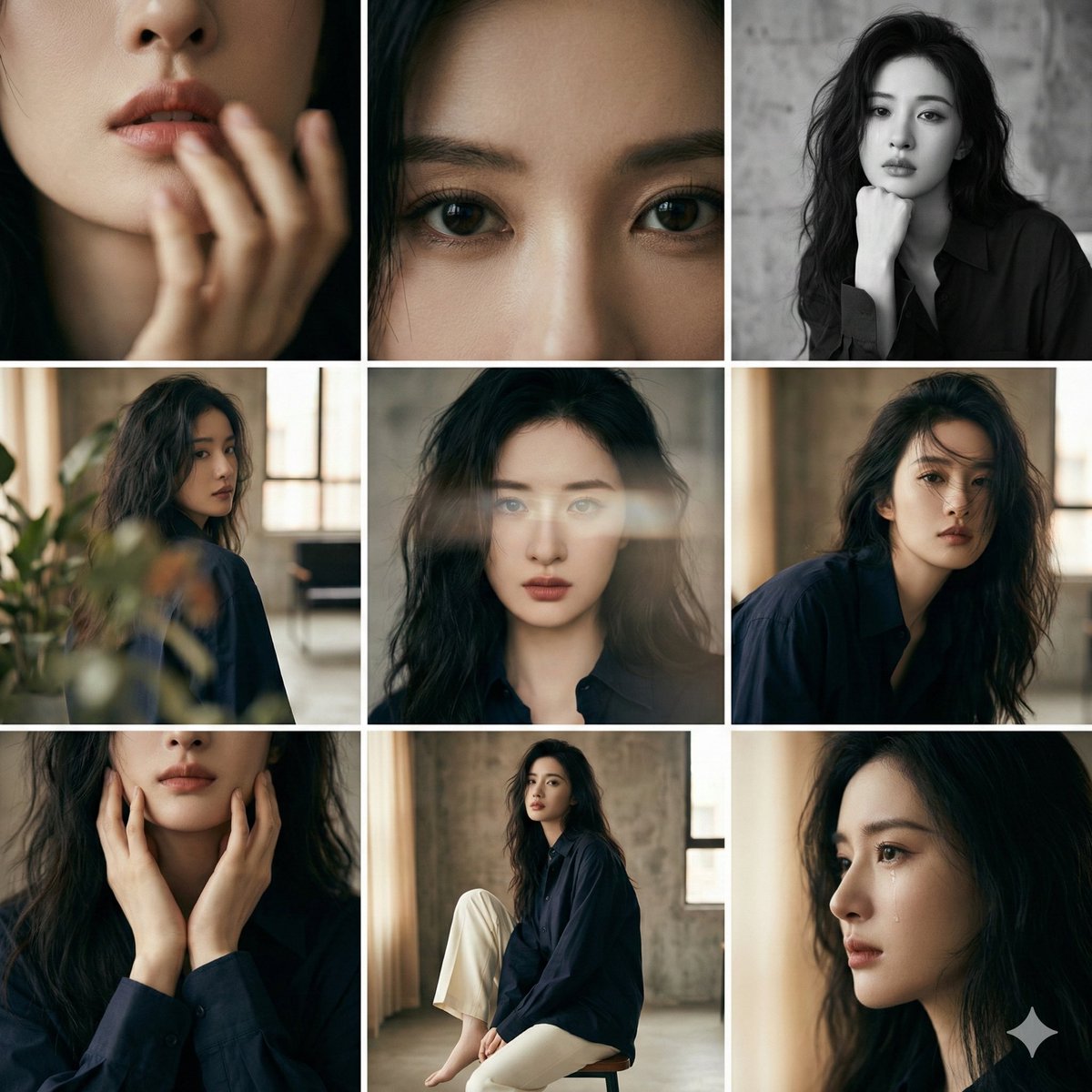
How do I use the Vintage Leica Fashion Editorial template?
Edit the prompt in the box under the preview — the template's model and format are already selected — and press Generate. Your version appears right on this page.
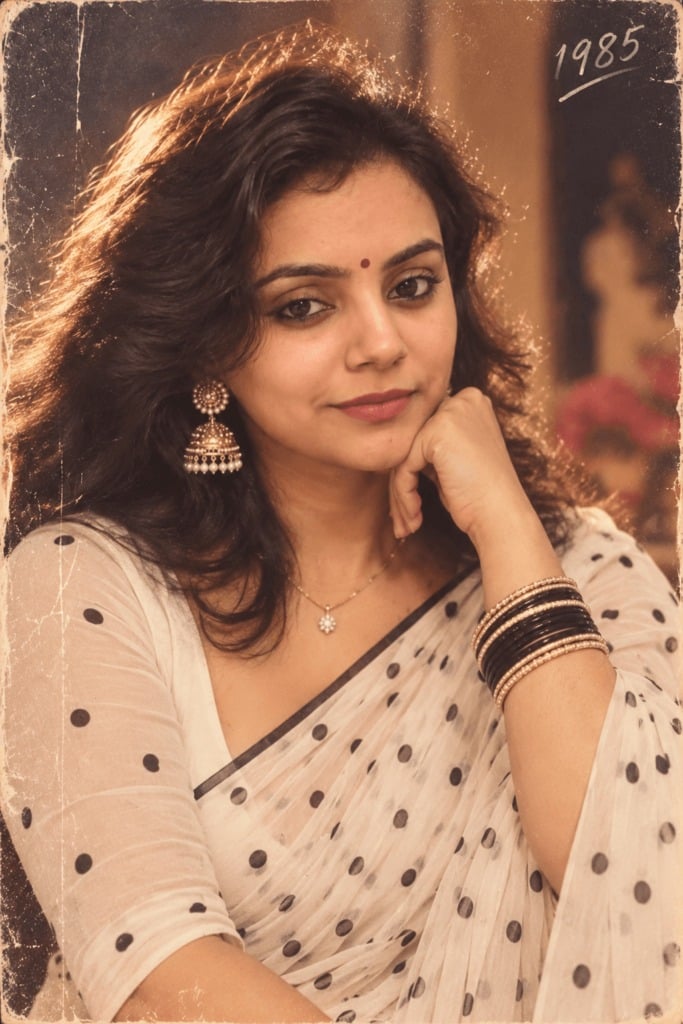
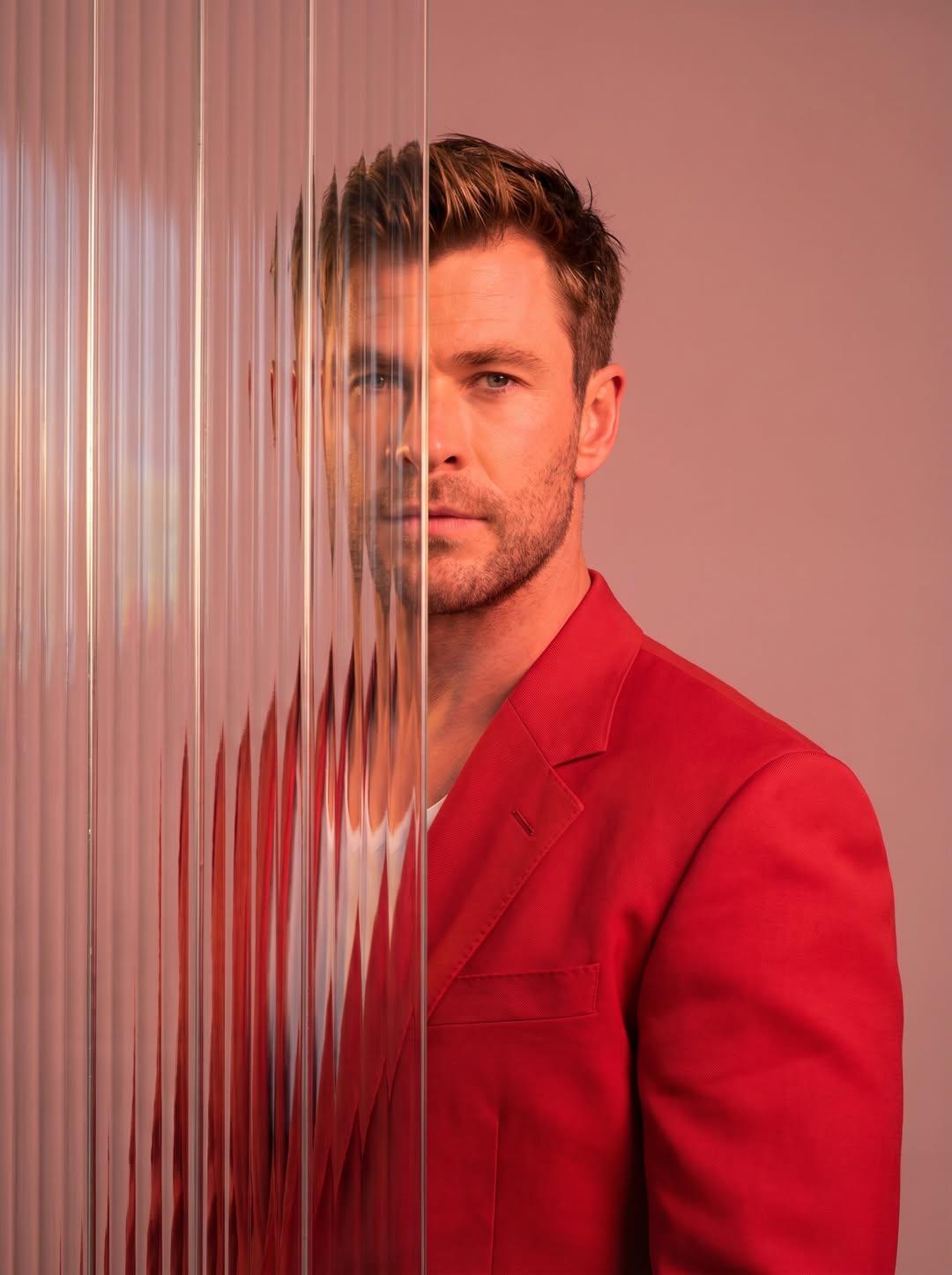
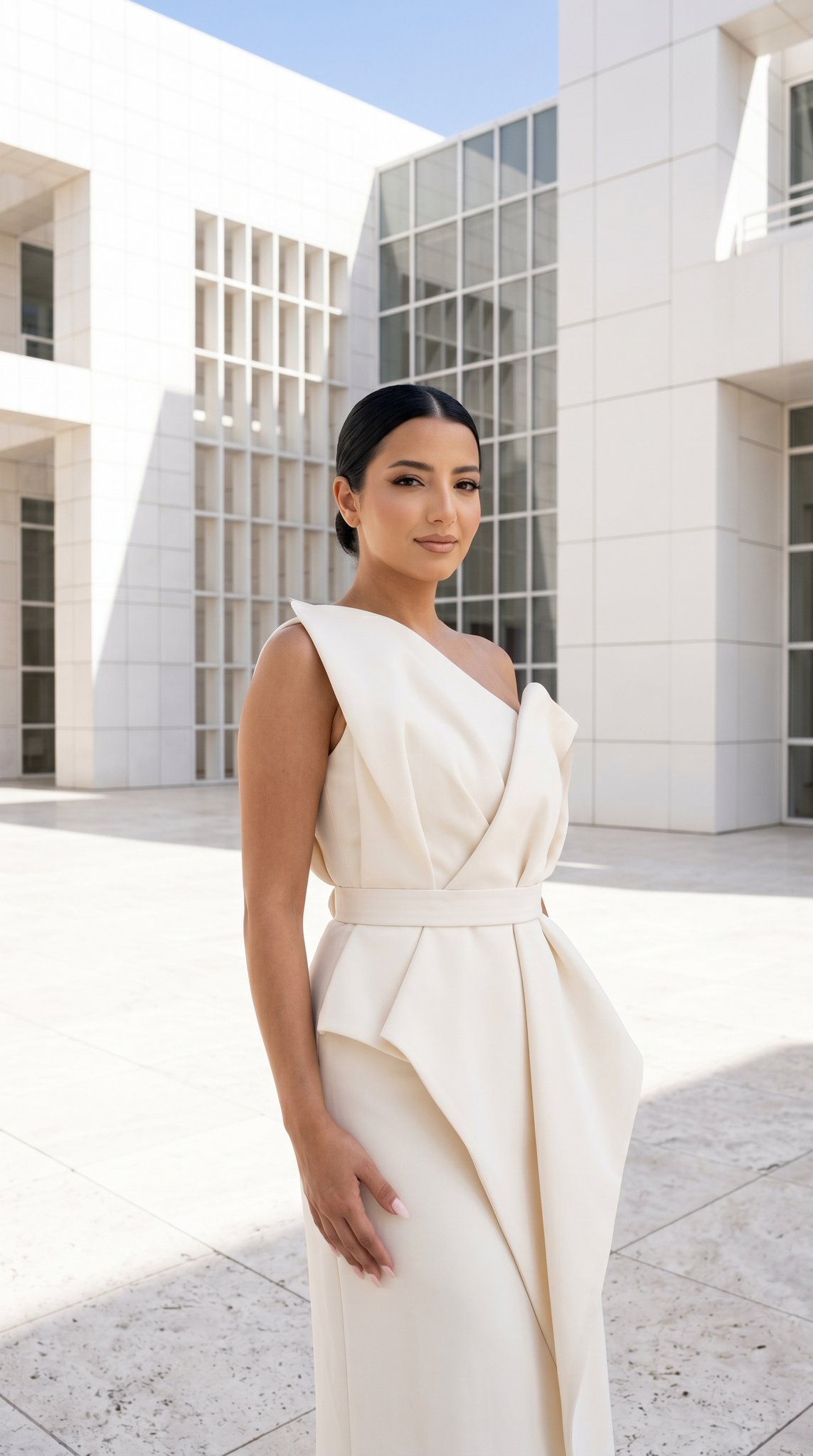
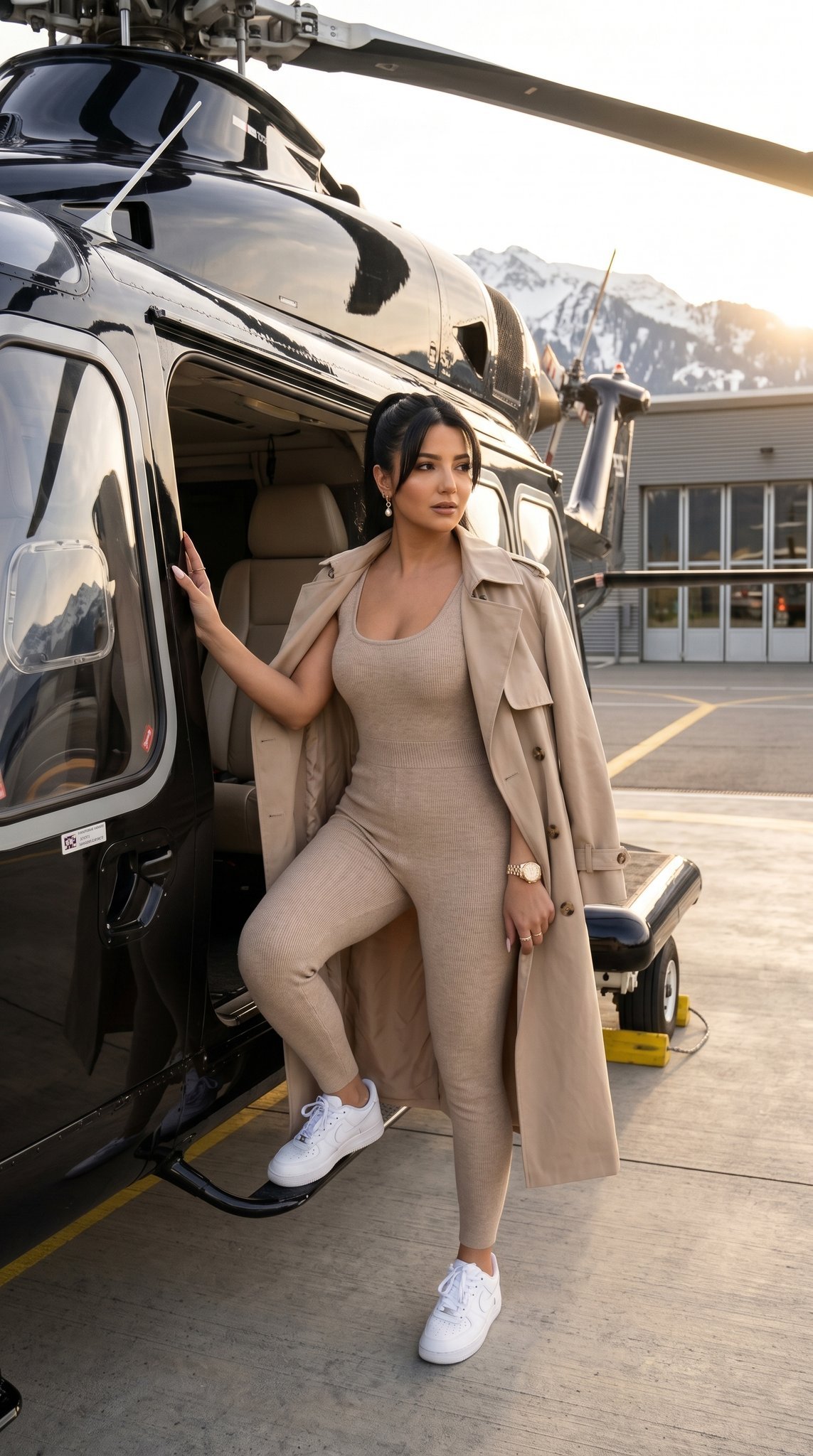
Vintage Leica Fashion Editorial is a ready photo look.

High-fashion editorial photography, surrealist meta-concept. A top-down bird's-eye view of a model lying elegantly on a giant, oversized vintage Vogue magazine cover spread across a studio floor. Next to her, a massive, out-of-scale vintage camera lens dominates the frame, creating a sense of miniature scale. The model is dressed in a sophisticated black couture ensemble with long black gloves and high heels. Warm, dramatic golden hour sunlight streams across the scene, casting long, sharp shadows. The floor is scattered with other vintage fashion posters and sketches. 8k resolution, hyper-realistic textures of the paper grain and the metallic camera lens, cinematic lighting, retro film aesthetic with warm sepia and red tones, no text, no logos.
High-fashion editorial photography, surrealist meta-concept. A top-down bird's-eye view of a model lying elegantly on a giant, oversized vintage Vogue magazine cover spread across a studio floor. Next to her, a massive, out-of-scale vintage camera lens dominates the frame, creating a sense of miniature scale. The model is dressed in a sophisticated black couture ensemble with long black gloves and high heels. Warm, dramatic golden hour sunlight streams across the scene, casting long, sharp shadows. The floor is scattered with other vintage fashion posters and sketches. 8k resolution, hyper-realistic textures of the paper grain and the metallic camera lens, cinematic lighting, retro film aesthetic with warm sepia and red tones, no text, no logos.
Edit the prompt in the box under the preview — the template's model and format are already selected — and press Generate. Your version appears right on this page.
Yes. You can change the subject, setting, lighting, mood, format, and available model controls before creating your image.
Opening and editing this template is free. Generating uses credits, shown on the Generate button when you are signed in.
Choose a compatible model in PicX Studio based on the style, speed, and output controls your project needs.
Follow a topic to a crawlable collection of related PicX Studio templates.