How do I use the Warm Backlit Cinematic Portrait template?
Choose the primary action to open PicX Studio with the available template settings. Review the model and format, personalize the creative direction, and generate when ready.
A realistic close-up portrait prompt for generating an intimate golden-hour photograph with directional light, chiaroscuro, and natural skin texture.
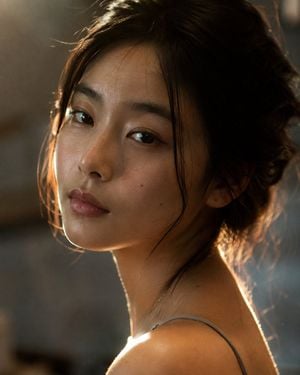
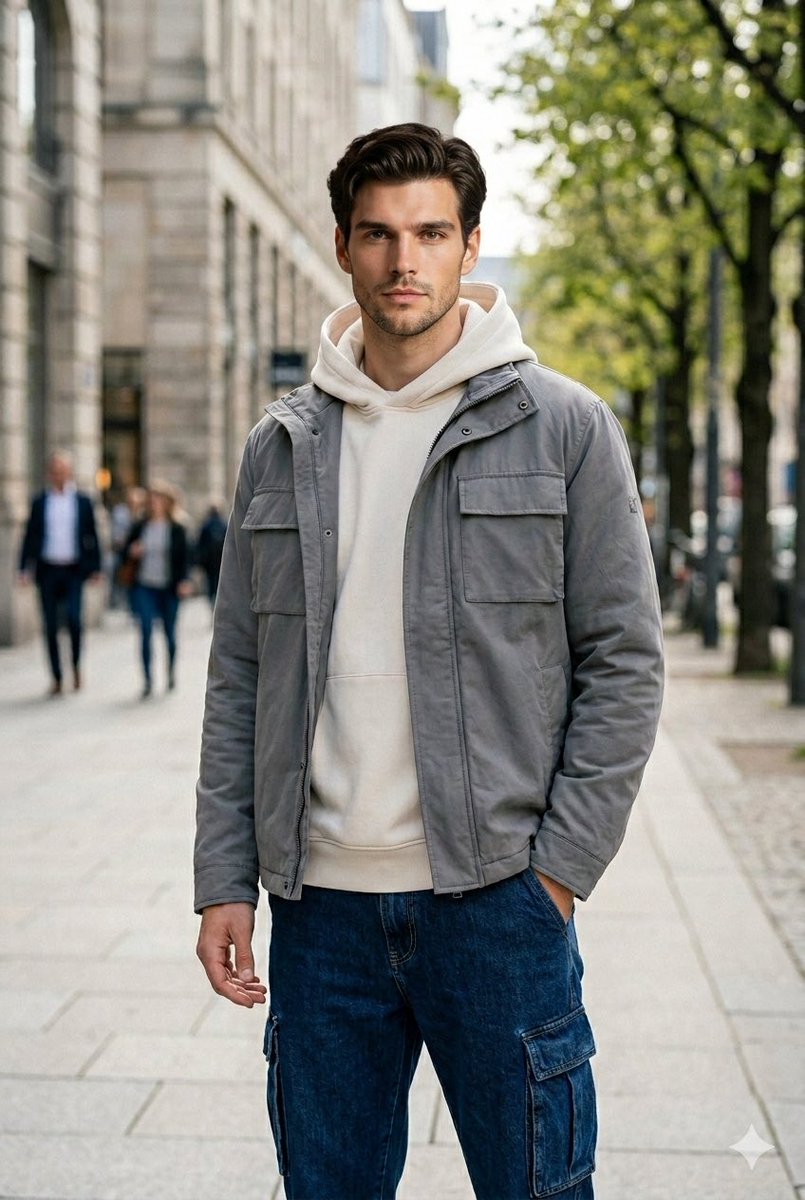
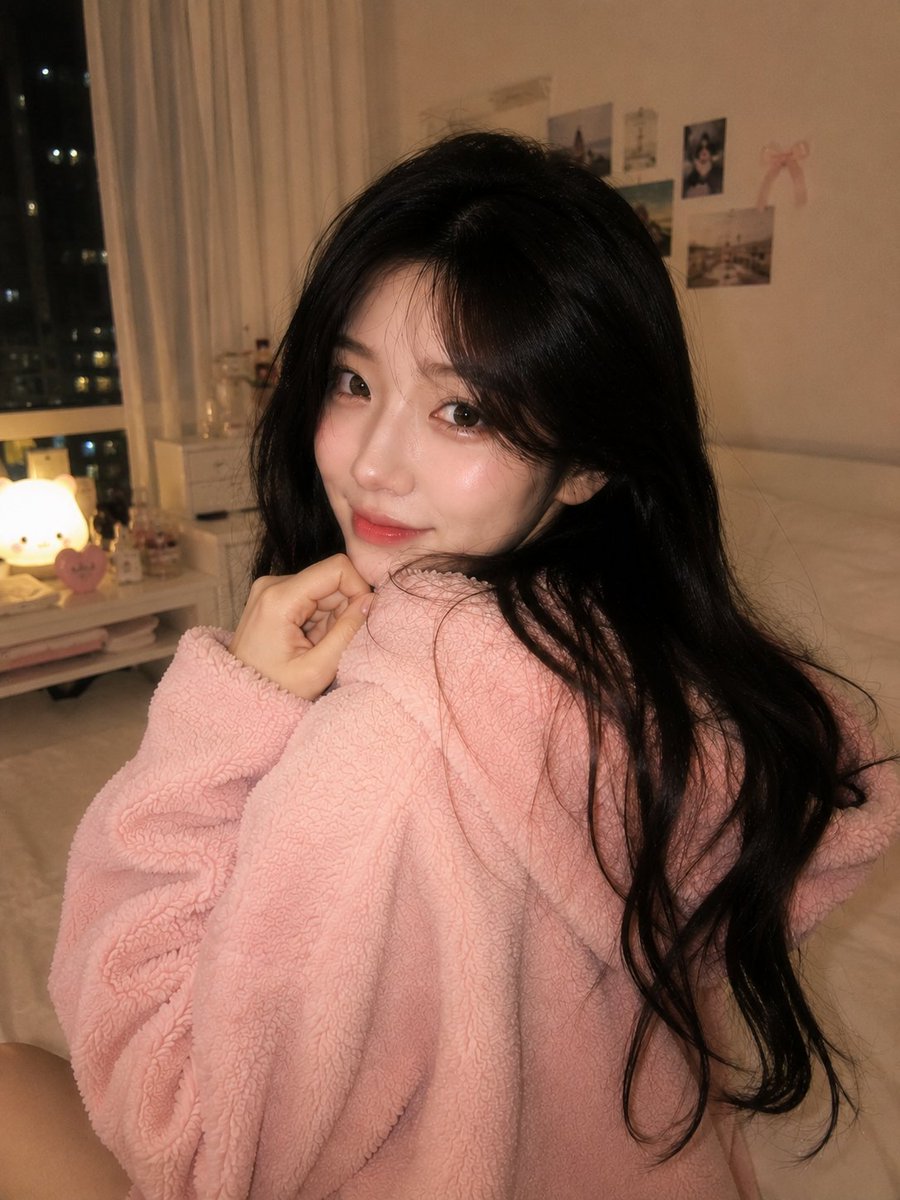
Create a close-up cinematic portrait photograph of {argument name="subject" default="a young East Asian woman"} turning her head over her bare shoulder and looking directly into the camera with a calm, slightly introspective expression. Frame her from the upper chest to the top of the head in a vertical 4:5 composition, face slightly left of center, shoulder in the foreground, neck elongated, head tilted subtly downward and back toward the viewer. She has {argument name="hair style" default="dark brown-black hair loosely pinned up in a messy bun"} with fine stray strands across the forehead, temples, cheek, and nape, catching the light. Define the facial structure clearly: oval face, soft jawline, delicate cheekbones, straight natural brows, almond-shaped dark brown eyes with small catchlights, a softly rounded nose bridge and tip, natural full lips, visible skin pores, faint under-eye texture, tiny beauty marks on the cheek and neck, and realistic uneven skin sheen. Use {argument name="lighting" default="warm late-afternoon directional backlight from behind the right side, with soft chiaroscuro across the face"}: a golden rim light outlining the hair, cheek, shoulder, and neck, gentle shadow on the far side of the face, specular highlights on the eyes and lips, and no flat frontal lighting. She wears {argument name="clothing" default="a thin gray spaghetti-strap top"}, only the strap and bare shoulder visible. Background is an indistinct warm gray-brown interior or shaded outdoor wall, heavily blurred with shallow depth of field, subtle haze, soft bokeh, and a filmic natural color grade. Make it look like an intimate 85mm lens portrait on full-frame camera, very shallow depth of field, natural grain, imperfect organic realism, fine flyaway hairs, no plastic skin, no overly clean beauty retouching, no text, no watermark, no extra people.
Choose the primary action to open PicX Studio with the available template settings. Review the model and format, personalize the creative direction, and generate when ready.
Yes. You can change the subject, setting, lighting, mood, format, and available model controls before creating your image.
This template is free to open and customize. Generation usage is shown in PicX Studio before you create.
Start with GPT Image 2, which is the model associated with this template. You can compare another compatible model for a different finish.
Follow a topic to a crawlable collection of related PicX Studio templates.