
Anime Classroom Promo Key Visual
Generates a cinematic anime classroom promotional scene with three students, Japanese callout text, posters, and detailed school-desk props.
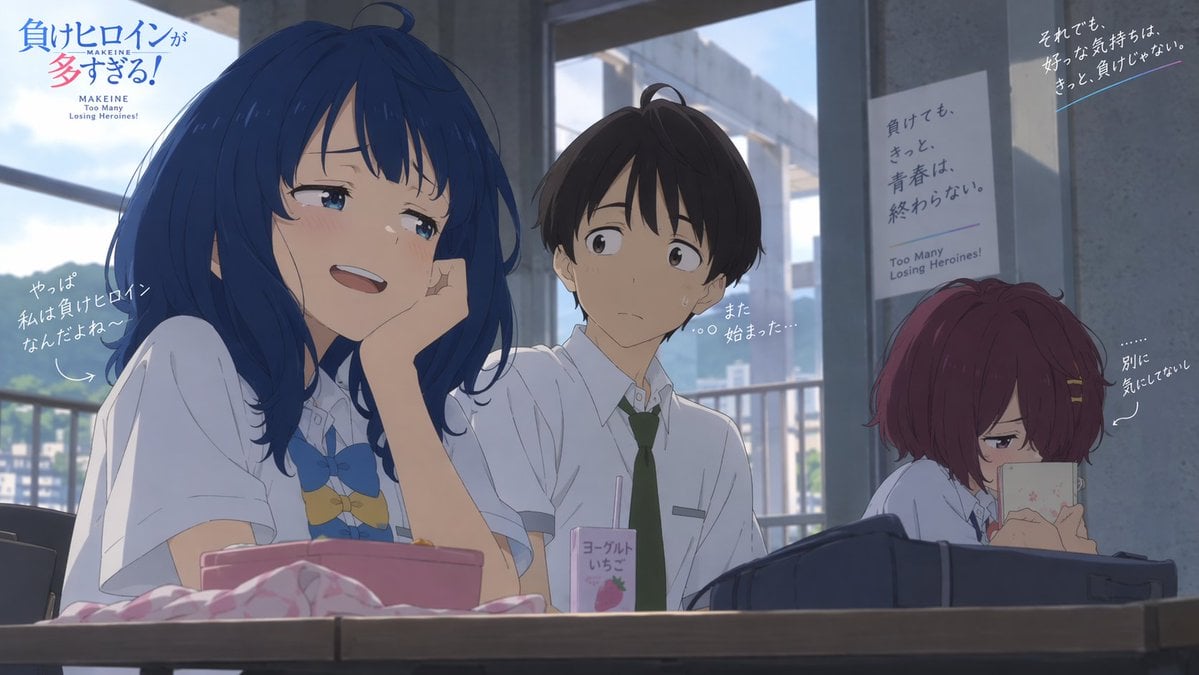
- Prompt included
- Model and format preset
- Free template
The prompt behind this image
Copy the exact prompt behind Anime Classroom Promo Key Visual, or open it in the studio and make it yours.
Goal: Create a widescreen anime promotional key visual for {argument name="anime title" default="Makeine: Too Many Losing Heroines!"}, set in a bright high-school classroom during daytime, with cinematic soft lighting and detailed hand-drawn animation style. Canvas: 16:9 landscape composition, about 1170×660 px feel, with a shallow cinematic depth of field. The camera sits at desk height, looking slightly upward across a classroom table toward three students, with large windows and concrete pillars in the background. Outside the windows, show a hazy blue sky, distant buildings, and green hills. Layout: Place the main blue-haired girl large in the left foreground, the boy in the center middle ground, and the red-haired girl on the right background. A wooden desk spans the entire bottom edge. Add the title logo in the upper left corner and promotional handwritten captions around the characters. Keep the right side darker and more shaded than the left. Characters: Include exactly 3 students. 1) Left foreground girl: a cheerful teenage girl with long deep-blue hair, soft bangs, blue eyes, flushed cheeks, and a playful smug smile. She wears a white short-sleeved school shirt with a blue bow tie and small decorative charms at her chest. She rests her cheek on one hand, leaning casually over the desk and looking pleased. 2) Center boy: a teenage boy with short dark brown hair, pale skin, and a worried awkward expression, wearing a white short-sleeved school shirt and a dark green necktie. Add small sweat drops on his face and have him glance toward the blue-haired girl. 3) Right background girl: a small, withdrawn teenage girl with short reddish-purple bobbed hair and hairpins, seated apart near a gray pillar. She hides behind a pale phone or book, eyes narrowed as if pretending not to care. Desk objects: Include exactly 4 visible desk items in the foreground: a pink lunch box or tray in front of the blue-haired girl, a crumpled pink-and-white cloth at the far left front, a small strawberry yogurt drink carton with a straw near the center, and a dark navy school bag in front of the red-haired girl. Background and posters: Show exactly 2 wall posters on the right side. Poster 1 is vertical, pale gray, taped to a pillar behind the boy, with Japanese slogan text and small English subtitle “Too Many Losing Heroines!” near the bottom. Poster 2 is a darker angled poster in the upper right corner with white Japanese slogan text and a thin blue underline. Visible text: Upper left title logo should combine Japanese title text with small English text: “MAKEINE / Too Many Losing Heroines!” Use blue and pink title colors. Add exactly 4 handwritten white caption callouts: one near the blue-haired girl on the left reading {argument name="left caption" default="やっぱ 私は負けヒロイン なんだよね〜"}, one near the boy reading {argument name="boy caption" default="また 始まった…"}, one near the red-haired girl reading {argument name="right caption" default="別に 気にしてない"}, and one at the upper right reading {argument name="upper right slogan" default="それでも、好きな気持ちは、きっと、負けじゃない。"}. Add subtle arrows or dotted guide lines pointing from captions to the characters. Visual style: High-quality modern Japanese anime film still, delicate linework, soft cel shading, realistic classroom lighting, gentle bloom, blue-gray shadows, warm sunlight from the left windows, expressive faces, polished official key art look. Constraints: Use exactly 3 characters, 4 desk items, 2 posters, and 4 handwritten caption callouts. Keep all text legible and placed like a promotional anime poster, with no extra characters, no watermark, and no photorealism.
How to use Anime Classroom Promo Key Visual in 3 steps
- 1Upload ImagePNG, JPG or paste
Add your photo
Upload the photo the template builds on. The prompt, model and format are already set.
- 2…a portrait of your subject in softgolden-hour light, 85mm…
Personalize
Edit the subject and creative details for your destination.
- 3Generate
Generate
Press Generate — your image is created in PicX Studio, so you can compare it with the original and refine one variable at a time.
More like this
Templates with the same subject, style or setup. Open one to see its prompt.

Anime Classroom Losing Heroines Key Visual

Anime Losing Heroines Classroom Key Visual

Anime School Rom-Com Key Visual
AI Bloom Sisters Anime Key Visual

Anime Hidden Mickey Hunt
Anime Visual Novel Classroom Banner
Cyberpunk Anime Rooftop Key Visual
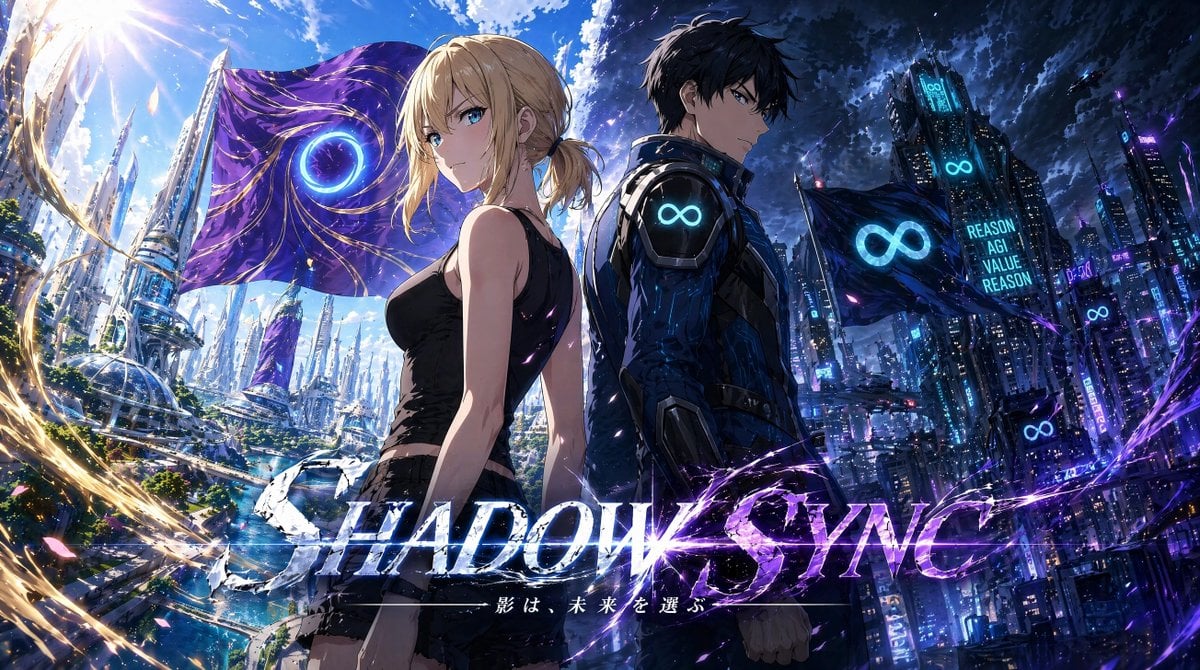
Shadow Sync Anime Key Visual
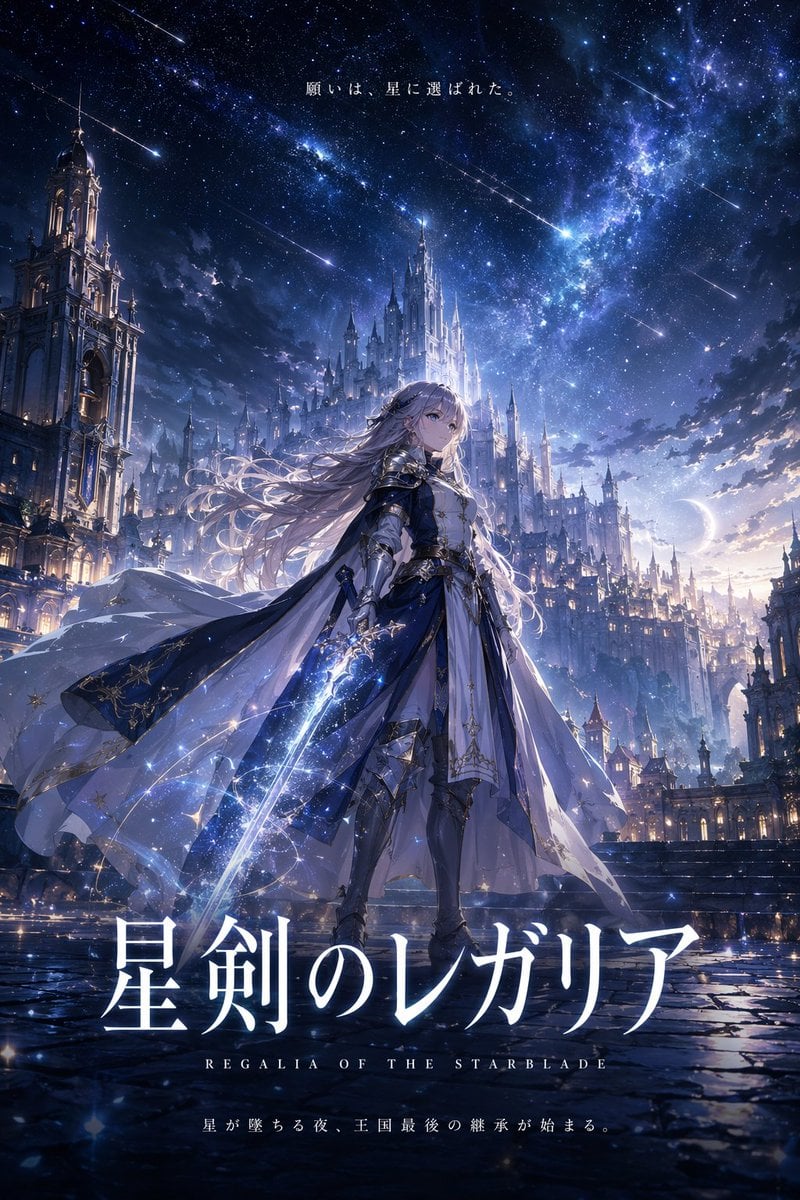
Fantasy Anime Key Visual Prompt
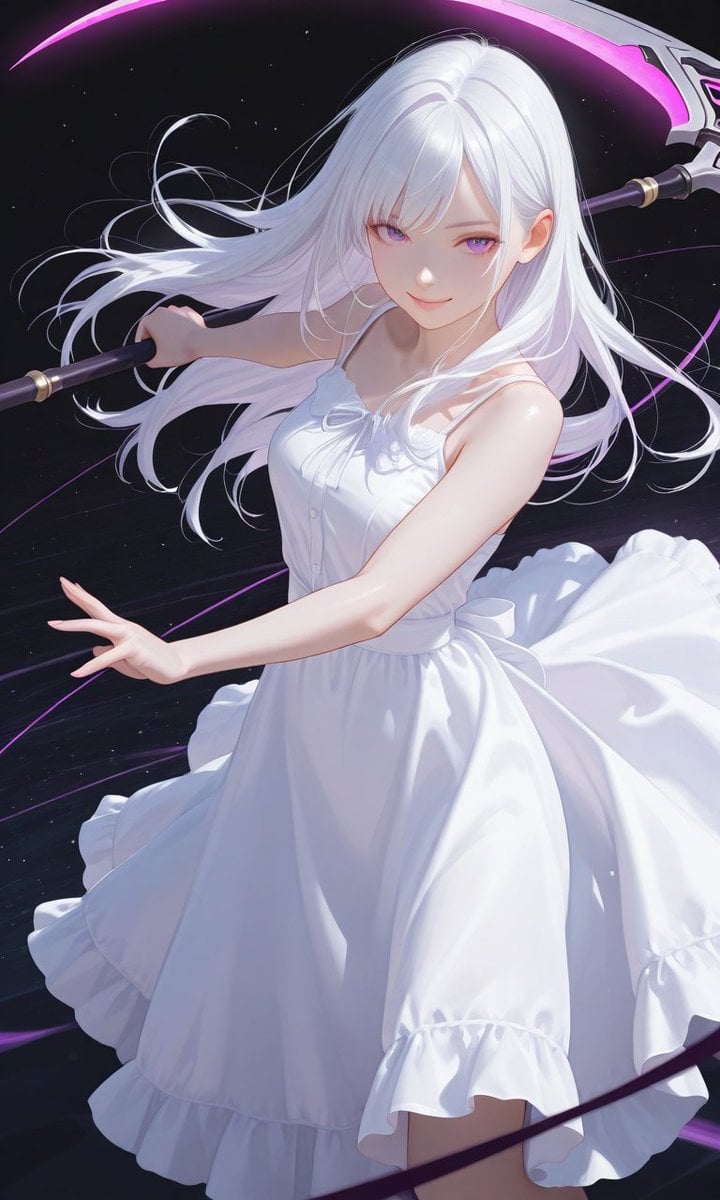
Boxed Figure to Anime Key Visual
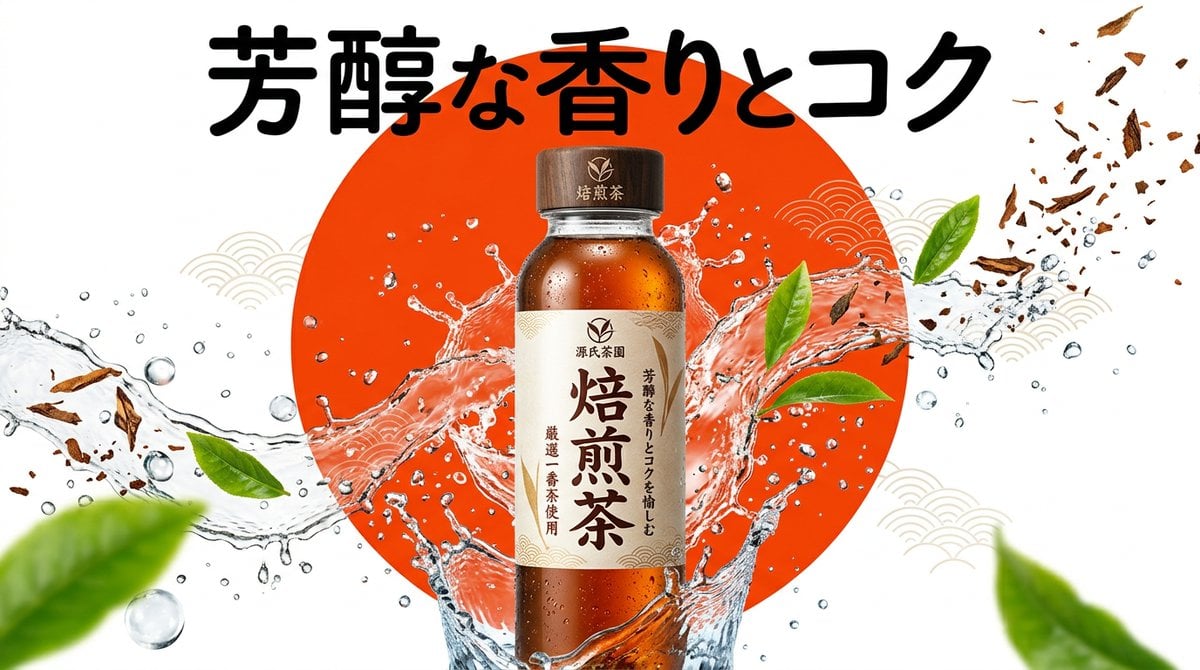
Beverage Campaign Key Visual
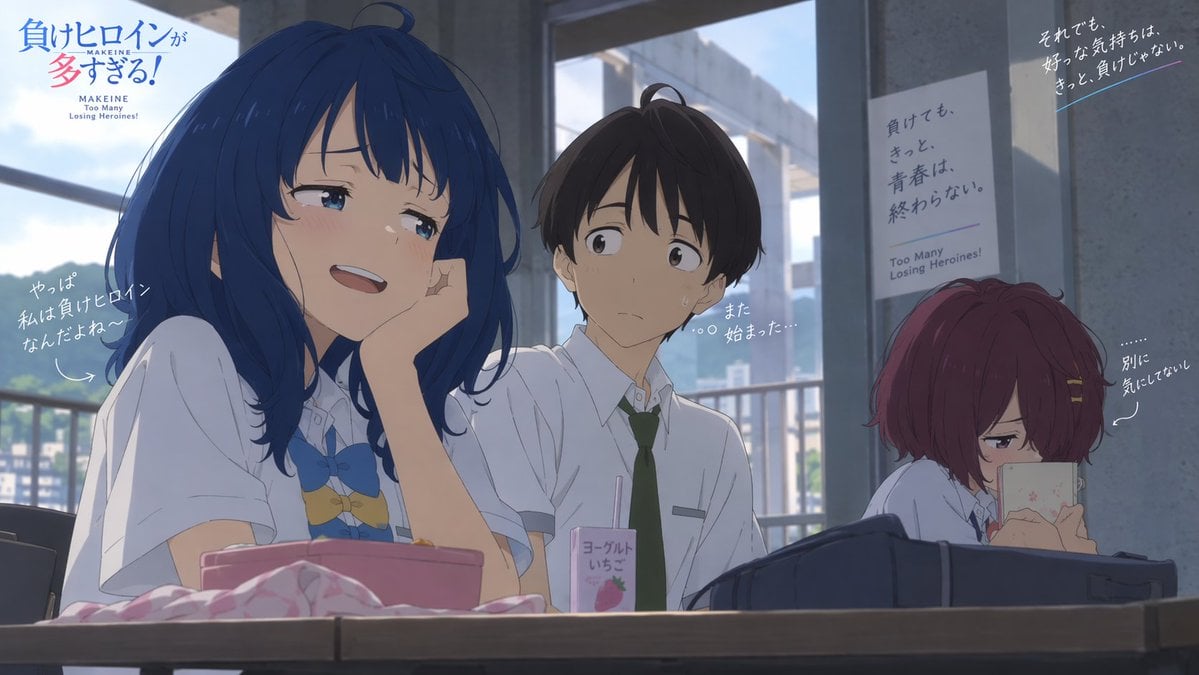
Anime Losing Heroines Classroom Still
Make it yours
Anime Classroom Promo Key Visual works as-is. These are the safest ways to change it without losing the look.
Change one field
Copy a single group, rewrite it, and generate again so you can see what that field is doing.
Keep the frame, change the subject
Hold the composition and light of Anime Classroom Promo Key Visual, then swap wardrobe, props or the person for a new take.
| If the result… | Why | Fix |
|---|---|---|
| The result drifts from the preview | Too many fields changed at once. | Reuse Anime Classroom Promo Key Visual as-is first, then change one group — subject, light, or setting. |
| The model over-stylizes the scene | The prose prompt leaves finish and camera underspecified. | Add one camera or lighting sentence and stay on GPT Image 2. |
More GPT Image 2 templates
Other prompts made for GPT Image 2.

Six VTuber Japanese Logo Sheet

Realistic Portrait of Woman and Deer

The Vista Modular Condo Poster

AI Model Routing Comparison Infographic

2.5D Anime Art Board

Isometric Productivity Desk Scene

New York Double Exposure Poster

Four-Panel AI Landscape Comparison

Japanese Tatami Lifestyle Magazine Cover

NESCAFÉ Coffee Map Poster
More image prompts
Fresh picks from across the catalog.
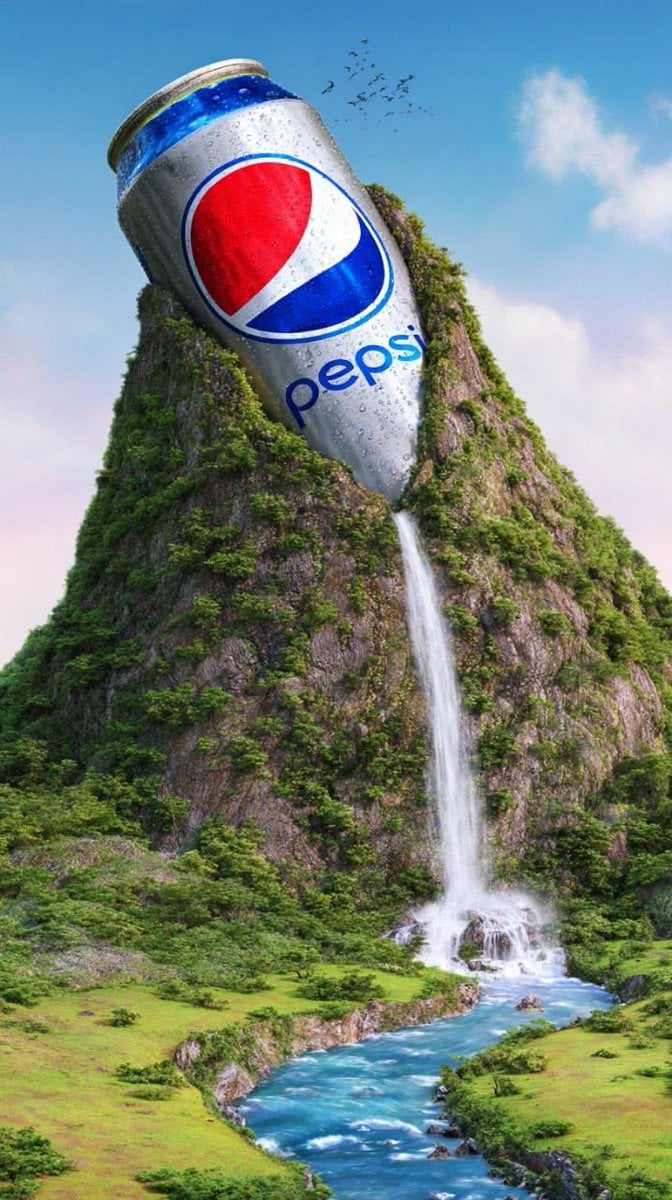
Surreal Giant Aluminum Can Waterfall Prompt for Nano Banana 2
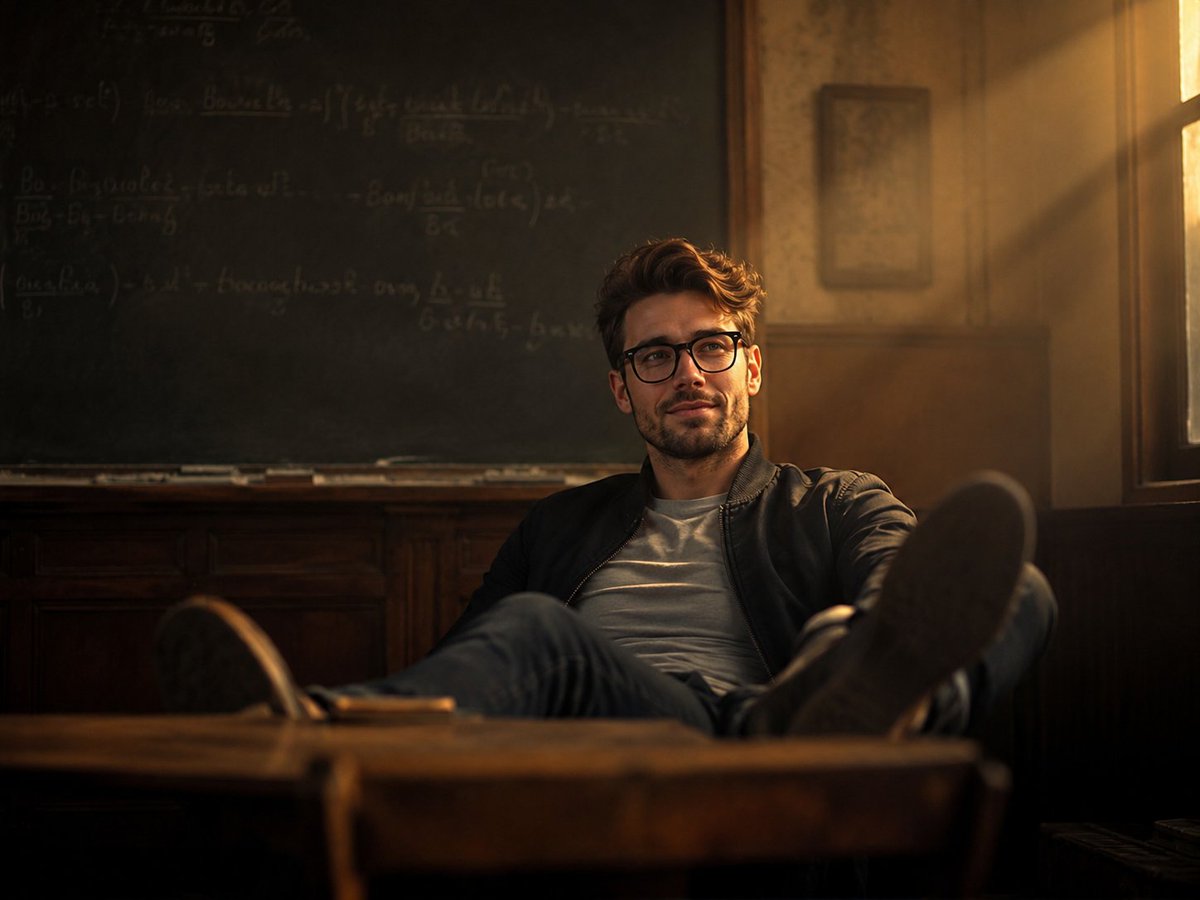
Vintage Classroom Cinematic Portrait
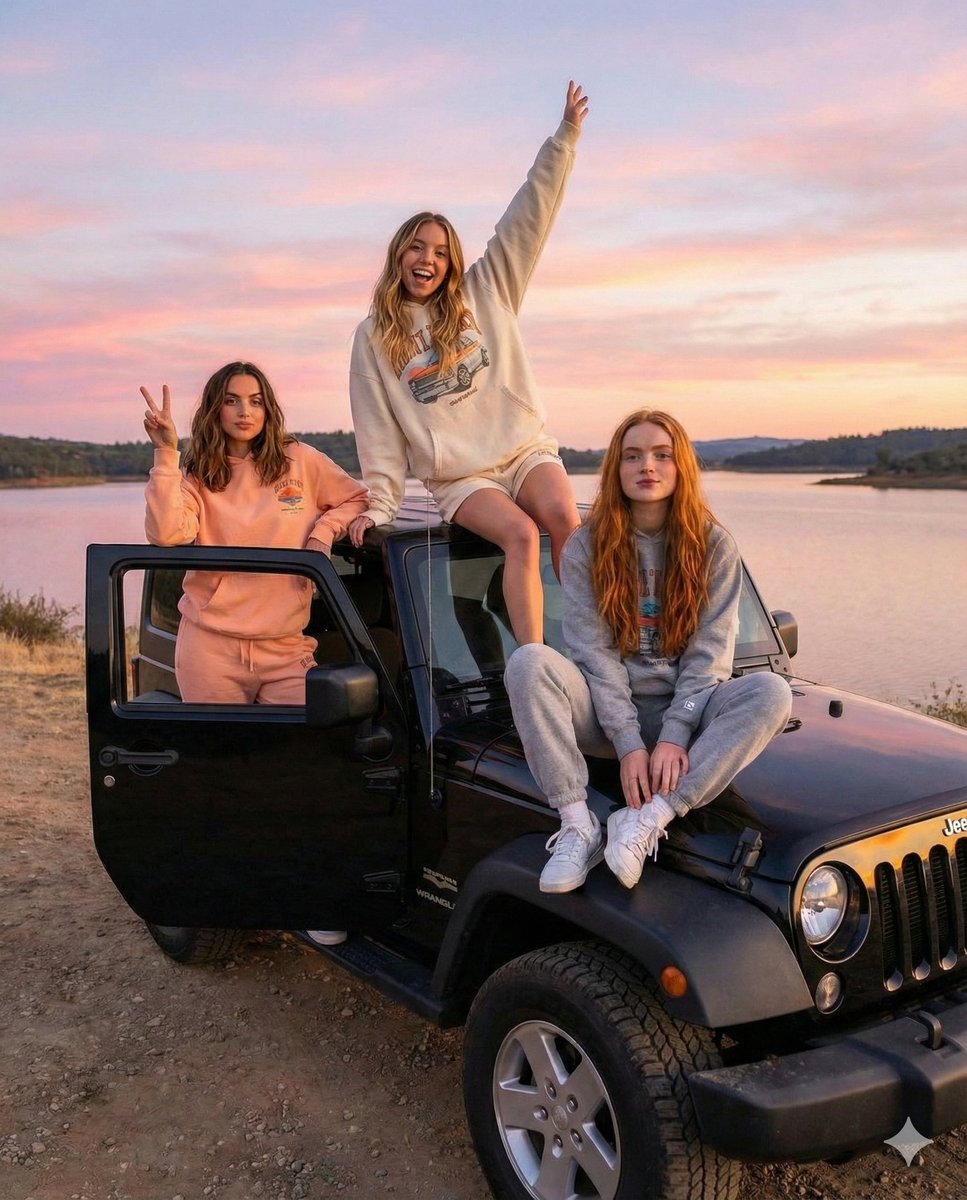
Road Trip Aesthetic with Three Subjects and Jeep
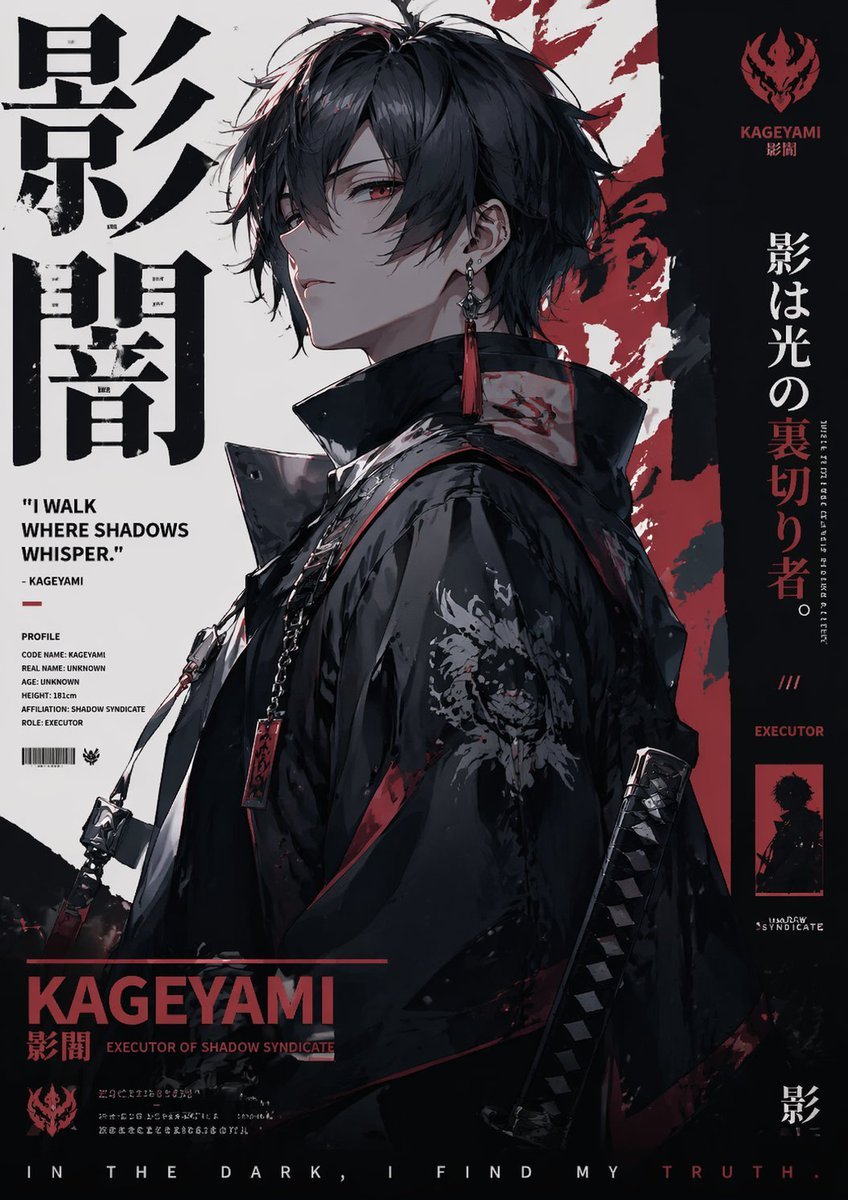
Poster Style Anime Character
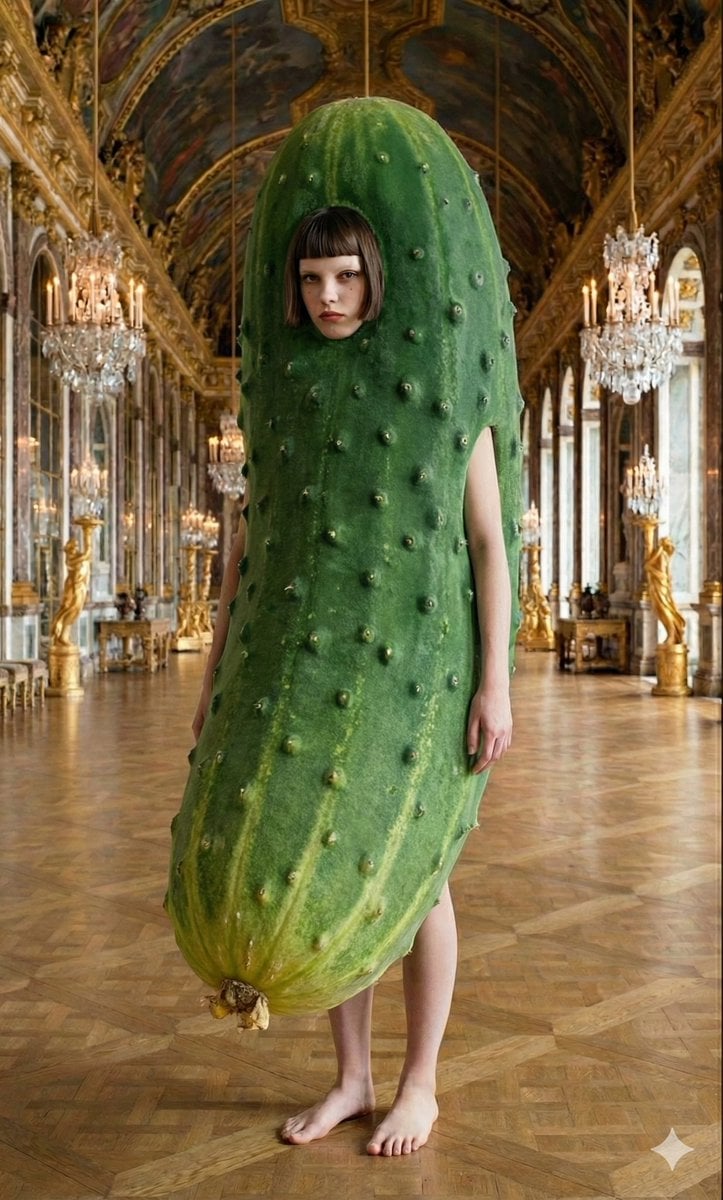
Corporate Elite Self-Reflection Portrait Prompt
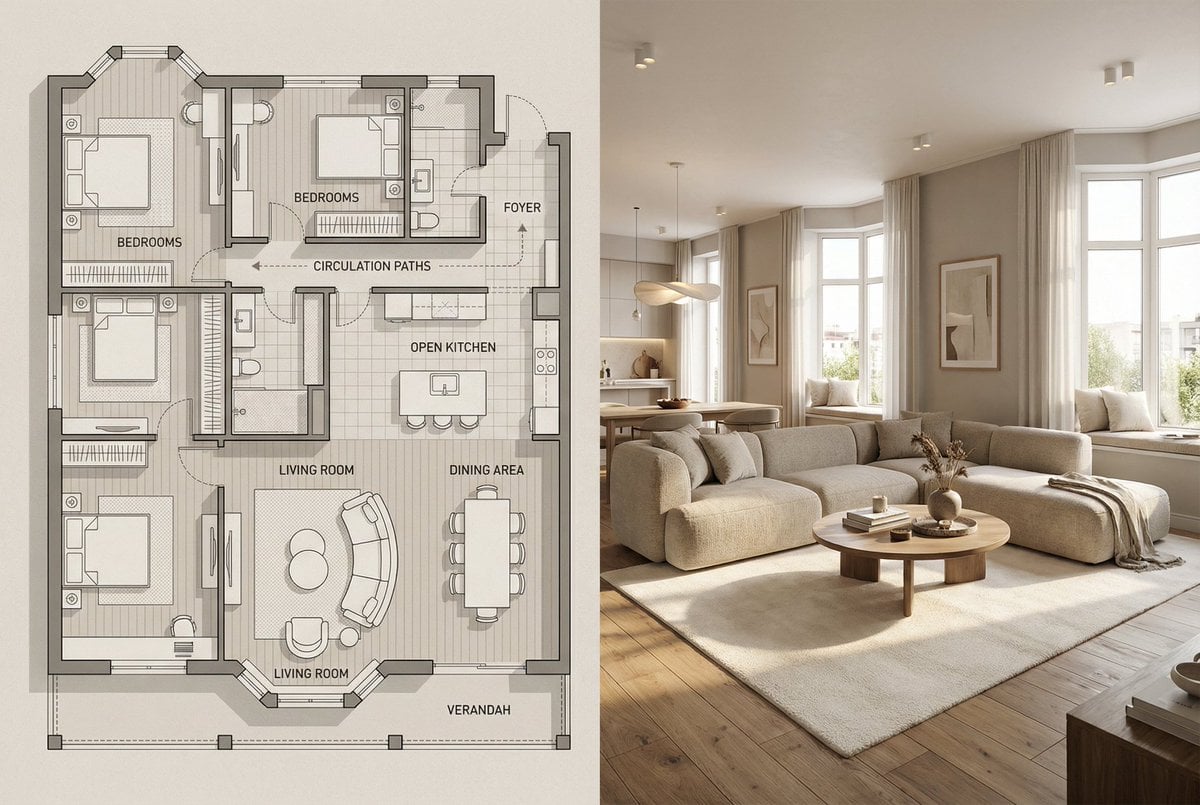
Architectural Floor Plan and Realistic Interior Photo Generation
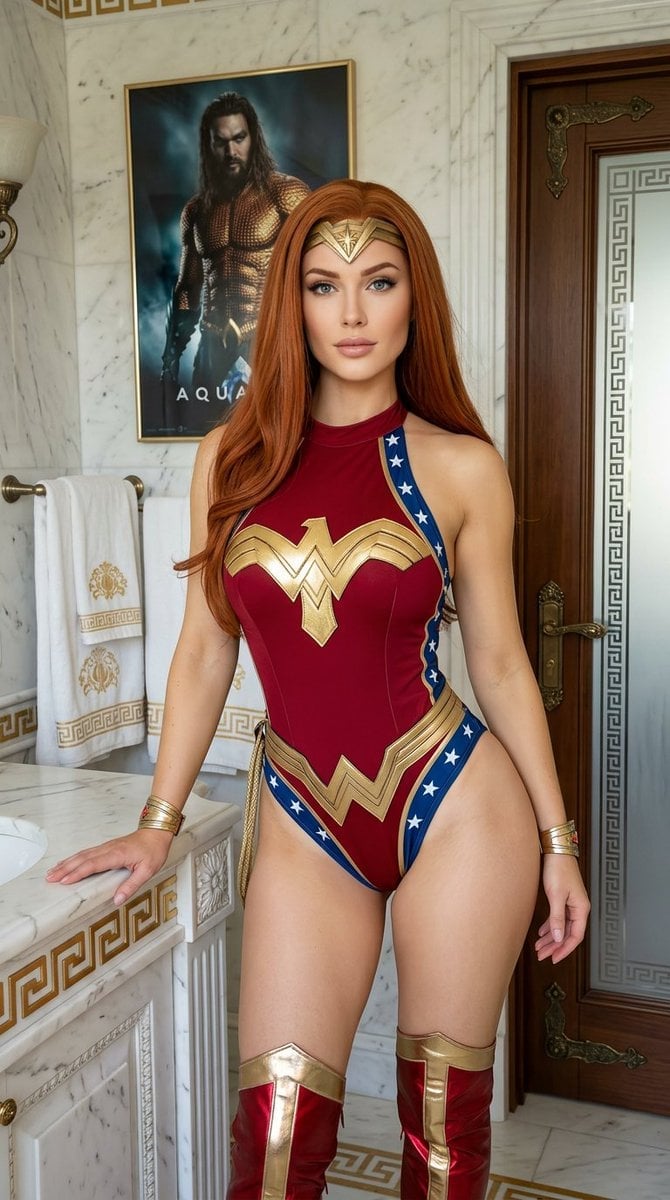
Wonder Woman Cosplay Portrait in Ancient Greek Bathroom
Courtroom Sketch Rabbit Witness
Weekly Outfit Design Prompt
Quick Stop Scenario Prompt
Browse template categories
Anime Classroom Promo Key Visual questions
How do I use the Anime Classroom Promo Key Visual template?
Add your photo if the template asks for one, edit the prompt if you like — the template's model and format are already selected — and press Generate. Your version opens in PicX Studio.
Can I customize the Anime Classroom Promo Key Visual template?
Yes. You can change the subject, setting, lighting, mood, format, and available model controls before creating your image.
Is the Anime Classroom Promo Key Visual template free?
Opening and editing this template is free. Generating uses credits, shown on the Generate button when you are signed in.
Which AI model should I use?
Start with GPT Image 2, which is the model associated with this template. You can compare another compatible model for a different finish.
Looking for something else? Browse all templates.

Your photo, any look
Thousands of ready templates for every top image and video model, from one credit balance.