
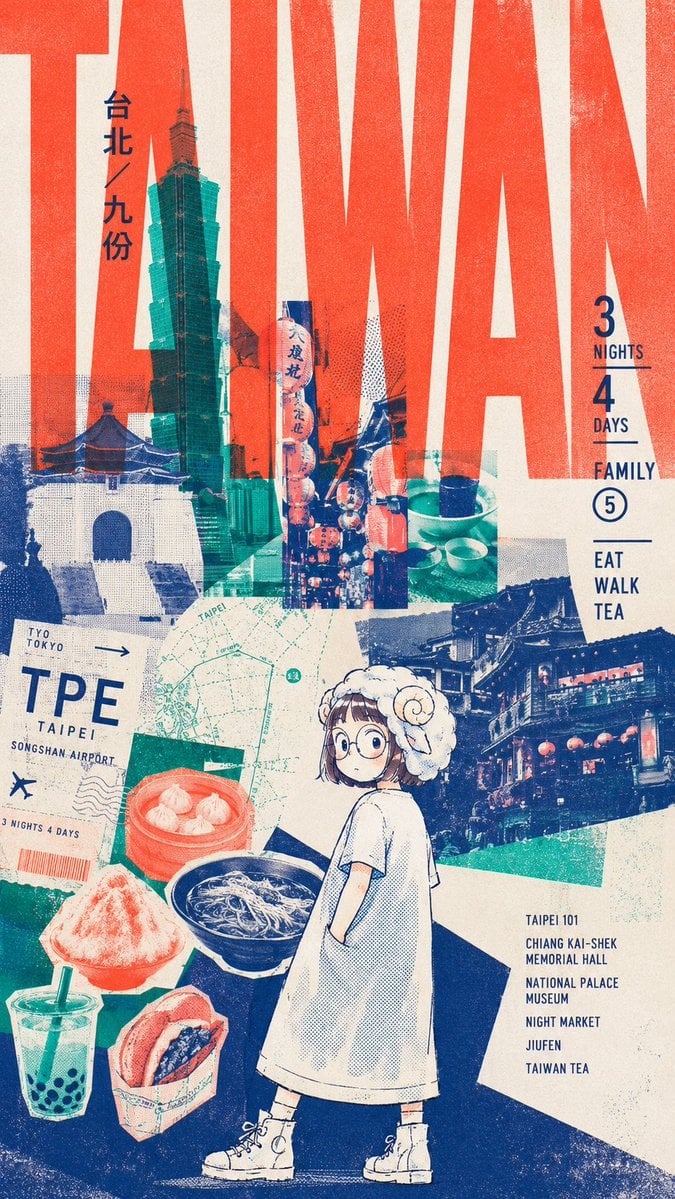
Retro Taiwan Travel Collage Poster
Generates a tall risograph-style Taipei and Jiufen travel cover collage with bold typography, landmarks, food cutouts, and a cute manga traveler.
- Prompt included
- Model and format preset
- Free template
The prompt behind this image
Copy the exact prompt behind Retro Taiwan Travel Collage Poster, or open it in the studio and make it yours.
Goal: Create a vertical retro travel-poster collage for a family trip to {argument name="destination" default="Taiwan / Taipei / Jiufen"}, combining bold typography, risograph texture, manga character art, food cutouts, tickets, maps, and landmark photography. Canvas: Tall vertical poster, roughly 9:16 aspect ratio, cream paper background with distressed print grain, halftone dots, imperfect ink registration, rough collage edges, and a limited palette of vermilion red, deep navy blue, teal green, cream, and small black accents. Layout: Use enormous cropped red block letters spelling {argument name="main background word" default="TAIWAN"} across the entire upper background, so large that the letters run off the edges. Layer a teal-blue Taipei 101 skyscraper near the upper left-center, overlapping the letters. Add a white Chiang Kai-shek Memorial Hall photo block at lower left of the skyline area, a vertical night-market lantern street photo in the center, a small tea-table still life near the upper right-center, and a large blue Jiufen night street photo panel on the mid-right. Place a pale green street map diagonally across the middle-left, partly under the character and food. Add a tilted boarding-pass/ticket collage in the lower-left quadrant. Put the illustrated character in the lower center foreground, standing over a dark navy ground shape. Main subject: A cute manga-style young traveler girl seen full body from behind but turning her head toward the viewer. She has short brown bob hair, oversized round glasses, soft curious expression, and wears a fluffy white sheep-like hat with curled ram-horn shapes. Outfit: simple oversized white short-sleeve dress or smock coat, white socks, chunky white lace-up boots, small backpack straps visible. Keep the drawing mostly cream and navy linework with light halftone shading, matching the printed collage aesthetic. Counted visible travel and food collage elements: Include exactly 6 landmark/photo/map/ticket elements: 1 Taipei 101 skyscraper, 1 Chiang Kai-shek Memorial Hall image, 1 night-market lantern alley image, 1 tea table still life, 1 Jiufen night street image, and 1 Taipei street map. Include exactly 5 food/drink cutouts in the lower half: 1 red bamboo steamer of soup dumplings, 1 bowl of noodles, 1 mound of shaved ice dessert, 1 plastic cup of bubble tea with straw, and 1 folded paper snack cup containing a stuffed bun or sandwich. Text content: Add vertical dark-blue Japanese text near the skyscraper reading {argument name="vertical Japanese location text" default="台北/九份"}. On the right side, set stacked itinerary text in narrow uppercase navy: “3 NIGHTS”, “4 DAYS”, “FAMILY”, a circled “5”, then “EAT”, “WALK”, “TEA”, separated by thin horizontal rules. On the tilted ticket at lower left, include “TYO TOKYO →”, large “TPE”, “TAIPEI”, “SONGSHAN AIRPORT”, a tiny airplane icon, and “3 NIGHTS 4 DAYS”. At bottom right, include a small list in navy uppercase: “TAIPEI 101”, “CHIANG KAI-SHEK MEMORIAL HALL”, “NATIONAL PALACE MUSEUM”, “NIGHT MARKET”, “JIUFEN”, “TAIWAN TEA”. Visual style: Japanese editorial cover design, MiriCanvas-style travel zine, vintage screenprint, risograph poster, collage with transparent color overlays, high contrast, weathered ink, halftone shading, slightly misaligned cyan/red layers, playful yet sophisticated. Constraints: Keep all text legible enough to read, avoid photorealistic rendering of the character, avoid modern glossy gradients, no watermark, no extra people, no additional food items beyond the 5 counted cutouts, and maintain the bold red TAIWAN typography dominating the composition.
How to use Retro Taiwan Travel Collage Poster in 3 steps
- 1Upload ImagePNG, JPG or paste
Add your photo
Upload the photo the template builds on. The prompt, model and format are already set.
- 2…a portrait of your subject in softgolden-hour light, 85mm…
Personalize
Edit the subject and creative details for your destination.
- 3Generate
Generate
Press Generate — your image is created in PicX Studio, so you can compare it with the original and refine one variable at a time.
More like this
Templates with the same subject, style or setup. Open one to see its prompt.

Japan Travel Brochure Poster

Six-Panel Retro Japanese Poster Collage
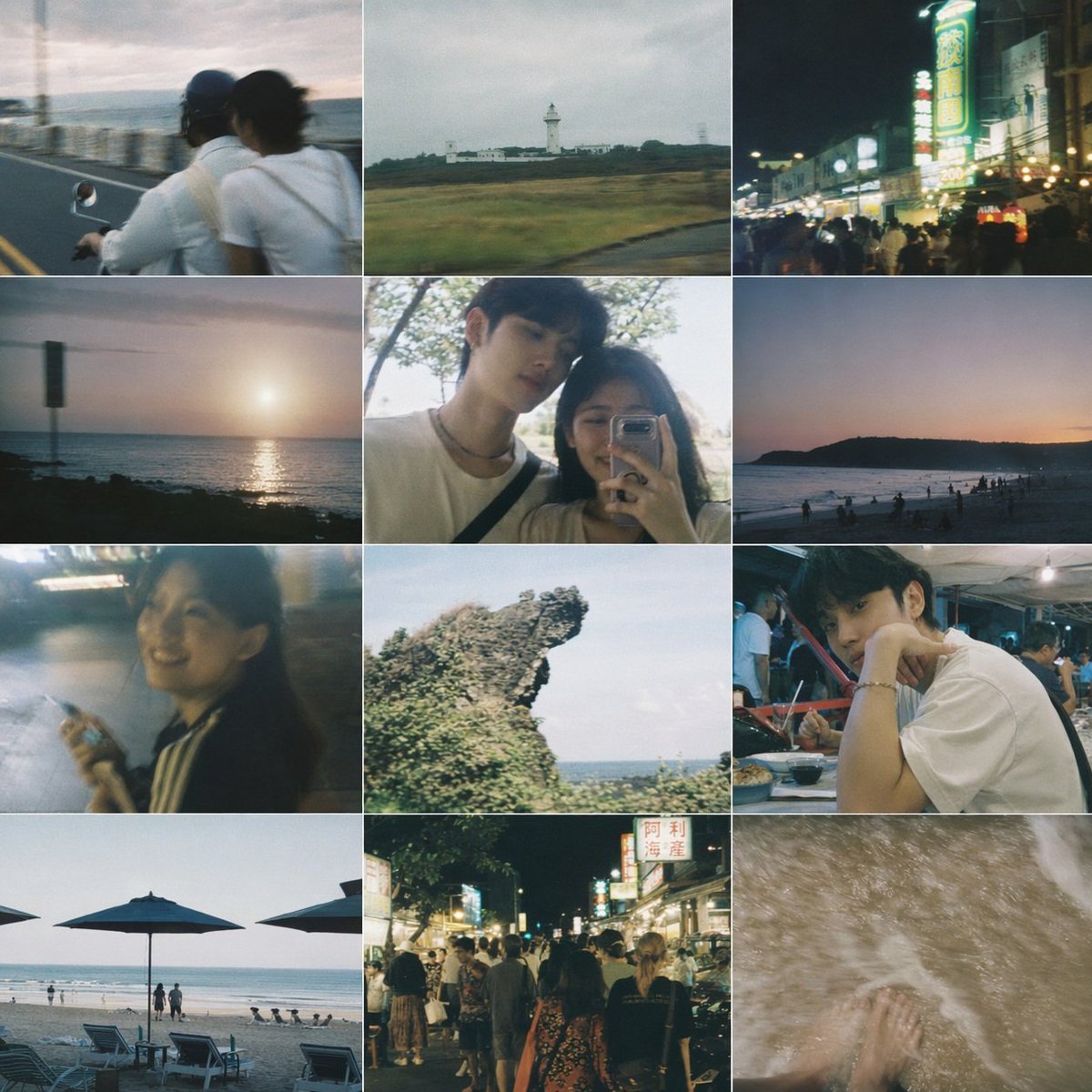
Taiwanese Nostalgic Travel Collage

City Posters by Nano Banana Pro

Sunday Afternoon, 1988

Two Tickets, One Night

If We Met in 1985

Found Photograph: Us, 1970

One Dance Before Midnight

Before We said Goodbye

Our Song was on a Cassette

Meet Me When It Rains
Make it yours
Retro Taiwan Travel Collage Poster works as-is. These are the safest ways to change it without losing the look.
Change one field
Copy a single group, rewrite it, and generate again so you can see what that field is doing.
Keep the frame, change the subject
Hold the composition and light of Retro Taiwan Travel Collage Poster, then swap wardrobe, props or the person for a new take.
| If the result… | Why | Fix |
|---|---|---|
| The result drifts from the preview | Too many fields changed at once. | Reuse Retro Taiwan Travel Collage Poster as-is first, then change one group — subject, light, or setting. |
| The model over-stylizes the scene | The prose prompt leaves finish and camera underspecified. | Add one camera or lighting sentence and stay on GPT Image 2. |
More GPT Image 2 templates
Other prompts made for GPT Image 2.

Six VTuber Japanese Logo Sheet

Realistic Portrait of Woman and Deer

The Vista Modular Condo Poster

AI Model Routing Comparison Infographic

2.5D Anime Art Board

Isometric Productivity Desk Scene

New York Double Exposure Poster

Four-Panel AI Landscape Comparison

Japanese Tatami Lifestyle Magazine Cover

NESCAFÉ Coffee Map Poster
More image prompts
Fresh picks from across the catalog.
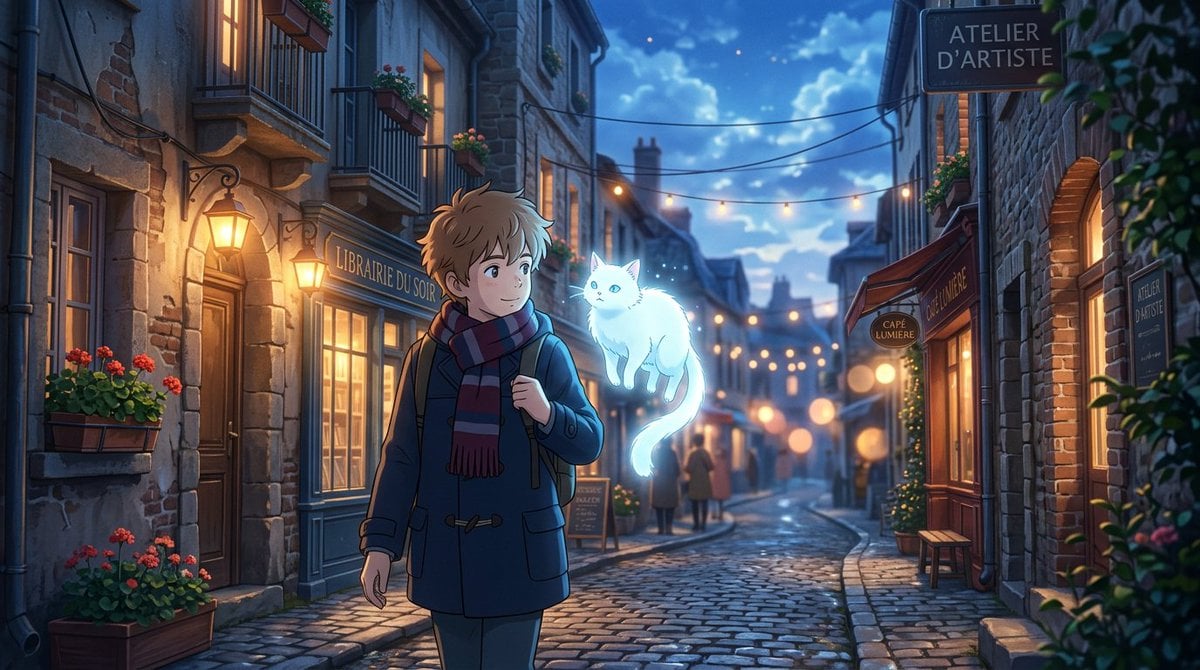
Makoto Shinkai Inspired Anime Cinematic Scene
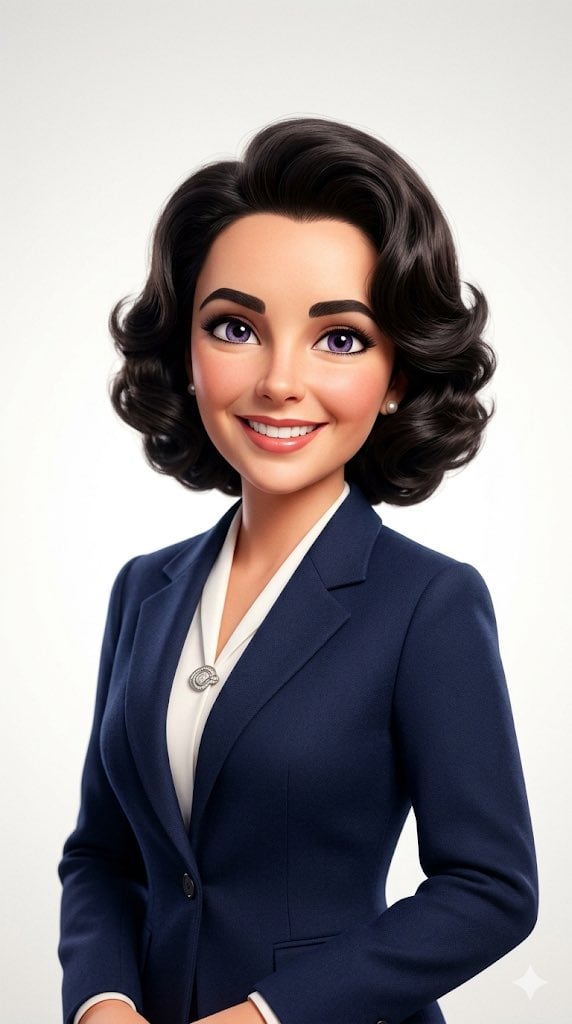
Pixar-Style 3D Avatar Prompt for Nano Banana
Origami K-Pop Idol Portrait
Hyper-Realistic Fantasy Jungle Adventure
Traditional Dry Brush Artistic Portrait
Fujifilm Style Home Couple Portraits

2x2 Social Media Course Banner Ads
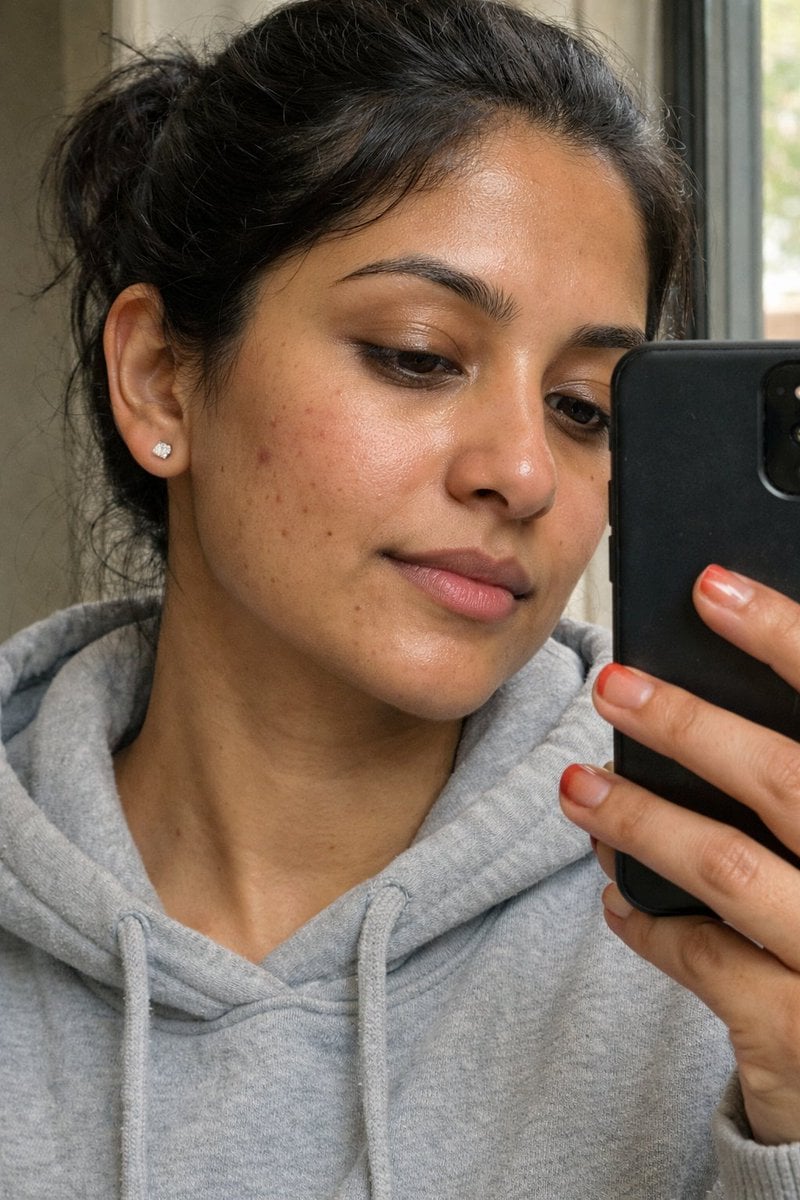
Ultra-Realistic Portrait Prompt (from ALT text)
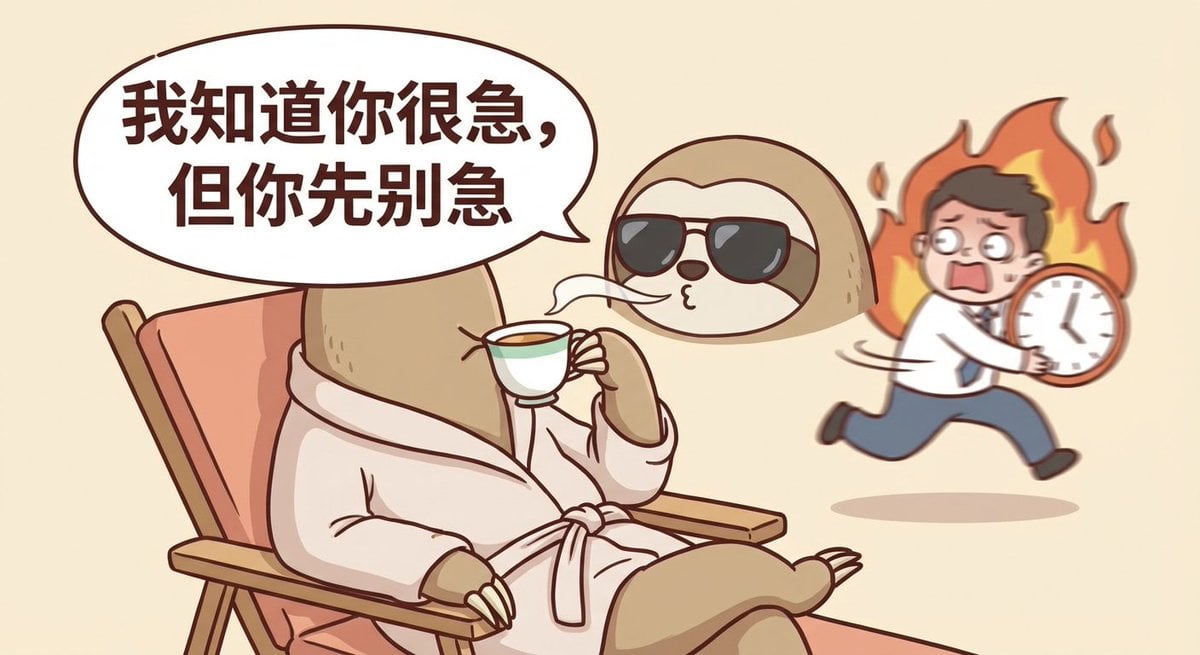
Nano Banana Pro-themed hero image (Chinese)
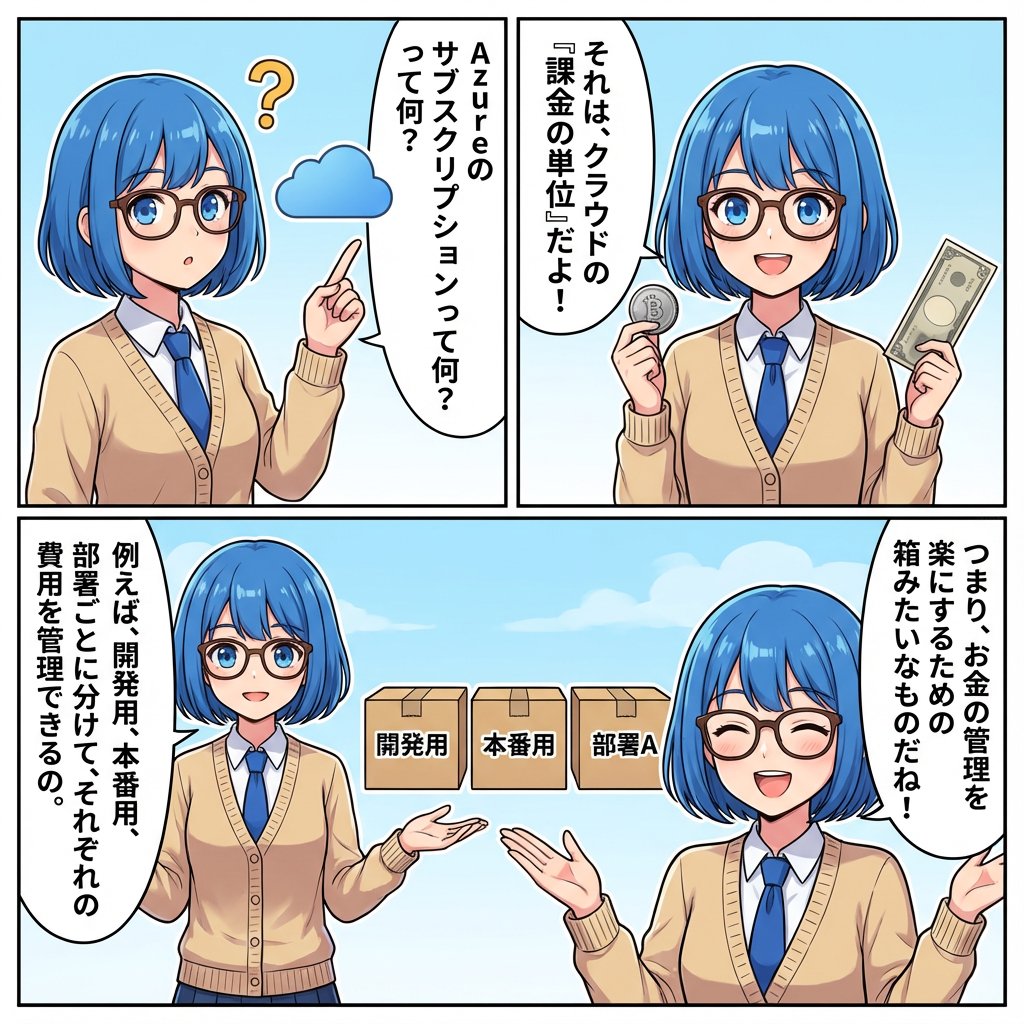
IT Education Manga Generation Prompt
Browse template categories
Retro Taiwan Travel Collage Poster questions
How do I use the Retro Taiwan Travel Collage Poster template?
Add your photo if the template asks for one, edit the prompt if you like — the template's model and format are already selected — and press Generate. Your version opens in PicX Studio.
Can I customize the Retro Taiwan Travel Collage Poster template?
Yes. You can change the subject, setting, lighting, mood, format, and available model controls before creating your image.
Is the Retro Taiwan Travel Collage Poster template free?
Opening and editing this template is free. Generating uses credits, shown on the Generate button when you are signed in.
Which AI model should I use?
Start with GPT Image 2, which is the model associated with this template. You can compare another compatible model for a different finish.
Looking for something else? Browse all templates.

Your photo, any look
Thousands of ready templates for every top image and video model, from one credit balance.