
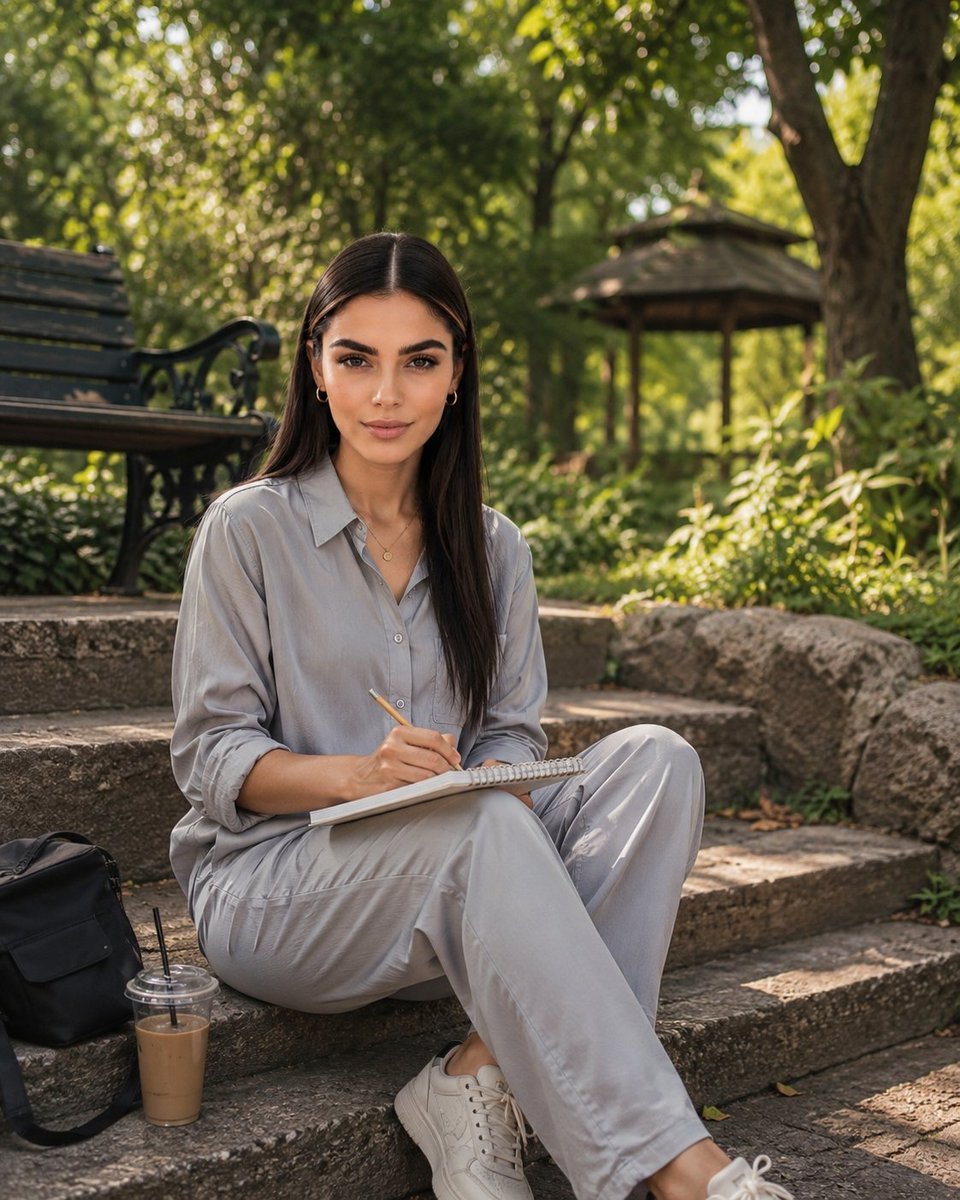
Photorealistic Portrait of Woman in Botanical Park
A detailed prompt for generating a high-quality, photorealistic lifestyle portrait of a woman sitting in a lush park, featuring soft golden lighting and an editorial style.
- Prompt included
- Model and format preset
- Free template
The prompt behind this image
Copy the exact prompt behind Photorealistic Portrait of Woman in Botanical Park, or open it in the studio and make it yours.
Photorealistic lifestyle portrait of a {argument name="subject" default="young adult woman"} sitting casually on old stone steps in a lush, peaceful botanical park. She has long, straight dark brown hair with a center part, natural elegant makeup, defined eyebrows, warm brown eyes, subtle gold hoop earrings, and a delicate gold pendant necklace. She is wearing a loose, light-gray button-up shirt with rolled sleeves and matching relaxed-fit gray trousers, paired with clean white low-top sneakers. She sits cross-legged while holding a pencil and writing in a small spiral notebook resting on her lap, looking directly into the camera with a calm, gentle, confident expression. Beside her is a {argument name="accessory" default="black casual backpack"} and a clear plastic cup of iced coffee with a straw. Behind her are mature trees, dense green foliage, a rustic wooden park bench, and a small traditional wooden gazebo. Warm late-afternoon sunlight filters naturally through the leaves, creating soft golden highlights, realistic dappled shadows, and beautiful background bokeh. Cinematic photography, natural skin texture, realistic fabric details, shallow depth of field, 50mm lens, f/2.0, eye-level composition, soft warm color grading, high dynamic range, editorial lifestyle photography, ultra-realistic, highly detailed, authentic candid atmosphere, vertical portrait composition, 4:5 aspect ratio.
How to use Photorealistic Portrait of Woman in Botanical Park in 3 steps
- 1
Open
The prompt is already in the box next to the preview, with the template's model and format selected.
- 2…a portrait of your subject in softgolden-hour light, 85mm…
Personalize
Edit the subject and creative details for your destination.
- 3Generate
Generate
Press Generate — your image is created in PicX Studio, so you can compare it with the original and refine one variable at a time.
More like this
Templates with the same subject, style or setup. Open one to see its prompt.
Floraverse Botanical Fusion
FLORAVERSE BOTANICAL FUSION
Botanical Leaf Art Style

Couture Fashion Editorial Woman and Drag
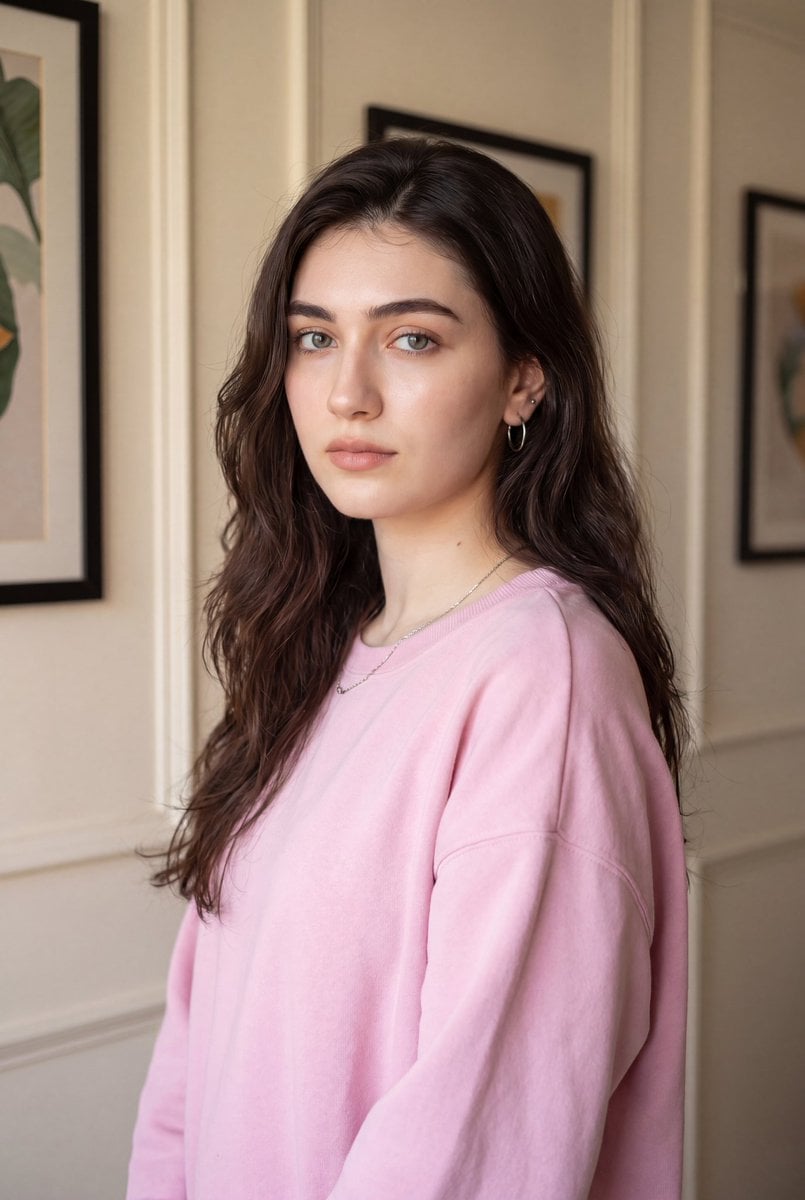
Indoor Photorealistic Woman Portrait
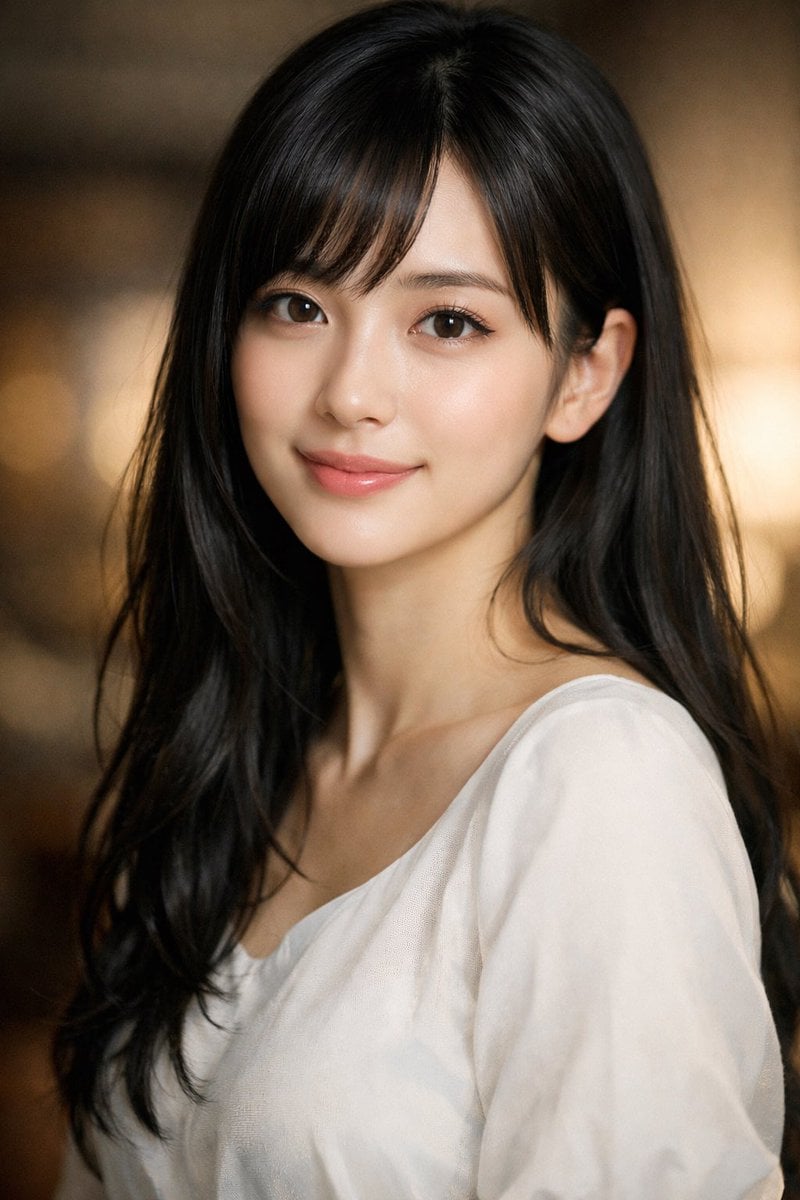
Photorealistic Portrait of a Young Woman

Gpt2 Fisheye Sky Crouch Portrait

Found Photograph: Us, 1970

80s Couple Studio Portrait

80s Bollywood Star

80s Golden Hour Cinema

Me in 1985
Make it yours
Photorealistic Portrait of Woman in Botanical Park works as-is. These are the safest ways to change it without losing the look.
Change one field
Copy a single group, rewrite it, and generate again so you can see what that field is doing.
Keep the frame, change the subject
Hold the composition and light of Photorealistic Portrait of Woman in Botanical Park, then swap wardrobe, props or the person for a new take.
| If the result… | Why | Fix |
|---|---|---|
| The result drifts from the preview | Too many fields changed at once. | Reuse Photorealistic Portrait of Woman in Botanical Park as-is first, then change one group — subject, light, or setting. |
| The model over-stylizes the scene | The prose prompt leaves finish and camera underspecified. | Add one camera or lighting sentence and stay on GPT Image 2. |
More GPT Image 2 templates
Other prompts made for GPT Image 2.

Six VTuber Japanese Logo Sheet

Realistic Portrait of Woman and Deer

The Vista Modular Condo Poster

AI Model Routing Comparison Infographic

2.5D Anime Art Board

Isometric Productivity Desk Scene

New York Double Exposure Poster

Four-Panel AI Landscape Comparison

Japanese Tatami Lifestyle Magazine Cover

NESCAFÉ Coffee Map Poster
More image prompts
Fresh picks from across the catalog.
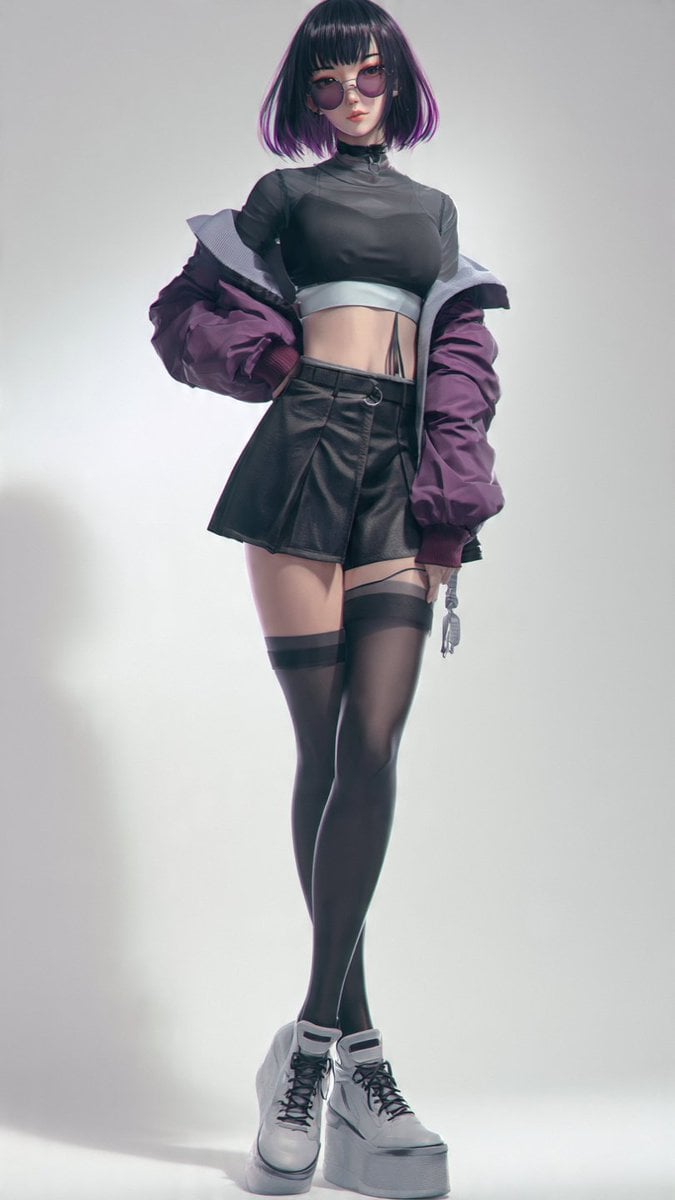
Anime Cyber Streetwear Full-Body Portrait
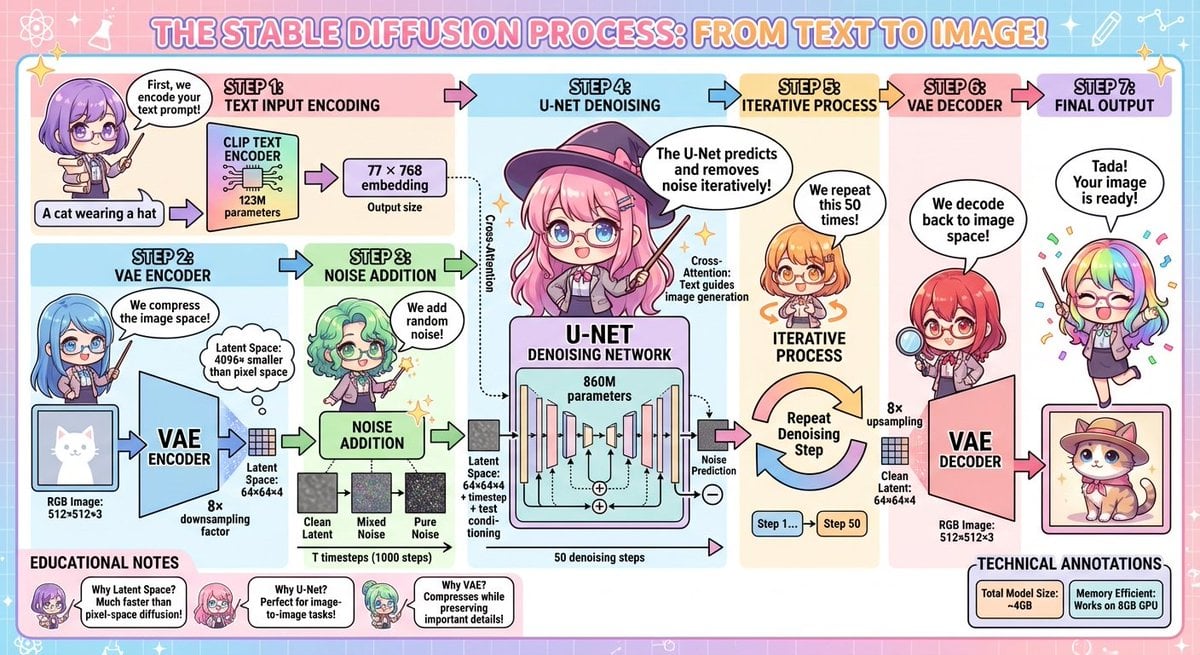
Stable Diffusion educational anime diagram

Product Photography Prompt: Swiss Army Knife

Blue Cyberpunk Manga Poster

JSON Prompt for 1971 Yeşilçam Cinematic Portrait of Türkan Şoray Crying
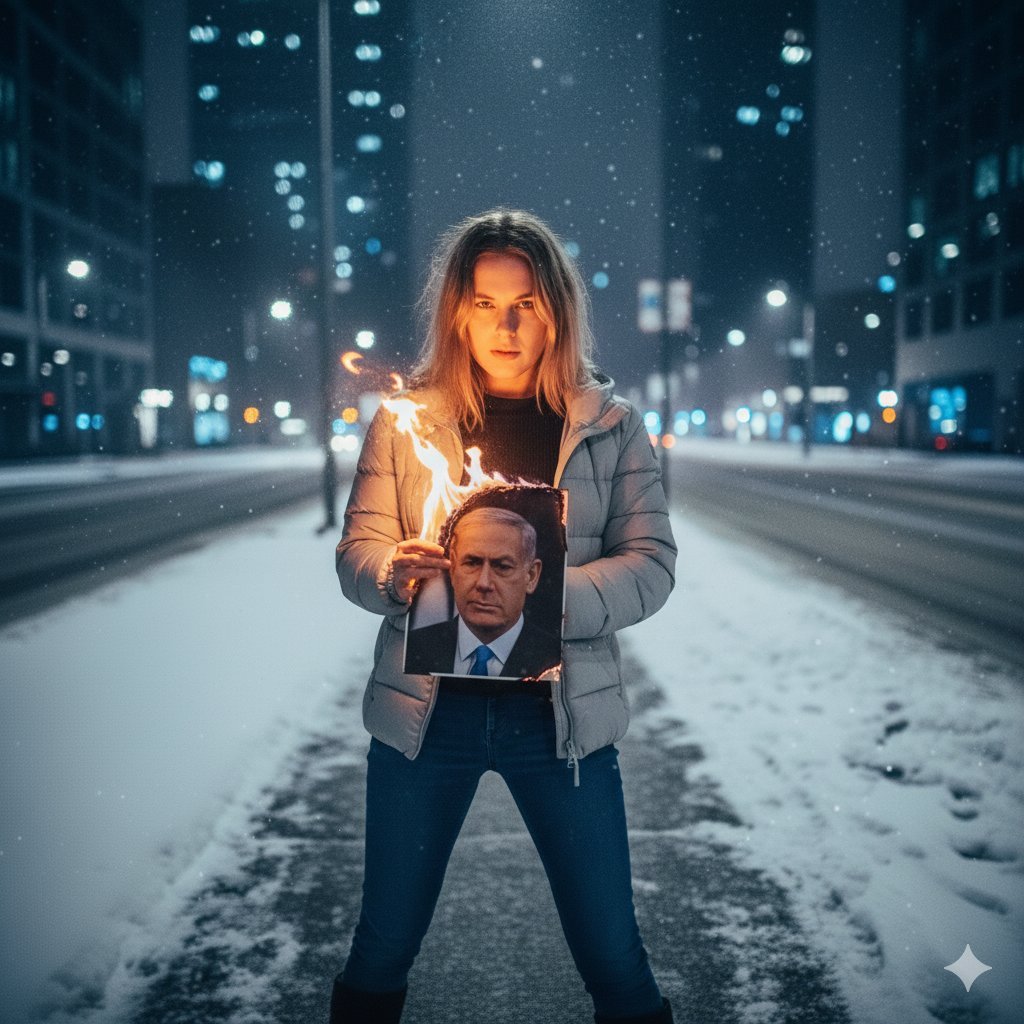
Defiant Woman Lighting Cigarette with Burning Photo
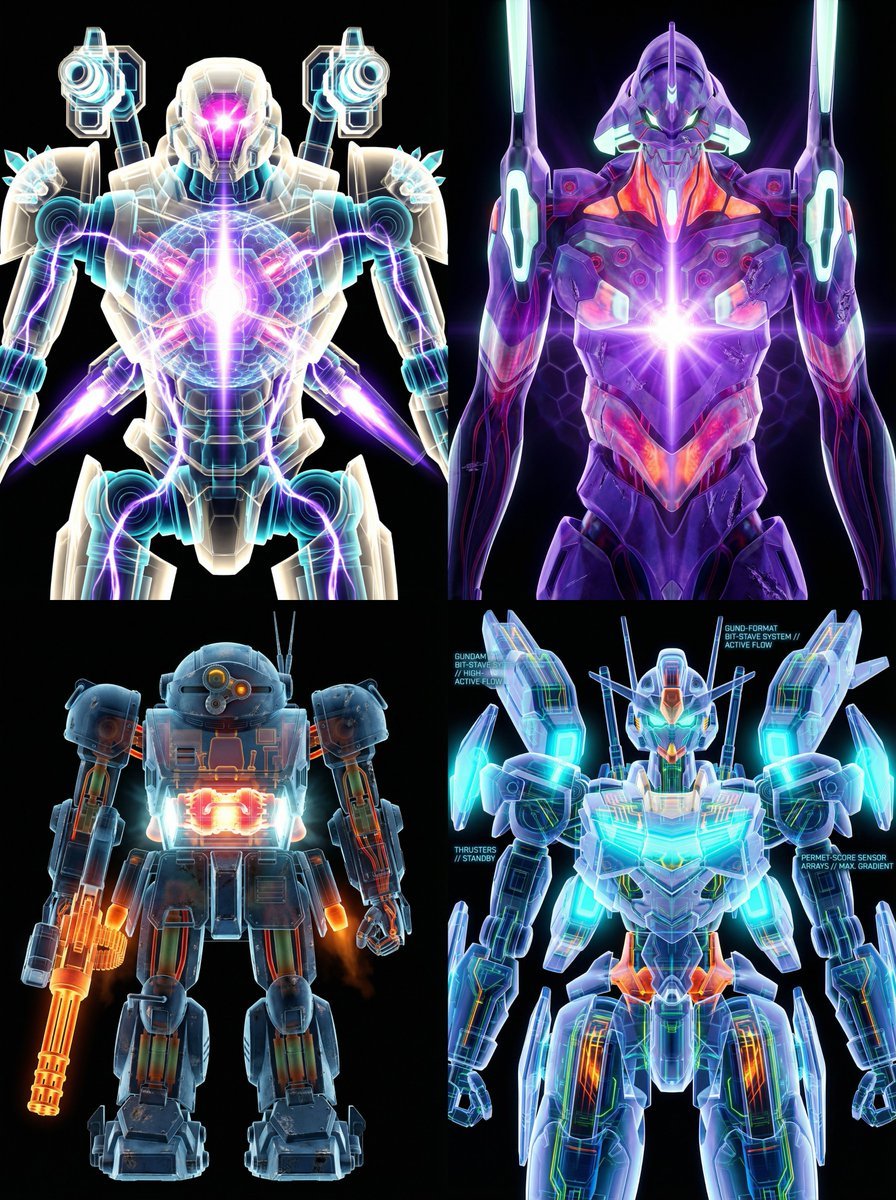
X-Ray/Thermal Visualization Prompt for Mecha (VOTOMS Scopedog)
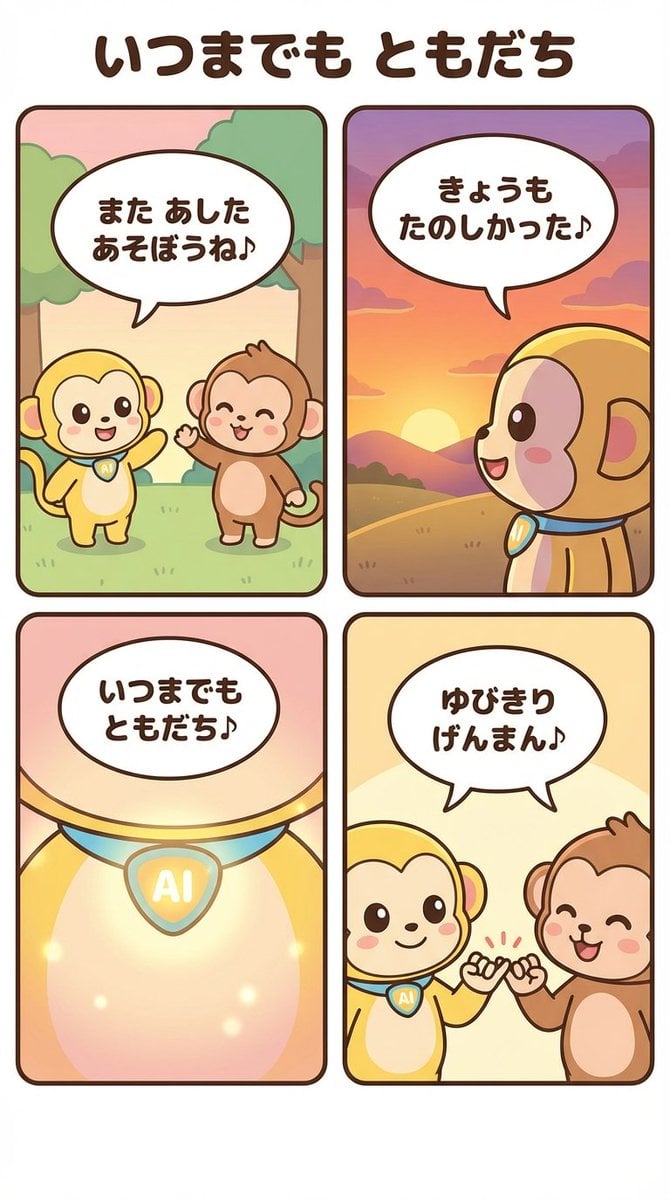
Generating a 4-Panel Comic Strip: 'Friends Forever'
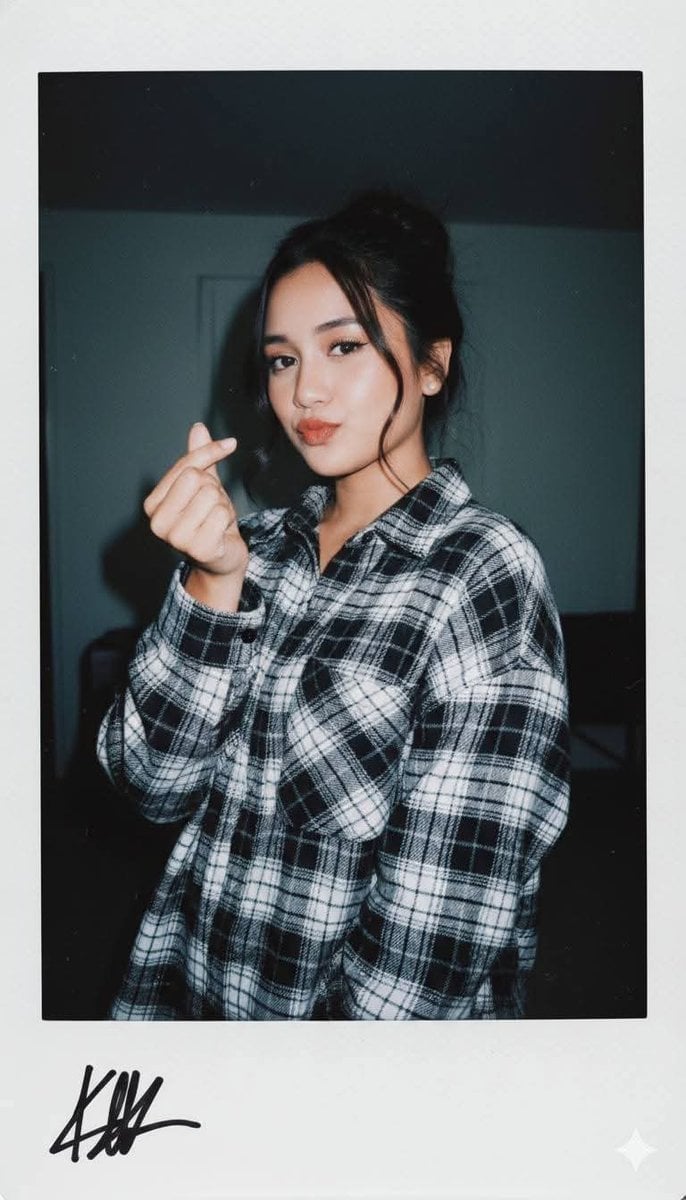
Ultra-Realistic Glamour Polaroid Prompt
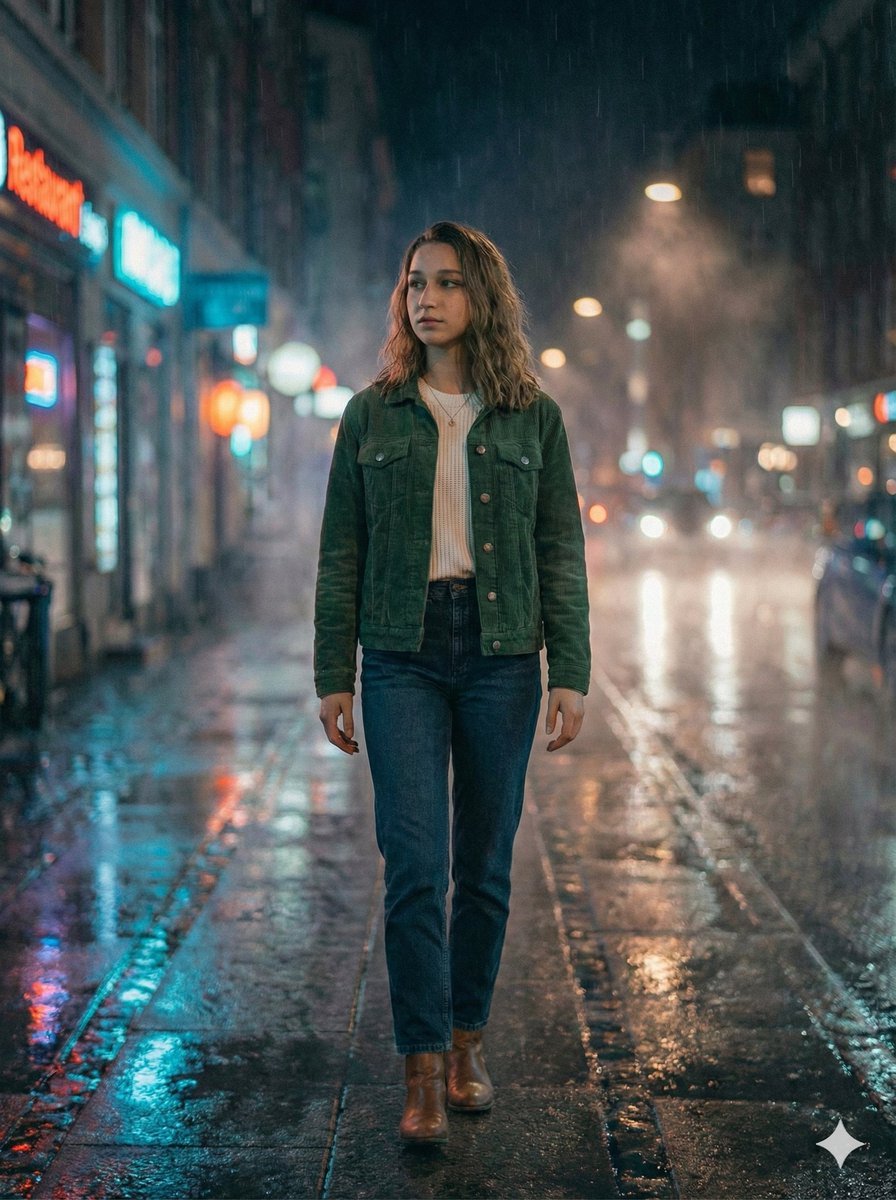
Moody Cinematic Night Rain Portrait (JSON)
Browse template categories
Photorealistic Portrait of Woman in Botanical Park questions
How do I use the Photorealistic Portrait of Woman in Botanical Park template?
Add your photo if the template asks for one, edit the prompt if you like — the template's model and format are already selected — and press Generate. Your version opens in PicX Studio.
Can I customize the Photorealistic Portrait of Woman in Botanical Park template?
Yes. You can change the subject, setting, lighting, mood, format, and available model controls before creating your image.
Is the Photorealistic Portrait of Woman in Botanical Park template free?
Opening and editing this template is free. Generating uses credits, shown on the Generate button when you are signed in.
Which AI model should I use?
Start with GPT Image 2, which is the model associated with this template. You can compare another compatible model for a different finish.
Looking for something else? Browse all templates.

Your photo, any look
Thousands of ready templates for every top image and video model, from one credit balance.