
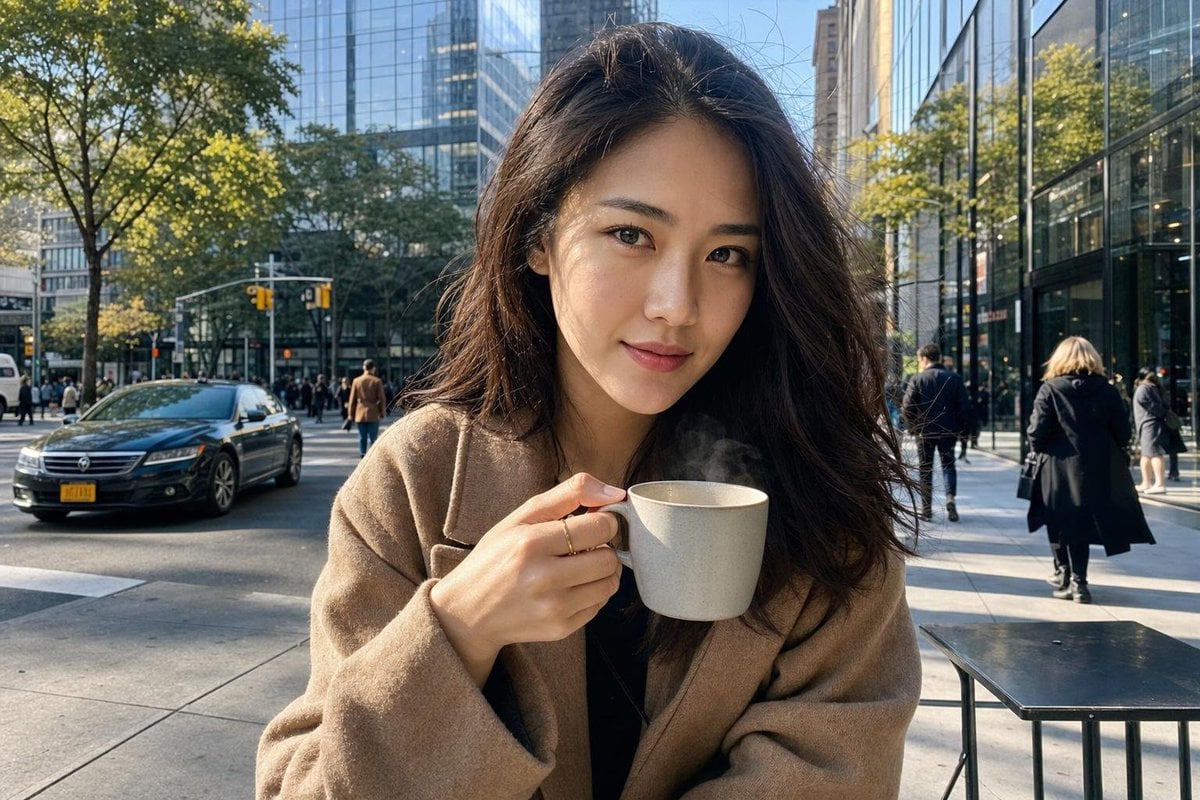
New York Street Coffee Portrait
Generates a realistic cinematic portrait of a person holding a coffee mug on a detailed New York City street, focusing on natural lighting and urban atmosphere.
- Prompt included
- Model and format preset
- Free template
The prompt behind this image
Copy the exact prompt behind New York Street Coffee Portrait, or open it in the studio and make it yours.
Create an ultra-realistic close-up cinematic portrait of a {argument name="subject" default="stylish Asian woman"} on a modern {argument name="city" default="New York City"} street during the afternoon, holding a {argument name="beverage" default="simple elegant ceramic coffee mug"} with no logo, no branding, and no recognizable coffee-shop design. Frame her from approximately waist/chest-up, with her face and coffee mug clearly visible. She has natural Asian facial features, realistic skin texture, detailed individual hair strands, subtle makeup, and a relaxed confident expression. She is casually holding the plain ceramic mug near her face/chest, with natural fingers and realistic hand anatomy. A small amount of authentic steam rises from the coffee. The New York street background must remain sharp and highly detailed, rather than heavily blurred: modern glass buildings, contemporary storefronts, clean sidewalks, traffic lights, street trees, cars, pedestrians, café terraces, reflections in windows, and realistic urban activity. Maintain enough depth separation to keep the woman as the primary subject while allowing the entire city environment to remain clearly recognizable. Lighting: beautiful natural afternoon sunlight, soft directional illumination on her face, realistic shadows, subtle reflections from surrounding glass architecture, physically accurate exposure. Camera: close-up lifestyle street photography, 50mm lens, eye-level viewpoint, high-resolution full-frame camera, realistic depth of field but moderate background separation—not excessive bokeh. Style: photorealistic, premium fashion-editorial street photography, cinematic realism, natural skin pores, realistic hair, authentic clothing textures, sharp environmental details, realistic colors, sophisticated modern urban atmosphere. Important: plain unbranded ceramic mug only. No Starbucks-style branding, no logos, no text, no recognizable corporate designs, no watermarks. Negative prompt: cartoon, CGI look, plastic skin, over-smoothed face, distorted hands, extra fingers, deformed mug, blurry background, excessive bokeh, warped buildings, duplicate people, unnatural anatomy, logos, text, watermark.
How to use New York Street Coffee Portrait in 3 steps
- 1
Open
The prompt is already in the box next to the preview, with the template's model and format selected.
- 2…a portrait of your subject in softgolden-hour light, 85mm…
Personalize
Edit the subject and creative details for your destination.
- 3Generate
Generate
Press Generate — your image is created in PicX Studio, so you can compare it with the original and refine one variable at a time.
More like this
Templates with the same subject, style or setup. Open one to see its prompt.











Make it yours
New York Street Coffee Portrait works as-is. These are the safest ways to change it without losing the look.
Change one field
Copy a single group, rewrite it, and generate again so you can see what that field is doing.
Keep the frame, change the subject
Hold the composition and light of New York Street Coffee Portrait, then swap wardrobe, props or the person for a new take.
| If the result… | Why | Fix |
|---|---|---|
| The result drifts from the preview | Too many fields changed at once. | Reuse New York Street Coffee Portrait as-is first, then change one group — subject, light, or setting. |
| The model over-stylizes the scene | The prose prompt leaves finish and camera underspecified. | Add one camera or lighting sentence and stay on GPT Image 2. |
More GPT Image 2 templates
Other prompts made for GPT Image 2.

Six VTuber Japanese Logo Sheet

Realistic Portrait of Woman and Deer

The Vista Modular Condo Poster

AI Model Routing Comparison Infographic

2.5D Anime Art Board

Isometric Productivity Desk Scene

New York Double Exposure Poster

Four-Panel AI Landscape Comparison

Japanese Tatami Lifestyle Magazine Cover

NESCAFÉ Coffee Map Poster
More image prompts
Fresh picks from across the catalog.
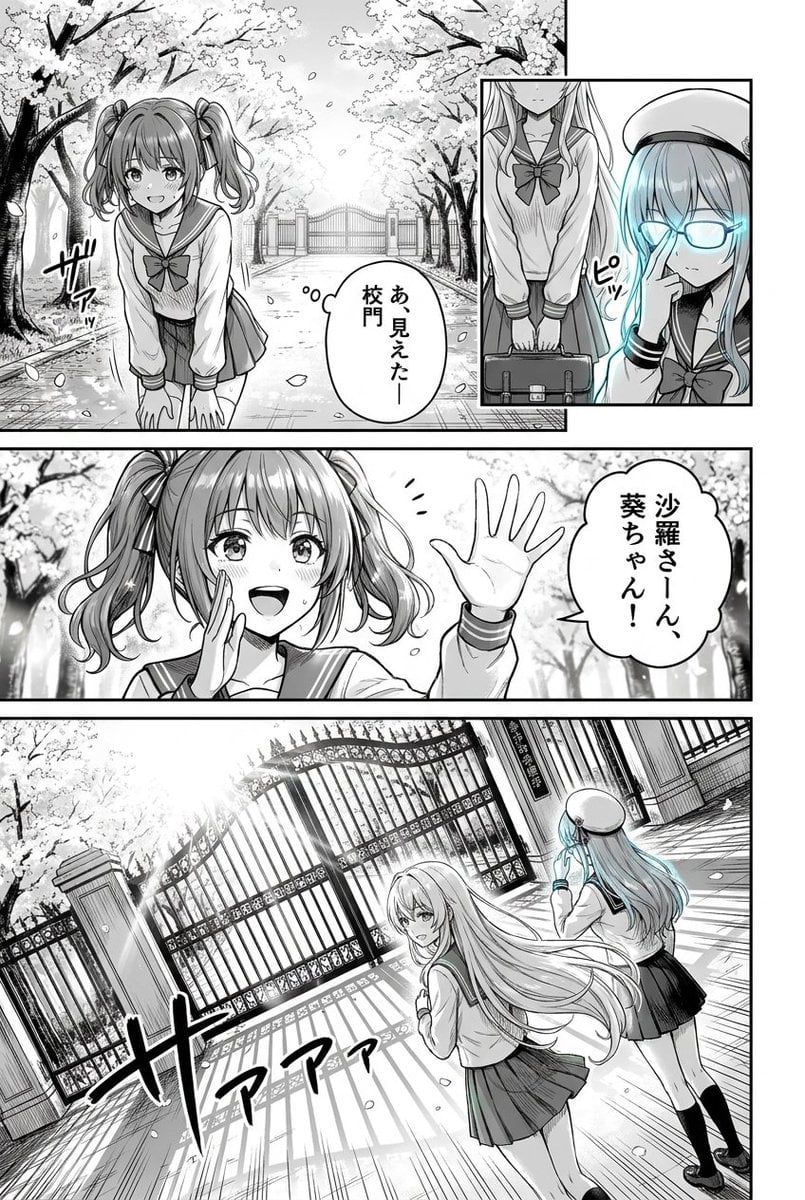
Cherry Blossom School Gate Manga Page
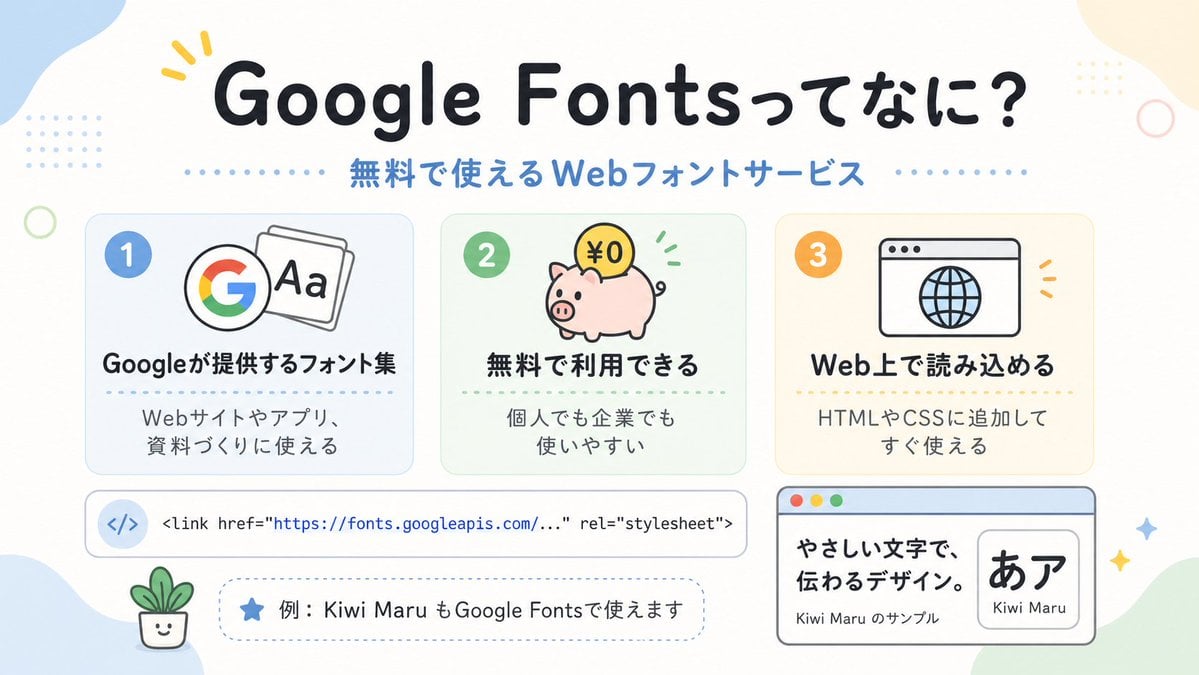
Cute Google Fonts Japanese Infographic
Vintage Flash Group Selfie Prompt for Nano Banana Pro
Street Art Style Portrait of a Man with Face Preservation
Hidden Word Embedding Prompt

Cozy Lifestyle Photography Prompt for Nano Banana Pro

Girl in Oversized Tank Top Doing Pushups

Romantic Cottage Window Garden Scene

Cinematic Sci-Fi Landscape and Fintech UI Design Prompts
Dramatic Black and White Male Portrait
Browse template categories
New York Street Coffee Portrait questions
How do I use the New York Street Coffee Portrait template?
Add your photo if the template asks for one, edit the prompt if you like — the template's model and format are already selected — and press Generate. Your version opens in PicX Studio.
Can I customize the New York Street Coffee Portrait template?
Yes. You can change the subject, setting, lighting, mood, format, and available model controls before creating your image.
Is the New York Street Coffee Portrait template free?
Opening and editing this template is free. Generating uses credits, shown on the Generate button when you are signed in.
Which AI model should I use?
Start with GPT Image 2, which is the model associated with this template. You can compare another compatible model for a different finish.
Looking for something else? Browse all templates.

Your photo, any look
Thousands of ready templates for every top image and video model, from one credit balance.