How do I use the GPT Image 2.5 Neon Glass Banner template?
Choose the primary action to open PicX Studio with the available template settings. Review the model and format, personalize the creative direction, and generate when ready.
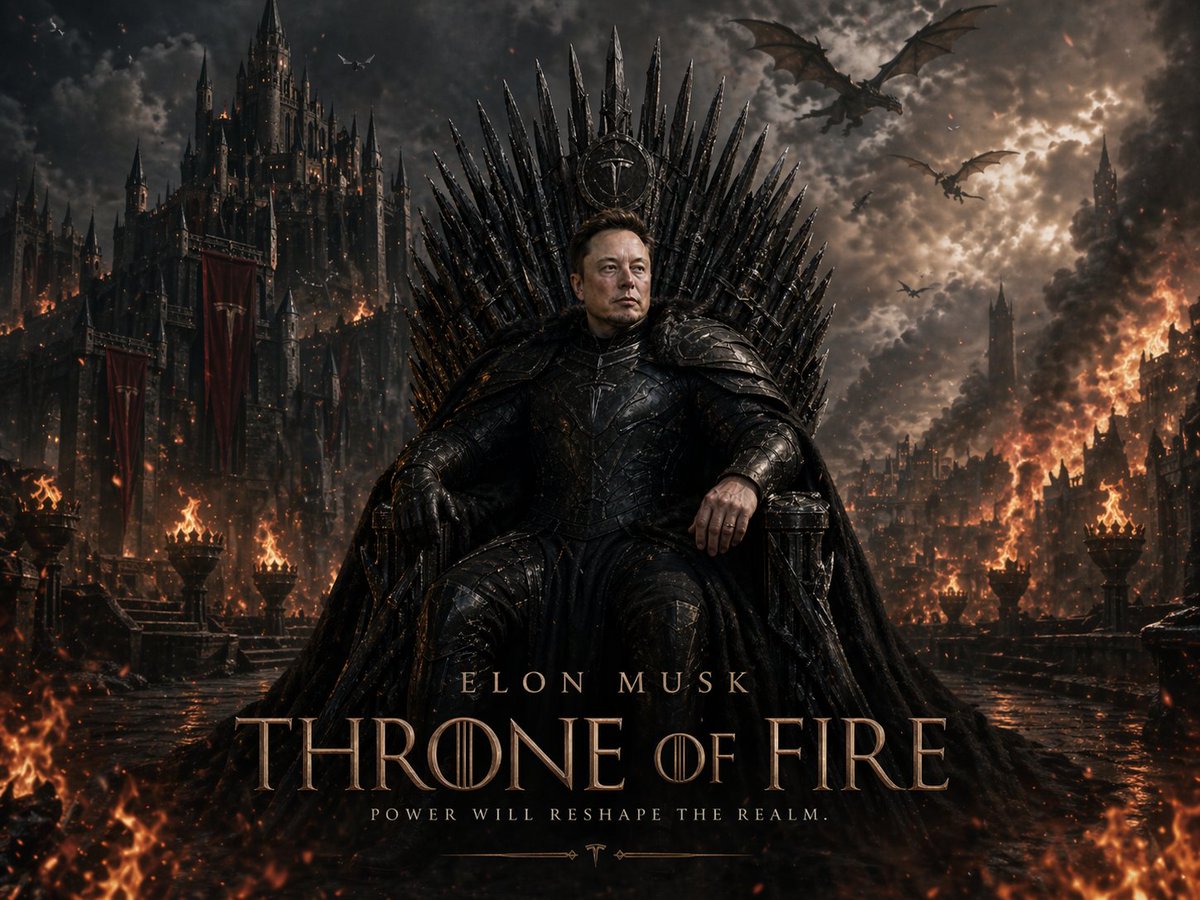
A cinematic black-and-gold tech announcement banner for presenting a new GPT image model or product update.

Create a sleek cinematic tech announcement banner on a pure black background, wide 16:9 aspect ratio. Center a long horizontal rounded-rectangle glass panel with softly glowing edges, transparent smoky dark fill, and subtle depth. The panel contains exactly 3 main elements from left to right: 1) a cream-white interlaced knot emblem resembling the OpenAI logo, softly illuminated; 2) a thin vertical divider line in muted warm gray; 3) large premium sans-serif title text reading “{argument name="product title" default="GPT Image 2.5"}”, with “GPT” in bright white and “Image 2.5” in warm metallic gold. Use refined glossy highlights, slight beveling, realistic bloom, and a subtle dual-color rim light: warm amber glow on the left/top edge and cool blue-white glow on the right/bottom edge. Keep the composition minimalist, centered, high contrast, elegant, futuristic, and photorealistic, with no extra icons, no additional text, no watermark, and no clutter.
Choose the primary action to open PicX Studio with the available template settings. Review the model and format, personalize the creative direction, and generate when ready.
Yes. You can change the subject, setting, lighting, mood, format, and available model controls before creating your image.
This template is free to open and customize. Generation usage is shown in PicX Studio before you create.
Start with GPT Image 2, which is the model associated with this template. You can compare another compatible model for a different finish.
Follow a topic to a crawlable collection of related PicX Studio templates.