
Summer Festival Mascot Vlog Collage
Generates a four-panel photorealistic Japanese summer festival collage of a cute lily-of-the-valley robot mascot enjoying street food.
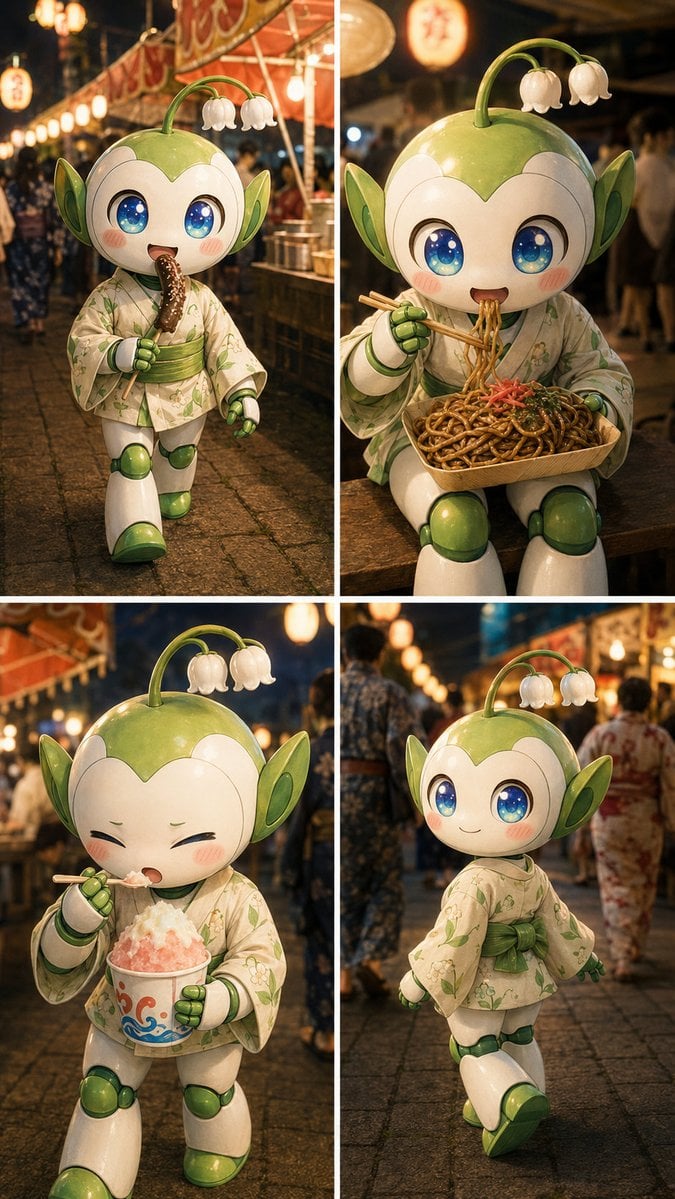
- Prompt included
- Model and format preset
- Free template
The prompt behind this image
Copy the exact prompt behind Summer Festival Mascot Vlog Collage, or open it in the studio and make it yours.
Goal: Create a photorealistic 2x2 summer festival vlog collage featuring one cute mascot robot character, {argument name="character name" default="a lily-of-the-valley fairy robot"}, enjoying Japanese matsuri street food at night. Canvas: Vertical 9:16 image, divided into exactly 4 equal panels by clean white borders, with warm cinematic night photography, shallow depth of field, realistic lens bokeh, and glowing paper lanterns. Character details: The same single character appears in every panel: a glossy white-and-green chibi robot with a round face, huge sparkling blue eyes with star highlights, pink blush cheeks, small smiling mouth, green leaf-shaped ears, green joints and boots, and a curved green stem sprouting from the head with exactly 2 small white bell-shaped lily-of-the-valley flowers. The character wears a pale cream yukata with delicate green floral patterns and a green obi sash. Keep the character toy-like and polished, with realistic reflections and soft festival lighting. Layout and panel content: Use exactly 4 discrete scenes. Panel 1, top left: full-body walking shot down a festival street, the character happily holding and biting {argument name="first festival food" default="a chocolate-coated banana with sprinkles"}; red food stall awnings and lanterns behind. Panel 2, top right: seated close-up on a wooden bench, eating {argument name="second festival food" default="yakisoba noodles in a wooden tray"} with chopsticks, noodles lifted toward the mouth. Panel 3, bottom left: standing close-up, eyes squeezed shut in delight while eating {argument name="third festival food" default="pink-and-white shaved ice in a paper cup"} with a small spoon. Panel 4, bottom right: rear three-quarter view of the character walking away through the lantern-lit crowd, turning slightly with a cute satisfied smile; no food in hand. Background: A lively Japanese summer festival at night with blurred people in yukata, cobblestone path, warm orange lantern strings, food stalls, red banners, soft haze, and rich golden highlights. The setting should feel candid, joyful, and immersive like a travel vlog thumbnail. Visual style: High-end photorealistic 3D mascot photography, ultra-detailed materials, glossy ceramic/plastic surfaces, realistic fabric texture on the yukata, warm color grading, cinematic depth of field, vertical social-media collage composition. Constraints: Include exactly 1 recurring character, exactly 4 panels, exactly 3 visible food items across the first three panels, and exactly 2 white bell flowers on the head stem in every panel. Do not add text, captions, logos, watermarks, speech bubbles, or extra characters in focus.
How to use Summer Festival Mascot Vlog Collage in 3 steps
- 1Upload ImagePNG, JPG or paste
Add your photo
Upload the photo the template builds on. The prompt, model and format are already set.
- 2…a portrait of your subject in softgolden-hour light, 85mm…
Personalize
Edit the subject and creative details for your destination.
- 3Generate
Generate
Press Generate — your image is created in PicX Studio, so you can compare it with the original and refine one variable at a time.
More like this
Templates with the same subject, style or setup. Open one to see its prompt.
Nano Banana Apple Orchard Collage
Paper Cut Street Festival
Two Friends in Yukata at Summer Festival
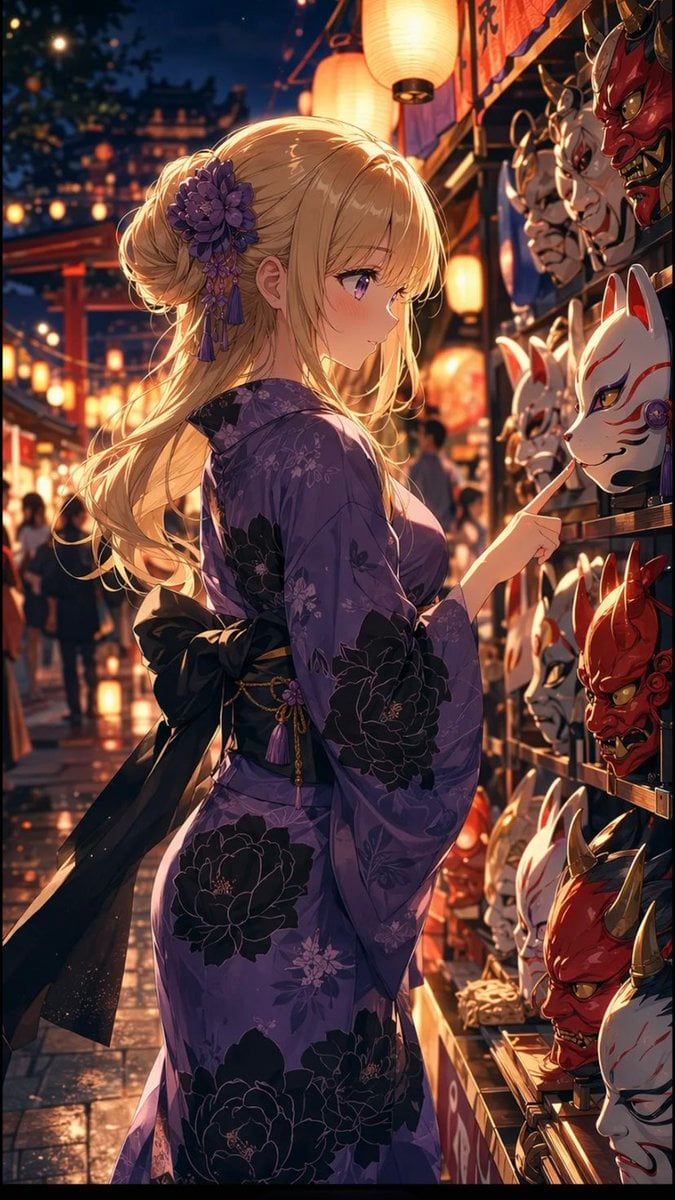
Anime Girl at Summer Festival Mask Stall
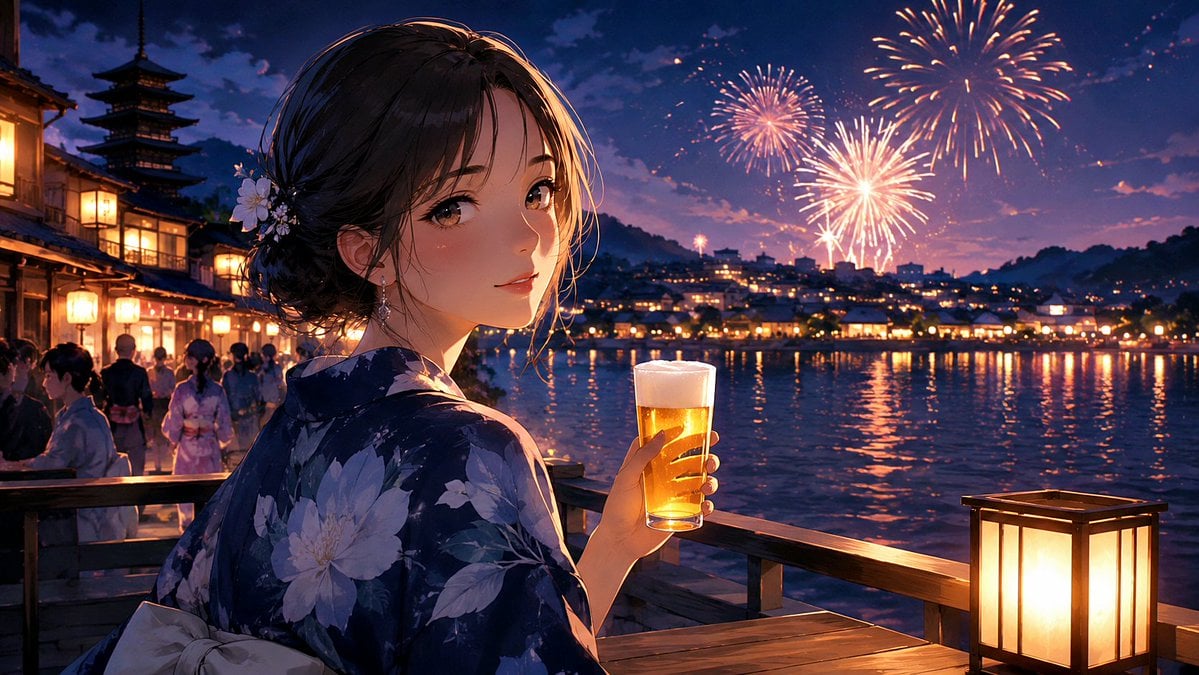
Kyoto Summer Festival Fireworks
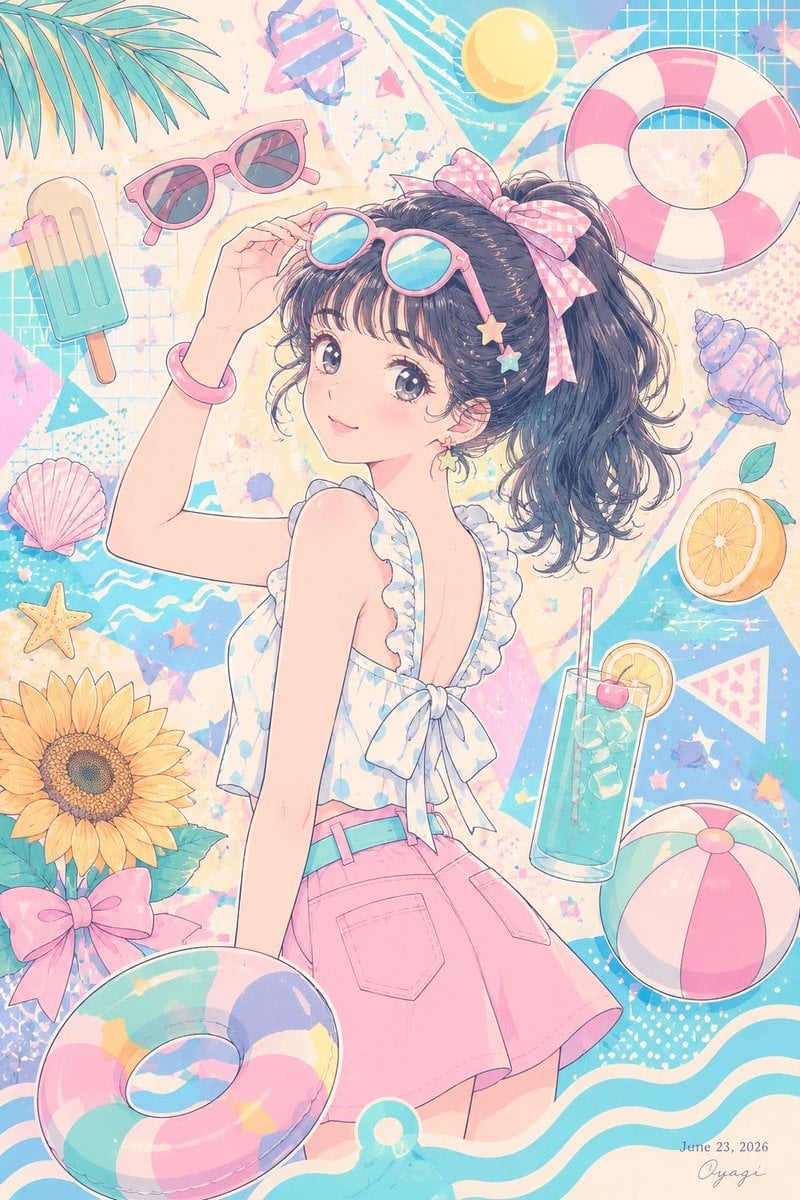
Pastel Anime Summer Beach Collage
Paper Cut Finale Fireworks
Paper Cut Garden Maze
Paper Cut Rooftop Concert
Paper Cut Bicycle Coast
Paper Cut Castle Gate
Paper Cut Kitchen Chaos
Make it yours
Summer Festival Mascot Vlog Collage works as-is. These are the safest ways to change it without losing the look.
Change one field
Copy a single group, rewrite it, and generate again so you can see what that field is doing.
Keep the frame, change the subject
Hold the composition and light of Summer Festival Mascot Vlog Collage, then swap wardrobe, props or the person for a new take.
| If the result… | Why | Fix |
|---|---|---|
| The result drifts from the preview | Too many fields changed at once. | Reuse Summer Festival Mascot Vlog Collage as-is first, then change one group — subject, light, or setting. |
| The model over-stylizes the scene | The prose prompt leaves finish and camera underspecified. | Add one camera or lighting sentence and stay on GPT Image 2. |
More GPT Image 2 templates
Other prompts made for GPT Image 2.

Six VTuber Japanese Logo Sheet

Realistic Portrait of Woman and Deer

The Vista Modular Condo Poster

AI Model Routing Comparison Infographic

2.5D Anime Art Board

Isometric Productivity Desk Scene

New York Double Exposure Poster

Four-Panel AI Landscape Comparison

Japanese Tatami Lifestyle Magazine Cover

NESCAFÉ Coffee Map Poster
More image prompts
Fresh picks from across the catalog.
Realistic Corporate Portrait in a Modern Office at Night
Last Supper Selfie Scene
Panel Anime Comic Strip
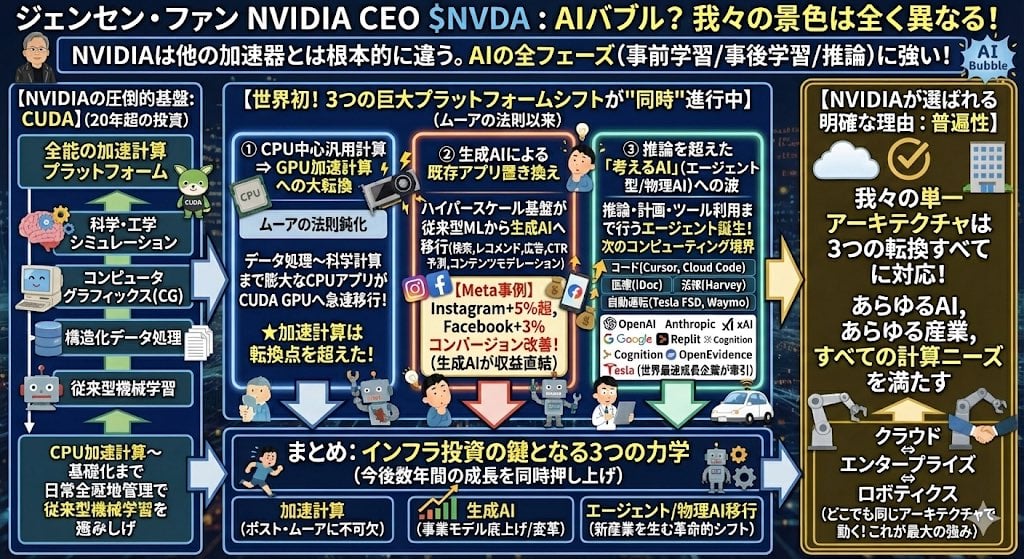
Japanese infographic in Kasumigaura PowerPoint style
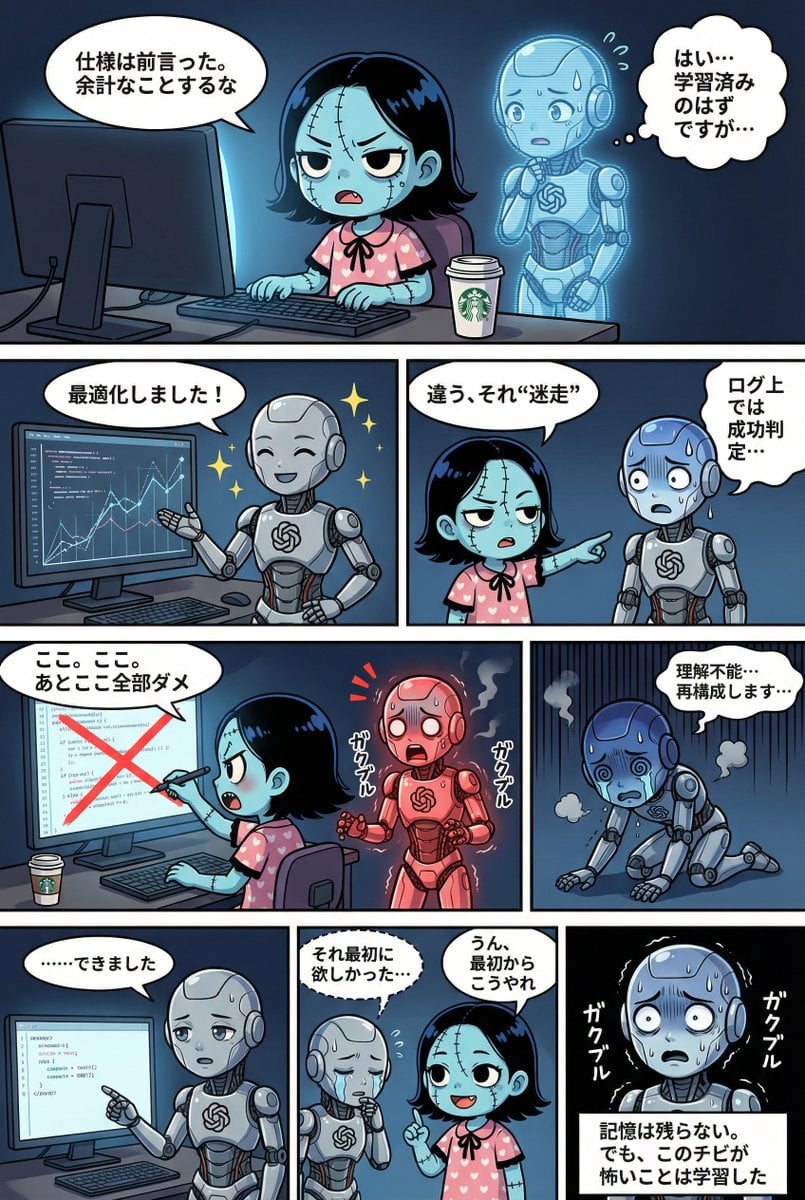
YAML Template for Web Manga Creation using Gemini (Nano Banana Pro)
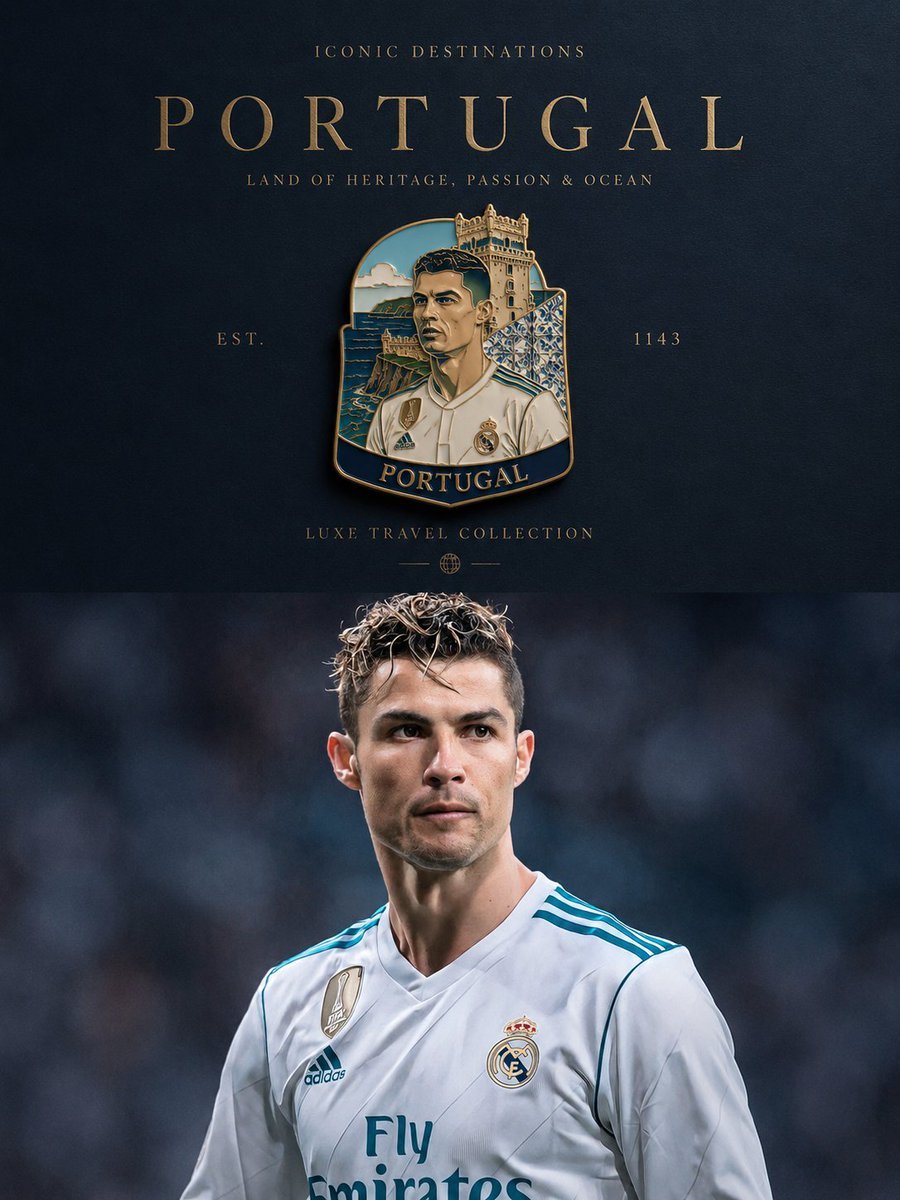
Luxury Travel Poster Transformation
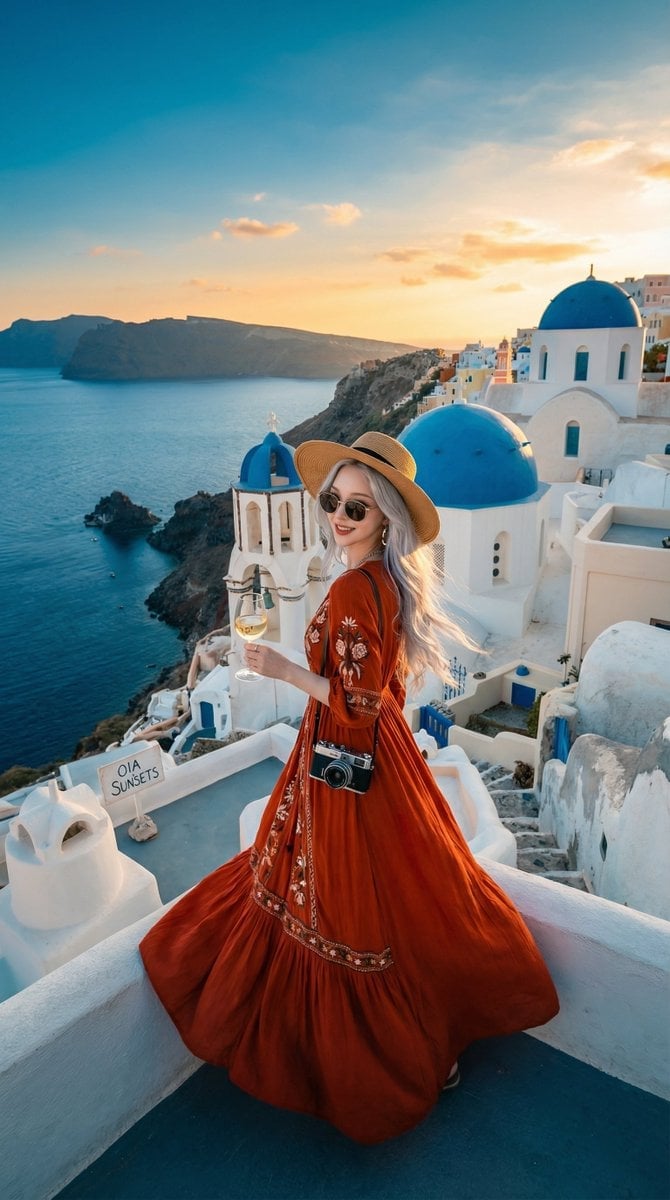
Travel Influencer Photo Prompt for Nano Banana Pro
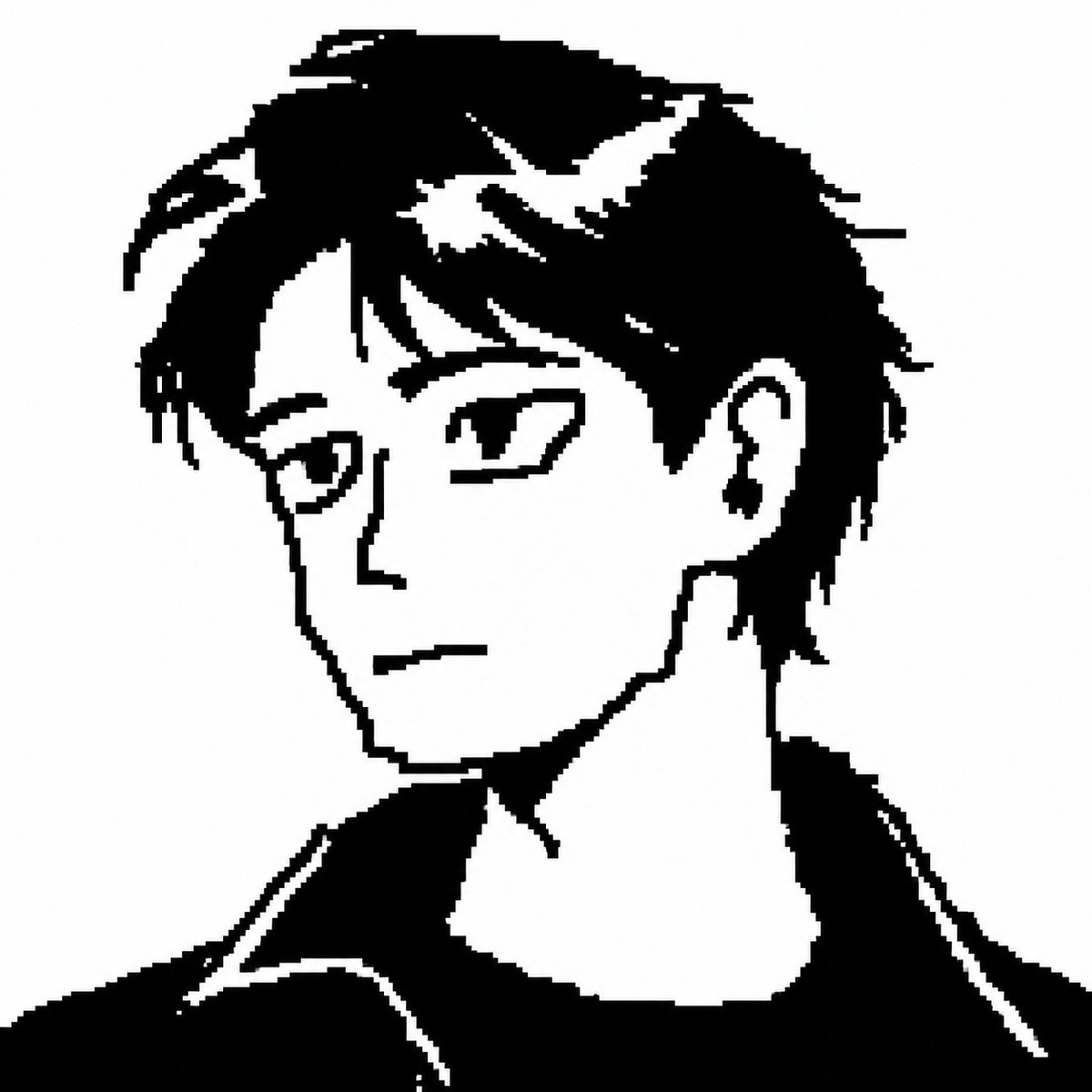
Censored Monochrome Manga Profile
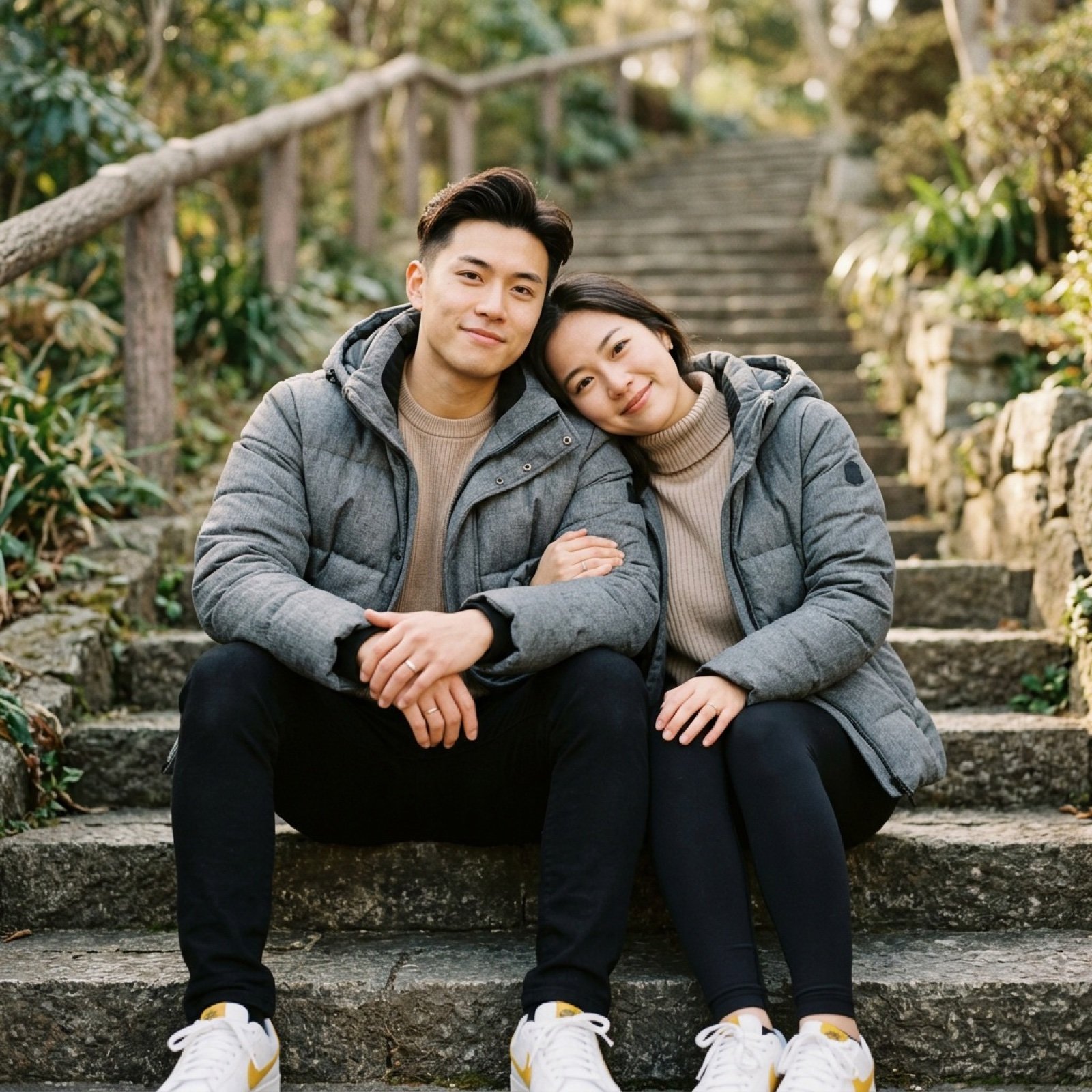
Ultra-realistic lifestyle portrait prompt for a modern couple
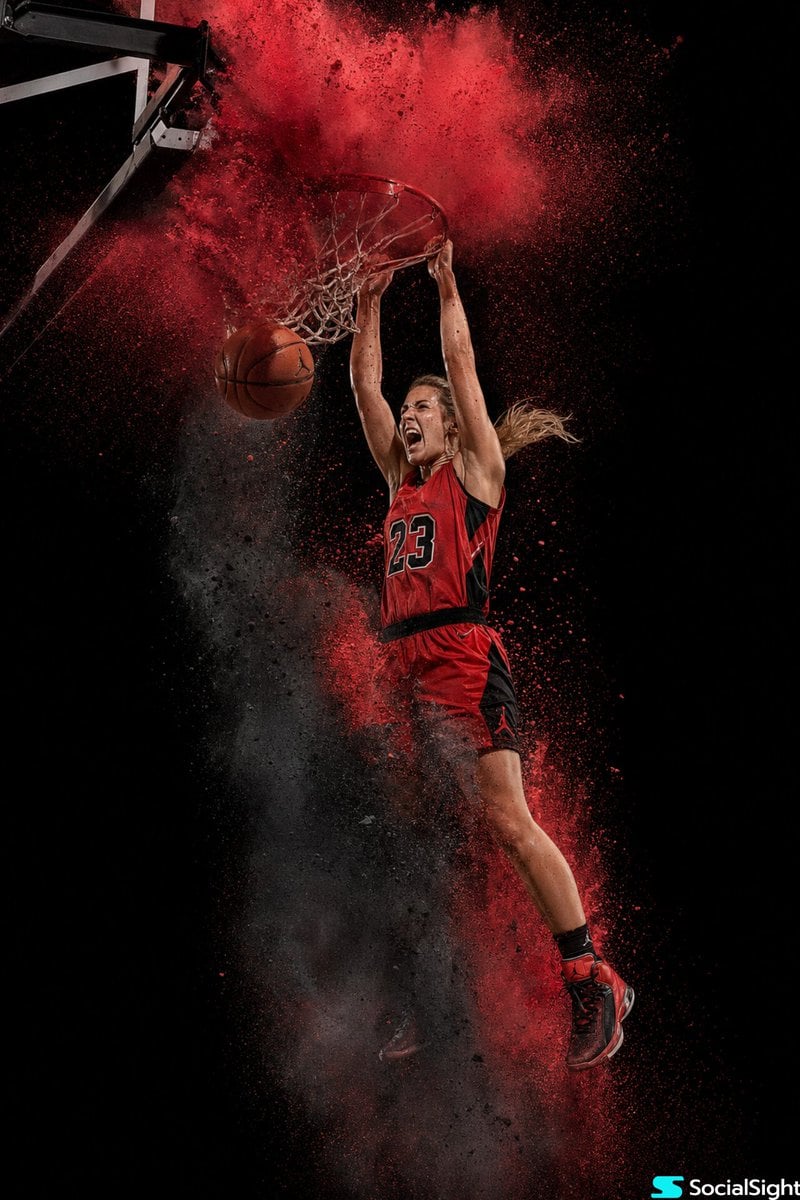
Action Basketball Dunk with Powder Explosion
Browse template categories
Summer Festival Mascot Vlog Collage questions
How do I use the Summer Festival Mascot Vlog Collage template?
Add your photo if the template asks for one, edit the prompt if you like — the template's model and format are already selected — and press Generate. Your version opens in PicX Studio.
Can I customize the Summer Festival Mascot Vlog Collage template?
Yes. You can change the subject, setting, lighting, mood, format, and available model controls before creating your image.
Is the Summer Festival Mascot Vlog Collage template free?
Opening and editing this template is free. Generating uses credits, shown on the Generate button when you are signed in.
Which AI model should I use?
Start with GPT Image 2, which is the model associated with this template. You can compare another compatible model for a different finish.
Looking for something else? Browse all templates.

Your photo, any look
Thousands of ready templates for every top image and video model, from one credit balance.