
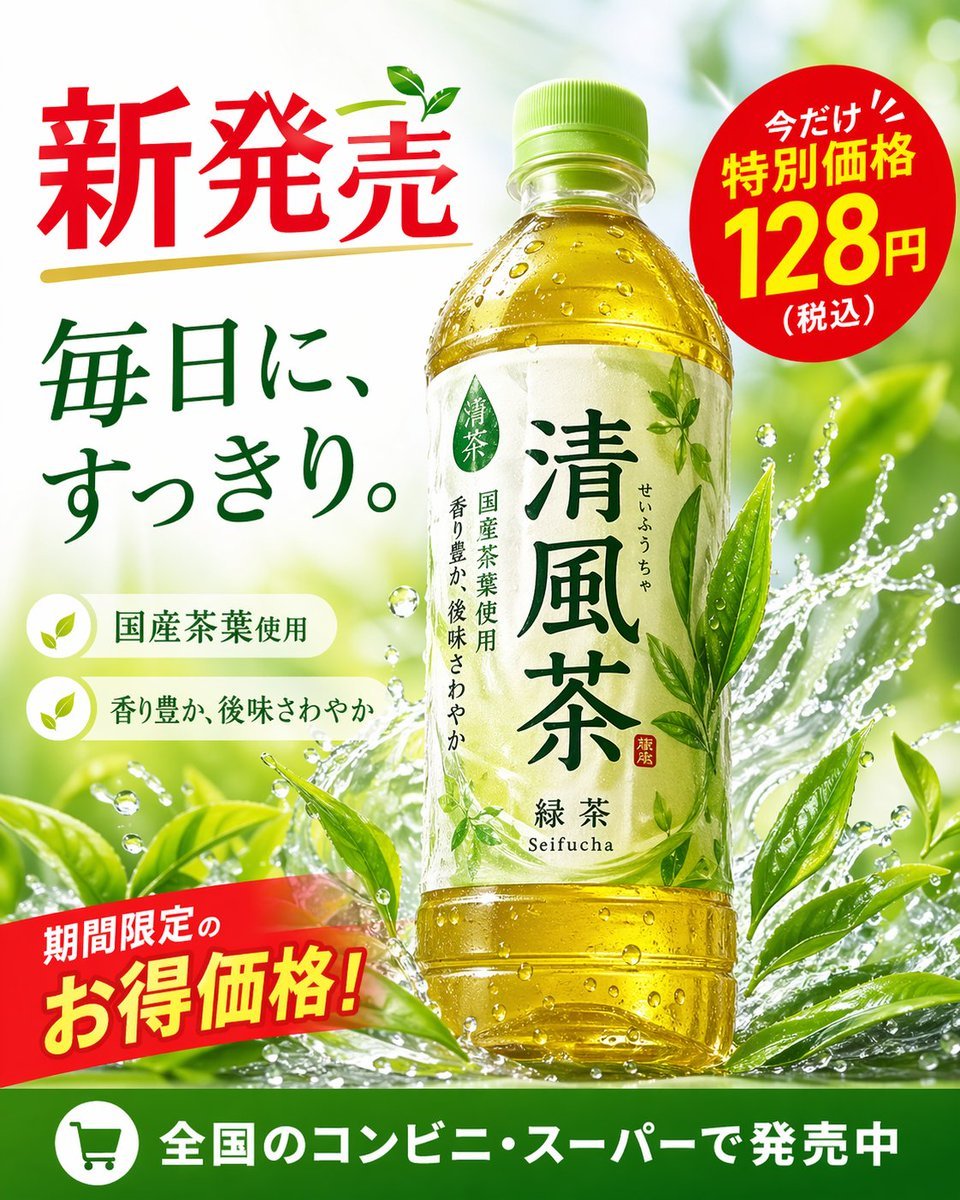
Green Tea Bottle Advertisement Poster
A vibrant promotional poster for a bottled green tea beverage, featuring dynamic water splashes, pricing badges, and feature callouts.
- Prompt included
- Model and format preset
- Free template
The prompt behind this image
Copy the exact prompt behind Green Tea Bottle Advertisement Poster, or open it in the studio and make it yours.
- Type
- promotional advertisement poster for a bottled green tea beverage
- Product › Type
- clear plastic PET bottle filled with yellow-green tea
- Product › Label
- white label with green typography, featuring the product name '{argument name="product name" default="清風茶"}', subtitle '緑茶 Seifucha', and vertical text '国産茶葉使用' and '香り豊か、後味さわやか'
- Background
- bright, fresh, sunlit outdoor atmosphere with dynamic water splashes wrapping around the bottle and vibrant green tea leaves
- Layout › Sections › 0 › Title
- headline
- Layout › Sections › 0 › Position
- top-left
- Layout › Sections › 0 › Text
- {argument name="main headline" default="新発売"}
- Layout › Sections › 0 › Style
- large red text with a gold underline and a small green leaf accent
- Layout › Sections › 1 › Title
- catchphrase
- Layout › Sections › 1 › Position
- mid-left
- Layout › Sections › 1 › Text
- {argument name="catchphrase" default="毎日に、すっきり。"}
- Layout › Sections › 1 › Style
- dark green text
- Layout › Sections › 2 › Title
- features
- Layout › Sections › 2 › Position
- lower-left
- Layout › Sections › 2 › Count
- 2
- Layout › Sections › 2 › Labels
- 国産茶葉使用, 香り豊か、後味さわやか
- Layout › Sections › 2 › Style
- white pill-shaped banners with green leaf icons
- Layout › Sections › 3 › Title
- price_badge
- Layout › Sections › 3 › Position
- top-right
- Layout › Sections › 3 › Text
- 今だけ!! 特別価格 {argument name="price" default="128円"} (税込)
- Layout › Sections › 3 › Style
- red circular sticker with white and yellow text
- Layout › Sections › 4 › Title
- promo_banner
- Layout › Sections › 4 › Position
- bottom-left
- Layout › Sections › 4 › Text
- 期間限定のお得価格!
Raw JSON
{"type": "promotional advertisement poster for a bottled green tea beverage", "product": {"type": "clear plastic PET bottle filled with yellow-green tea", "label": "white label with green typography, featuring the product name '{argument name=\"product name\" default=\"清風茶\"}', subtitle '緑茶 Seifucha', and vertical text '国産茶葉使用' and '香り豊か、後味さわやか'"}, "background": "bright, fresh, sunlit outdoor atmosphere with dynamic water splashes wrapping around the bottle and vibrant green tea leaves", "layout": {"sections": [{"title": "headline", "position": "top-left", "text": "{argument name=\"main headline\" default=\"新発売\"}", "style": "large red text with a gold underline and a small green leaf accent"}, {"title": "catchphrase", "position": "mid-left", "text": "{argument name=\"catchphrase\" default=\"毎日に、すっきり。\"}", "style": "dark green text"}, {"title": "features", "position": "lower-left", "count": 2, "labels": ["国産茶葉使用", "香り豊か、後味さわやか"], "style": "white pill-shaped banners with green leaf icons"}, {"title": "price_badge", "position": "top-right", "text": "今だけ!! 特別価格 {argument name=\"price\" default=\"128円\"} (税込)", "style": "red circular sticker with white and yellow text"}, {"title": "promo_banner", "position": "bottom-left", "text": "期間限定のお得価格!", "style": "angled red ribbon with yellow and white text"}, {"title": "footer", "position": "bottom-edge", "text": "{argument name=\"footer text\" default=\"全国のコンビニ・スーパーで発売中\"}", "style": "solid green horizontal bar with a white shopping cart icon"}]}}How to use Green Tea Bottle Advertisement Poster in 3 steps
- 1Upload ImagePNG, JPG or paste
Add your photo
Upload the photo the template builds on. The prompt, model and format are already set.
- 2…a portrait of your subject in softgolden-hour light, 85mm…
Personalize
Edit the subject and creative details for your destination.
- 3Generate
Generate
Press Generate — your image is created in PicX Studio, so you can compare it with the original and refine one variable at a time.
More like this
Templates with the same subject, style or setup. Open one to see its prompt.
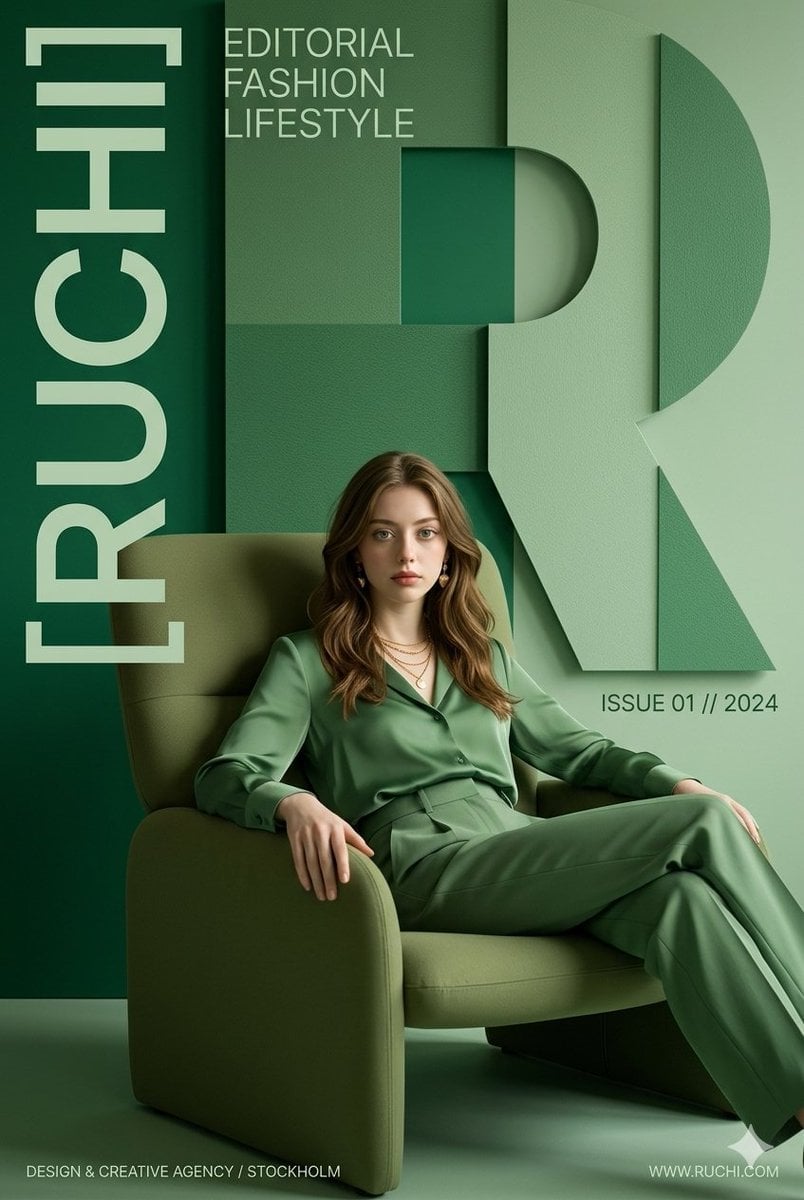
Premium Editorial Branding Poster Charcoal Green

Japan Travel Brochure Poster
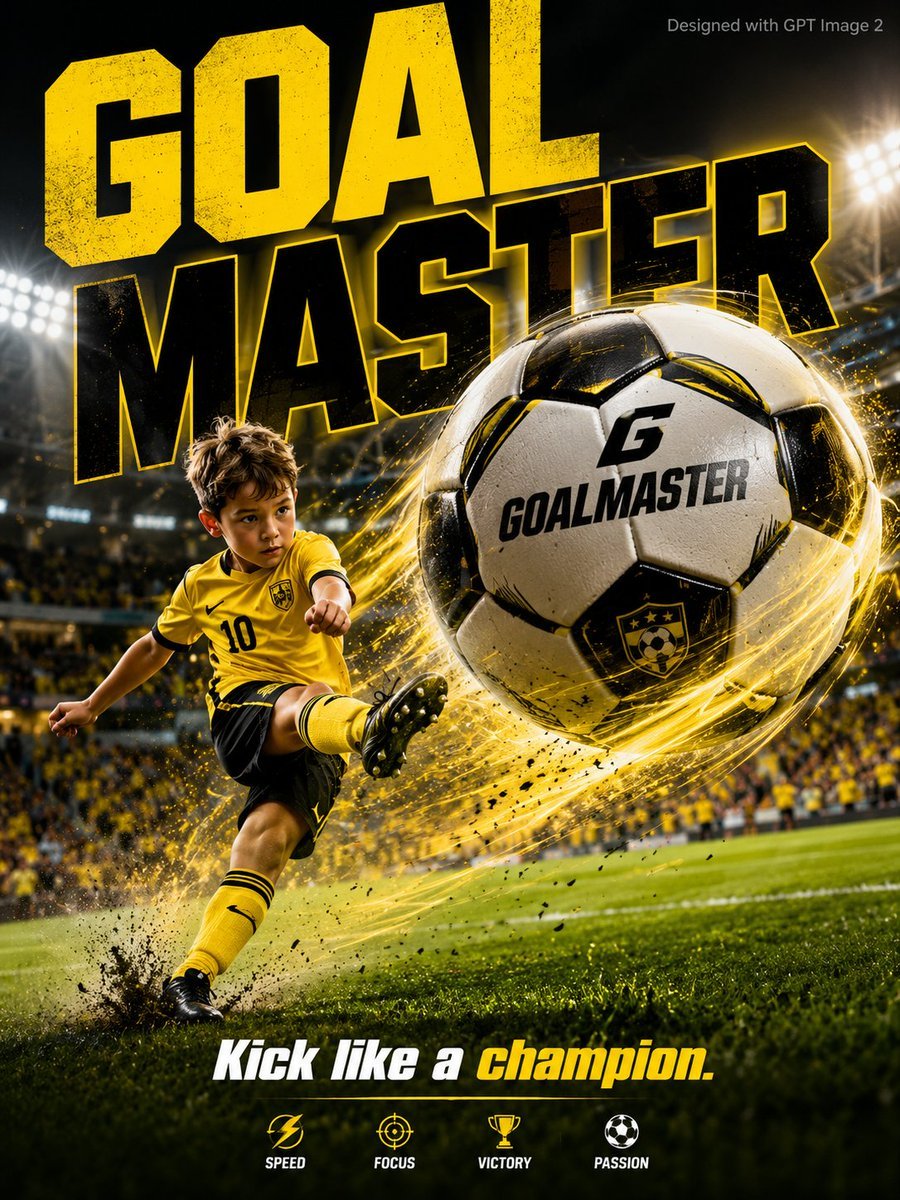
Vibrant Sports Advertisement Poster
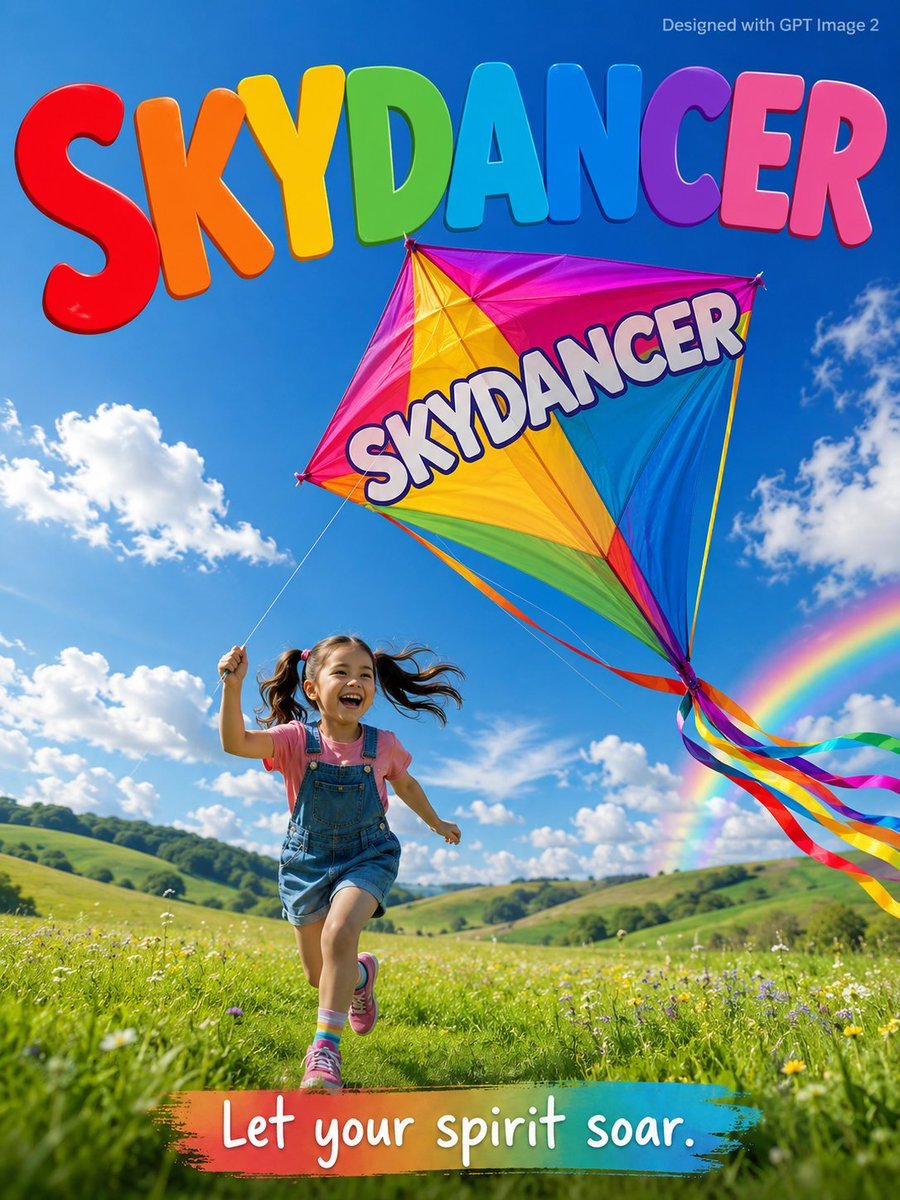
Skydancer Kite Advertisement Poster
Minimalist Olive Green Editorial Poster
Longjing Tea Infographic Poster
Anhua Dark Tea Mountain Poster

High-energy sports advertisement poster
1950s Vintage Soda Advertisement Posters

Cartoon TV Show Poster Pack

Trendy Cafe Drink Promo Poster

Urban Fashion Editorial Collage Streetwear Poster
Make it yours
Green Tea Bottle Advertisement Poster works as-is. These are the safest ways to change it without losing the look.
Swap the setting
Keep the rest of the prompt and replace the location block. The current setting is “bright, fresh, sunlit outdoor atmosphere with dynamic water splashes wrapping ar”.
Change one field
Copy a single group, rewrite it, and generate again so you can see what that field is doing.
Keep the frame, change the subject
Hold the composition and light of Green Tea Bottle Advertisement Poster, then swap wardrobe, props or the person for a new take.
| If the result… | Why | Fix |
|---|---|---|
| The result drifts from the preview | Too many fields changed at once. | Reuse Green Tea Bottle Advertisement Poster as-is first, then change one group — subject, light, or setting. |
| GPT Image 2 ignores part of the JSON | Some models flatten or skip nested keys. | Keep the same values and paste them as a short paragraph instead. |
More GPT Image 2 templates
Other prompts made for GPT Image 2.

Six VTuber Japanese Logo Sheet

Realistic Portrait of Woman and Deer

The Vista Modular Condo Poster

AI Model Routing Comparison Infographic

2.5D Anime Art Board

Isometric Productivity Desk Scene

New York Double Exposure Poster

Four-Panel AI Landscape Comparison

Japanese Tatami Lifestyle Magazine Cover

NESCAFÉ Coffee Map Poster
More image prompts
Fresh picks from across the catalog.
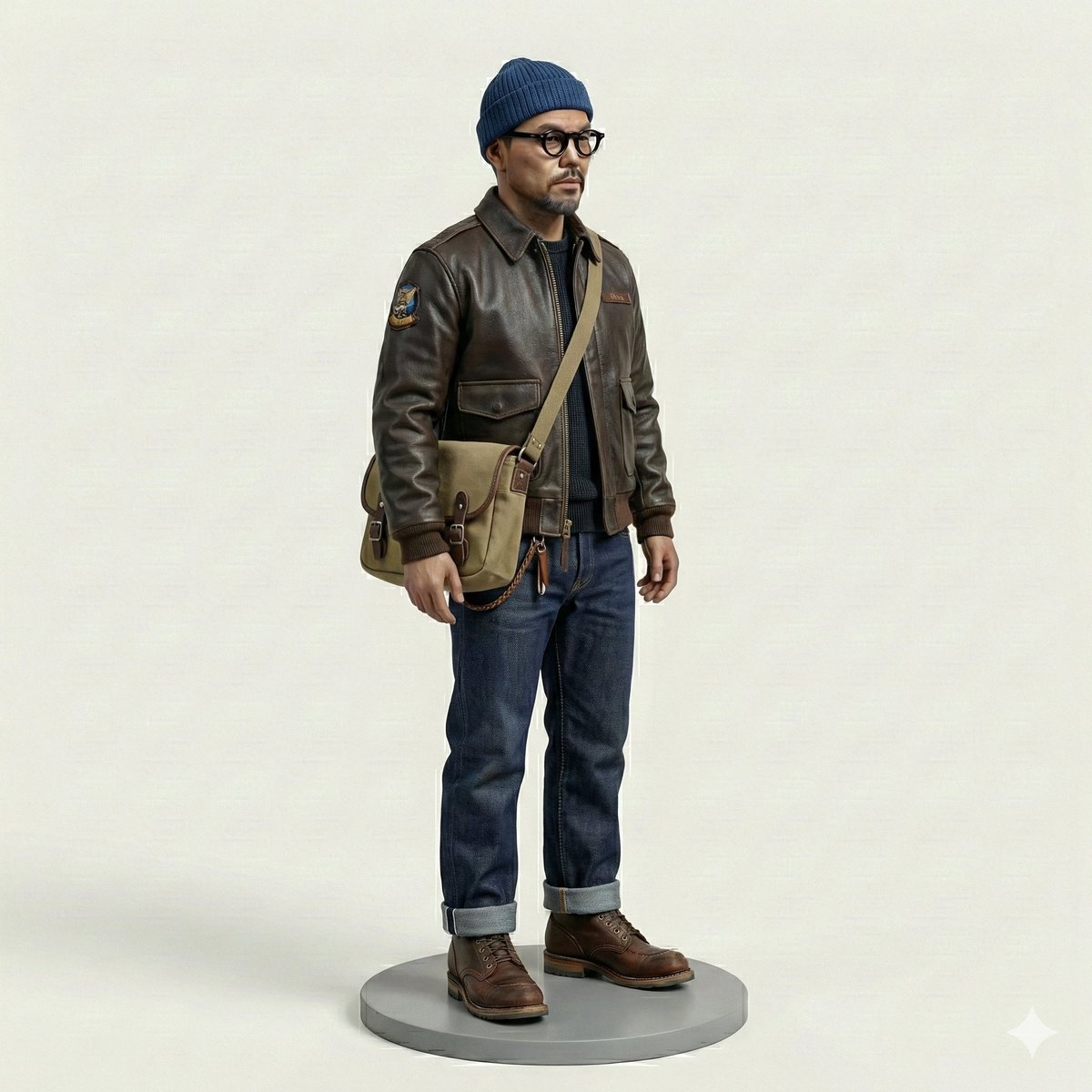
Miniature Figurine Prompt for Nano Banana Pro

Photorealistic Gym Selfie Prompt with Identity Lock
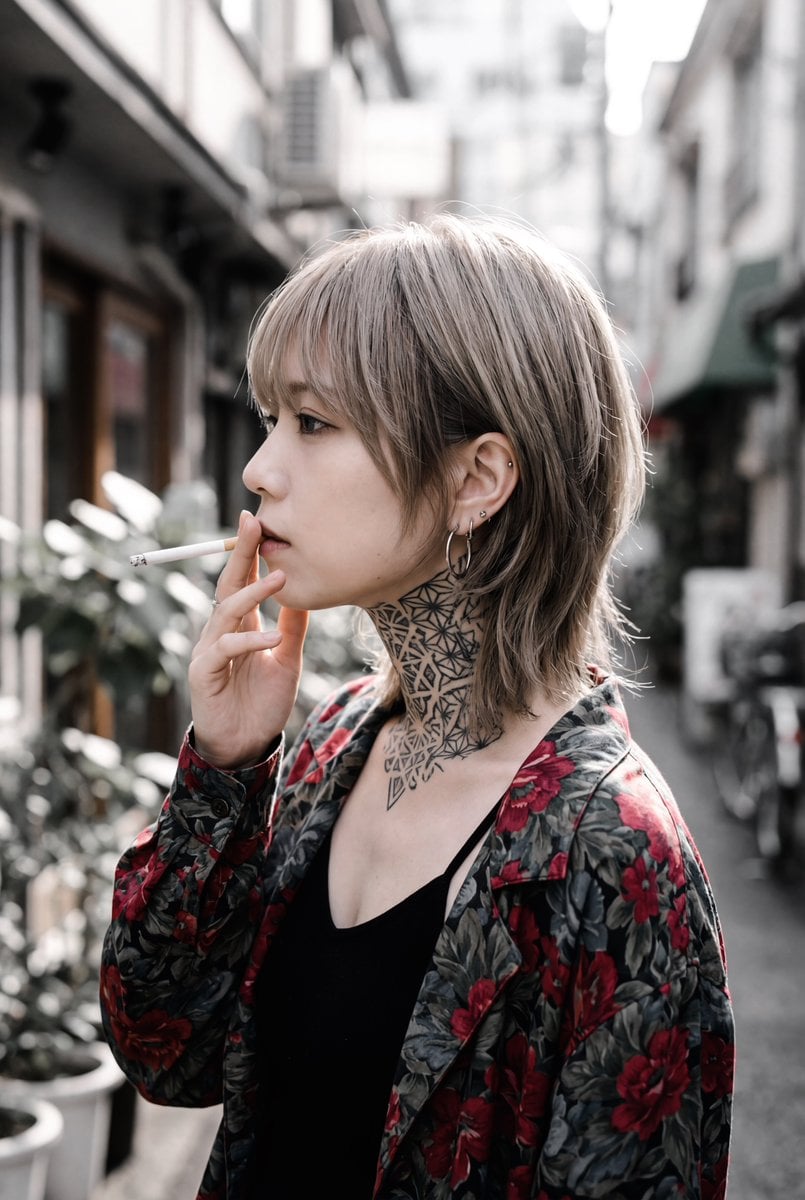
Character Description for Rock Music Fan

Vibrant Sticker Art Illustration of a Young Woman
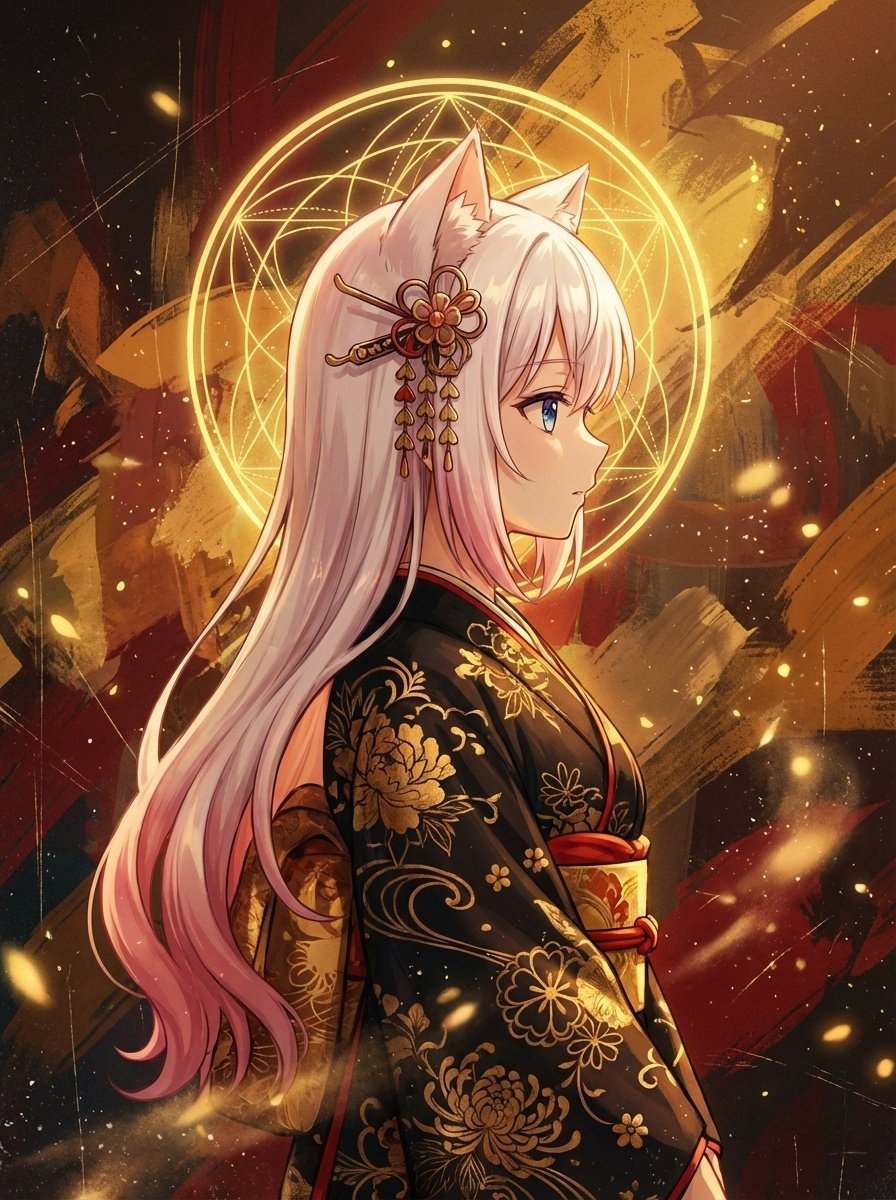
Surreal Anime Nekomimi in Kimono

Neon Cyber-Kawaii VTuber Portrait
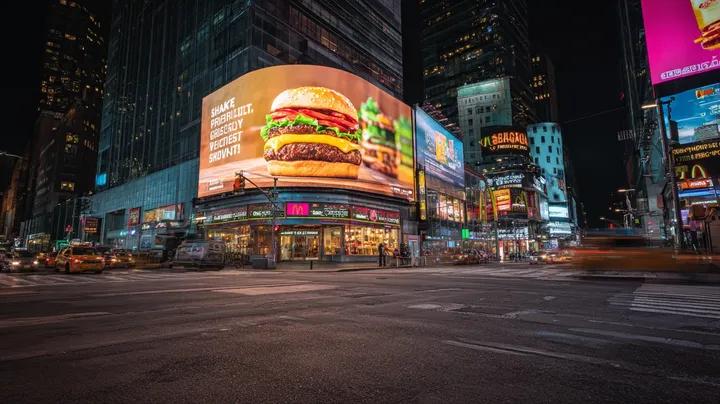
Cyber-Urban Night Cityscape with Hyper-Realistic Billboard Ad

X Ohmuyi 那就来个歪头杀吧

Meme to Ultra-Realistic Image Prompt

Sigma Dark Neon New Year 2026 Doodle Illustration Prompt
Browse template categories
Green Tea Bottle Advertisement Poster questions
How do I use the Green Tea Bottle Advertisement Poster template?
Add your photo if the template asks for one, edit the prompt if you like — the template's model and format are already selected — and press Generate. Your version opens in PicX Studio.
Can I customize the Green Tea Bottle Advertisement Poster template?
Yes. You can change the subject, setting, lighting, mood, format, and available model controls before creating your image.
Is the Green Tea Bottle Advertisement Poster template free?
Opening and editing this template is free. Generating uses credits, shown on the Generate button when you are signed in.
Which AI model should I use?
Start with GPT Image 2, which is the model associated with this template. You can compare another compatible model for a different finish.
Looking for something else? Browse all templates.

Your photo, any look
Thousands of ready templates for every top image and video model, from one credit balance.