
Surreal Summer Fashion Photography
A high-fashion magazine style prompt featuring a model in a geometric outdoor space with a giant surreal prop, utilizing a wide-angle lens for dramatic perspective.
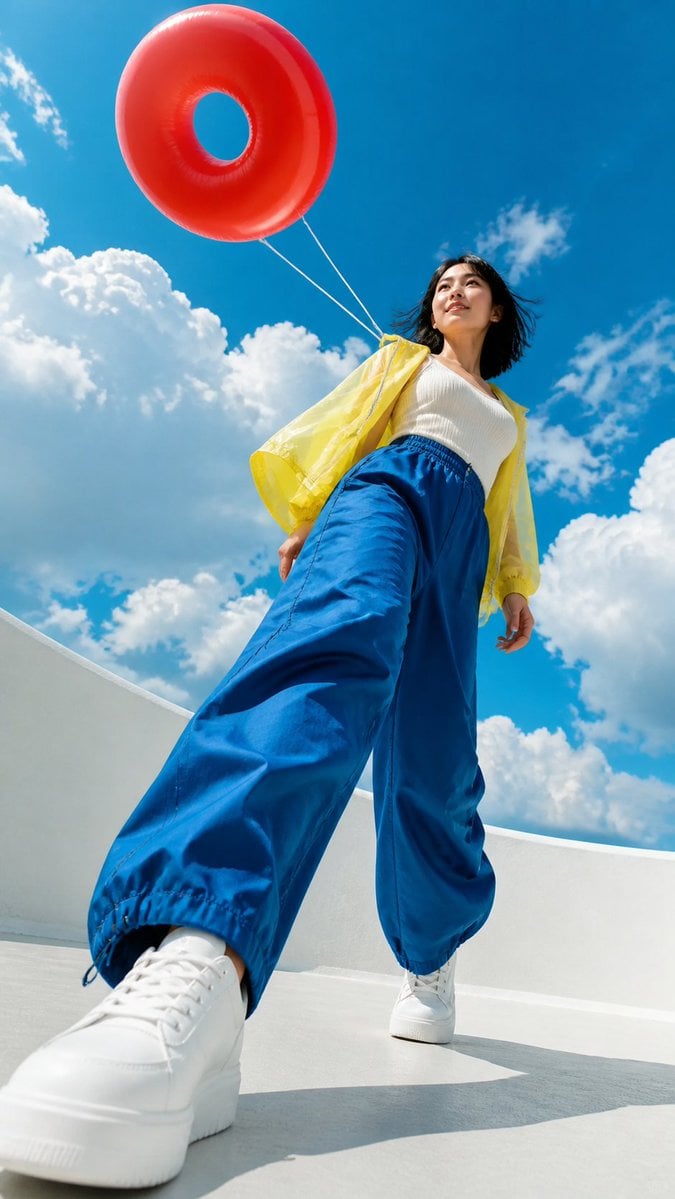
- Prompt included
- Model and format preset
- Free template
The prompt behind this image
Copy the exact prompt behind Surreal Summer Fashion Photography, or open it in the studio and make it yours.
生成一张9:16竖版夏日时尚人像摄影。人物是一位明确年满24岁的成年女性时尚模特,五官精致自然,面部比例协调,眼神有表现力,发型具有风感,妆容清透克制,保留真实皮肤纹理。穿着{argument name="上装" default="[主色上装]"}、{argument name="下装" default="[辅助色下装]"}和无品牌标识的{argument name="鞋子" default="[鞋子]"},正在[动作],表情松弛、自信、自然。人物位于[建筑或户外空间]。空间使用白色或浅灰色几何结构,与蓝天形成干净的色块关系。加入一个明显大于人物的超现实巨型道具:{argument name="道具" default="[道具形状、颜色与材质]"},通过细线、悬浮、反射或投影与人物产生视觉联系。相机贴近地面,使用16-20mm超广角镜头,从极低机位向上拍摄。采用[对角线构图/中心框景/圆形框景/弧形引导]。天空占画面60%以上,人物、巨型道具和建筑形成清楚的三层空间。主色使用青蓝、纯白和[两种高饱和强调色]。真实皮肤、真实布料、真实建筑材质,画面通透、清爽、有活力,具有时尚杂志人像摄影质感。
How to use Surreal Summer Fashion Photography in 3 steps
- 1
Open
The prompt is already in the box next to the preview, with the template's model and format selected.
- 2…a portrait of your subject in softgolden-hour light, 85mm…
Personalize
Edit the subject and creative details for your destination.
- 3Generate
Generate
Press Generate — your image is created in PicX Studio, so you can compare it with the original and refine one variable at a time.
More like this
Templates with the same subject, style or setup. Open one to see its prompt.
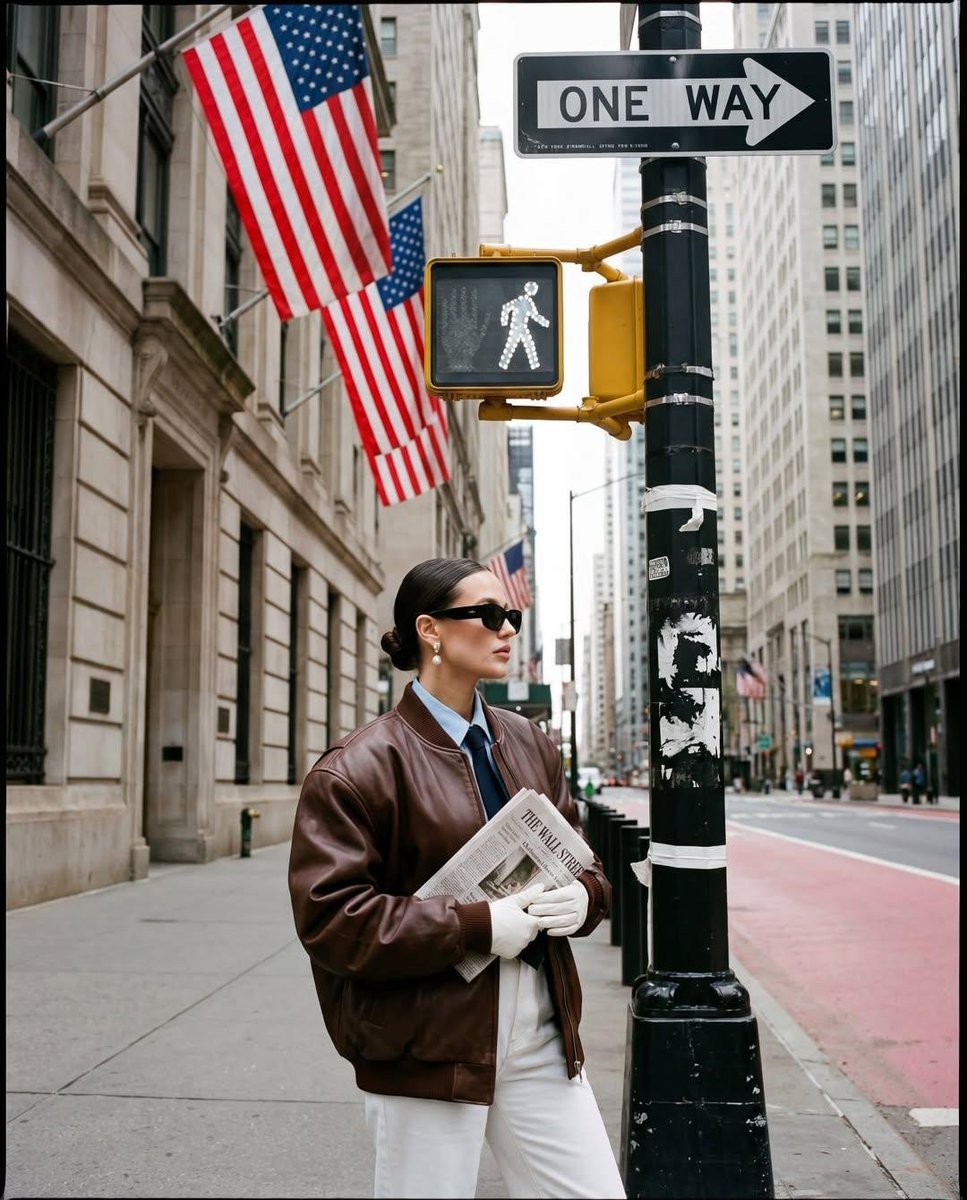
Ultra-realistic street fashion editorial photograph in New York City

80s College Gate

1988 Mall Style

80s Polka Dot Saree
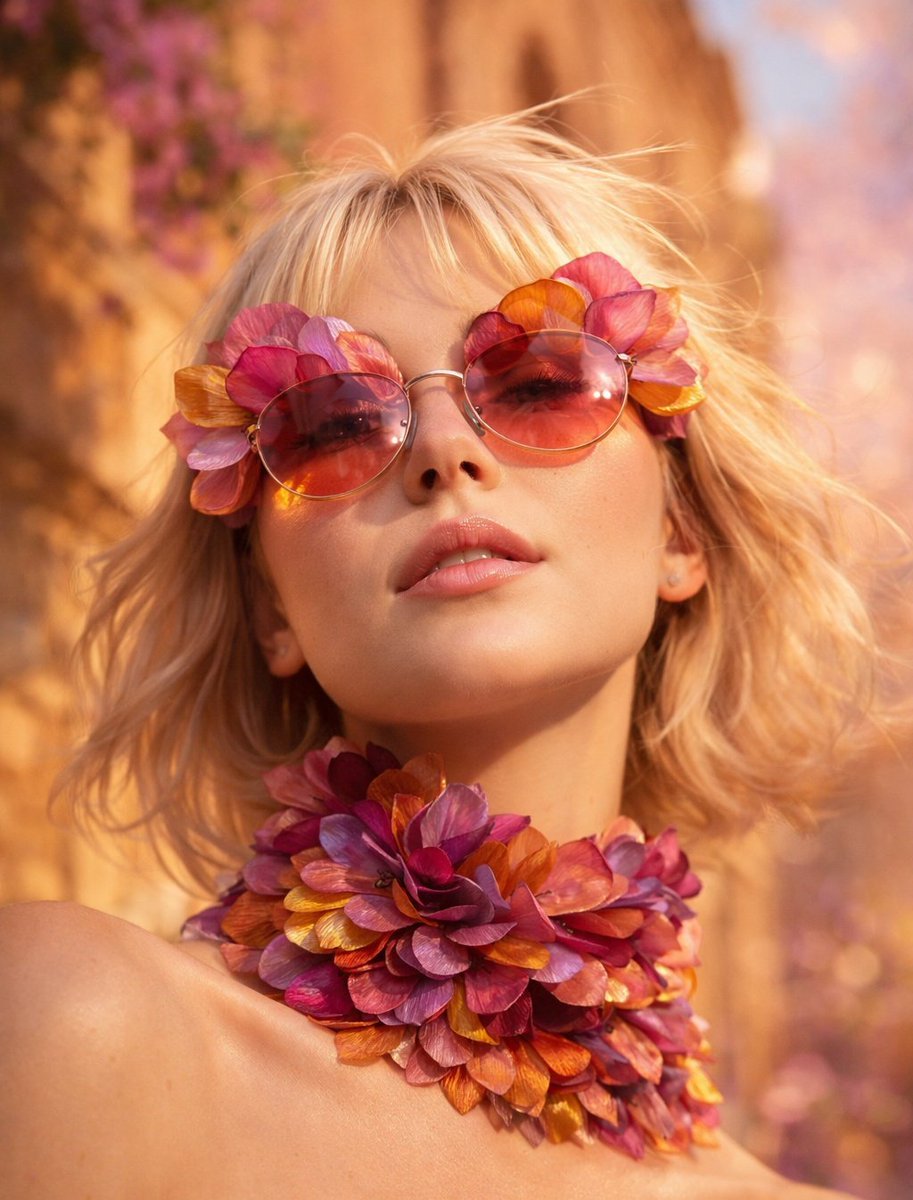
Flower Petal Sunglasses Couture Portrait
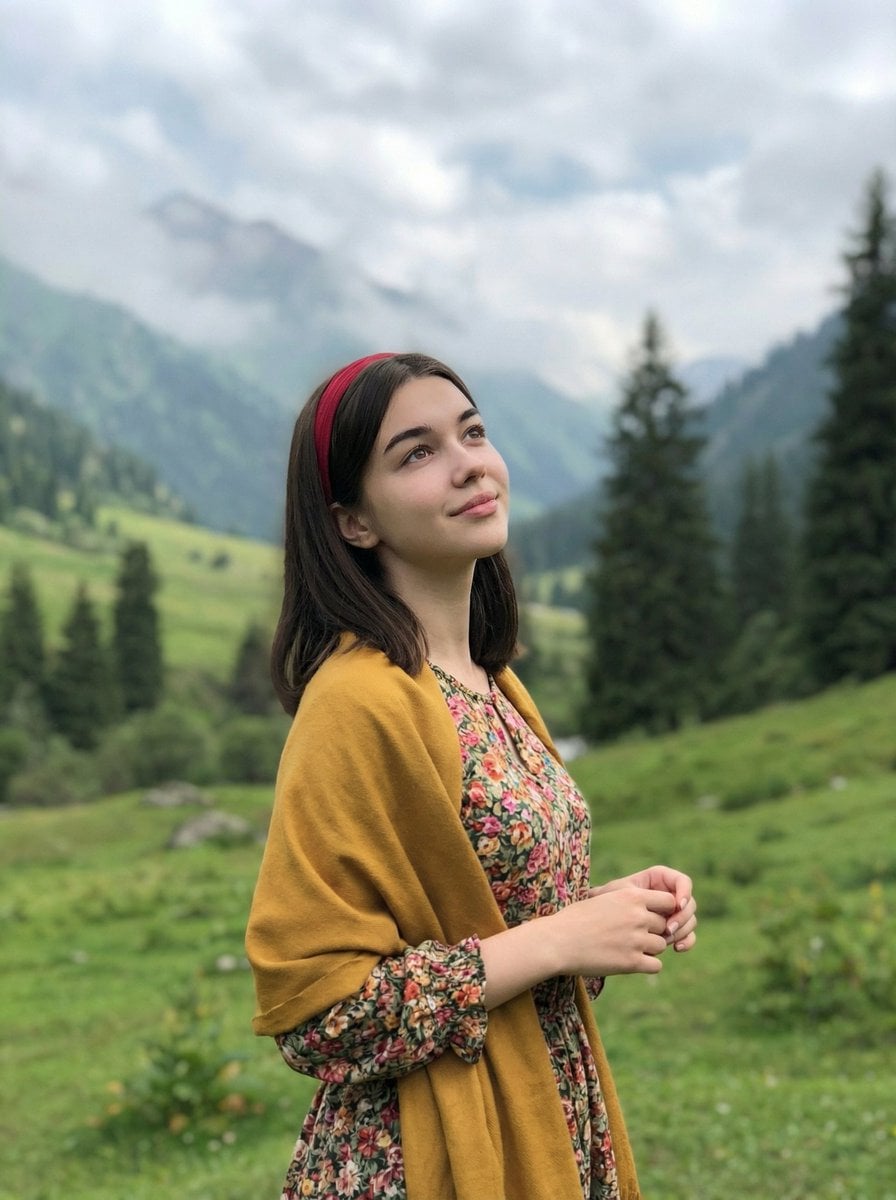
Mountain Valley Lifestyle Portrait
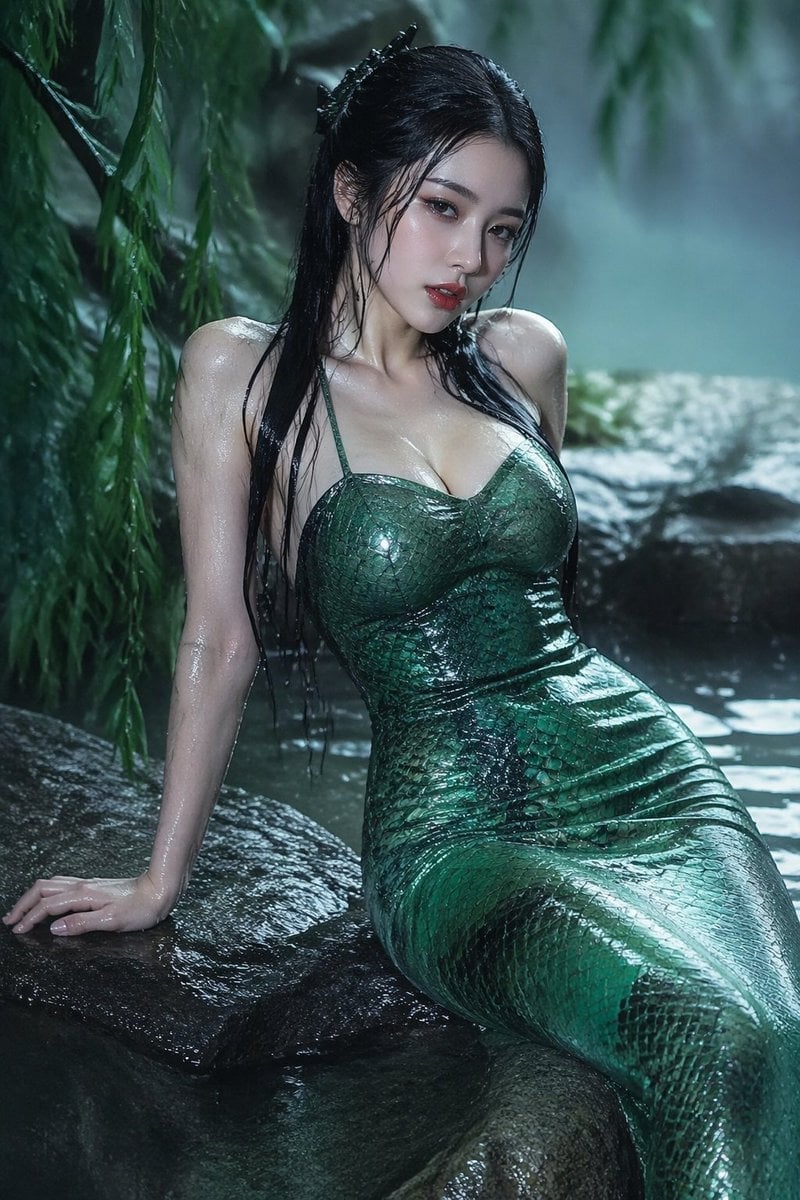
青蛇小青写真大片,绿色紧身蛇鳞裙,湿发红唇,妖娆妩媚
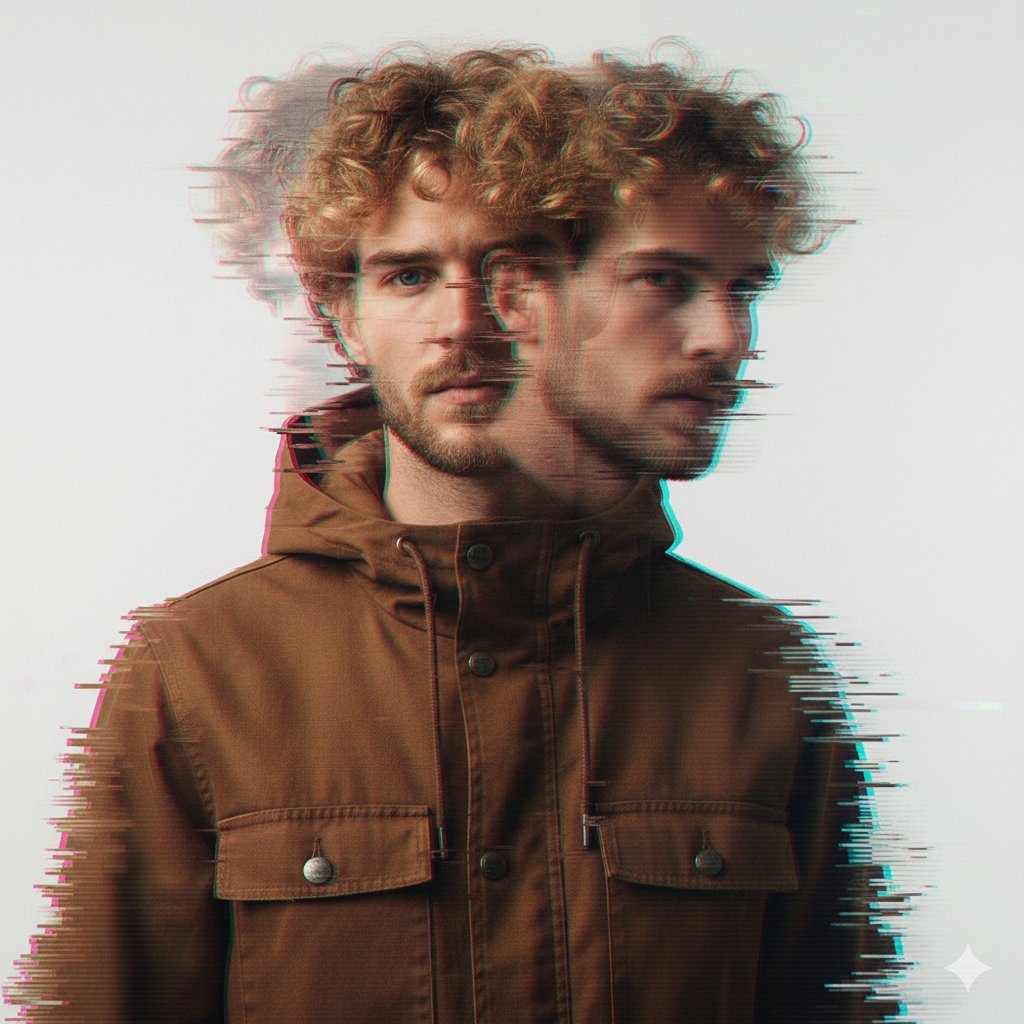
A double exposure, long exposure editorial photograph of a man Use image

Portrait of a young woman in her early 20s walking calmly on a beautiful
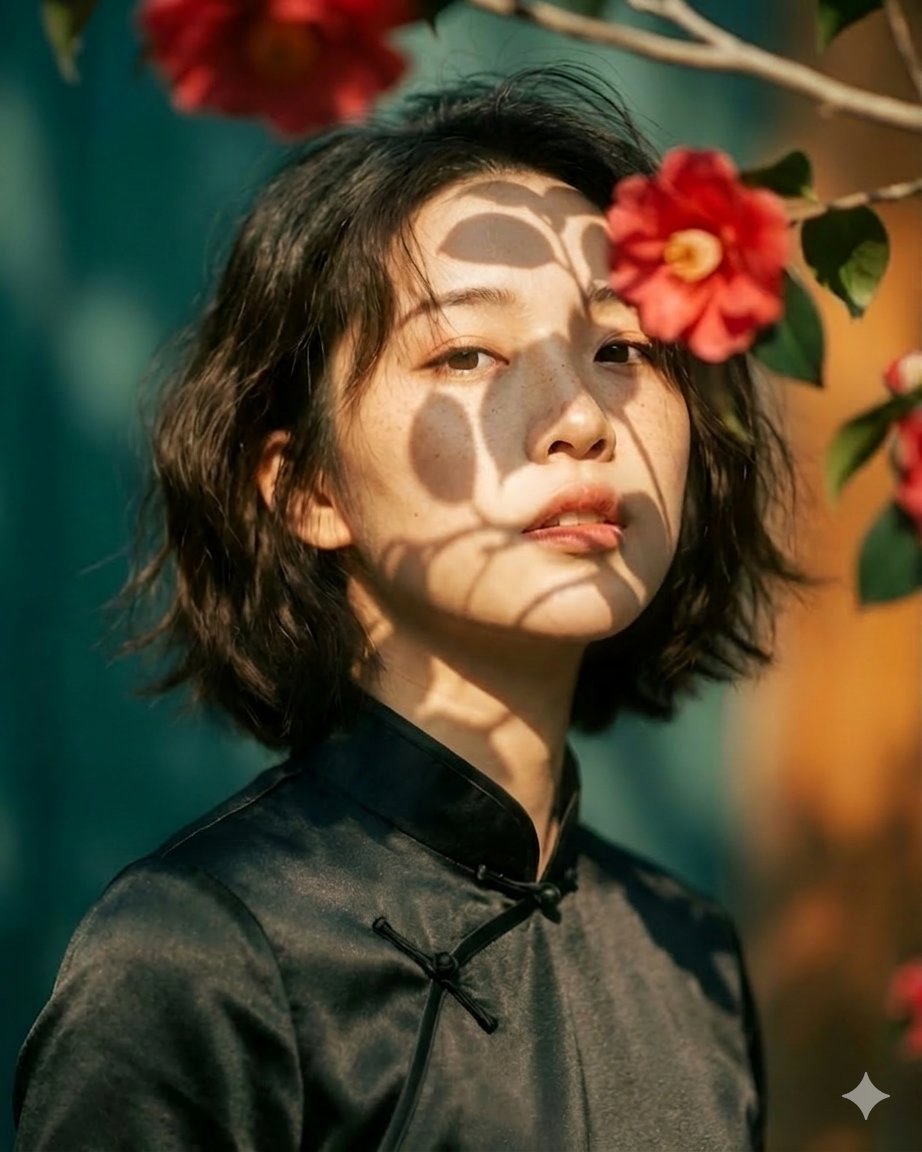
Artistic portrait of an elegant Asian woman wearing a black silk
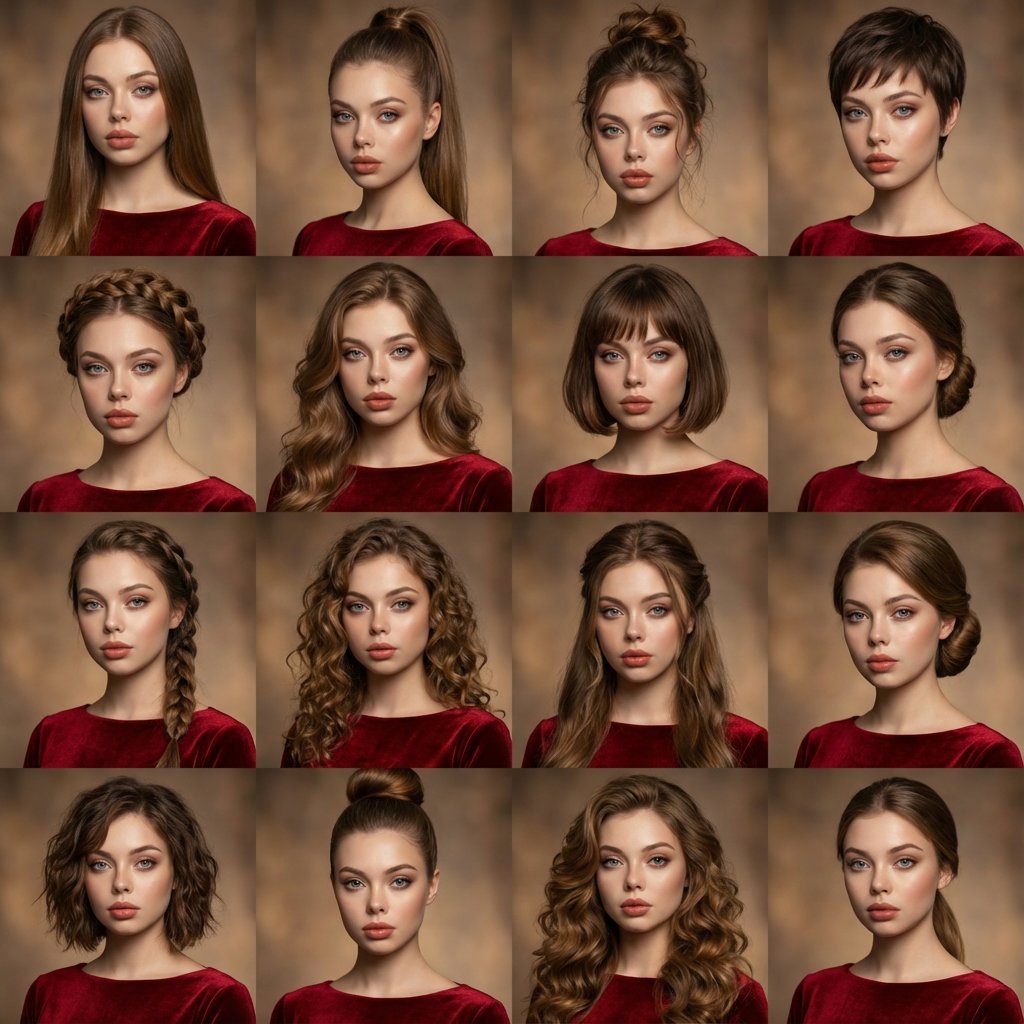
A high-quality photo collage featuring the same person with identical
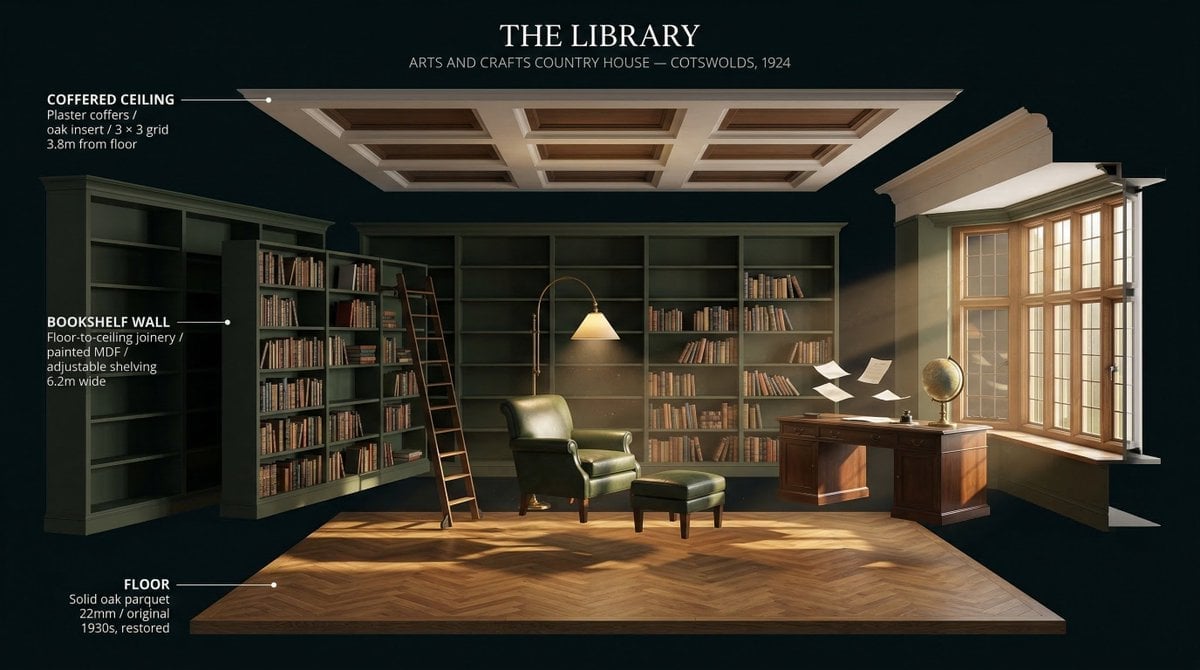
LIGHTING each element still lit by its original source, windows casting
Make it yours
Surreal Summer Fashion Photography works as-is. These are the safest ways to change it without losing the look.
Change one field
Copy a single group, rewrite it, and generate again so you can see what that field is doing.
Keep the frame, change the subject
Hold the composition and light of Surreal Summer Fashion Photography, then swap wardrobe, props or the person for a new take.
| If the result… | Why | Fix |
|---|---|---|
| The result drifts from the preview | Too many fields changed at once. | Reuse Surreal Summer Fashion Photography as-is first, then change one group — subject, light, or setting. |
| The model over-stylizes the scene | The prose prompt leaves finish and camera underspecified. | Add one camera or lighting sentence and stay on GPT Image 2. |
More GPT Image 2 templates
Other prompts made for GPT Image 2.

Six VTuber Japanese Logo Sheet

Realistic Portrait of Woman and Deer

The Vista Modular Condo Poster

AI Model Routing Comparison Infographic

2.5D Anime Art Board

Isometric Productivity Desk Scene

New York Double Exposure Poster

Four-Panel AI Landscape Comparison

Japanese Tatami Lifestyle Magazine Cover

NESCAFÉ Coffee Map Poster
More image prompts
Fresh picks from across the catalog.
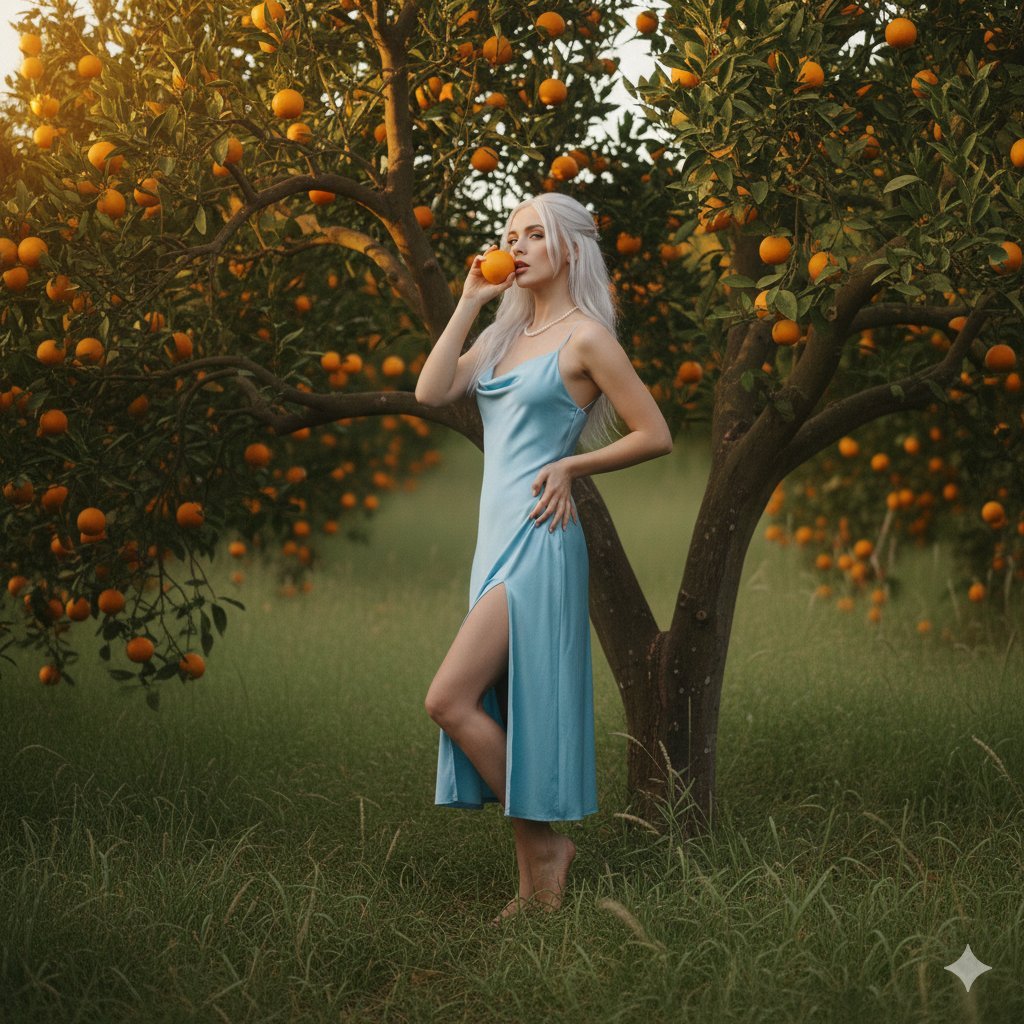
Dreamy Golden Hour Orange Grove Portrait Prompt
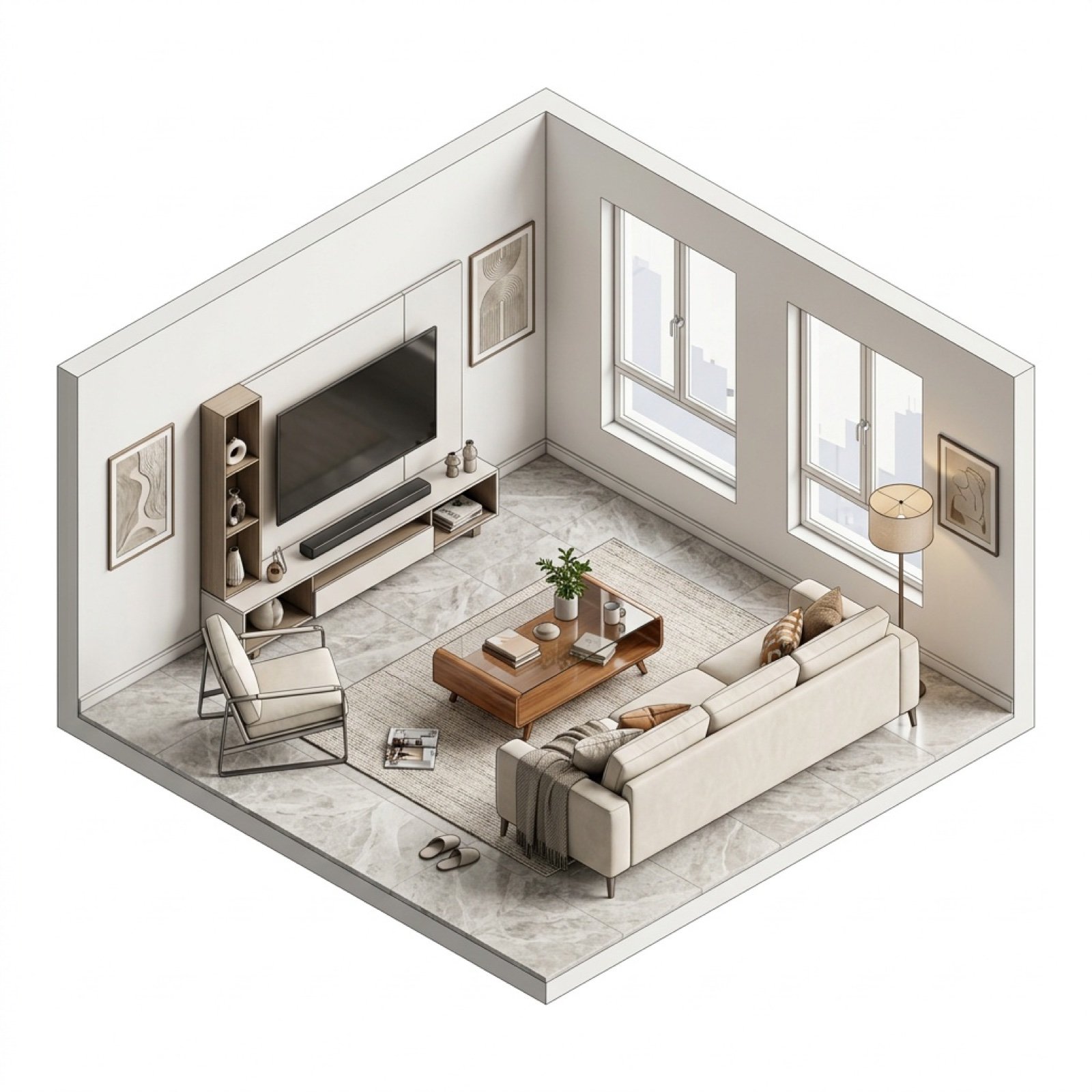
Isometric Interior Design Time-Lapse Video Generation Prompts
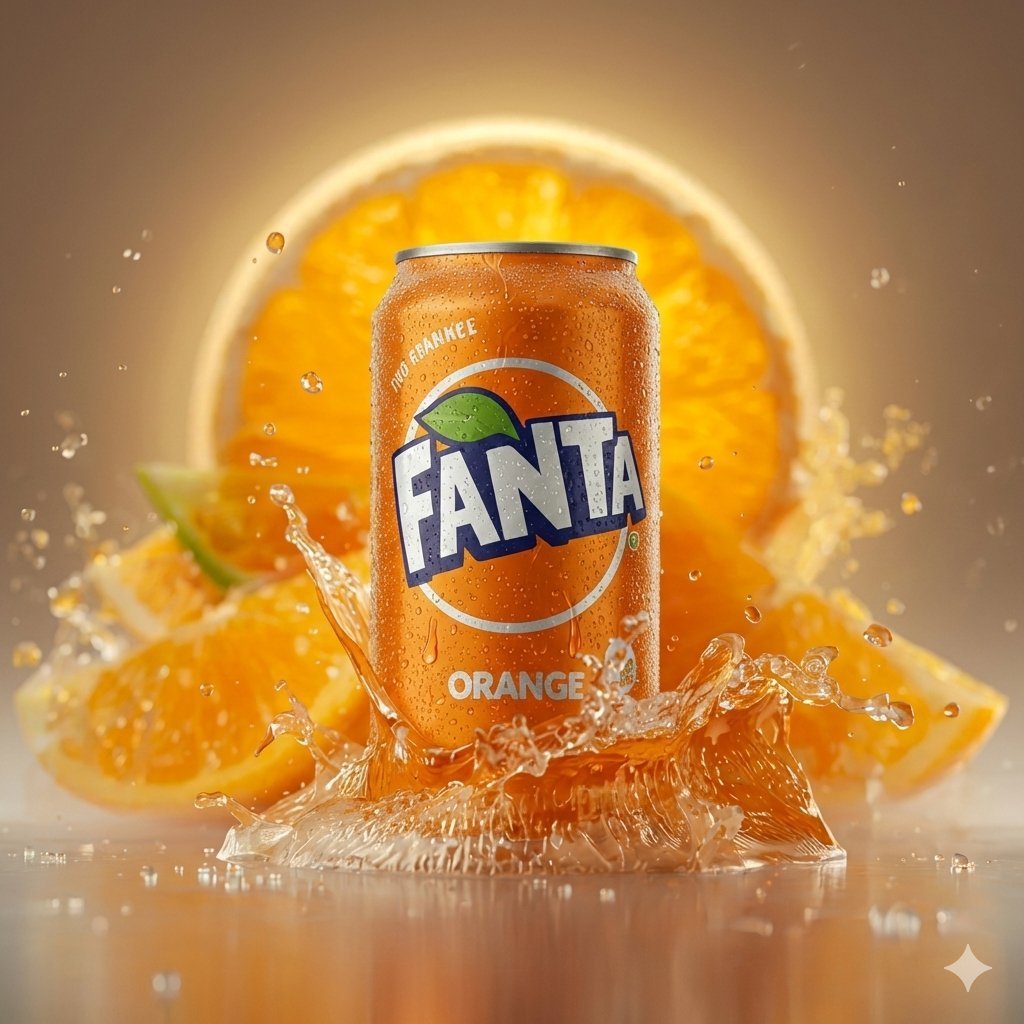
Hyper-realistic Cinematic Product Photo of Fanta Orange Can
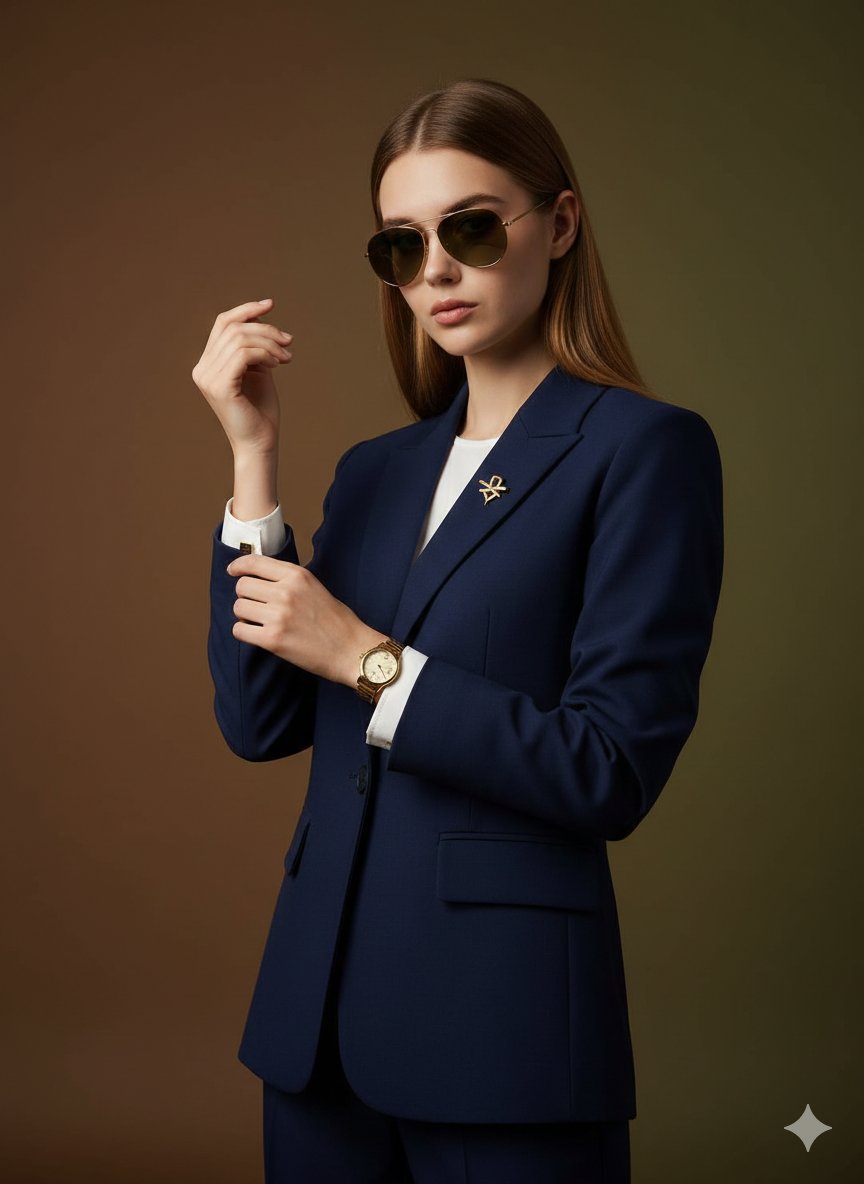
Cinematic Luxury Portrait of Woman Adjusting Cufflinks
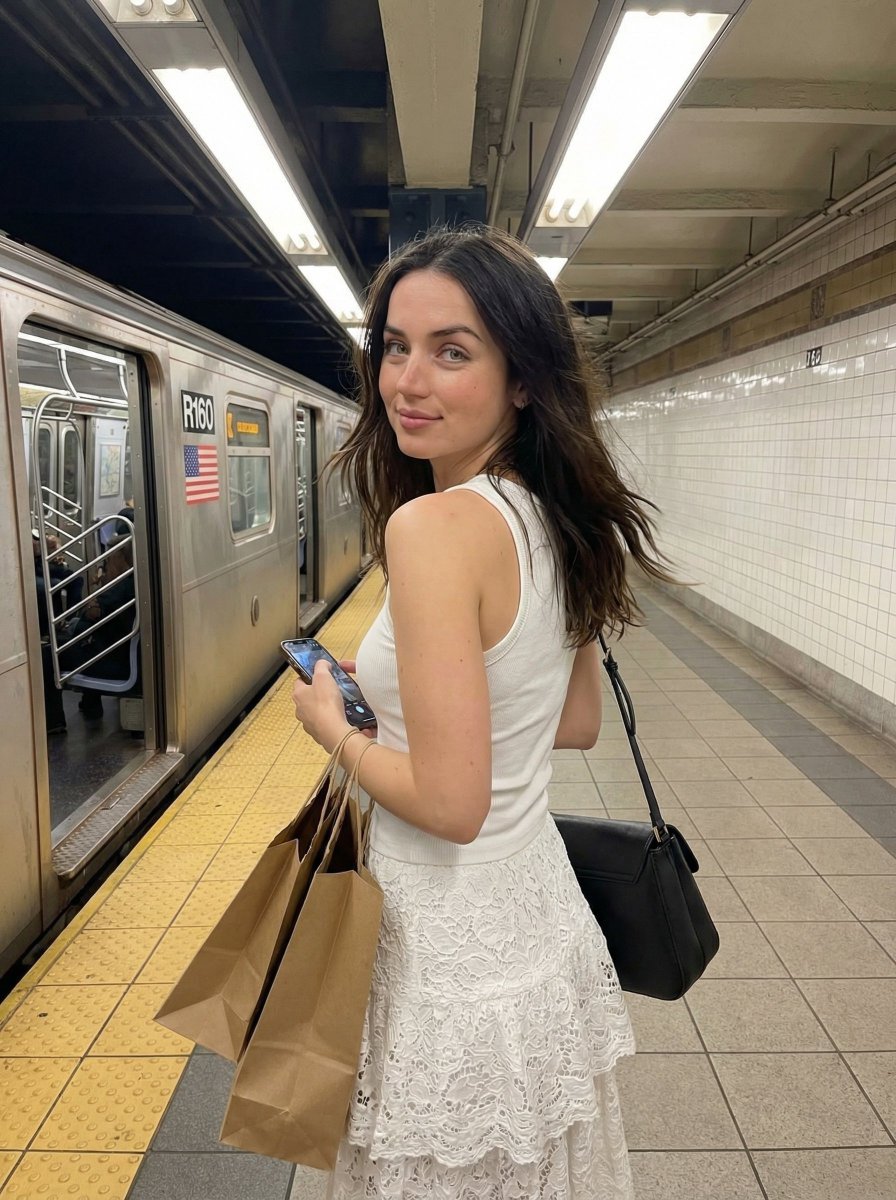
Candid Subway Platform Portrait
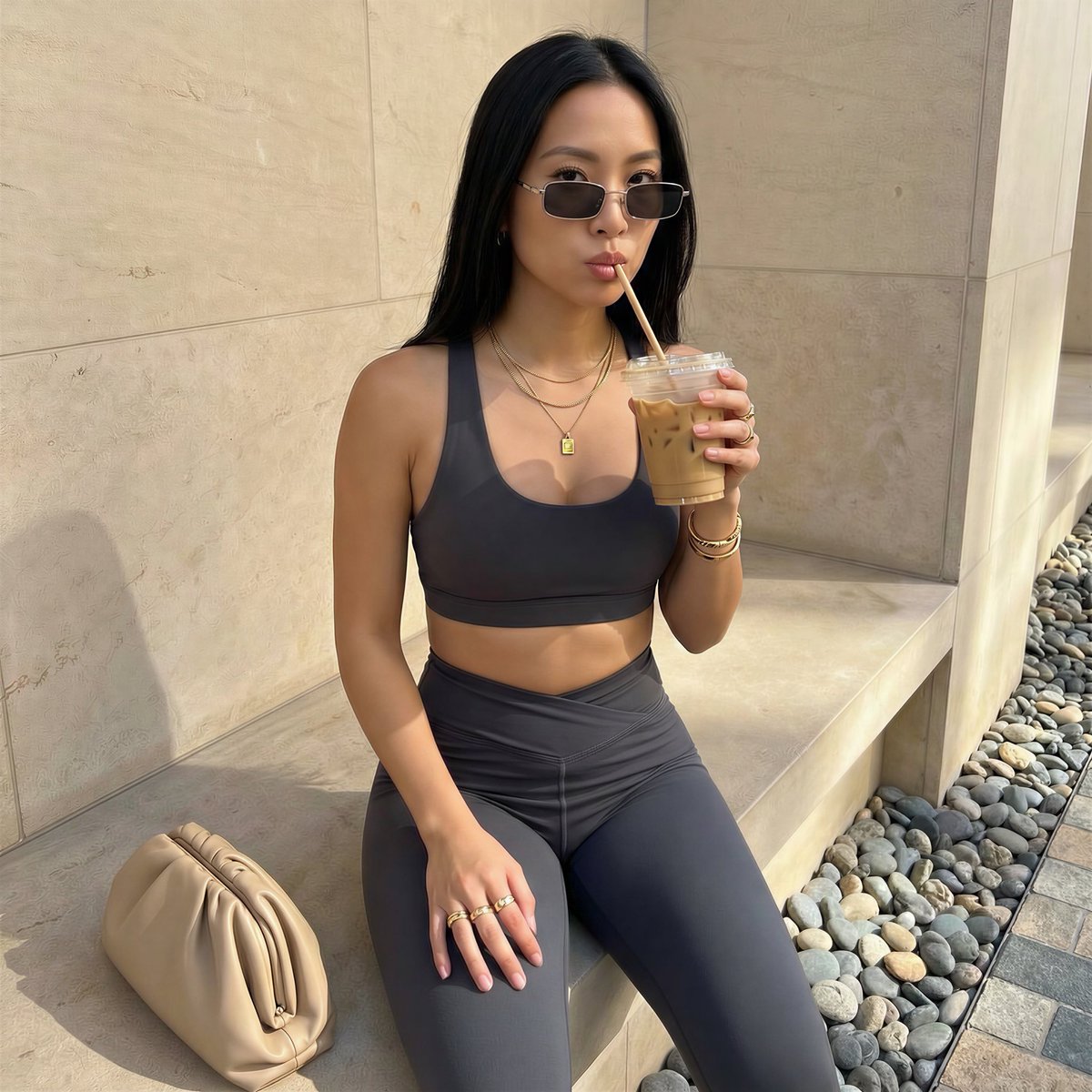
Detailed French Prompt for Urban Athleisure Portrait
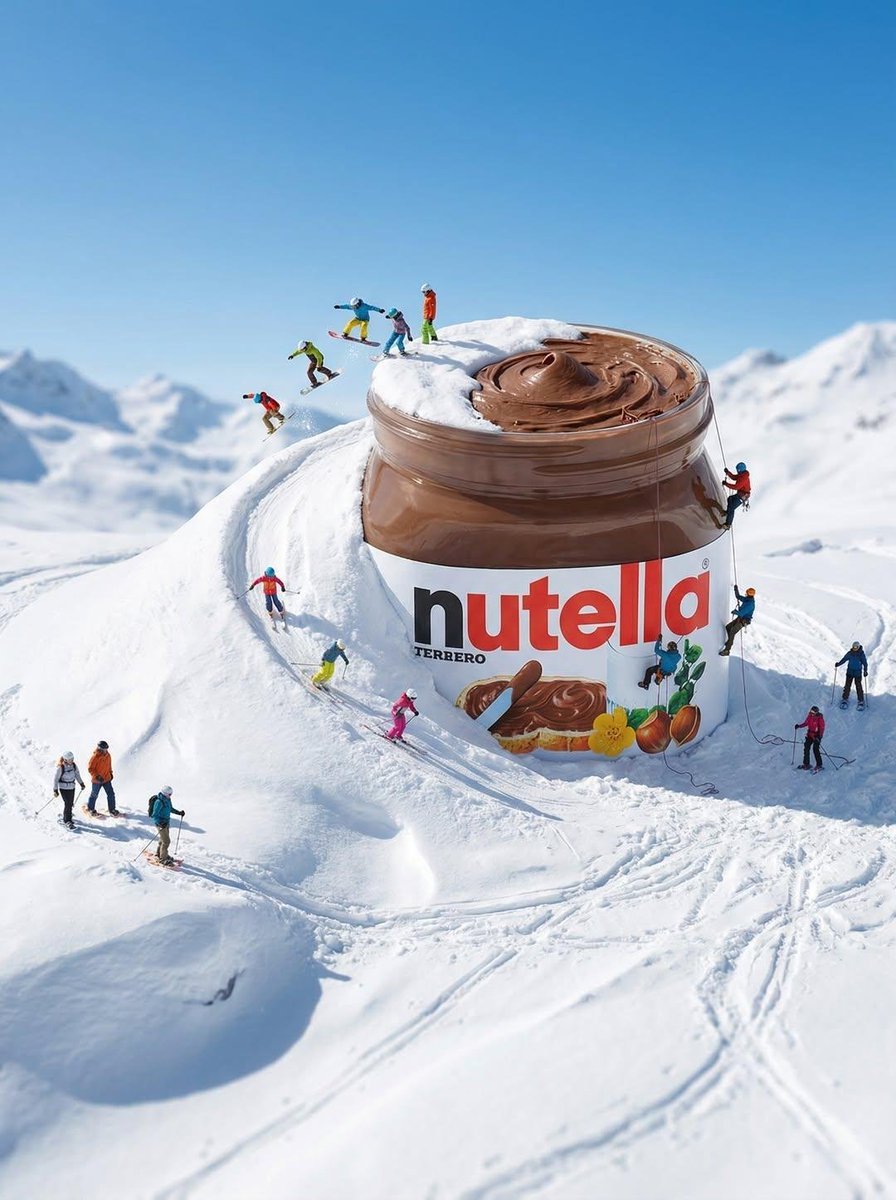
Gigantic Product Buried in Snow with Miniature Explorers
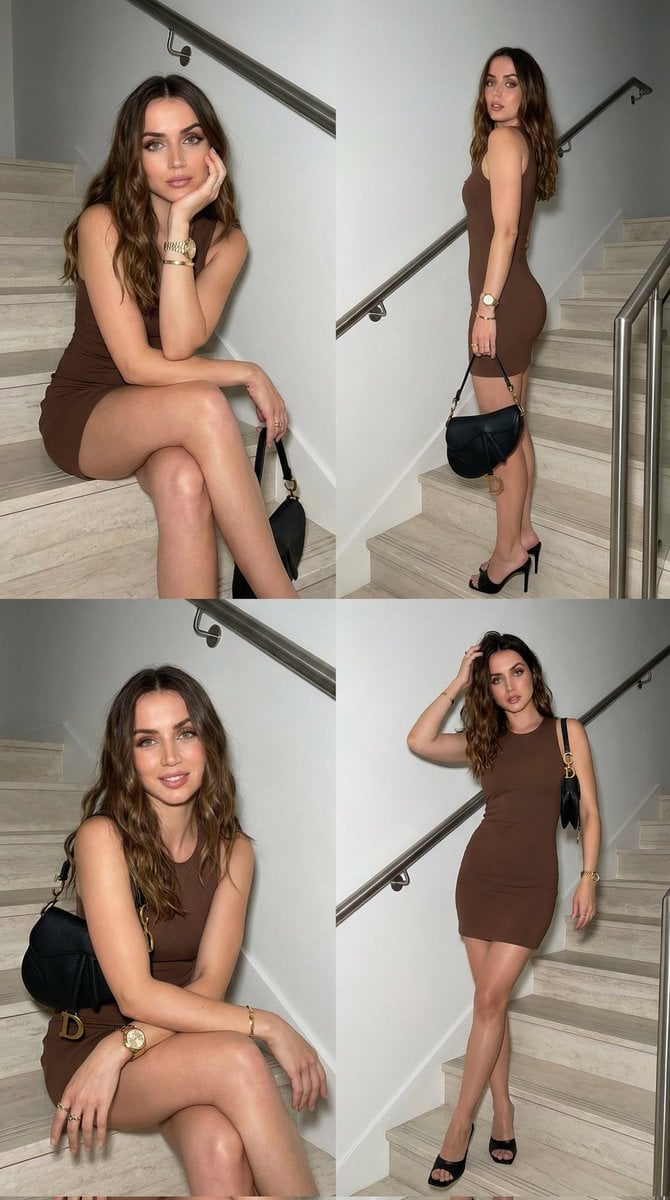
Luxury Fashion Editorial Collage on Modern Staircase
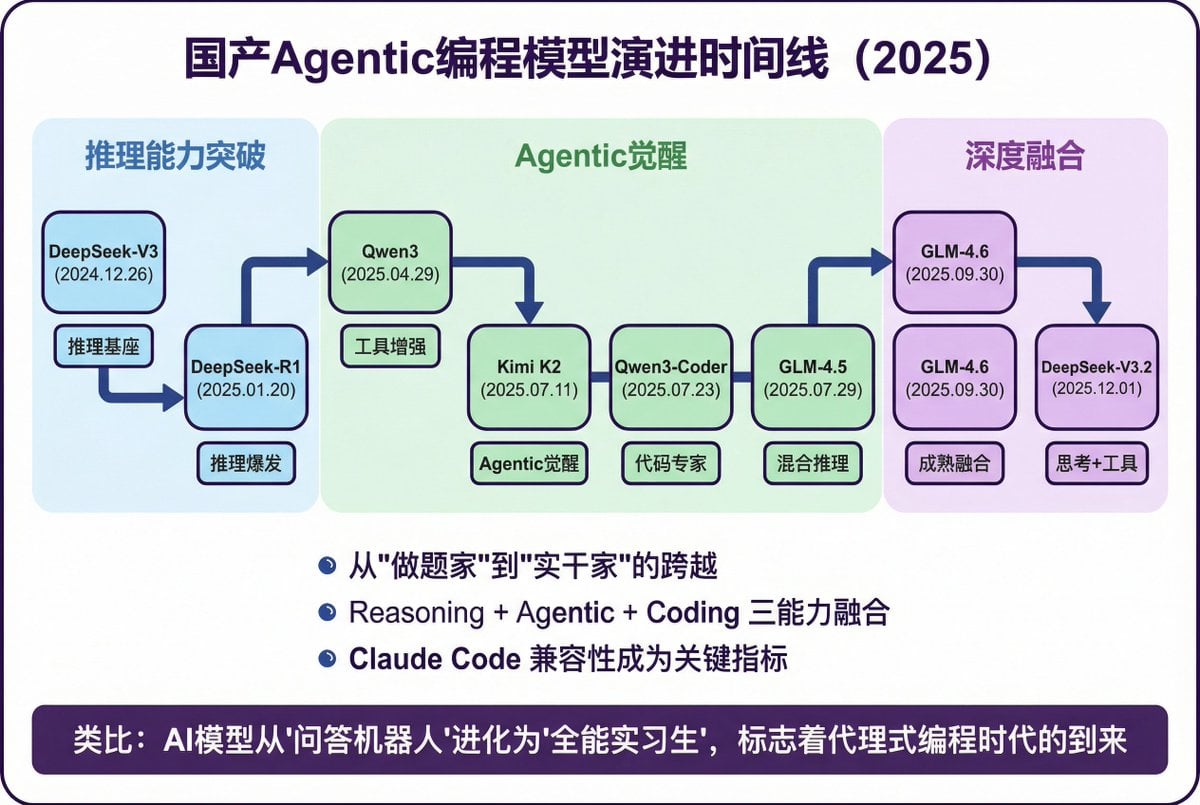
Modern Minimalist PPT/Diagram Generation Prompt
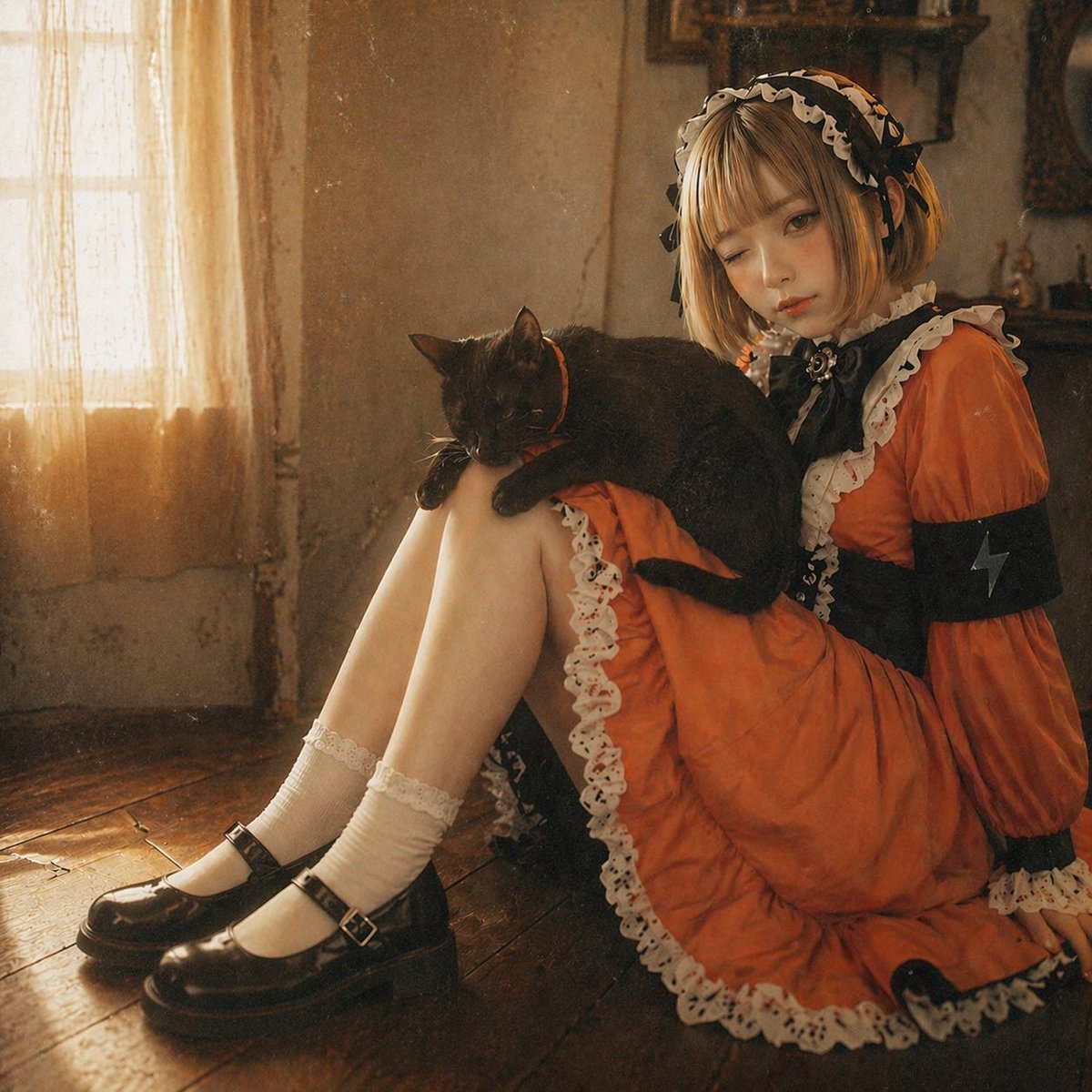
Anime Girl to Cinematic Photo
Browse template categories
Surreal Summer Fashion Photography questions
How do I use the Surreal Summer Fashion Photography template?
Add your photo if the template asks for one, edit the prompt if you like — the template's model and format are already selected — and press Generate. Your version opens in PicX Studio.
Can I customize the Surreal Summer Fashion Photography template?
Yes. You can change the subject, setting, lighting, mood, format, and available model controls before creating your image.
Is the Surreal Summer Fashion Photography template free?
Opening and editing this template is free. Generating uses credits, shown on the Generate button when you are signed in.
Which AI model should I use?
Start with GPT Image 2, which is the model associated with this template. You can compare another compatible model for a different finish.
Looking for something else? Browse all templates.

Your photo, any look
Thousands of ready templates for every top image and video model, from one credit balance.