
Anime Girl at Mediterranean Window
Generates a romantic semi-realistic anime portrait of a young woman in a mint chiffon dress by a sunlit village window.
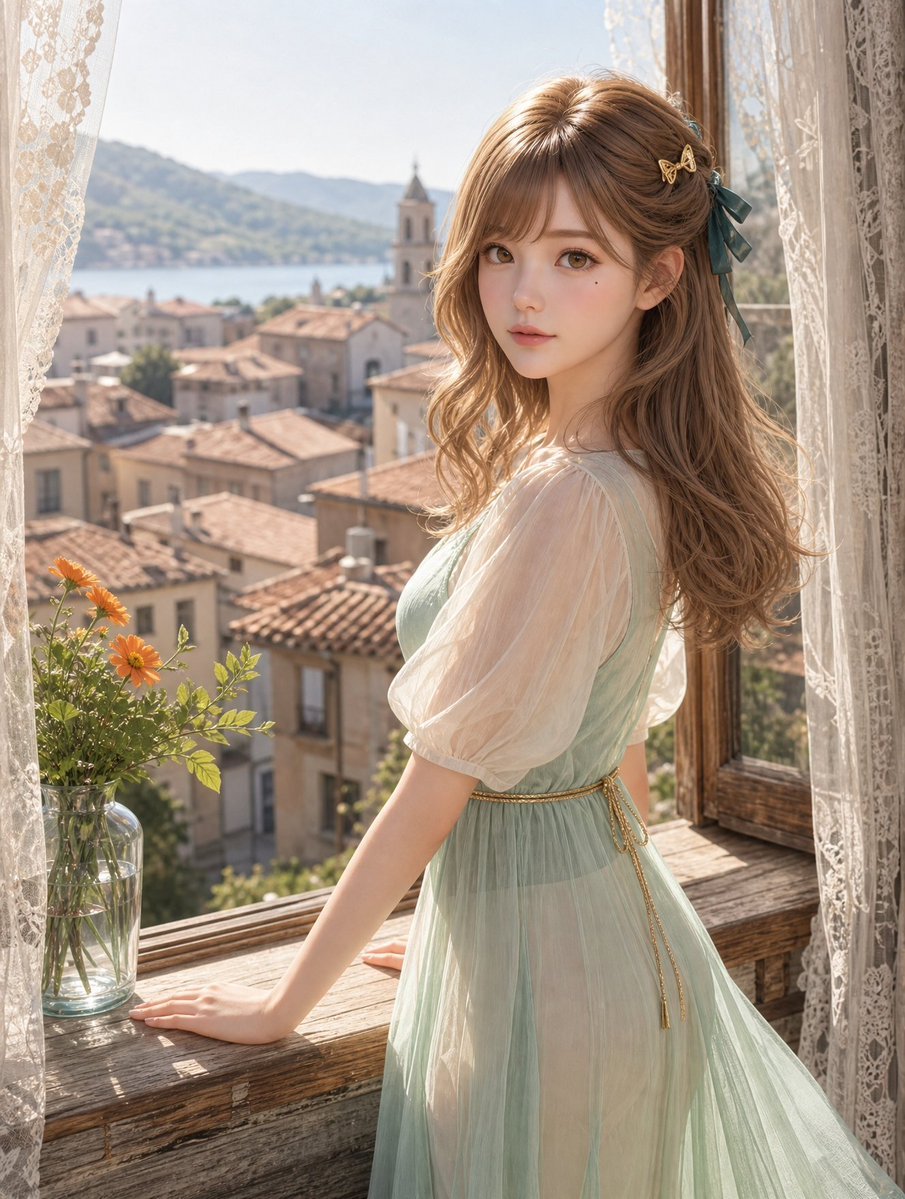
- Prompt included
- Model and format preset
- Free template
The prompt behind this image
Copy the exact prompt behind Anime Girl at Mediterranean Window, or open it in the studio and make it yours.
Create a luminous, highly detailed semi-realistic anime portrait of one young woman standing at an open rustic wooden window in a Mediterranean hillside village. She has {argument name="hair color" default="soft light brown"} long wavy hair with airy bangs, one dark teal ribbon bow and one small gold butterfly hair clip on the right side of her head, large hazel-brown eyes, delicate porcelain skin, and a calm slightly wistful expression as she turns back toward the viewer. She wears a pale mint-green chiffon dress with a fitted bodice, sheer translucent puff sleeves, a flowing semi-transparent layered skirt, and a thin gold chain belt tied at the waist; keep the fabric elegant, romantic, and softly translucent without explicit nudity. Her pose: standing in three-quarter view, one hand resting on the weathered wooden sill and the other arm relaxed near the open window frame. The scene includes exactly one clear glass vase on the left side of the sill containing five orange daisy-like flowers with green stems and leaves. Frame the composition with two cream lace curtains, one on each side, and an open wooden casement window on the right. Outside the window, show terracotta rooftops, beige stone houses, one church bell tower near the center background, a blue lake or sea inlet, and hazy green mountains under bright morning sunlight. Use soft backlighting, warm golden highlights, gentle depth of field, intricate lace texture, realistic wood grain, delicate hair strands, pastel colors, cinematic natural light, vertical portrait composition, dreamy European summer atmosphere, no text, no watermark.
How to use Anime Girl at Mediterranean Window in 3 steps
- 1Upload ImagePNG, JPG or paste
Add your photo
Upload the photo the template builds on. The prompt, model and format are already set.
- 2…a portrait of your subject in softgolden-hour light, 85mm…
Personalize
Edit the subject and creative details for your destination.
- 3Generate
Generate
Press Generate — your image is created in PicX Studio, so you can compare it with the original and refine one variable at a time.
More like this
Templates with the same subject, style or setup. Open one to see its prompt.
Cel 2D Train Window
Anime Tower Window Escape
Pixar Anime Rainy Window
Anime Girl Windows 11 Desktop Wallpaper
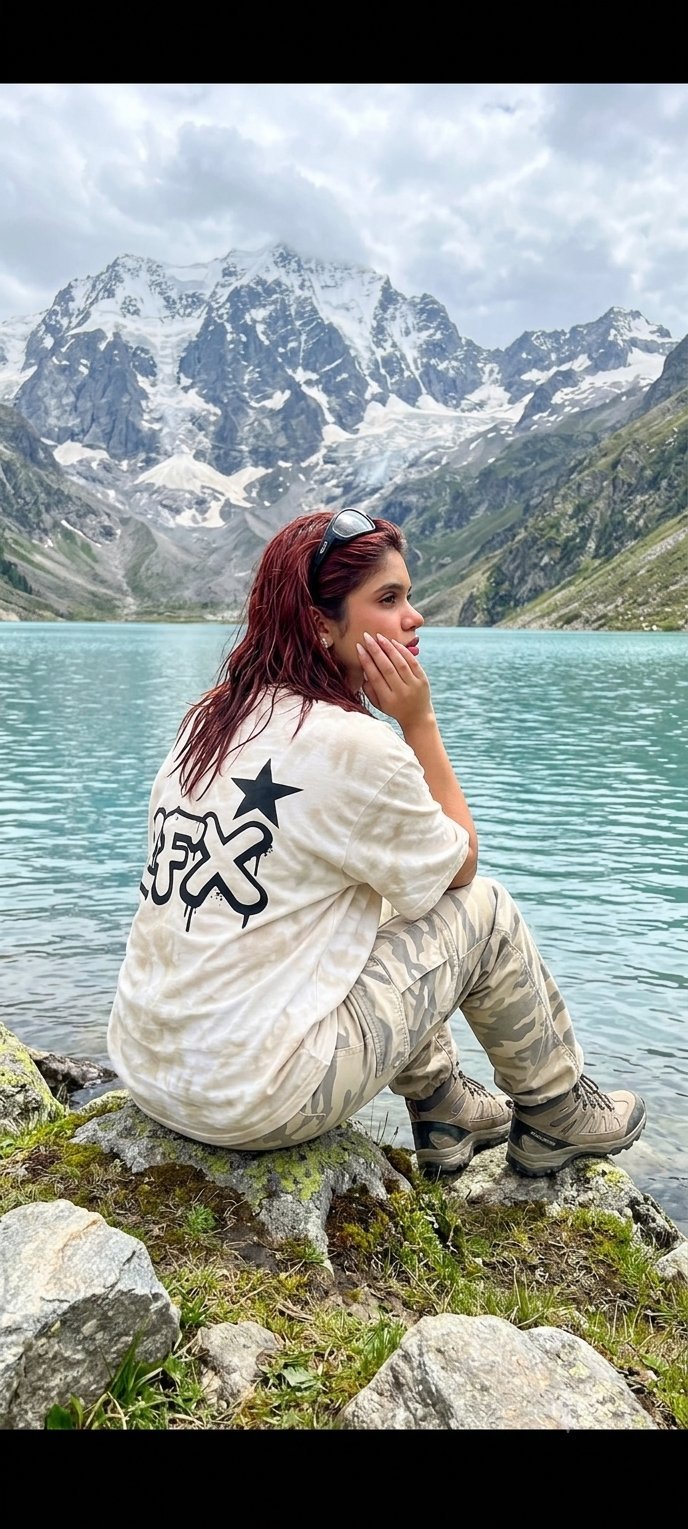
Teen Girl Alpine Lake Mountain View
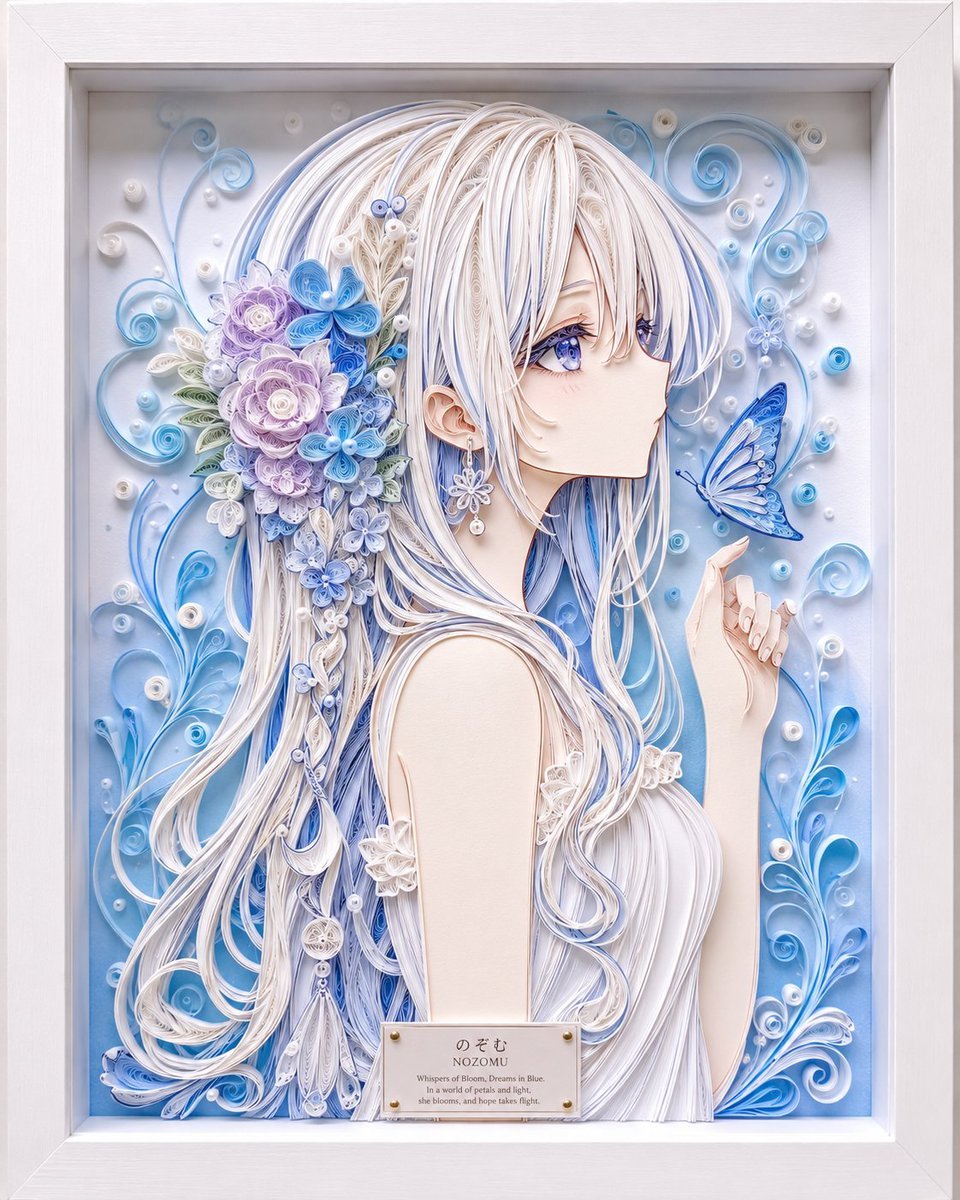
Framed Quilling Anime Girl
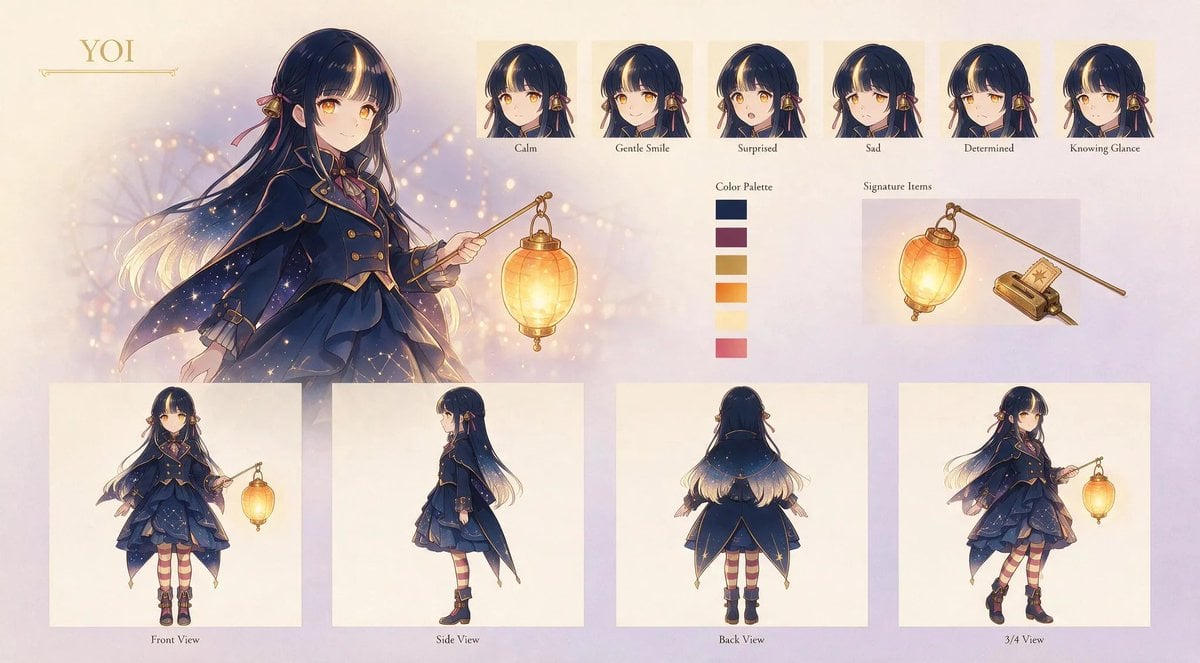
Anime Lantern Girl Character Sheet
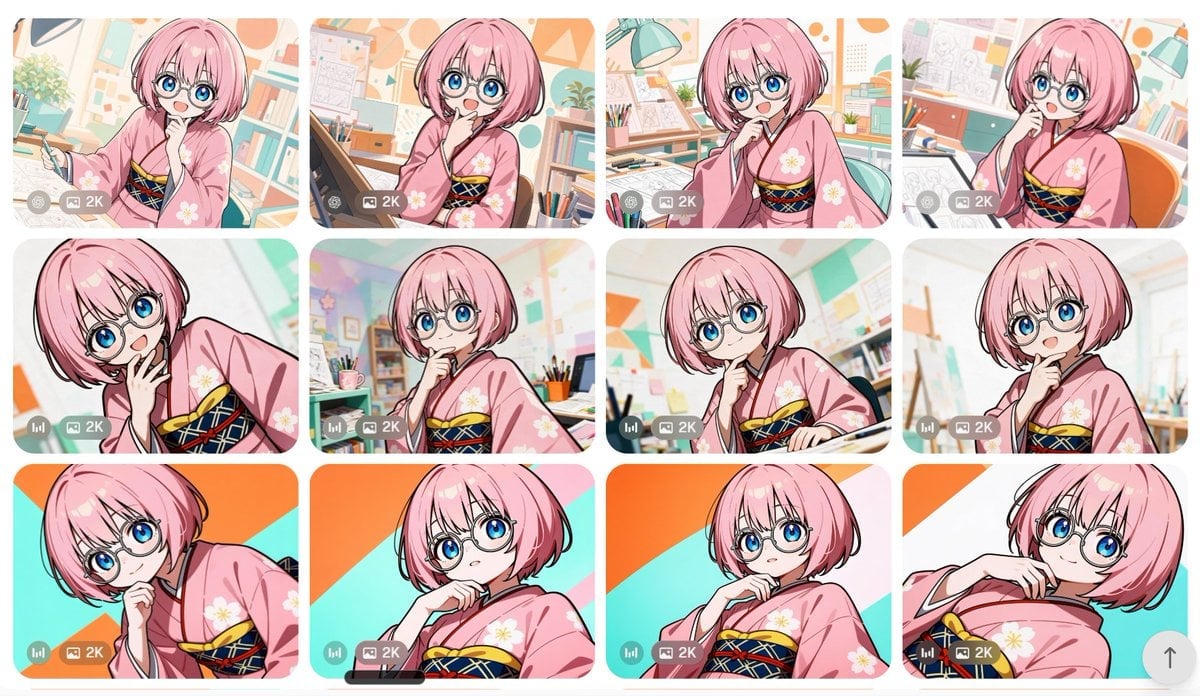
Anime Girl Generation Grid
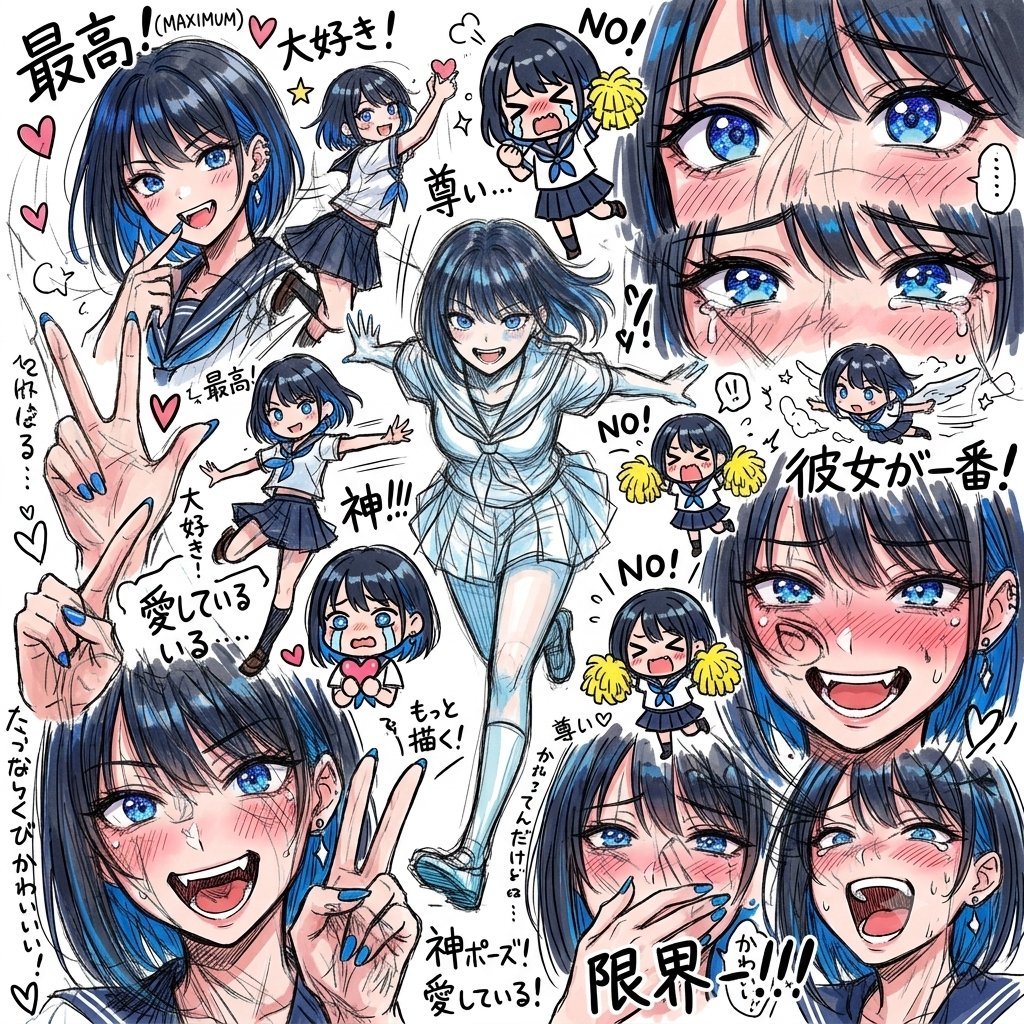
Chaotic Anime Schoolgirl Fan Collage

Cel 2D Finale Fireworks

Cel 2D Garden Maze
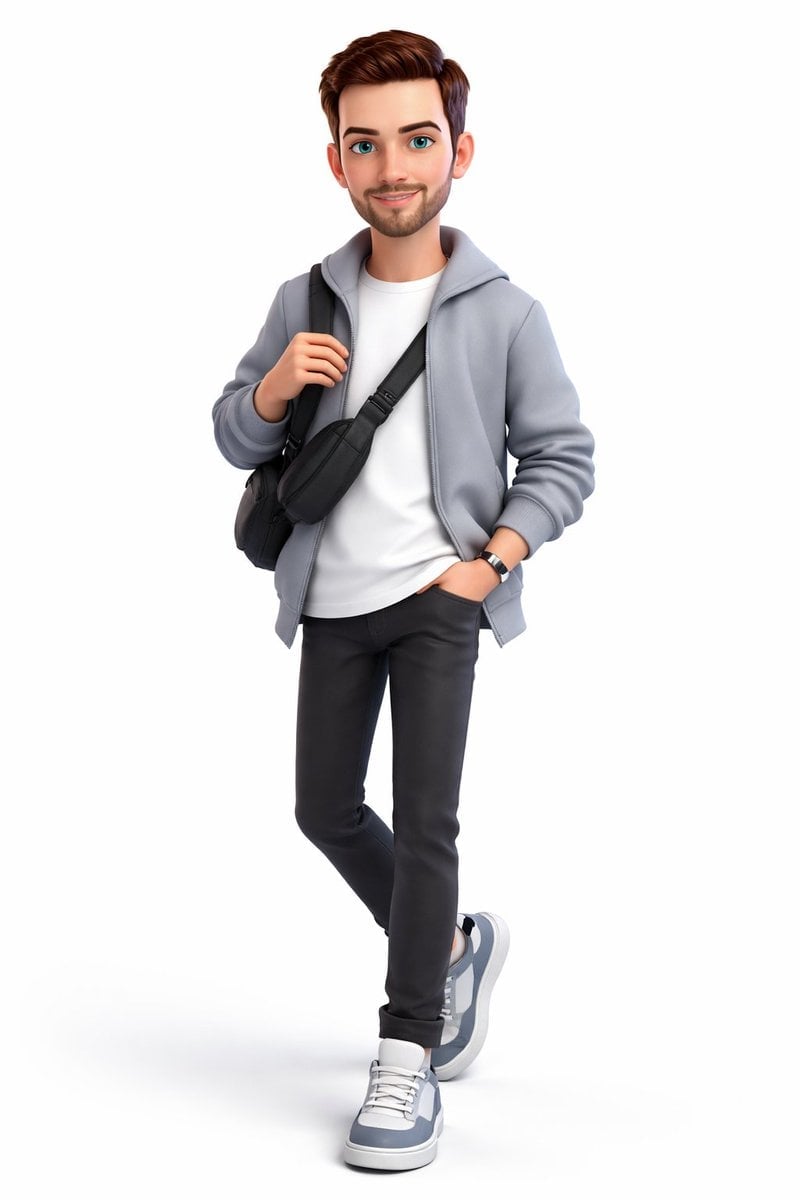
Cel 2D Rooftop Concert
Make it yours
Anime Girl at Mediterranean Window works as-is. These are the safest ways to change it without losing the look.
Change one field
Copy a single group, rewrite it, and generate again so you can see what that field is doing.
Keep the frame, change the subject
Hold the composition and light of Anime Girl at Mediterranean Window, then swap wardrobe, props or the person for a new take.
| If the result… | Why | Fix |
|---|---|---|
| The result drifts from the preview | Too many fields changed at once. | Reuse Anime Girl at Mediterranean Window as-is first, then change one group — subject, light, or setting. |
| The model over-stylizes the scene | The prose prompt leaves finish and camera underspecified. | Add one camera or lighting sentence and stay on GPT Image 2. |
More GPT Image 2 templates
Other prompts made for GPT Image 2.

Six VTuber Japanese Logo Sheet

Realistic Portrait of Woman and Deer

The Vista Modular Condo Poster

AI Model Routing Comparison Infographic

2.5D Anime Art Board

Isometric Productivity Desk Scene

New York Double Exposure Poster

Four-Panel AI Landscape Comparison

Japanese Tatami Lifestyle Magazine Cover

NESCAFÉ Coffee Map Poster
More image prompts
Fresh picks from across the catalog.
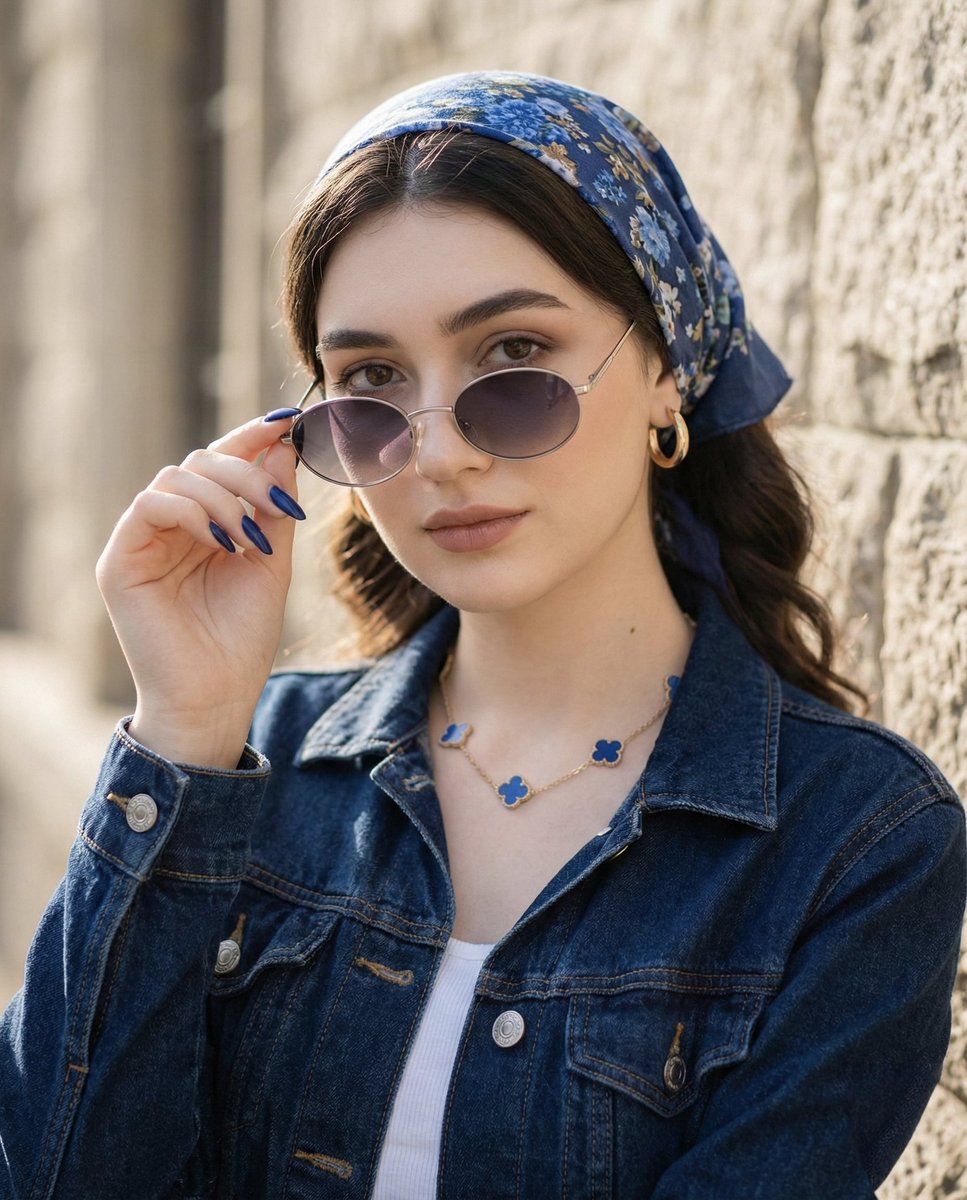
Tight Medium Close-up Portrait with Vintage Accessories
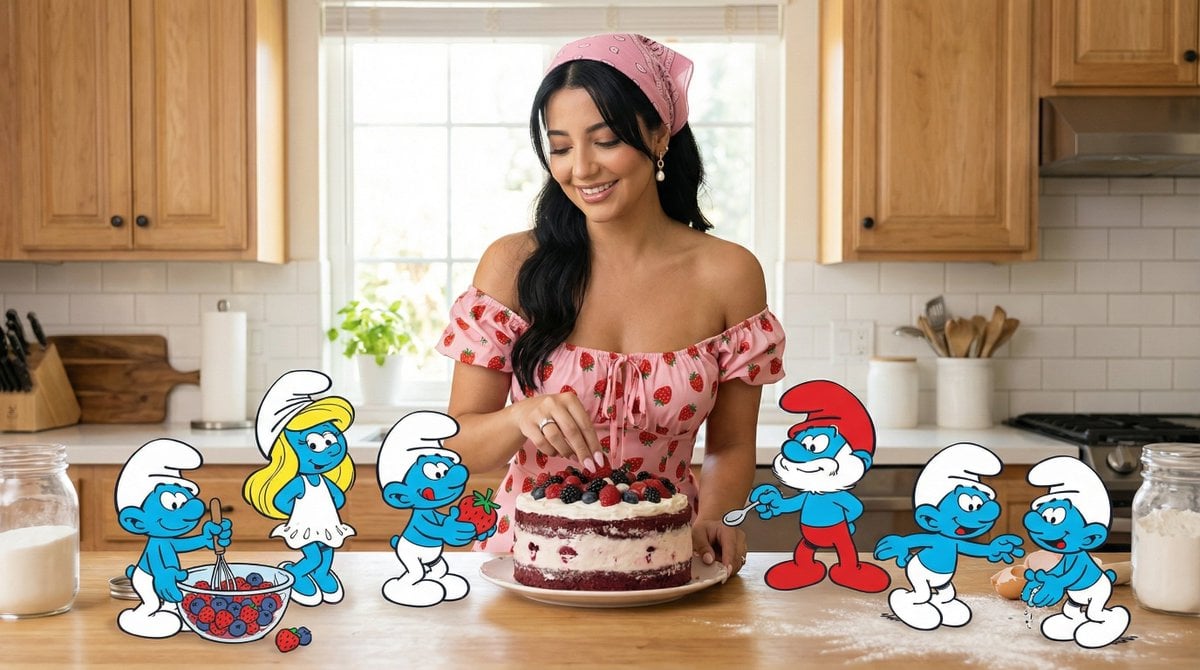
Ultra-Photoreal Cartoon Reality Scene Prompt for Nano Banana Pro
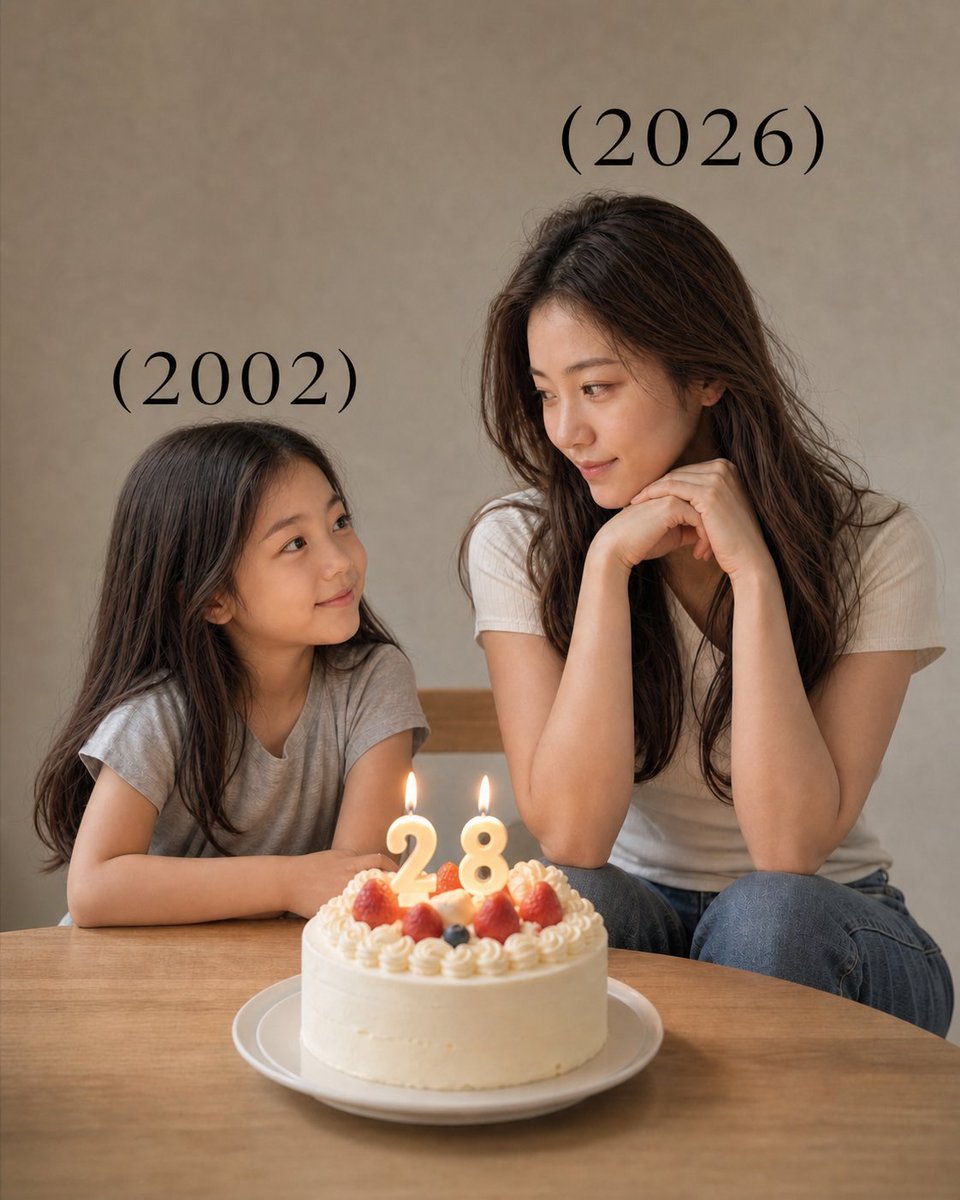
Time-Travel Birthday Reunion Portrait
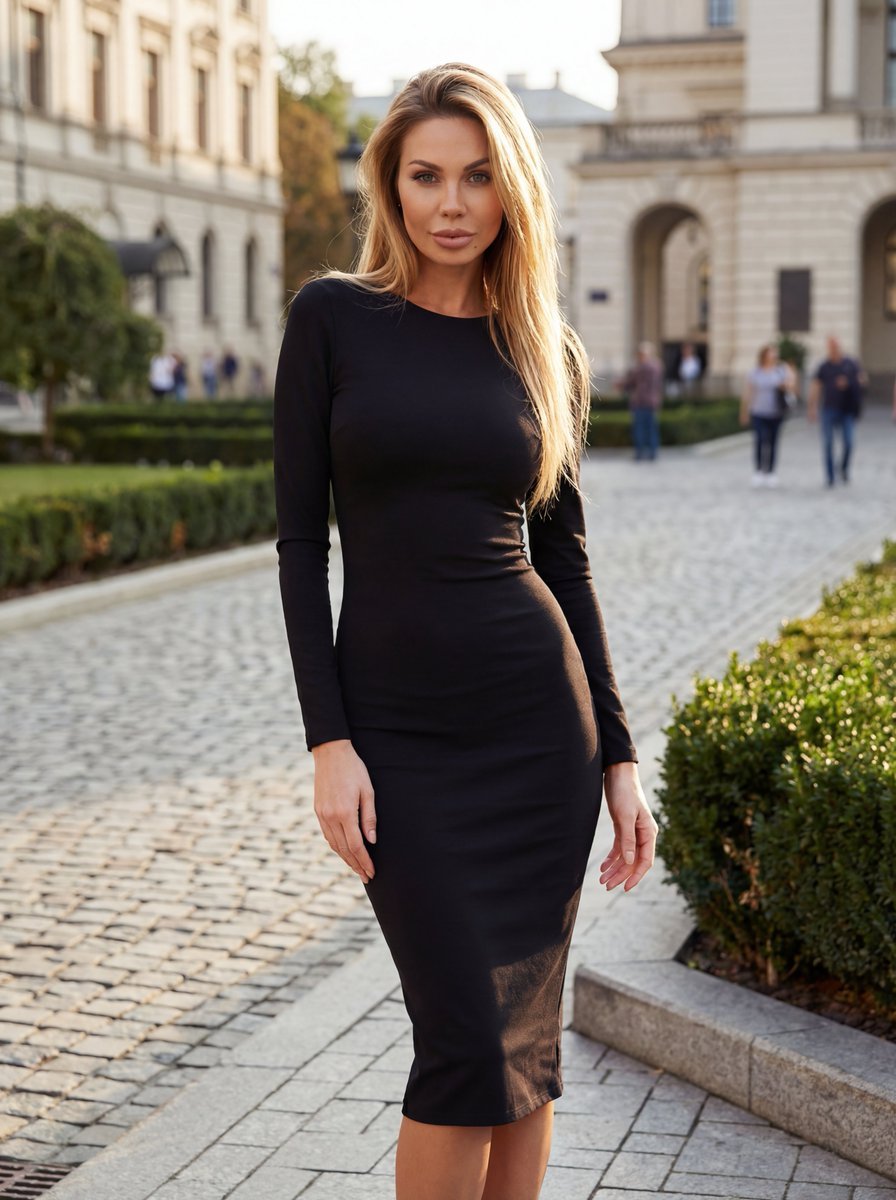
High-End Fashion Campaign with Strict Garment Preservation
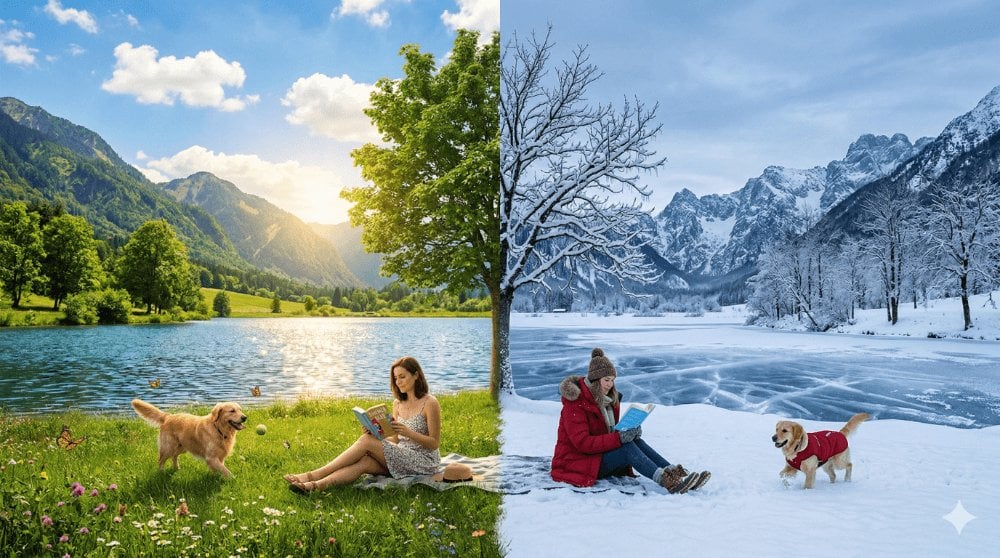
Surreal Seasonal Split Landscape
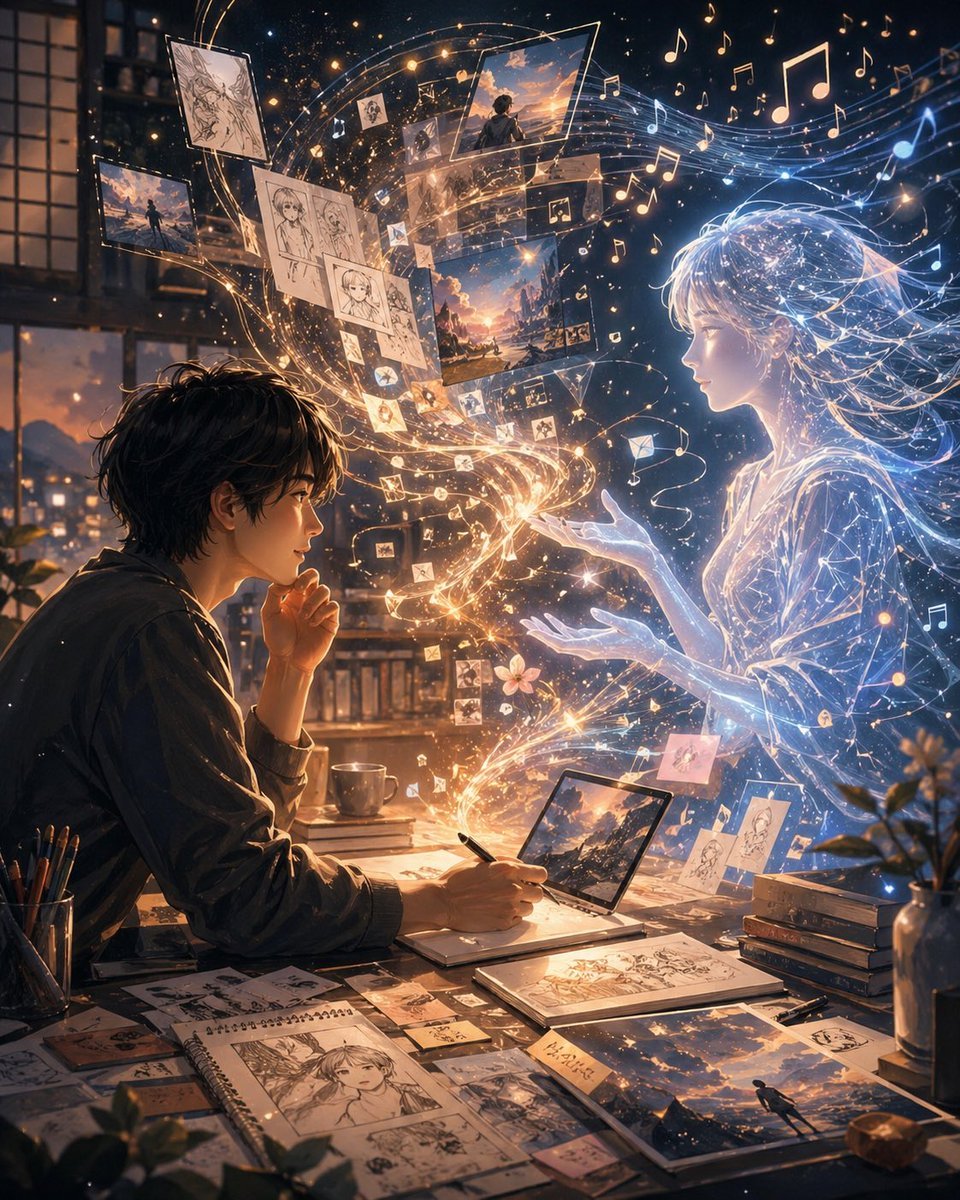
Gpt2 Social Media Post Artist and Ethereal Muse at Night
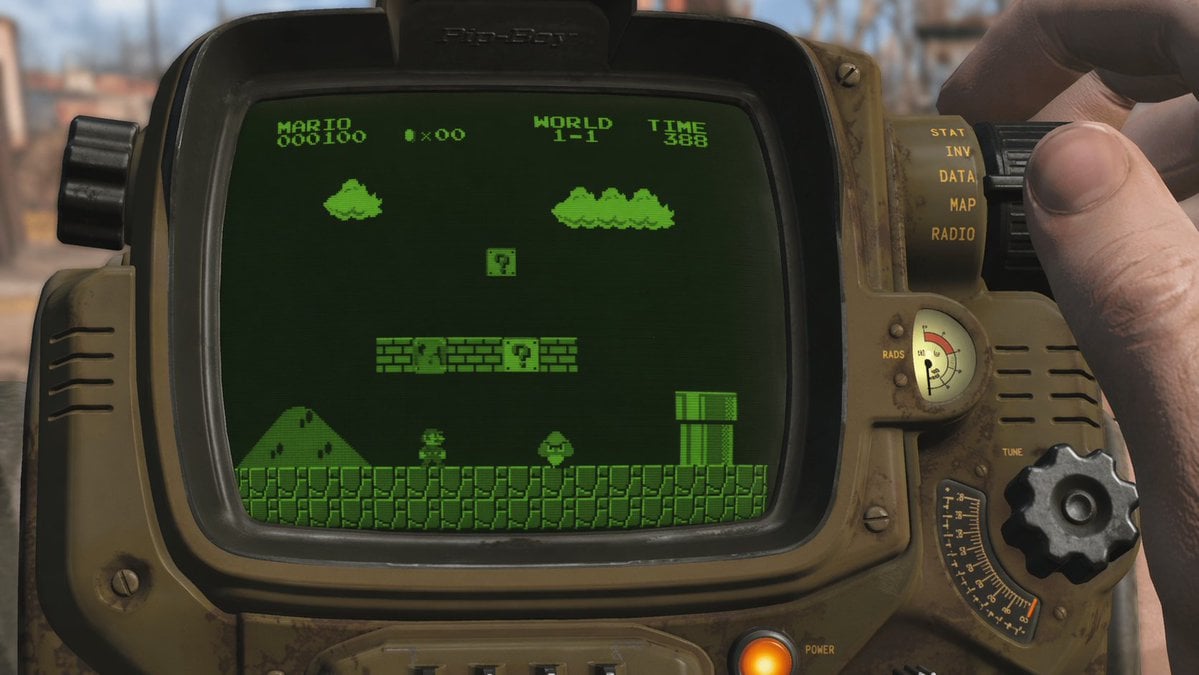
Retro Wrist Computer Playing Classic Platformer
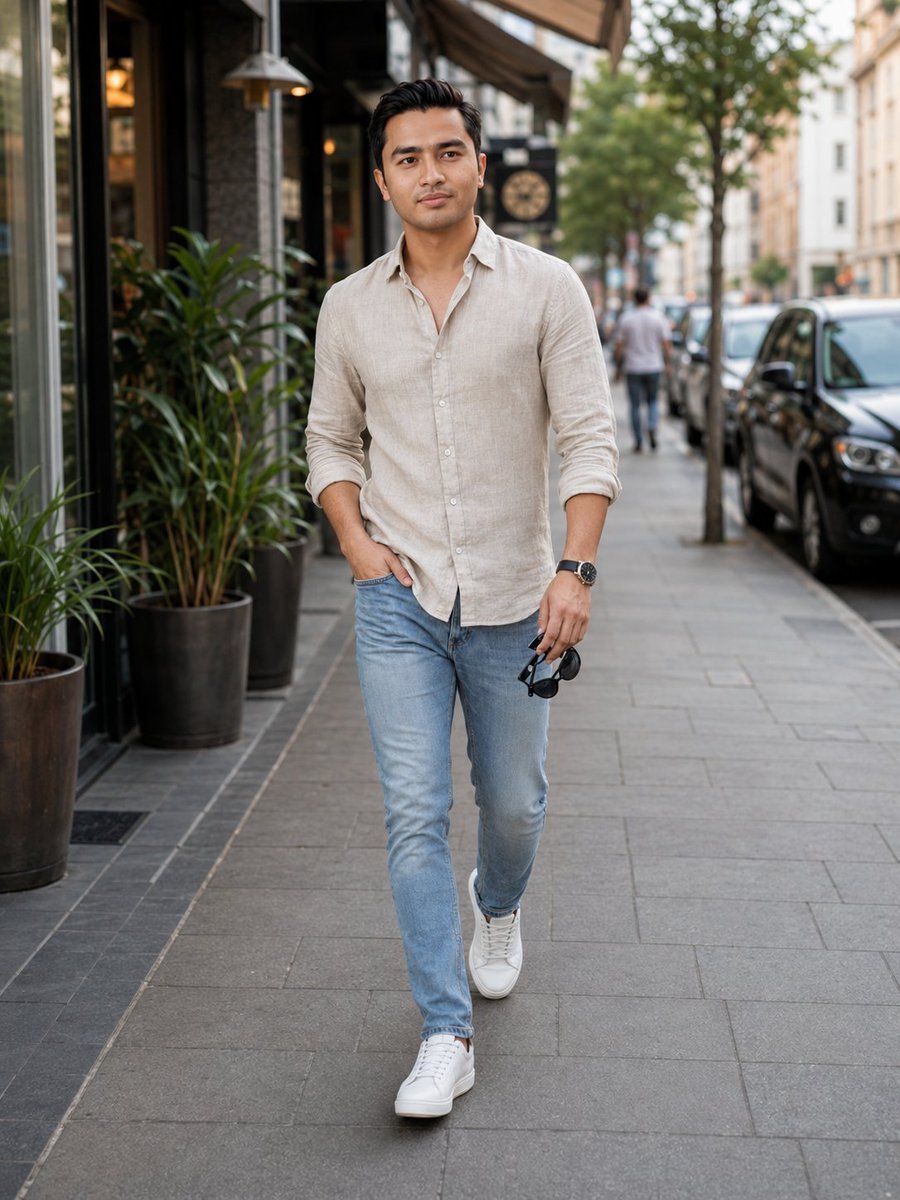
Urban Male Fashion Editorial
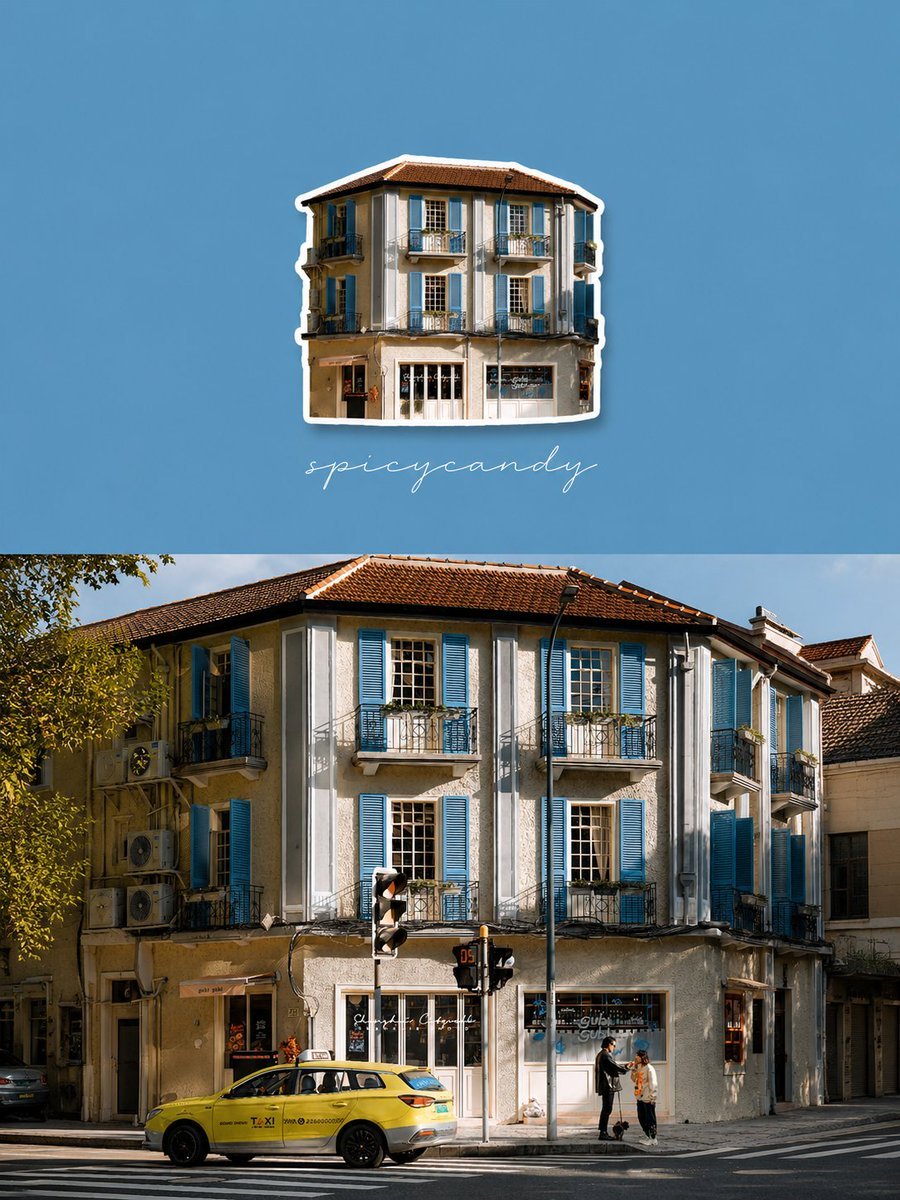
Travel Diary Fridge Magnet Poster
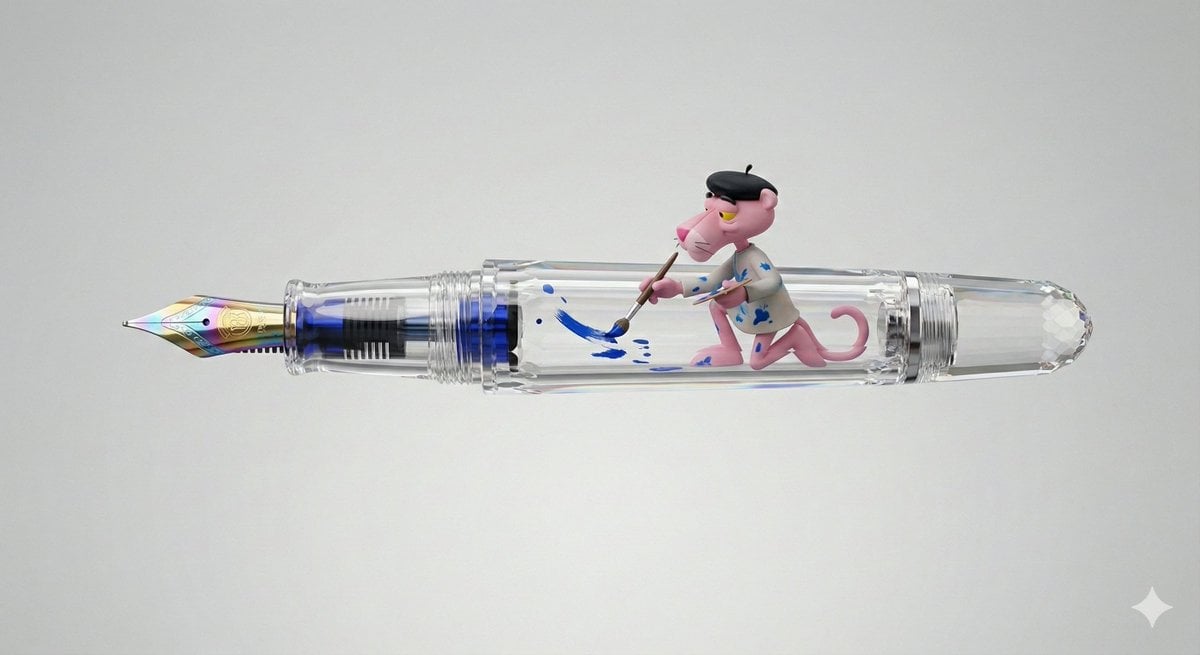
Pink Panther Fountain Pen 3D Render Prompt
Browse template categories
Anime Girl at Mediterranean Window questions
How do I use the Anime Girl at Mediterranean Window template?
Add your photo if the template asks for one, edit the prompt if you like — the template's model and format are already selected — and press Generate. Your version opens in PicX Studio.
Can I customize the Anime Girl at Mediterranean Window template?
Yes. You can change the subject, setting, lighting, mood, format, and available model controls before creating your image.
Is the Anime Girl at Mediterranean Window template free?
Opening and editing this template is free. Generating uses credits, shown on the Generate button when you are signed in.
Which AI model should I use?
Start with GPT Image 2, which is the model associated with this template. You can compare another compatible model for a different finish.
Looking for something else? Browse all templates.

Your photo, any look
Thousands of ready templates for every top image and video model, from one credit balance.