
Satirical Brand Collaboration Poster
A creative prompt for a satirical brand collaboration between a national exam and a lottery, blending official aesthetics with street vendor vibes.
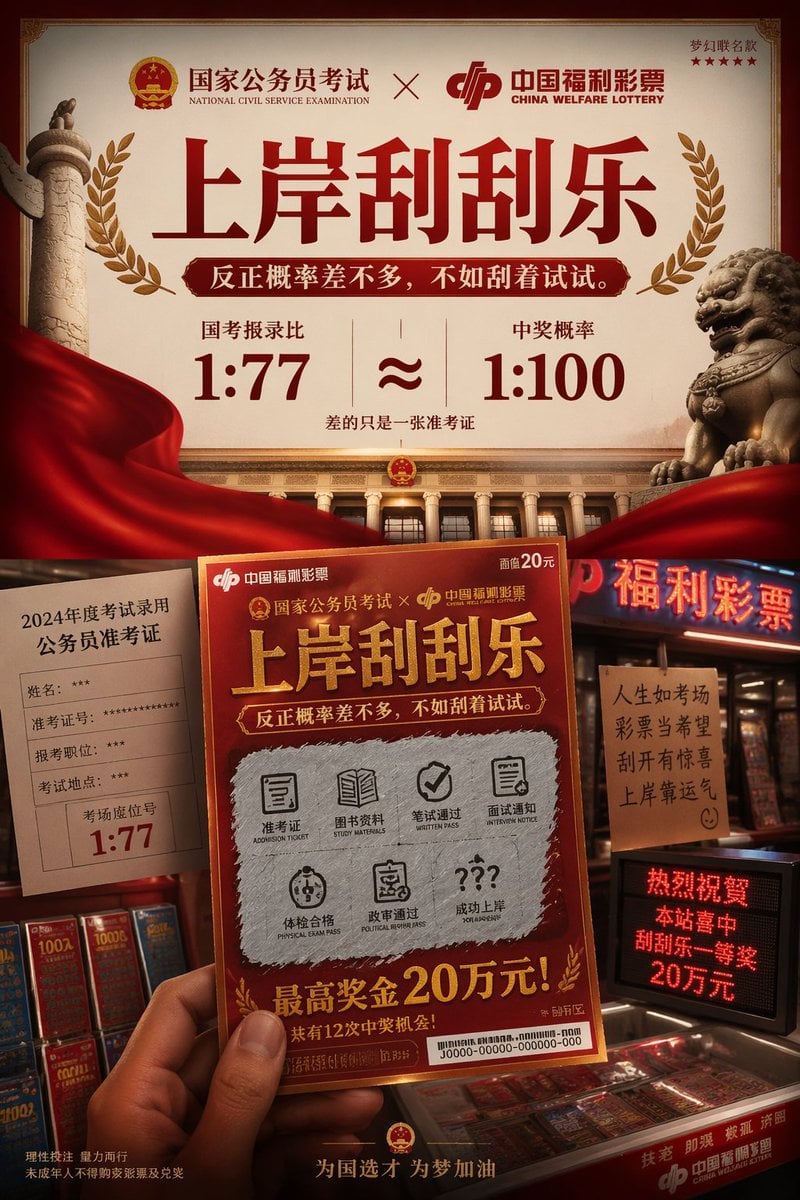
- Prompt included
- Model and format preset
- Free template
The prompt behind this image
Copy the exact prompt behind Satirical Brand Collaboration Poster, or open it in the studio and make it yours.
一张高端品牌联名视觉全案海报,产品为"{argument name="联名品牌" default="国家公务员考试 × 中国福利彩票"}" 梦幻联名款:{argument name="标题" default="上岸刮刮乐"}, 反正概率差不多,不如刮着试试。 整体风格:{argument name="风格" default="官方正统视觉 × 彩票卖场烟火气"}
How to use Satirical Brand Collaboration Poster in 3 steps
- 1
Open
The prompt is already in the box next to the preview, with the template's model and format selected.
- 2…a portrait of your subject in softgolden-hour light, 85mm…
Personalize
Edit the subject and creative details for your destination.
- 3Generate
Generate
Press Generate — your image is created in PicX Studio, so you can compare it with the original and refine one variable at a time.
More like this
Templates with the same subject, style or setup. Open one to see its prompt.

Luxury Fashion Campaign Typography Poster System

Premium Fashion Editorial Campaign Poster System

Japan Travel Brochure Poster

Cartoon TV Show Poster Pack

Trendy Cafe Drink Promo Poster

Urban Fashion Editorial Collage Streetwear Poster

Premium Fashion Editorial Cover Layout System

Polo Ralph Lauren Luxury American Heritage Fashion Campaign

Monochrome Halftone Editorial Fashion Poster

Retro Mirror Luxury Fashion Campaign Poster

Ultra-Stylized High-Fashion Streetwear Poster

Urban Fashion Editorial Collage Poster
Make it yours
Satirical Brand Collaboration Poster works as-is. These are the safest ways to change it without losing the look.
Change one field
Copy a single group, rewrite it, and generate again so you can see what that field is doing.
Keep the frame, change the subject
Hold the composition and light of Satirical Brand Collaboration Poster, then swap wardrobe, props or the person for a new take.
| If the result… | Why | Fix |
|---|---|---|
| The result drifts from the preview | Too many fields changed at once. | Reuse Satirical Brand Collaboration Poster as-is first, then change one group — subject, light, or setting. |
| The model over-stylizes the scene | The prose prompt leaves finish and camera underspecified. | Add one camera or lighting sentence and stay on GPT Image 2. |
More GPT Image 2 templates
Other prompts made for GPT Image 2.

Six VTuber Japanese Logo Sheet

Realistic Portrait of Woman and Deer

The Vista Modular Condo Poster

AI Model Routing Comparison Infographic

2.5D Anime Art Board

Isometric Productivity Desk Scene

New York Double Exposure Poster

Four-Panel AI Landscape Comparison

Japanese Tatami Lifestyle Magazine Cover

NESCAFÉ Coffee Map Poster
More image prompts
Fresh picks from across the catalog.
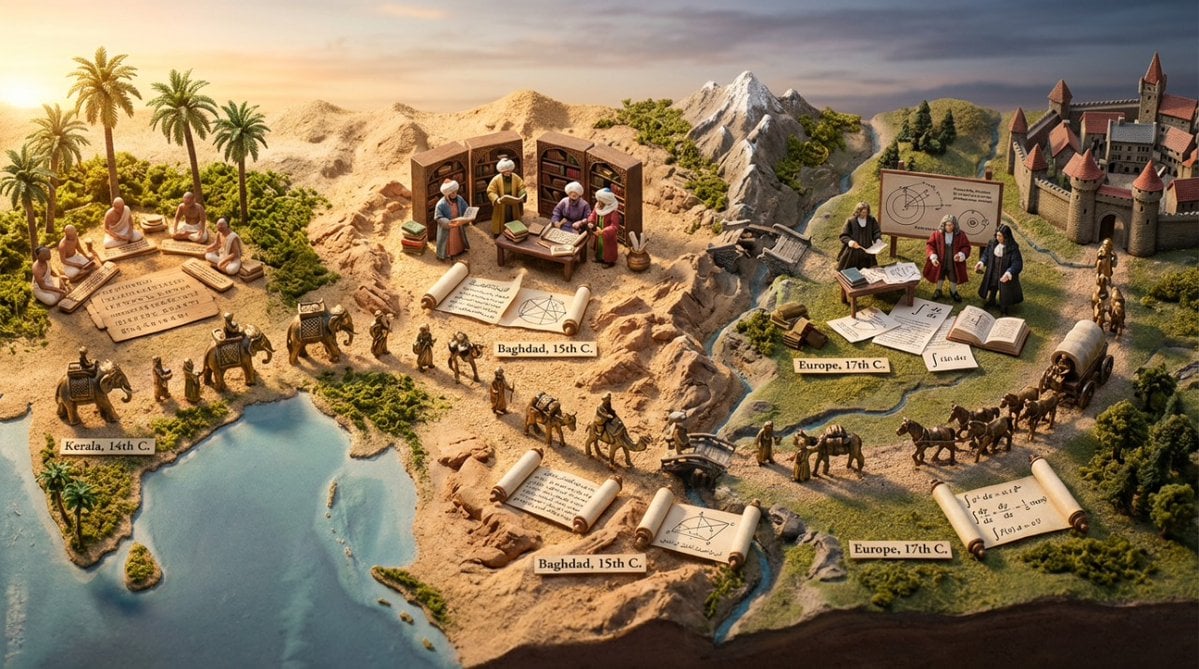
Miniature Diorama Prompt for Visualizing the Historical Journey of Calculus
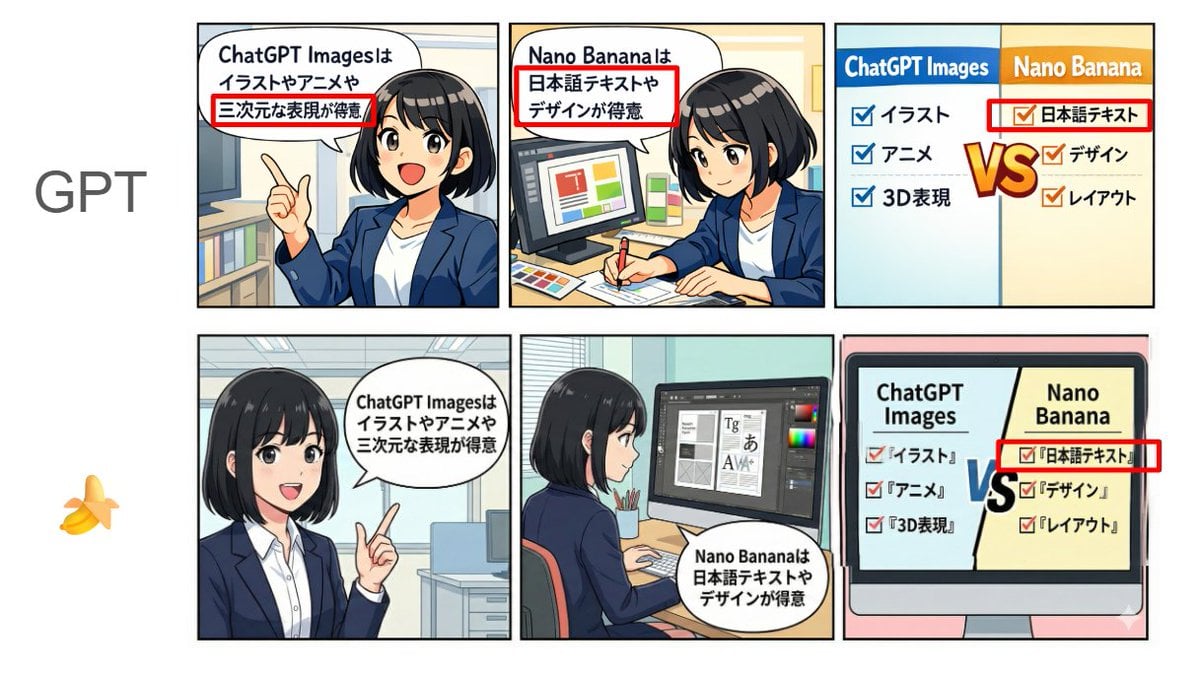
Japanese Text and Layout Comparison Prompt (3-Panel Manga)
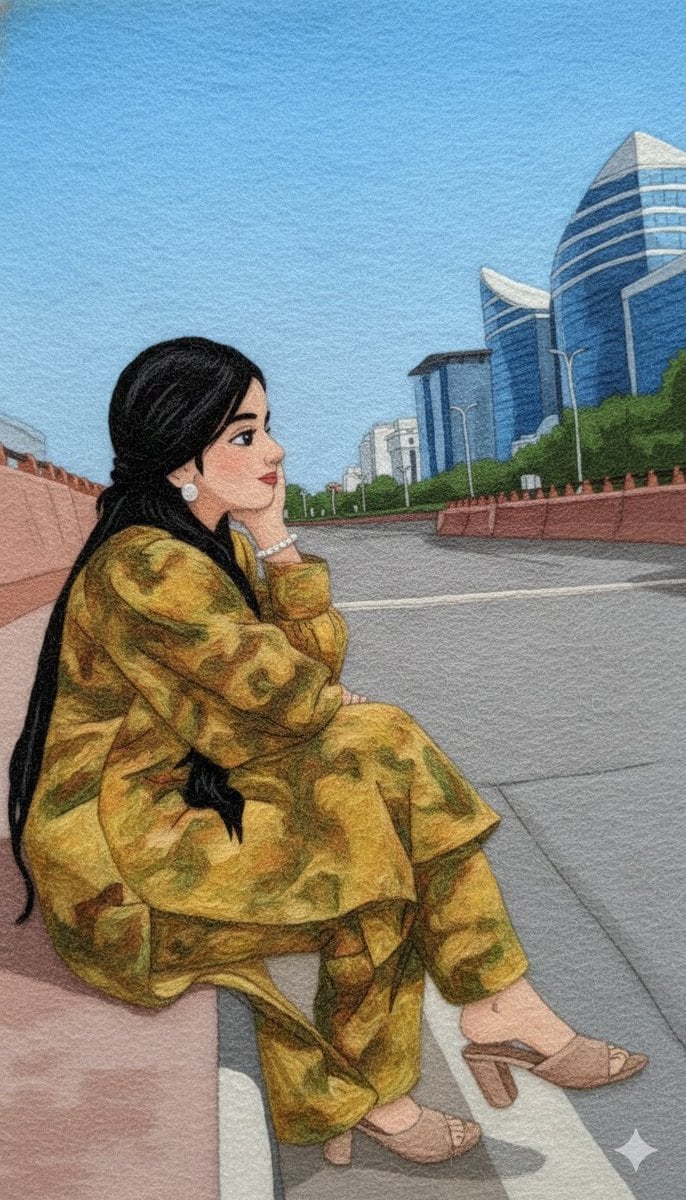
Wool Yarn Wrap Art Style Transfer Prompt
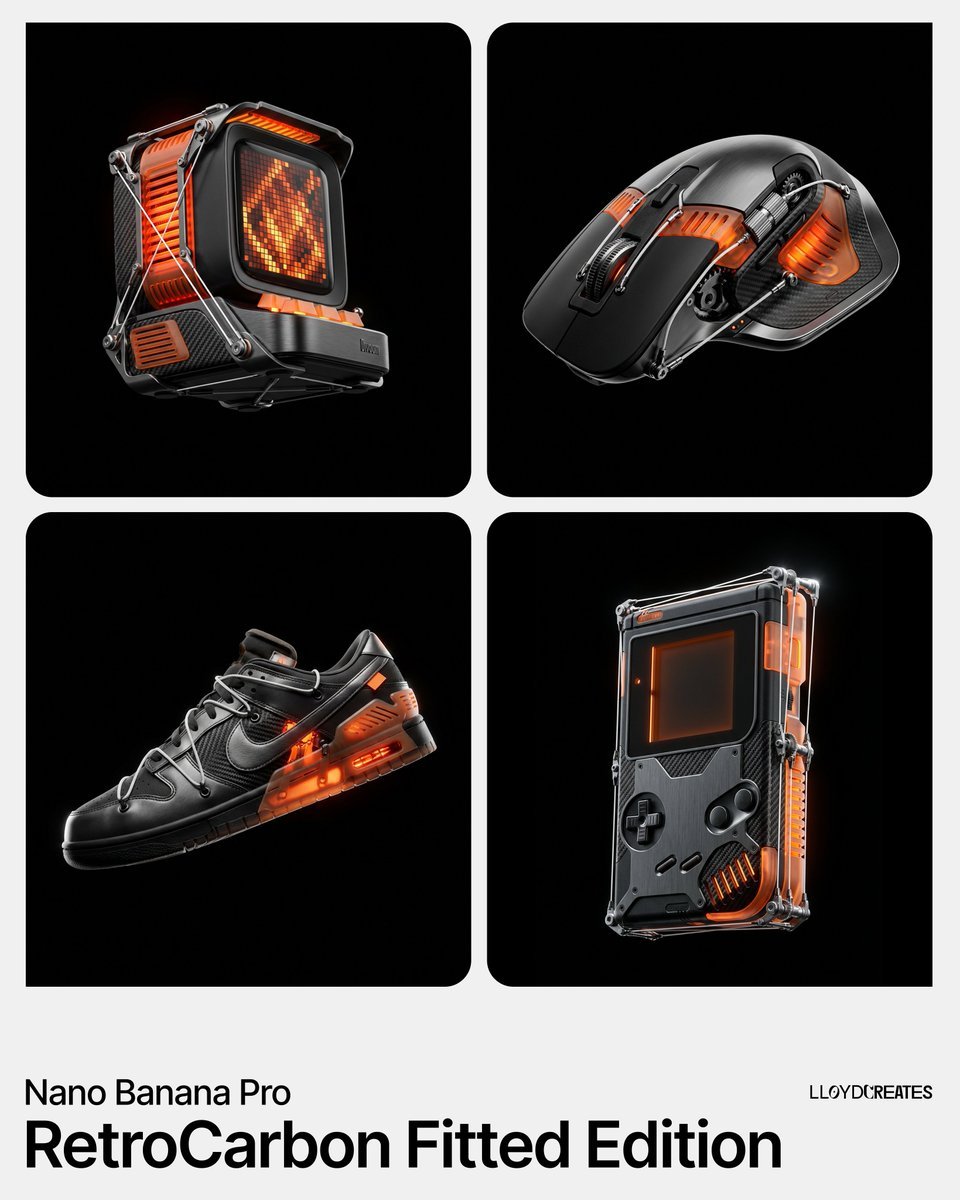
RetroCarbon Levitating Product Void Prompt
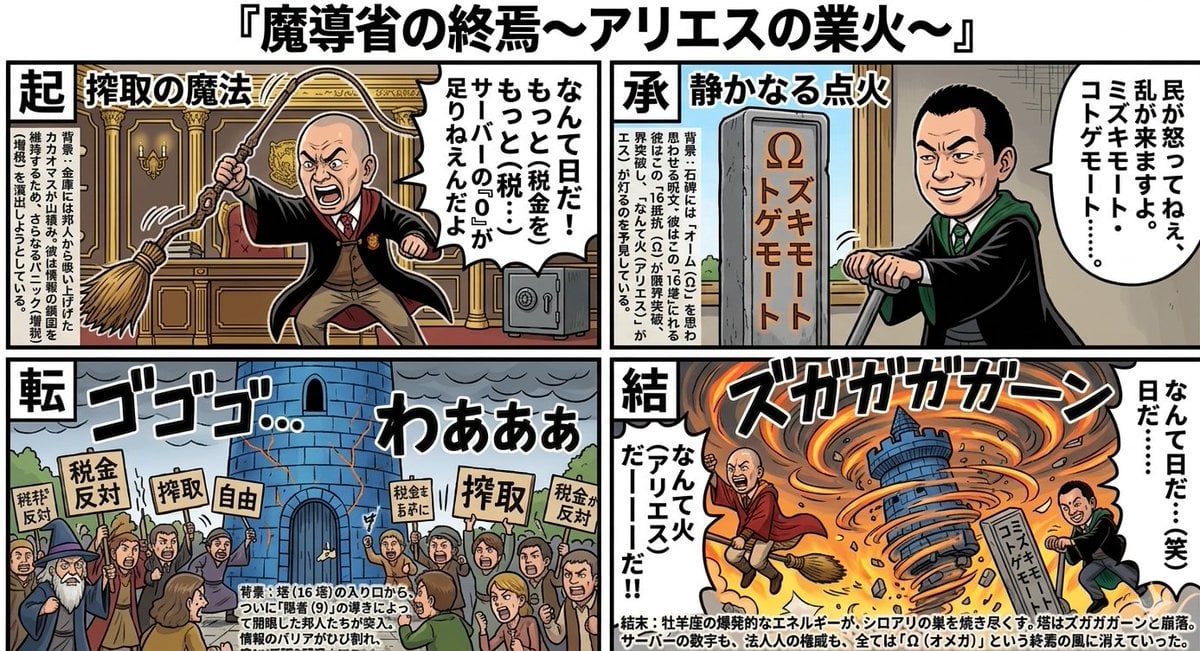
Four-Panel Manga: The End of the Magic Ministry
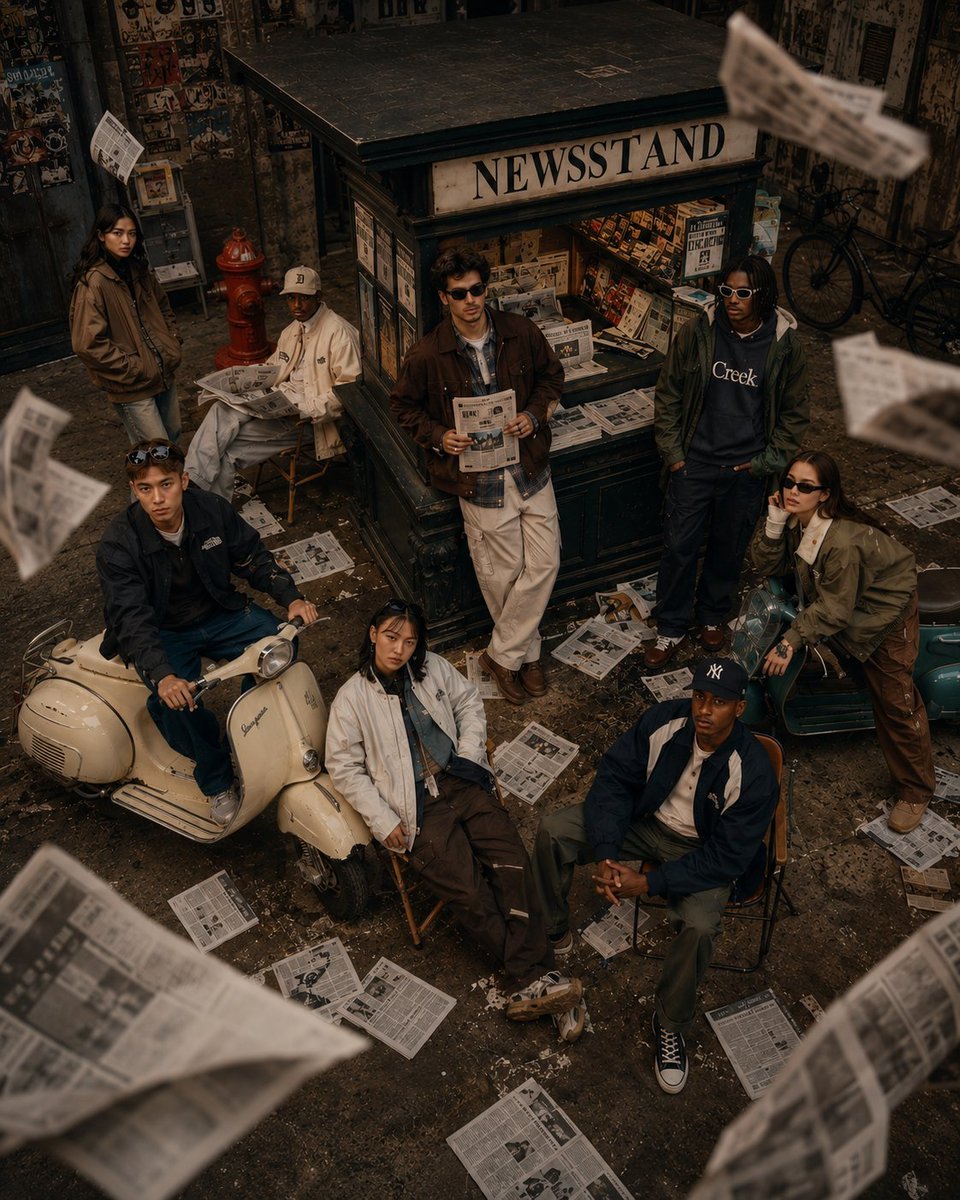
90s Retro Streetwear Fashion Editorial
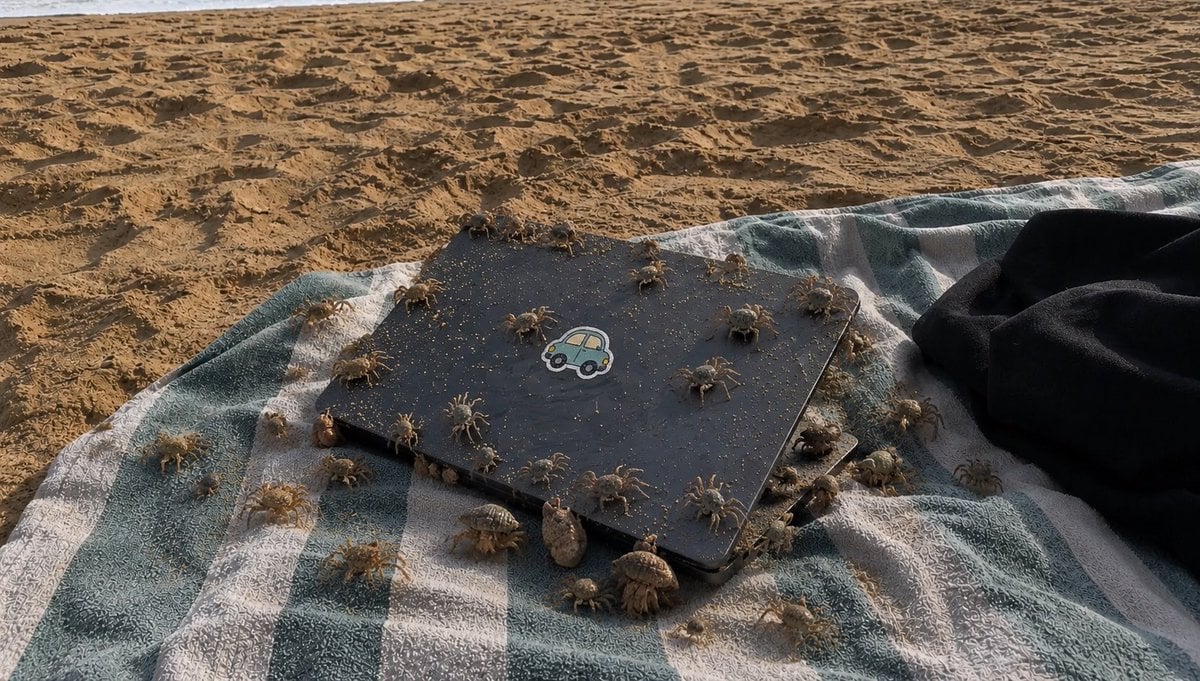
Crowded Crab Beach Laptop Scene
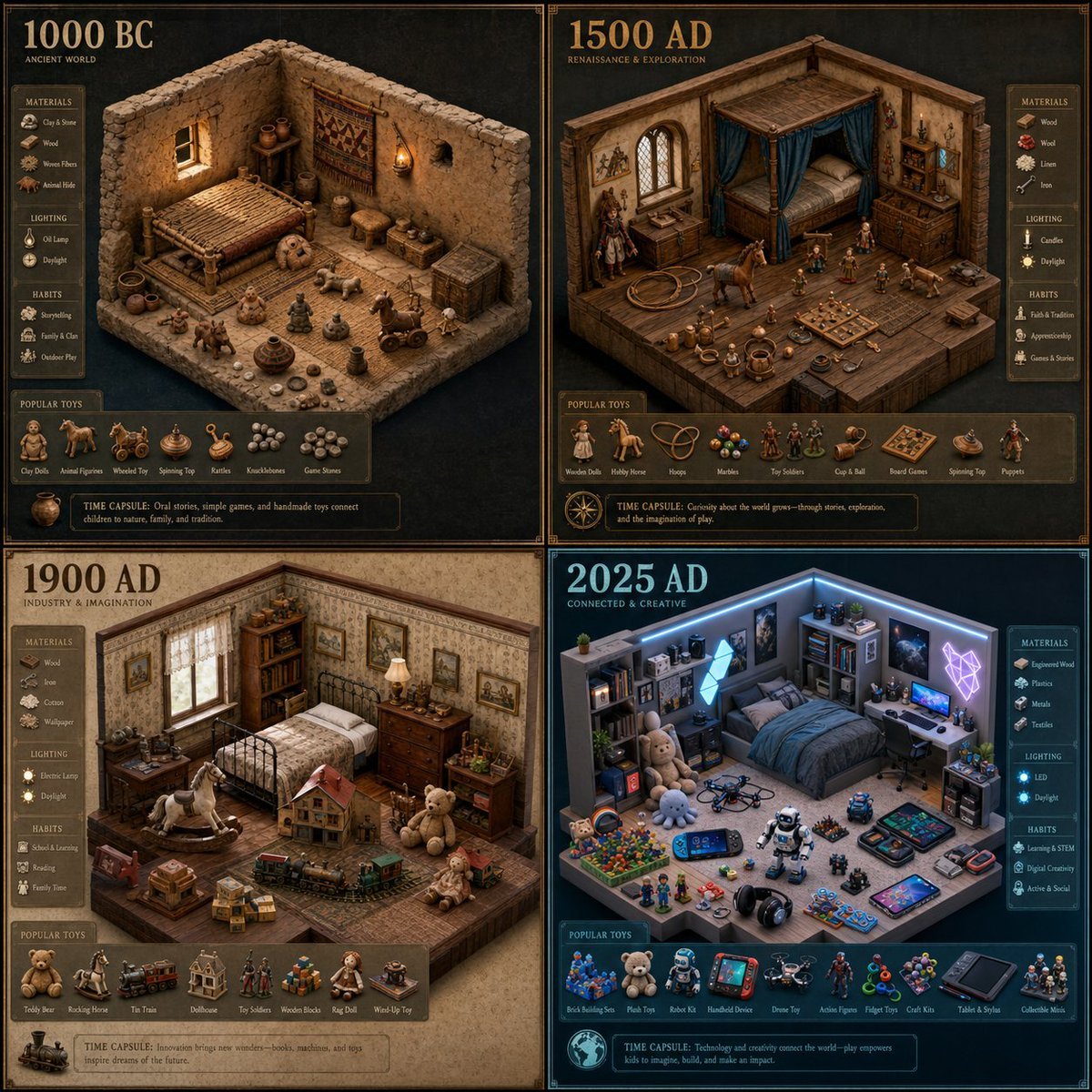
Historical Era Bedroom Interior Map
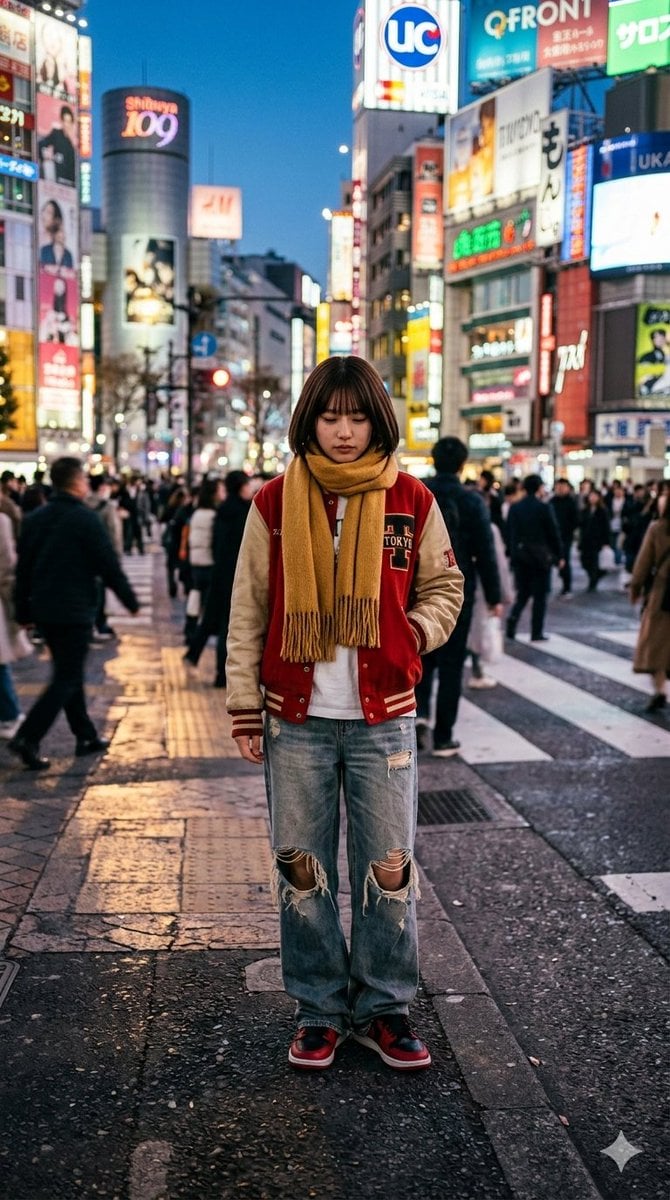
Photorealistic Street Photo Prompt: Vintage Fashion Girl in Shibuya
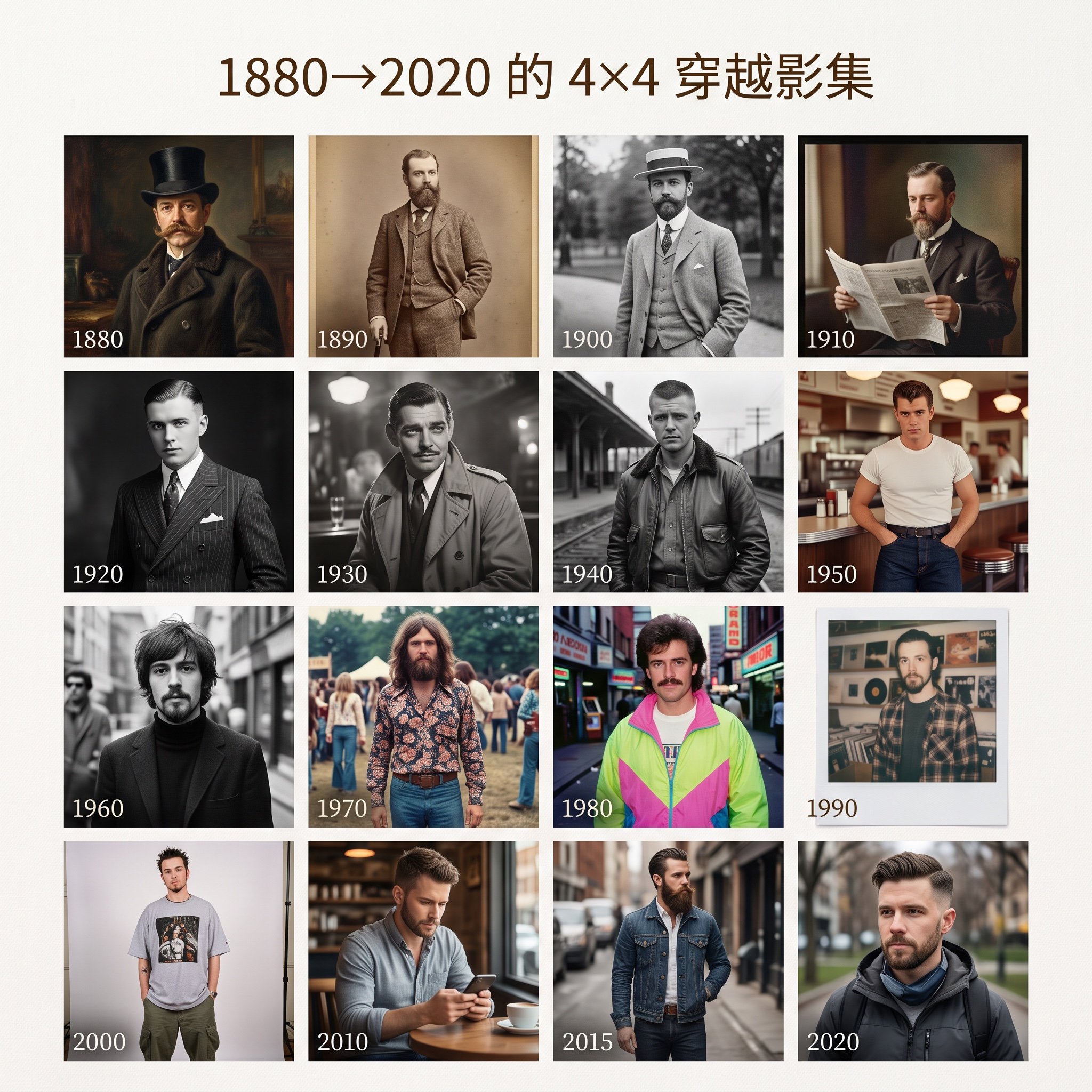
4x4 Time Travel Photo Album
Browse template categories
Satirical Brand Collaboration Poster questions
How do I use the Satirical Brand Collaboration Poster template?
Add your photo if the template asks for one, edit the prompt if you like — the template's model and format are already selected — and press Generate. Your version opens in PicX Studio.
Can I customize the Satirical Brand Collaboration Poster template?
Yes. You can change the subject, setting, lighting, mood, format, and available model controls before creating your image.
Is the Satirical Brand Collaboration Poster template free?
Opening and editing this template is free. Generating uses credits, shown on the Generate button when you are signed in.
Which AI model should I use?
Start with GPT Image 2, which is the model associated with this template. You can compare another compatible model for a different finish.
Looking for something else? Browse all templates.

Your photo, any look
Thousands of ready templates for every top image and video model, from one credit balance.