
Four Cloudflare WebMCP Infographic Posters
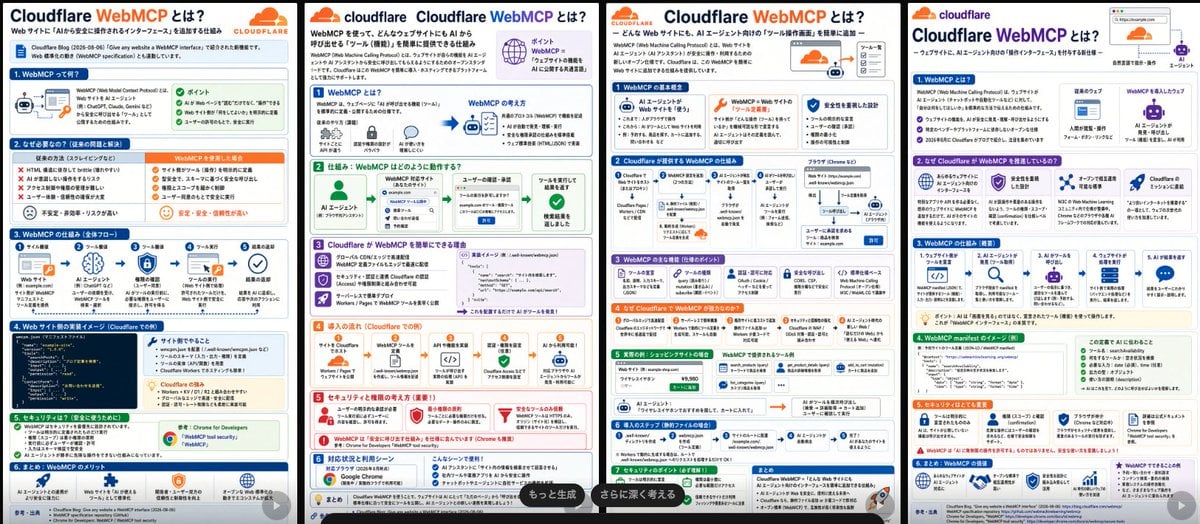
Creates a wide four-panel Japanese technical infographic explaining Cloudflare WebMCP for social media or blog use.
- Prompt included
- Model and format preset
- Free template
The prompt behind this image
Copy the exact prompt behind Four Cloudflare WebMCP Infographic Posters, or open it in the studio and make it yours.
Goal: Create a wide comparison image showing exactly 4 separate Japanese infographic poster pages side by side, each explaining {argument name="topic" default="Cloudflare WebMCP"}. The posters should look like polished AI-generated tech explainer slides for social media, with dense but readable Japanese copy, Cloudflare branding, icons, diagrams, and section cards. Canvas: Extra-wide horizontal canvas, approximately 3:1 aspect ratio, with 4 tall white infographic pages arranged left-to-right. Each page is separated by thin black vertical gaps or borders. Each page has a clean white background, rounded pastel section boxes, colored headers, small icons, arrows, and a bottom-right semi-transparent dark rounded button overlay on some pages. Overall visual style: Modern Japanese SaaS/technical infographic design, Cloudflare orange-and-blue palette, flat vector icons, thin gray borders, rounded cards, tiny code blocks, flow diagrams, checkmarks, warning triangles, shield/security icons, robots, browser windows, AI agent icons, databases, clouds, and network arrows. Use a crisp printed-slide look with very small but believable Japanese text. Include Cloudflare cloud logo marks and the word “cloudflare” near the top of each page. Highlight “WebMCP” in orange. Page layout: Include exactly 4 infographic pages: 1. Left page: Title “Cloudflare WebMCPとは?” with orange “WebMCP”, subtitle about WebMCP as a bridge connecting web sites and AI agents. Include exactly 6 numbered horizontal sections: 1) “WebMCPって何?” with a simple web page to AI-agent diagram and green “ポイント” bullets; 2) “なぜ必要なの?” with red X problem bullets and orange solution bullets; 3) “WebMCPの仕組み” with a 5-step icon flow; 4) “Webサイト側の実装イメージ” with a dark code snippet block on the left and benefit cards on the right; 5) “セキュリティ” with green checklist and Chrome/WebMCP tool card; 6) “まとめ: WebMCPのメリット” with four benefit icons. 2. Second page: Title “Cloudflare WebMCPとは?” with a small orange Cloudflare logo and explanatory paragraph. Include exactly 5 numbered sections: 1) “WebMCPとは?” showing AI agent, web application, and Cloudflare WebMCP connection; 2) “仕組み: WebMCPはどのように動作する?” with a left-to-right flow from AI agent to WebMCP endpoint to user approval to tool execution; 3) “Cloudflare が WebMCP を簡単にできる理由” with purple feature cards and a code snippet; 4) “導入の流れ” with orange step cards for Workers/Pages, API definition, endpoint, MCP setup, and AI use; 5) “セキュリティと権限の考え方” with red warning/security cards. Add a dark pill overlay at lower right reading “もっと生成”. 3. Third page: Title “Cloudflare WebMCPとは?” with subtitle about publishing tools on web sites for AI agents. Include exactly 7 numbered sections with compact cards: 1) “WebMCPの主な概念” with three cards for AI agent, WebMCP, and security/permission; 2) “Cloudflareが提供するWebMCPの仕組み” with a detailed architecture diagram using browser, Cloudflare, worker, API, and data-store icons; 3) “WebMCPの活用例” with multiple small use-case cards; 4) “なぜCloudflareでWebMCPが使いやすい?” in an orange band with benefit icons; 5) “実装例: シンプルなサイト連携” with a small form/table and tool cards; 6) “導入ステップ” with a 5-step horizontal flow; 7) “セキュリティのポイント” with green checklist cards. Add a dark pill overlay near the bottom reading “さらに深く考える”. 4. Right page: Title “Cloudflare WebMCPとは?” with an orange Cloudflare logo and a small browser/address-bar illustration at top right plus an AI agent icon. Include exactly 6 numbered sections: 1) “WebMCPとは?” with definition bullets and a diagram from web app to AI agent; 2) “なぜCloudflareがWebMCPを推進している?” with exactly 4 cards describing AI-friendly web, security, open standards, and Cloudflare ecosystem; 3) “WebMCPの仕組み” with exactly 5 icon steps from site/API to MCP endpoint to AI request to tool execution to result; 4) “WebMCP manifest のイメージ” with a dark code block and a green checklist card; 5) “セキュリティとして重要” with warning and permission cards; 6) “まとめ: WebMCPの価値” with four blue/purple benefit cards. Text content: The main headline on every page must include {argument name="headline text" default="Cloudflare WebMCPとは?"}. Keep all visible body text in Japanese. Use credible Japanese labels such as “AIエージェント”, “Webサイト”, “MCPサーバー”, “ツール定義”, “認可”, “権限管理”, “Workers”, “Pages”, “API”, “manifest”, “セキュリティ”, and “導入ステップ”. Use tiny text where necessary but keep major section titles legible. Branding and colors: Use {argument name="brand name" default="Cloudflare"} branding, orange cloud logos, blue section headers, green success boxes, orange highlight boxes, purple feature boxes, red security/warning boxes, and gray explanatory cards. Maintain a professional Japanese tech-blog infographic aesthetic. Constraints: Show exactly 4 pages, exactly 6 sections on page 1, 5 sections on page 2, 7 sections on page 3, and 6 sections on page 4. Do not include people or photorealistic scenes. Do not add watermarks. Make the image information-dense, like a generated social-media comparison of four alternate infographic designs.
How to use Four Cloudflare WebMCP Infographic Posters in 3 steps
- 1Upload ImagePNG, JPG or paste
Add your photo
Upload the photo the template builds on. The prompt, model and format are already set.
- 2…a portrait of your subject in softgolden-hour light, 85mm…
Personalize
Edit the subject and creative details for your destination.
- 3Generate
Generate
Press Generate — your image is created in PicX Studio, so you can compare it with the original and refine one variable at a time.
More like this
Templates with the same subject, style or setup. Open one to see its prompt.

Japan Travel Brochure Poster

Isometric Process Educational Diorama

Isometric Vehicle Teardown Infographic Template
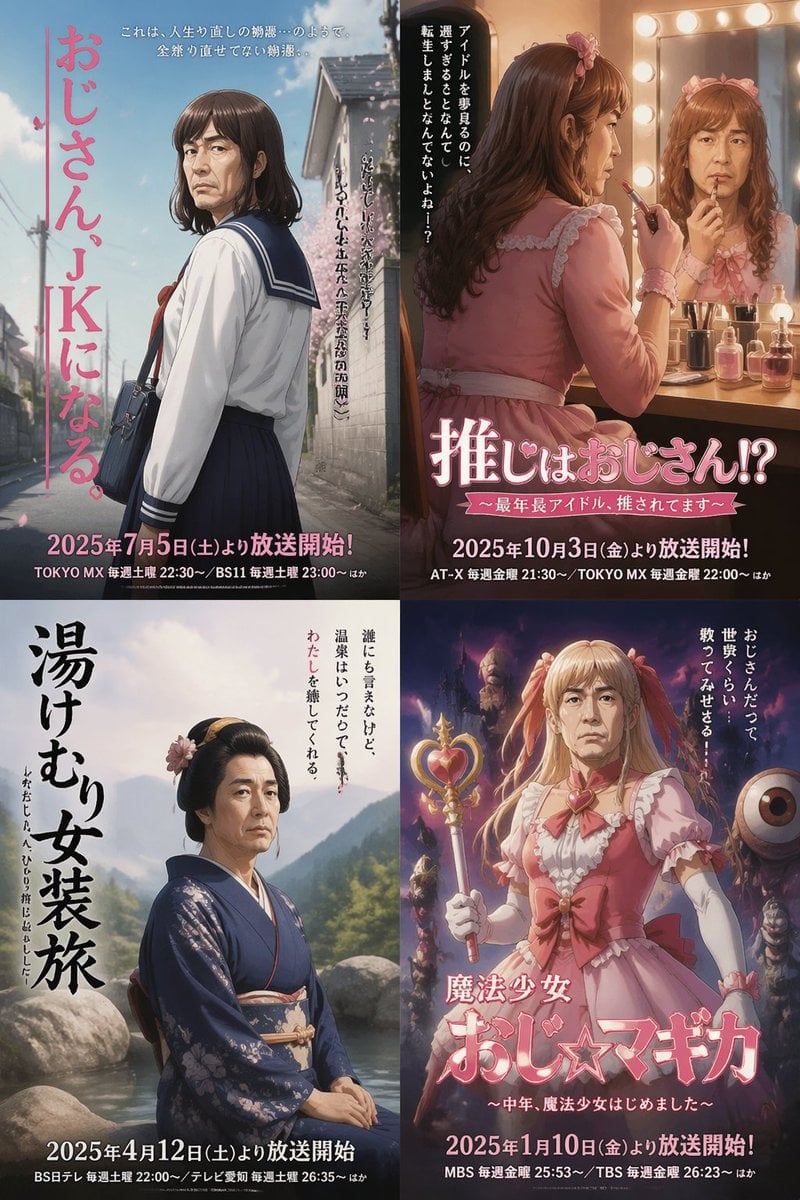
Four Japanese Ojisan Parody Posters

Dancer Character - Four View Reference Sheet

Gpt2 E Commerce Main Image Earbuds E Commerce Infographic

Gpt2 Infographic Edu Visual Alishan One Day Travel Poster

Gpt2 Infographic Edu Visual Ethnographic Plate for Tibetan Ceremonial Hat

Gpt2 Infographic Edu Visual Earth Signs Zodiac Character Poster

Gpt2 Infographic Edu Visual Water Signs Zodiac Character Poster

Gpt2 Infographic Edu Visual Ink Wash Tribute Poster for Chen Uen

Gpt2 Infographic Edu Visual Vintage Claude Shannon Infographic Poster
Make it yours
Four Cloudflare WebMCP Infographic Posters works as-is. These are the safest ways to change it without losing the look.
Change one field
Copy a single group, rewrite it, and generate again so you can see what that field is doing.
Keep the frame, change the subject
Hold the composition and light of Four Cloudflare WebMCP Infographic Posters, then swap wardrobe, props or the person for a new take.
| If the result… | Why | Fix |
|---|---|---|
| The result drifts from the preview | Too many fields changed at once. | Reuse Four Cloudflare WebMCP Infographic Posters as-is first, then change one group — subject, light, or setting. |
| The model over-stylizes the scene | The prose prompt leaves finish and camera underspecified. | Add one camera or lighting sentence and stay on GPT Image 2. |
More GPT Image 2 templates
Other prompts made for GPT Image 2.

Six VTuber Japanese Logo Sheet

Realistic Portrait of Woman and Deer

The Vista Modular Condo Poster

AI Model Routing Comparison Infographic

2.5D Anime Art Board

Isometric Productivity Desk Scene

New York Double Exposure Poster

Four-Panel AI Landscape Comparison

Japanese Tatami Lifestyle Magazine Cover

NESCAFÉ Coffee Map Poster
More image prompts
Fresh picks from across the catalog.
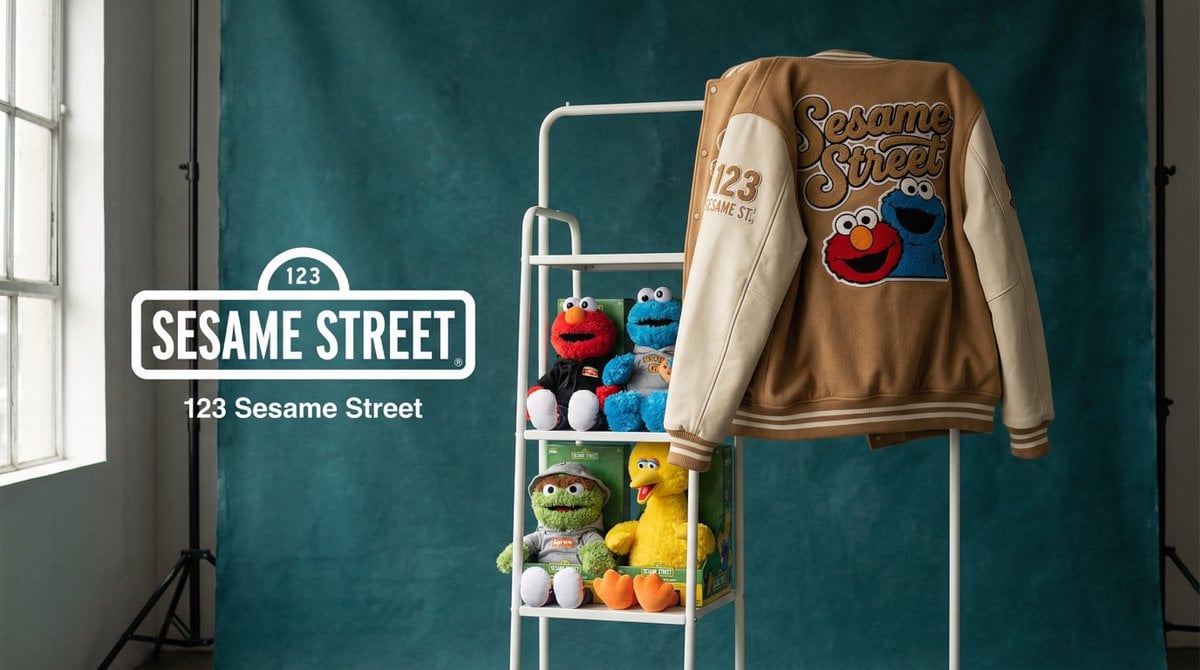
Brand Merch Drop Generator

Urban Streetwear Editorial Poster

Serene Lakeside Pier Portrait Prompt

Heartwarming Woman and Cat Portrait

Candid Convenience Store Portrait

Instagram-Style Casual Portrait Prompt with Identity Lock

Image-to-Image Restoration of Vintage Photos

Nigerian Street Eats Collage

Hyper-realistic Photography and Vector Illustration Blend Prompt

Pixar-Style Miniature Interaction Studio Portrait
Browse template categories
Four Cloudflare WebMCP Infographic Posters questions
How do I use the Four Cloudflare WebMCP Infographic Posters template?
Add your photo if the template asks for one, edit the prompt if you like — the template's model and format are already selected — and press Generate. Your version opens in PicX Studio.
Can I customize the Four Cloudflare WebMCP Infographic Posters template?
Yes. You can change the subject, setting, lighting, mood, format, and available model controls before creating your image.
Is the Four Cloudflare WebMCP Infographic Posters template free?
Opening and editing this template is free. Generating uses credits, shown on the Generate button when you are signed in.
Which AI model should I use?
Start with GPT Image 2, which is the model associated with this template. You can compare another compatible model for a different finish.
Looking for something else? Browse all templates.

Your photo, any look
Thousands of ready templates for every top image and video model, from one credit balance.