
Autumn Night Sky Anime Fantasy
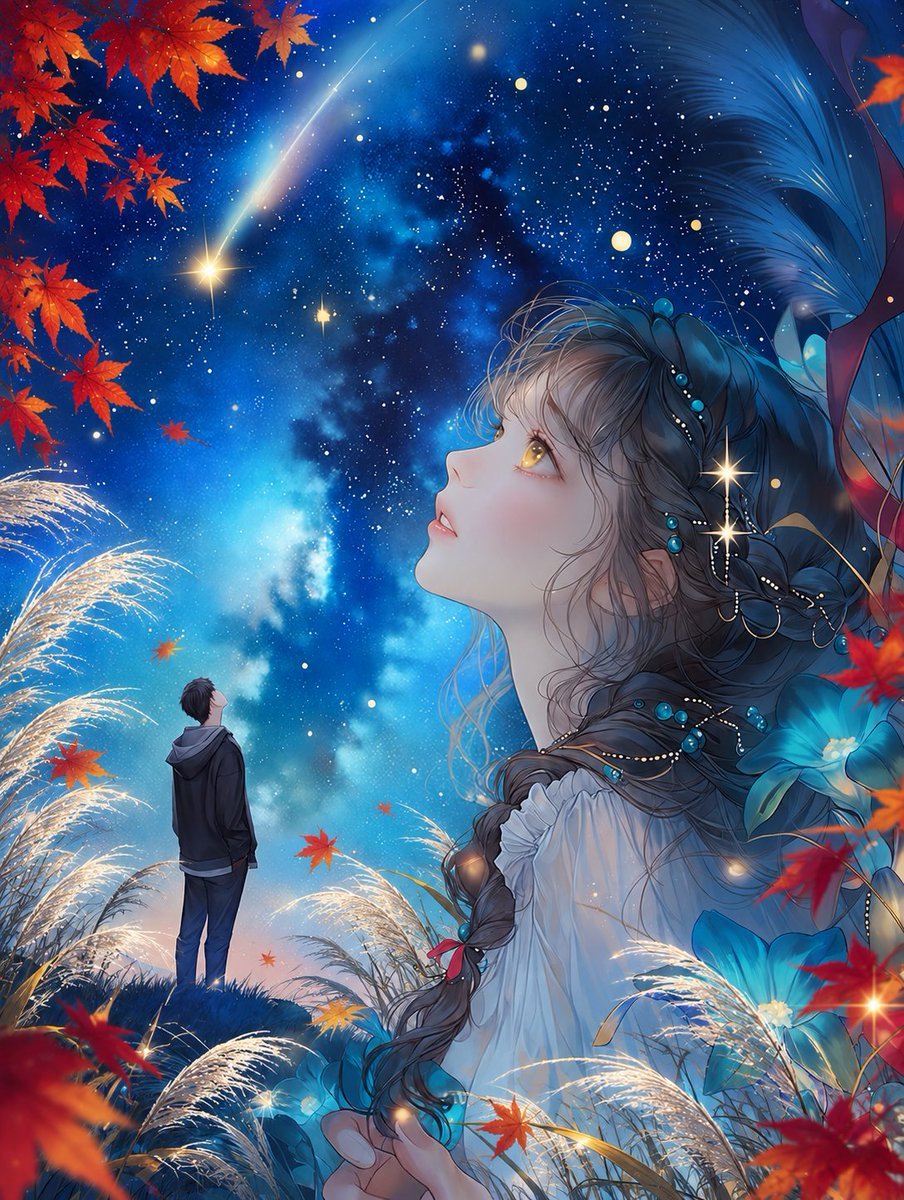
A dreamy vertical anime fantasy scene combining a star-filled autumn night, a wistful woman’s portrait, and a lone boy beneath falling maple leaves.
- Prompt included
- Model and format preset
- Free template
The prompt behind this image
Copy the exact prompt behind Autumn Night Sky Anime Fantasy, or open it in the studio and make it yours.
Create a vertical 3:4 anime fantasy illustration for {argument name="seasonal theme" default="the beginning of autumn under the night sky"}. Show a vast deep-blue starry sky with a glowing Milky Way, dense tiny stars, several warm golden starbursts, and one diagonal shooting star. In the foreground and right half, place a large ethereal side-profile portrait of {argument name="female character" default="a young woman with golden eyes"} gazing upward with a wistful expression, pale skin, soft blush, parted lips, and intricate wavy ash-brown hair braided over her shoulder. Decorate her hair with turquoise beads, pearl chains, delicate gold loops, and small luminous accents; dress her in a flowing white off-shoulder fantasy blouse. Add large translucent blue flower petals and ribbon-like fabric behind her on the right, blending into the night. In the lower left middle distance, include exactly 1 small male figure, {argument name="male character" default="a boy in a dark hoodie and jeans"}, standing on a grassy hill with his back turned, looking up at the sky. Surround the scene with autumn elements: exactly 3 main clusters of red-orange maple leaves visible at the upper left, right edge, and lower foreground, plus scattered individual falling maple leaves across the sky; add glowing silver pampas grass plumes on the left and bottom edges. Use luminous painterly anime rendering, high detail, dreamy romantic mood, cinematic composition, rich cobalt and turquoise blues contrasted with fiery red maple leaves, soft rim lighting, sparkling particles, crisp character detail, and no text or watermark.
How to use Autumn Night Sky Anime Fantasy in 3 steps
- 1Upload ImagePNG, JPG or paste
Add your photo
Upload the photo the template builds on. The prompt, model and format are already set.
- 2…a portrait of your subject in softgolden-hour light, 85mm…
Personalize
Edit the subject and creative details for your destination.
- 3Generate
Generate
Press Generate — your image is created in PicX Studio, so you can compare it with the original and refine one variable at a time.
More like this
Templates with the same subject, style or setup. Open one to see its prompt.

Cel 2D Library Night

Anime Nighttime Projection

Pixar Anime Sky Race
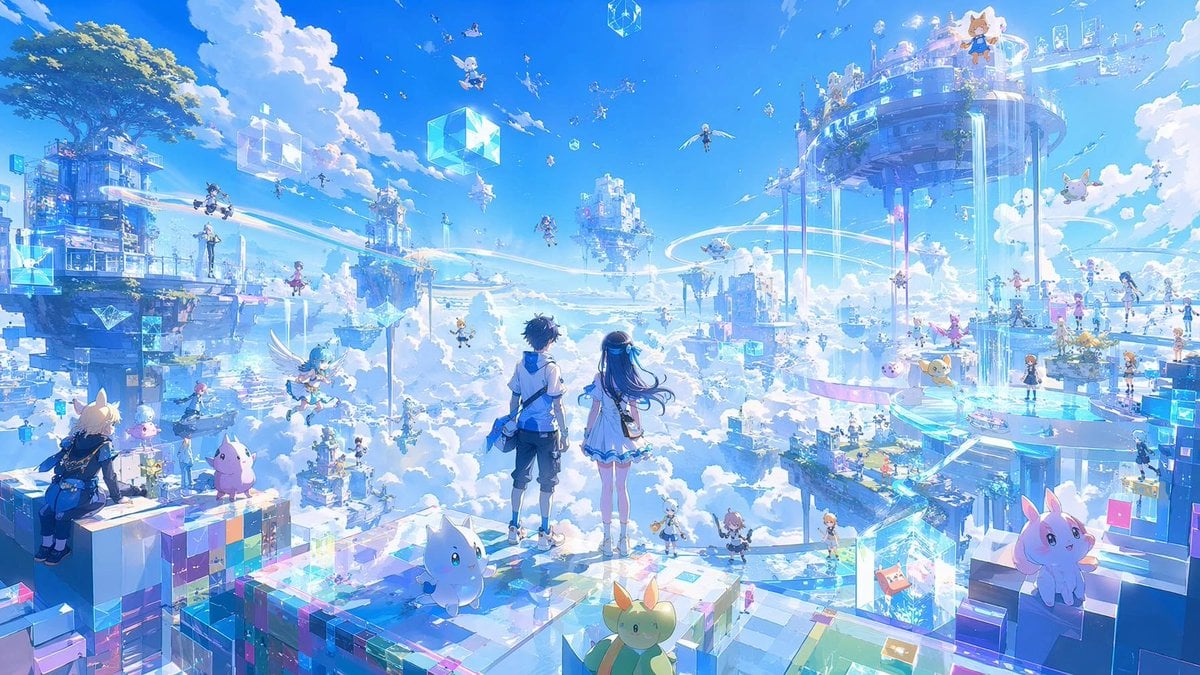
Anime Sky City Fantasy
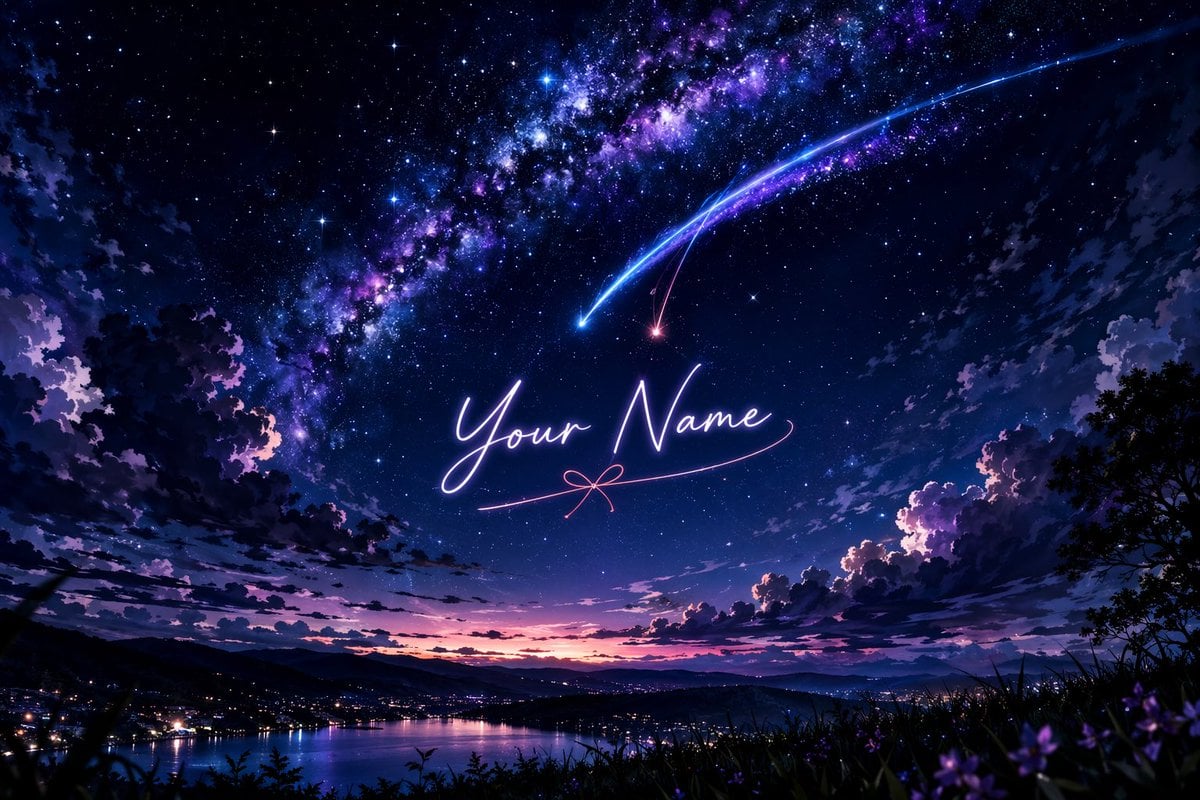
Anime Starry Night Sky with Custom Neon Text
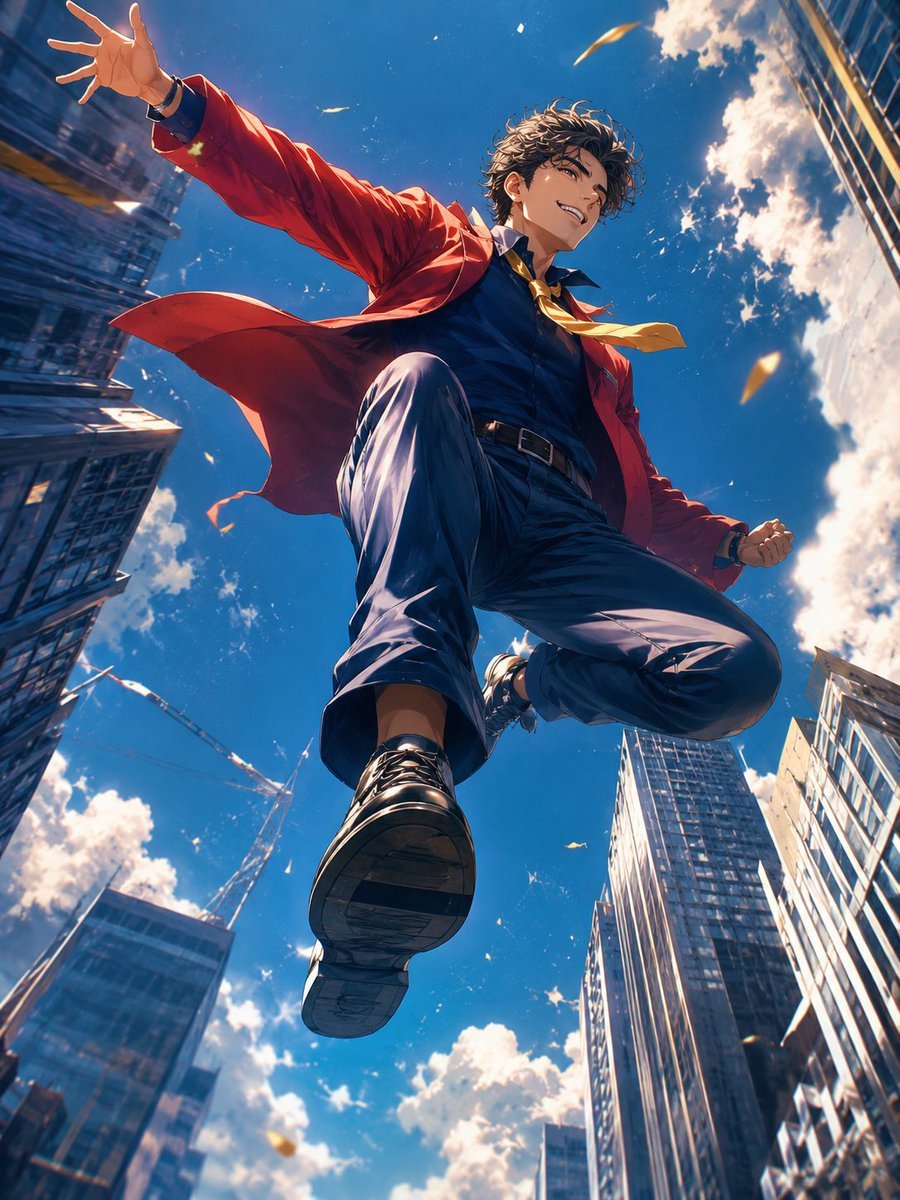
Anime Hero Leaping Through City Sky
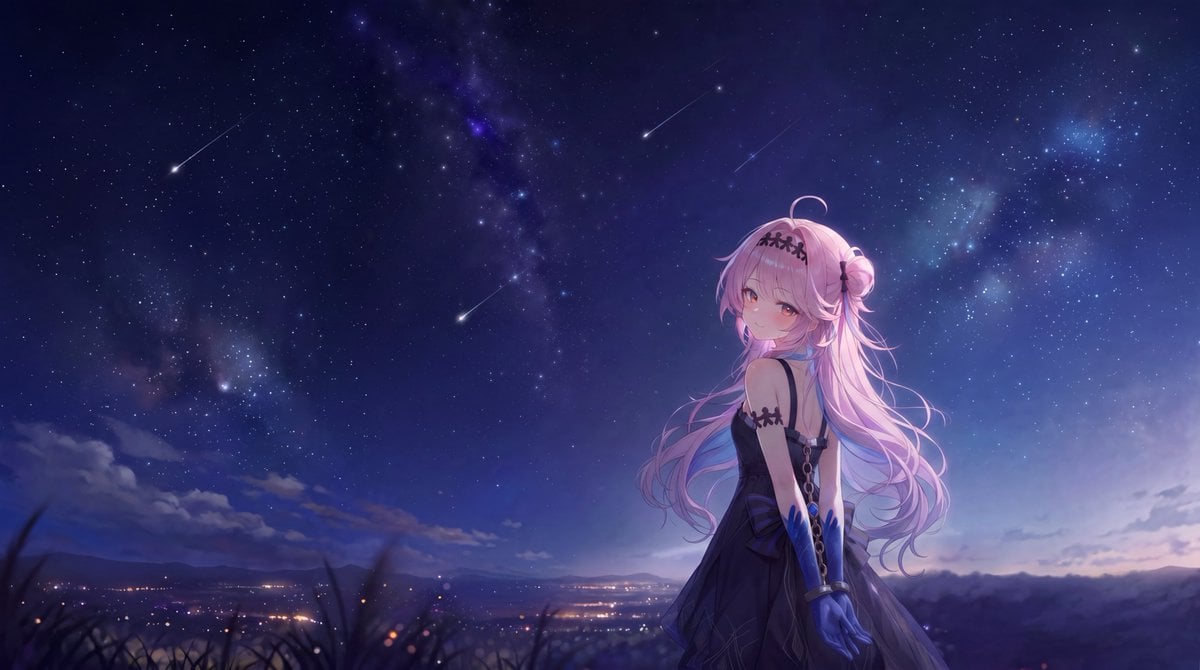
Anime Girl Under Meteor Starry Sky
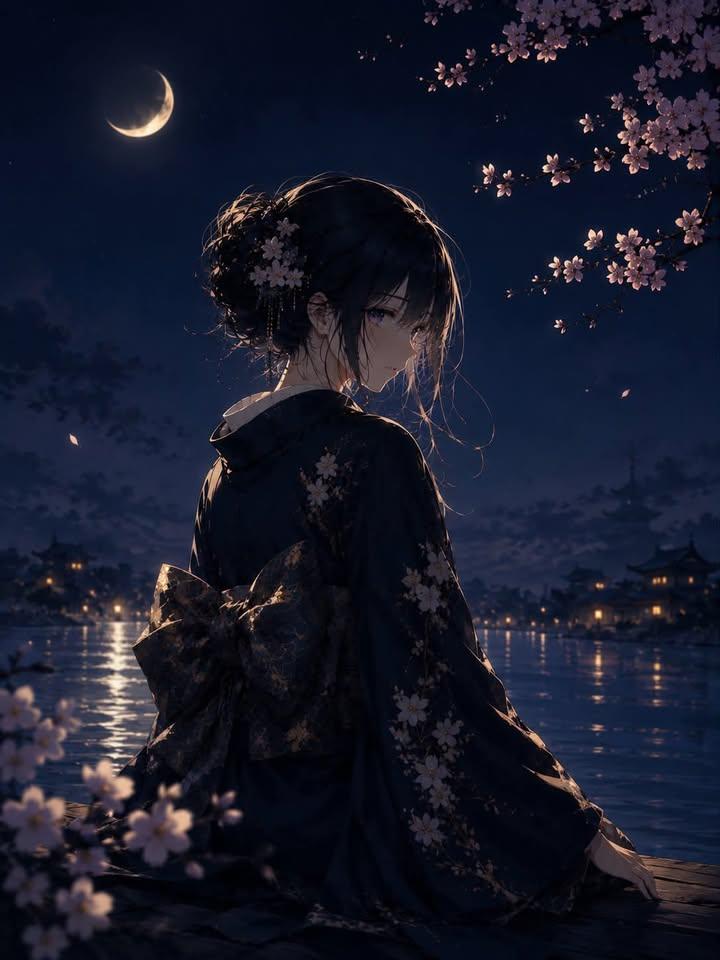
Luxury Japanese Fantasy Anime Kimono

Cel 2D Finale Fireworks

Cel 2D Garden Maze

Cel 2D Rooftop Concert

Cel 2D Bicycle Coast
Make it yours
Autumn Night Sky Anime Fantasy works as-is. These are the safest ways to change it without losing the look.
Change one field
Copy a single group, rewrite it, and generate again so you can see what that field is doing.
Keep the frame, change the subject
Hold the composition and light of Autumn Night Sky Anime Fantasy, then swap wardrobe, props or the person for a new take.
| If the result… | Why | Fix |
|---|---|---|
| The result drifts from the preview | Too many fields changed at once. | Reuse Autumn Night Sky Anime Fantasy as-is first, then change one group — subject, light, or setting. |
| The model over-stylizes the scene | The prose prompt leaves finish and camera underspecified. | Add one camera or lighting sentence and stay on GPT Image 2. |
More GPT Image 2 templates
Other prompts made for GPT Image 2.

Six VTuber Japanese Logo Sheet

Realistic Portrait of Woman and Deer

The Vista Modular Condo Poster

AI Model Routing Comparison Infographic

2.5D Anime Art Board

Isometric Productivity Desk Scene

New York Double Exposure Poster

Four-Panel AI Landscape Comparison

Japanese Tatami Lifestyle Magazine Cover

NESCAFÉ Coffee Map Poster
More image prompts
Fresh picks from across the catalog.
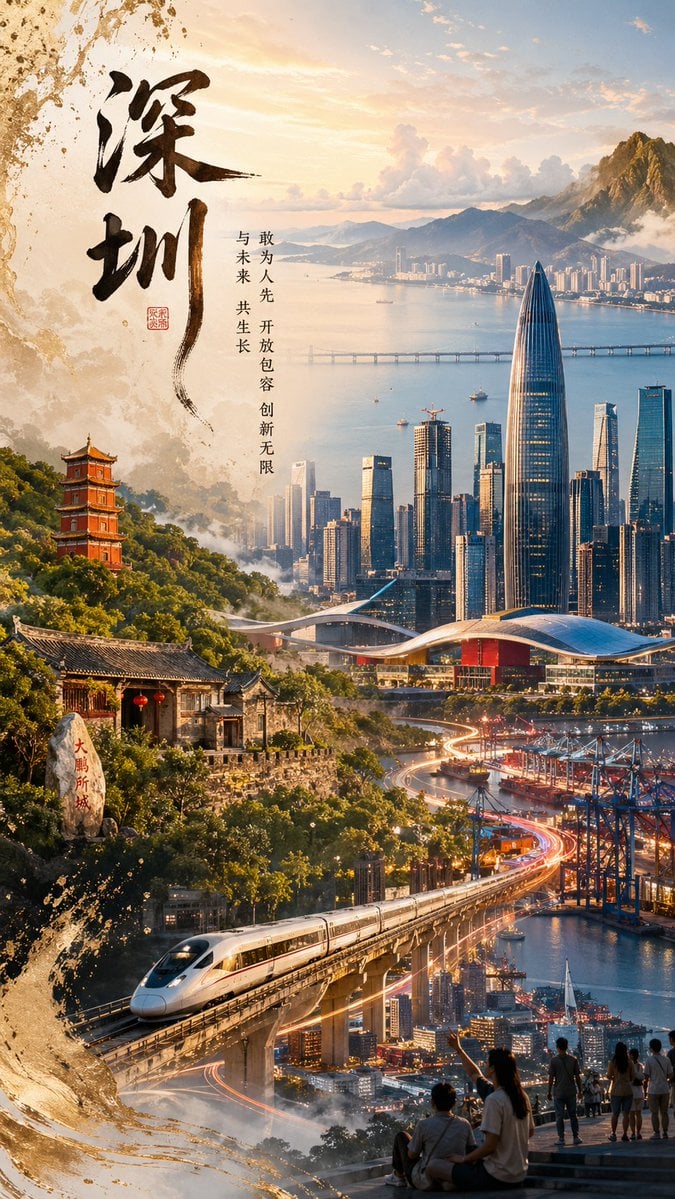
Shenzhen Heritage Futuristic Poster
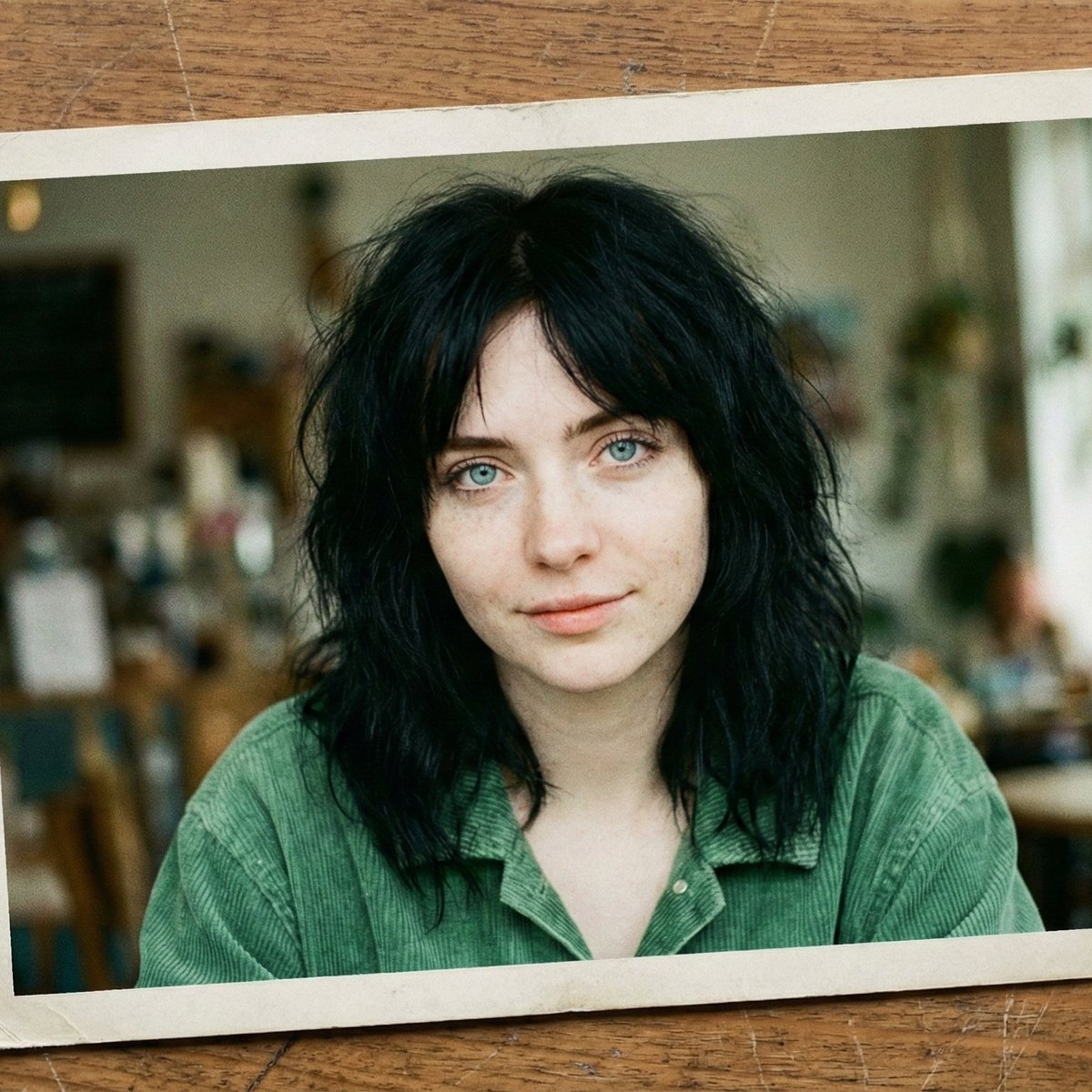
Nostalgic Film Print Portrait on Wooden Table
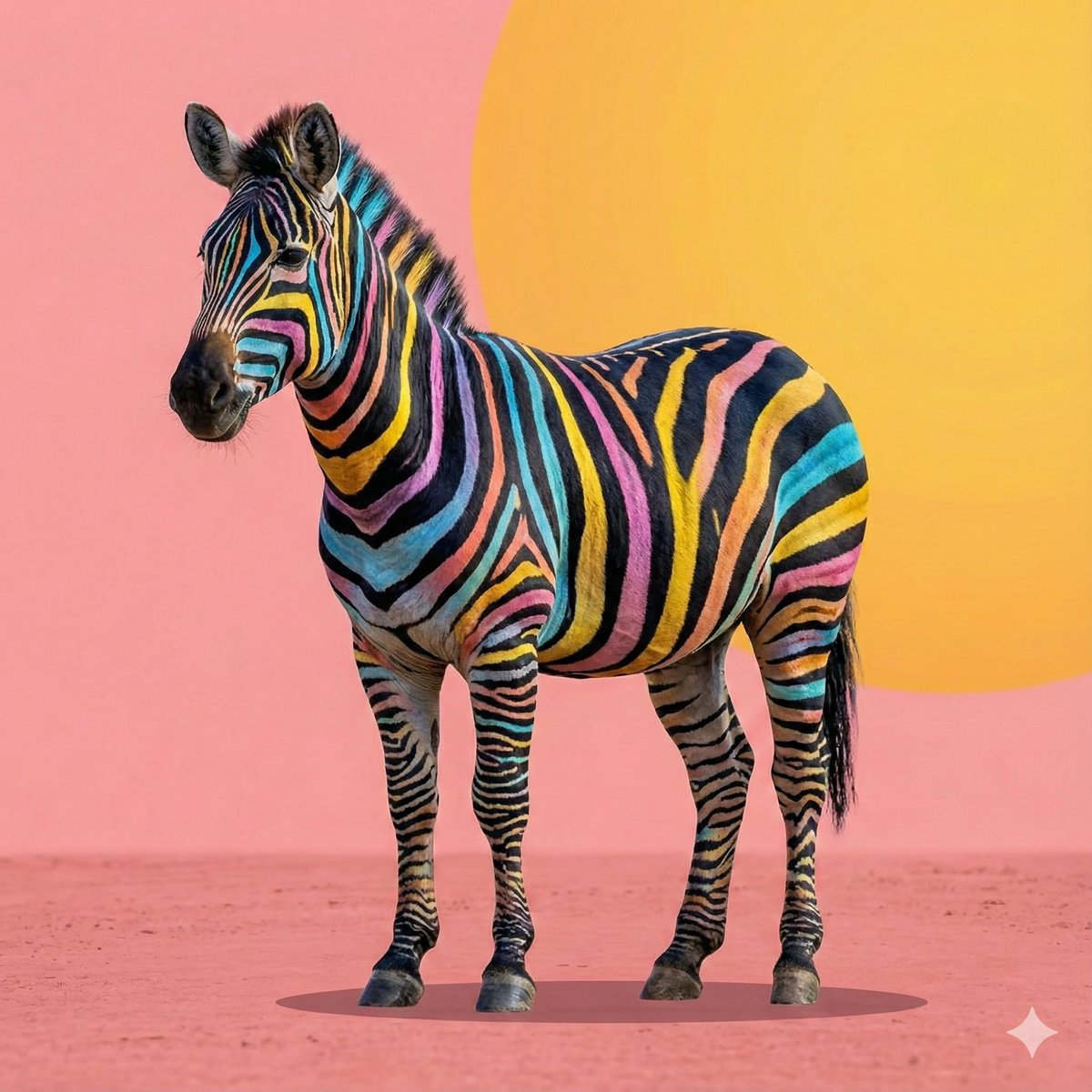
Cartoon to 4K Photo Transformation Prompt
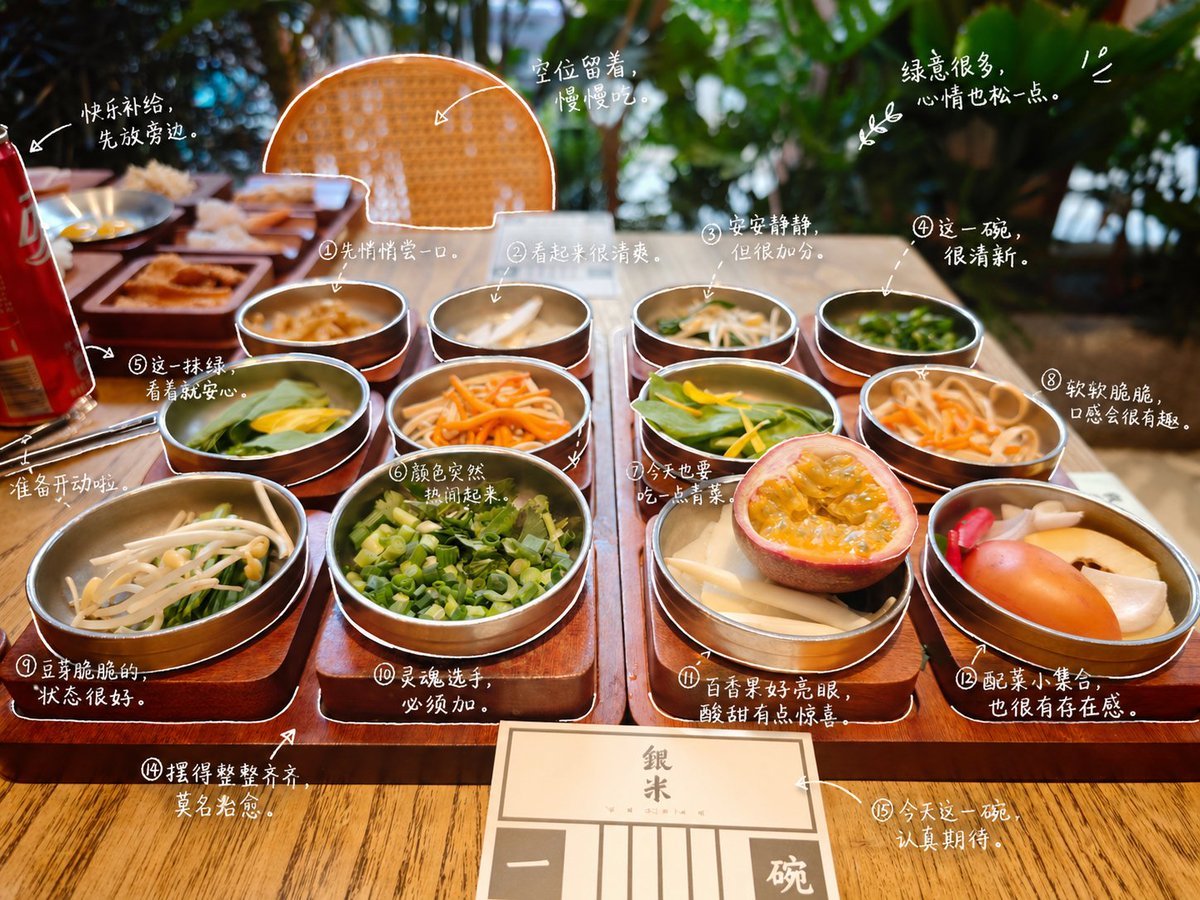
Hand-Drawn Style Photo Annotation
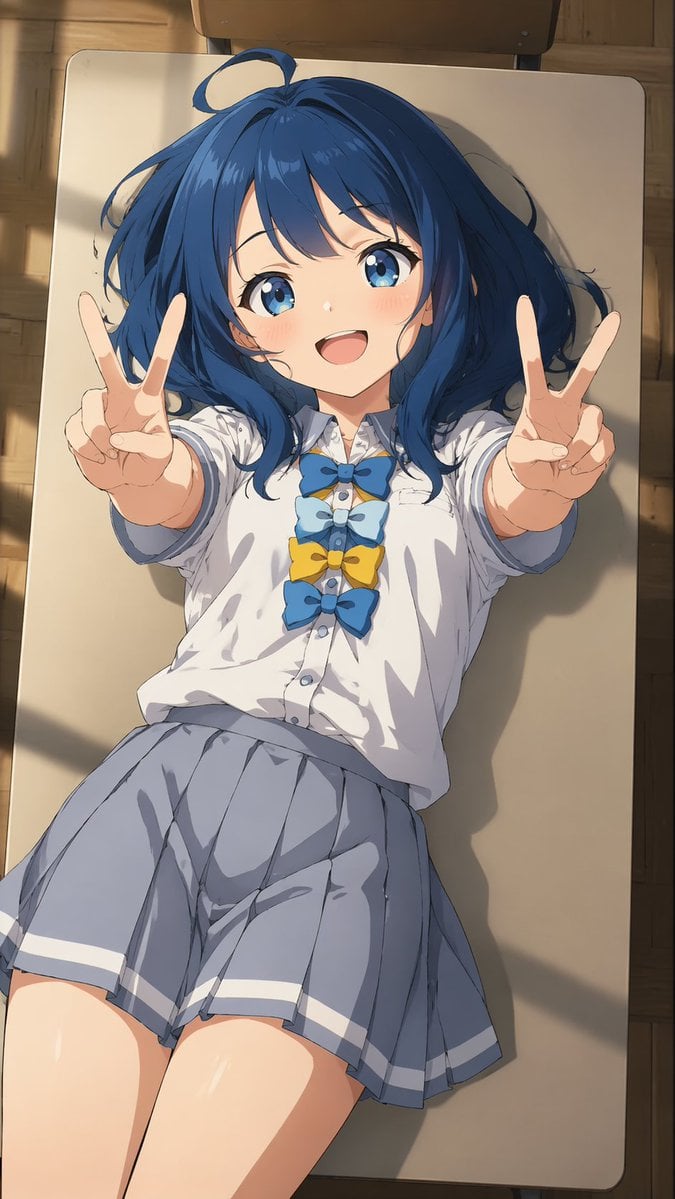
Overhead Anime Girl Peace Sign Portrait

Youtube Thumbnail Template
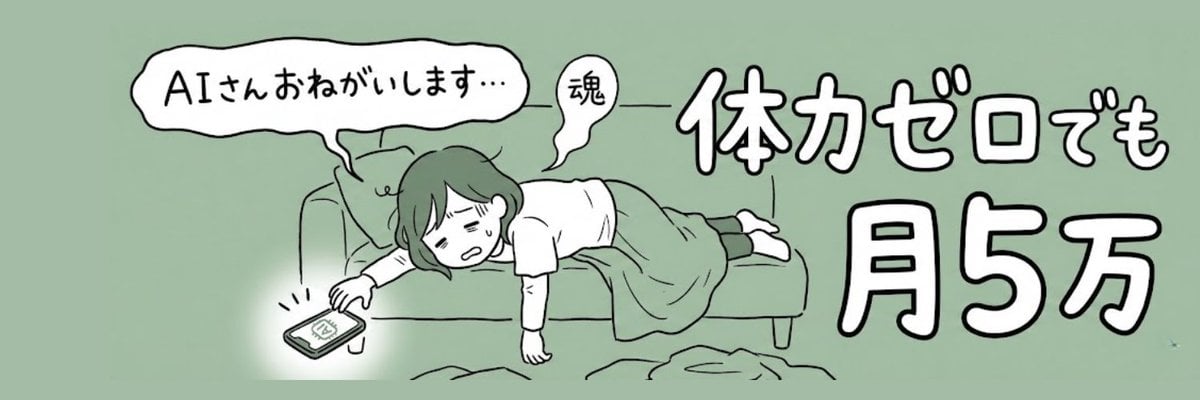
X Profile Header Generation for Mom Blogger
Ultra-Realistic Fashion Typography Poster
Forced Perspective Miniature Woman on Speaker
Vintage Peacock Botanical Illustration
Browse template categories
Autumn Night Sky Anime Fantasy questions
How do I use the Autumn Night Sky Anime Fantasy template?
Add your photo if the template asks for one, edit the prompt if you like — the template's model and format are already selected — and press Generate. Your version opens in PicX Studio.
Can I customize the Autumn Night Sky Anime Fantasy template?
Yes. You can change the subject, setting, lighting, mood, format, and available model controls before creating your image.
Is the Autumn Night Sky Anime Fantasy template free?
Opening and editing this template is free. Generating uses credits, shown on the Generate button when you are signed in.
Which AI model should I use?
Start with GPT Image 2, which is the model associated with this template. You can compare another compatible model for a different finish.
Looking for something else? Browse all templates.

Your photo, any look
Thousands of ready templates for every top image and video model, from one credit balance.