
Ethereal Window Cat Photography
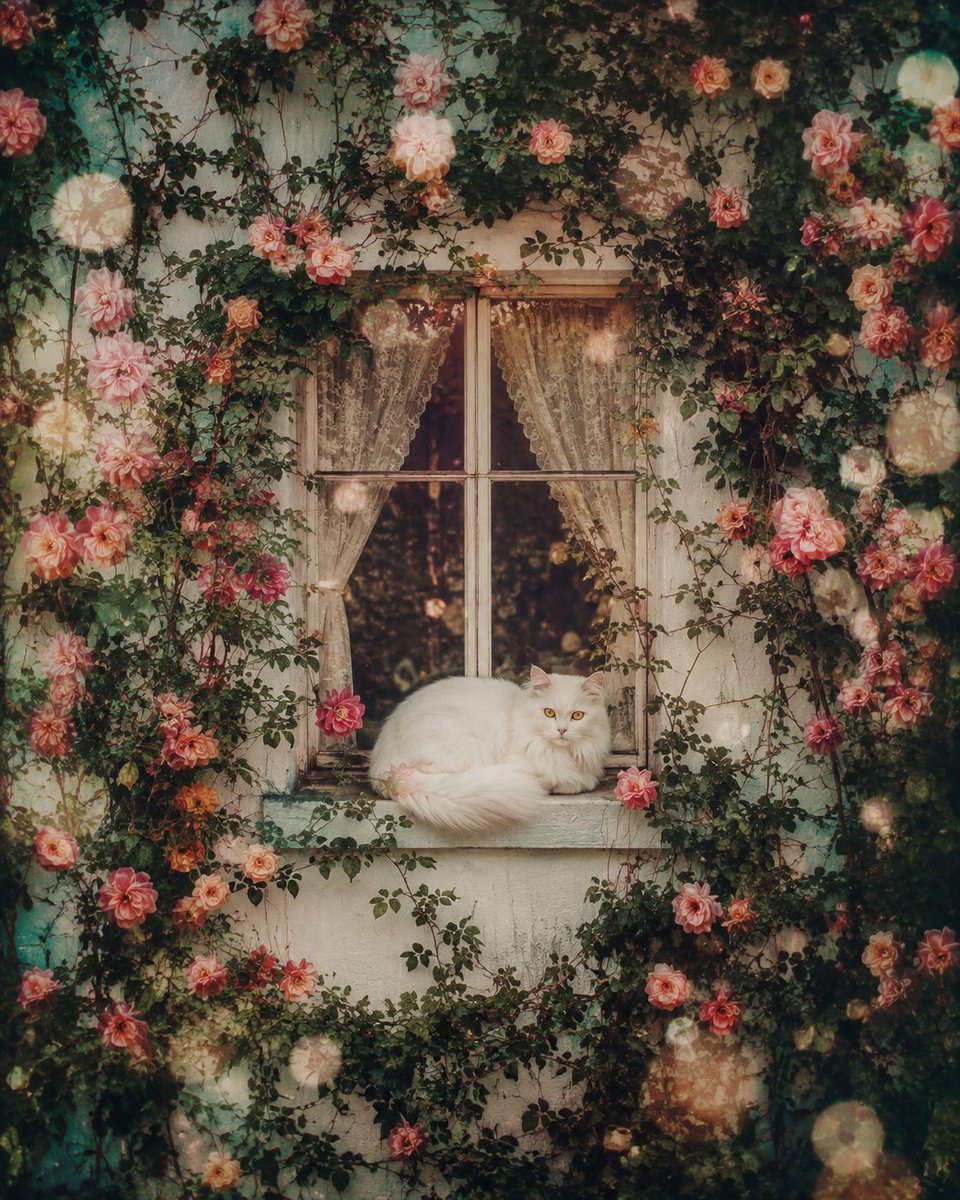
Creates a nostalgic, dreamlike image of a white cat on a window sill surrounded by blooming vines and flowers, using an analog film aesthetic.
- Prompt included
- Model and format preset
- Free template
The prompt behind this image
Copy the exact prompt behind Ethereal Window Cat Photography, or open it in the studio and make it yours.
A pristine white wall fills the frame, interrupted only by a single elegant window perfectly centered in the composition. The window frame appears carved directly into the wall, while lush climbing vines weave organically around it, intertwining with hundreds of {argument name="flower colors" default="delicate blooming flowers"} that spread across every inch of the white surface, creating a breathtaking living tapestry. Resting peacefully on the windowsill is a {argument name="cat type" default="snow-white long-haired cat"}, its luxurious silky fur illuminated by soft natural light. The cat is curled into a comfortable sleeping position, yet its mesmerizing {argument name="eye color" default="amber"} eyes remain gently open, reflecting a mysterious hazy golden glow that adds an ethereal sense of life and quiet wonder. The entire scene feels suspended in time, drenched in an ultra-soft analog film aesthetic with subtle overexposed highlights, faded sun-bleached tones, delicate film grain, blooming light, pastel color transitions, dreamy bokeh, diffused edges, chromatic softness, and floating dust particles dancing through the warm air. Tiny faded light leaks drift gracefully among the flower petals while gentle lens bloom creates glowing halos around every highlight. The atmosphere evokes the feeling of discovering a forgotten photograph hidden inside an old wooden drawer for decades—a fragile memory preserved beyond time. Every element carries nostalgic emotion, dreamlike tranquility, and poetic silence. Soft breeze barely moves the vines and flower petals while warm afternoon light filters through the window, creating cinematic volumetric illumination and subtle shadows across the wall. Hyper-realistic botanical detail, luxurious fur rendering, organic vine textures, delicate floral realism, ultra-photorealistic materials, cinematic composition, centered framing, shallow depth of field, premium color grading, fine-art photography, timeless nostalgia, surreal realism, dreamy memorycore aesthetic, soft focus, atmospheric perspective, masterpiece quality, 8K, HDR, ultra-detailed, emotionally evocative, visually breathtaking.
How to use Ethereal Window Cat Photography in 3 steps
- 1
Open
The prompt is already in the box next to the preview, with the template's model and format selected.
- 2…a portrait of your subject in softgolden-hour light, 85mm…
Personalize
Edit the subject and creative details for your destination.
- 3Generate
Generate
Press Generate — your image is created in PicX Studio, so you can compare it with the original and refine one variable at a time.
More like this
Templates with the same subject, style or setup. Open one to see its prompt.
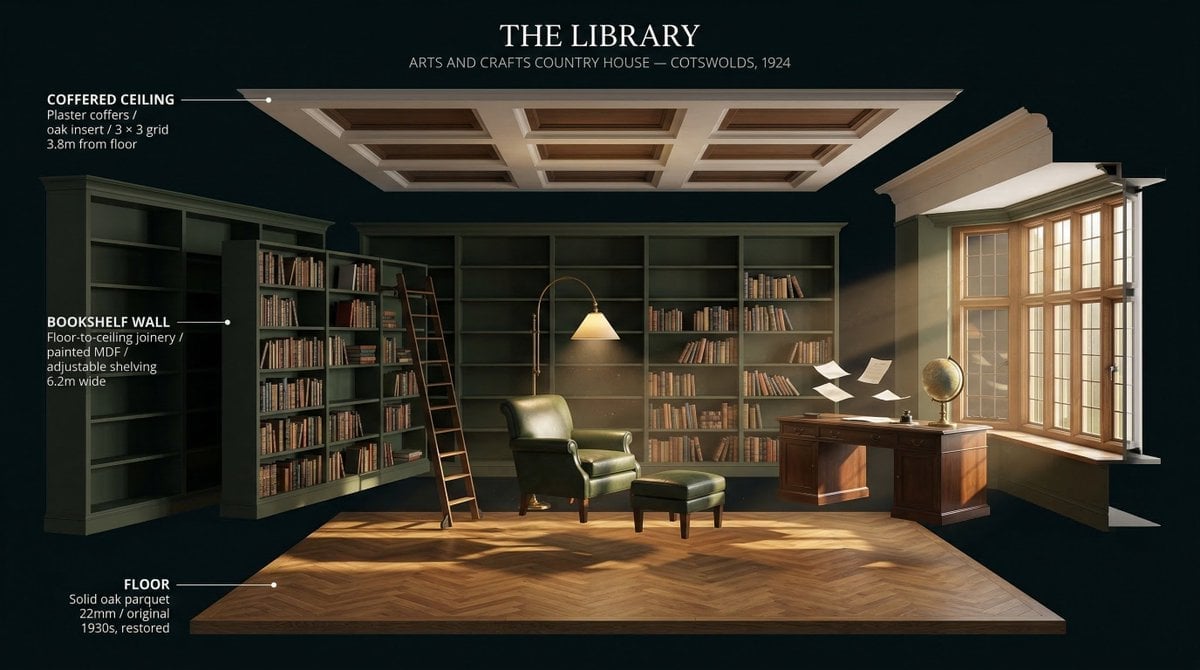
LIGHTING each element still lit by its original source, windows casting
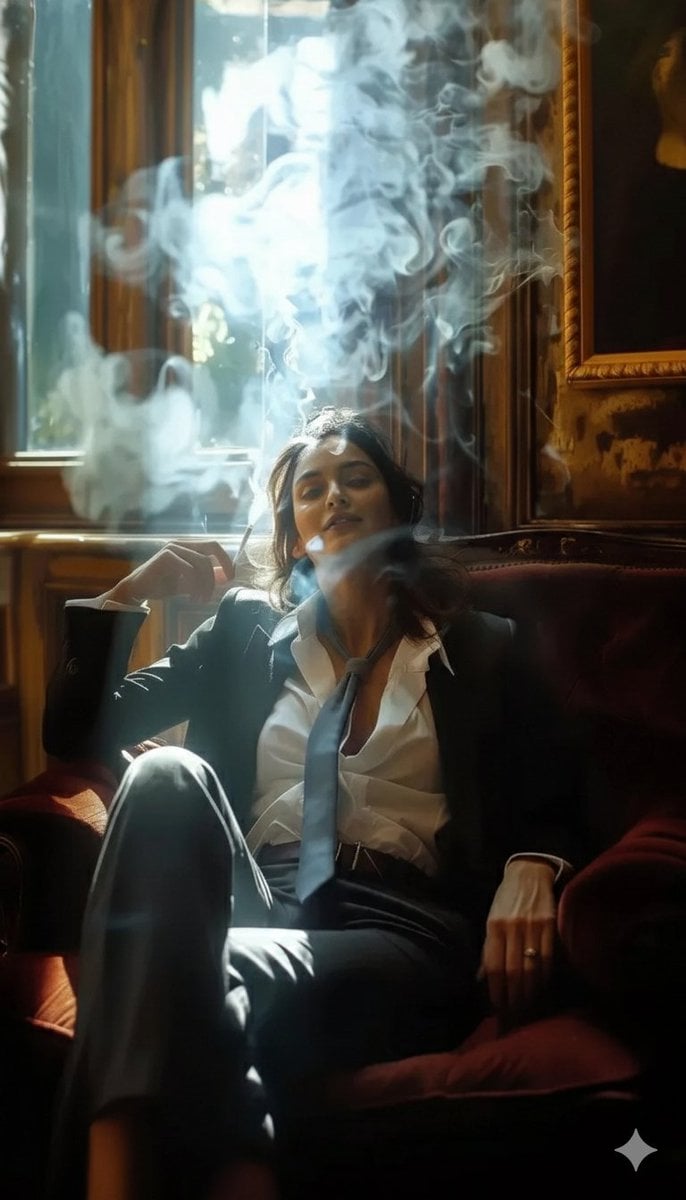
A high-definition cinematic portrait of a sophisticated woman sitting
Mirror Selfie Chibi Characters Pixar Style
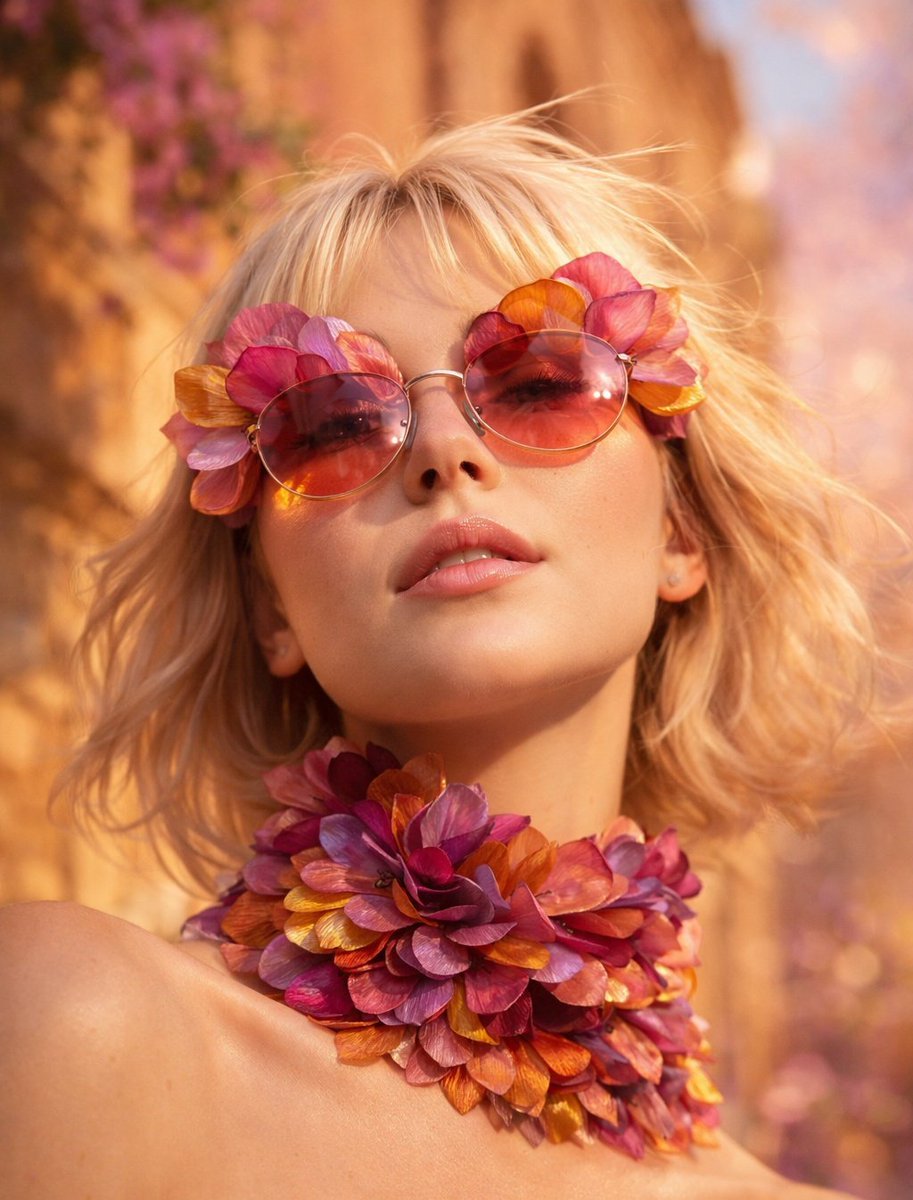
Flower Petal Sunglasses Couture Portrait

Fashion Portrait Colored Smoke Studio
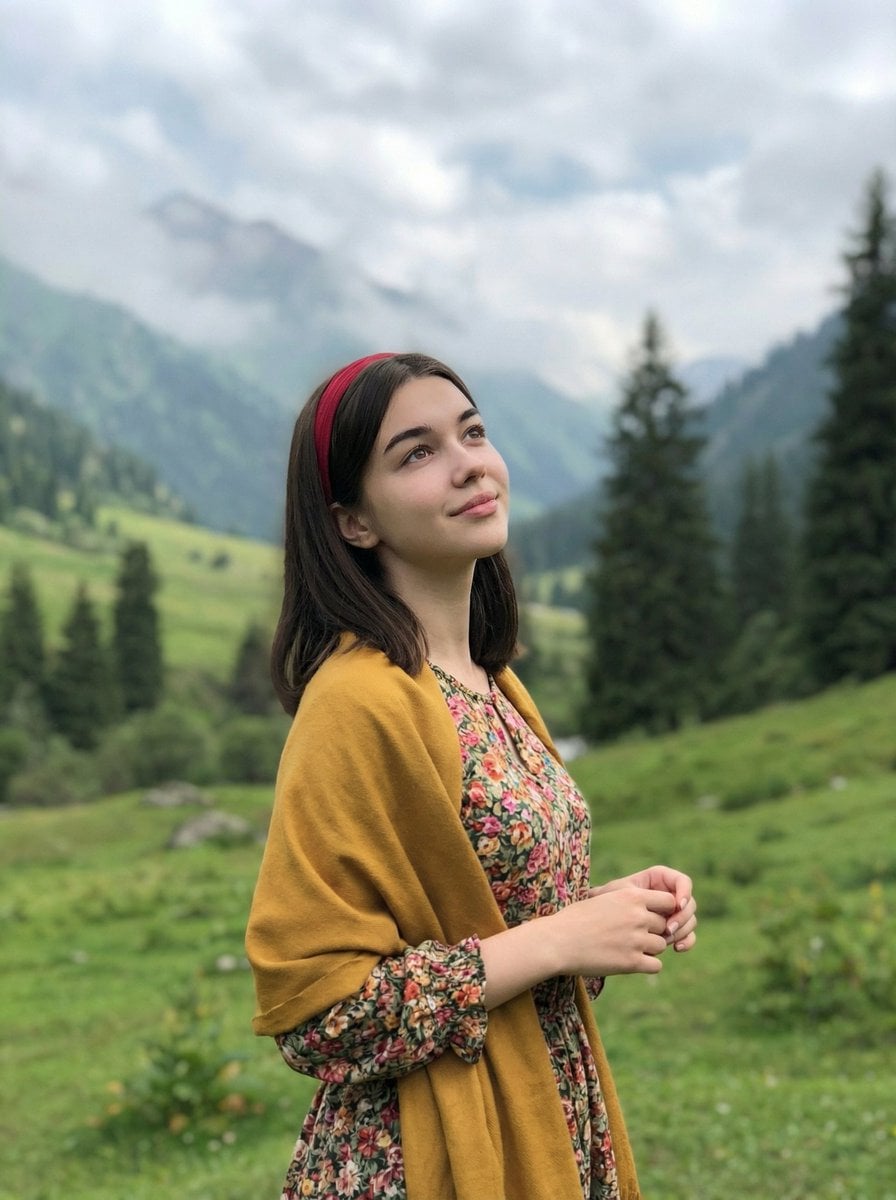
Mountain Valley Lifestyle Portrait
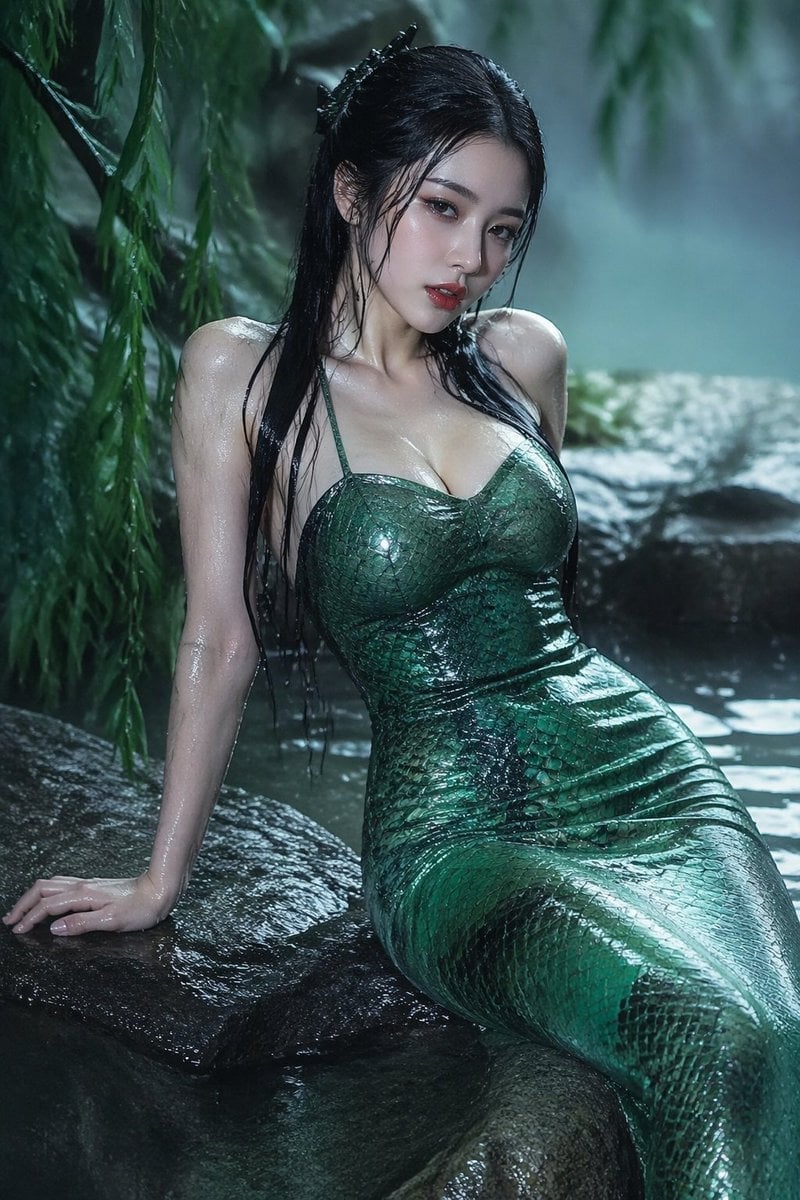
青蛇小青写真大片,绿色紧身蛇鳞裙,湿发红唇,妖娆妩媚
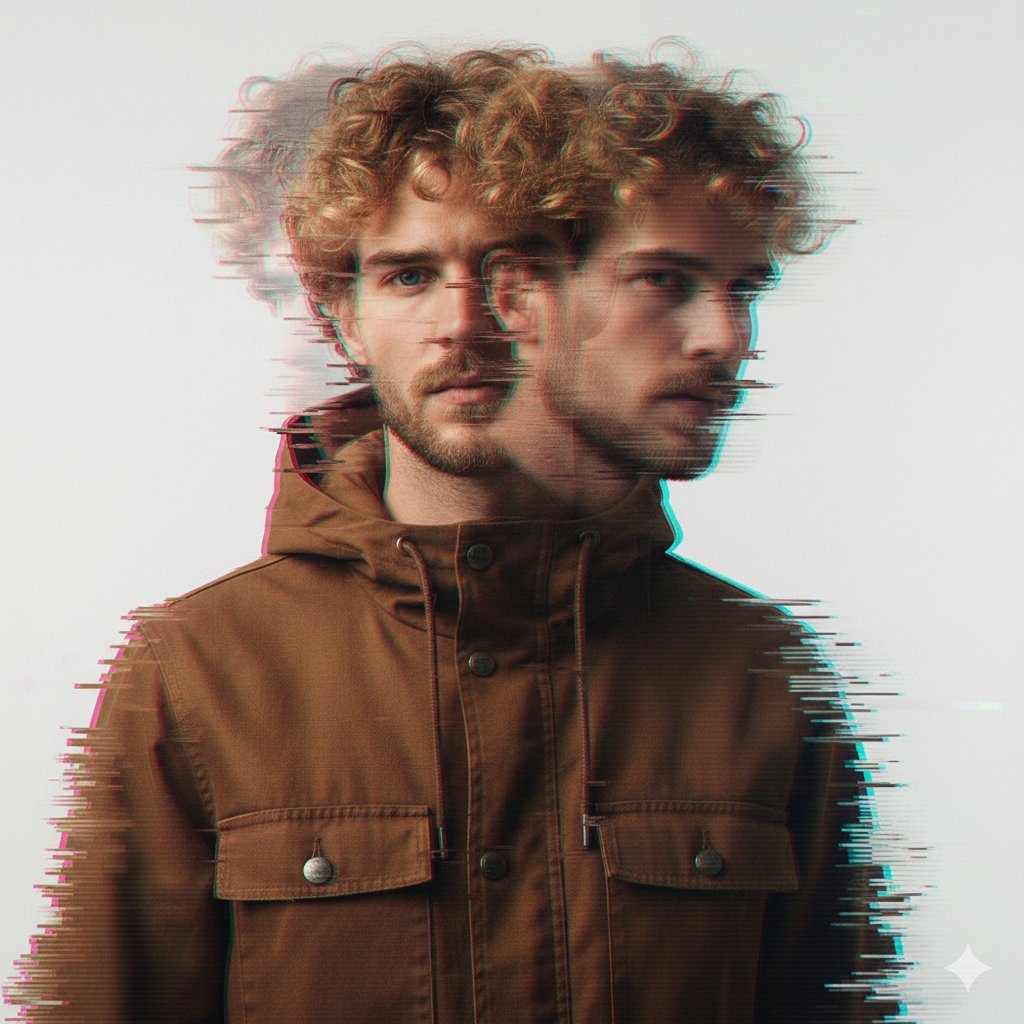
A double exposure, long exposure editorial photograph of a man Use image

Portrait of a young woman in her early 20s walking calmly on a beautiful
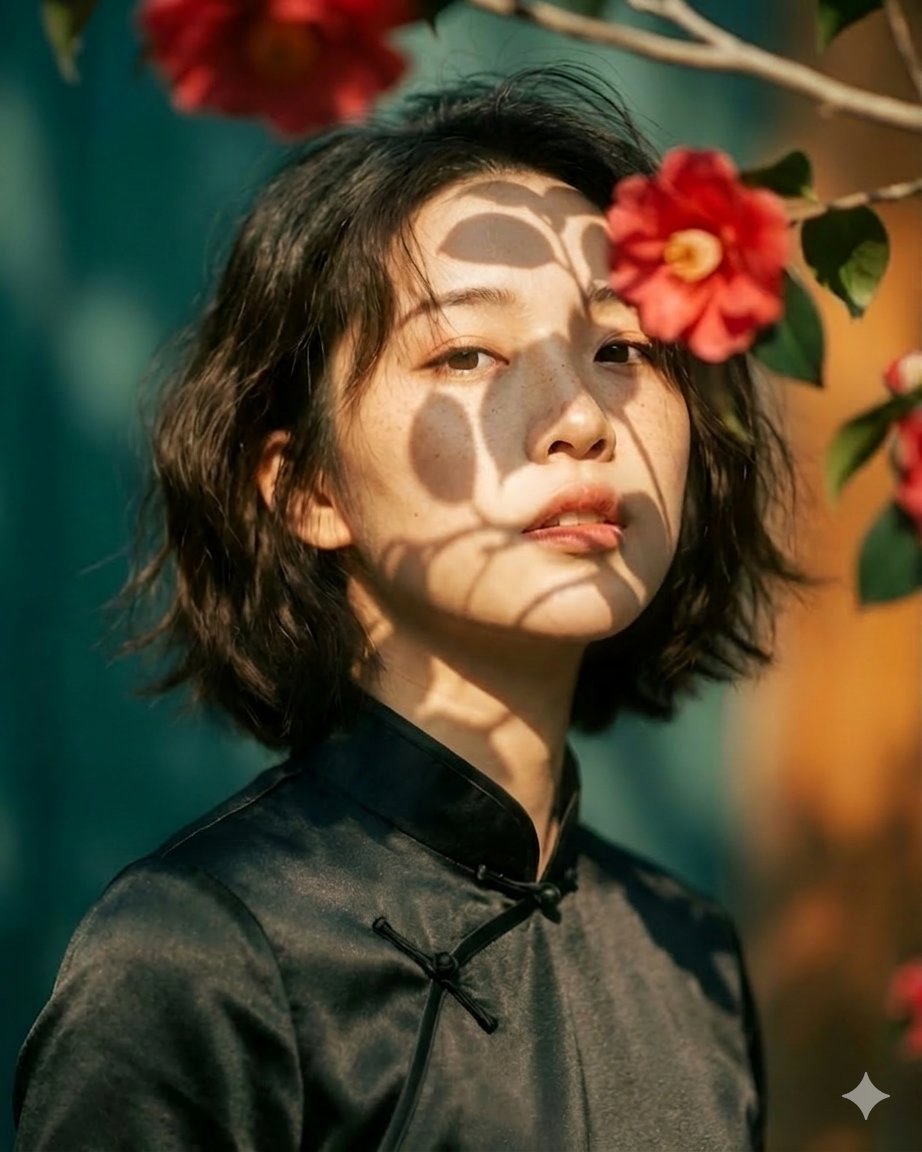
Artistic portrait of an elegant Asian woman wearing a black silk
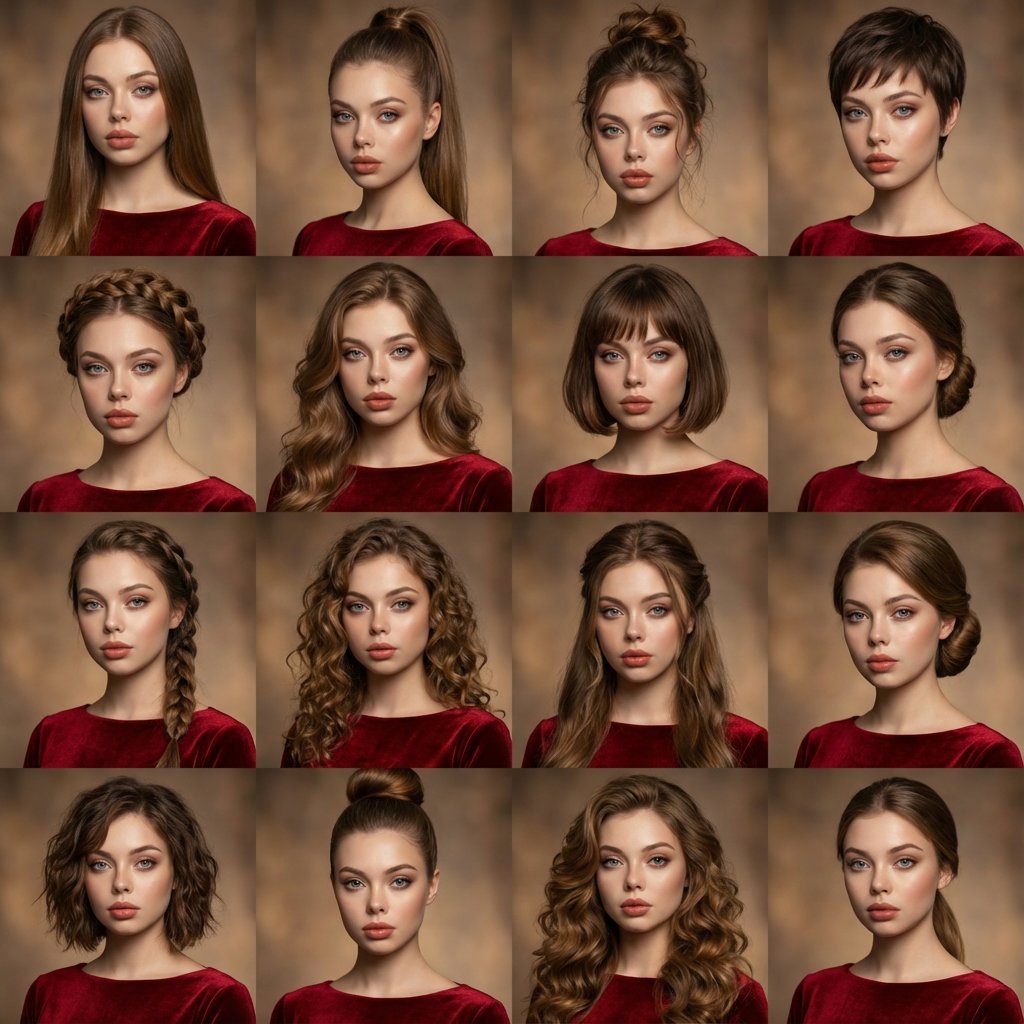
A high-quality photo collage featuring the same person with identical
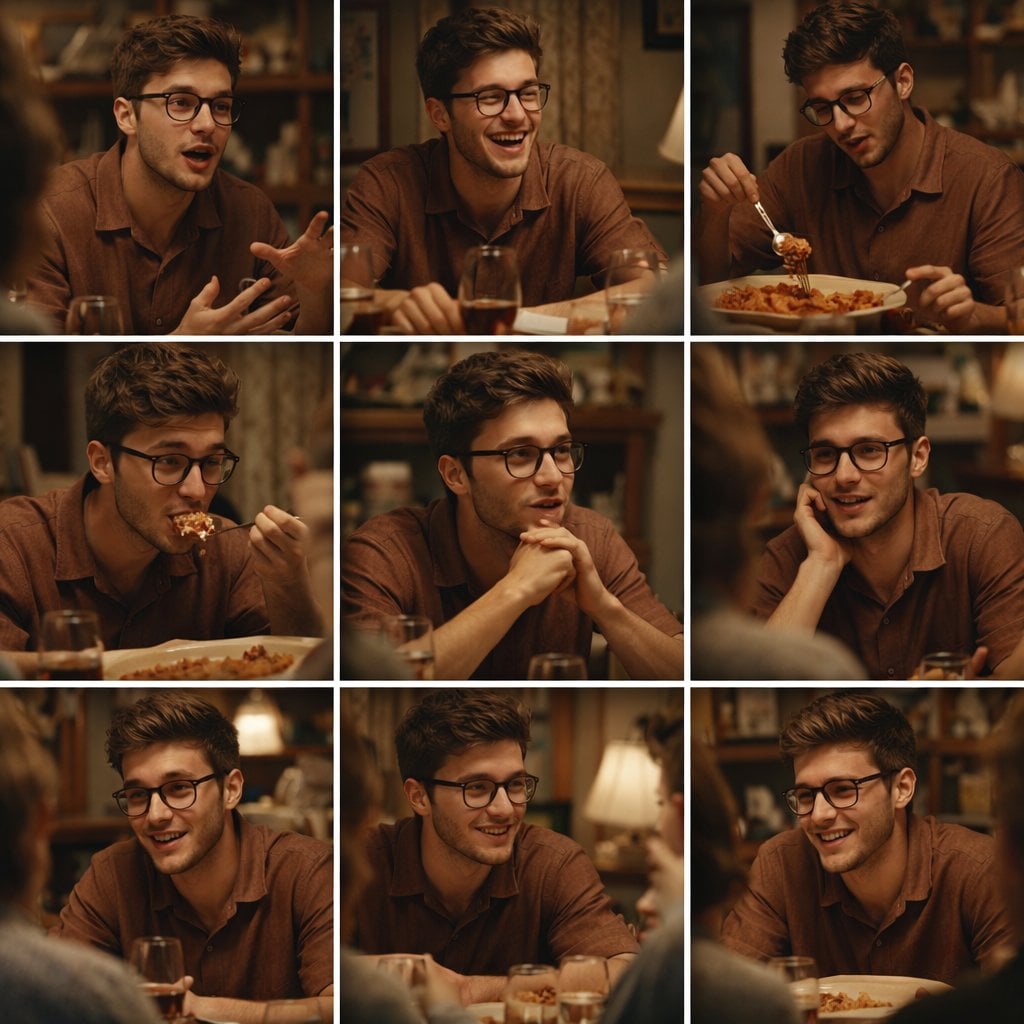
A 3x3 grid storyboard contact sheet comprised of nine candid, cinematic
Make it yours
Ethereal Window Cat Photography works as-is. These are the safest ways to change it without losing the look.
Change one field
Copy a single group, rewrite it, and generate again so you can see what that field is doing.
Keep the frame, change the subject
Hold the composition and light of Ethereal Window Cat Photography, then swap wardrobe, props or the person for a new take.
| If the result… | Why | Fix |
|---|---|---|
| The result drifts from the preview | Too many fields changed at once. | Reuse Ethereal Window Cat Photography as-is first, then change one group — subject, light, or setting. |
| The model over-stylizes the scene | The prose prompt leaves finish and camera underspecified. | Add one camera or lighting sentence and stay on GPT Image 2. |
More GPT Image 2 templates
Other prompts made for GPT Image 2.

Six VTuber Japanese Logo Sheet

Realistic Portrait of Woman and Deer

The Vista Modular Condo Poster

AI Model Routing Comparison Infographic

2.5D Anime Art Board

Isometric Productivity Desk Scene

New York Double Exposure Poster

Four-Panel AI Landscape Comparison

Japanese Tatami Lifestyle Magazine Cover

NESCAFÉ Coffee Map Poster
More image prompts
Fresh picks from across the catalog.

Vintage D-Day Normandy Poster
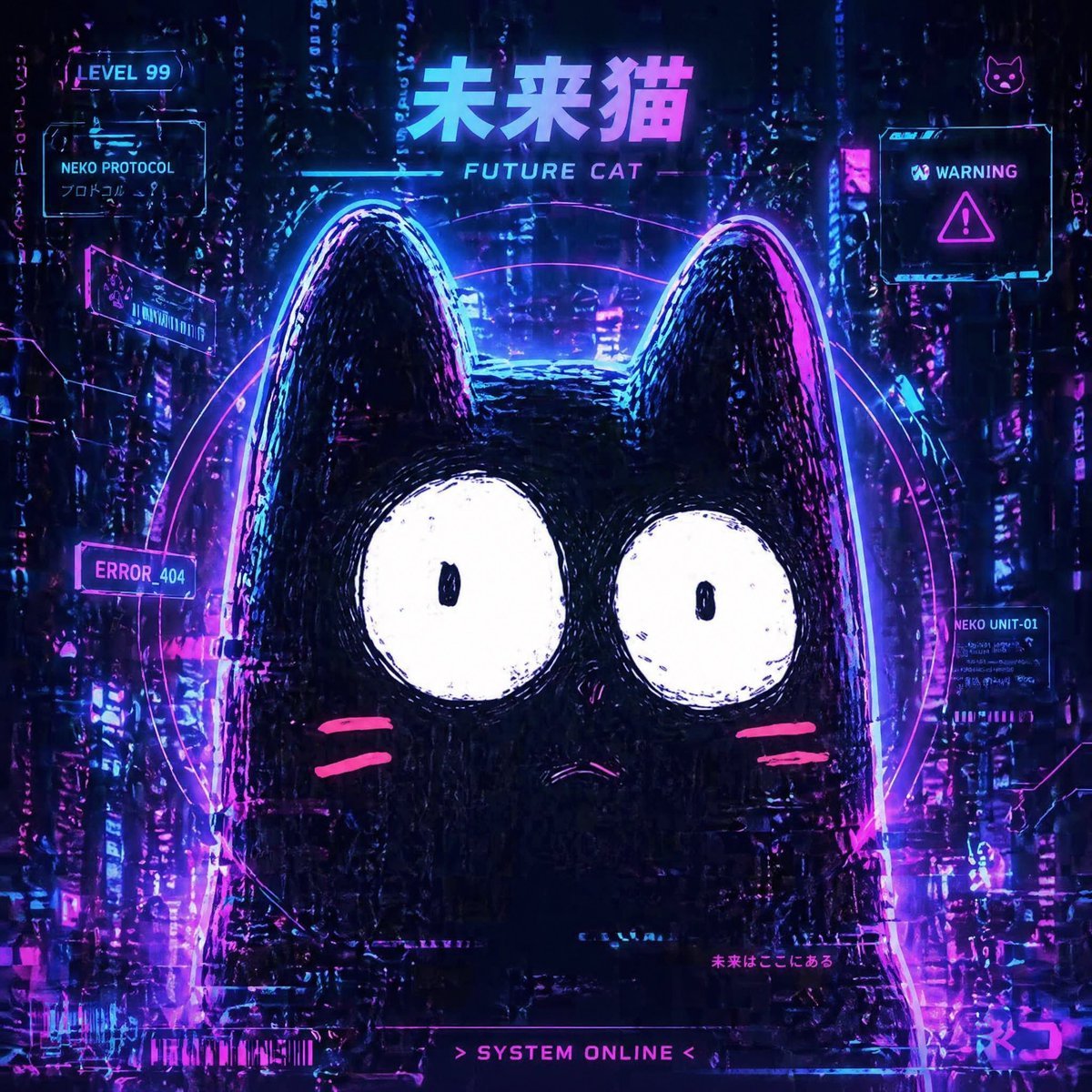
Cyberpunk Future Cat Neon Poster
Prompt for premium visuals using Nano Banana Pro
Dinosaur Park Gift Shop Merchandise Display
YouTube Live Presentation UI Mockup
Cinematic Pilates Scene in Central Park
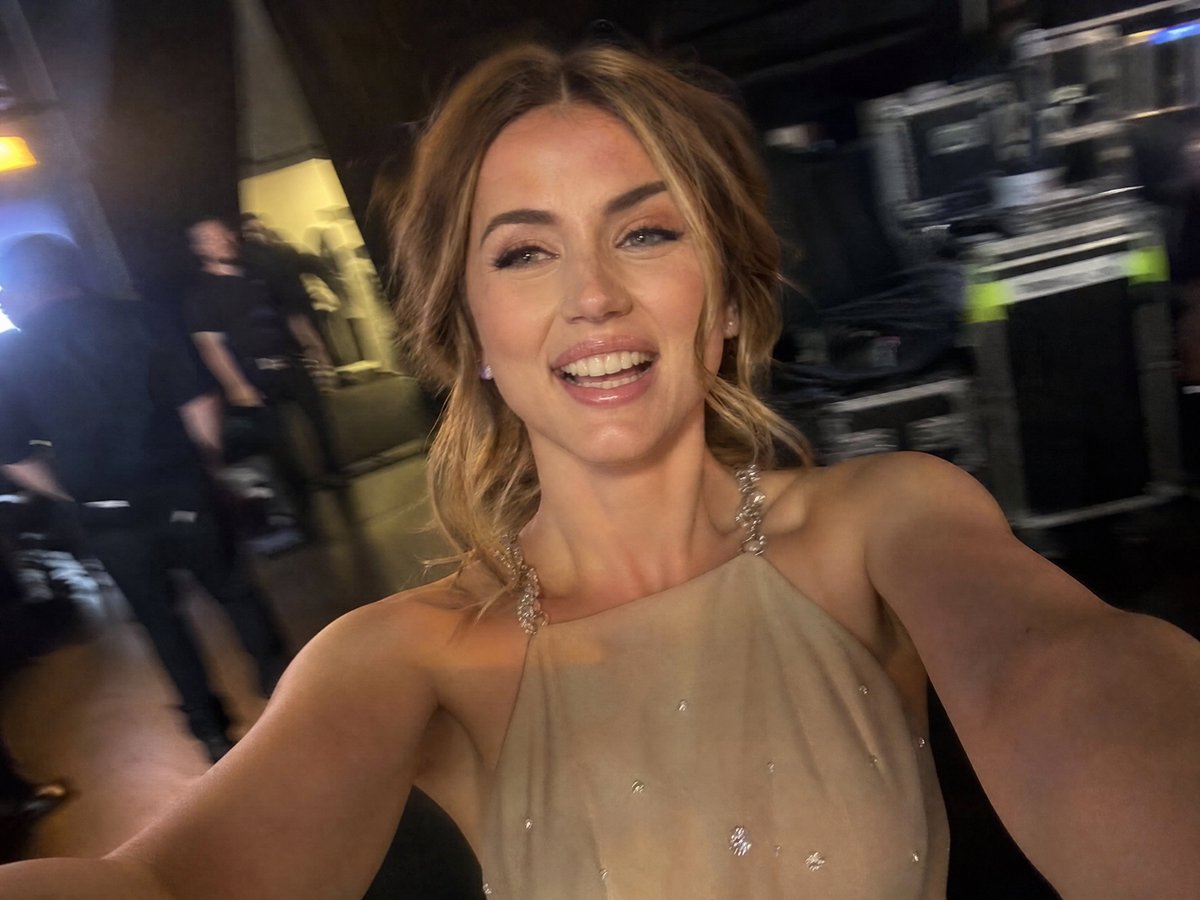
Accidental iPhone Camera Selfie
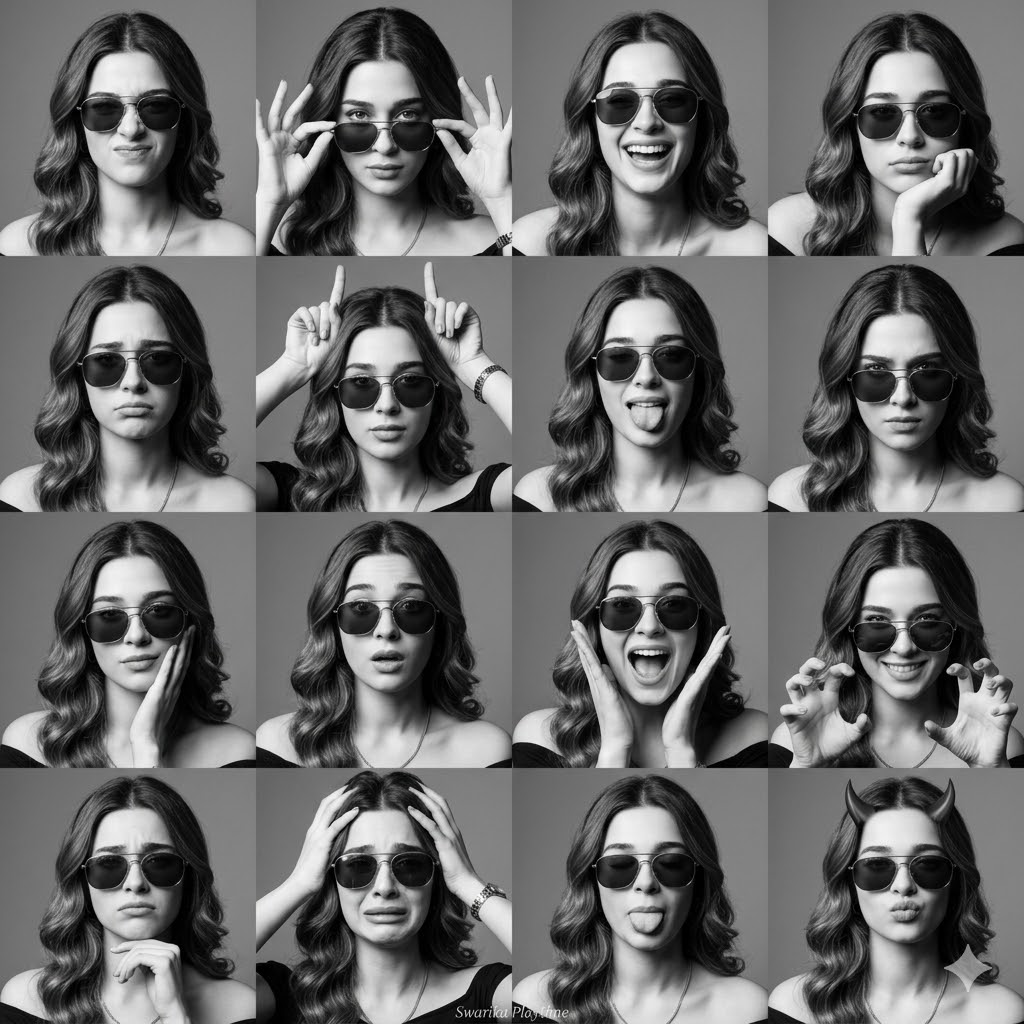
Expressive Photobooth Grid
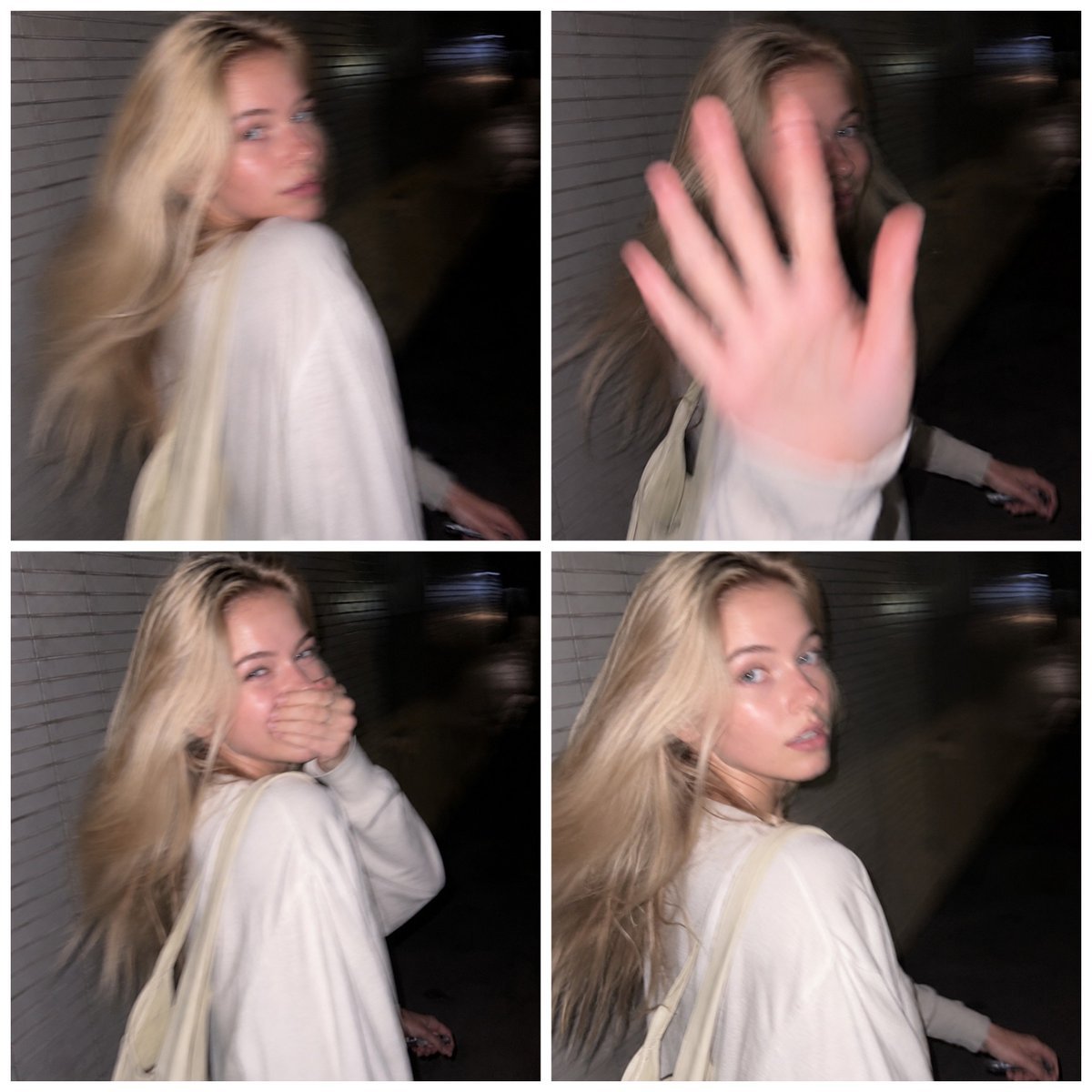
Tokyo Candid Smartphone Photography
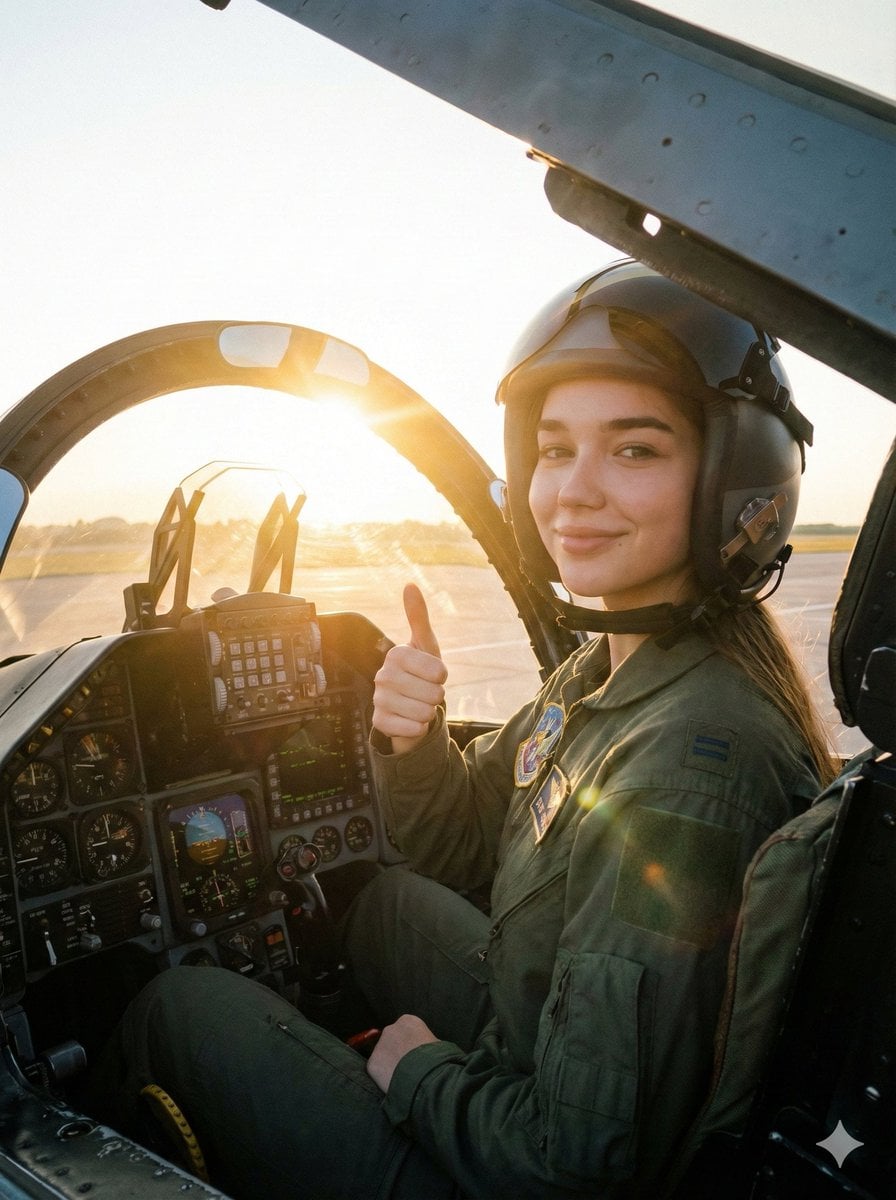
Cinematic Female Fighter Pilot Portrait at Sunset
Browse template categories
Ethereal Window Cat Photography questions
How do I use the Ethereal Window Cat Photography template?
Add your photo if the template asks for one, edit the prompt if you like — the template's model and format are already selected — and press Generate. Your version opens in PicX Studio.
Can I customize the Ethereal Window Cat Photography template?
Yes. You can change the subject, setting, lighting, mood, format, and available model controls before creating your image.
Is the Ethereal Window Cat Photography template free?
Opening and editing this template is free. Generating uses credits, shown on the Generate button when you are signed in.
Which AI model should I use?
Start with GPT Image 2, which is the model associated with this template. You can compare another compatible model for a different finish.
Looking for something else? Browse all templates.

Your photo, any look
Thousands of ready templates for every top image and video model, from one credit balance.