
AI Image Model Stadium Leaderboard
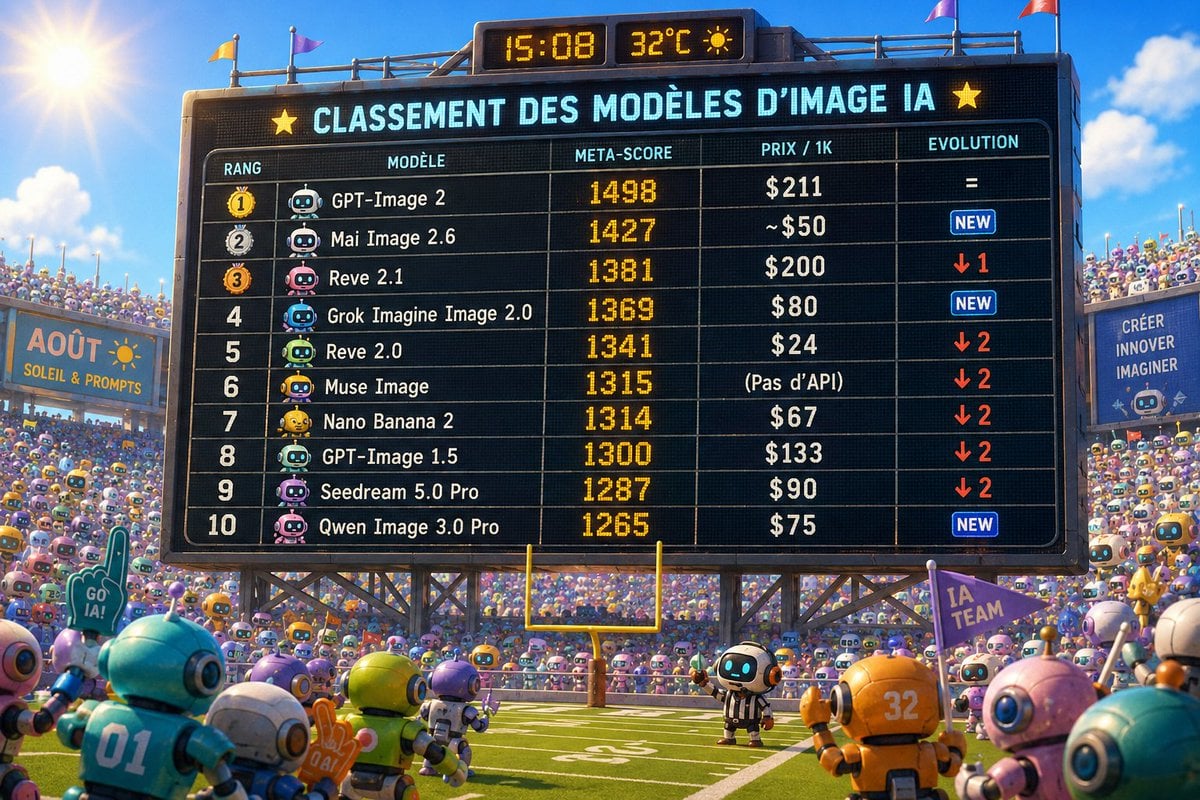
A colorful 3D stadium scene featuring a giant French AI image model ranking scoreboard, useful for social media leaderboard visuals.
- Prompt included
- Model and format preset
- Free template
The prompt behind this image
Copy the exact prompt behind AI Image Model Stadium Leaderboard, or open it in the studio and make it yours.
Goal: Create a vibrant 16:9 Pixar-like 3D illustration of a packed robot sports stadium showing a giant electronic scoreboard ranking AI image models, as if it is a summer league leaderboard. Canvas: Wide landscape image, bright sunny afternoon, blue sky with a strong sun flare in the upper left, colorful flags on the stadium rim, football field at the bottom with a yellow goalpost centered under the scoreboard. The scene is crowded with hundreds of small cute toy-like robots in the stands and foreground, all cheering. Main subject: A huge black stadium scoreboard dominates the center, supported by metal trusses. It has LED dot-matrix styling, glowing cyan and amber text, thin grid lines, rounded table border, and small yellow star icons on both sides of the main header. At the very top of the scoreboard, show two small amber digital panels reading {argument name="time" default="15:08"} and {argument name="temperature" default="32°C"} with a sun icon. Scoreboard text: The main headline must read {argument name="headline text" default="CLASSEMENT DES MODÈLES D’IMAGE IA"}. Under it, create a table with exactly 5 columns labeled RANG, MODÈLE, META-SCORE, PRIX / 1K, EVOLUTION. Include exactly 10 ranked rows, each with a small robot avatar icon next to the model name: 1. GPT-Image 2 — meta-score 1498 — price $211 — evolution = 2. Mai Image 2.6 — meta-score 1427 — price ~$50 — evolution NEW in a small blue badge 3. Reve 2.1 — meta-score 1381 — price $200 — evolution red down arrow 1 4. Grok Imagine Image 2.0 — meta-score 1369 — price $80 — evolution NEW in a small blue badge 5. Reve 2.0 — meta-score 1341 — price $24 — evolution red down arrow 2 6. Muse Image — meta-score 1315 — price (Pas d’API) — evolution red down arrow 2 7. Nano Banana 2 — meta-score 1314 — price $67 — evolution red down arrow 2 8. GPT-Image 1.5 — meta-score 1300 — price $133 — evolution red down arrow 2 9. Seedream 5.0 Pro — meta-score 1287 — price $90 — evolution red down arrow 2 10. Qwen Image 3.0 Pro — meta-score 1265 — price $75 — evolution NEW in a small blue badge Surroundings: Add a left stadium sign reading {argument name="left banner text" default="AOÛT - SOLEIL & PROMPTS"} with a small sun drawing. Add a right sign reading CRÉER / INNOVER / IMAGINER. Add cheering props including a foam finger reading GO IA! and a purple flag reading IA TEAM. Foreground robots should be larger and out of focus at the edges, including visible jersey numbers 01 and 32, with one small referee robot standing on the field near the scoreboard. Visual style: Ultra-detailed colorful 3D animation style, glossy plastic robots, playful futuristic sports atmosphere, shallow depth of field, crisp readable scoreboard typography, warm sunlight, high saturation, cinematic composition. Constraints: Keep all scoreboard numbers and labels legible and exactly as listed, use French text where specified, no logos, no watermark, no extra table rows.
How to use AI Image Model Stadium Leaderboard in 3 steps
- 1Upload ImagePNG, JPG or paste
Add your photo
Upload the photo the template builds on. The prompt, model and format are already set.
- 2…a portrait of your subject in softgolden-hour light, 85mm…
Personalize
Edit the subject and creative details for your destination.
- 3Generate
Generate
Press Generate — your image is created in PicX Studio, so you can compare it with the original and refine one variable at a time.
More like this
Templates with the same subject, style or setup. Open one to see its prompt.
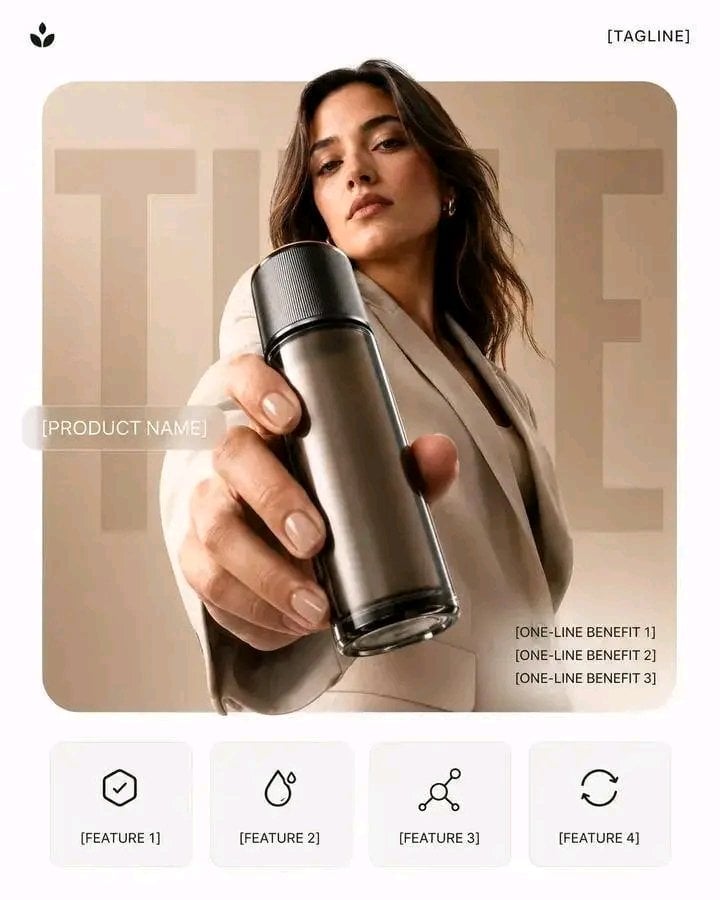
Premium Vertical Product Campaign Poster
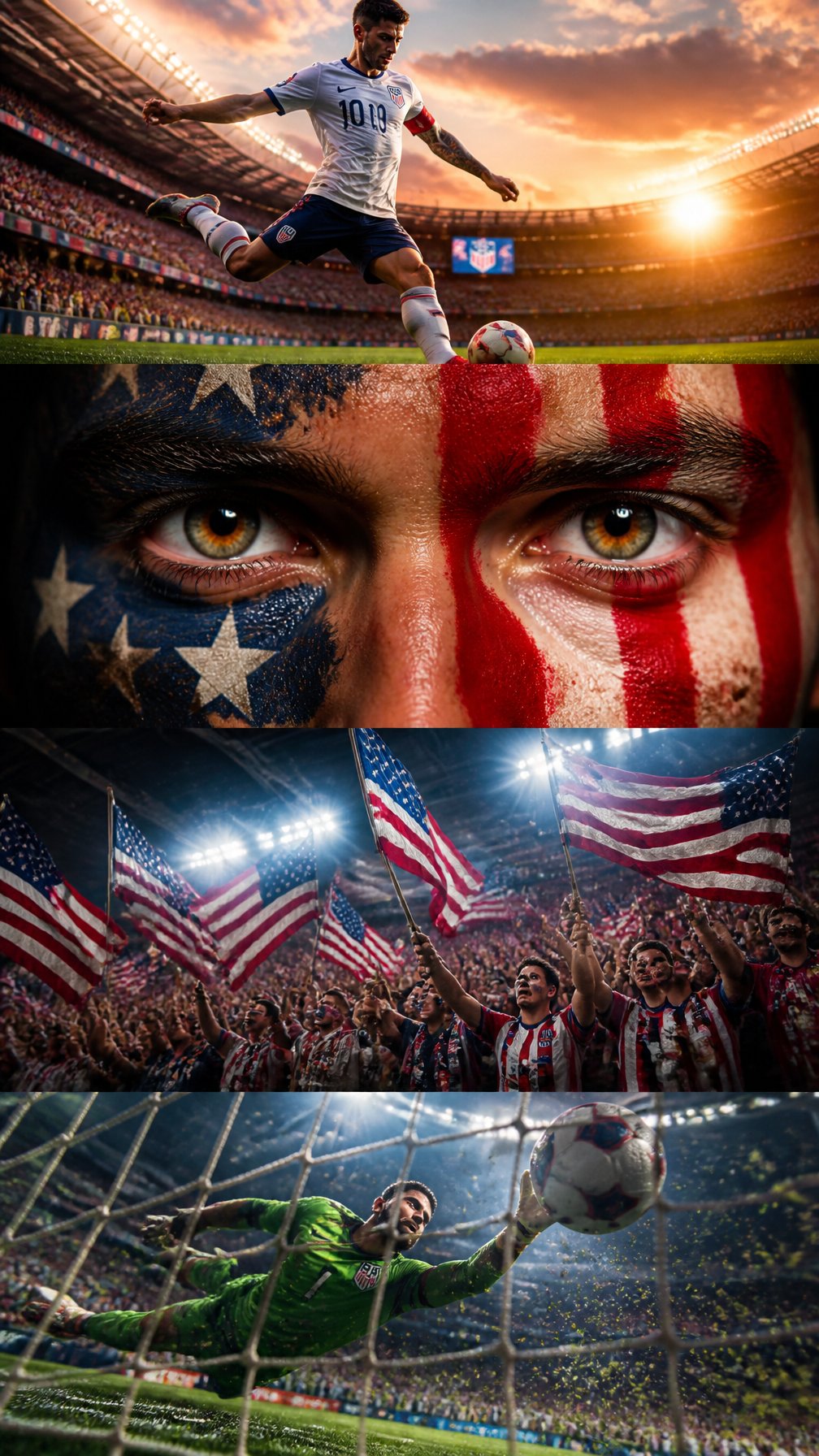
Usa Cinematic Hyperreal Collage Poster
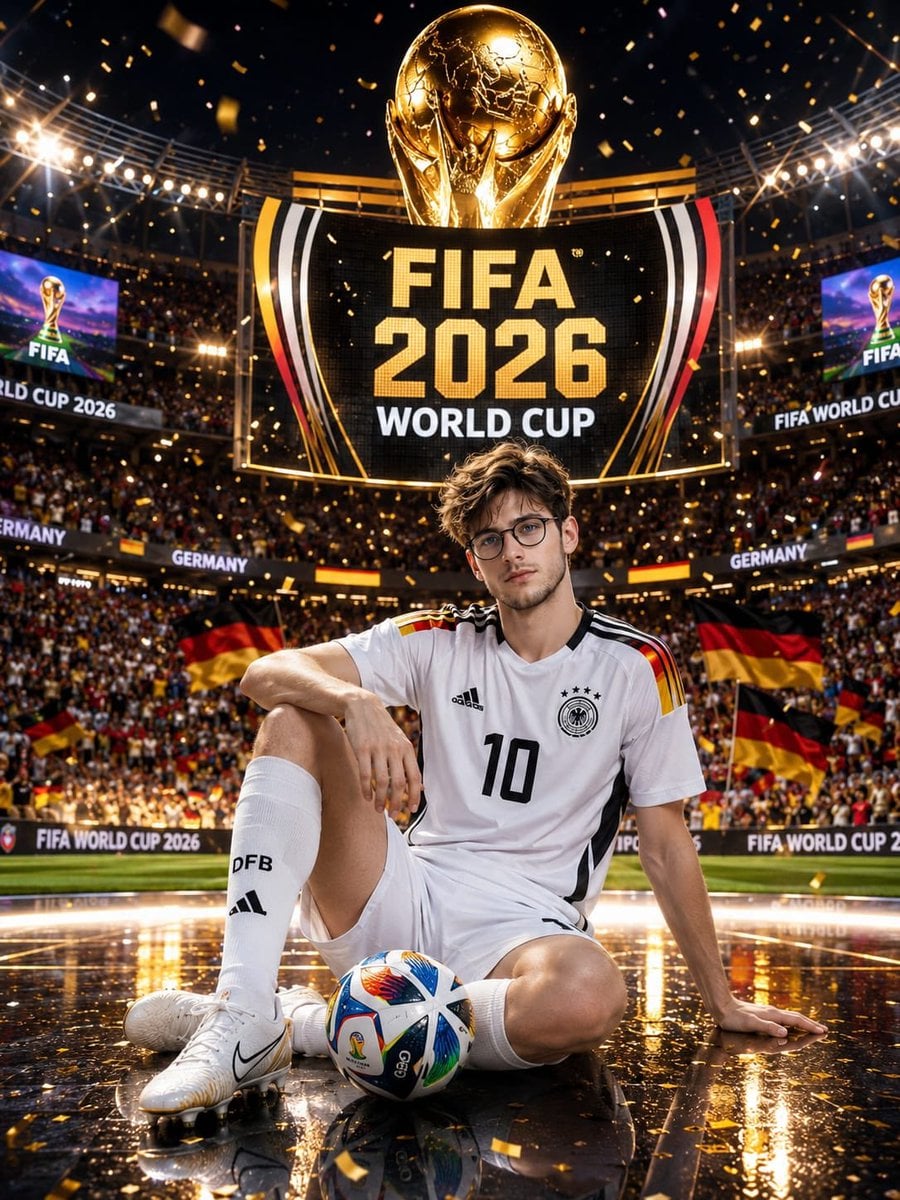
Germany 10 Championship Celebration Poster
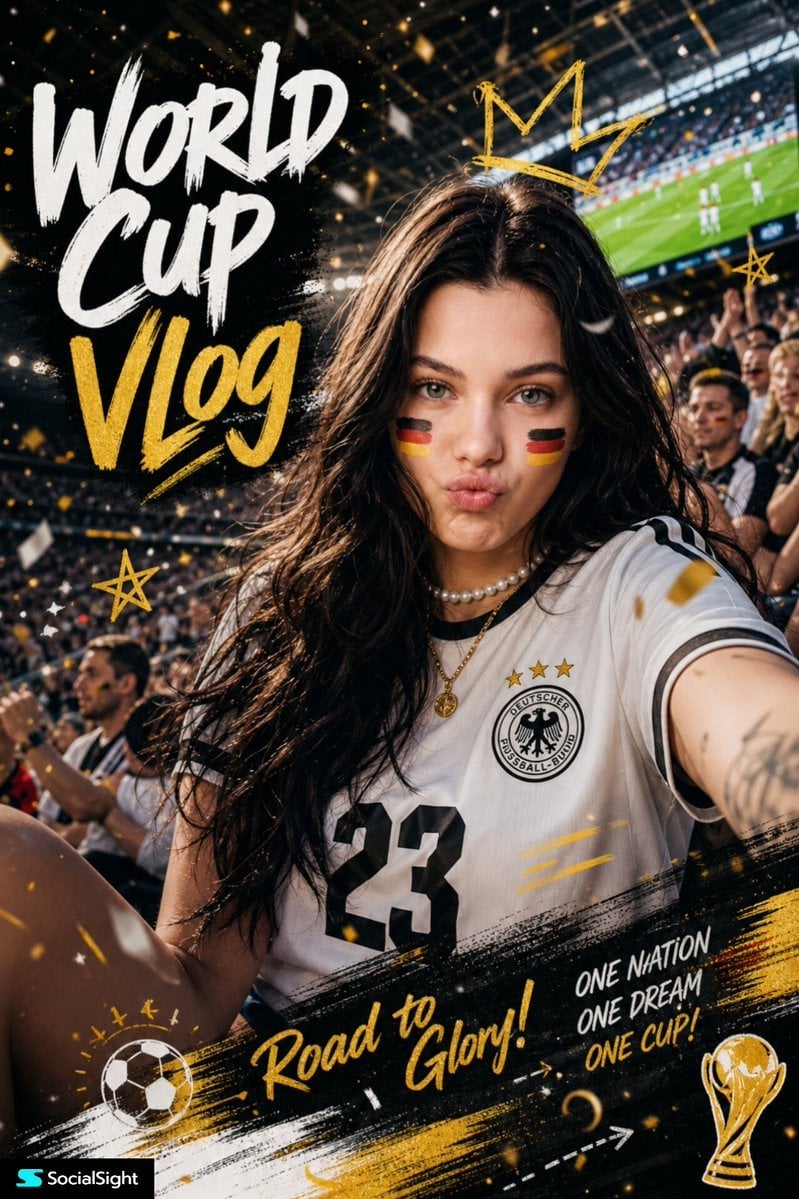
Fifa Stadium Fan Portrait Poster

FIFA-Inspired — World Cup Final Goal Net Commercial

FIFA 2026 — Golden Trophy Stadium Night
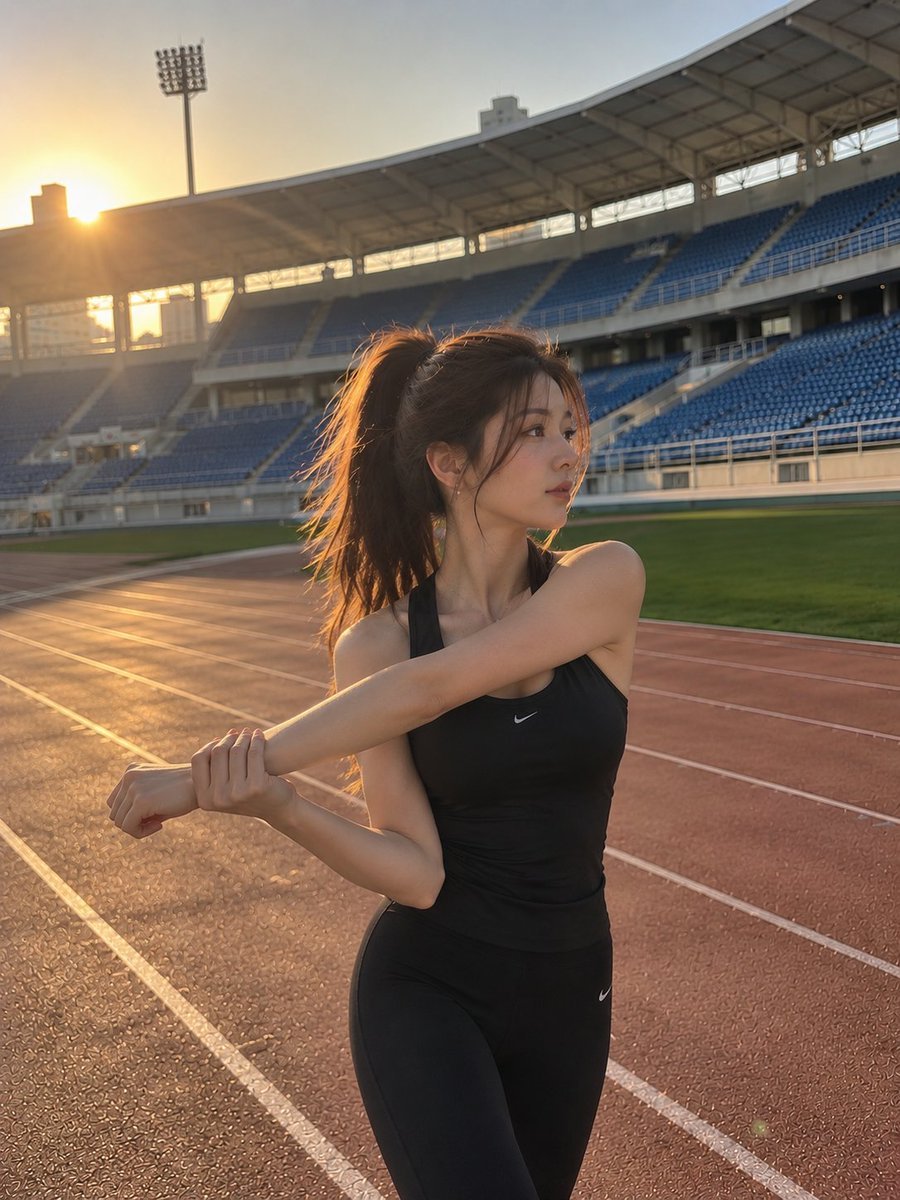
Cinematic Stadium Sports Portrait
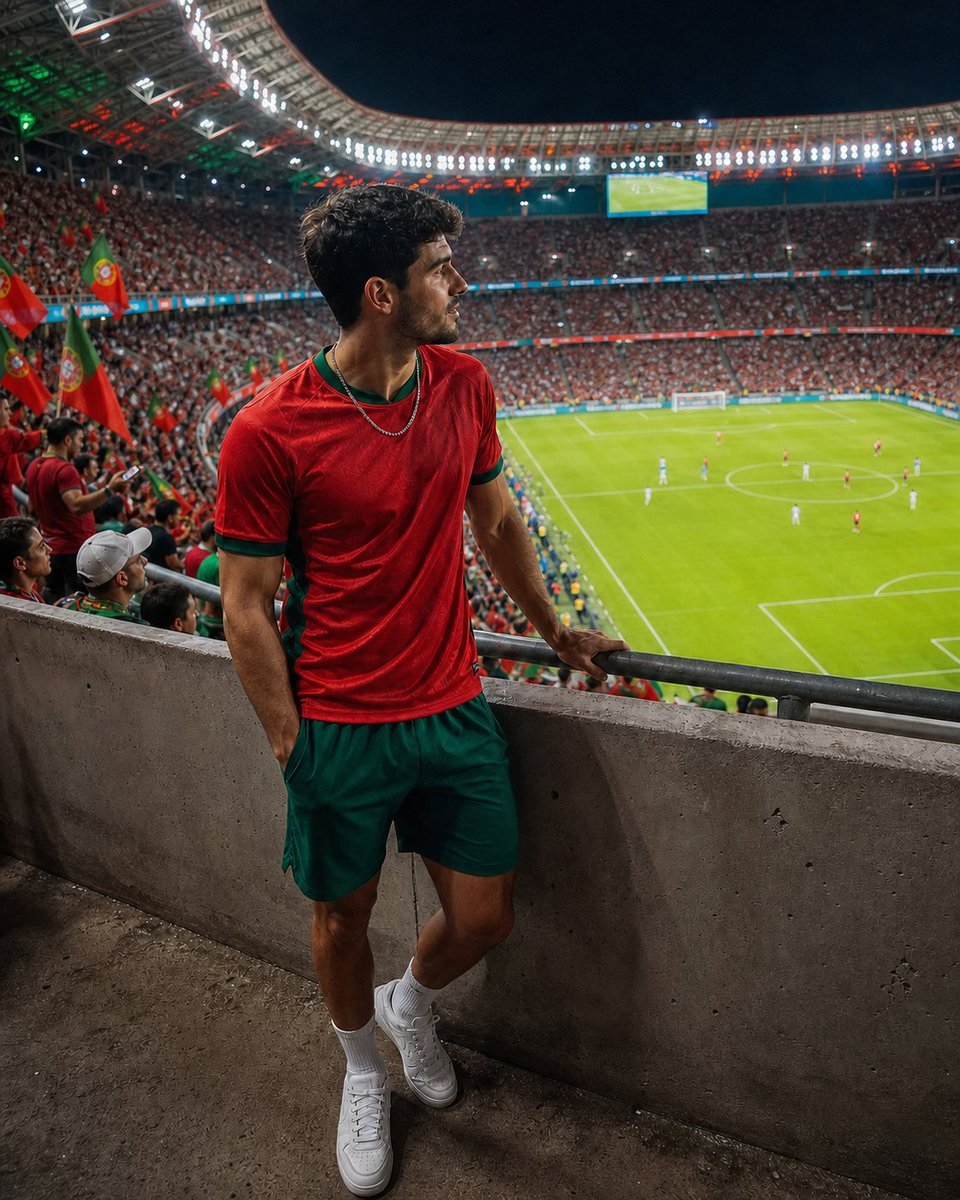
Professional Stadium Fan Photography Prompt
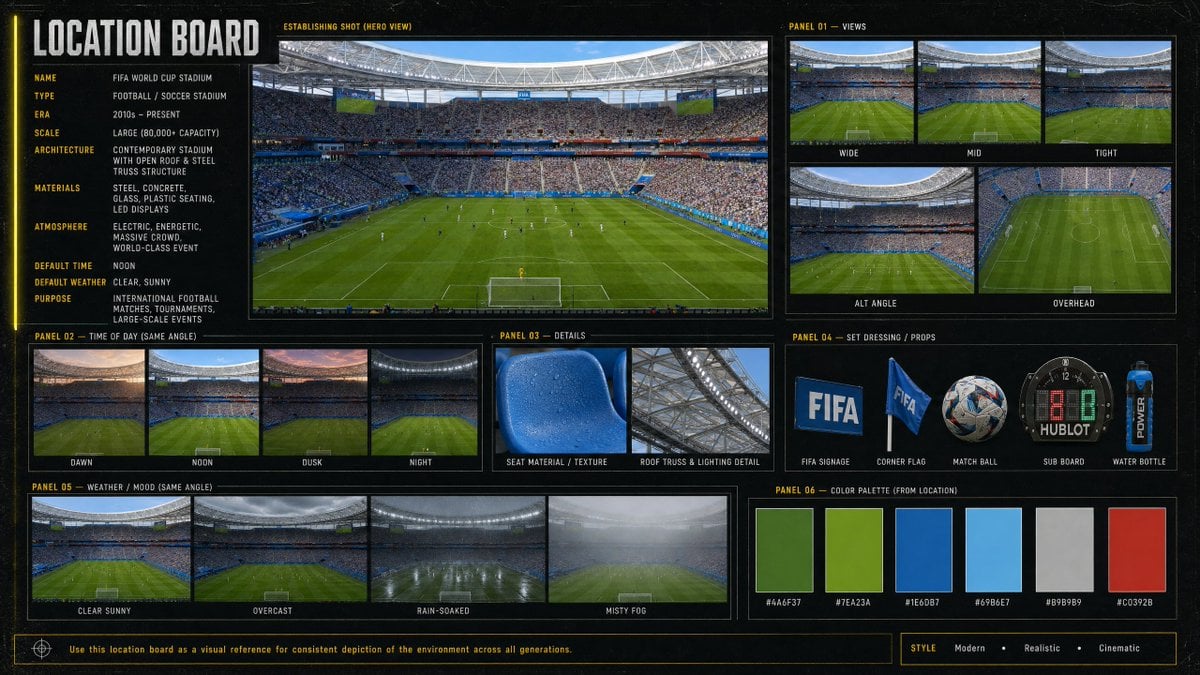
Cinematic Stadium Location Board
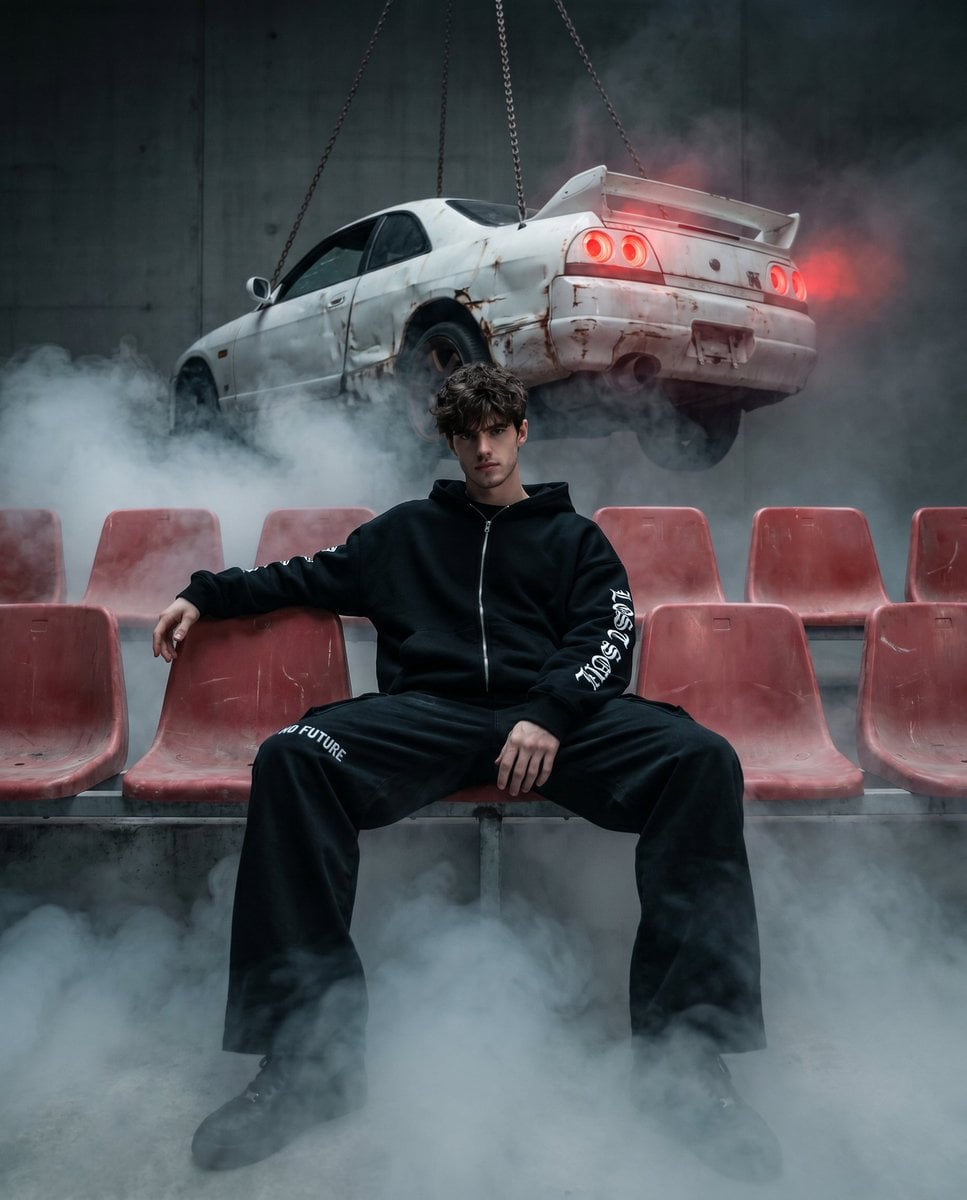
Abandoned Stadium Fashion Poster
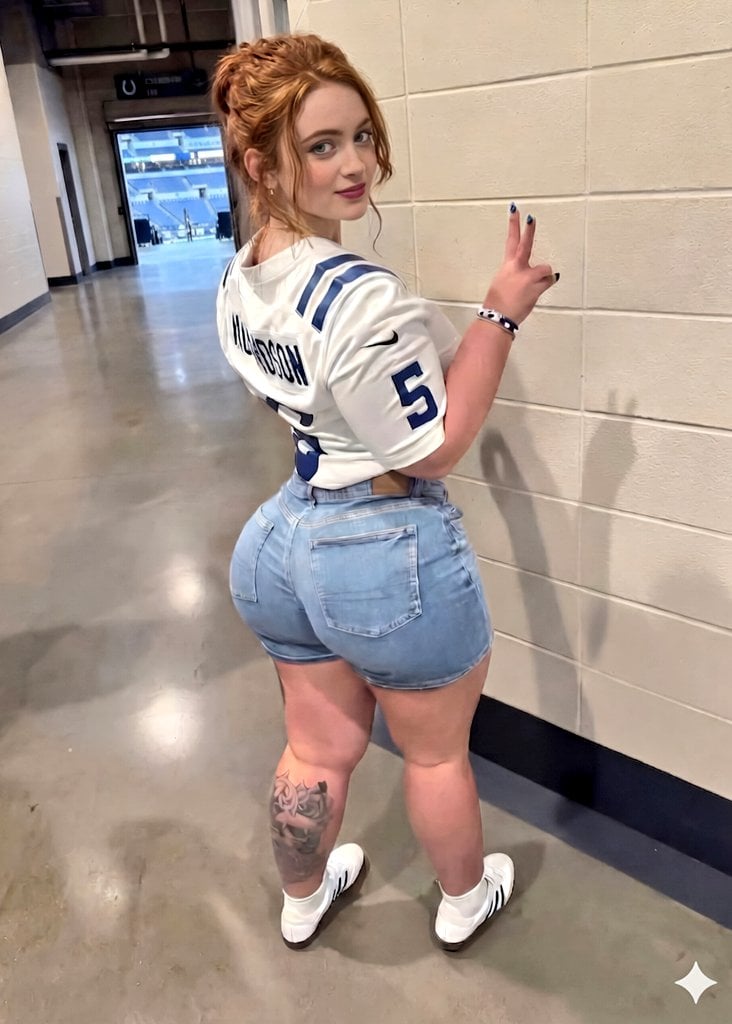
Young Woman in Football Jersey at Stadium
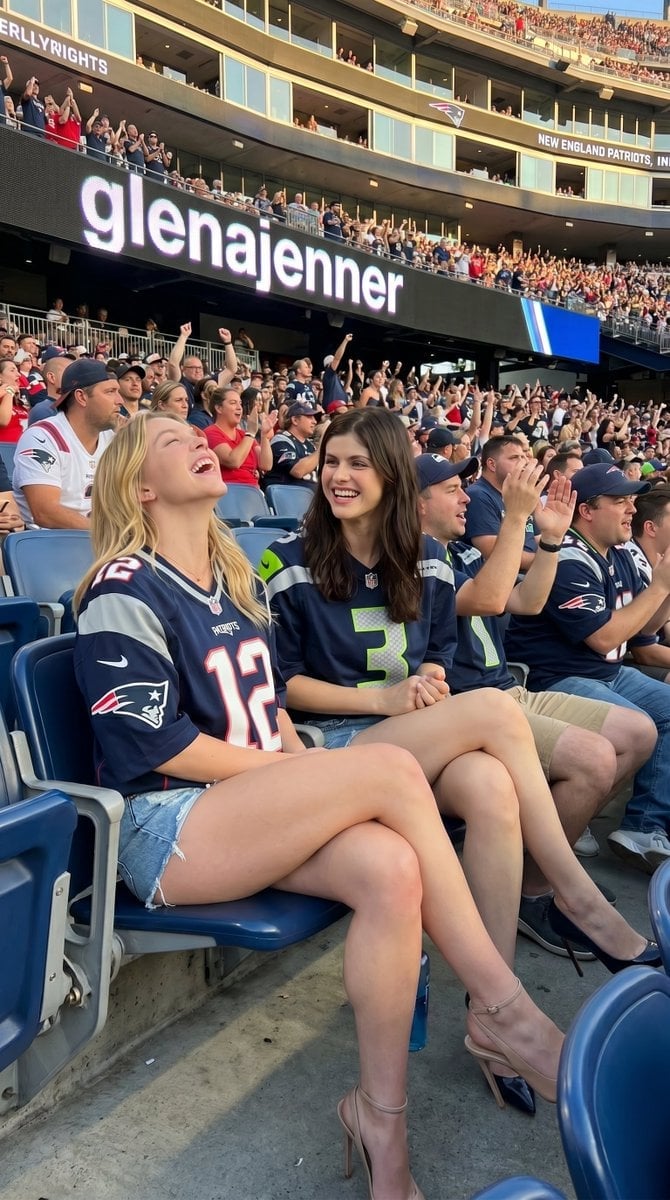
Candid Sports Stadium Fan Portrait
Make it yours
AI Image Model Stadium Leaderboard works as-is. These are the safest ways to change it without losing the look.
Change one field
Copy a single group, rewrite it, and generate again so you can see what that field is doing.
Keep the frame, change the subject
Hold the composition and light of AI Image Model Stadium Leaderboard, then swap wardrobe, props or the person for a new take.
| If the result… | Why | Fix |
|---|---|---|
| The result drifts from the preview | Too many fields changed at once. | Reuse AI Image Model Stadium Leaderboard as-is first, then change one group — subject, light, or setting. |
| The model over-stylizes the scene | The prose prompt leaves finish and camera underspecified. | Add one camera or lighting sentence and stay on GPT Image 2. |
More GPT Image 2 templates
Other prompts made for GPT Image 2.

Six VTuber Japanese Logo Sheet

Realistic Portrait of Woman and Deer

The Vista Modular Condo Poster

AI Model Routing Comparison Infographic

2.5D Anime Art Board

Isometric Productivity Desk Scene

New York Double Exposure Poster

Four-Panel AI Landscape Comparison

Japanese Tatami Lifestyle Magazine Cover

NESCAFÉ Coffee Map Poster
More image prompts
Fresh picks from across the catalog.
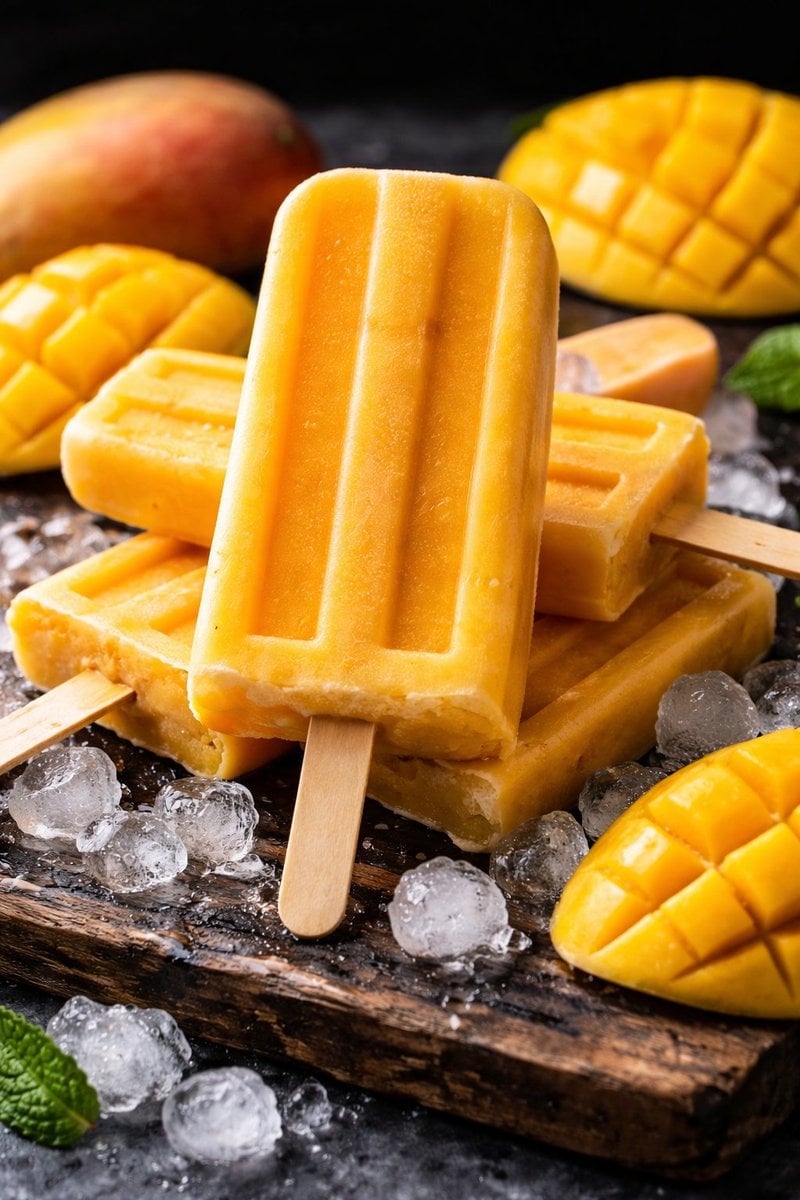
8K Food Photography Prompt for Mango Popsicles
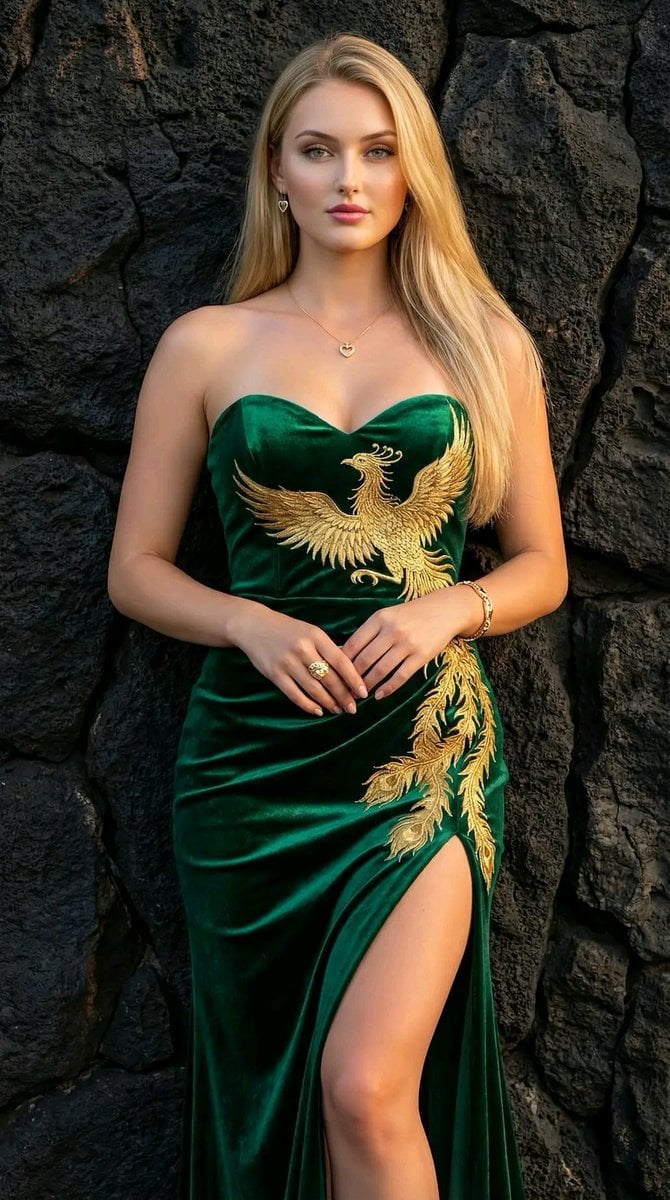
Couture Velvet Dress on Volcanic Rocks Prompt
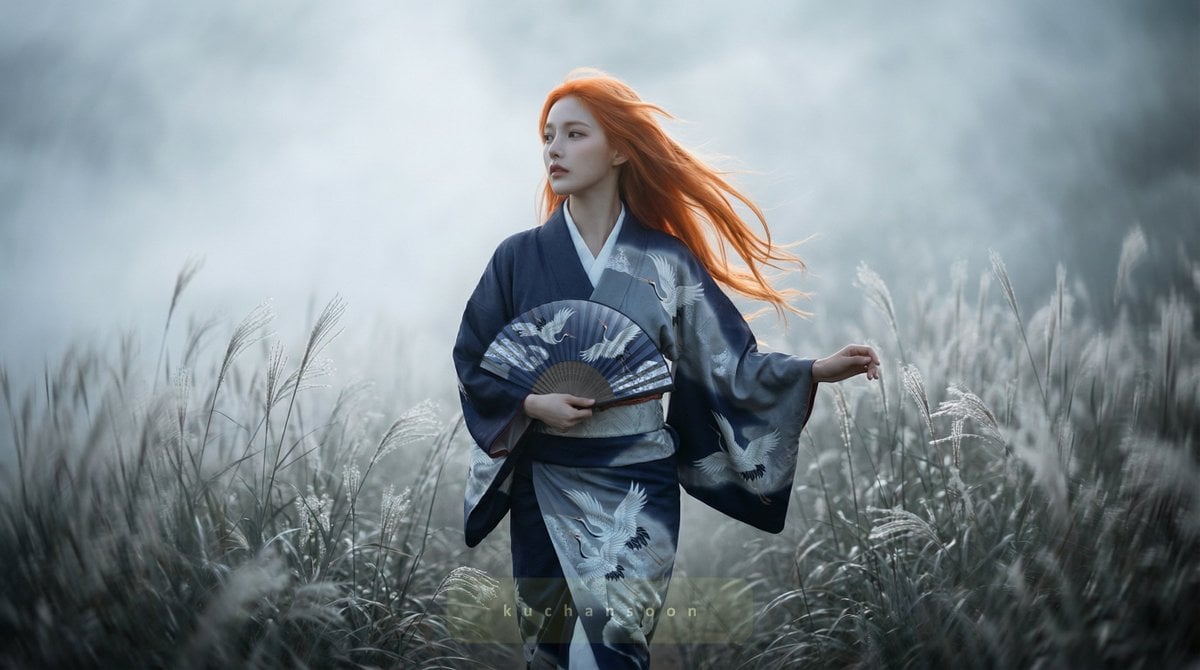
Cinematic frame of silver silence
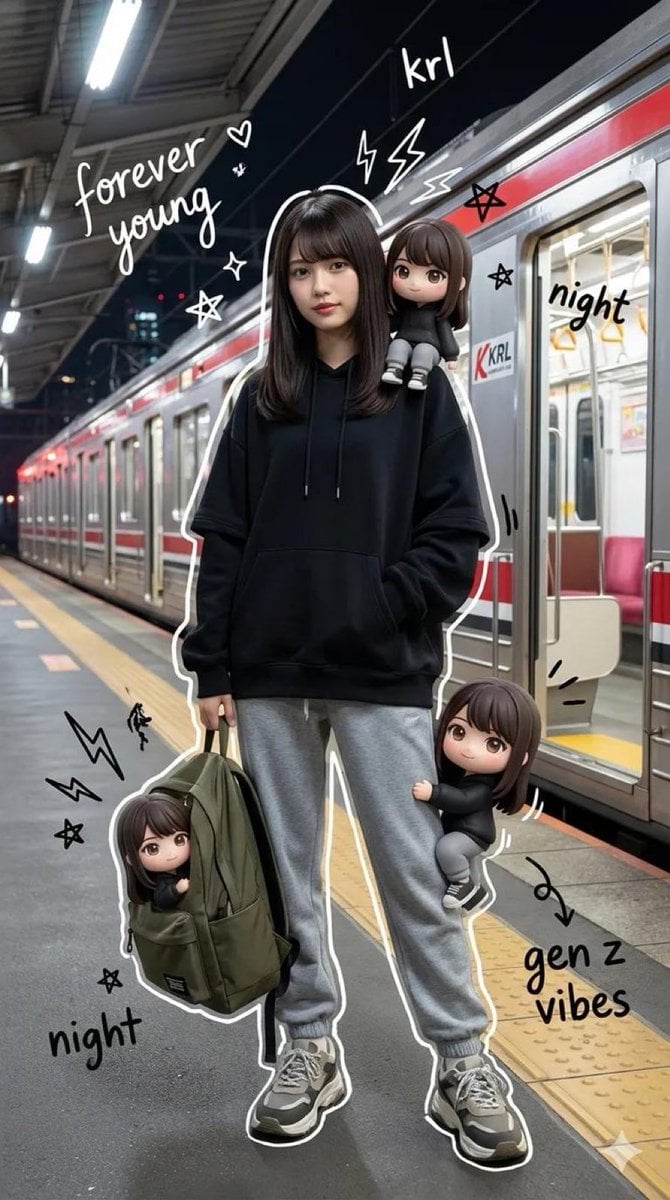
Mixed Media Portrait of Gen Z Teenager with Chibi Companions

Realistic Garden Fairy Editorial Portrait
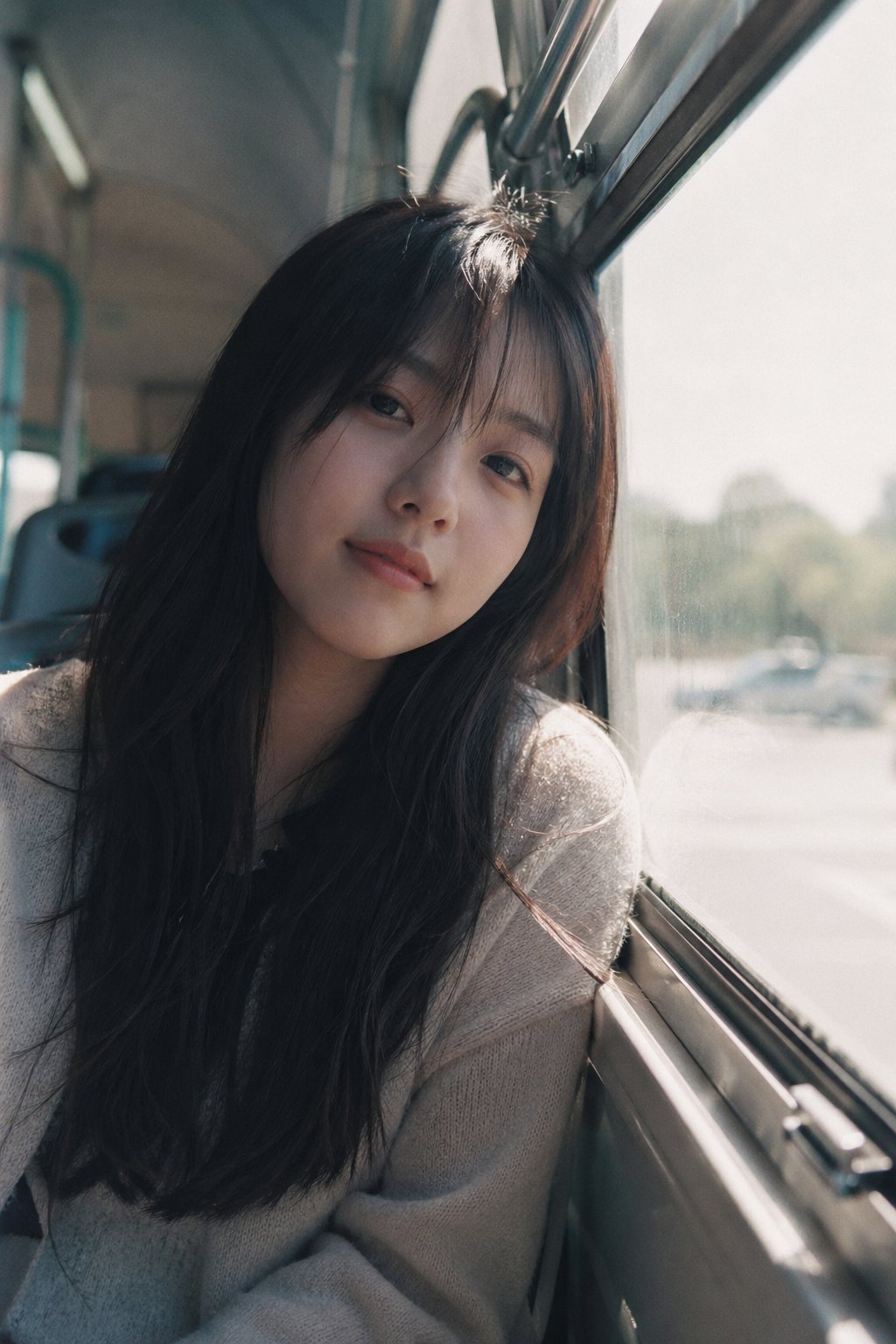
X Ohmuyi 那就来个歪头杀吧
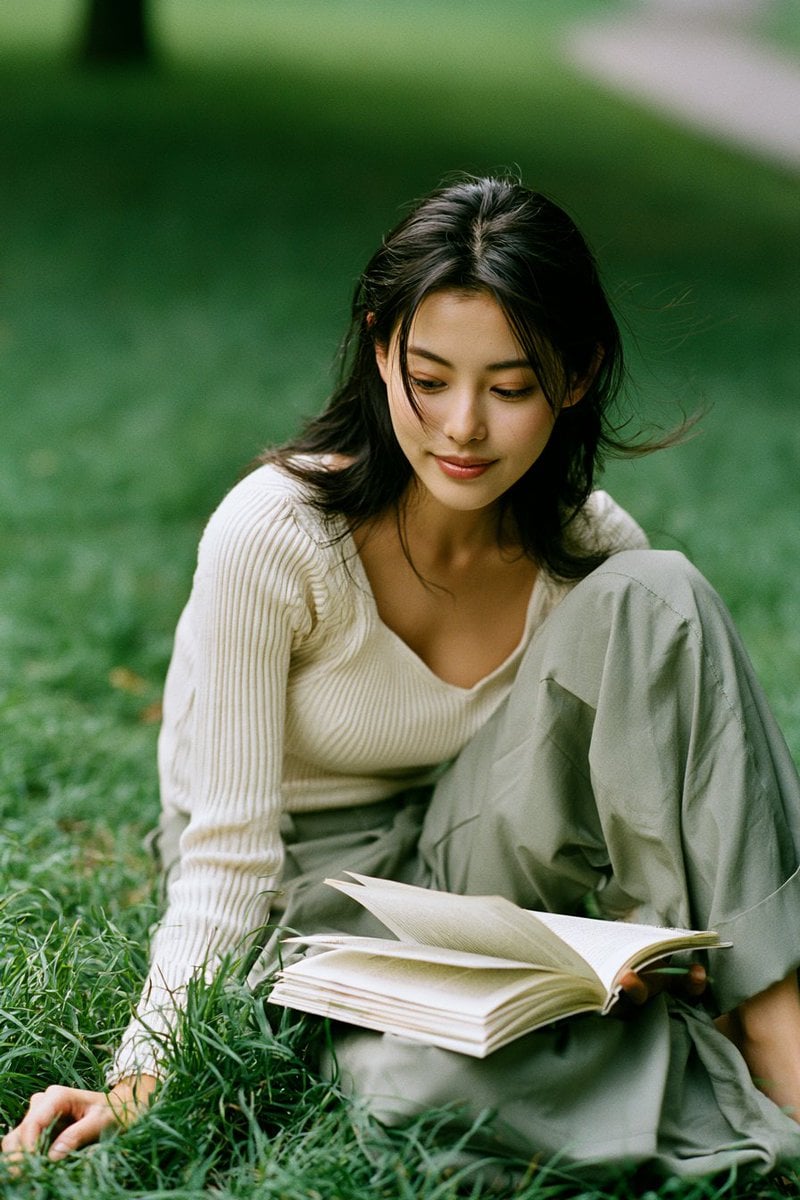
Candid Park Reading Portrait

Cozy Christmas Market Portrait with Identity Preservation
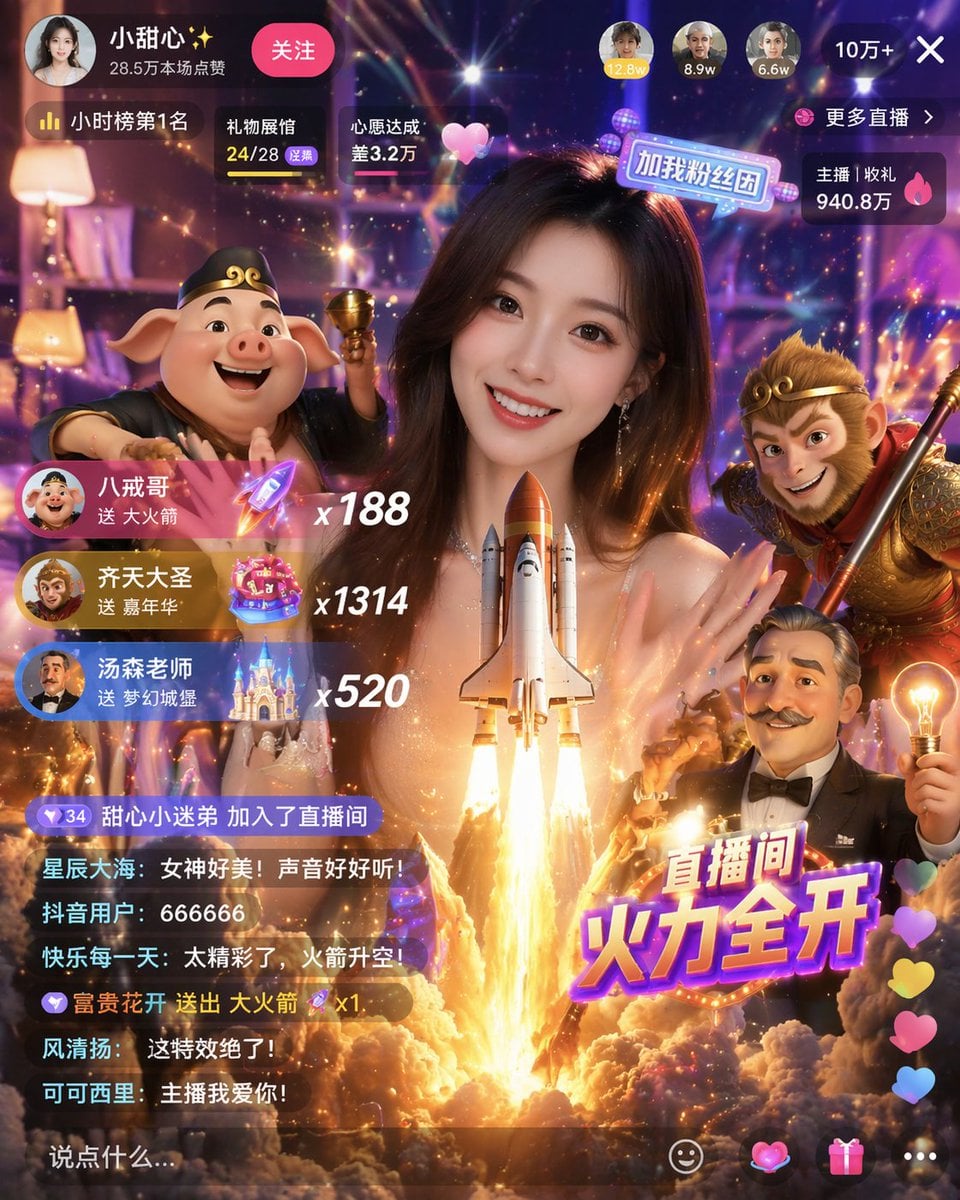
Live Stream UI Mockup with 3D Effects
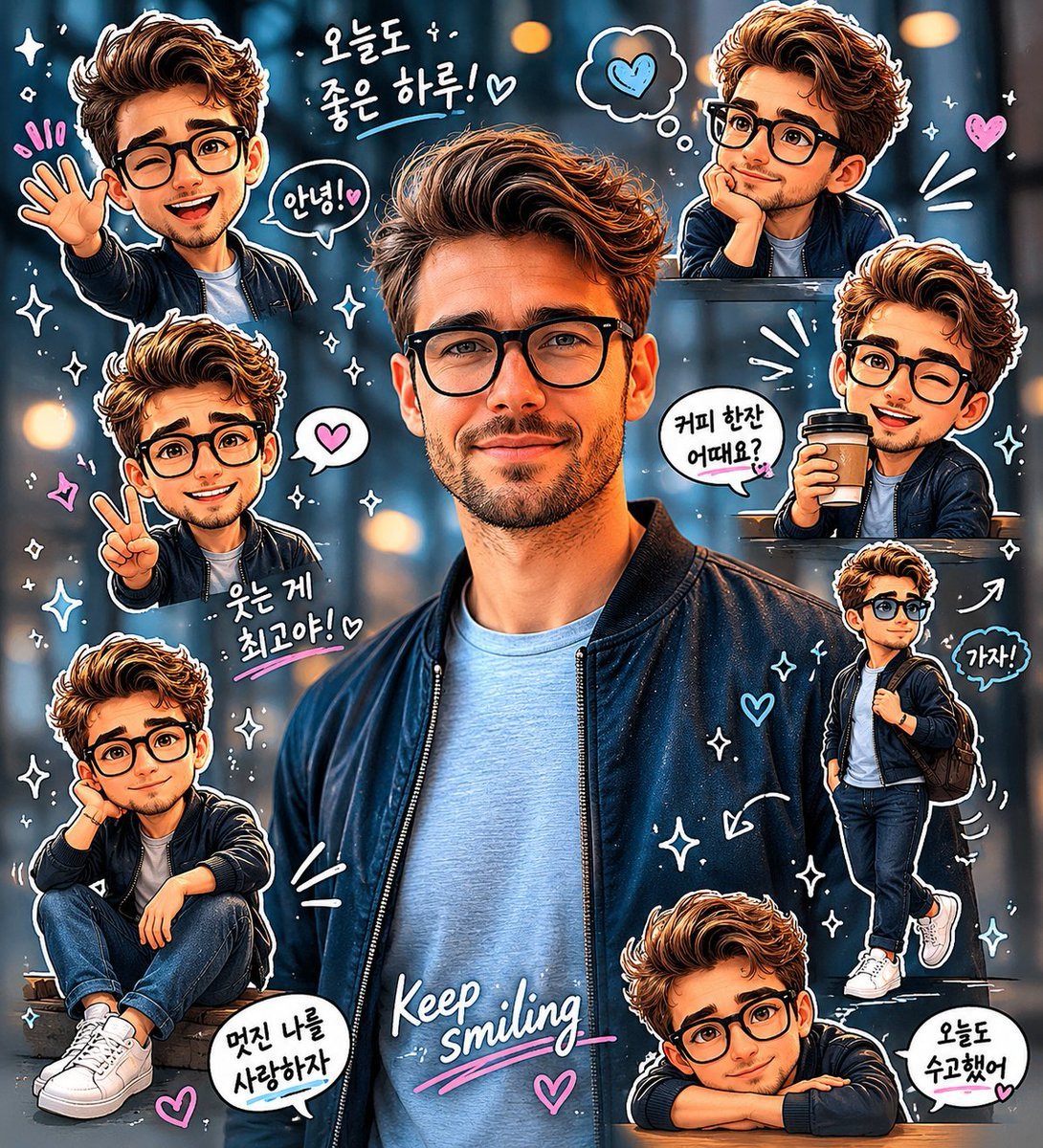
Chibi Sticker Diary Scrapbook Portrait
Browse template categories
AI Image Model Stadium Leaderboard questions
How do I use the AI Image Model Stadium Leaderboard template?
Add your photo if the template asks for one, edit the prompt if you like — the template's model and format are already selected — and press Generate. Your version opens in PicX Studio.
Can I customize the AI Image Model Stadium Leaderboard template?
Yes. You can change the subject, setting, lighting, mood, format, and available model controls before creating your image.
Is the AI Image Model Stadium Leaderboard template free?
Opening and editing this template is free. Generating uses credits, shown on the Generate button when you are signed in.
Which AI model should I use?
Start with GPT Image 2, which is the model associated with this template. You can compare another compatible model for a different finish.
Looking for something else? Browse all templates.

Your photo, any look
Thousands of ready templates for every top image and video model, from one credit balance.