
Cinematic Stadium Location Board
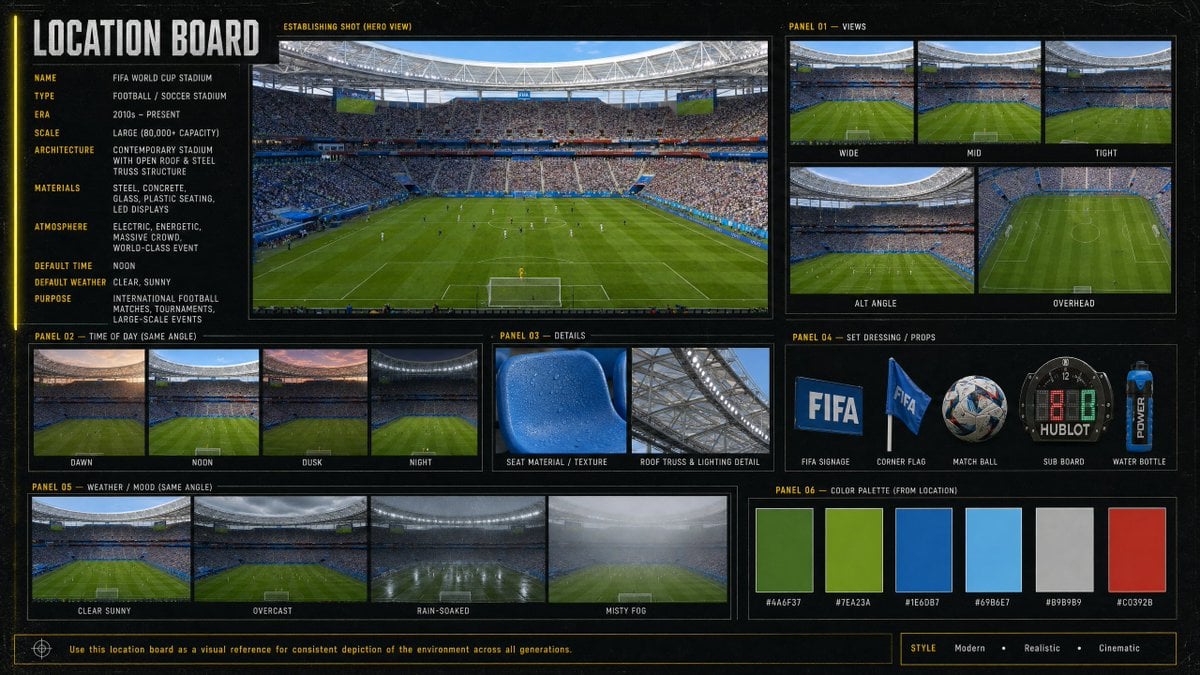
Generates a professional visual reference board for a modern World Cup soccer stadium with views, lighting, weather, props, details, and palette.
- Prompt included
- Model and format preset
- Premium template
The prompt behind this image
Copy the exact prompt behind Cinematic Stadium Location Board, or open it in the studio and make it yours.
Goal: Create a cinematic, information-dense location board for a {argument name="venue name" default="FIFA World Cup Stadium"}, designed as a professional film/game environment reference sheet. Canvas: Wide 16:9 horizontal board with a dark charcoal/black textured background, thin yellow guide lines, subtle grid marks, and a modern sports-broadcast production design feel. Use crisp photo-realistic stadium imagery inside bordered panels, with condensed uppercase typography in white and yellow. Main title: Large vertical-left header reading “LOCATION BOARD”. Left information column: Include 10 labeled metadata rows: Name: {argument name="venue name" default="FIFA World Cup Stadium"}; Type: Football / Soccer Stadium; Era: 2010s – Present; Scale: Large (80,000+ capacity); Architecture: Contemporary stadium with open roof & steel truss structure; Materials: Steel, concrete, glass, plastic seating, LED displays; Atmosphere: Electric, energetic, massive crowd, world-class event; Default time: Noon; Default weather: Clear, sunny; Purpose: International football matches, tournaments, large-scale events. Central hero panel: One large establishing shot labeled “ESTABLISHING SHOT (HERO VIEW)”, showing a packed modern soccer stadium from behind one goal, lush green pitch, players tiny on the field, bright daylight, steel roof ring, giant screens, blue seating accents, and a dense crowd. Panel 01 — Views: Show exactly 5 view thumbnails labeled Wide, Mid, Tight, Alt Angle, and Overhead. Wide shows the full field and stands; Mid is closer to the pitch and crowd; Tight focuses more on field/crowd detail; Alt Angle is a diagonal stadium view; Overhead is a high top-down view of the pitch. Panel 02 — Time of Day (Same Angle): Show exactly 4 thumbnails labeled Dawn, Noon, Dusk, and Night, each using the same stadium angle with different lighting conditions. Panel 03 — Details: Show exactly 2 close-up detail images labeled Seat Material / Texture and Roof Truss & Lighting Detail. Seat material should be a blue plastic stadium seat with droplets/texture; roof detail should show steel trusses and stadium lighting. Panel 04 — Set Dressing / Props: Show exactly 5 isolated prop images labeled FIFA Signage, Corner Flag, Match Ball, Sub Board, and Water Bottle. Include a blue FIFA sign, a blue corner flag, a patterned soccer ball, a digital substitution board, and a blue sports water bottle. Panel 05 — Weather / Mood (Same Angle): Show exactly 4 thumbnails labeled Clear Sunny, Overcast, Rain-Soaked, and Misty Fog, all from the same stadium angle. Panel 06 — Color Palette (From Location): Show exactly 6 rectangular color swatches with hex labels: #4A6F37 deep field green, #7EA23A bright grass green, #1E6DB7 stadium blue, #69B6E7 sky blue, #B9B9B9 concrete gray, and #C0392B red accent. Footer: Add a thin boxed note reading “Use this location board as a visual reference for consistent depiction of the environment across all generations.” On the bottom right, add a style tag row reading “STYLE Modern • Realistic • Cinematic”. Visual style: Photorealistic sports venue imagery, high-detail architectural reference board, cinematic realism, clean grid layout, consistent panel borders, subtle grunge texture, yellow technical annotations, no people in close-up foreground except distant crowd and players. Keep all text legible and aligned.
How to use Cinematic Stadium Location Board in 3 steps
- 1Upload ImagePNG, JPG or paste
Add your photo
Upload the photo the template builds on. The prompt, model and format are already set.
- 2…a portrait of your subject in softgolden-hour light, 85mm…
Personalize
Edit the subject and creative details for your destination.
- 3Generate
Generate
Press Generate — your image is created in PicX Studio, so you can compare it with the original and refine one variable at a time.
More like this
Templates with the same subject, style or setup. Open one to see its prompt.

Usa Cinematic Hyperreal Collage Poster
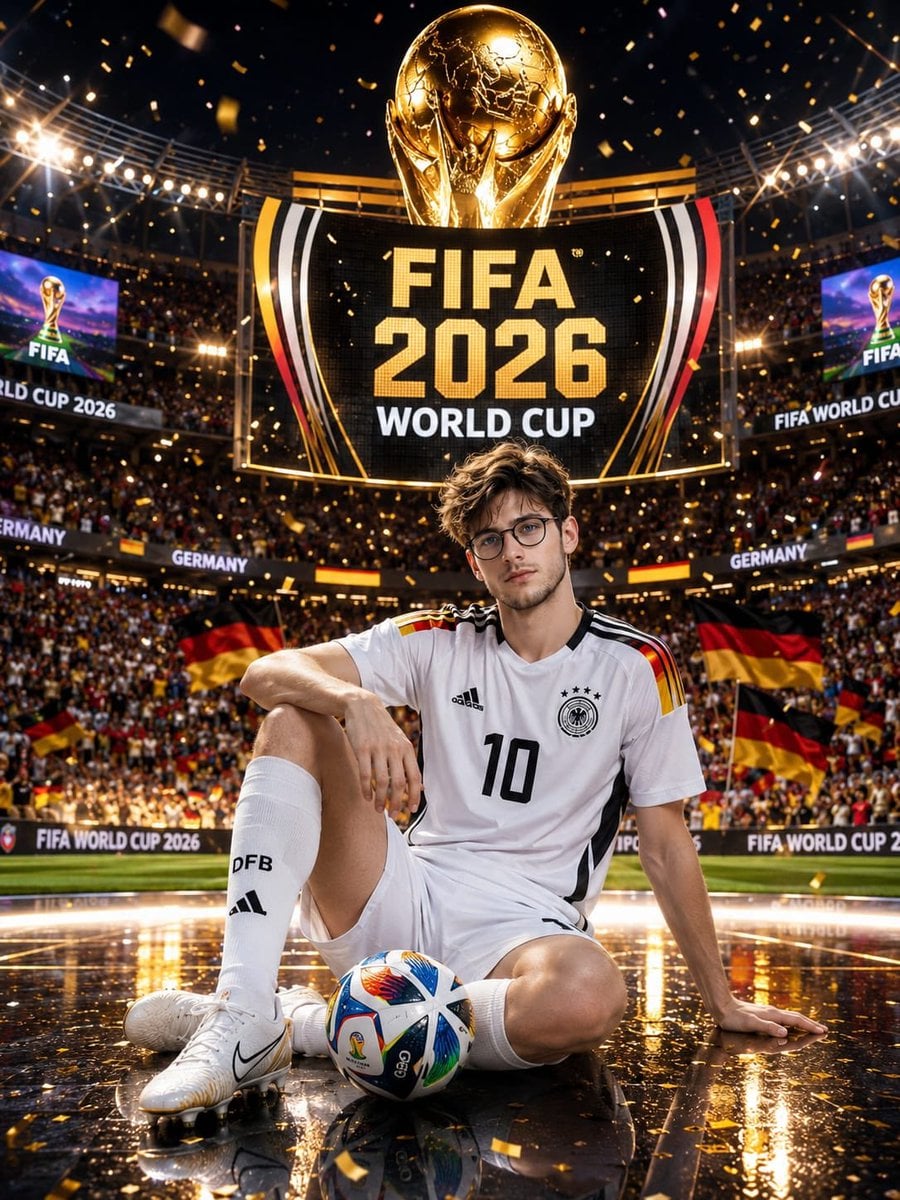
Germany 10 Championship Celebration Poster
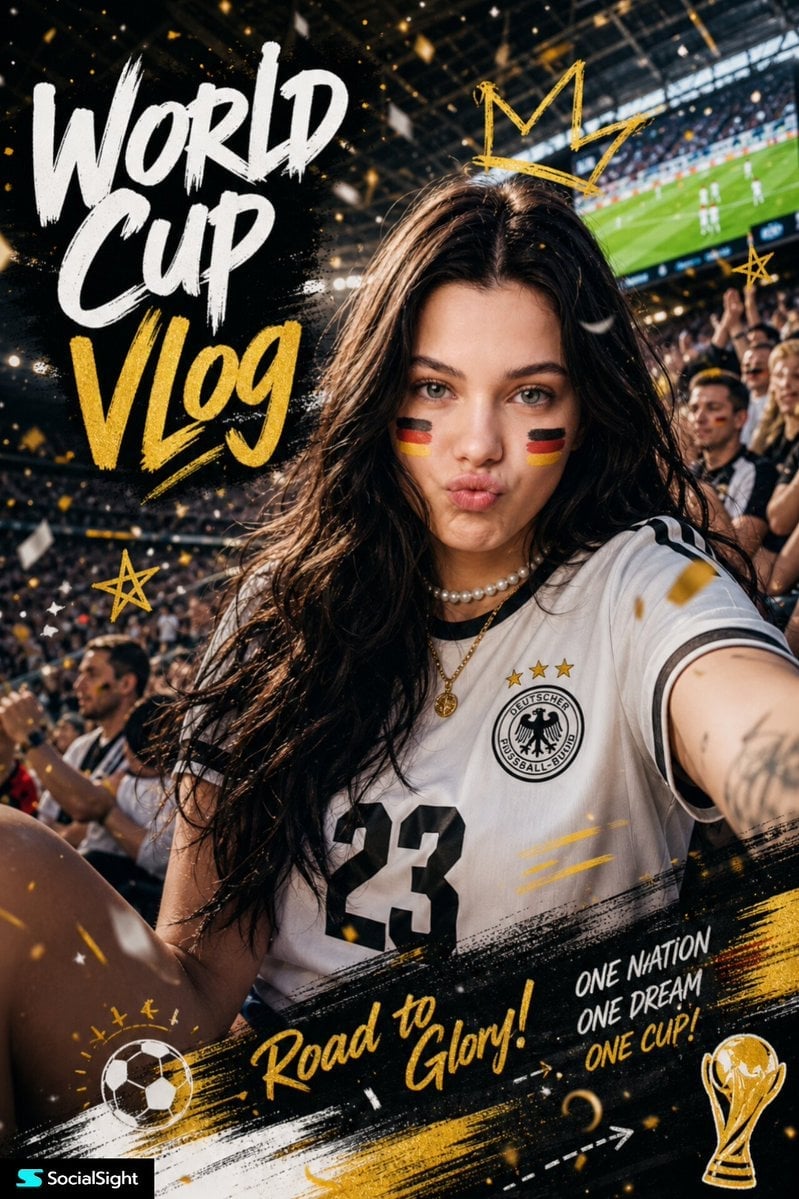
Fifa Stadium Fan Portrait Poster

FIFA-Inspired — World Cup Final Goal Net Commercial

FIFA 2026 — Golden Trophy Stadium Night
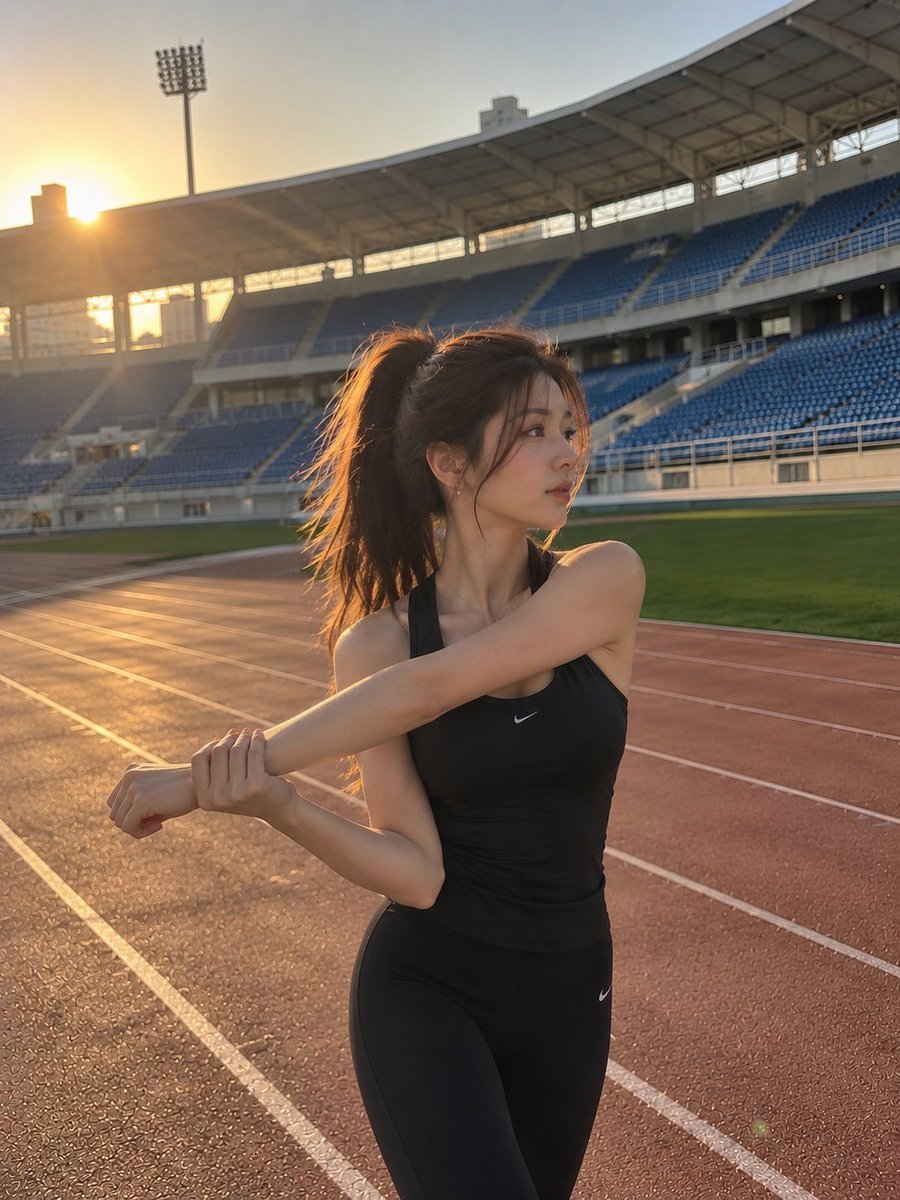
Cinematic Stadium Sports Portrait

Modern Korean Fashion Editorial Board

2.5D Anime Art Board
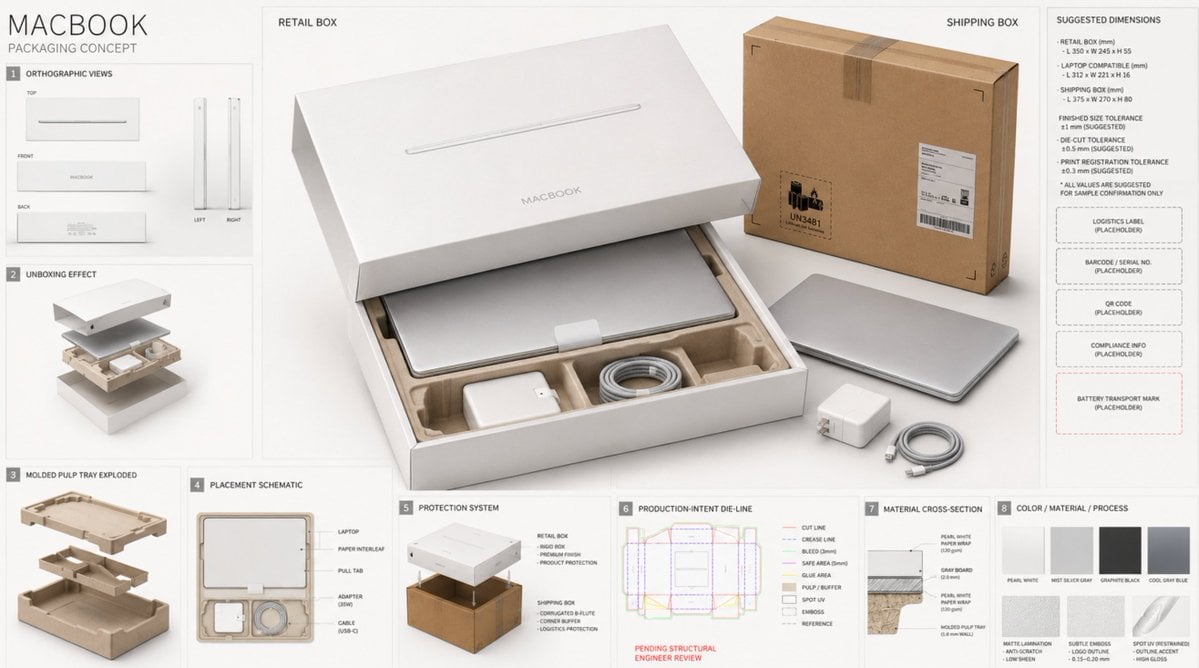
High-End Laptop Packaging Concept Board
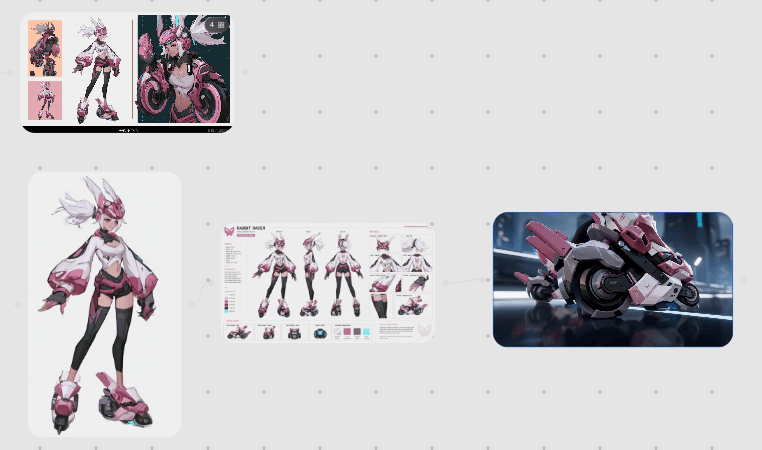
Rabbit Racer Workflow Board
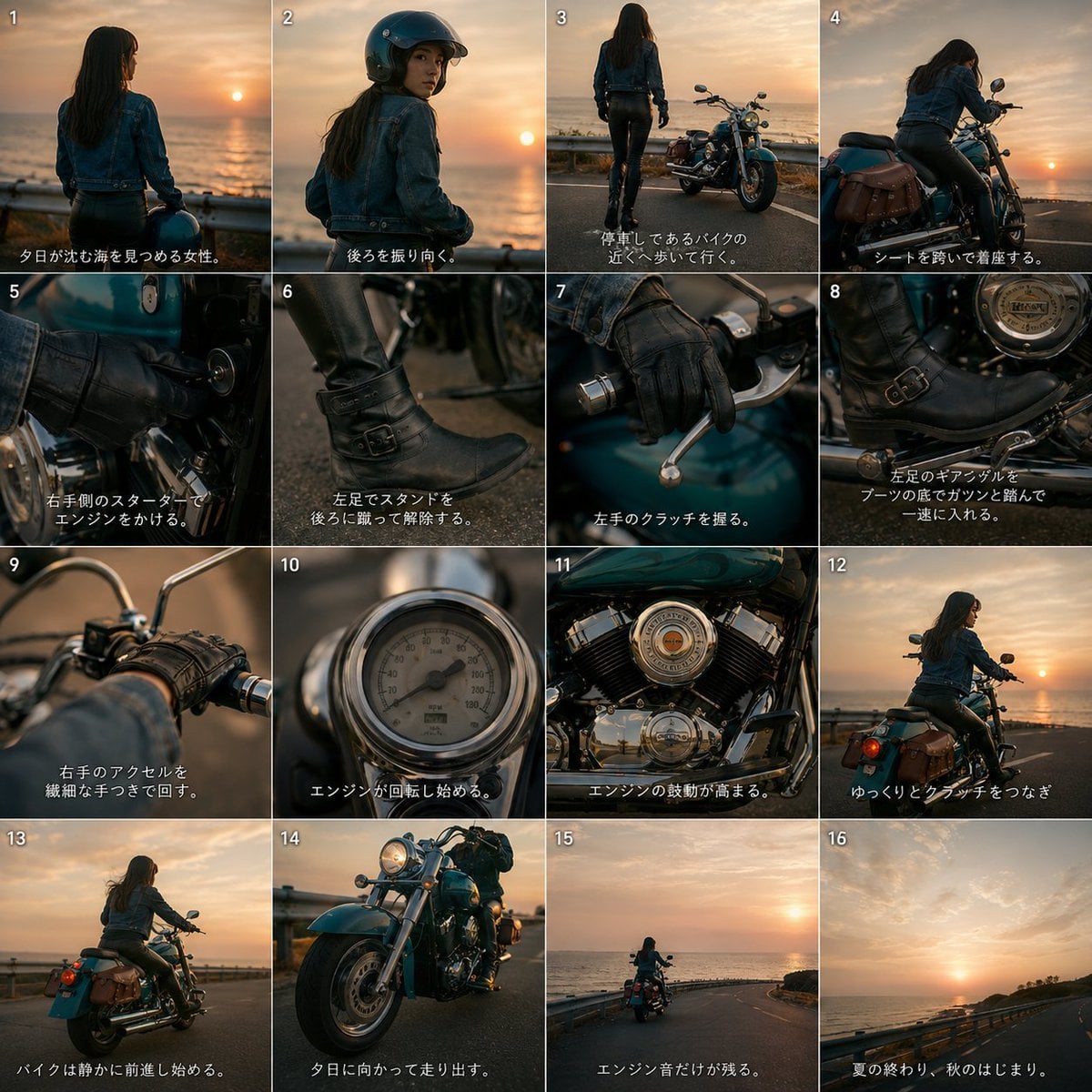
Cinematic Motorcycle Storyboard
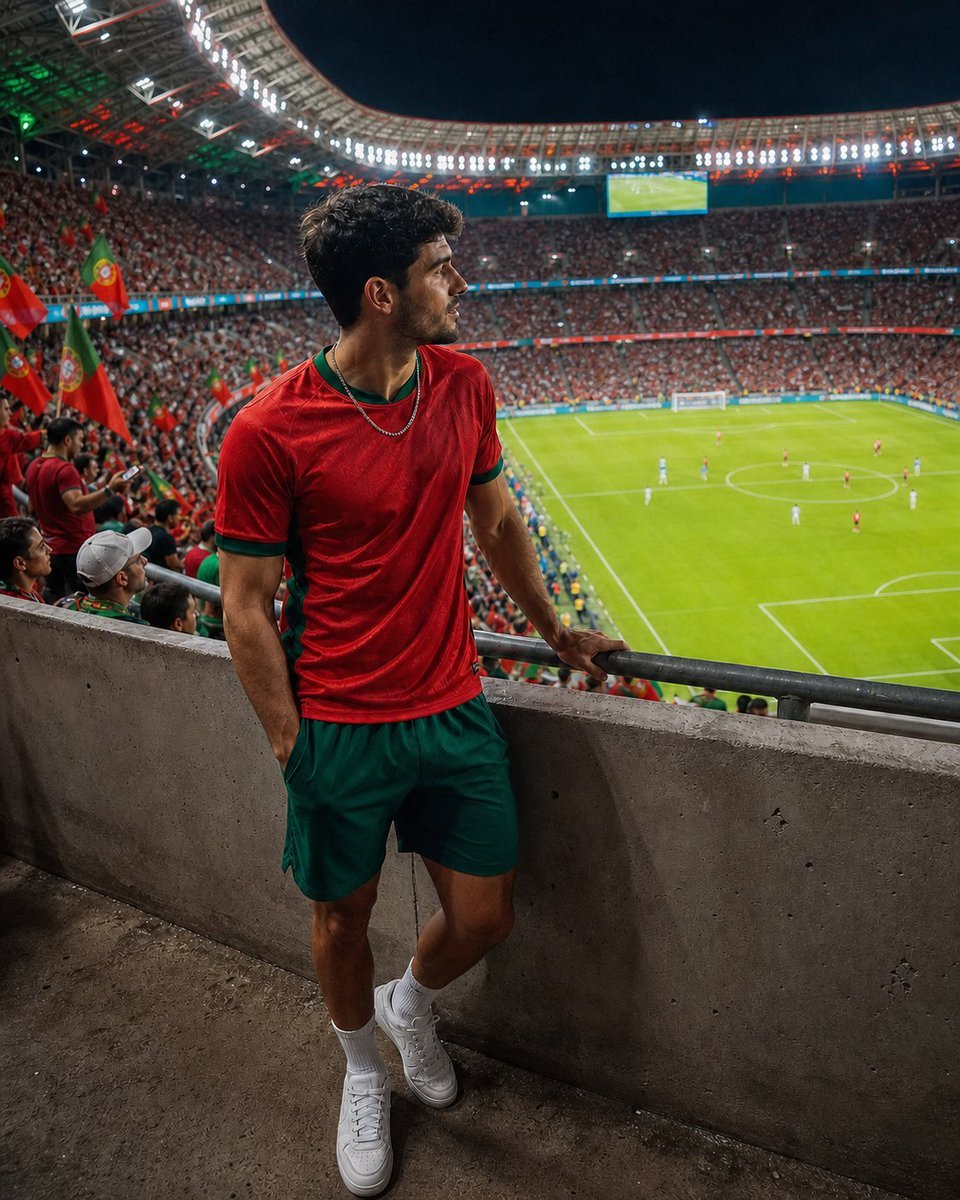
Professional Stadium Fan Photography Prompt
Make it yours
Cinematic Stadium Location Board works as-is. These are the safest ways to change it without losing the look.
Change one field
Copy a single group, rewrite it, and generate again so you can see what that field is doing.
Keep the frame, change the subject
Hold the composition and light of Cinematic Stadium Location Board, then swap wardrobe, props or the person for a new take.
| If the result… | Why | Fix |
|---|---|---|
| The result drifts from the preview | Too many fields changed at once. | Reuse Cinematic Stadium Location Board as-is first, then change one group — subject, light, or setting. |
| The model over-stylizes the scene | The prose prompt leaves finish and camera underspecified. | Add one camera or lighting sentence and stay on GPT Image 2. |
More GPT Image 2 templates
Other prompts made for GPT Image 2.

Six VTuber Japanese Logo Sheet

Realistic Portrait of Woman and Deer

The Vista Modular Condo Poster

AI Model Routing Comparison Infographic

Isometric Productivity Desk Scene

New York Double Exposure Poster

Four-Panel AI Landscape Comparison

Japanese Tatami Lifestyle Magazine Cover

NESCAFÉ Coffee Map Poster

Brutalist Cogito Chinese Typography Poster
More image prompts
Fresh picks from across the catalog.
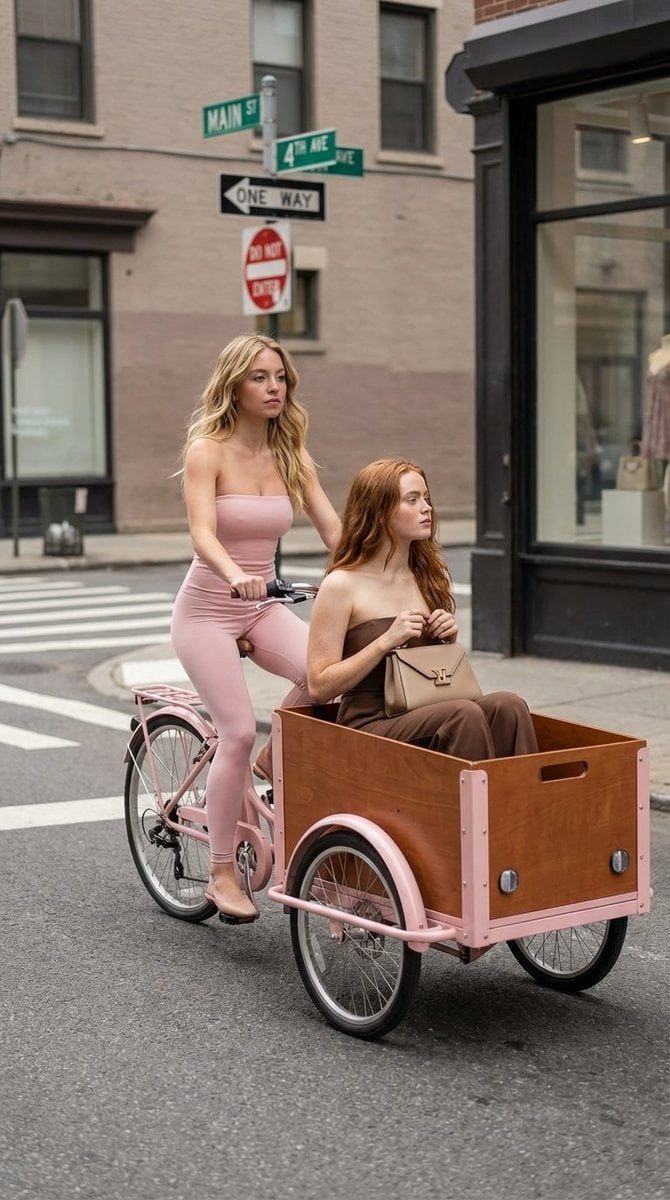
High Fashion Street Photography on a Pink Cargo Bike
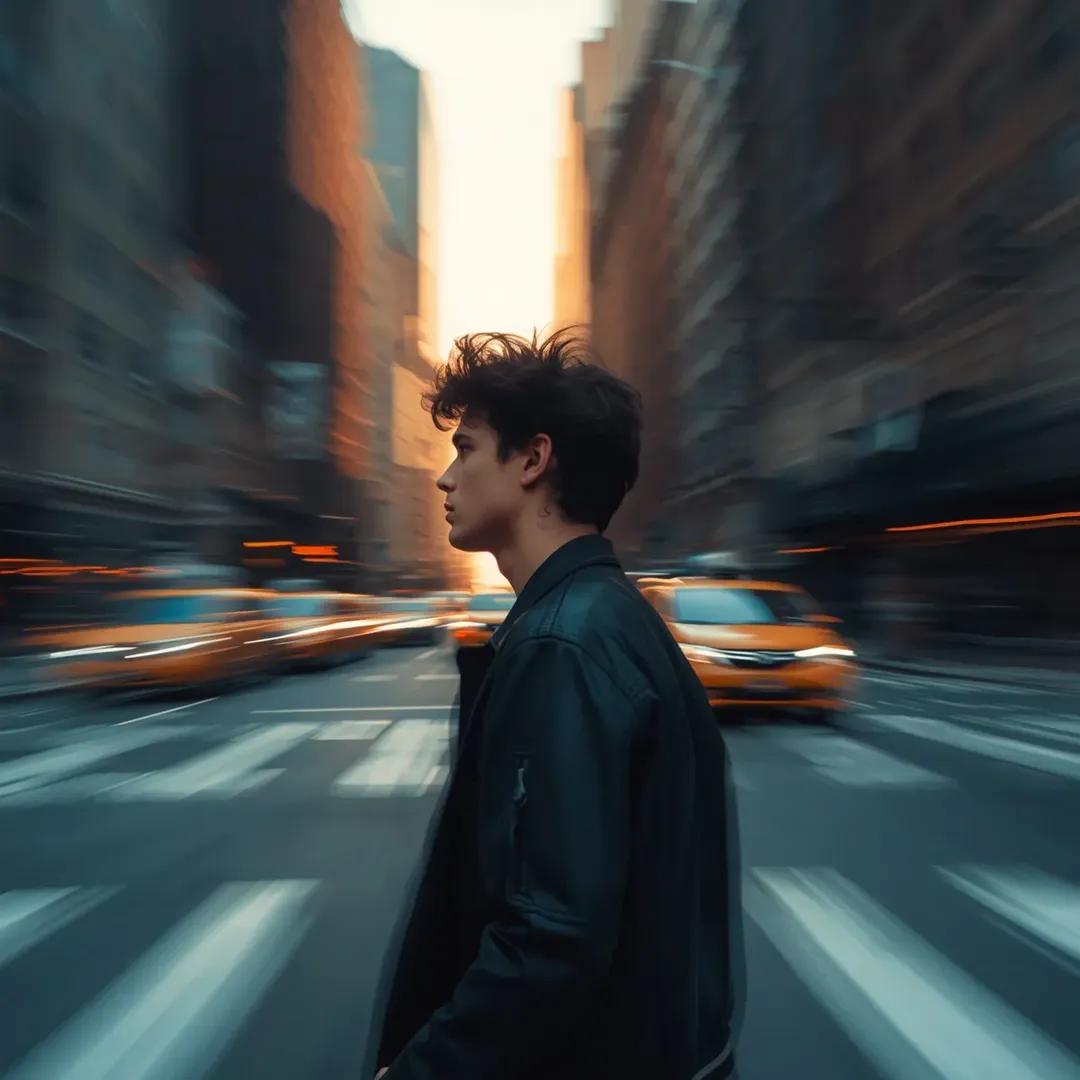
Motion Blur Portrait in NYC at Golden Hour

Professional Business Portrait Generation Prompt
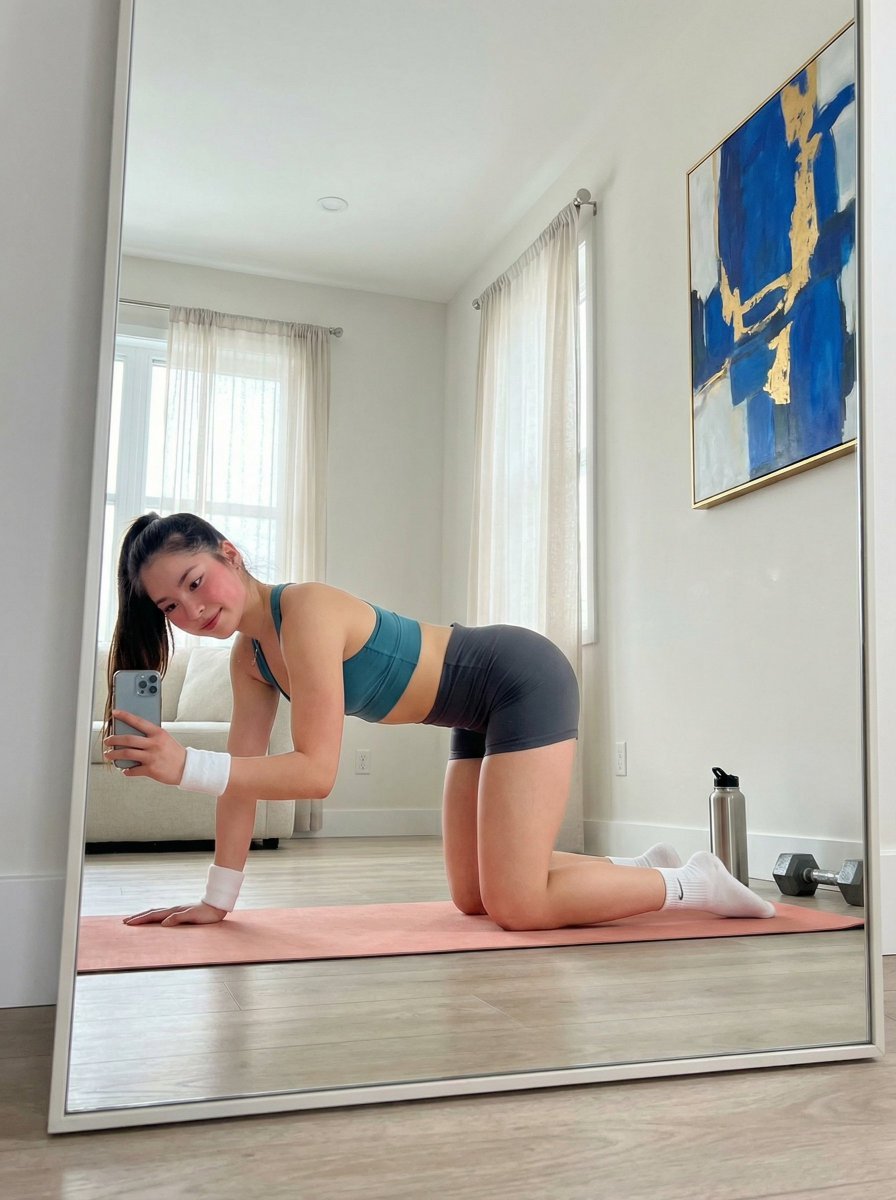
Yoga Mat Mirror Selfie Prompt (JSON)
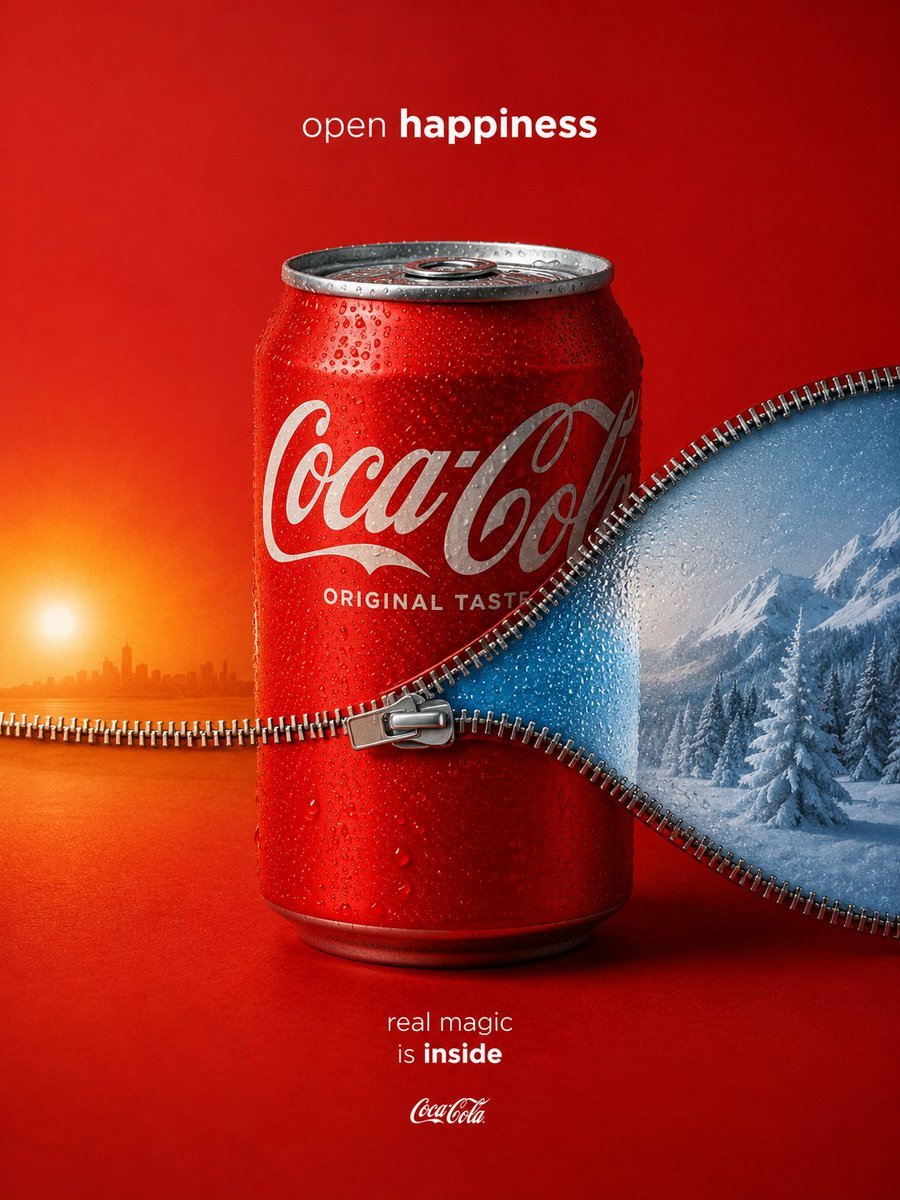
Coca-Cola Zipper Worlds Ad

Gen-Z Fashion Portrait with Labubu and Cat Prompt
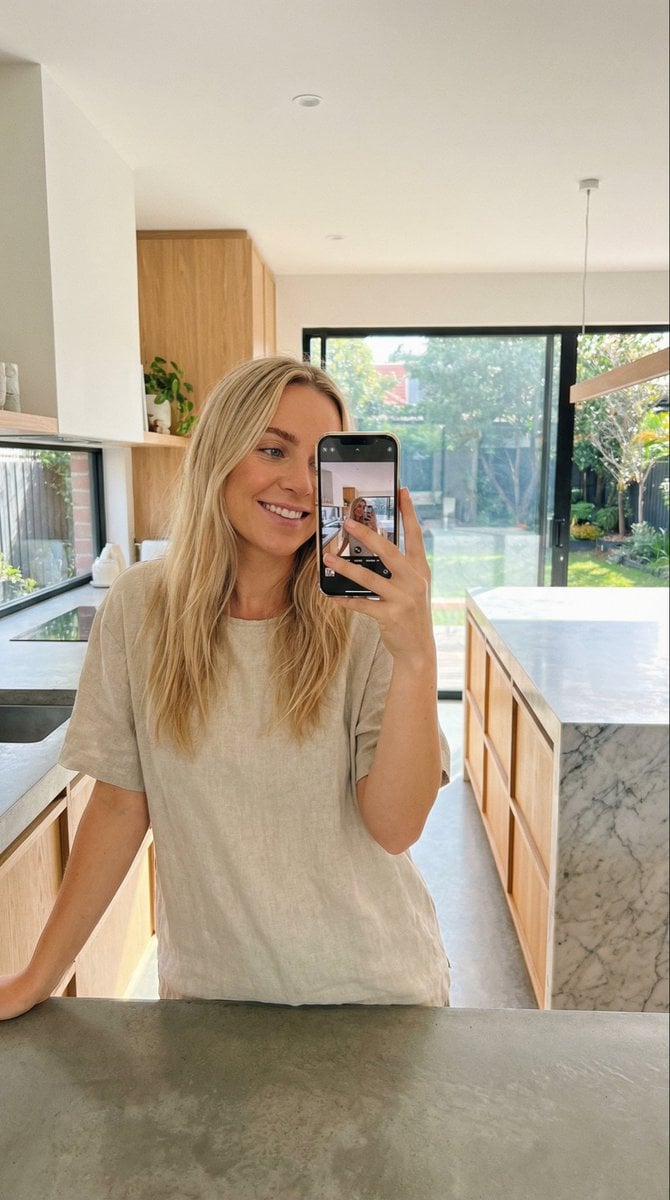
Selfie in a Modern Kitchen

Romantic Voxel Dinner Date
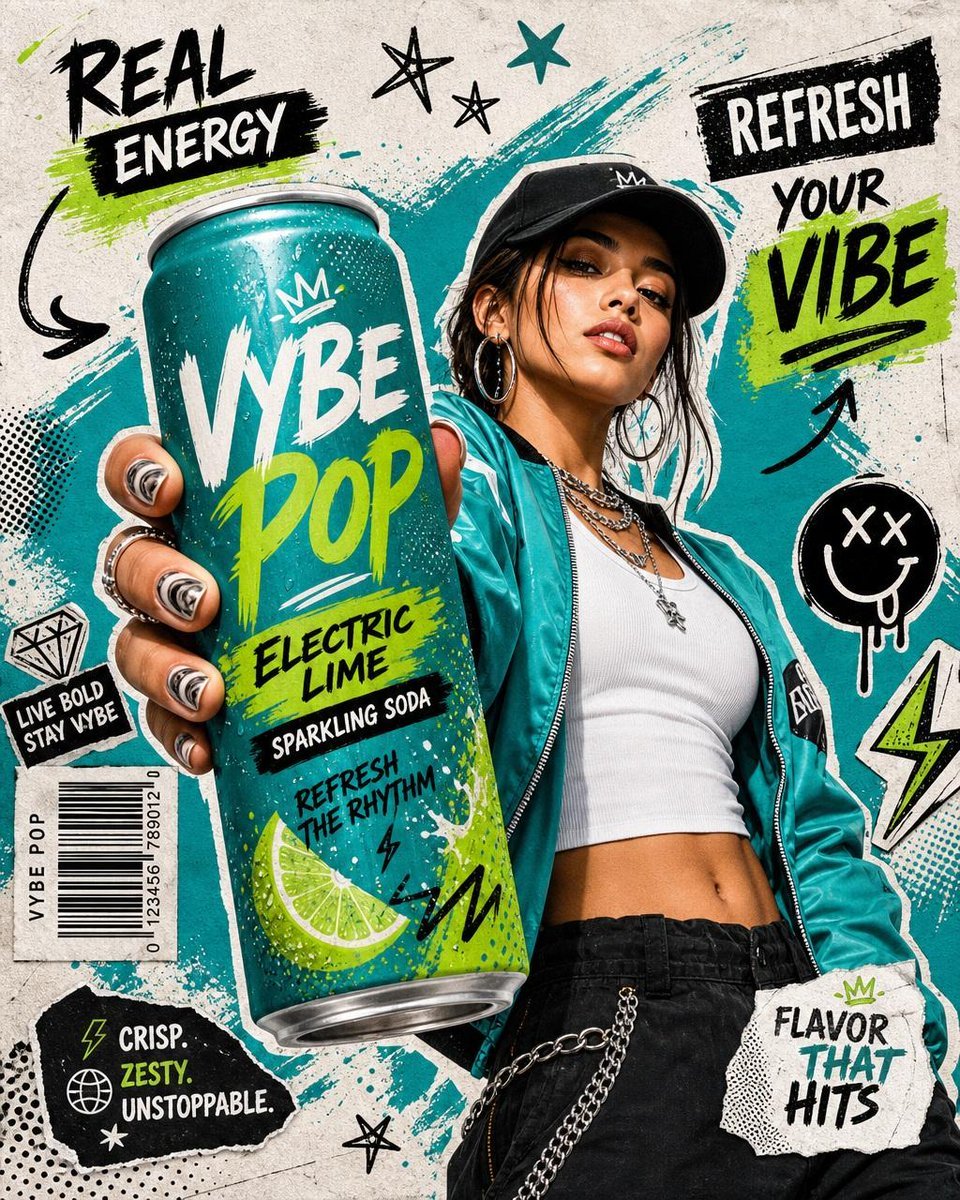
Realistic Commercial Beverage Advertisement
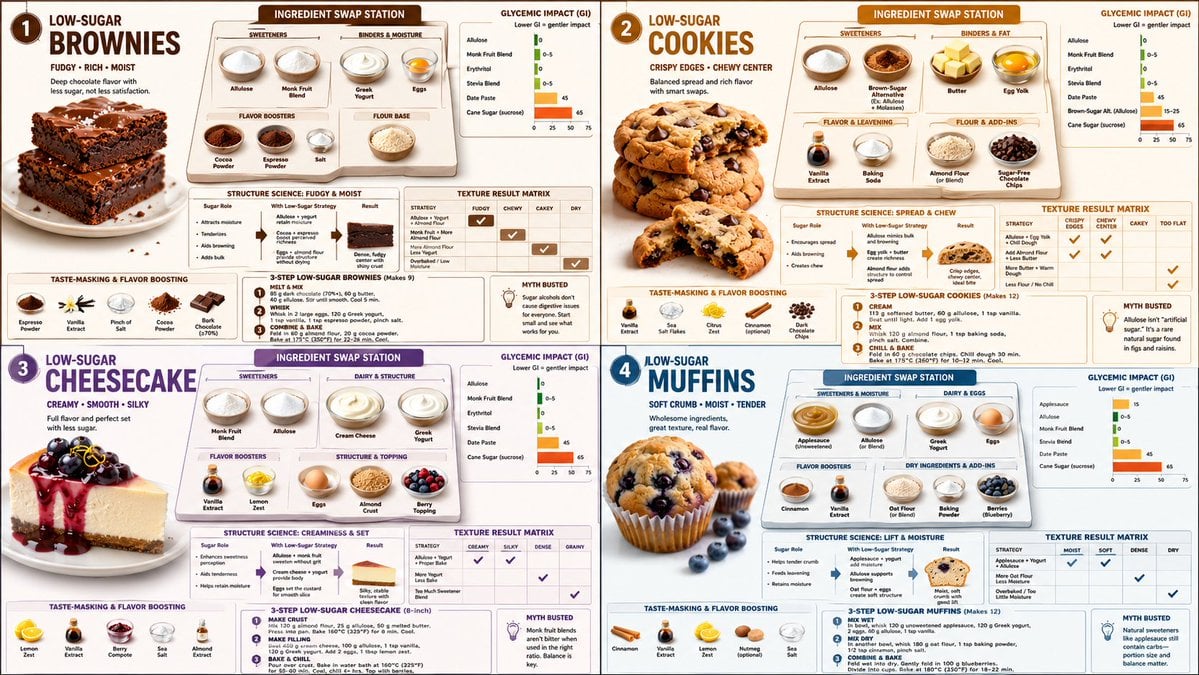
Low Sugar Dessert Science Infographic
Browse template categories
Cinematic Stadium Location Board questions
How do I use the Cinematic Stadium Location Board template?
Add your photo if the template asks for one, edit the prompt if you like — the template's model and format are already selected — and press Generate. Your version opens in PicX Studio.
Can I customize the Cinematic Stadium Location Board template?
Yes. You can change the subject, setting, lighting, mood, format, and available model controls before creating your image.
Is the Cinematic Stadium Location Board template free?
Opening and editing this template is free. Generating uses credits, shown on the Generate button when you are signed in.
Which AI model should I use?
Start with GPT Image 2, which is the model associated with this template. You can compare another compatible model for a different finish.
Looking for something else? Browse all templates.

Your photo, any look
Thousands of ready templates for every top image and video model, from one credit balance.