
Anime Storyboard Sheet of Zoro and Robin
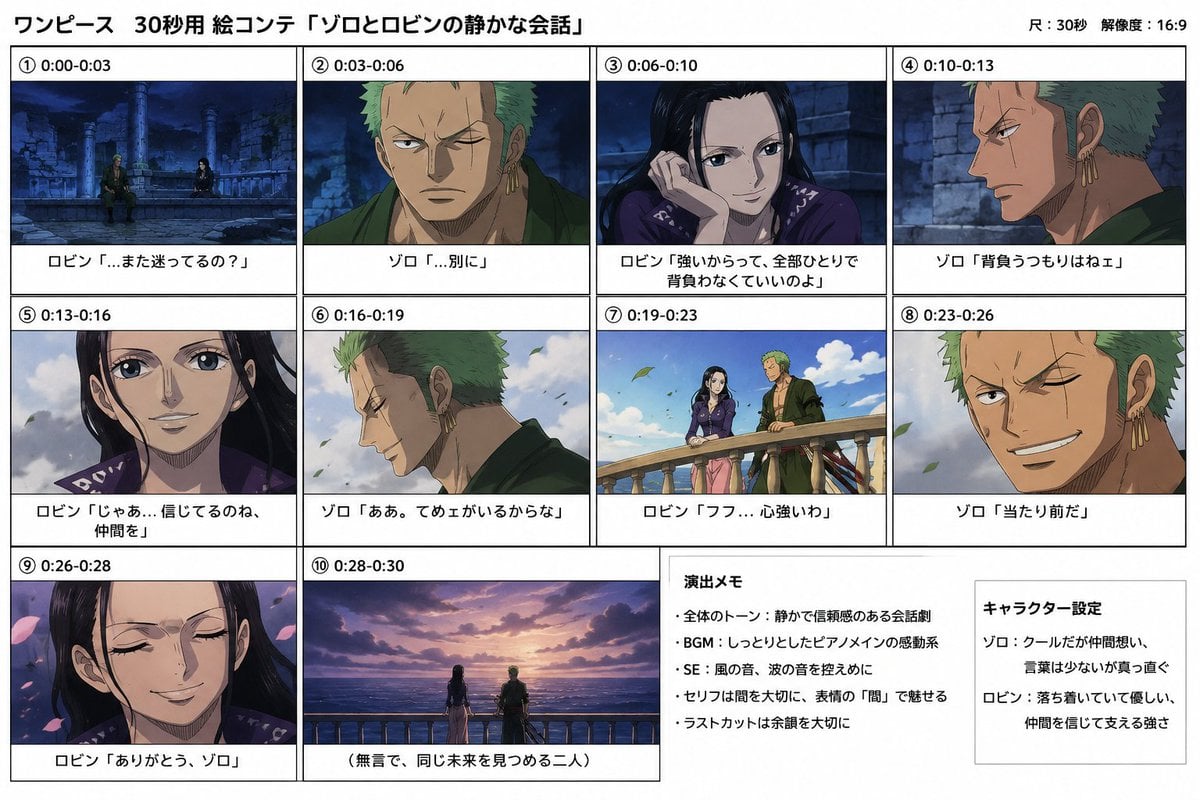
Generates a 16:9 Japanese anime storyboard sheet with 10 timed panels and production notes for a quiet Zoro and Robin conversation scene.
- Prompt included
- Model and format preset
- Free template
The prompt behind this image
Copy the exact prompt behind Anime Storyboard Sheet of Zoro and Robin, or open it in the studio and make it yours.
Goal: Create an information-dense anime storyboard / image-generation sheet for a 30-second One Piece-style scene titled {argument name="headline text" default="ワンピース 30秒用 絵コンテ「ゾロとロビンの静かな会話」"}, showing a quiet emotional conversation between Zoro and Robin. Canvas: Landscape 16:9 white storyboard page with thin black borders, clean grid lines, and Japanese typography. Add a small top-right note reading "尺:30秒 解像度:16:9". Use the look of a production storyboard sheet: crisp black frame boxes, white caption bands under each frame, and anime screenshots inside the boxes. Layout: Use exactly 10 numbered storyboard panels plus 2 text note boxes. Arrange panels 1–4 across the top row, panels 5–8 across the middle row, panel 9 at bottom left, panel 10 wide at bottom center, and two note boxes on the bottom right. Each panel has a circled number, a time range, a cinematic anime still, and a Japanese caption below it. Panels: 1. "① 0:00-0:03" Wide night shot in blue tones: Zoro and Robin sit apart among ancient stone ruins and broken columns. Caption: "ロビン「…また迷ってるの?」" 2. "② 0:03-0:06" Close-up of Zoro facing forward, green hair, stern expression, one eye closed, earrings visible, dark green robe. Caption: "ゾロ「…別に」" 3. "③ 0:06-0:10" Close-up of Robin resting her cheek on her hand, long black hair, gentle knowing smile, purple outfit, stone wall background. Caption: "ロビン「強いからって、全部ひとりで背負わなくていいのよ」" 4. "④ 0:10-0:13" Side profile of Zoro in warm low light against stone ruins, serious. Caption: "ゾロ「背負うつもりはねぇ」" 5. "⑤ 0:13-0:16" Close-up of Robin smiling softly, wind moving her hair, cloudy sky behind her. Caption: "ロビン「じゃあ…信じてるのね、仲間を」" 6. "⑥ 0:16-0:19" Side close-up of Zoro looking down with a small smile, leaves blowing in daylight. Caption: "ゾロ「ああ。てめェがいるからな」" 7. "⑦ 0:19-0:23" Medium two-shot in bright daylight: Robin and Zoro stand by a stone balcony railing, blue sky and clouds, leaves drifting, calm atmosphere. Caption: "ロビン「フフ…心強いわ」" 8. "⑧ 0:23-0:26" Close-up of Zoro grinning confidently, one eye narrowed, gold earrings, green hair, wind-blown leaves. Caption: "ゾロ「当たり前だ」" 9. "⑨ 0:26-0:28" Close-up of Robin with eyes closed, serene smile, pink flower petals drifting around her. Caption: "ロビン「ありがとう、ゾロ」" 10. "⑩ 0:28-0:30" Wide sunset shot from behind: Robin and Zoro stand together at a balcony overlooking the ocean, purple-orange sky and clouds. Caption: "(無言で、同じ未来を見つめる二人)" Text note boxes: Add exactly 2 boxed sections on the bottom right. First box title "演出メモ" with 4 bullet points: "全体のトーン:静かで信頼感のある会話劇", "BGM:しっとりとしたピアノメインの感動系", "SE:風の音、波の音を控えめに", "セリフは間を大切に、表情の『間』で魅せる", and a final line "ラストカットは余韻を大切に". Second box title "キャラクター設定" with character notes: "ゾロ:クールだが仲間想い、言葉は少ないが真っ直ぐ" and "ロビン:落ち着いていて優しい、仲間を信じて支える強さ". Visual style: High-quality hand-drawn Japanese TV anime aesthetic inspired by classic pirate adventure anime, clean cel shading, expressive faces, cinematic lighting, blue night ruins transitioning to bright sky and warm sunset. Keep the characters recognizable as {argument name="male character" default="Zoro"} and {argument name="female character" default="Robin"}; Zoro has short green hair, three gold earrings, a scarred closed eye, muscular build, and dark green clothing, while Robin has long black hair, elegant features, calm eyes, and a purple patterned top. Constraints: All visible text should be Japanese as specified. Keep the grid precise and readable. Use exactly 10 storyboard panels, exactly 2 note boxes, exactly the listed captions, no extra panels, no watermarks, no logos, no photorealism.
How to use Anime Storyboard Sheet of Zoro and Robin in 3 steps
- 1Upload ImagePNG, JPG or paste
Add your photo
Upload the photo the template builds on. The prompt, model and format are already set.
- 2…a portrait of your subject in softgolden-hour light, 85mm…
Personalize
Edit the subject and creative details for your destination.
- 3Generate
Generate
Press Generate — your image is created in PicX Studio, so you can compare it with the original and refine one variable at a time.
More like this
Templates with the same subject, style or setup. Open one to see its prompt.

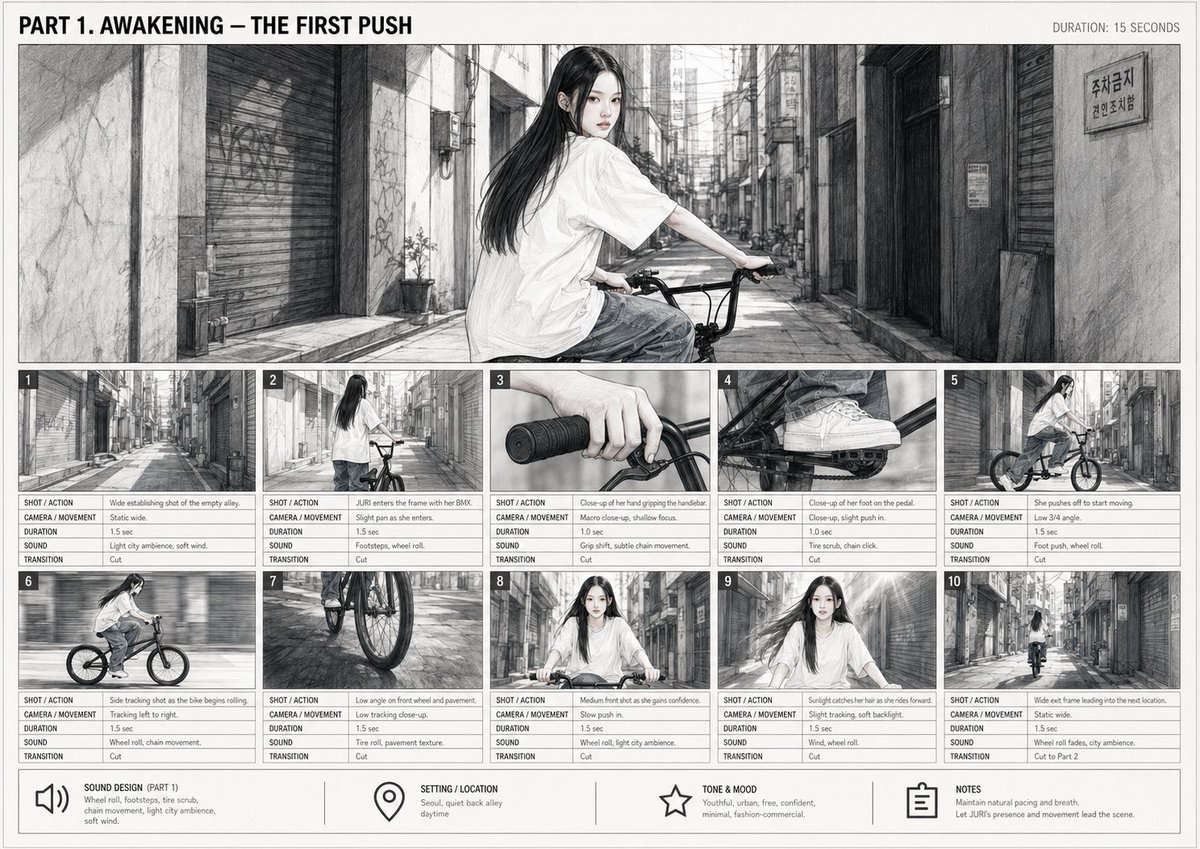
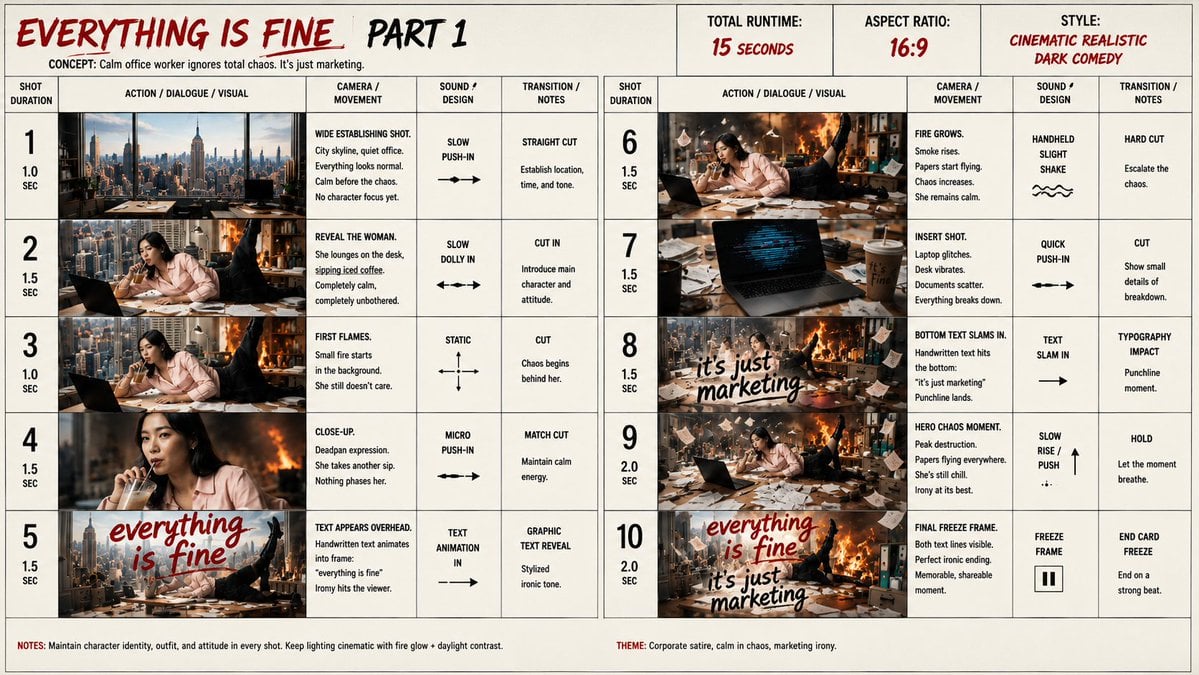









Make it yours
Anime Storyboard Sheet of Zoro and Robin works as-is. These are the safest ways to change it without losing the look.
Change one field
Copy a single group, rewrite it, and generate again so you can see what that field is doing.
Keep the frame, change the subject
Hold the composition and light of Anime Storyboard Sheet of Zoro and Robin, then swap wardrobe, props or the person for a new take.
| If the result… | Why | Fix |
|---|---|---|
| The result drifts from the preview | Too many fields changed at once. | Reuse Anime Storyboard Sheet of Zoro and Robin as-is first, then change one group — subject, light, or setting. |
| The model over-stylizes the scene | The prose prompt leaves finish and camera underspecified. | Add one camera or lighting sentence and stay on GPT Image 2. |
More GPT Image 2 templates
Other prompts made for GPT Image 2.

Six VTuber Japanese Logo Sheet

Realistic Portrait of Woman and Deer

The Vista Modular Condo Poster

AI Model Routing Comparison Infographic

2.5D Anime Art Board

Isometric Productivity Desk Scene

New York Double Exposure Poster

Four-Panel AI Landscape Comparison

Japanese Tatami Lifestyle Magazine Cover

NESCAFÉ Coffee Map Poster
More image prompts
Fresh picks from across the catalog.
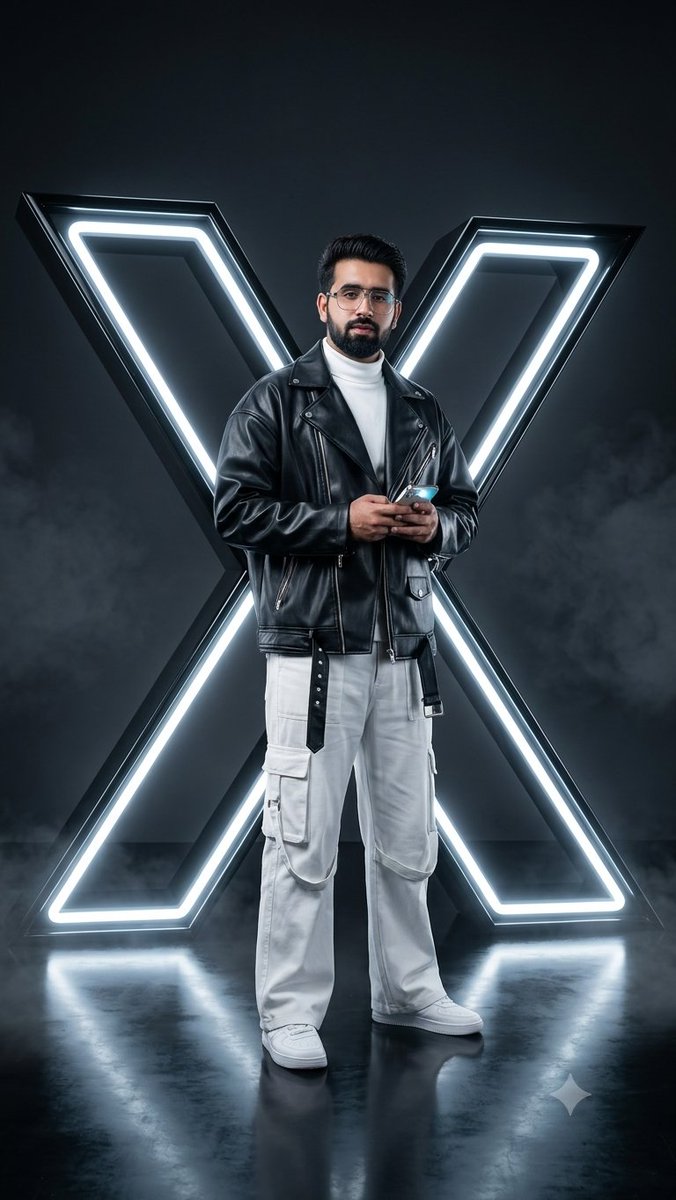
Cyberpunk Neon Twitter Logo Portrait

Cinematic Juice Drink Ad Style
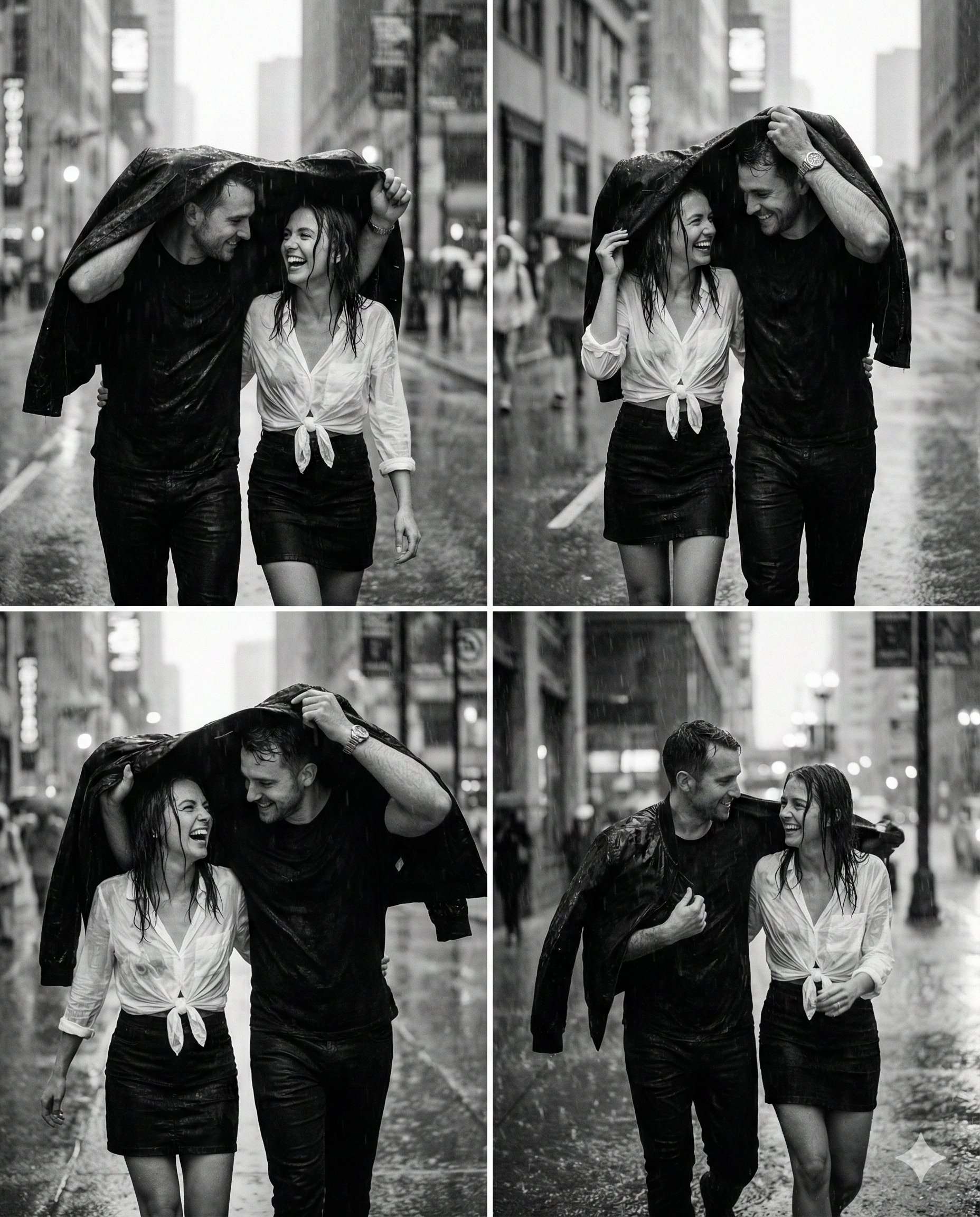
Magical Ai Prompt for Couple
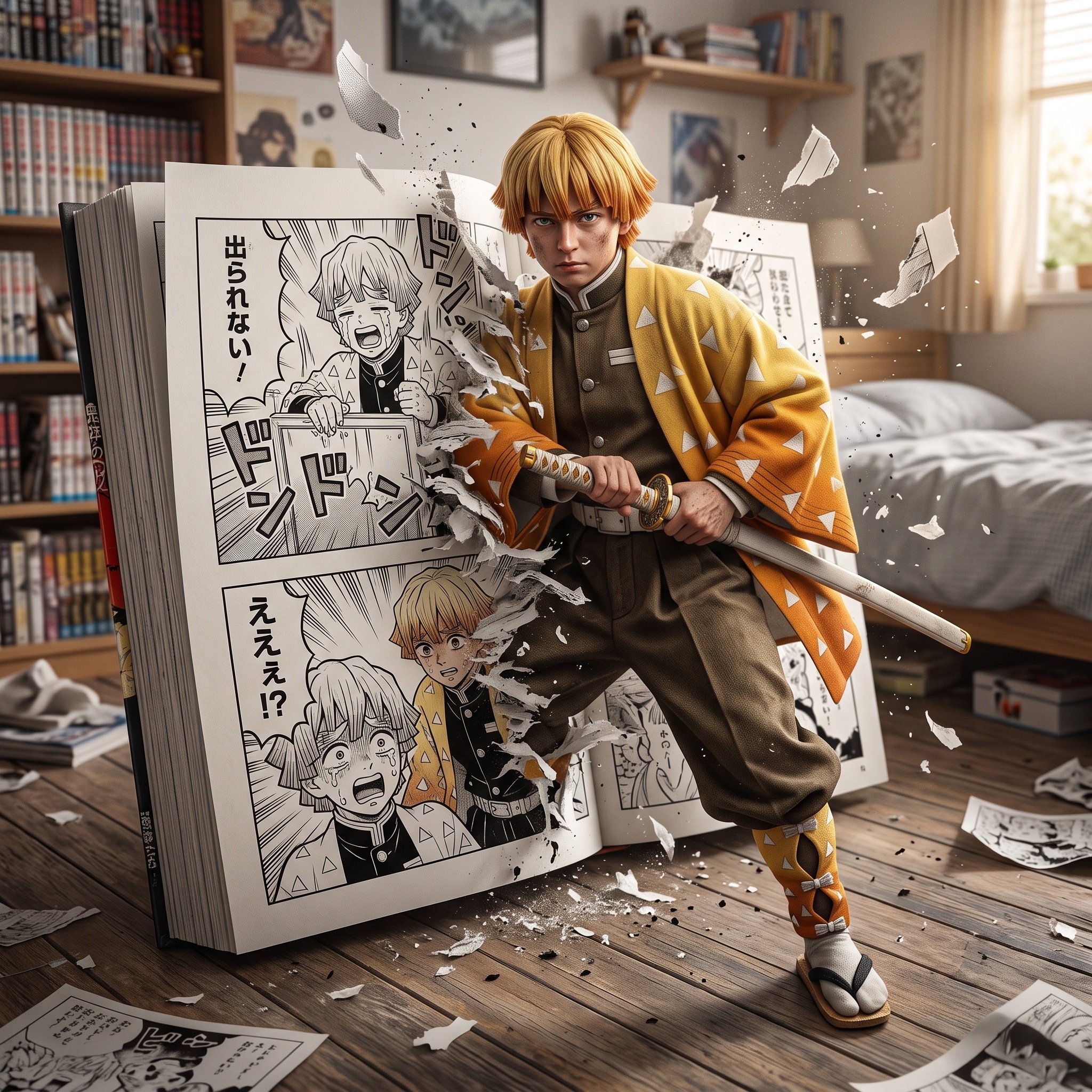
Hyper-realistic crossover image of Zenitsu Agatsuma from Demon Slayer
Post-Apocalyptic Ruins at Dusk
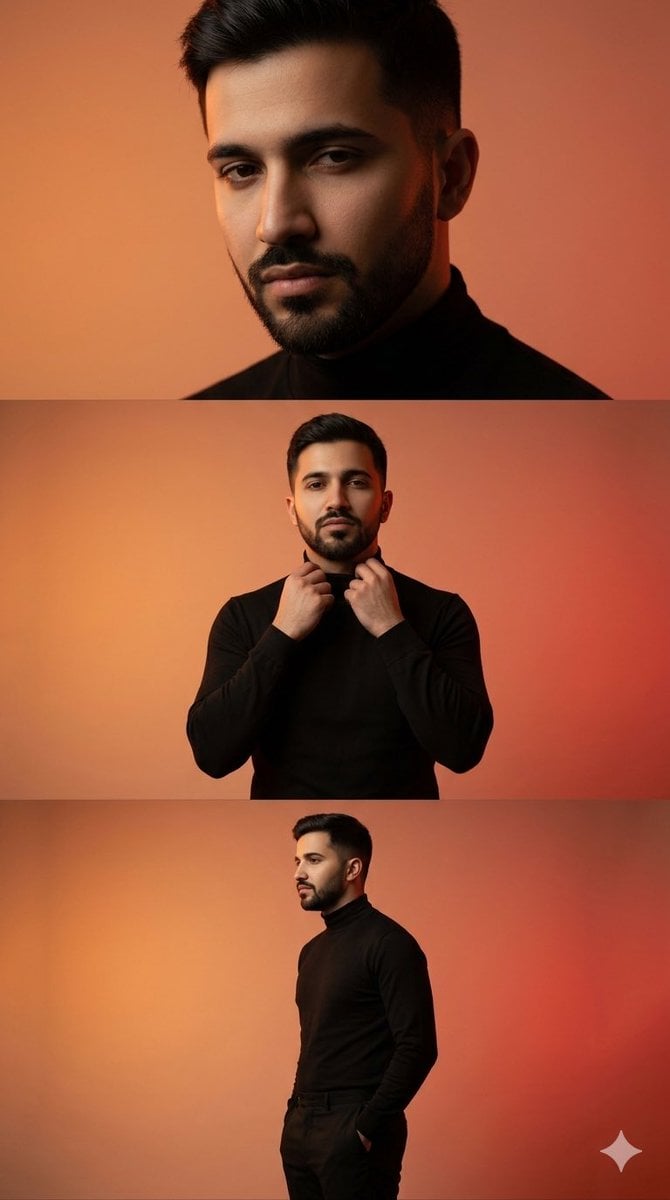
Vertical collage of a stylish young man
Luxury Saint Potato Chips Package
Japanese Office Horror Game Screenshot
Nostalgic Japanese Gal Grid Images
Photorealistic Character Design Sheet
Browse template categories
Anime Storyboard Sheet of Zoro and Robin questions
How do I use the Anime Storyboard Sheet of Zoro and Robin template?
Add your photo if the template asks for one, edit the prompt if you like — the template's model and format are already selected — and press Generate. Your version opens in PicX Studio.
Can I customize the Anime Storyboard Sheet of Zoro and Robin template?
Yes. You can change the subject, setting, lighting, mood, format, and available model controls before creating your image.
Is the Anime Storyboard Sheet of Zoro and Robin template free?
Opening and editing this template is free. Generating uses credits, shown on the Generate button when you are signed in.
Which AI model should I use?
Start with GPT Image 2, which is the model associated with this template. You can compare another compatible model for a different finish.
Looking for something else? Browse all templates.

Your photo, any look
Thousands of ready templates for every top image and video model, from one credit balance.