How do I use the Ultra-Realistic Editorial Portrait template?
Choose the primary action to open PicX Studio with the available template settings. Review the model and format, personalize the creative direction, and generate when ready.
An editorial-style portrait prompt for a young woman in soft window light.
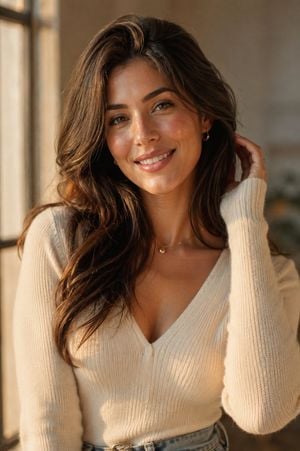
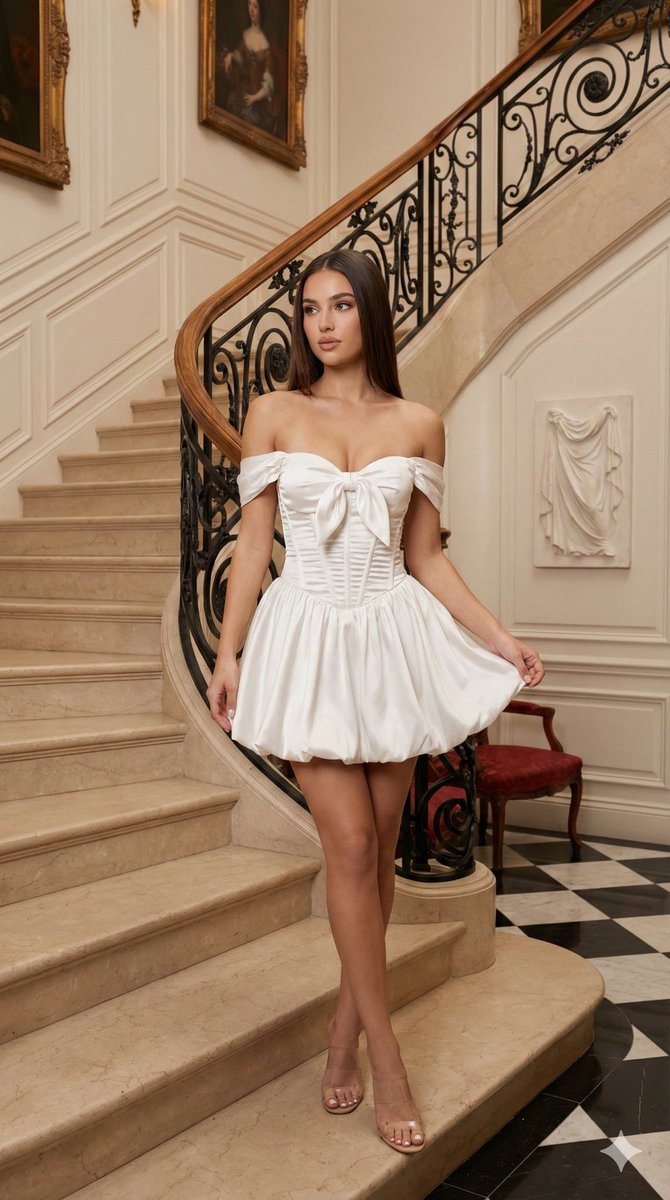
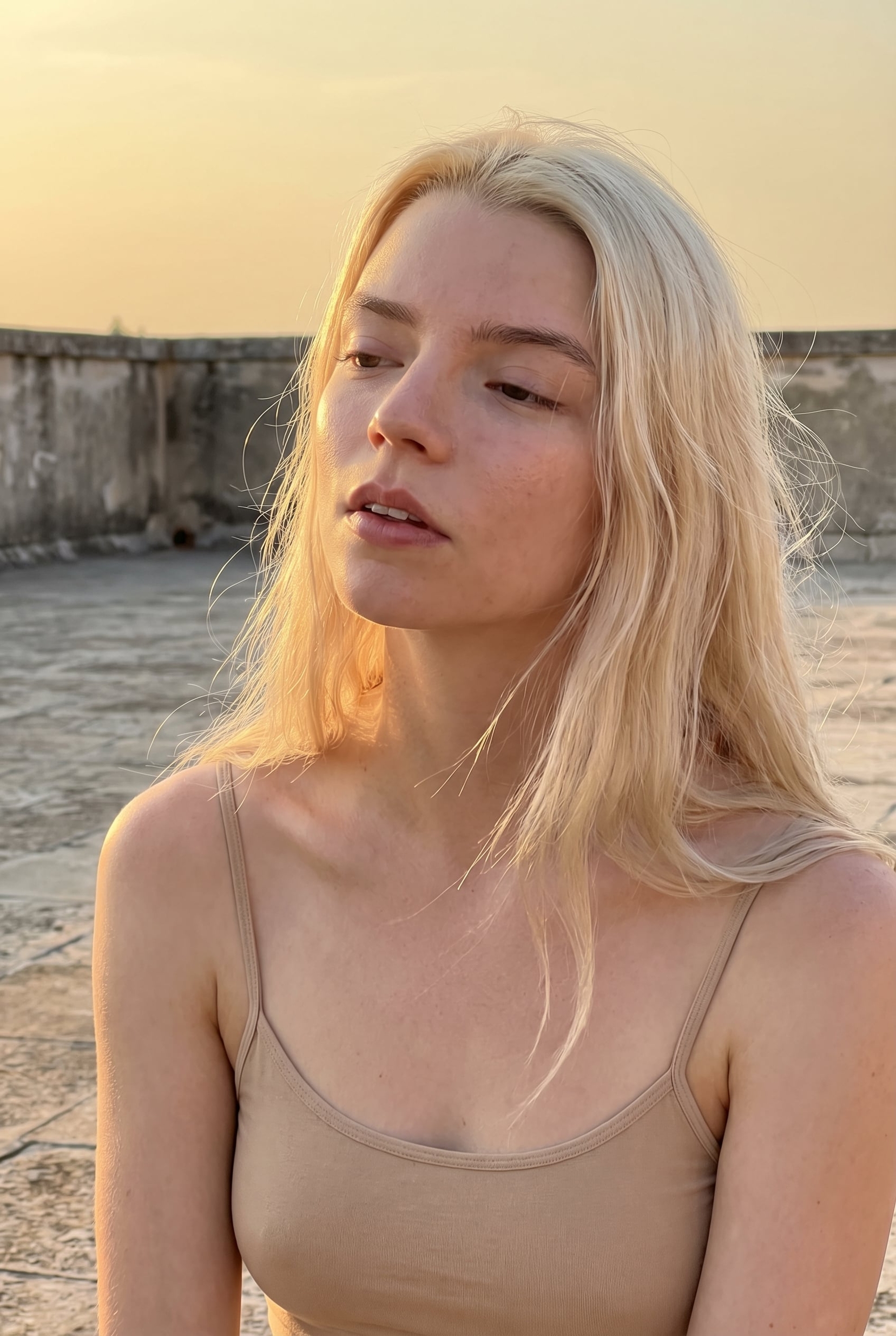
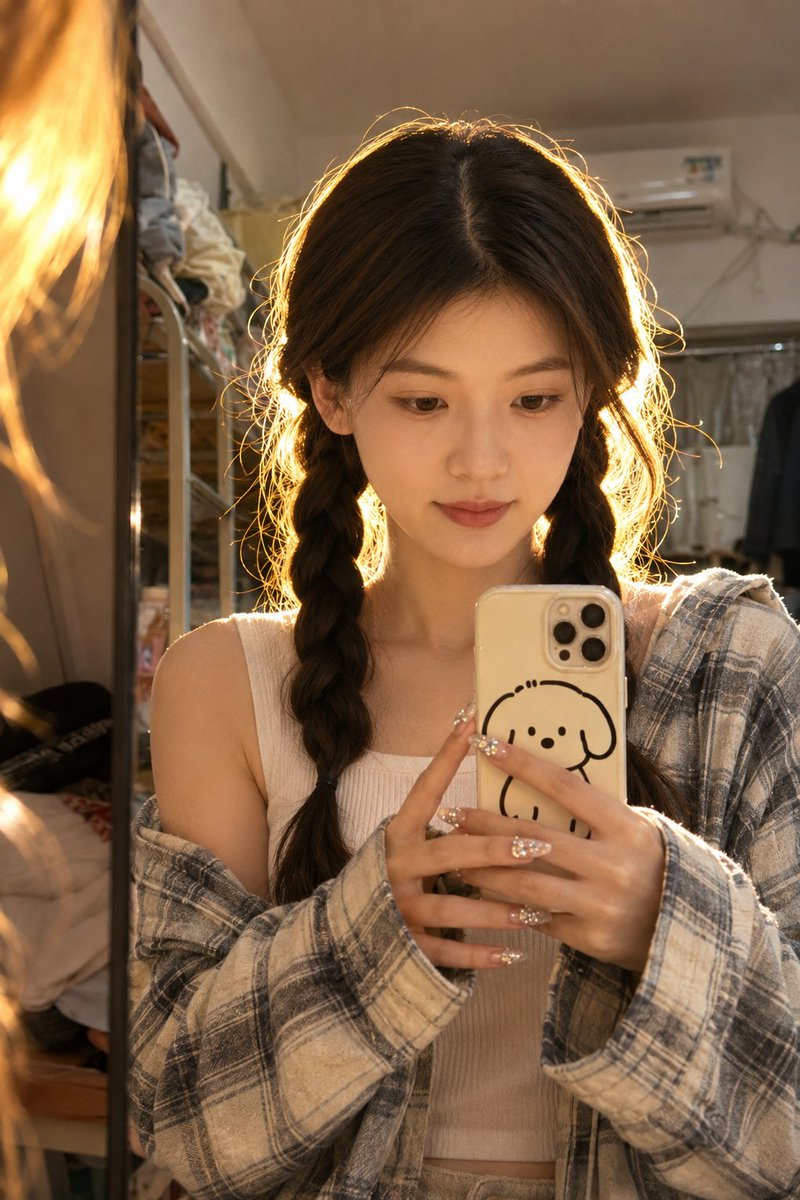
Ultra-realistic editorial portrait of a beautiful young woman with soft natural features, standing in {argument name="lighting" default="warm golden-hour light"} near a large window. Gentle, genuine smile, eyes catching soft natural light, relaxed confident posture with one hand lightly touching her hair. Wearing a {argument name="outfit" default="simple elegant outfit — a fitted cream knit sweater with subtle gold jewelry"}, minimal and refined styling. Long hair falling naturally with soft waves, dewy realistic skin texture with visible natural pores, soft natural makeup with a warm glow. Soft diffused window light creating gentle highlights across her face and hair, with warm ambient shadows adding depth. Blurred neutral background with warm tones, shallow depth of field, 85mm portrait lens compression. Photorealistic, DSLR-quality detail, magazine-editorial polish, natural color grading, soft cinematic glow, authentic skin texture, no over-smoothing, no artificial filters, realistic and elegant overall aesthetic.
Choose the primary action to open PicX Studio with the available template settings. Review the model and format, personalize the creative direction, and generate when ready.
Yes. You can change the subject, setting, lighting, mood, format, and available model controls before creating your image.
This template is free to open and customize. Generation usage is shown in PicX Studio before you create.
Start with GPT Image 2, which is the model associated with this template. You can compare another compatible model for a different finish.
Follow a topic to a crawlable collection of related PicX Studio templates.