How do I use the Moody Rainy Night Cinematic Portrait template?
Choose the primary action to open PicX Studio with the available template settings. Review the model and format, personalize the creative direction, and generate when ready.
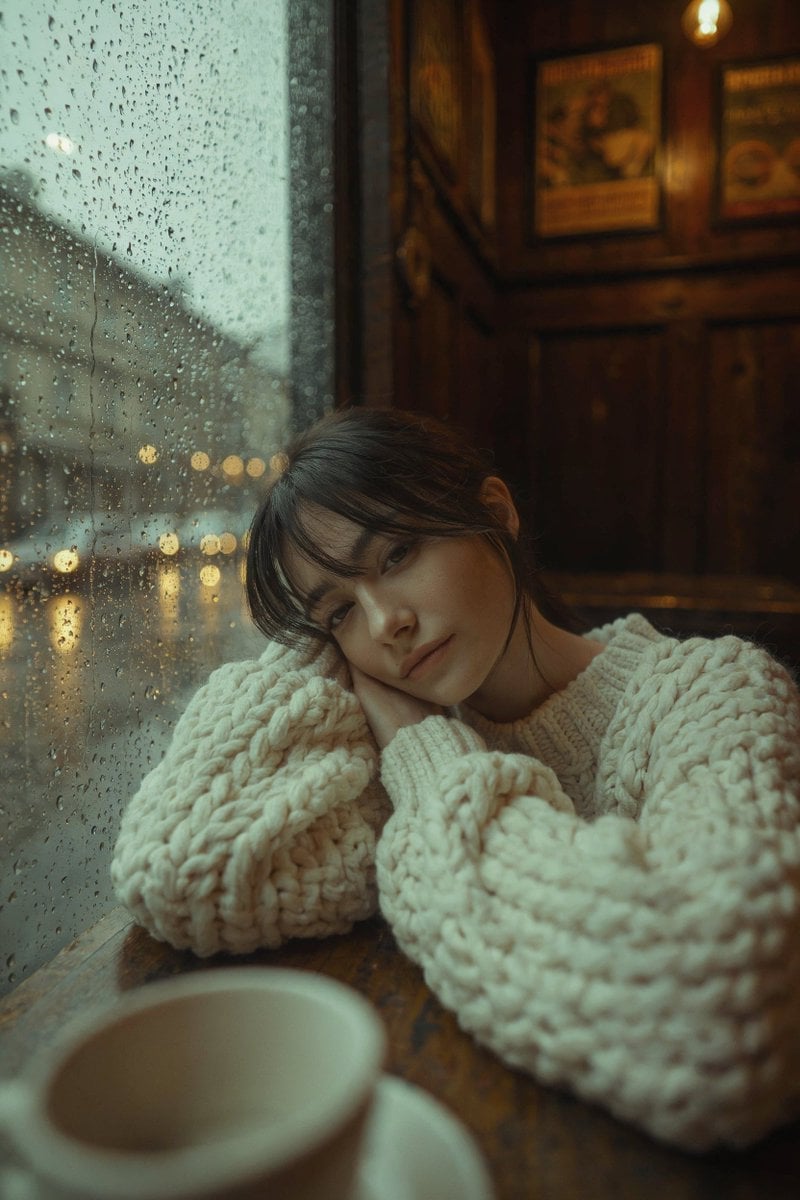
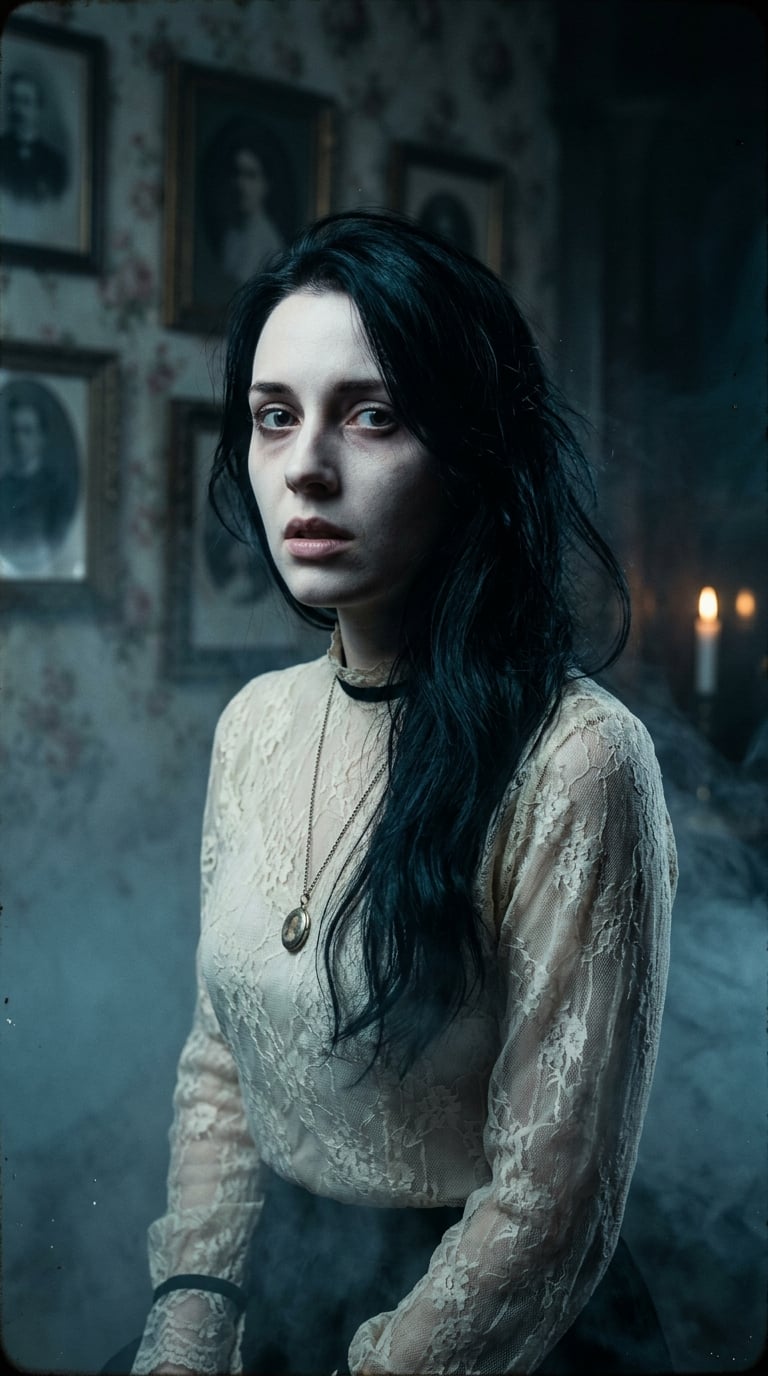
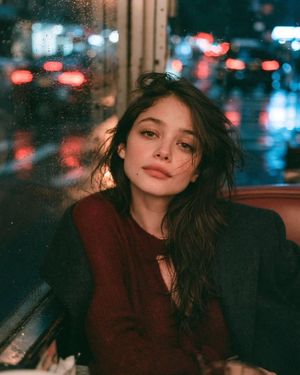
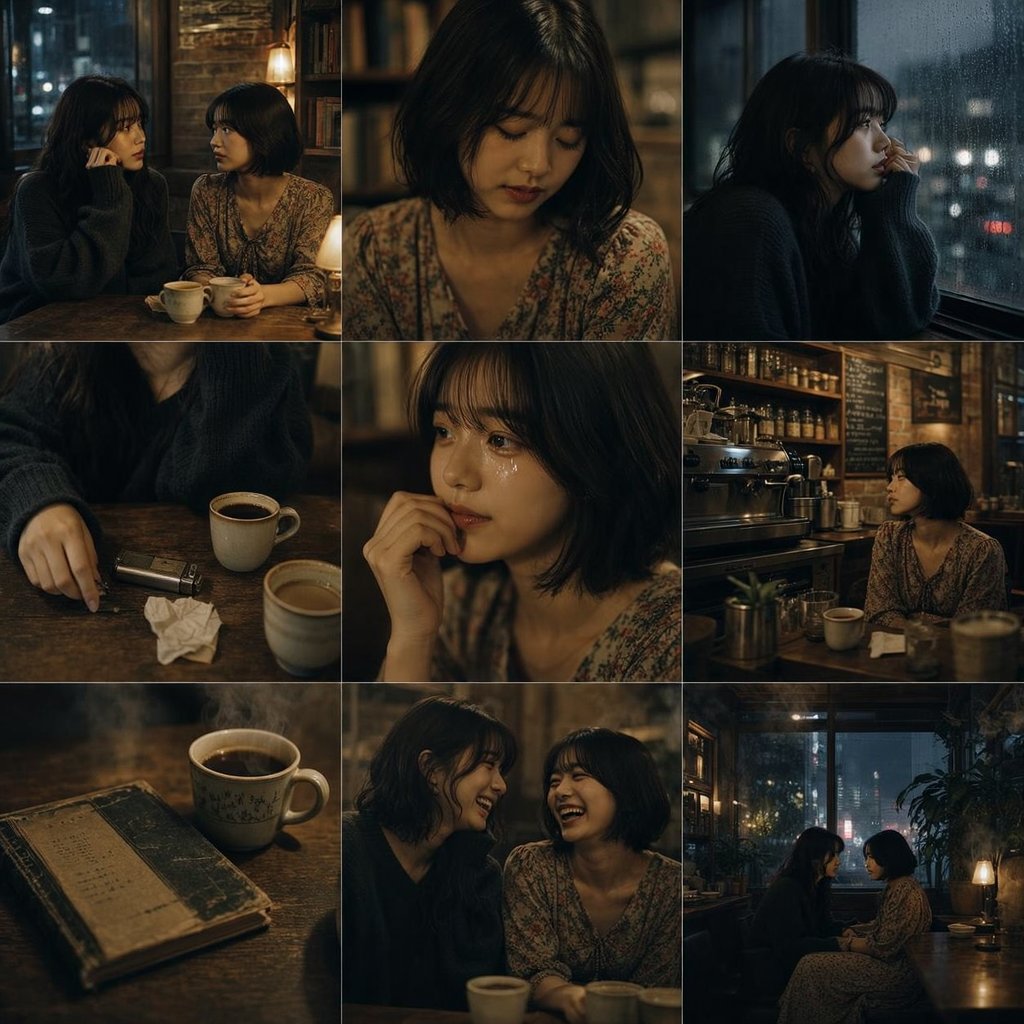
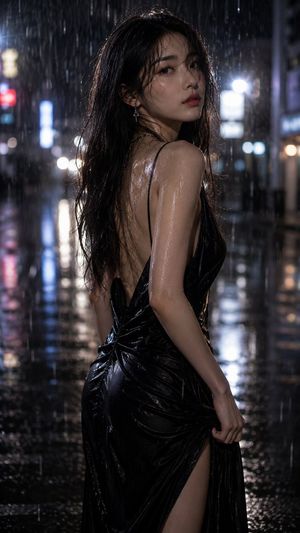
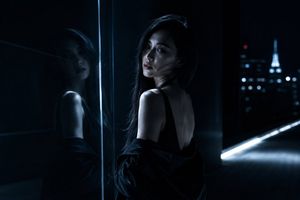
A noir-style cinematic close-up of a subject in heavy rain, featuring streetlight bokeh.
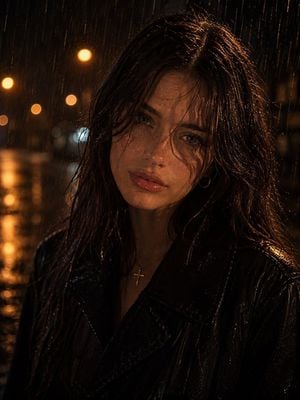
Cinematic close-up portrait of a person standing in {argument name="weather" default="heavy rain at night"}, {argument name="clothing" default="dark coat"}, wet hair falling across the forehead, skin glistening with raindrops. Dramatic {argument name="lighting" default="moody lighting, warm orange streetlight bokeh"} in the background, shallow depth of field, intense contemplative expression, gritty noir atmosphere, ultra-realistic, high contrast, detailed skin texture, cinematic color grading, shot on 85mm lens, f/1.8, photo realistic, dark urban aesthetic, film still look, preserve the subject's original facial features and likeness from the reference image.
Choose the primary action to open PicX Studio with the available template settings. Review the model and format, personalize the creative direction, and generate when ready.
Yes. You can change the subject, setting, lighting, mood, format, and available model controls before creating your image.
This template is free to open and customize. Generation usage is shown in PicX Studio before you create.
Start with GPT Image 2, which is the model associated with this template. You can compare another compatible model for a different finish.
Follow a topic to a crawlable collection of related PicX Studio templates.