
Red Moon Celebration Manga
A vertical four-panel chibi anime comic celebrating a red moon video view milestone with expressive manga reactions and Japanese speech bubbles.
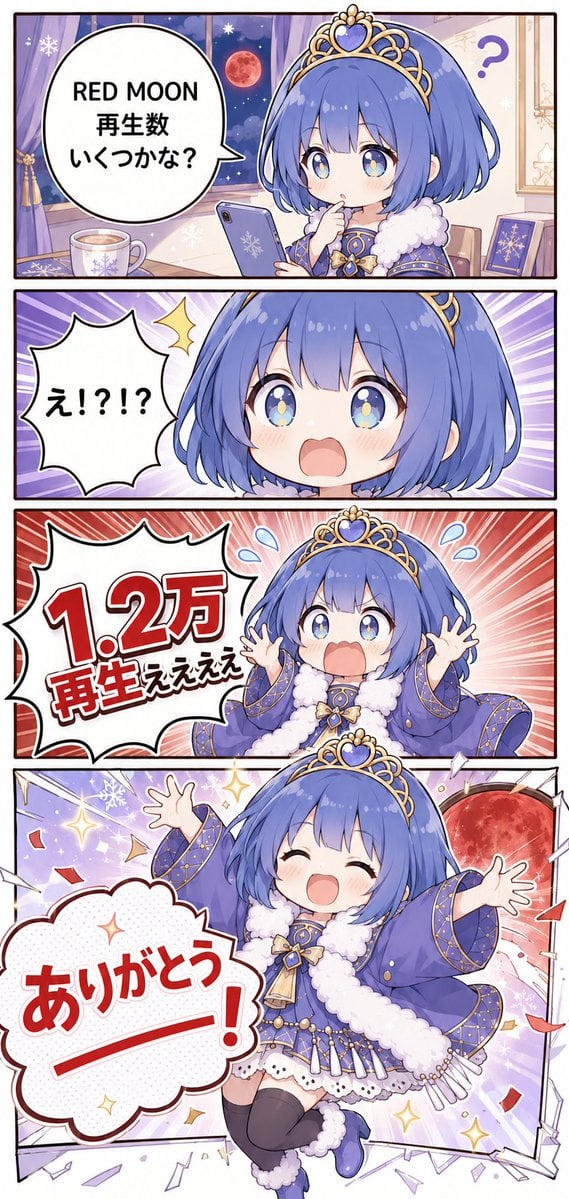
- Prompt included
- Model and format preset
- Free template
The prompt behind this image
Copy the exact prompt behind Red Moon Celebration Manga, or open it in the studio and make it yours.
Goal: Create a vertical celebratory 4-panel anime manga illustration about a cute moon-themed princess reacting to a video view count milestone. Canvas: Tall vertical webcomic format, about 9:16 aspect ratio, with four stacked rectangular panels separated by thick dark borders. Use bright, polished gpt-image-2 style anime rendering, clean line art, soft gradients, expressive chibi proportions, and energetic manga effects. Main character: A small chibi anime princess with short bobbed {argument name="hair color" default="blue-purple"} hair, large sparkling blue eyes with star highlights, rosy cheeks, and a gold tiara topped with a blue heart gem. She wears a royal purple-blue winter princess outfit: cape/robe with gold trim and star patterns, fluffy white fur collar and cuffs, decorative bow at the chest, layered white skirt, black thigh-high socks, and blue shoes. Keep her design consistent across all four panels. Panel count and layout: Use exactly 4 panels. 1. Top panel: Cozy room at night with a window showing a red moon in a starry sky, purple curtains, snowflake decorations, a mug on the desk, a smartphone in the character’s hand, and a purple book/card on the right. The character looks curious and thoughtful while checking the phone. Add one large round speech bubble on the left containing the text {argument name="question text" default="RED MOON\n再生数\nいくつかな?"}. Include a small purple question mark near the right side. 2. Second panel: Extreme close-up of the character’s surprised face, mouth open, eyes wide, with a purple radial speed-line background. Add exactly one jagged speech bubble on the left containing {argument name="surprise text" default="え!?!?"}. Add one yellow surprise sparkle near the bubble. 3. Third panel: The character is seated or bouncing in shock, both hands raised, mouth open, small blue sweat-drop marks near her head, red/pink radial burst background. Add exactly one large jagged speech bubble occupying the left half, with huge bold red milestone text {argument name="milestone text" default="1.2万\n再生ええええ"}; make the number the largest element in the panel. 4. Bottom panel: Full-body joyful celebration pose, the character leaps forward with both arms spread wide, eyes closed in a huge smile. Background shows the large red moon outside the broken-looking panel frame, confetti, sparkles, snowflakes, paper shards, and energetic celebratory lines. Add exactly one large cloud-shaped speech bubble in the lower-left containing oversized bold red text {argument name="thank you text" default="ありがとうー!"}. Visual style: Cute Japanese anime/manga chibi illustration, saturated purples and reds, glossy highlights, soft blush, dynamic comic motion lines, festive atmosphere, crisp outlines, high-detail clothing ornaments, playful celebratory tone. Constraints: Preserve exactly four panels and exactly four main speech bubbles, one per panel. Do not add extra characters, logos, watermarks, or unrelated text. Keep all visible text large, legible, and integrated into manga-style bubbles.
How to use Red Moon Celebration Manga in 3 steps
- 1Upload ImagePNG, JPG or paste
Add your photo
Upload the photo the template builds on. The prompt, model and format are already set.
- 2…a portrait of your subject in softgolden-hour light, 85mm…
Personalize
Edit the subject and creative details for your destination.
- 3Generate
Generate
Press Generate — your image is created in PicX Studio, so you can compare it with the original and refine one variable at a time.
More like this
Templates with the same subject, style or setup. Open one to see its prompt.
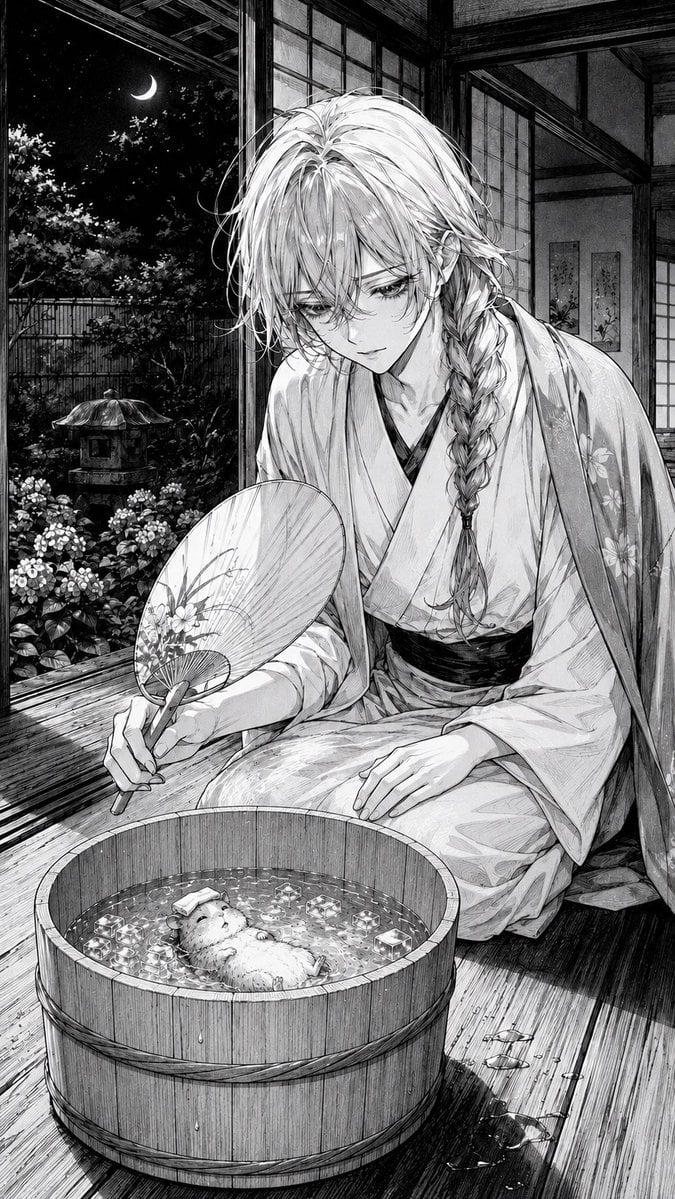
Moonlit Hamster Ice Bath Manga
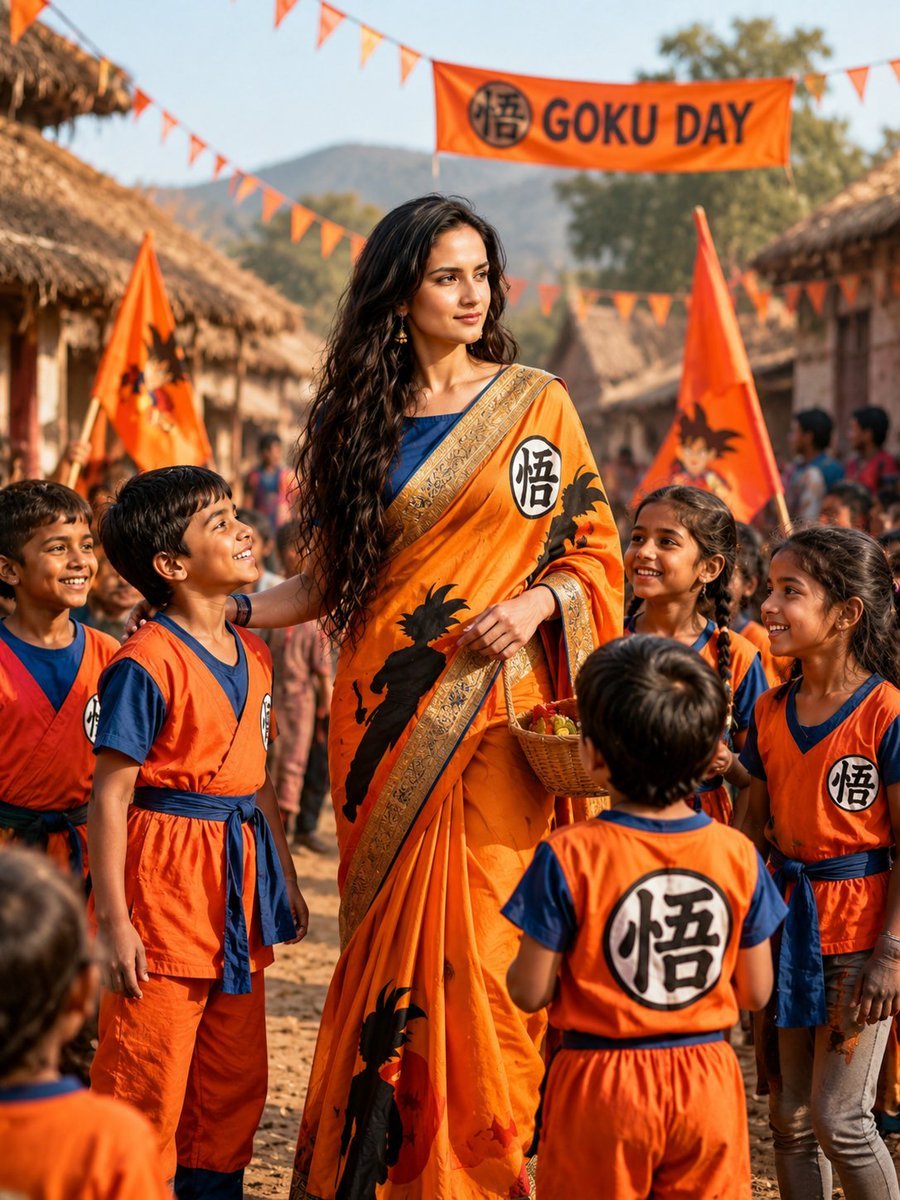
Goku-Inspired Saree Village Celebration

Bold Red Contrast Fashion Editorial Newspaper Room

Panning Motion Soccer Kick Poster
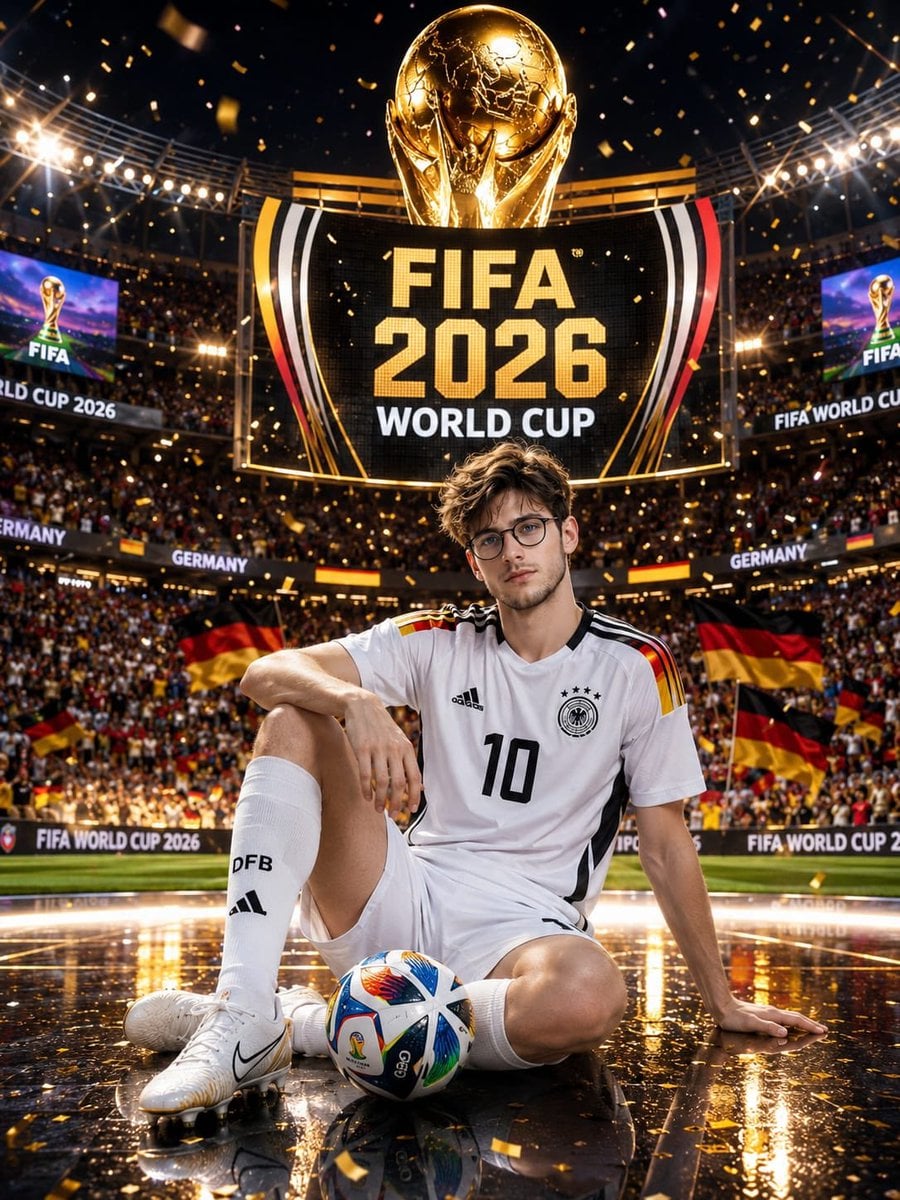
Germany 10 Championship Celebration Poster

Campaign Smoke National Symbols World Cup

Brazil Passion Power Shot Poster

Argentina Vamos Diagonal Fan Poster
Argentina 10 Celebration Fan Poster
Colored Manga Romance Comedy Page
Colored Shonen Manga Battle Page

Dancer Character - Four View Reference Sheet
Make it yours
Red Moon Celebration Manga works as-is. These are the safest ways to change it without losing the look.
Change one field
Copy a single group, rewrite it, and generate again so you can see what that field is doing.
Keep the frame, change the subject
Hold the composition and light of Red Moon Celebration Manga, then swap wardrobe, props or the person for a new take.
| If the result… | Why | Fix |
|---|---|---|
| The result drifts from the preview | Too many fields changed at once. | Reuse Red Moon Celebration Manga as-is first, then change one group — subject, light, or setting. |
| The model over-stylizes the scene | The prose prompt leaves finish and camera underspecified. | Add one camera or lighting sentence and stay on GPT Image 2. |
More GPT Image 2 templates
Other prompts made for GPT Image 2.

Six VTuber Japanese Logo Sheet

Realistic Portrait of Woman and Deer

The Vista Modular Condo Poster

AI Model Routing Comparison Infographic

2.5D Anime Art Board

Isometric Productivity Desk Scene

New York Double Exposure Poster

Four-Panel AI Landscape Comparison

Japanese Tatami Lifestyle Magazine Cover

NESCAFÉ Coffee Map Poster
More image prompts
Fresh picks from across the catalog.
Cinematic Macro Shot of Sizzling Cheeseburger
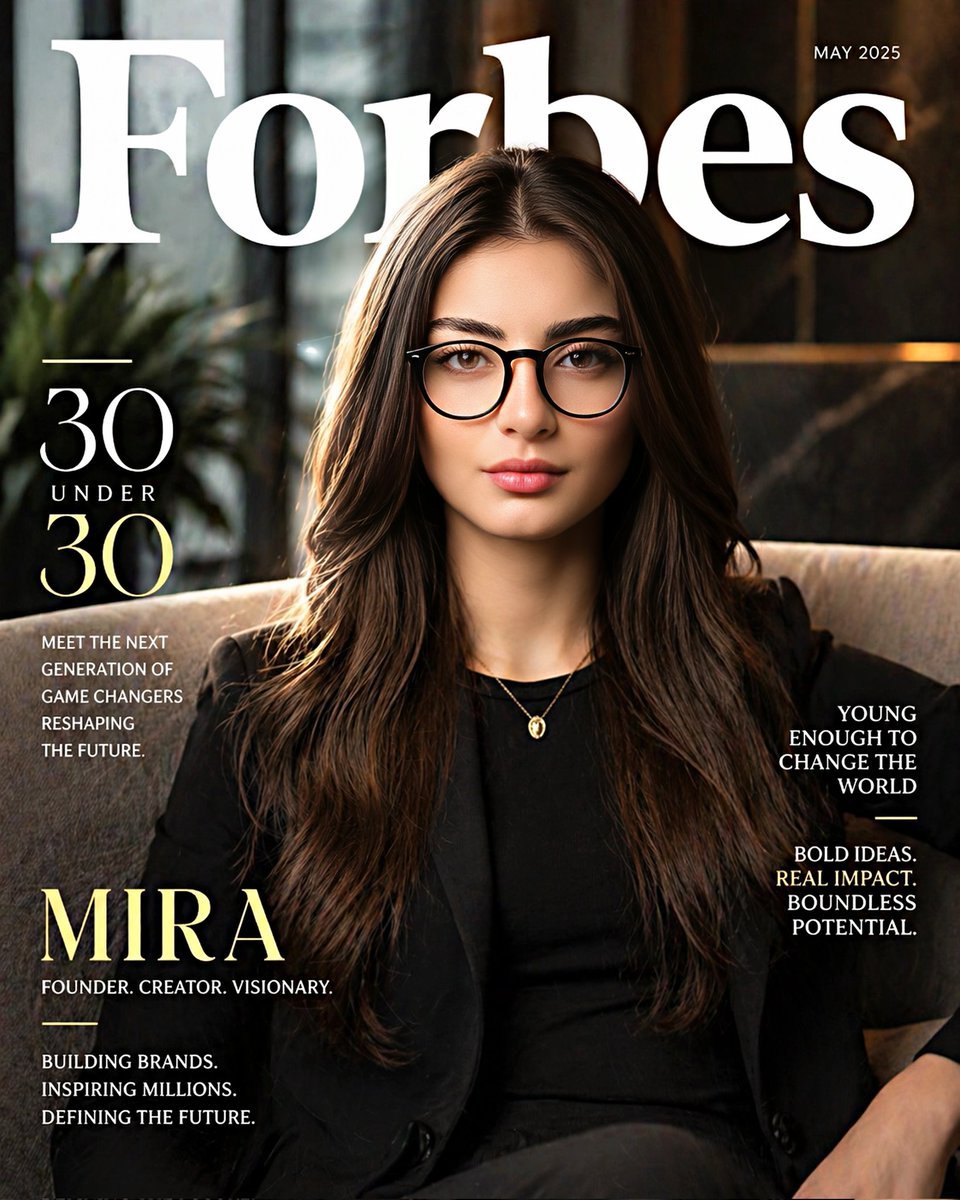
Forbes 30 Under 30 Magazine Style Portrait
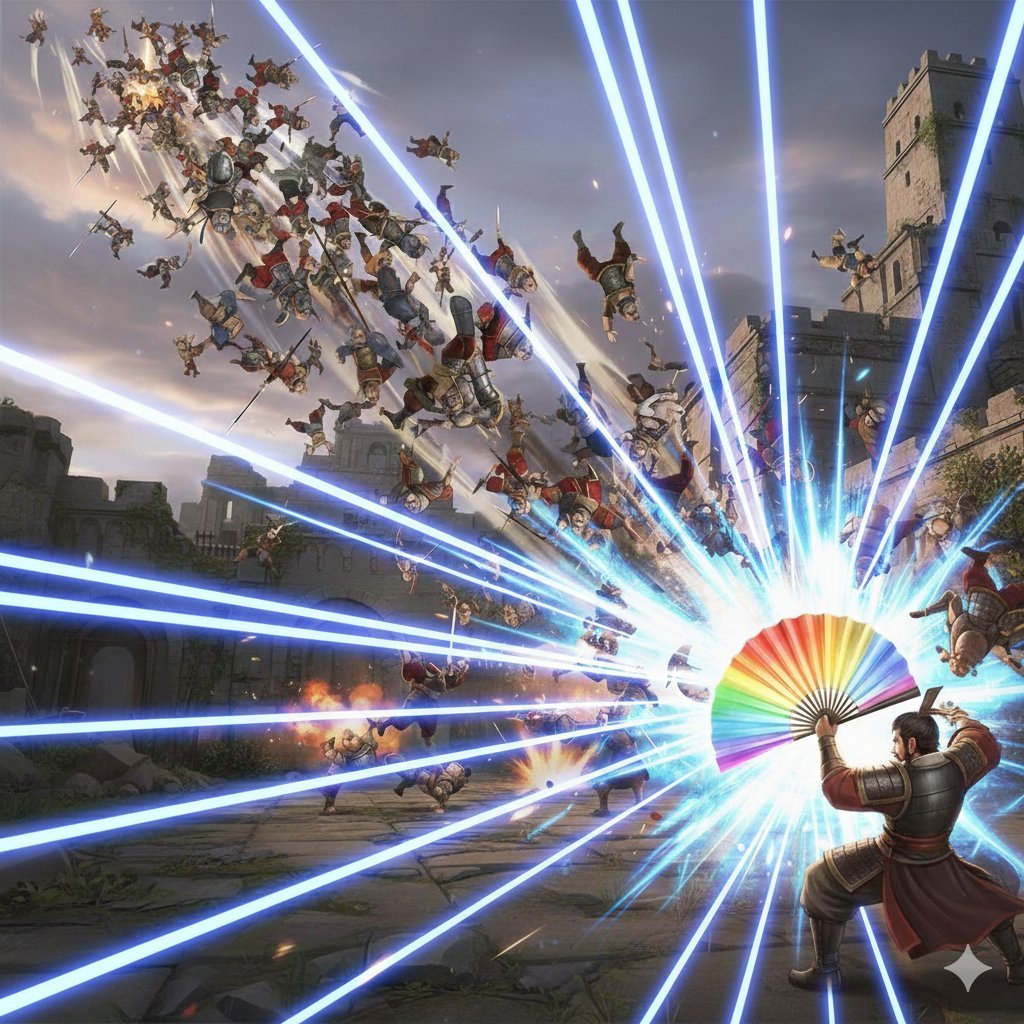
Dynasty Warriors: Kongming Musou Ranbu
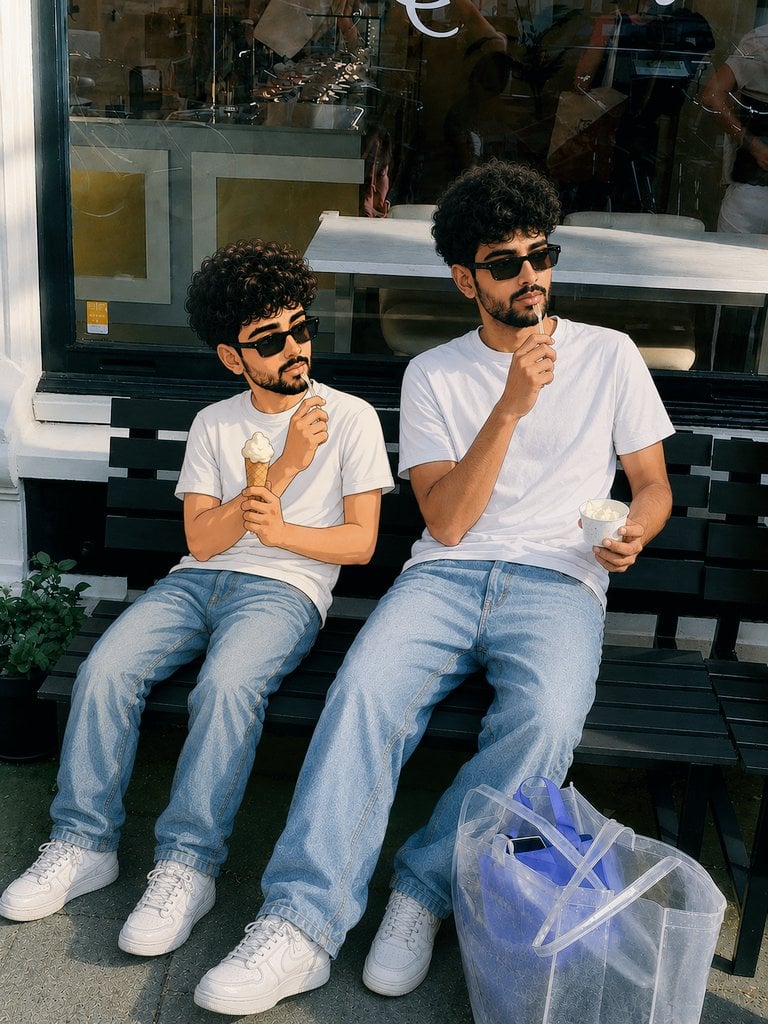
Photorealistic Cartoon Clone Portrait
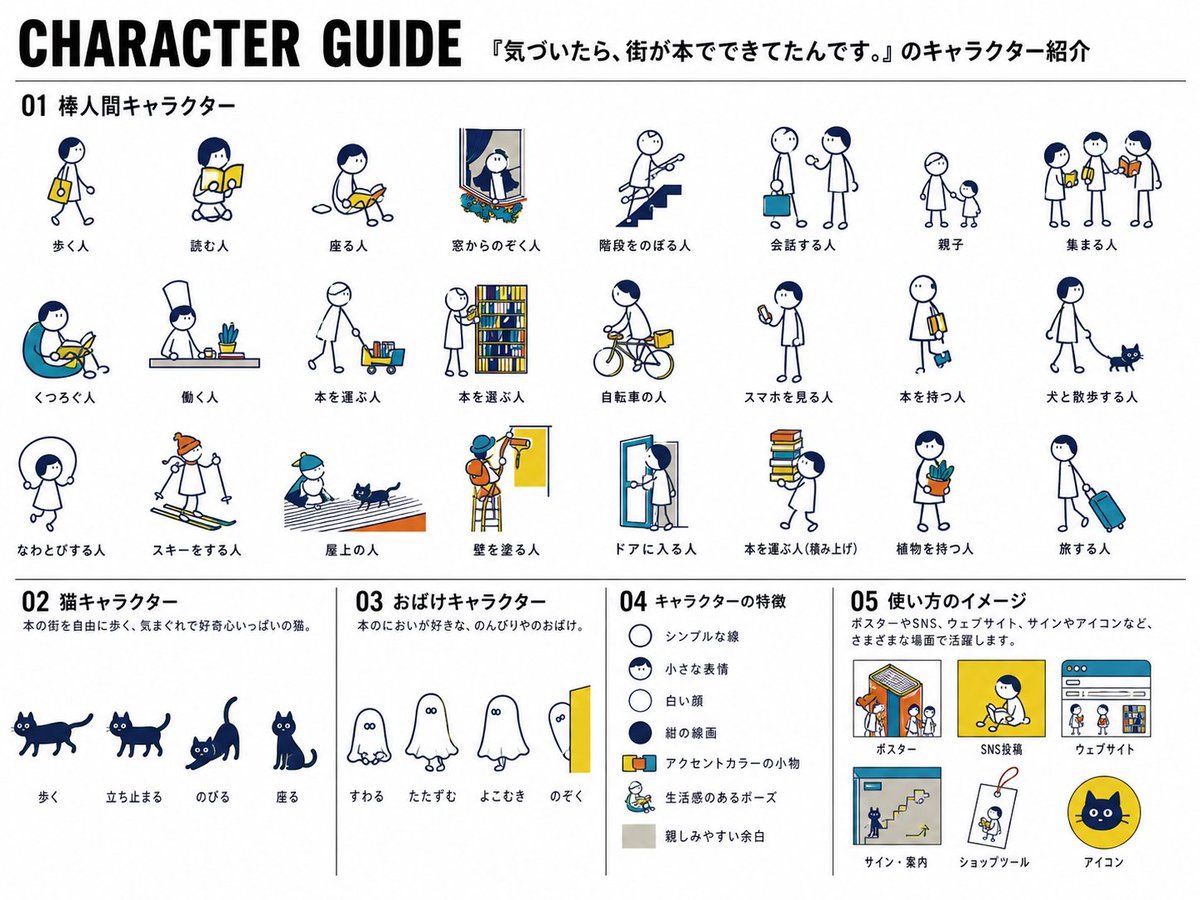
Japanese Mascot Character Guide Poster
Cinematic Video Prompt for Violinist Girl
Soft Dreamy Holi Festival Portrait Prompt
Pastel Height Difference Best Friends
Cinematic UGC Ad Generation for Beverages
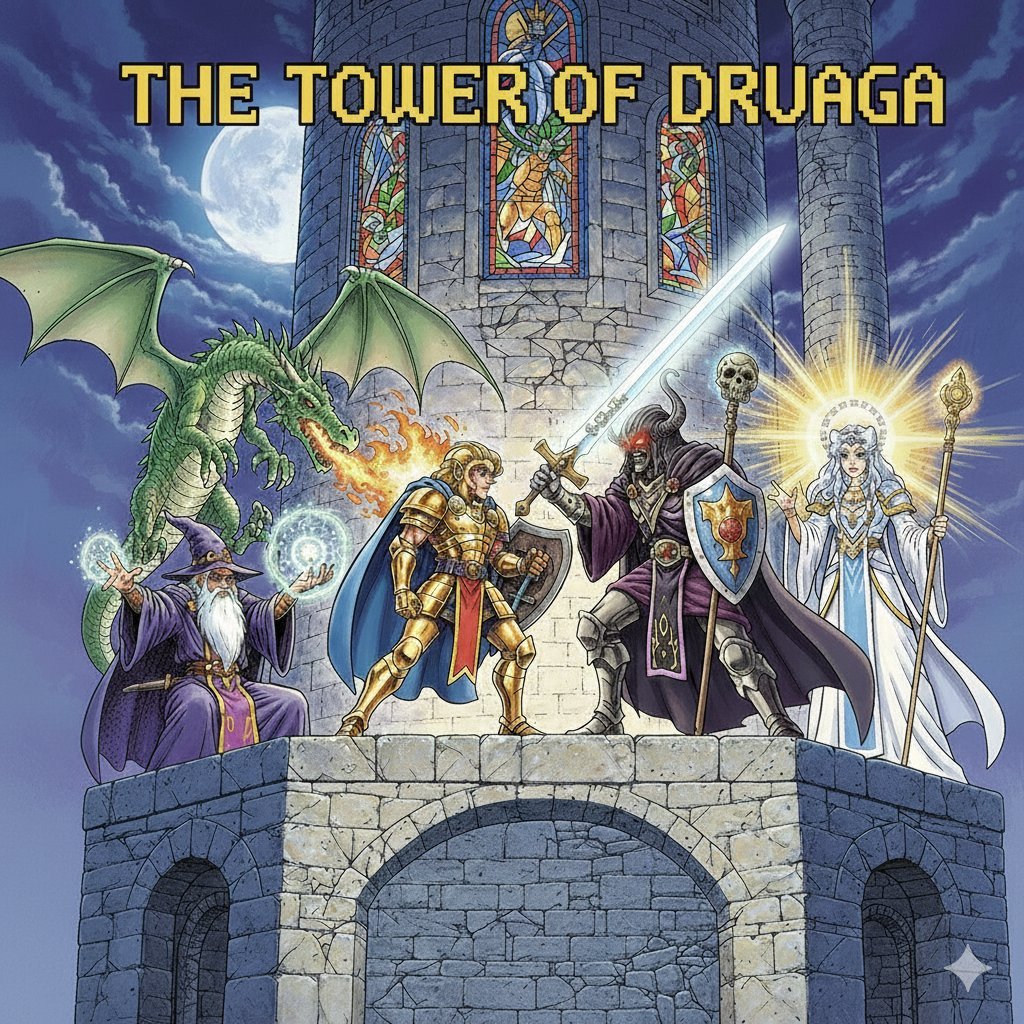
Tower of Druaga Gilgamesh vs. Druaga Prompt
Browse template categories
Red Moon Celebration Manga questions
How do I use the Red Moon Celebration Manga template?
Add your photo if the template asks for one, edit the prompt if you like — the template's model and format are already selected — and press Generate. Your version opens in PicX Studio.
Can I customize the Red Moon Celebration Manga template?
Yes. You can change the subject, setting, lighting, mood, format, and available model controls before creating your image.
Is the Red Moon Celebration Manga template free?
Opening and editing this template is free. Generating uses credits, shown on the Generate button when you are signed in.
Which AI model should I use?
Start with GPT Image 2, which is the model associated with this template. You can compare another compatible model for a different finish.
Looking for something else? Browse all templates.

Your photo, any look
Thousands of ready templates for every top image and video model, from one credit balance.