
Dreamy Japanese Movie Portrait
A portrait prompt capturing a dreamy, private-diary aesthetic with Japanese cinematic lighting and soft, natural skin textures.
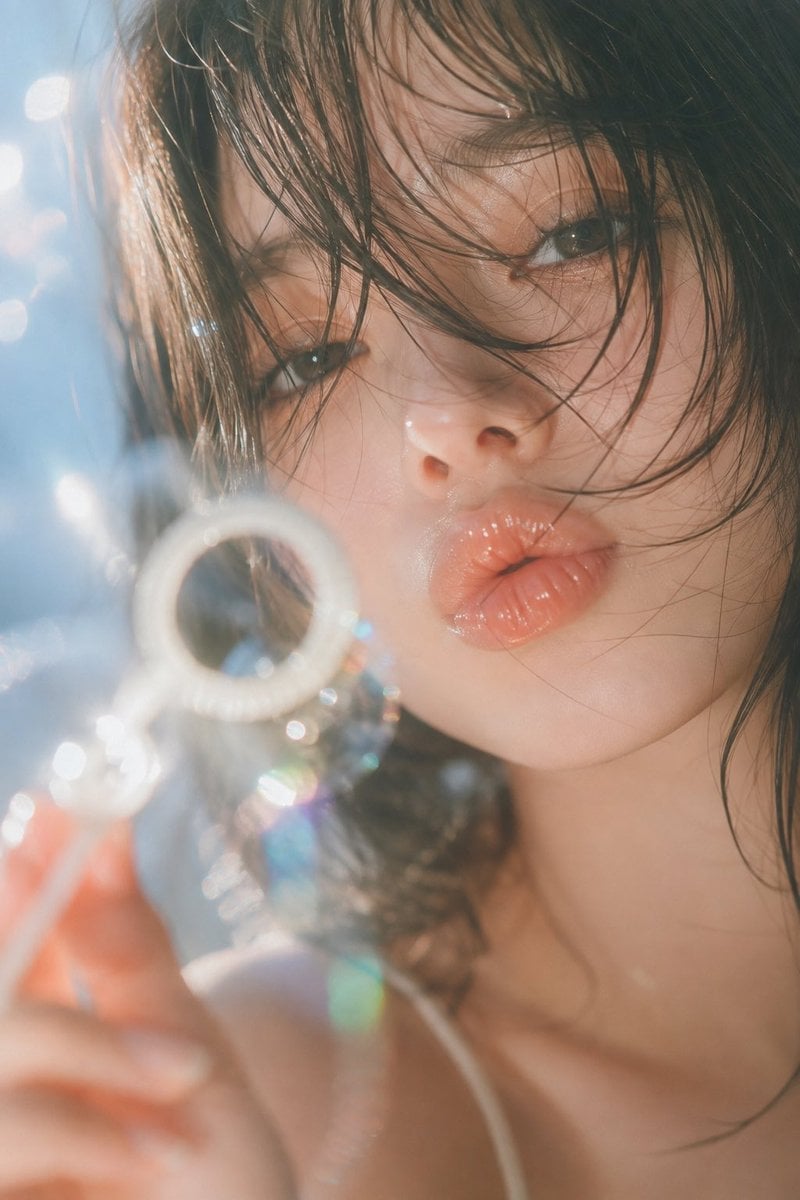
- Prompt included
- Model and format preset
- Free template
The prompt behind this image
Copy the exact prompt behind Dreamy Japanese Movie Portrait, or open it in the studio and make it yours.
创作一幅具有梦境感与私人日记气质的日记电影人像摄影。一位{argument name="人物" default="成年年轻女性"}靠近窗边与镜头,{argument name="发型" default="黑色微湿的中长发"}自然凌乱地垂落在脸颊、眼睛与嘴唇前方,部分细碎发丝被逆光照亮,形成透明发光的轮廓。人物拥有自然细腻的浅色肌肤、清透湿润的眼睛与柔软饱满的水光唇妆,妆容极轻,保留真实皮肤纹理、毛孔与细微光泽,不做过度磨皮。她的神情安静、松弛、略带朦胧疏离感,不刻意微笑,像是在一个无人打扰的夏日下午突然回望镜头。
How to use Dreamy Japanese Movie Portrait in 3 steps
- 1
Open
The prompt is already in the box next to the preview, with the template's model and format selected.
- 2…a portrait of your subject in softgolden-hour light, 85mm…
Personalize
Edit the subject and creative details for your destination.
- 3Generate
Generate
Press Generate — your image is created in PicX Studio, so you can compare it with the original and refine one variable at a time.
More like this
Templates with the same subject, style or setup. Open one to see its prompt.

Found Photograph: Us, 1970

80s Couple Studio Portrait

80s Bollywood Star

80s Golden Hour Cinema

Me in 1985

1985 Studio Portrait

Hyper-Realistic Minecraft POV Portrait
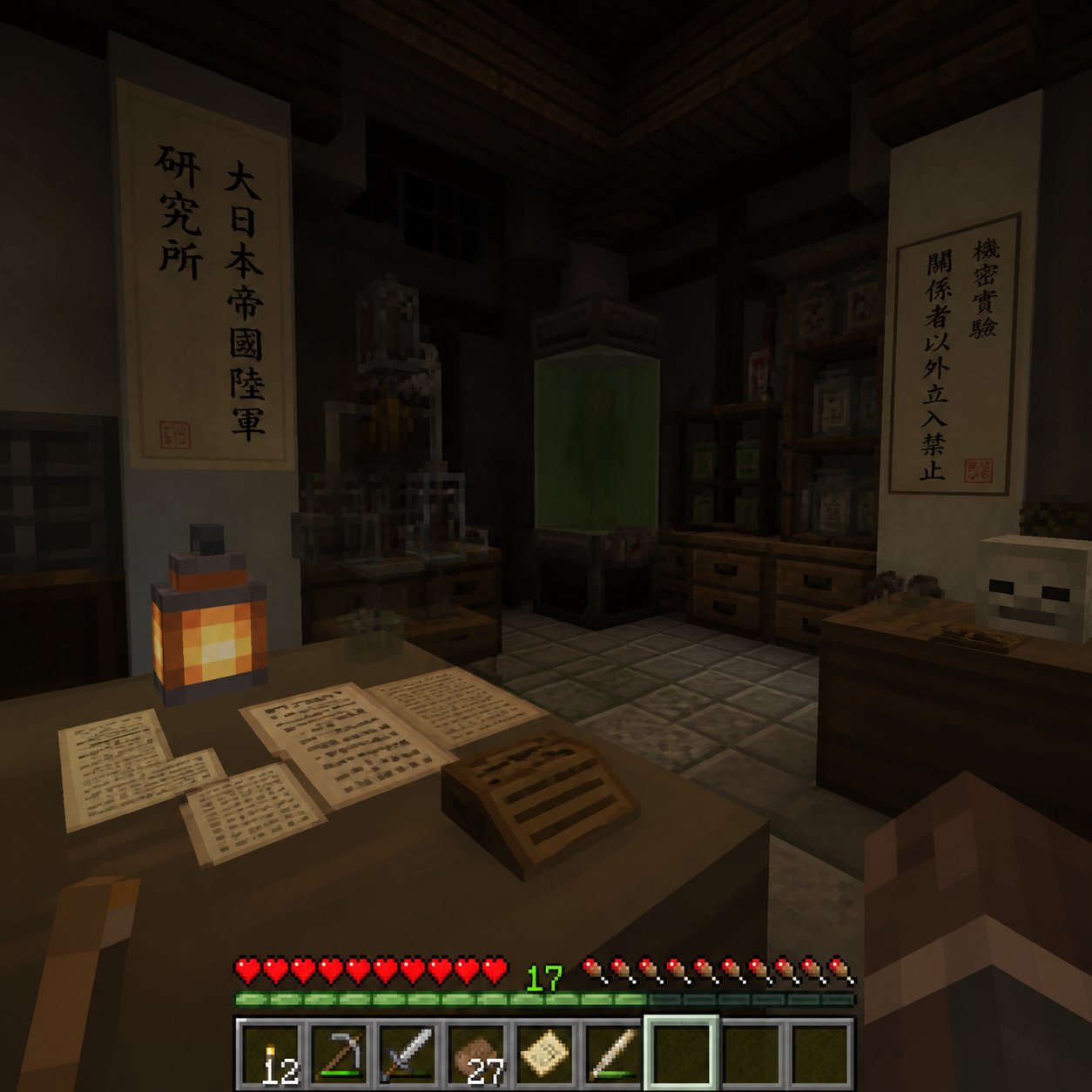
Minecraft Japanese Research Lab Exploration
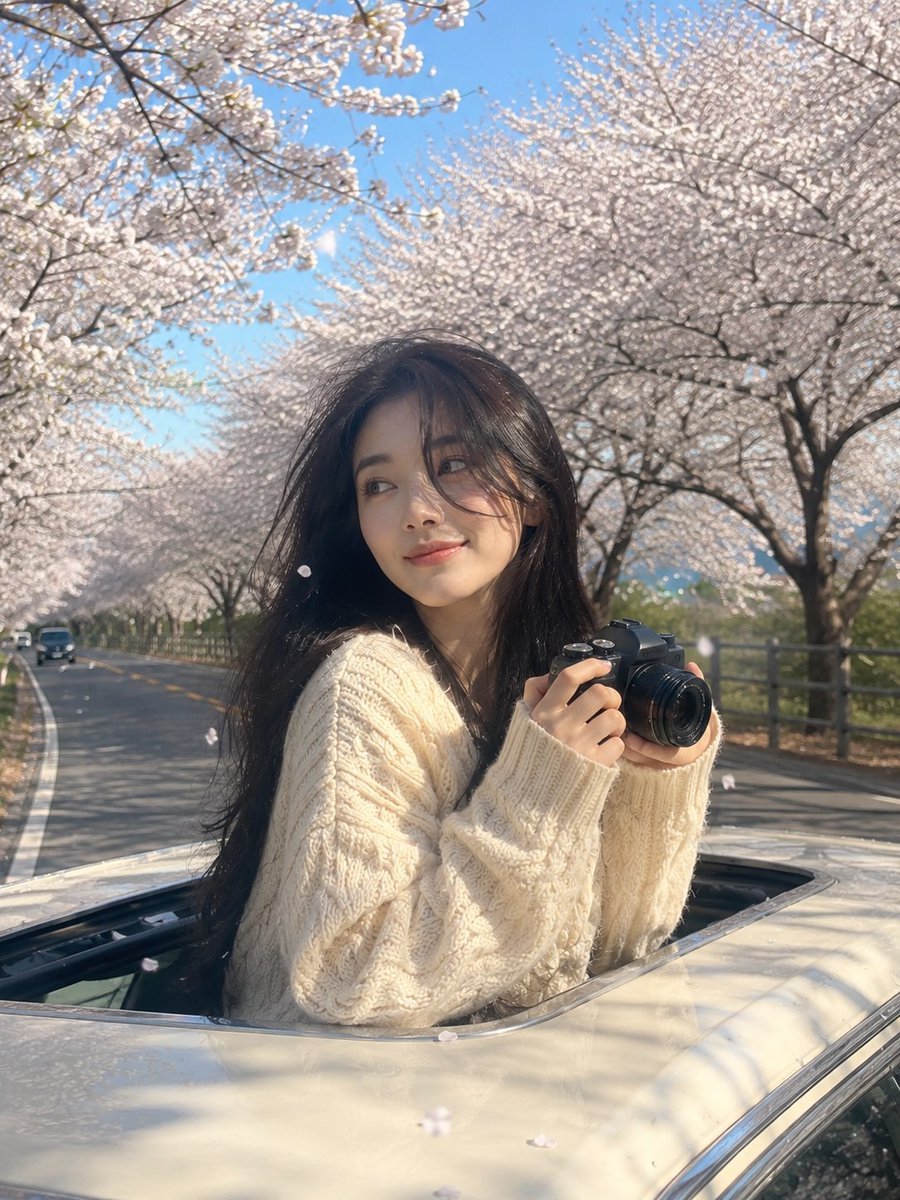
Dreamy Spring Road Trip Travel Portrait
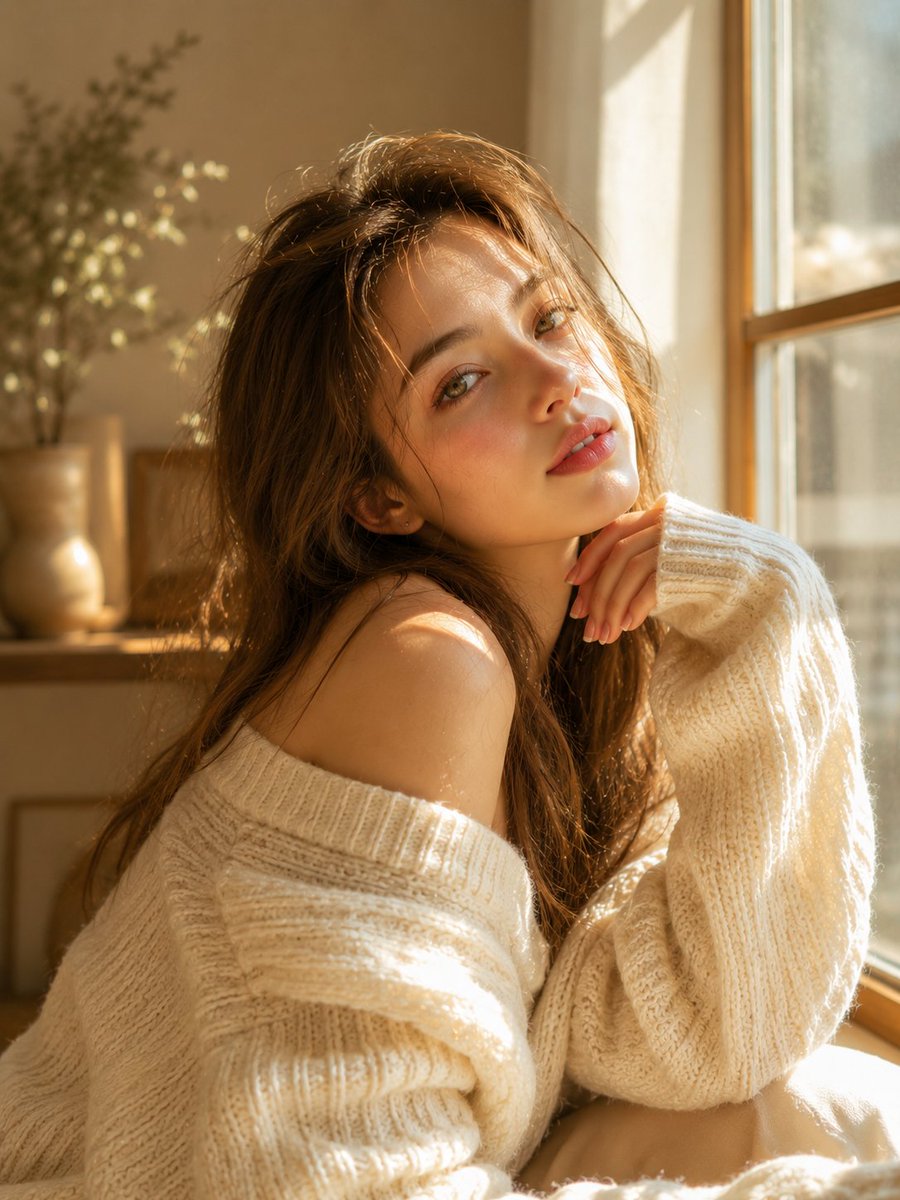
Dreamy Sunlit Window Portrait

Rooftop Fisheye — Cat-Ear Balaclava at Golden Hour
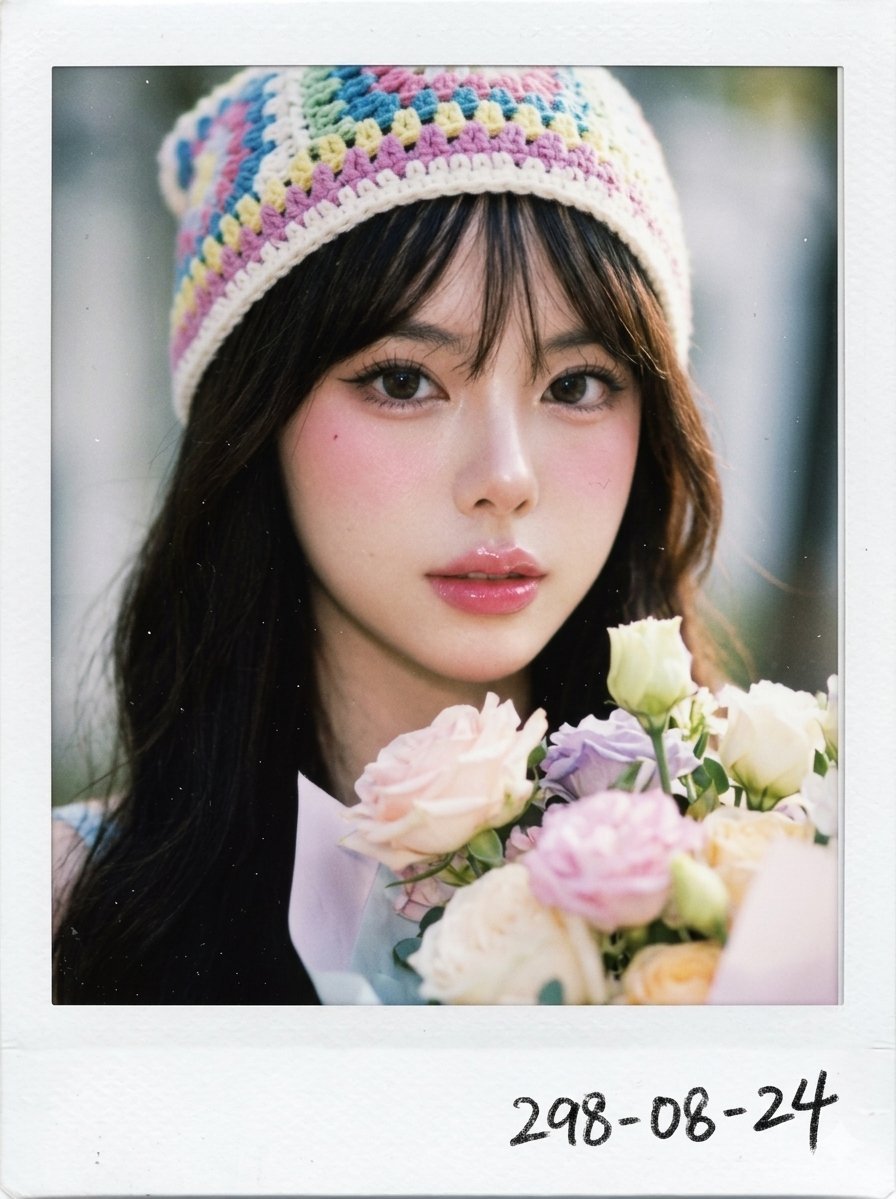
Dreamy Polaroid Portrait
Make it yours
Dreamy Japanese Movie Portrait works as-is. These are the safest ways to change it without losing the look.
Change one field
Copy a single group, rewrite it, and generate again so you can see what that field is doing.
Keep the frame, change the subject
Hold the composition and light of Dreamy Japanese Movie Portrait, then swap wardrobe, props or the person for a new take.
| If the result… | Why | Fix |
|---|---|---|
| The result drifts from the preview | Too many fields changed at once. | Reuse Dreamy Japanese Movie Portrait as-is first, then change one group — subject, light, or setting. |
| The model over-stylizes the scene | The prose prompt leaves finish and camera underspecified. | Add one camera or lighting sentence and stay on GPT Image 2. |
More GPT Image 2 templates
Other prompts made for GPT Image 2.

Six VTuber Japanese Logo Sheet

Realistic Portrait of Woman and Deer

The Vista Modular Condo Poster

AI Model Routing Comparison Infographic

2.5D Anime Art Board

Isometric Productivity Desk Scene

New York Double Exposure Poster

Four-Panel AI Landscape Comparison

Japanese Tatami Lifestyle Magazine Cover

NESCAFÉ Coffee Map Poster
More image prompts
Fresh picks from across the catalog.

Difficulty Resizing Text in Nano Banana Pro
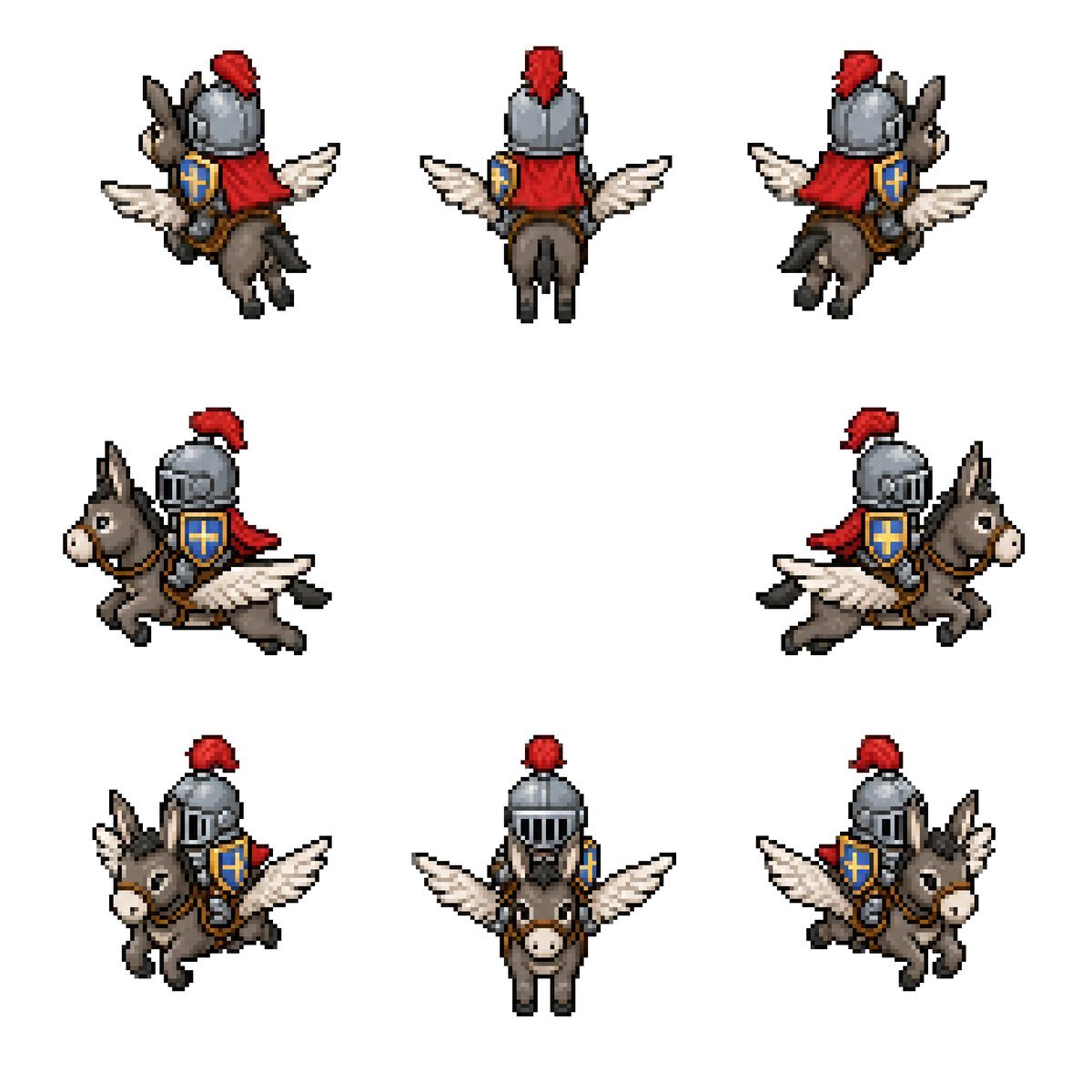
Winged Donkey Knight Sprite Sheet
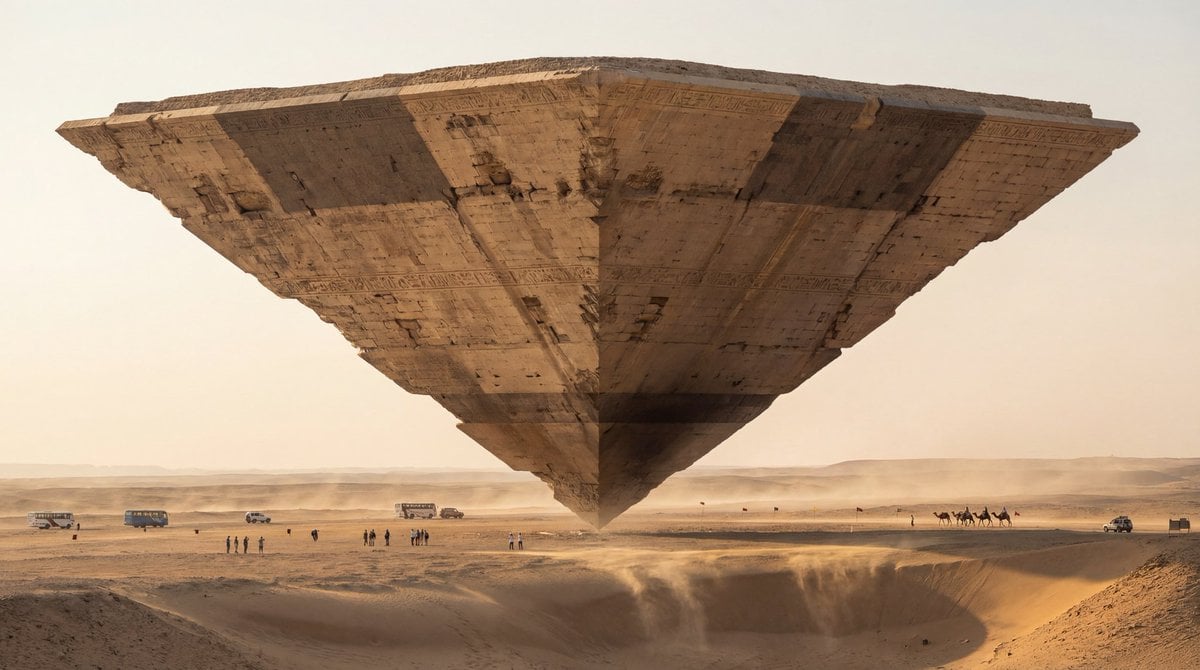
Photorealistic Ultra-Wide Desert Scene with Inverted Pyramid
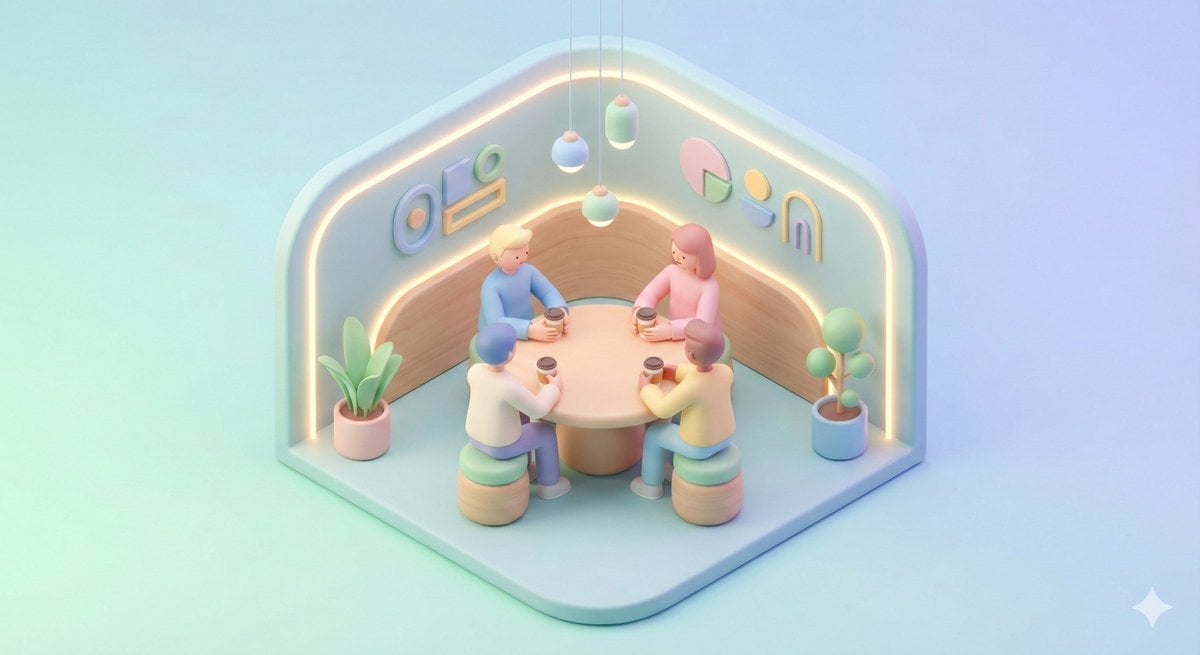
Minimal Isometric 3D Perspective
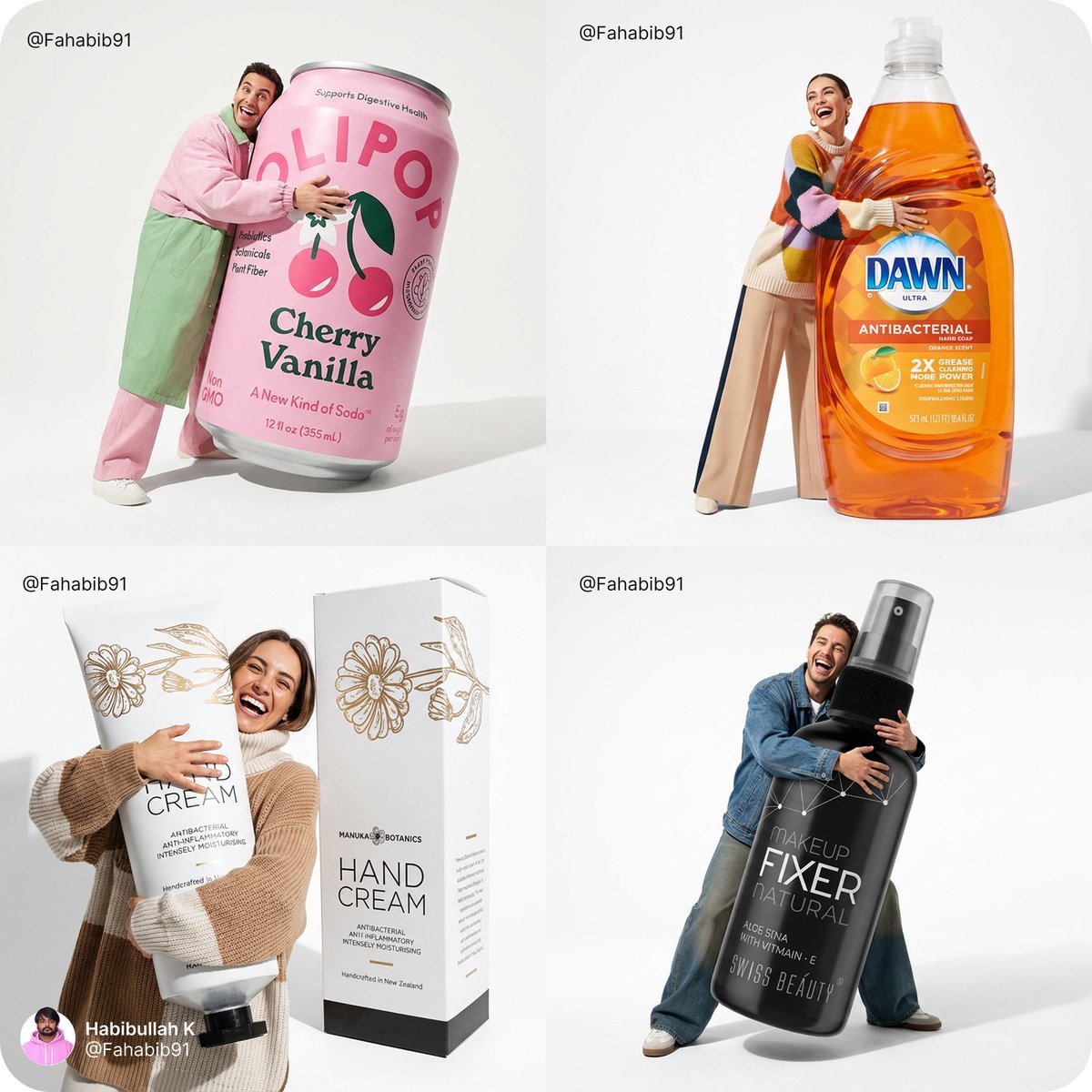
Fun Commercial Photography Prompt
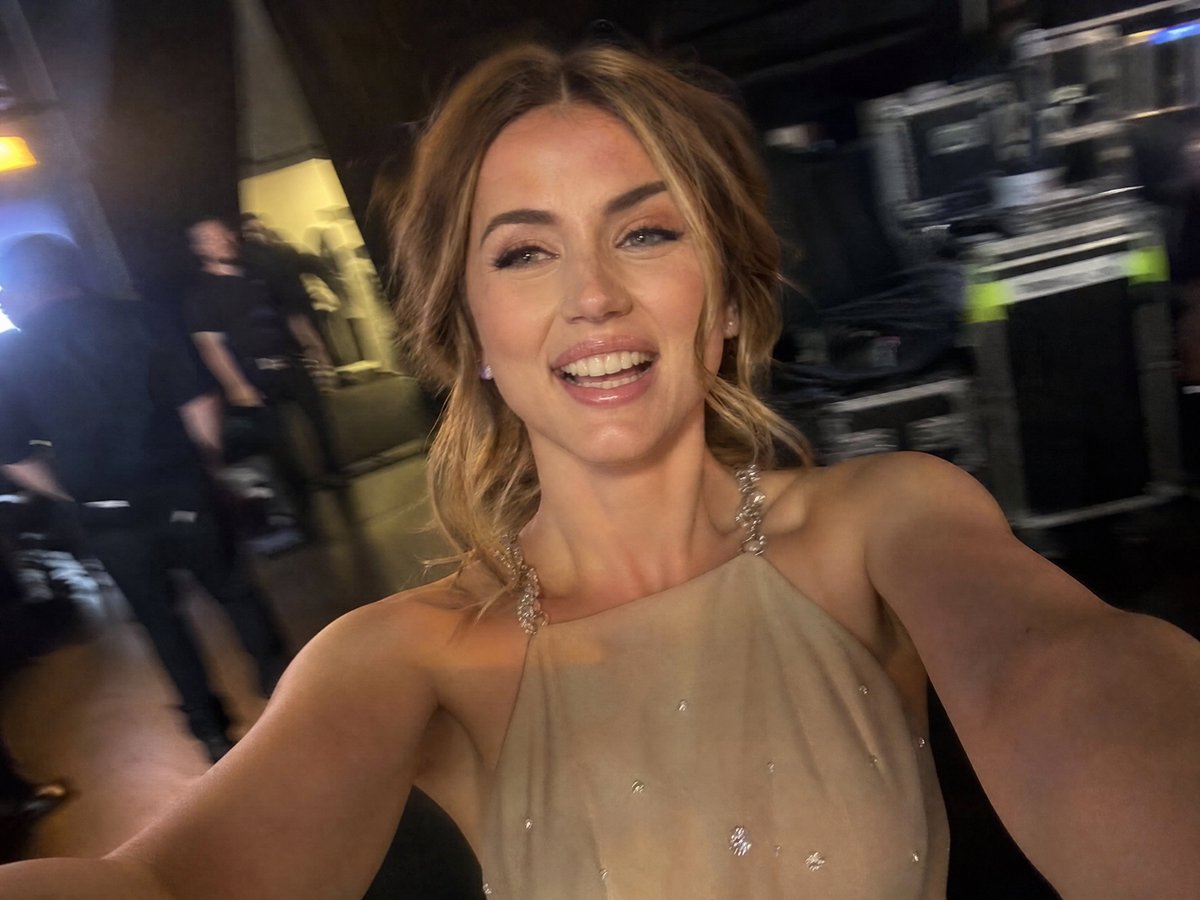
Accidental iPhone Camera Selfie
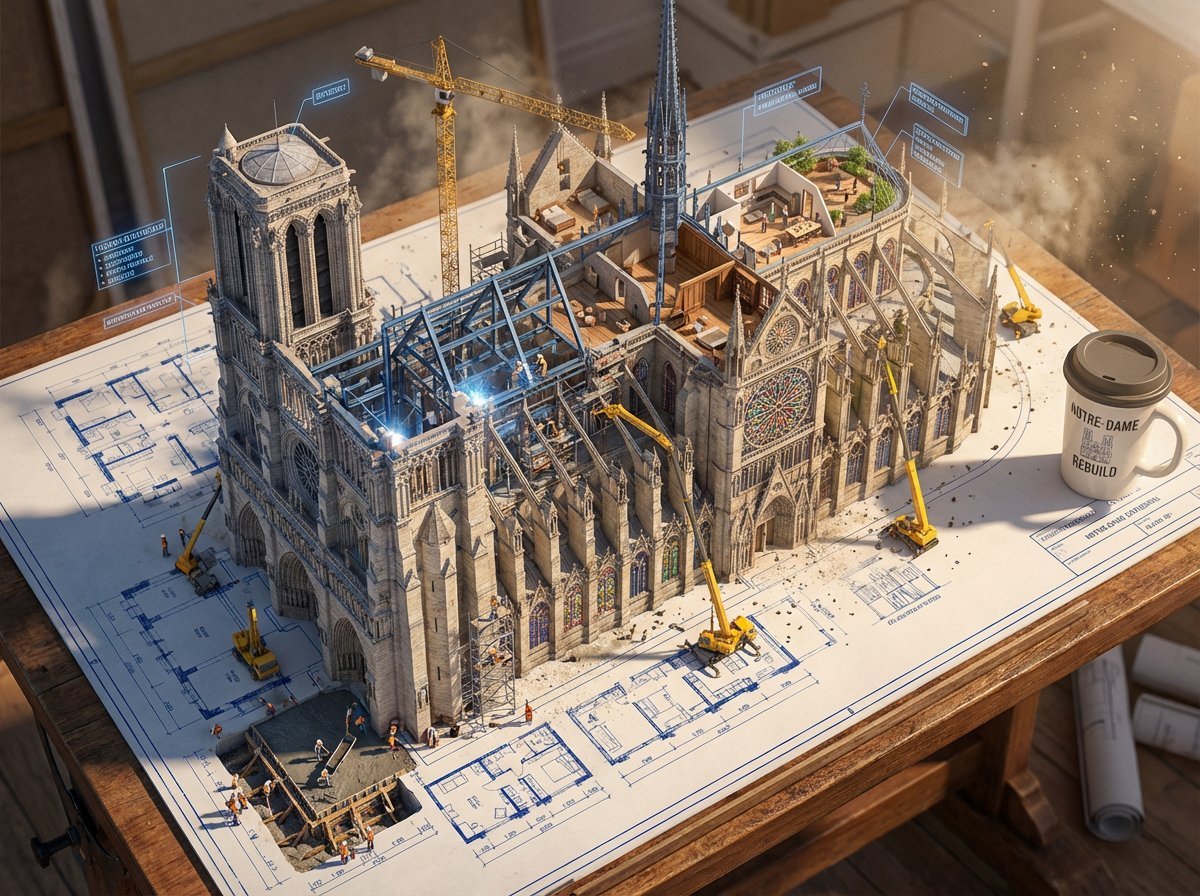
Epic 3D Architectural Blueprint Awakening Scene

Epic Anime Pirate Poster Design
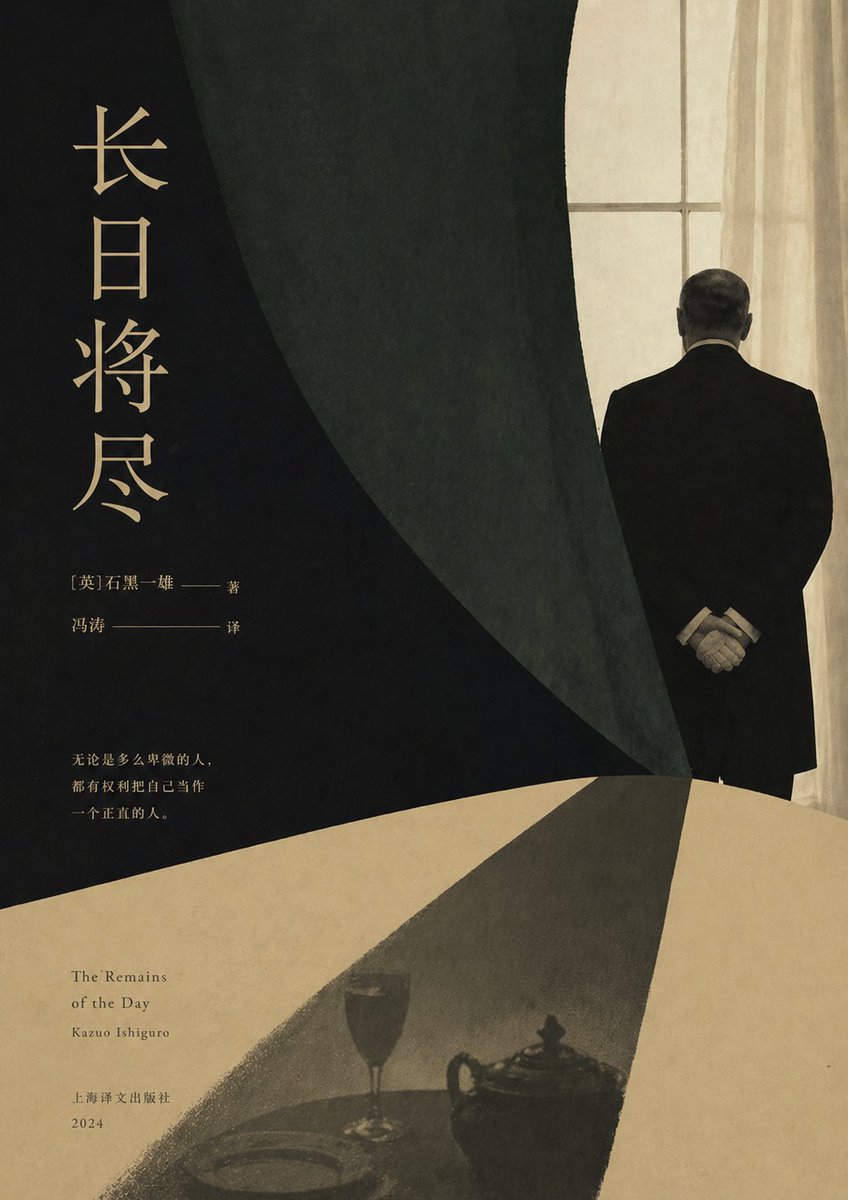
Minimalist Literary Novel Cover
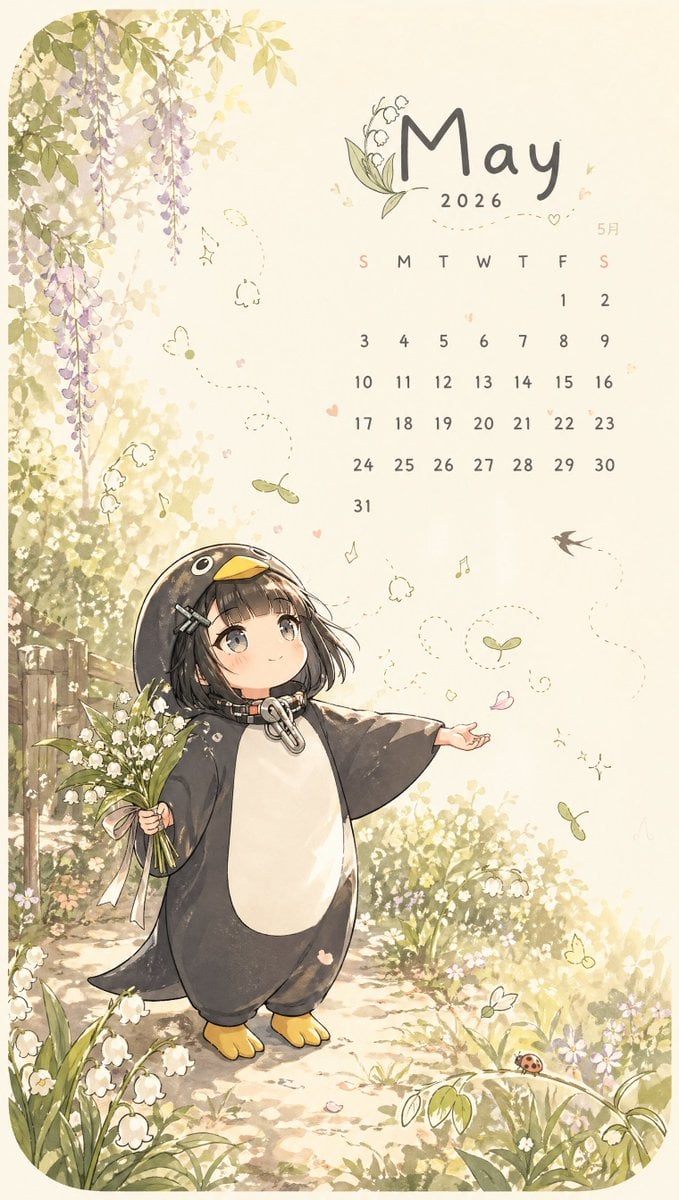
Whimsical May Spring Calendar
Browse template categories
Dreamy Japanese Movie Portrait questions
How do I use the Dreamy Japanese Movie Portrait template?
Add your photo if the template asks for one, edit the prompt if you like — the template's model and format are already selected — and press Generate. Your version opens in PicX Studio.
Can I customize the Dreamy Japanese Movie Portrait template?
Yes. You can change the subject, setting, lighting, mood, format, and available model controls before creating your image.
Is the Dreamy Japanese Movie Portrait template free?
Opening and editing this template is free. Generating uses credits, shown on the Generate button when you are signed in.
Which AI model should I use?
Start with GPT Image 2, which is the model associated with this template. You can compare another compatible model for a different finish.
Looking for something else? Browse all templates.

Your photo, any look
Thousands of ready templates for every top image and video model, from one credit balance.