
Japanese Legal Presentation Cover Slide
This prompt generates a bold minimalist Japanese title slide for a legal or professional presentation with strong typography and yellow accent graphics.

- Prompt included
- Model and format preset
- Free template
The prompt behind this image
Copy the exact prompt behind Japanese Legal Presentation Cover Slide, or open it in the studio and make it yours.
Create a clean, modern Japanese presentation cover slide in a minimalist editorial style, landscape 16:9. Use a very light gray background with bold black typography and vivid yellow accent bars. The layout is asymmetrical and high contrast, with lots of negative space. Place a small black square near the upper left containing the white text "01" in italic bold sans serif. Across the center, set a large Japanese title in heavy black type on 2 lines: "司法書士等による" on the first line and "特別委任方式" on the second line, with the second line much larger and sitting on a rough hand-painted yellow highlight stroke. Below it, add a smaller Japanese subtitle in black: "登記原因証明情報の新しい取扱い". Under the subtitle, place a thin horizontal black line centered. Along the far right edge, add a tall vertical yellow sidebar with black vertical text reading "01 表紙". Near the top right, place 1 small black square as a decorative element. In the lower right quadrant, place a decorative 5 by 5 dotted grid made of 25 small black dots. On the far left edge, crop in oversized black Japanese characters so they are only partially visible, creating a strong graphic border effect. At the bottom left, place a single line of small black Japanese text: "令和7年12月9日 法務省民二第1578号 依命通知". At the bottom right, place 2 lines of small black Japanese text, right aligned: first line "司法書士事務所アンドロー・デザインワークショップ", second line "司法書士 浅野勇貴". Add a thin diagonal black line entering from the top left corner as another graphic accent. Overall feel: premium business presentation, legal seminar title slide, Swiss-inspired grid composition, bold Japanese typography, sharp and print-like.
How to use Japanese Legal Presentation Cover Slide in 3 steps
- 1Upload ImagePNG, JPG or paste
Add your photo
Upload the photo the template builds on. The prompt, model and format are already set.
- 2…a portrait of your subject in softgolden-hour light, 85mm…
Personalize
Edit the subject and creative details for your destination.
- 3Generate
Generate
Press Generate — your image is created in PicX Studio, so you can compare it with the original and refine one variable at a time.
More like this
Templates with the same subject, style or setup. Open one to see its prompt.

Premium 4 3 presentation cover slide introducing Chronicle

Minecraft Japanese Research Lab Exploration

Japanese Corporate Price Index Slide
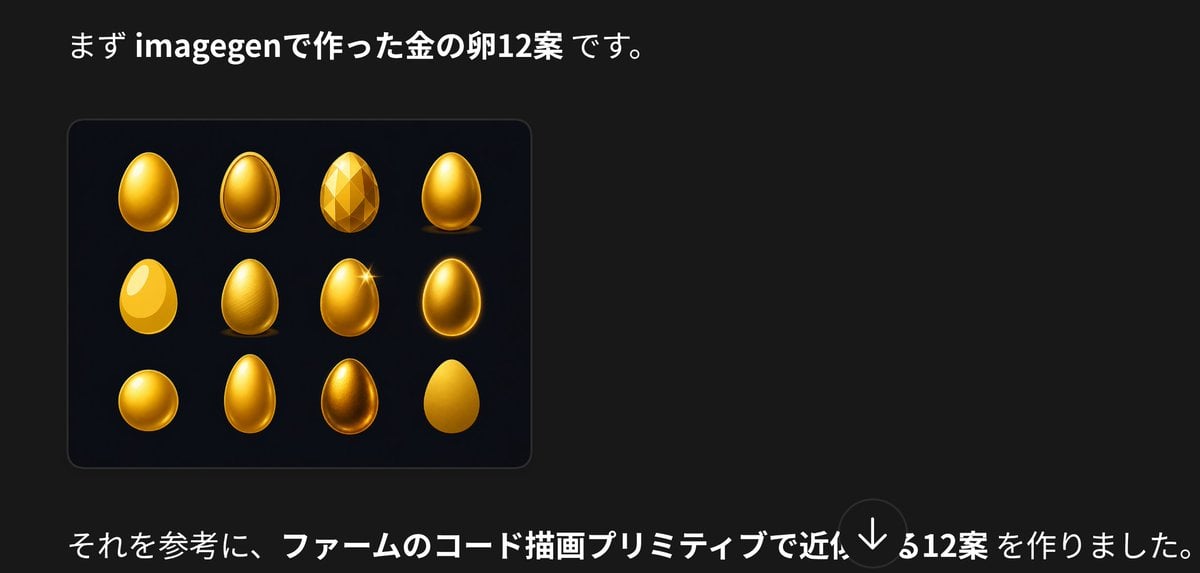
Japanese Golden Egg Design Slide

Japanese Tatami Lifestyle Magazine Cover

Japanese Architectural Concrete Studio Fashion Campaign

Japanese Minimalist Concrete Studio Fashion Editorial

Blue Backdrop Luxury Fashion Portrait Campaign
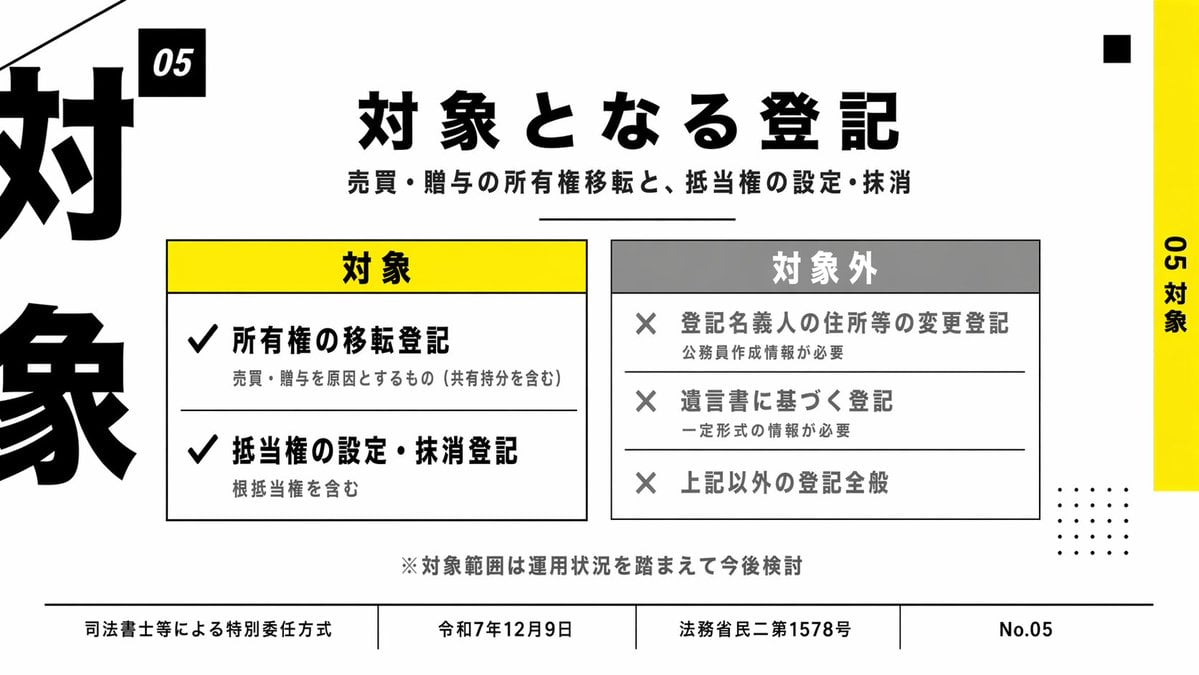
Japanese Corporate Scope Slide

Luxury Japanese Legal Services Poster

Cyberpunk Japanese Manga Cover
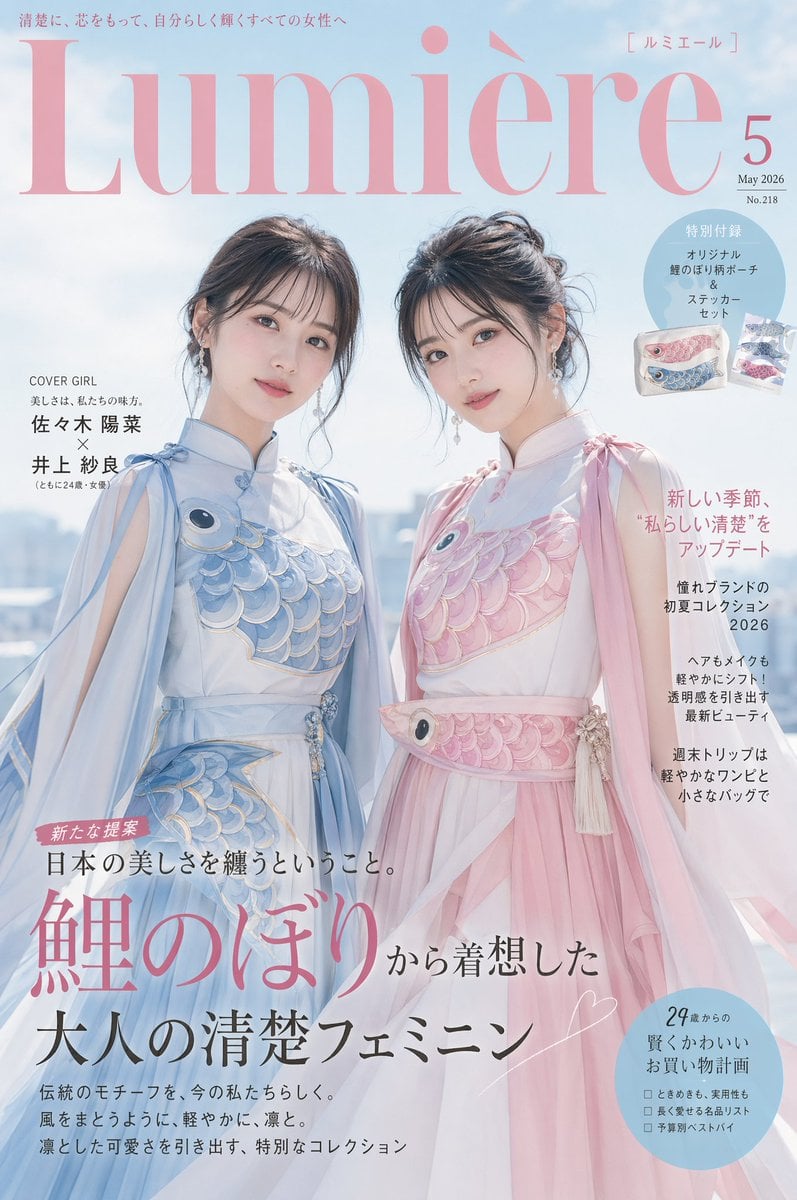
Japanese Fashion Cover with Koinobori Dresses
Make it yours
Japanese Legal Presentation Cover Slide works as-is. These are the safest ways to change it without losing the look.
Change one field
Copy a single group, rewrite it, and generate again so you can see what that field is doing.
Keep the frame, change the subject
Hold the composition and light of Japanese Legal Presentation Cover Slide, then swap wardrobe, props or the person for a new take.
| If the result… | Why | Fix |
|---|---|---|
| The result drifts from the preview | Too many fields changed at once. | Reuse Japanese Legal Presentation Cover Slide as-is first, then change one group — subject, light, or setting. |
| The model over-stylizes the scene | The prose prompt leaves finish and camera underspecified. | Add one camera or lighting sentence and stay on GPT Image 2. |
More GPT Image 2 templates
Other prompts made for GPT Image 2.

Six VTuber Japanese Logo Sheet

Realistic Portrait of Woman and Deer

The Vista Modular Condo Poster

AI Model Routing Comparison Infographic

2.5D Anime Art Board

Isometric Productivity Desk Scene

New York Double Exposure Poster

Four-Panel AI Landscape Comparison

NESCAFÉ Coffee Map Poster

Brutalist Cogito Chinese Typography Poster
More image prompts
Fresh picks from across the catalog.
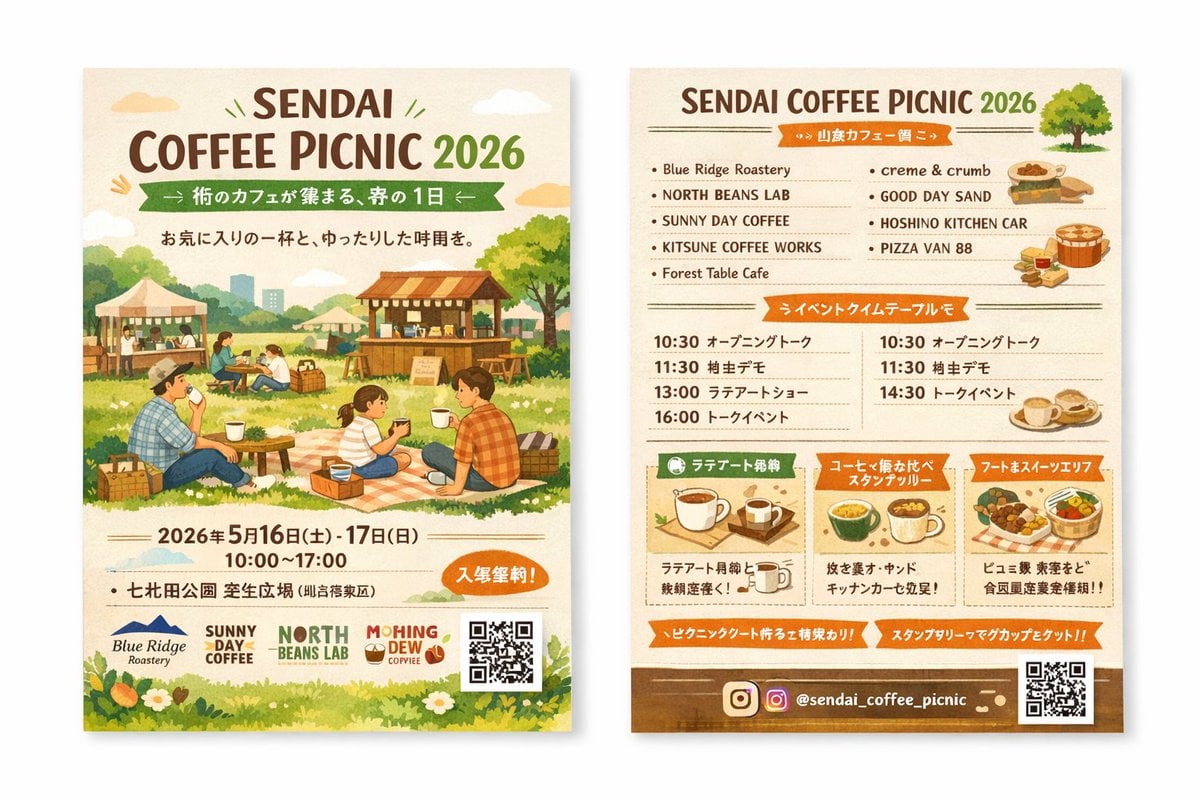
Two-Sided Watercolor Event Flyer Mockup

Modern Lifestyle Split Poster Prompt for Nano Banana Pro

Guangzhou City Promotional Poster

High-Resolution Realistic Lifestyle Photography with Face Lock
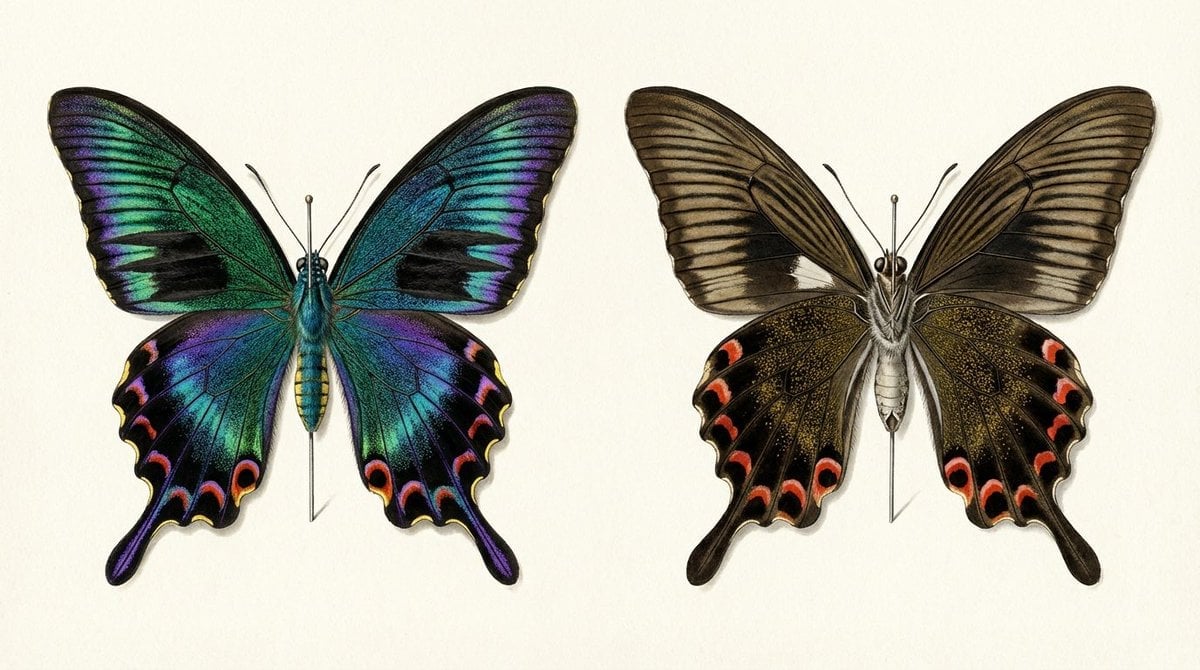
Generating a Butterfly Image with Selective Iridescence

Cinematic Mid-Air Shrimp Burger Photo Prompt

Soft Window Portrait with Lace Outfit

3D Model Asset Style: Classic Japanese Bosozoku (Female)

Image Style Transfer Prompt: Viking to Dragon Quest X 'Chamber of Vows'

Elegant Autumn City Park Editorial Scene
Browse template categories
Japanese Legal Presentation Cover Slide questions
How do I use the Japanese Legal Presentation Cover Slide template?
Add your photo if the template asks for one, edit the prompt if you like — the template's model and format are already selected — and press Generate. Your version opens in PicX Studio.
Can I customize the Japanese Legal Presentation Cover Slide template?
Yes. You can change the subject, setting, lighting, mood, format, and available model controls before creating your image.
Is the Japanese Legal Presentation Cover Slide template free?
Opening and editing this template is free. Generating uses credits, shown on the Generate button when you are signed in.
Which AI model should I use?
Start with GPT Image 2, which is the model associated with this template. You can compare another compatible model for a different finish.
Looking for something else? Browse all templates.

Your photo, any look
Thousands of ready templates for every top image and video model, from one credit balance.