
Gold Two-Tone Anime Witch Poster
A decorative art nouveau anime witch illustration in cream and metallic gold-brown, useful for poster-style fantasy character art.
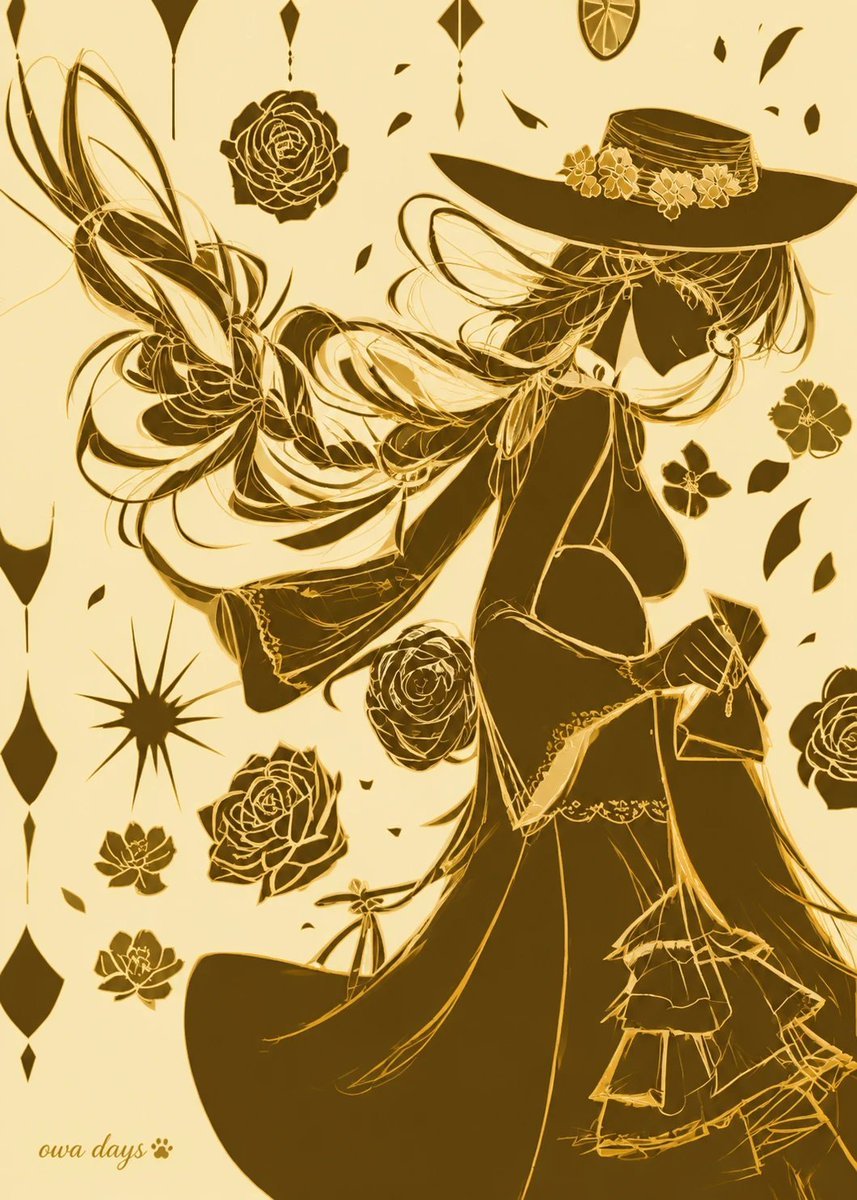
- Prompt included
- Model and format preset
- Free template
The prompt behind this image
Copy the exact prompt behind Gold Two-Tone Anime Witch Poster, or open it in the studio and make it yours.
Create a vertical 2:3 anime-style illustration in elegant two-color printing, using only pale warm cream paper and deep metallic {argument name="ink color" default="gold-brown"} ink, with no gradients except subtle ink-density variation. Show a graceful faceless witch-like young woman in profile facing right, her head slightly bowed, wearing an oversized wide-brim hat decorated with a ribbon band and exactly 5 small blossoms. She has very long flowing {argument name="hair color" default="gold-brown"} hair rendered as sweeping ribbon-like strands that arc dramatically leftward across the page, mixed with thin sketch lines and solid silhouette shapes. Her outfit is an ornate dark Victorian fantasy dress with an open back, corset-like waist, lace trim, layered skirt ruffles, long trailing fabric, and fine golden linework over large filled shadow areas. Behind her left side, add a large abstract butterfly-wing or ribbon flourish made of looping hair-like curves and translucent line shapes. Surround the figure with exactly 8 separate floral motifs: 3 large roses, 1 medium rose, 2 small five-petal flowers on the right, and 2 small lotus-like flowers near the lower left; also add about 18 scattered leaf-shaped petals. Add exactly 9 hanging geometric ornaments along the top and left edges, including diamonds, drops, long spear shapes, and one circular citrus-slice medallion near the top right, plus one black starburst ornament on the lower left. Composition should feel like a decorative art nouveau poster, high contrast, intricate golden line art, asymmetrical negative space, no visible eyes or facial features, no background scenery. Put a small handwritten signature reading {argument name="signature text" default="oura days 🐾"} in the lower-left corner.
How to use Gold Two-Tone Anime Witch Poster in 3 steps
- 1Upload ImagePNG, JPG or paste
Add your photo
Upload the photo the template builds on. The prompt, model and format are already set.
- 2…a portrait of your subject in softgolden-hour light, 85mm…
Personalize
Edit the subject and creative details for your destination.
- 3Generate
Generate
Press Generate — your image is created in PicX Studio, so you can compare it with the original and refine one variable at a time.
More like this
Templates with the same subject, style or setup. Open one to see its prompt.

Captain Tsubasa Anime World Cup Poster

Vault Wheel Two Hands
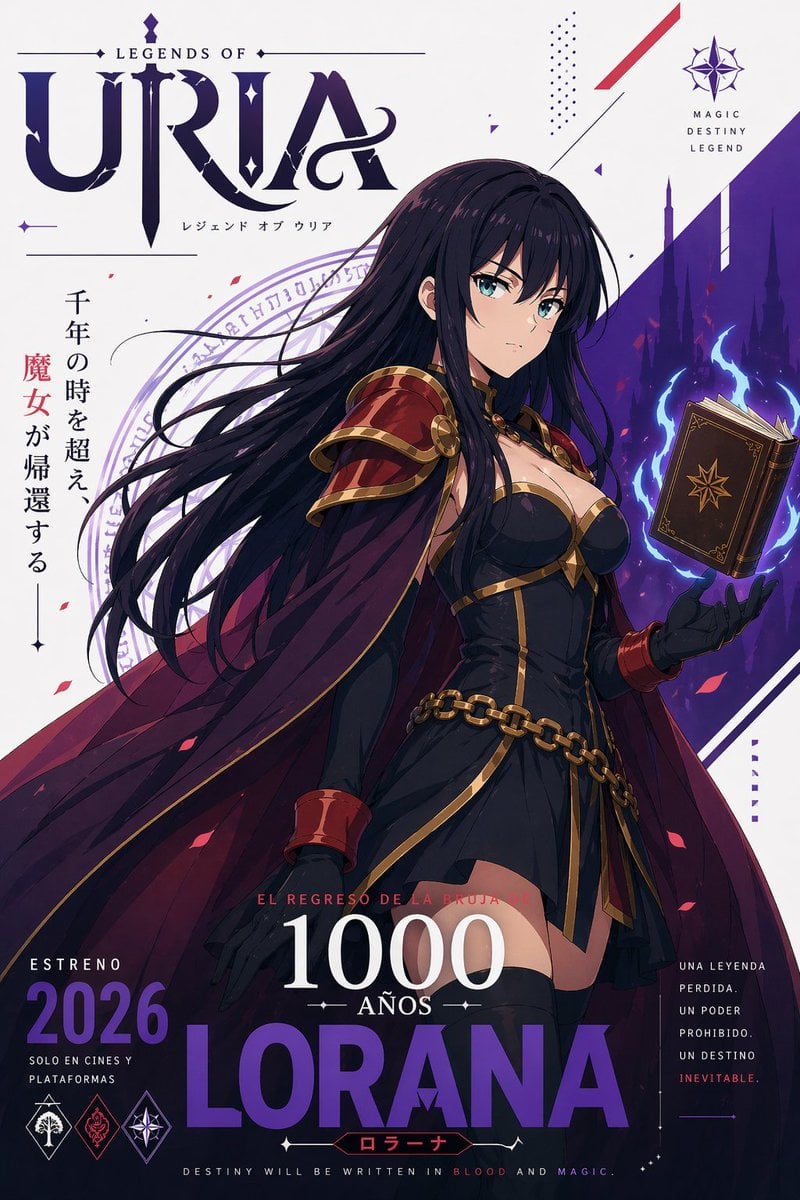
Fantasy Anime Witch Movie Poster

Gpt2 Youtube Thumbnail Anime Music Bootcamp Promo Poster
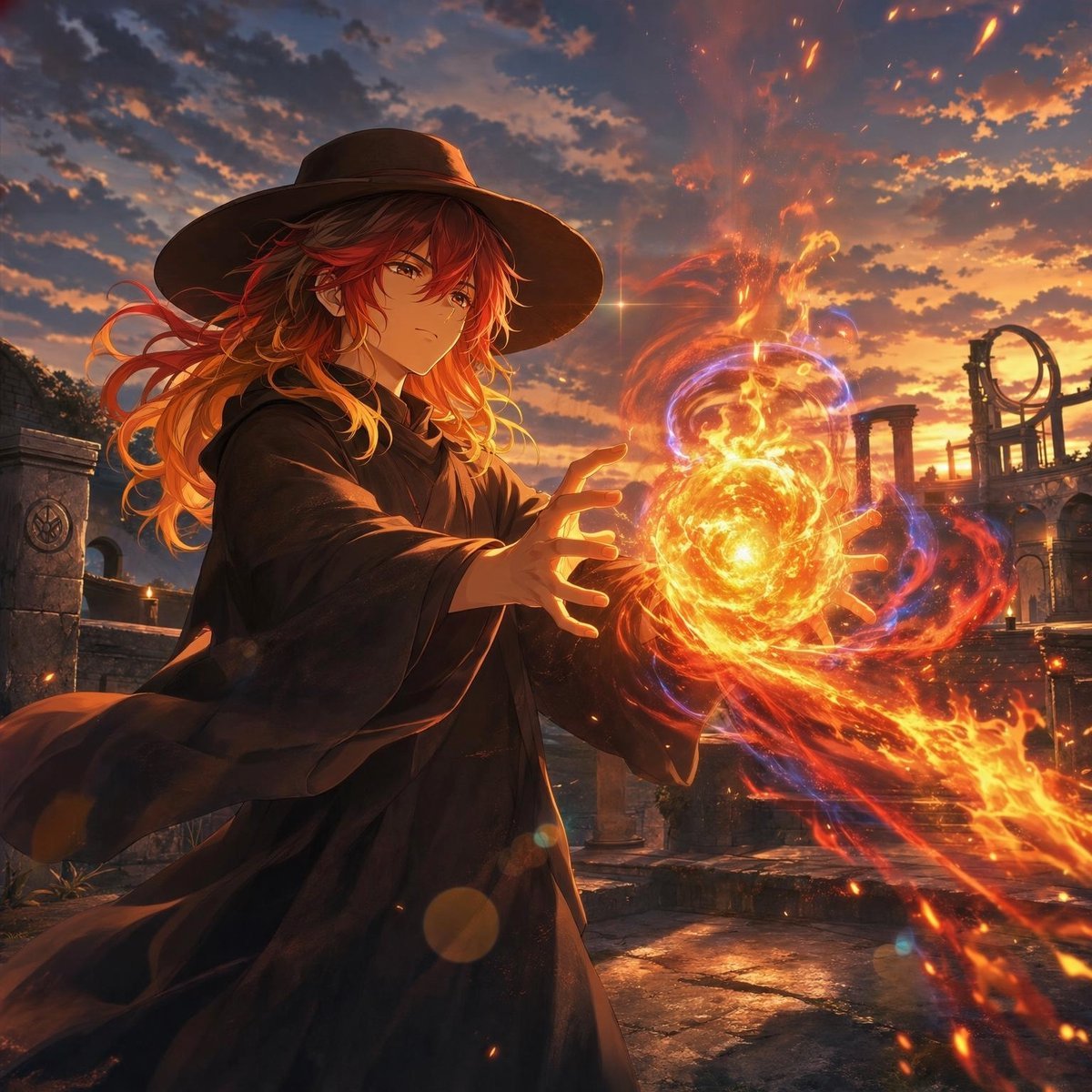
Anime Witch Casting Fire Spell

Japan Travel Brochure Poster

Nice Day Anime Poster

Cel 2D Finale Fireworks

Cel 2D Underwater Reef

Cel 2D Library Night

Anime Splash Mountain Drop

Anime Monorail Sunset
Make it yours
Gold Two-Tone Anime Witch Poster works as-is. These are the safest ways to change it without losing the look.
Change one field
Copy a single group, rewrite it, and generate again so you can see what that field is doing.
Keep the frame, change the subject
Hold the composition and light of Gold Two-Tone Anime Witch Poster, then swap wardrobe, props or the person for a new take.
| If the result… | Why | Fix |
|---|---|---|
| The result drifts from the preview | Too many fields changed at once. | Reuse Gold Two-Tone Anime Witch Poster as-is first, then change one group — subject, light, or setting. |
| The model over-stylizes the scene | The prose prompt leaves finish and camera underspecified. | Add one camera or lighting sentence and stay on GPT Image 2. |
More GPT Image 2 templates
Other prompts made for GPT Image 2.

Six VTuber Japanese Logo Sheet

Realistic Portrait of Woman and Deer

The Vista Modular Condo Poster

AI Model Routing Comparison Infographic

2.5D Anime Art Board

Isometric Productivity Desk Scene

New York Double Exposure Poster

Four-Panel AI Landscape Comparison

Japanese Tatami Lifestyle Magazine Cover

NESCAFÉ Coffee Map Poster
More image prompts
Fresh picks from across the catalog.
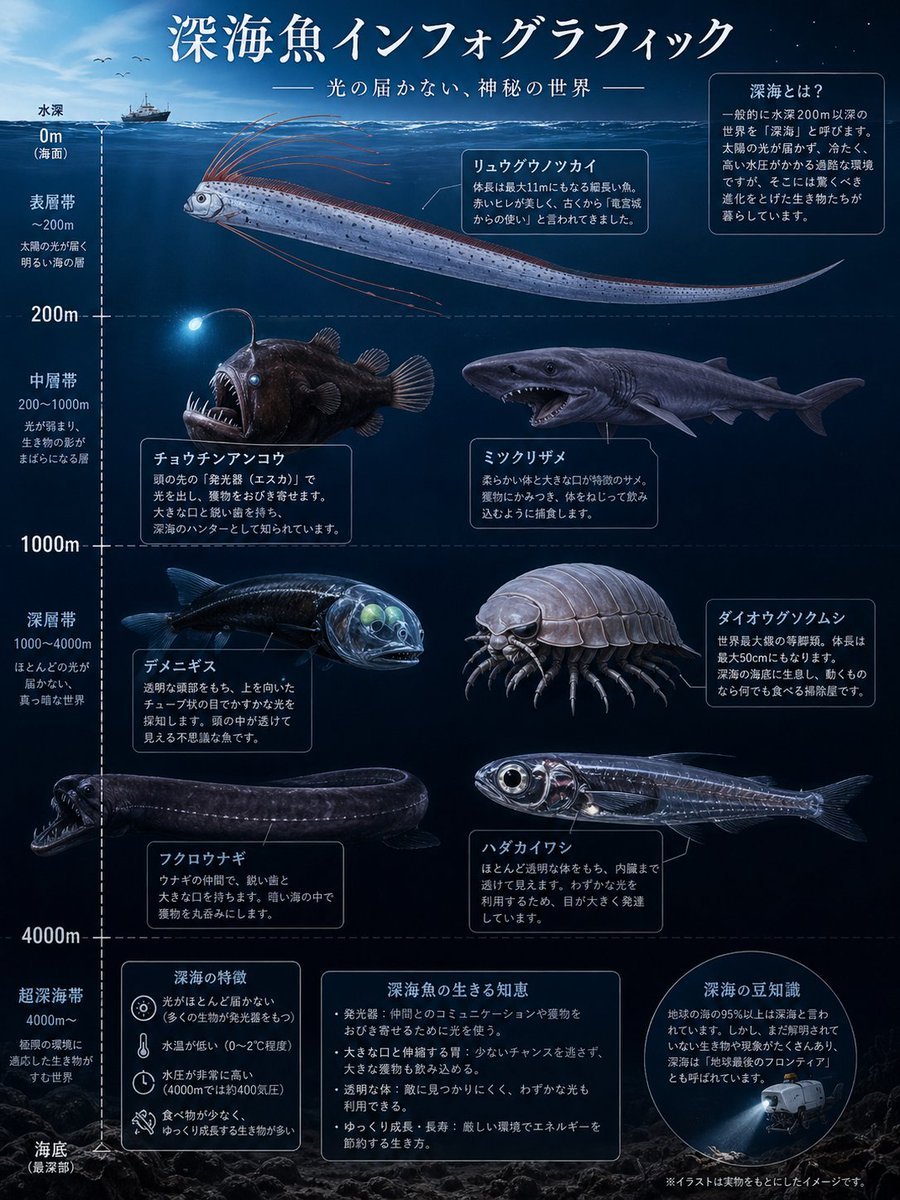
Deep-Sea Fish Infographic Poster
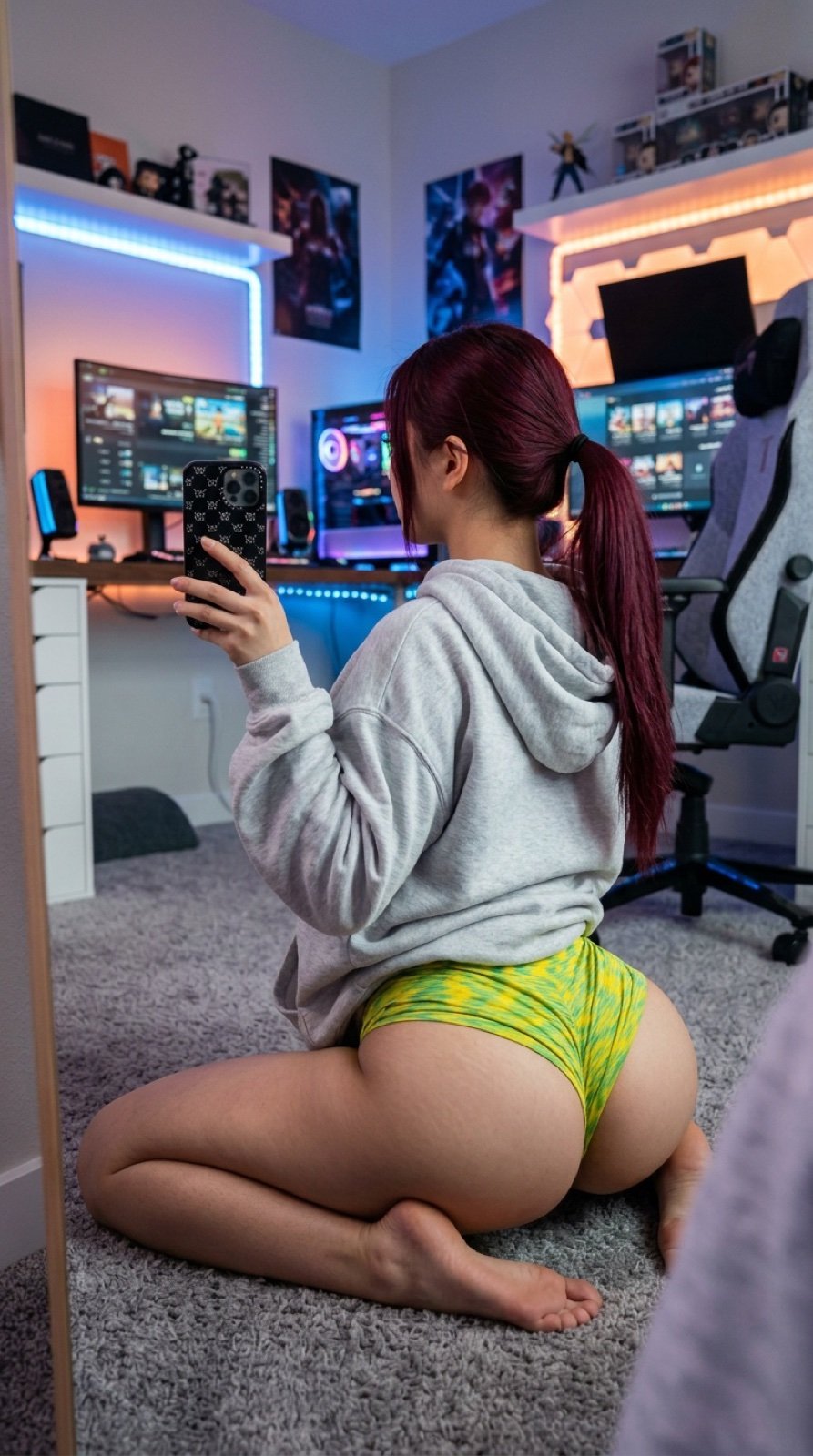
Detailed JSON Prompt for Gamer Girl Selfie

Ultra-Realistic Portrait with Pose Variations
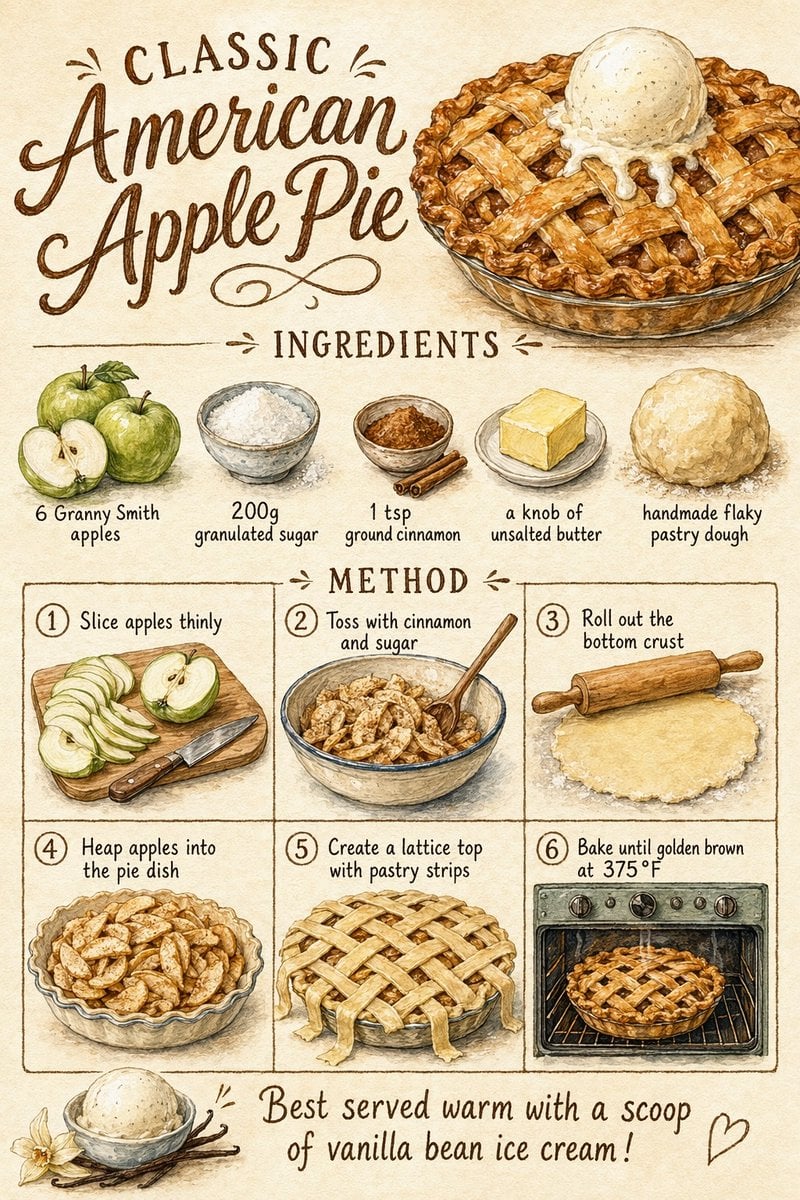
Vintage Apple Pie Recipe Poster
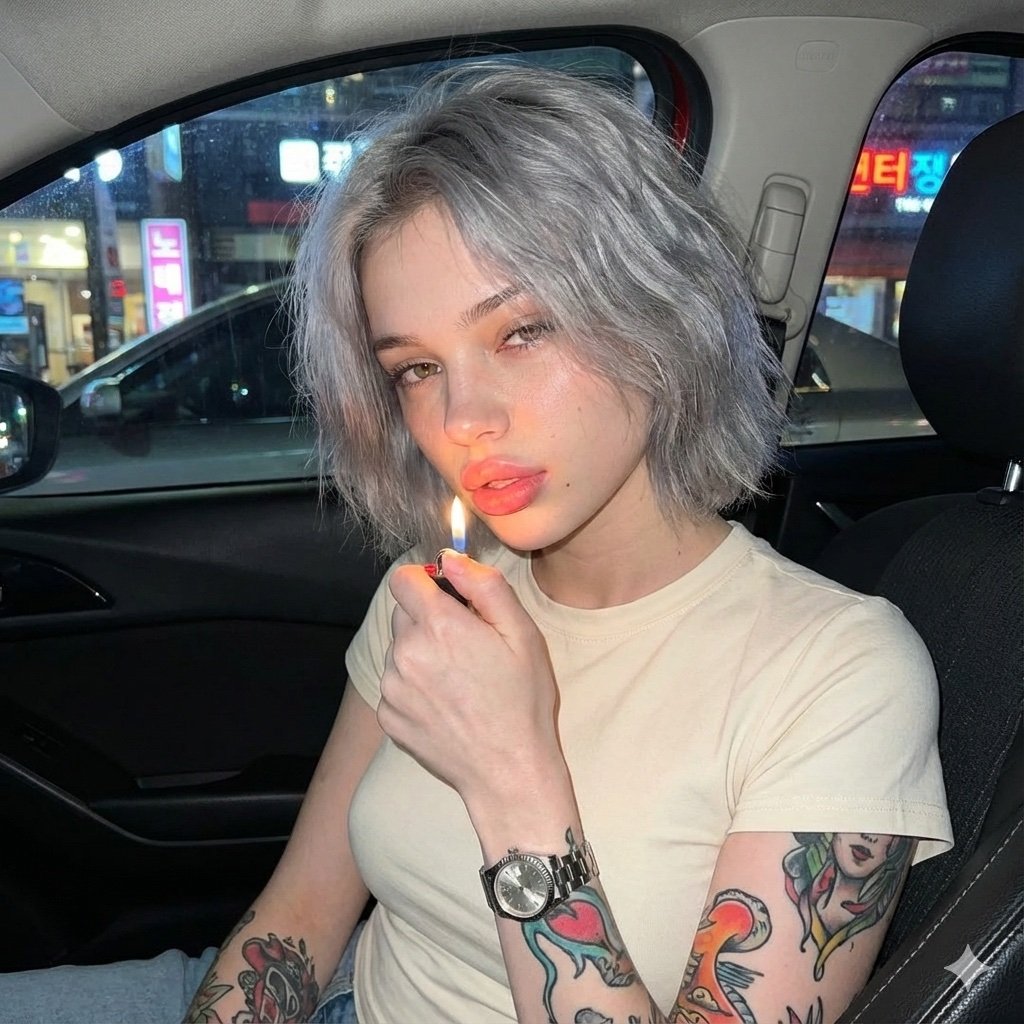
Candid Night Portrait in a Parked Car
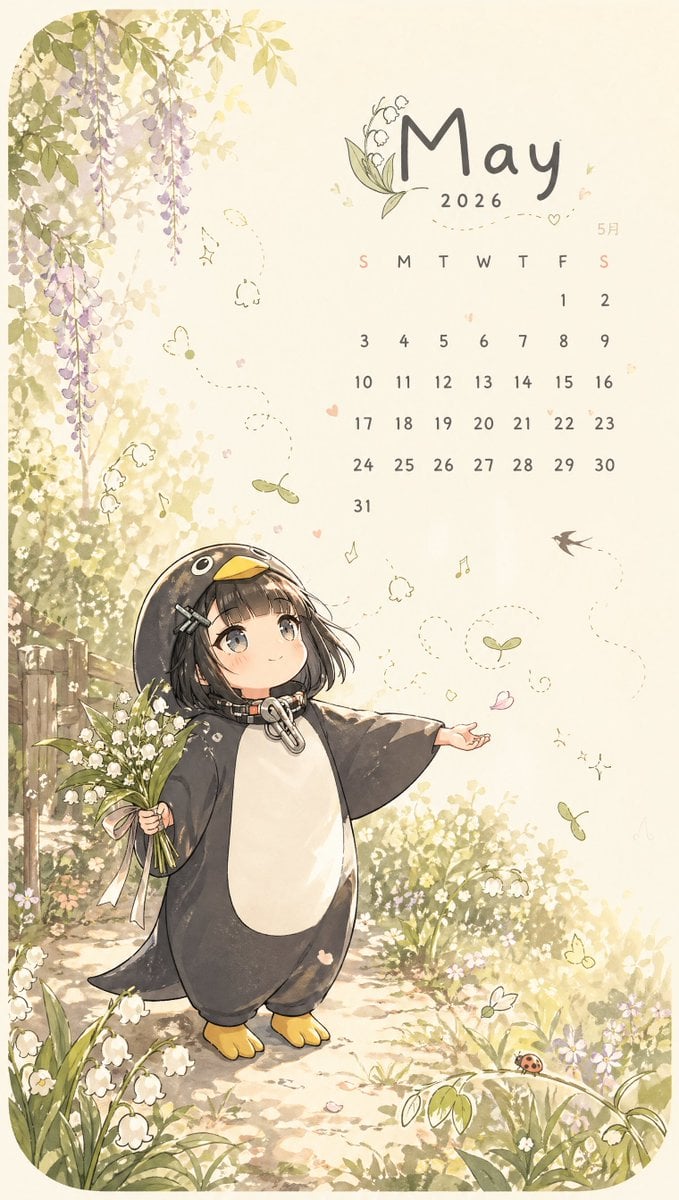
Whimsical May Spring Calendar

mirror
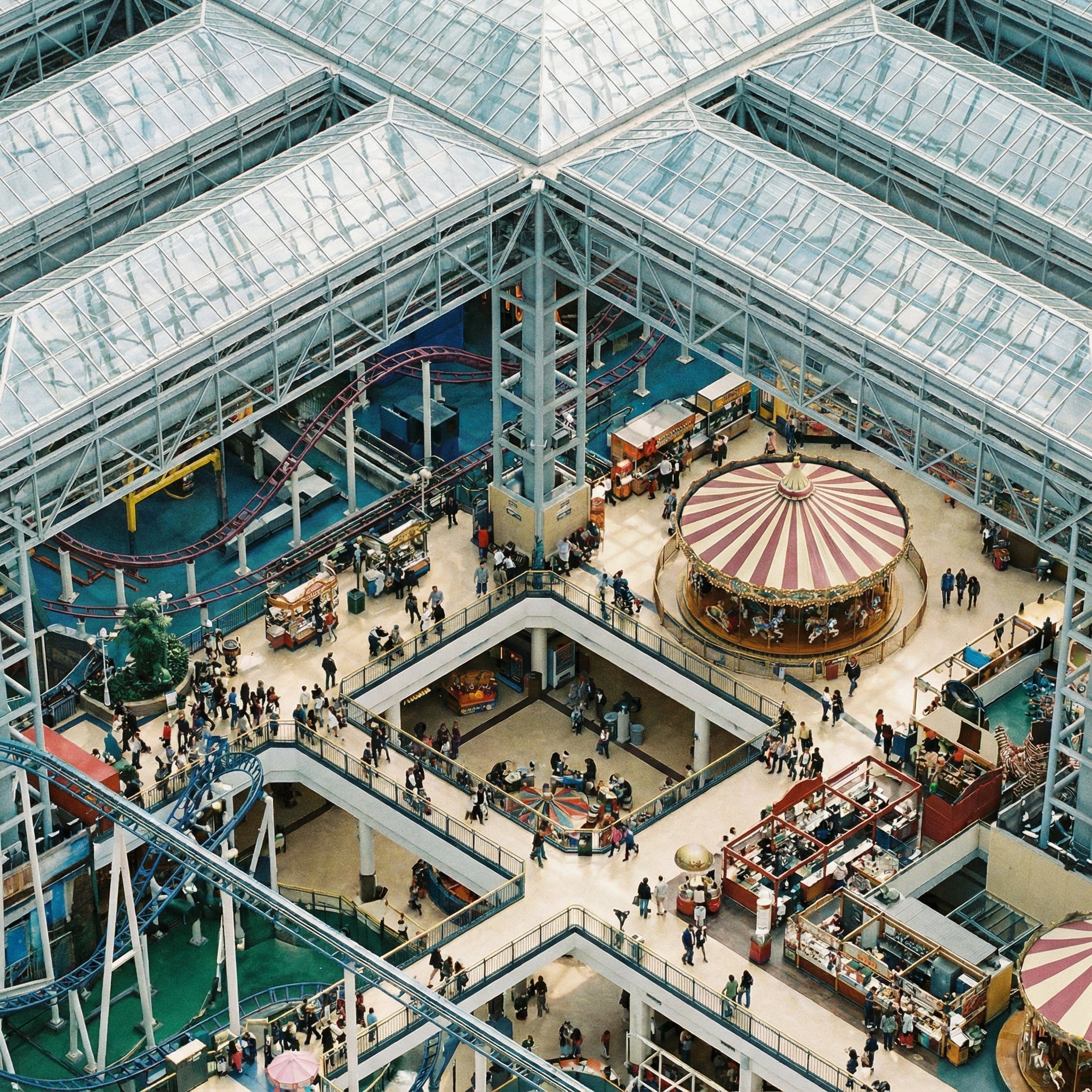
Perfectly Isometric Photography
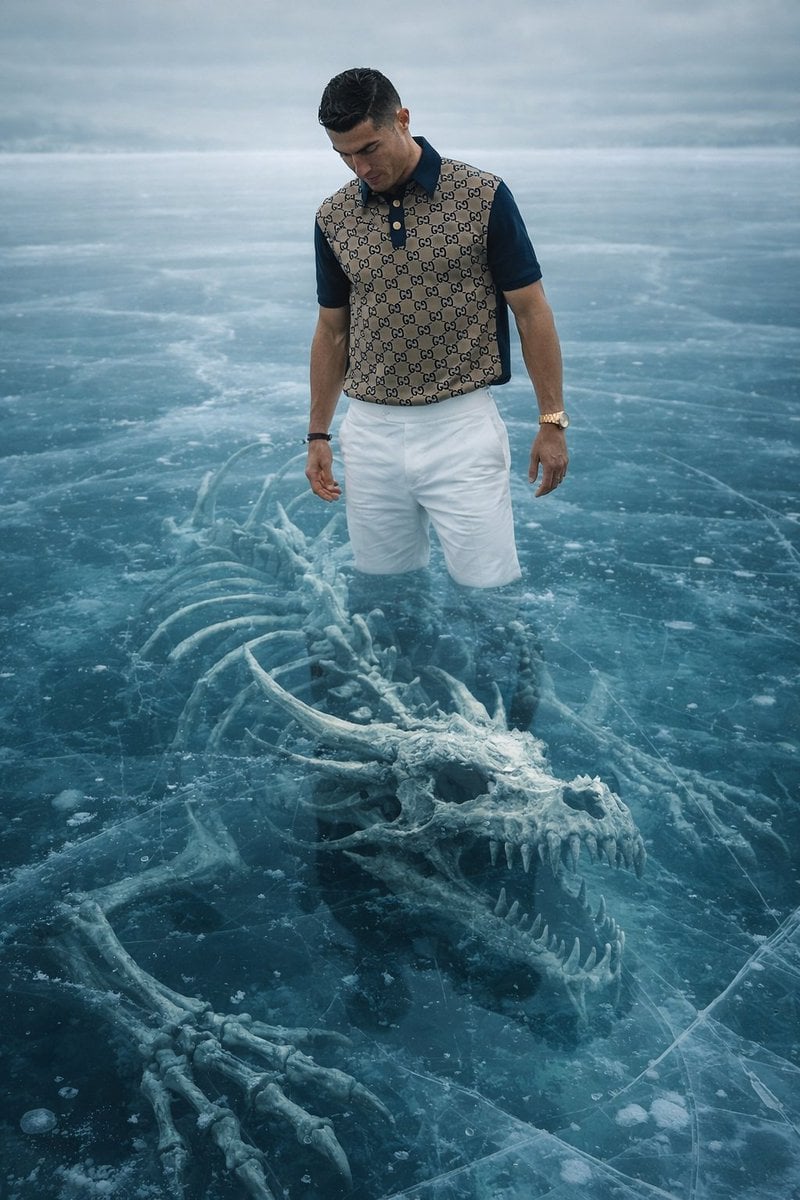
8K Ultra-Realistic Promotional Image of a Man on Ice with a Submerged Skeleton

Coastal Bench Portrait — Navy Floral Sundress
Browse template categories
Gold Two-Tone Anime Witch Poster questions
How do I use the Gold Two-Tone Anime Witch Poster template?
Add your photo if the template asks for one, edit the prompt if you like — the template's model and format are already selected — and press Generate. Your version opens in PicX Studio.
Can I customize the Gold Two-Tone Anime Witch Poster template?
Yes. You can change the subject, setting, lighting, mood, format, and available model controls before creating your image.
Is the Gold Two-Tone Anime Witch Poster template free?
Opening and editing this template is free. Generating uses credits, shown on the Generate button when you are signed in.
Which AI model should I use?
Start with GPT Image 2, which is the model associated with this template. You can compare another compatible model for a different finish.
Looking for something else? Browse all templates.

Your photo, any look
Thousands of ready templates for every top image and video model, from one credit balance.