
Editorial Design Poster Layout
A sophisticated prompt for generating editorial design posters with a split-screen composition that uses a transition element to show causality or transformation.
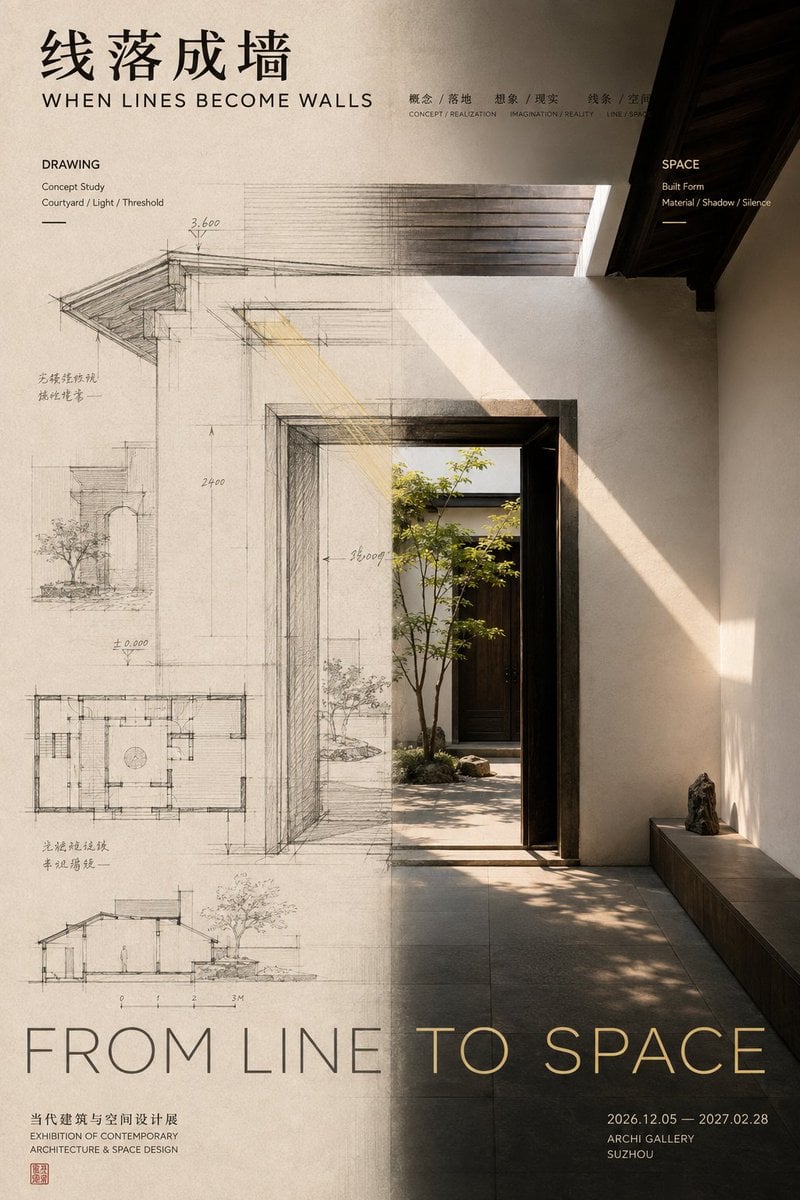
- Prompt included
- Model and format preset
- Free template
The prompt behind this image
Copy the exact prompt behind Editorial Design Poster Layout, or open it in the studio and make it yours.
生成一张具有成熟 Editorial Design 与展览视觉质感的左右构图海报。 不要简单把画面切成左右两栏,而是让左右两个视觉区域表达同一个主题的不同状态,并让“中间边界”成为变化真正发生的位置。 左右区域采用不等比例布局,根据主体重量使用 40:60、45:55、55:45 等关系,不要机械 50:50。左侧负责建立起点或原始状态,右侧负责展示变化后的结果,例如: 正面作品 → 背后的结构与制作路径; 设计草图 → 建成后的真实空间; 声源主体 → 向外扩散的振动与声场; 真实实体 → 纸面上的拓印、痕迹或图像。 最重要的是中轴转译。不要用明显竖线分隔,而要选择一个核心元素穿过左右区域,并在跨越中轴时连续发生变化. 例如:花瓣逐渐化成针脚和丝线;建筑线稿逐渐变成真实墙面;器物震动逐渐扩散成声纹;石刻浮雕逐渐压平成为黑墨拓印。 这种变化必须连续、自然,让观众一眼理解左右两边存在因果、过程或转译关系,而不是两张无关图片拼在一起。 Typography 也参与左右关系,但所有文字必须属于作品本身。使用真正的作品标题、副标题、短句和展览信息,不出现“左右构图”“设计案例”“视觉研究”等模板占位文字。 图像较重的一侧减少信息,较空的一侧可以承担更多标题与文字,通过字体大小、密度和位置完成视觉配重。 色彩控制在 2–4 个主要色系。左右可以有明显明暗、冷暖或材质差异,但至少保留一种颜色、纹理或视觉元素跨越中轴,保证整张作品统一。 最终阅读顺序:第一眼看到左右两种明显不同的视觉状态;第二眼发现中轴处正在发生连接和变化;第三眼理解“左边为什么会变成右边”;最后再阅读标题与作品信息。 整体要求:两个视觉域各有作用,中间有明确转译过程,左右不平均但视觉平衡,既有内容逻辑,也有成熟作品感。
How to use Editorial Design Poster Layout in 3 steps
- 1
Open
The prompt is already in the box next to the preview, with the template's model and format selected.
- 2…a portrait of your subject in softgolden-hour light, 85mm…
Personalize
Edit the subject and creative details for your destination.
- 3Generate
Generate
Press Generate — your image is created in PicX Studio, so you can compare it with the original and refine one variable at a time.
More like this
Templates with the same subject, style or setup. Open one to see its prompt.
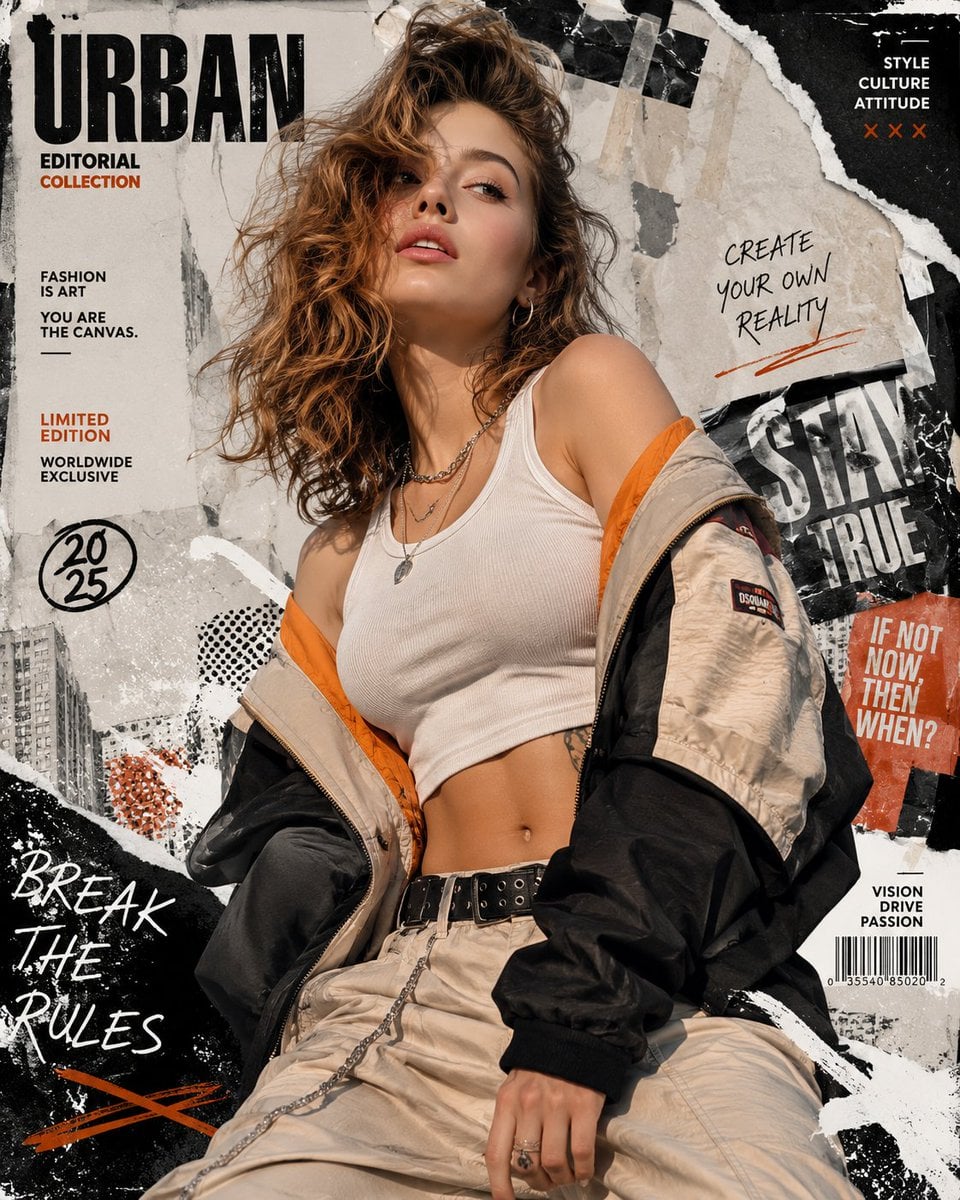
Urban Fashion Editorial Collage Poster
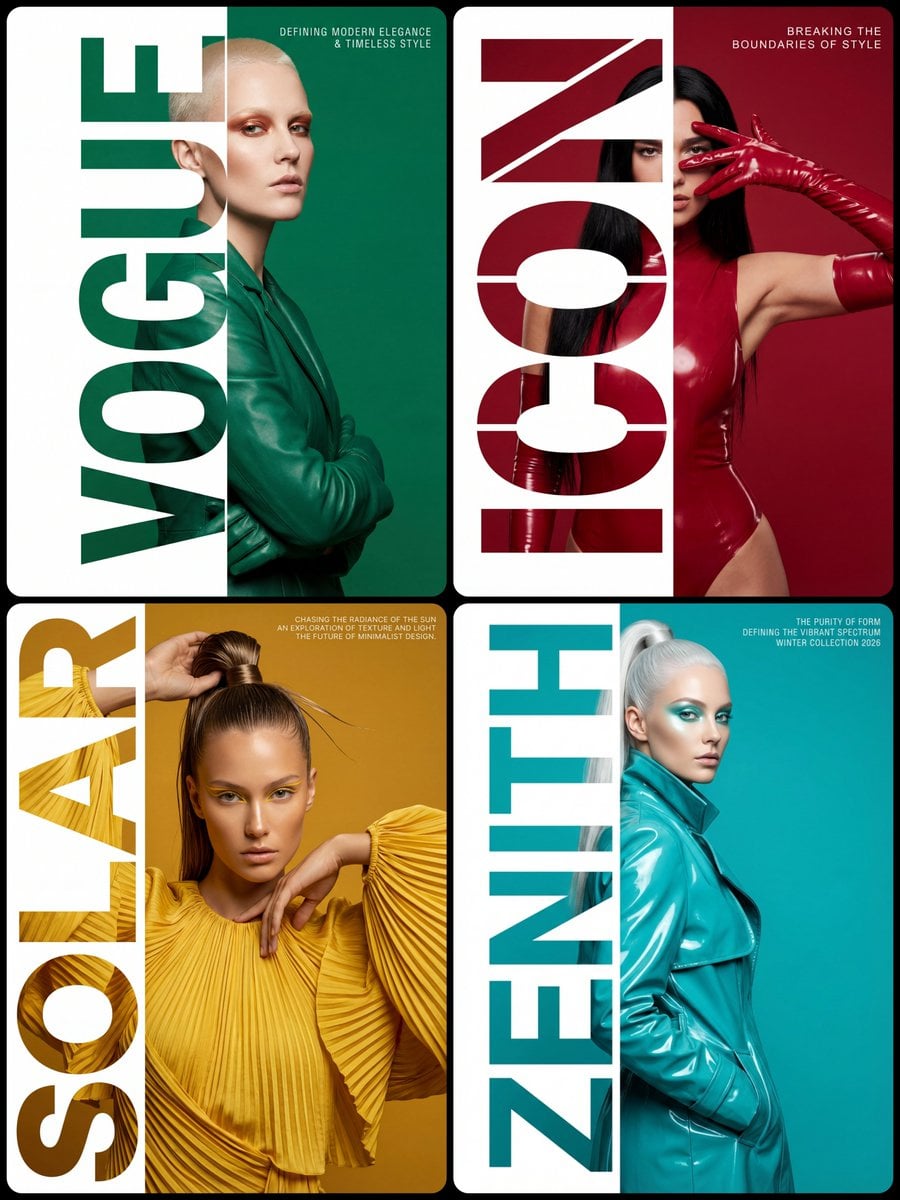
Typography Mask Editorial Fashion Poster
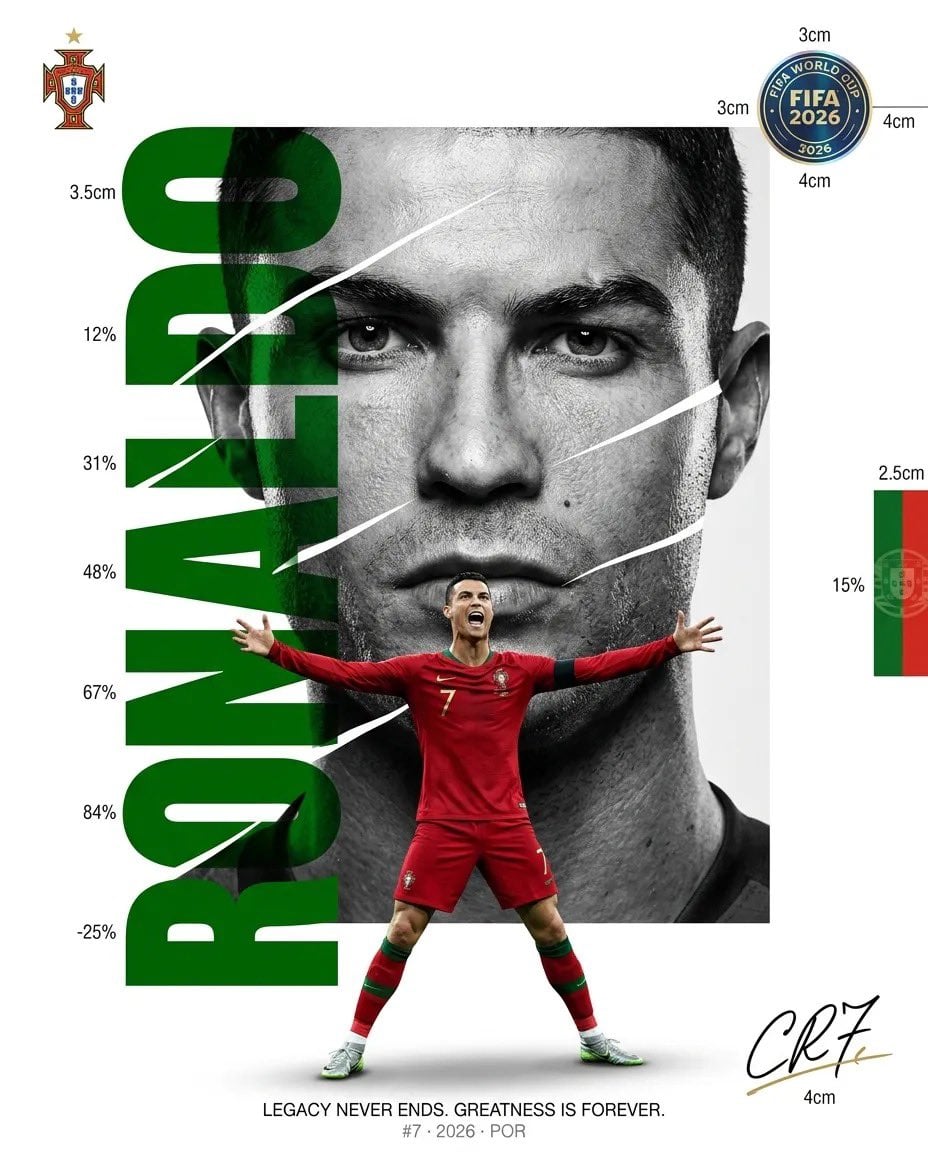
Luxury Sliced Wordmark Player Poster
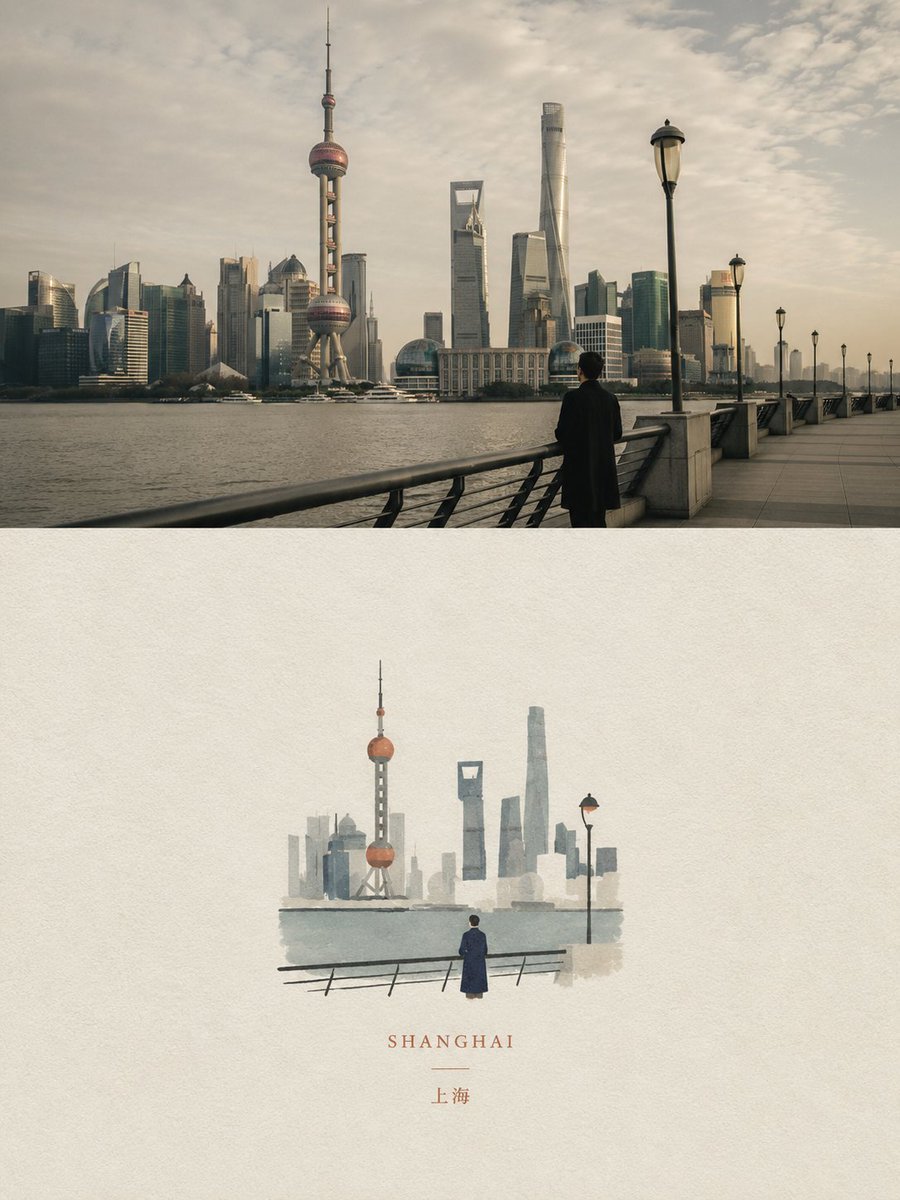
Dual Editorial Poster Layout
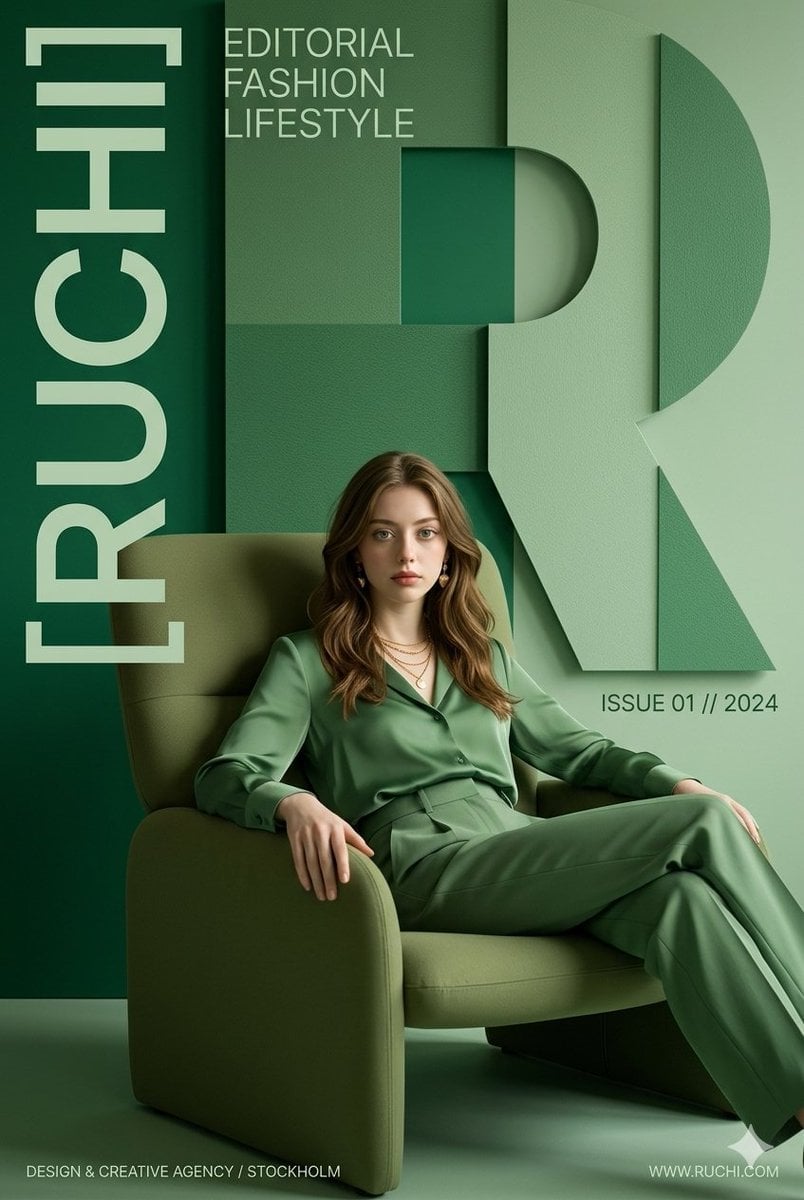
Premium Editorial Branding Poster Charcoal Green
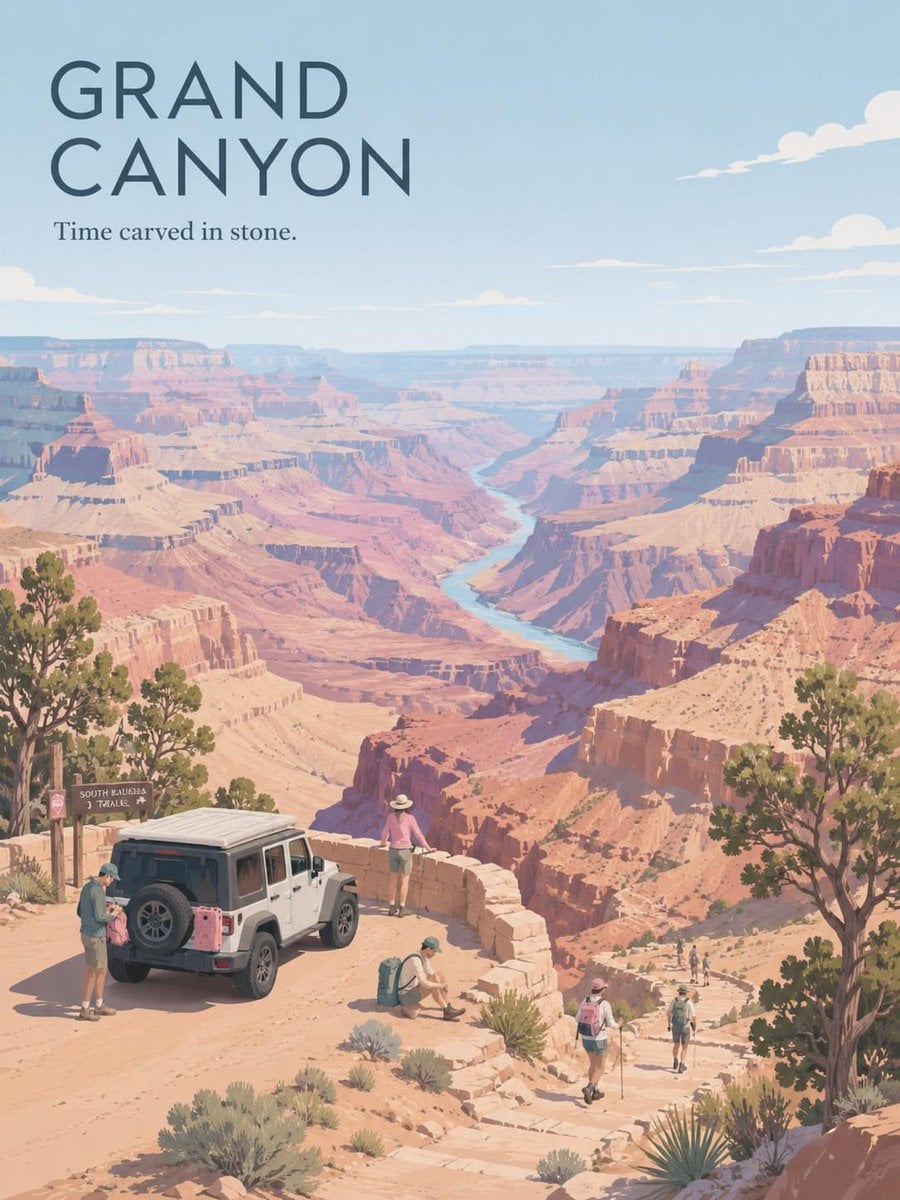
Premium Vintage Travel Poster Landscape
Premium Vintage Travel Poster Landscape

Japan Travel Brochure Poster

Cartoon TV Show Poster Pack

Polo Ralph Lauren Luxury American Heritage Fashion Campaign
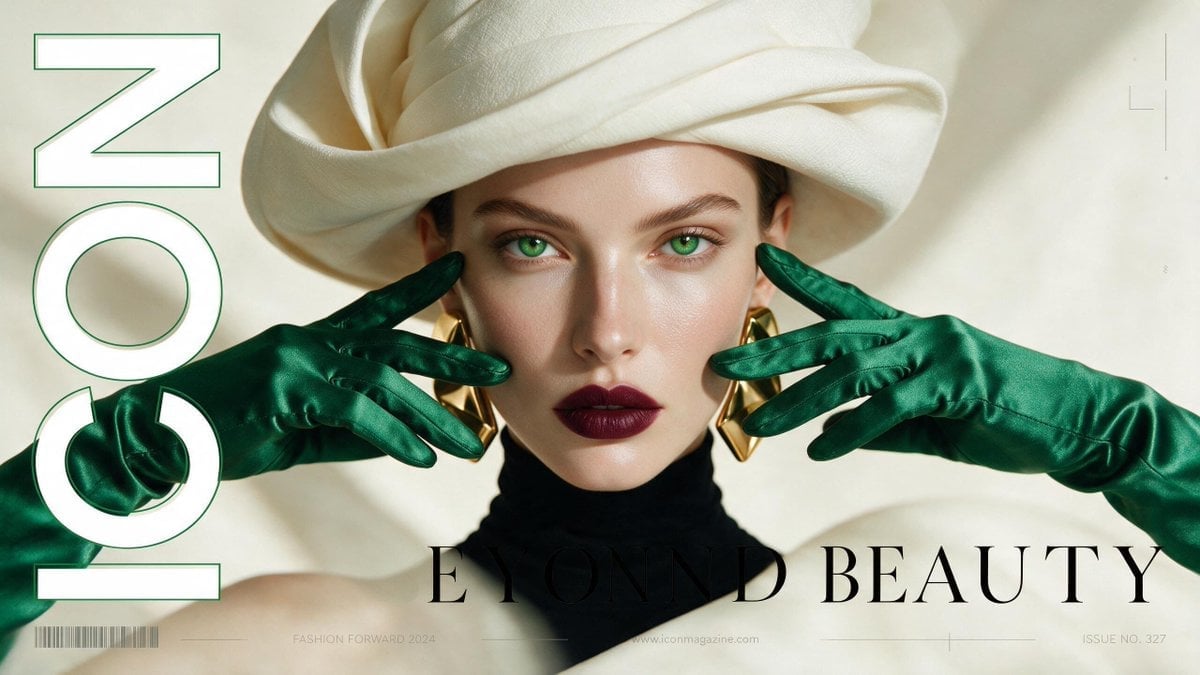
High-Fashion Editorial Magazine Cover ICON
Fine Art Monochrome Fashion Portrait
Make it yours
Editorial Design Poster Layout works as-is. These are the safest ways to change it without losing the look.
Change one field
Copy a single group, rewrite it, and generate again so you can see what that field is doing.
Keep the frame, change the subject
Hold the composition and light of Editorial Design Poster Layout, then swap wardrobe, props or the person for a new take.
| If the result… | Why | Fix |
|---|---|---|
| The result drifts from the preview | Too many fields changed at once. | Reuse Editorial Design Poster Layout as-is first, then change one group — subject, light, or setting. |
| The model over-stylizes the scene | The prose prompt leaves finish and camera underspecified. | Add one camera or lighting sentence and stay on GPT Image 2. |
More GPT Image 2 templates
Other prompts made for GPT Image 2.

Six VTuber Japanese Logo Sheet

Realistic Portrait of Woman and Deer

The Vista Modular Condo Poster

AI Model Routing Comparison Infographic

2.5D Anime Art Board

Isometric Productivity Desk Scene

New York Double Exposure Poster

Four-Panel AI Landscape Comparison

Japanese Tatami Lifestyle Magazine Cover

NESCAFÉ Coffee Map Poster
More image prompts
Fresh picks from across the catalog.
Minimal Character Illustration Template
Dreamy Surreal Pre-Wedding Dance under Aurora Borealis
Luxury Formula 1 Triptych Poster
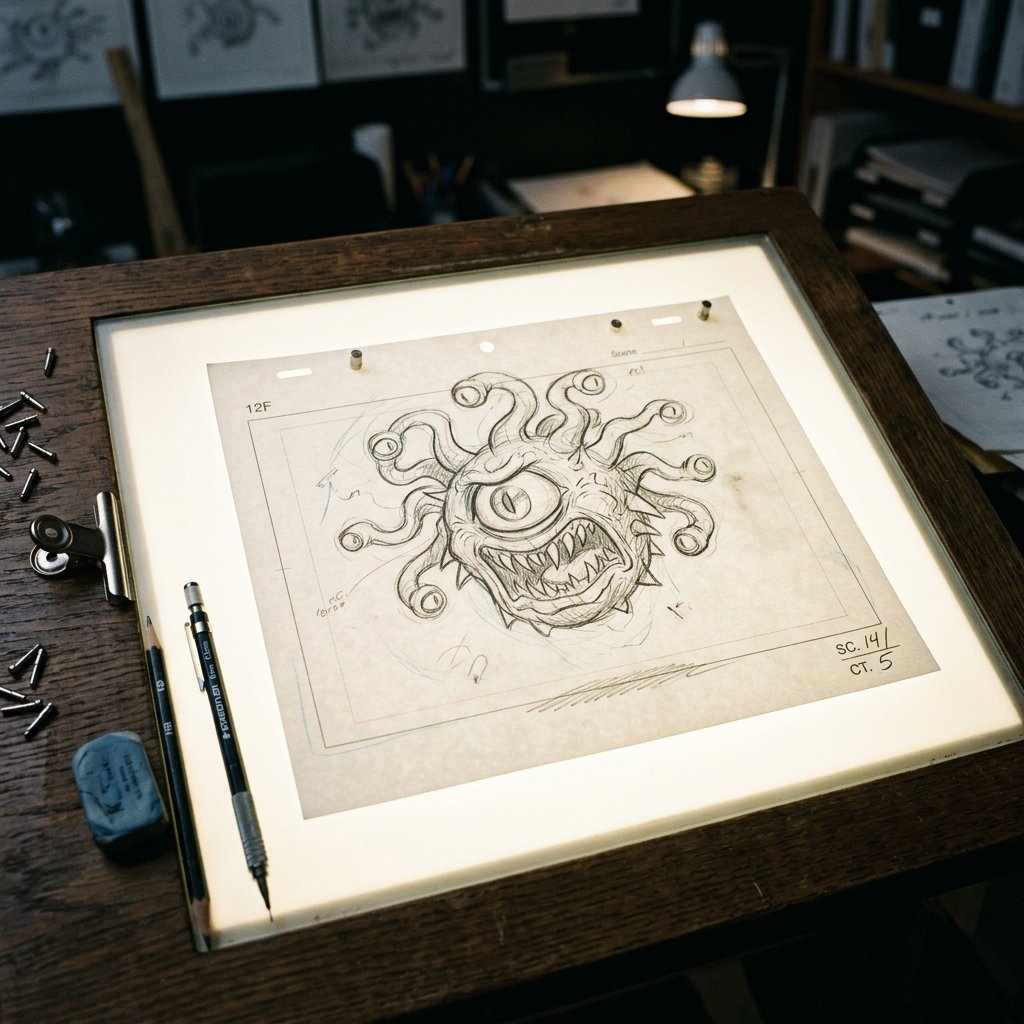
Classic Animation Light Table Prompt
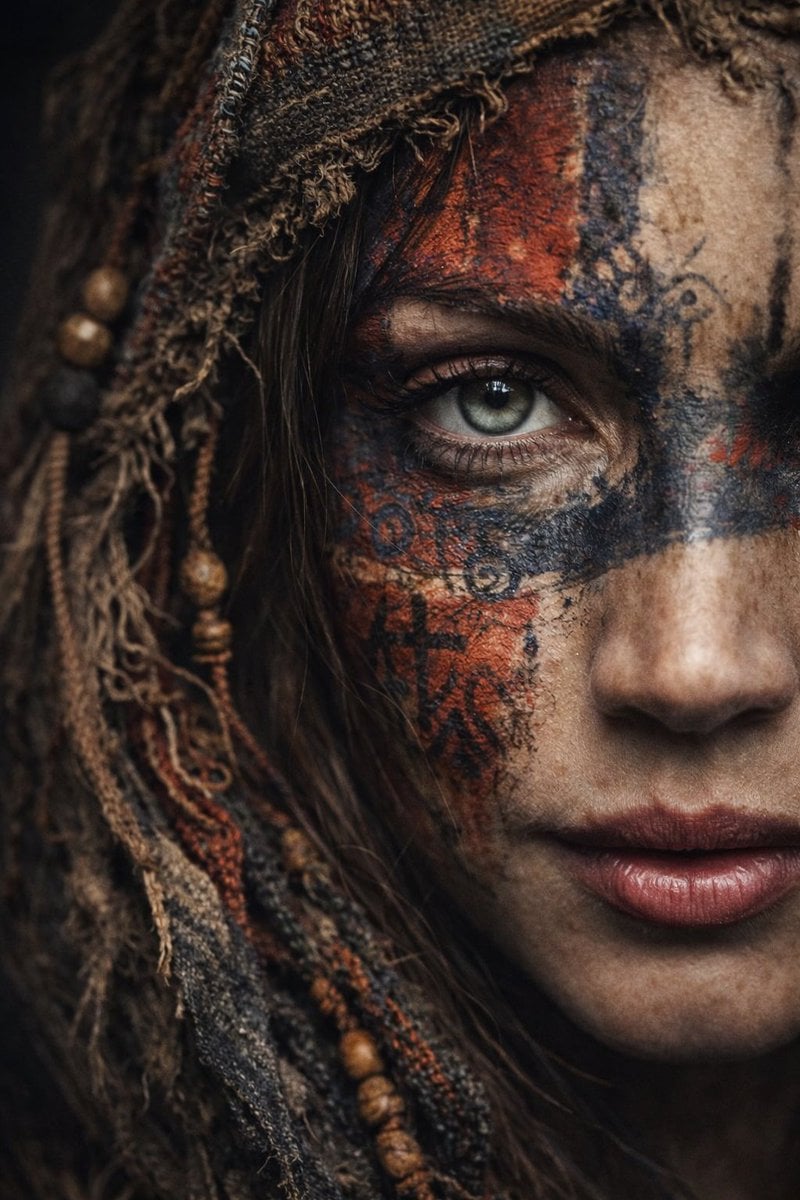
Ultra-Realistic Portrait with Tribal Markings and Painterly Realism
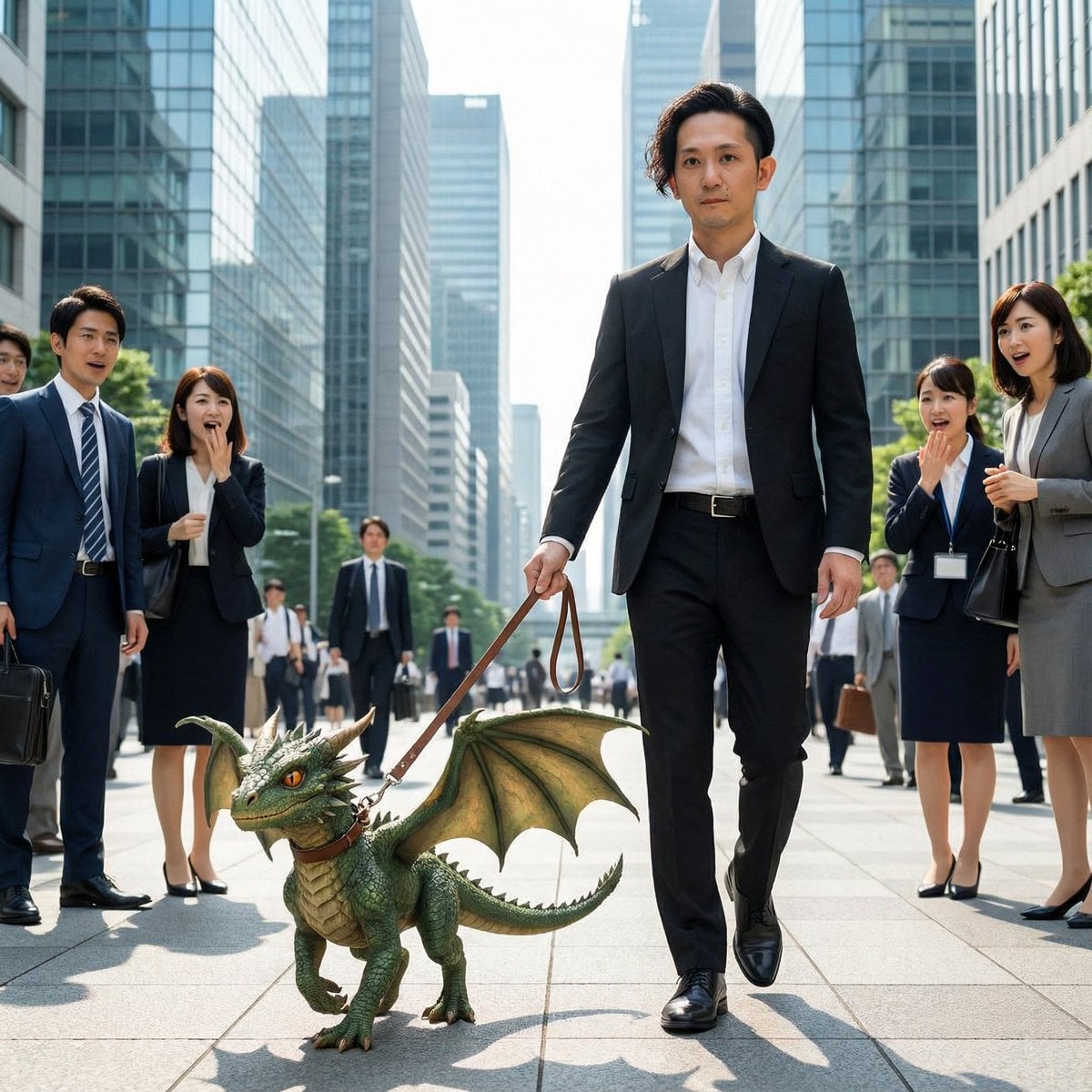
Dragon in the Office District
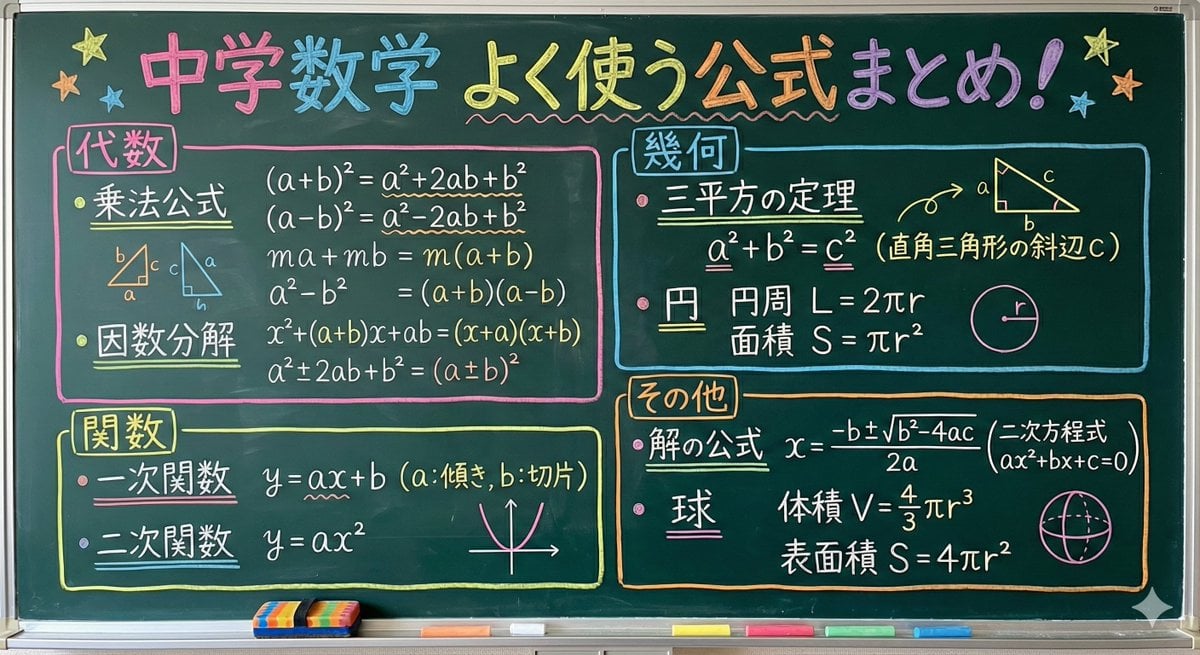
Educational Prompt for High School Math Formulas on a Chalkboard
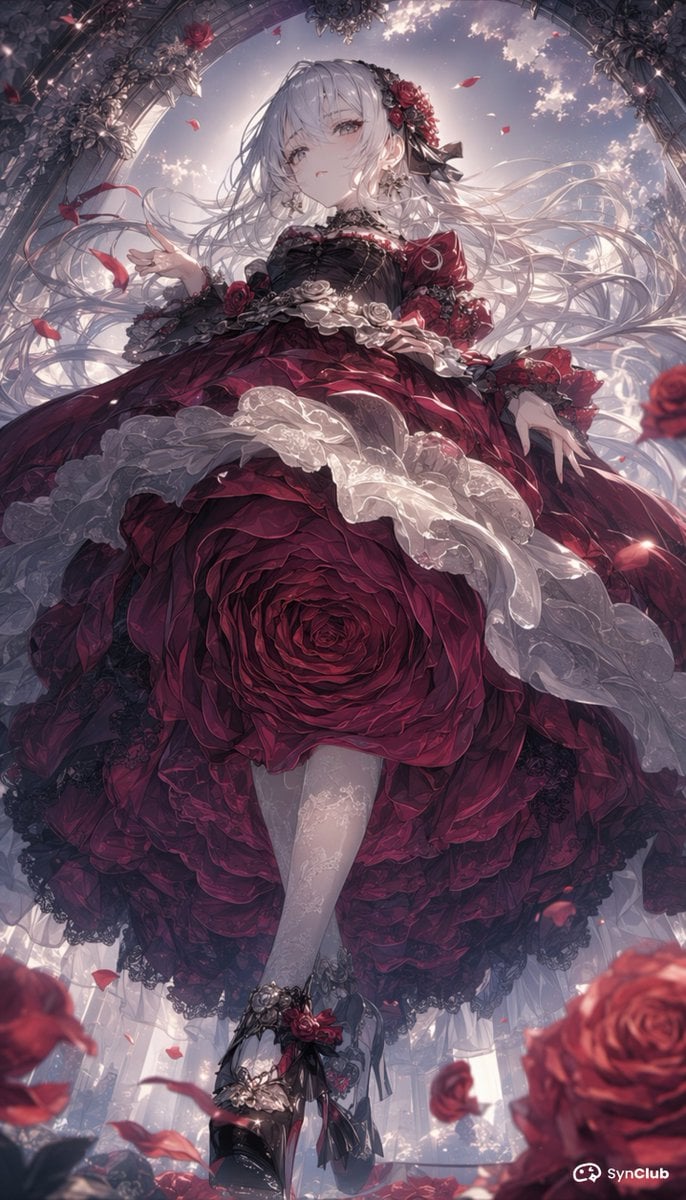
Gothic Rose Princess
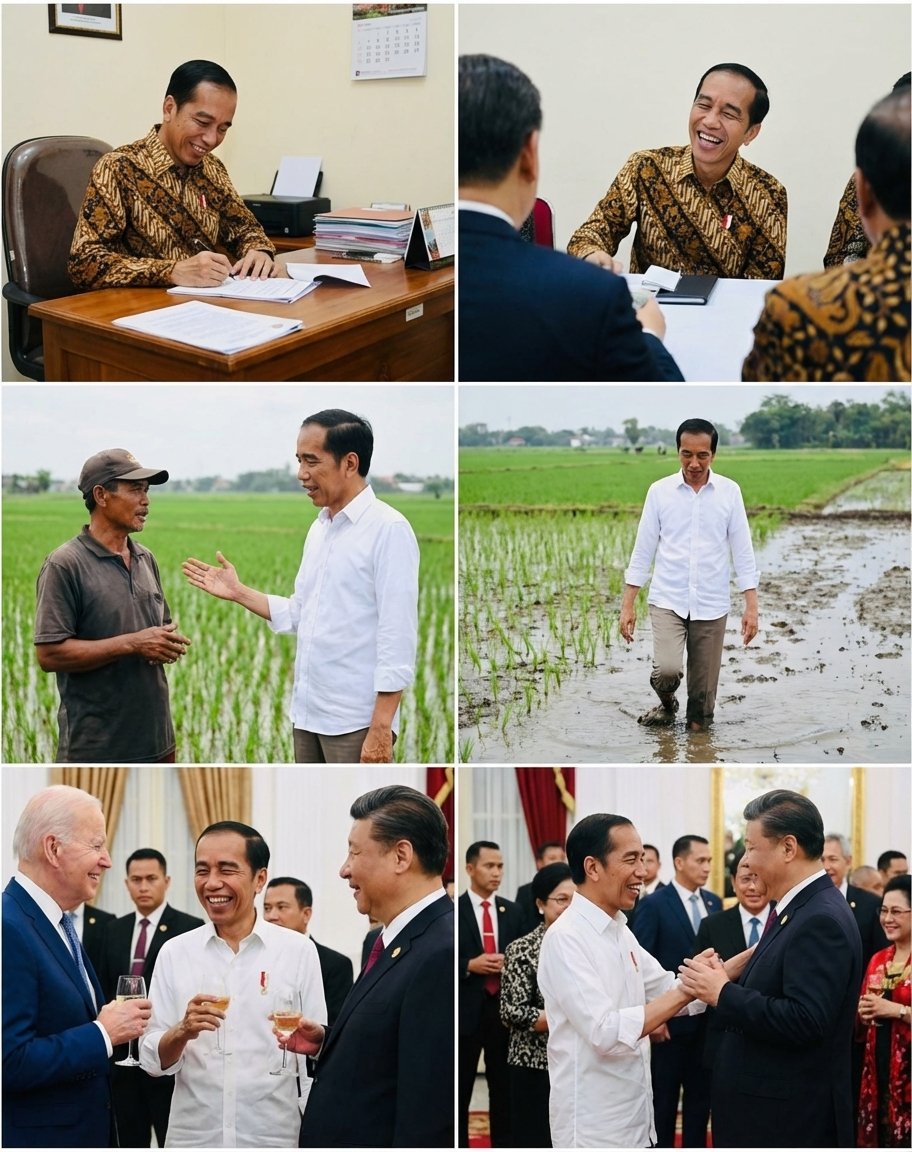
Candid series of Indonesian president photos
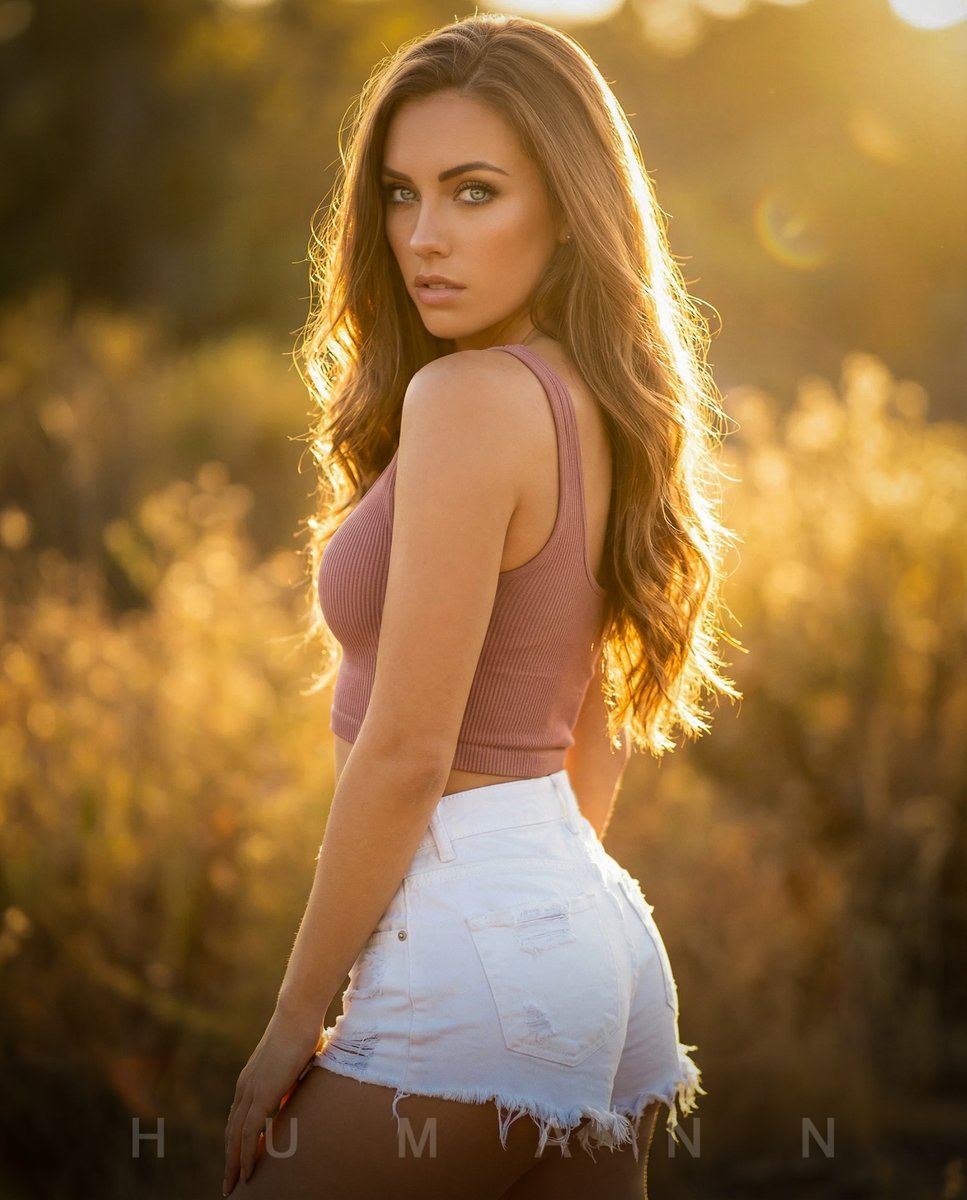
Golden Hour Backlit Portrait
Browse template categories
Editorial Design Poster Layout questions
How do I use the Editorial Design Poster Layout template?
Add your photo if the template asks for one, edit the prompt if you like — the template's model and format are already selected — and press Generate. Your version opens in PicX Studio.
Can I customize the Editorial Design Poster Layout template?
Yes. You can change the subject, setting, lighting, mood, format, and available model controls before creating your image.
Is the Editorial Design Poster Layout template free?
Opening and editing this template is free. Generating uses credits, shown on the Generate button when you are signed in.
Which AI model should I use?
Start with GPT Image 2, which is the model associated with this template. You can compare another compatible model for a different finish.
Looking for something else? Browse all templates.

Your photo, any look
Thousands of ready templates for every top image and video model, from one credit balance.