
Candid Street Smartphone Snapshot
A prompt for a realistic, spontaneous smartphone-style photo of a woman walking and laughing in the sun, with natural motion blur.
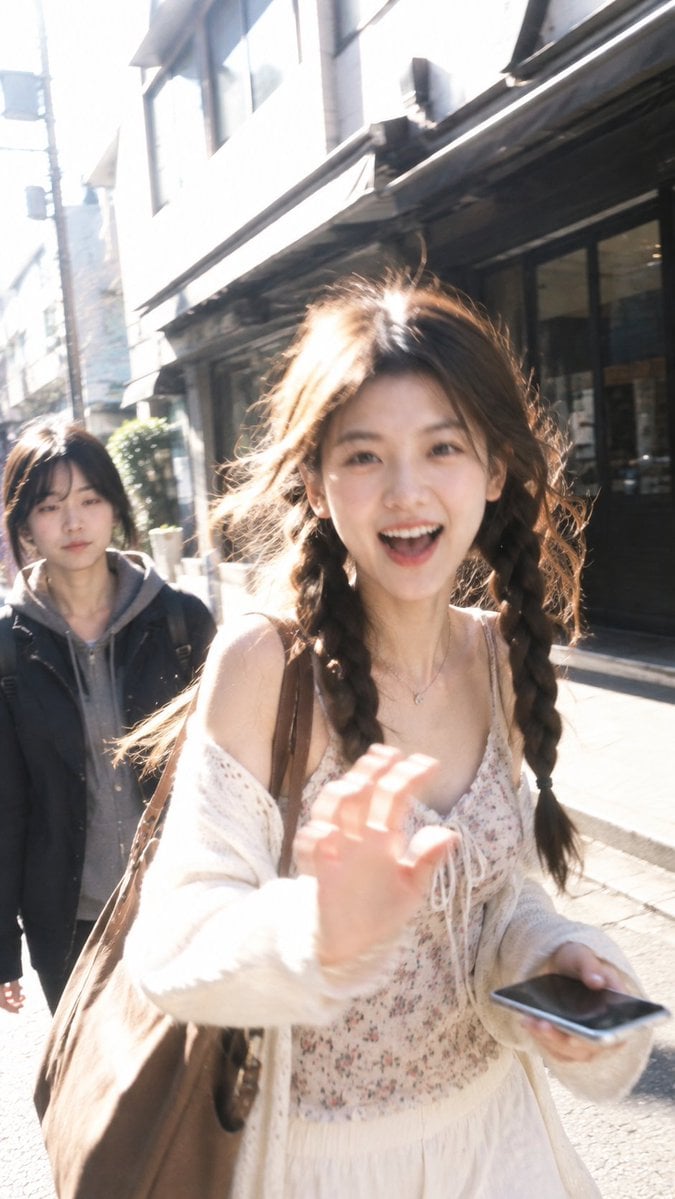
- Prompt included
- Model and format preset
- Free template
The prompt behind this image
Copy the exact prompt behind Candid Street Smartphone Snapshot, or open it in the studio and make it yours.
Use the uploaded portrait only to preserve the person’s exact facial identity, facial features, hairstyle, hair color, and overall youthful appearance. A highly realistic candid street photograph of the same person walking toward the camera on a {argument name="time of day" default="sunny urban side street"}, captured spontaneously at close range with a smartphone. She is mid-step, leaning slightly forward with natural body movement, laughing brightly with an open-mouth smile and lively eyes, raising one hand toward the camera in a playful spontaneous greeting while casually holding her phone in the other hand. Her hair is softly lifted by the breeze, with loose strands glowing in the sunlight. Dress her in a stylish youthful outfit naturally chosen to complement her appearance and body proportions, different from the uploaded clothing, with tasteful accessories and a shoulder bag. Strong natural late-morning sunlight creates luminous rim light through the hair, soft highlights across the face and shoulders, realistic uneven outdoor exposure, subtle blown highlights, gentle shadows, and natural skin translucency. Slight motion blur, imperfect handheld framing, mild overexposure, authentic smartphone dynamic range, realistic skin texture, unretouched details, casual street snapshot aesthetic, energetic and spontaneous rather than posed. Background pedestrians remain secondary and softly out of focus. No artificial beauty filter, no plastic skin, no studio lighting, no text, logo, signature, or watermark.
How to use Candid Street Smartphone Snapshot in 3 steps
- 1Upload ImagePNG, JPG or paste
Add your photo
Upload the photo the template builds on. The prompt, model and format are already set.
- 2…a portrait of your subject in softgolden-hour light, 85mm…
Personalize
Edit the subject and creative details for your destination.
- 3Generate
Generate
Press Generate — your image is created in PicX Studio, so you can compare it with the original and refine one variable at a time.
More like this
Templates with the same subject, style or setup. Open one to see its prompt.
Cinematic Street Fashion Portrait Motion Blur Crowd
Nano Banana - Street Paris T-Shirt
Candid Tokyo Night Smartphone Snapshot
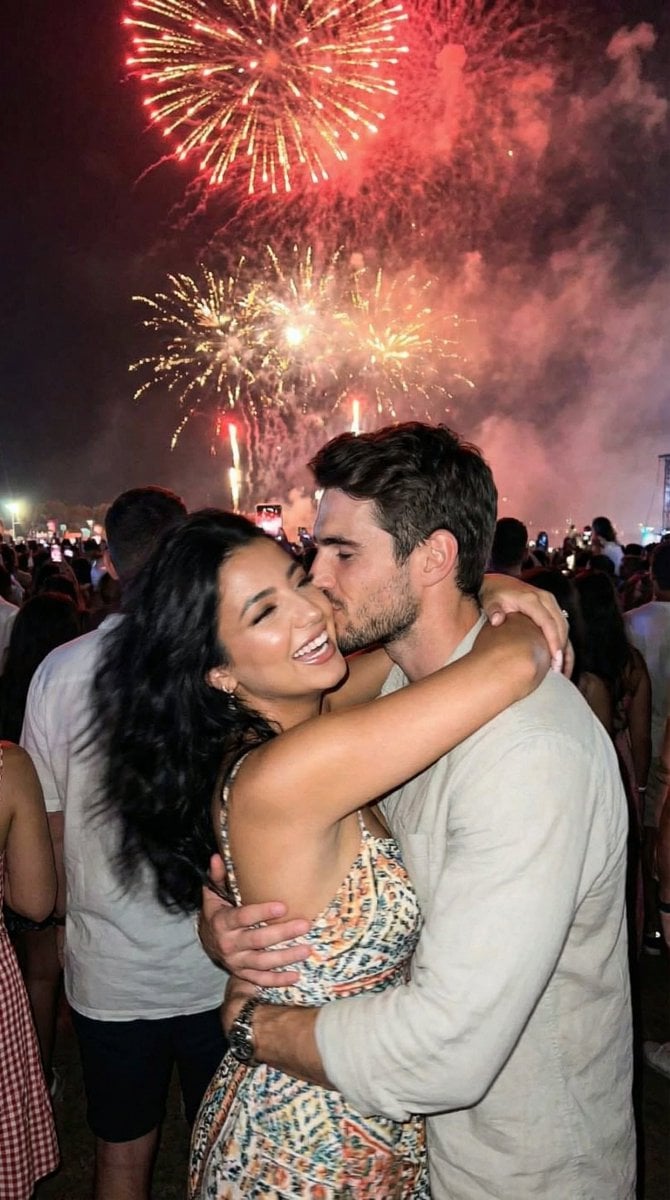
Candid Smartphone Snapshot of Festival Kiss with Fireworks

Sunday Afternoon, 1988

Two Tickets, One Night

Our Song was on a Cassette

Meet Me When It Rains
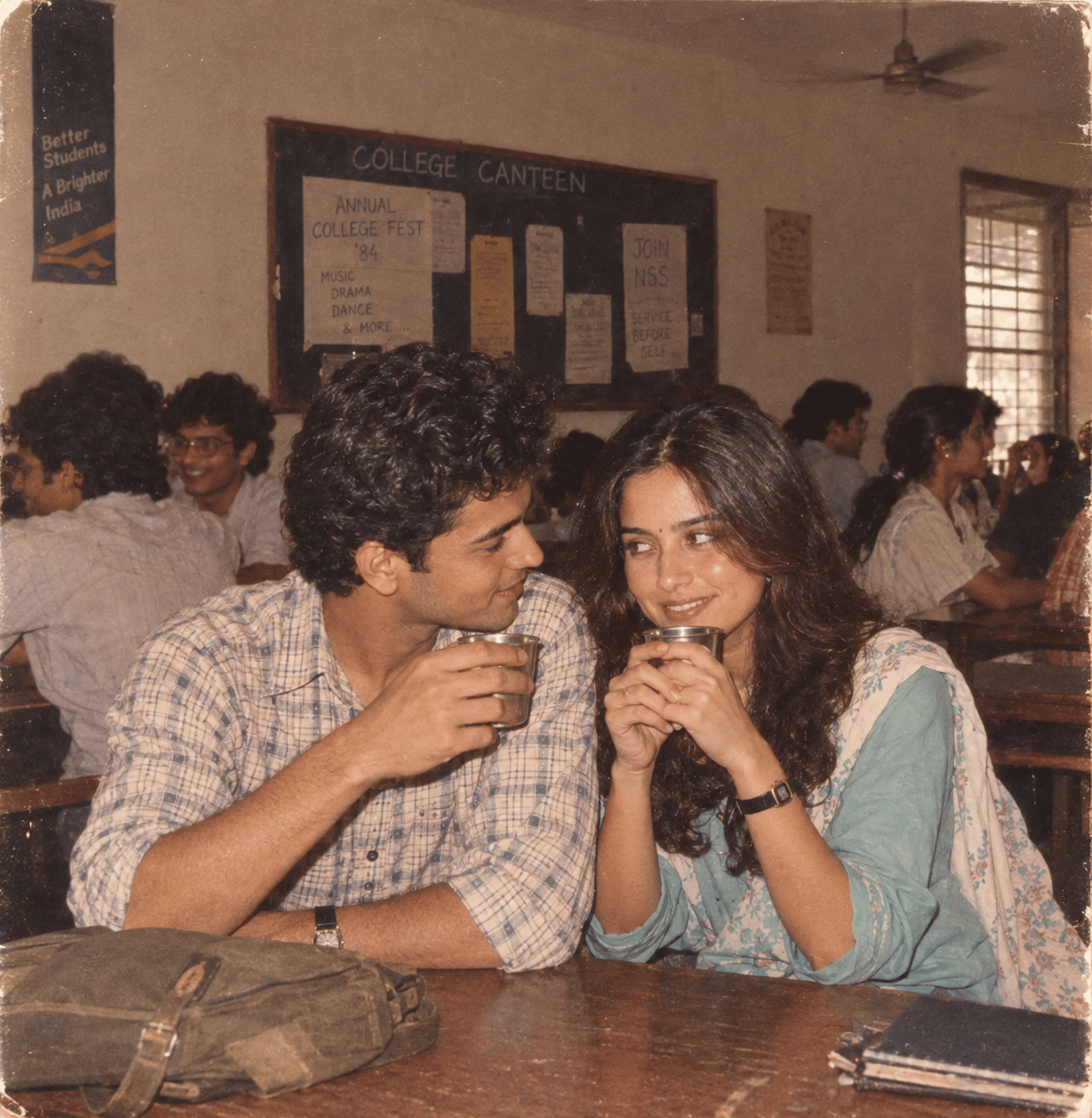
The Date After College
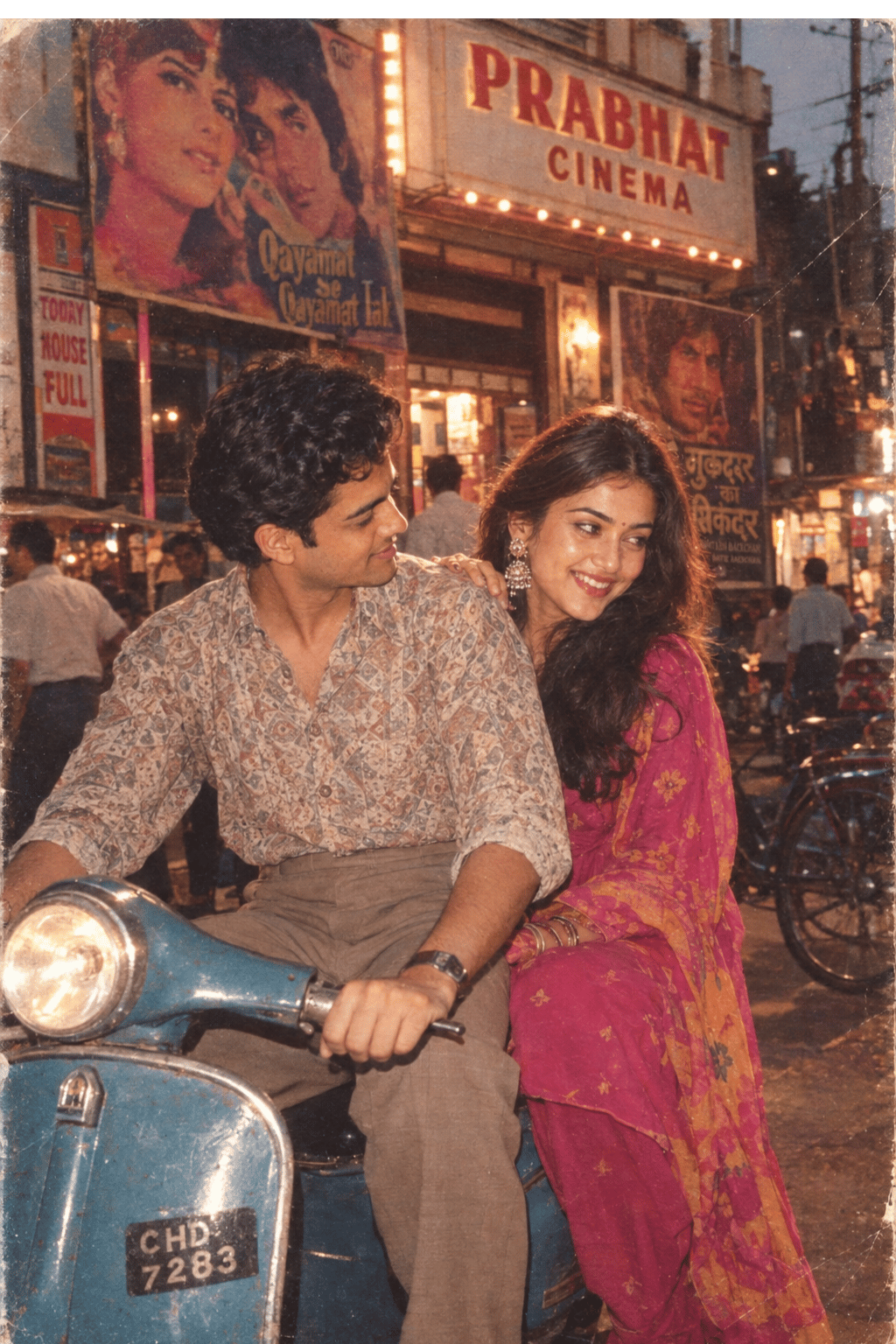
Two Hearts. One Scooter.

80s College Gate
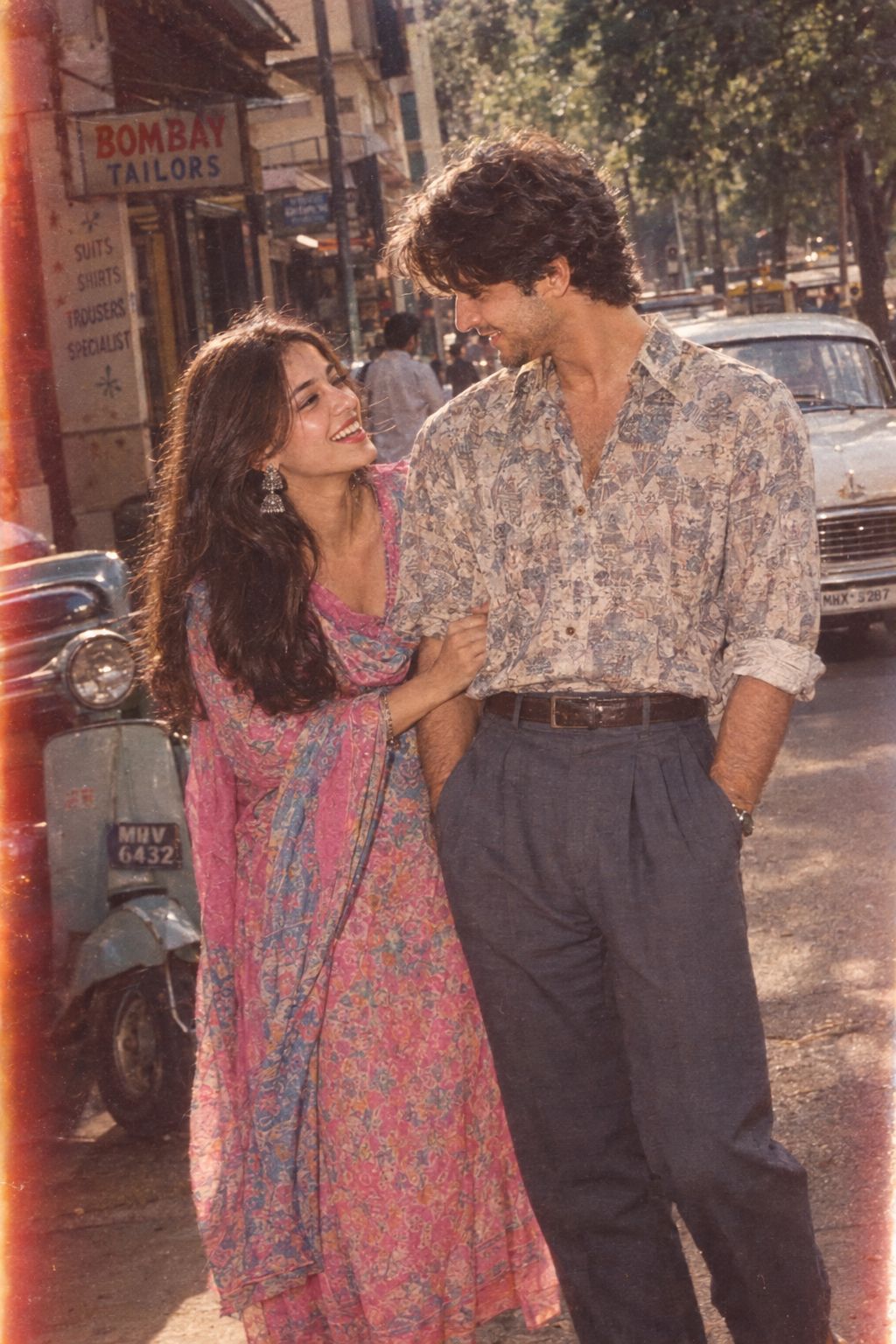
1986 Street Couple
Make it yours
Candid Street Smartphone Snapshot works as-is. These are the safest ways to change it without losing the look.
Change one field
Copy a single group, rewrite it, and generate again so you can see what that field is doing.
Keep the frame, change the subject
Hold the composition and light of Candid Street Smartphone Snapshot, then swap wardrobe, props or the person for a new take.
| If the result… | Why | Fix |
|---|---|---|
| The result drifts from the preview | Too many fields changed at once. | Reuse Candid Street Smartphone Snapshot as-is first, then change one group — subject, light, or setting. |
| The model over-stylizes the scene | The prose prompt leaves finish and camera underspecified. | Add one camera or lighting sentence and stay on GPT Image 2. |
More GPT Image 2 templates
Other prompts made for GPT Image 2.

Six VTuber Japanese Logo Sheet

Realistic Portrait of Woman and Deer

The Vista Modular Condo Poster

AI Model Routing Comparison Infographic

2.5D Anime Art Board

Isometric Productivity Desk Scene

New York Double Exposure Poster

Four-Panel AI Landscape Comparison

Japanese Tatami Lifestyle Magazine Cover

NESCAFÉ Coffee Map Poster
More image prompts
Fresh picks from across the catalog.
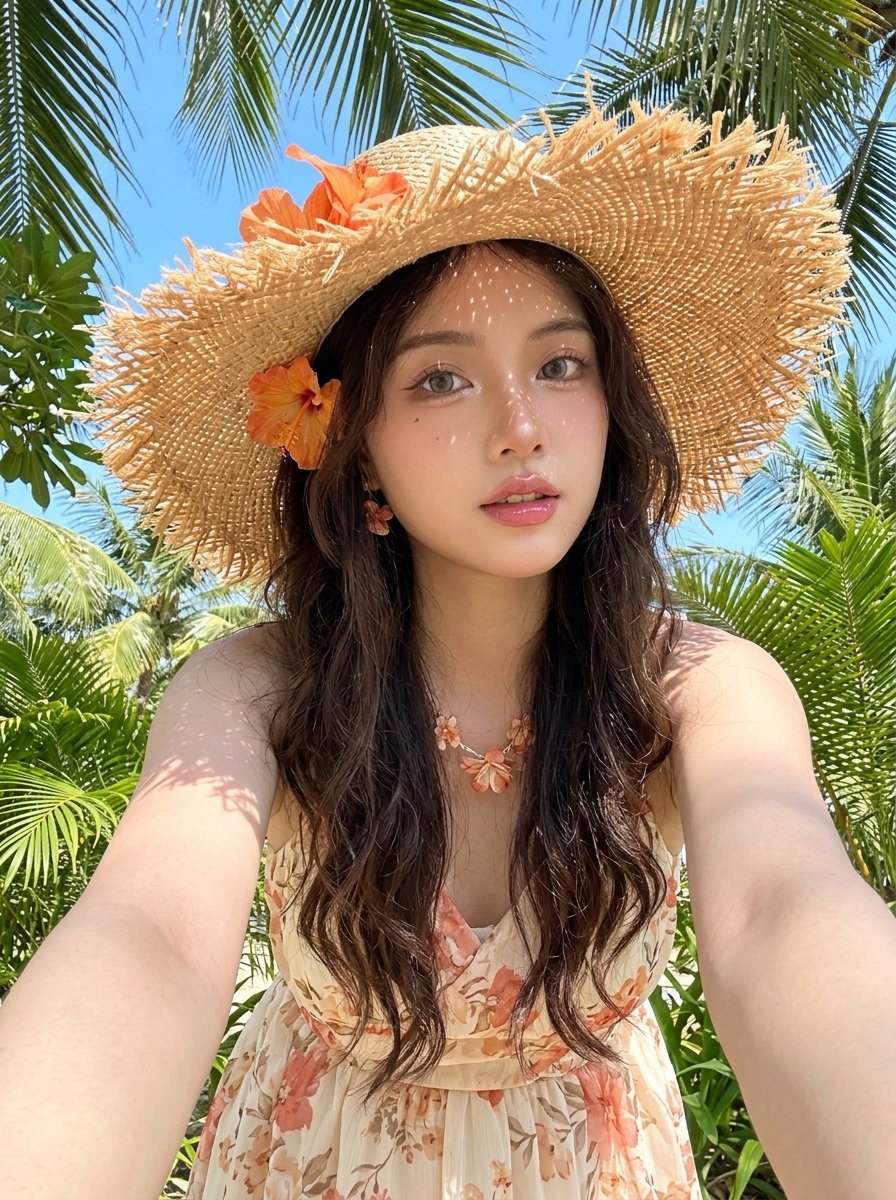
Tropical Vacation Selfie — Nano Banana (Chryzleen)

Couple Goals from the Google Gemini Nano
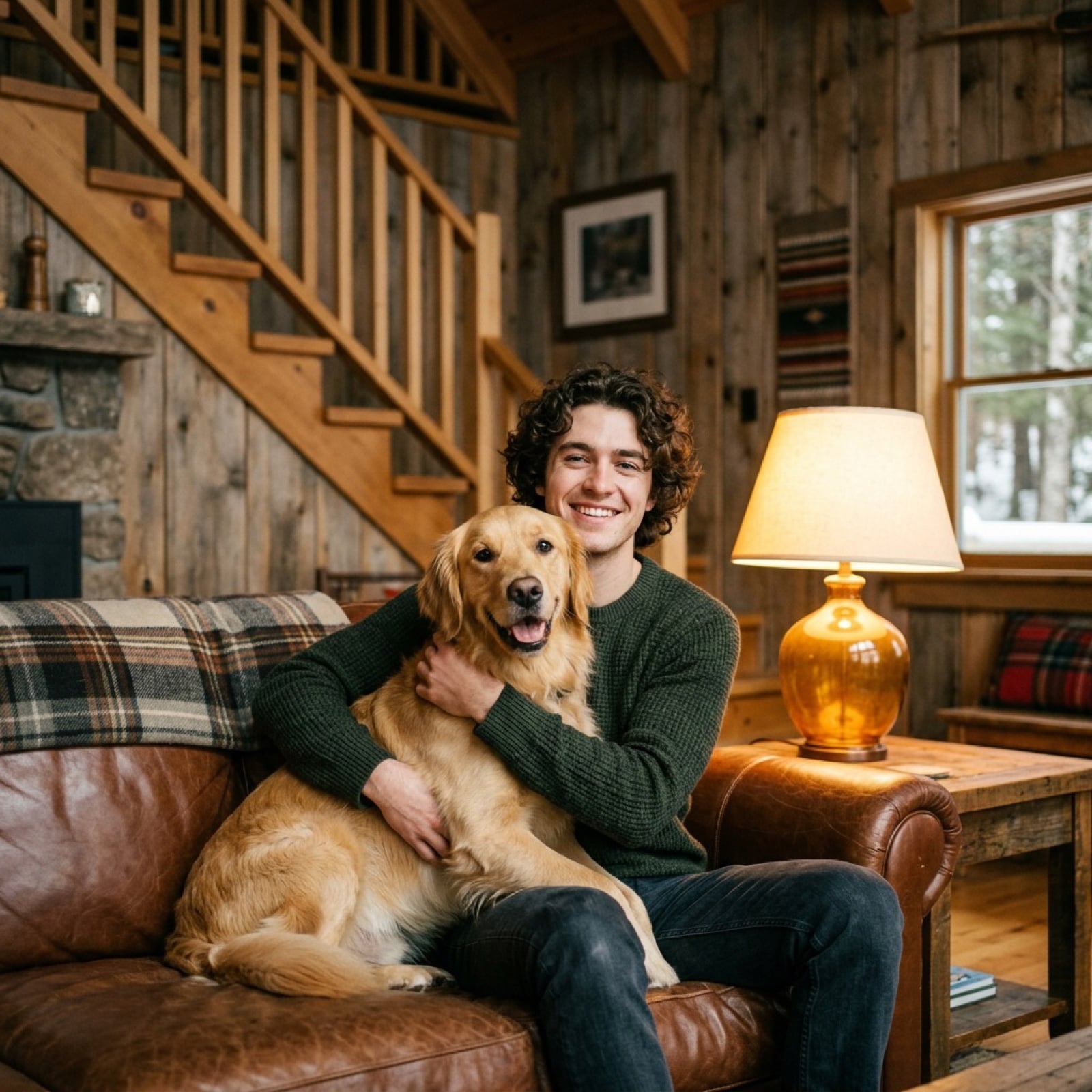
Cozy Cabin Interior Lifestyle Photography Prompt
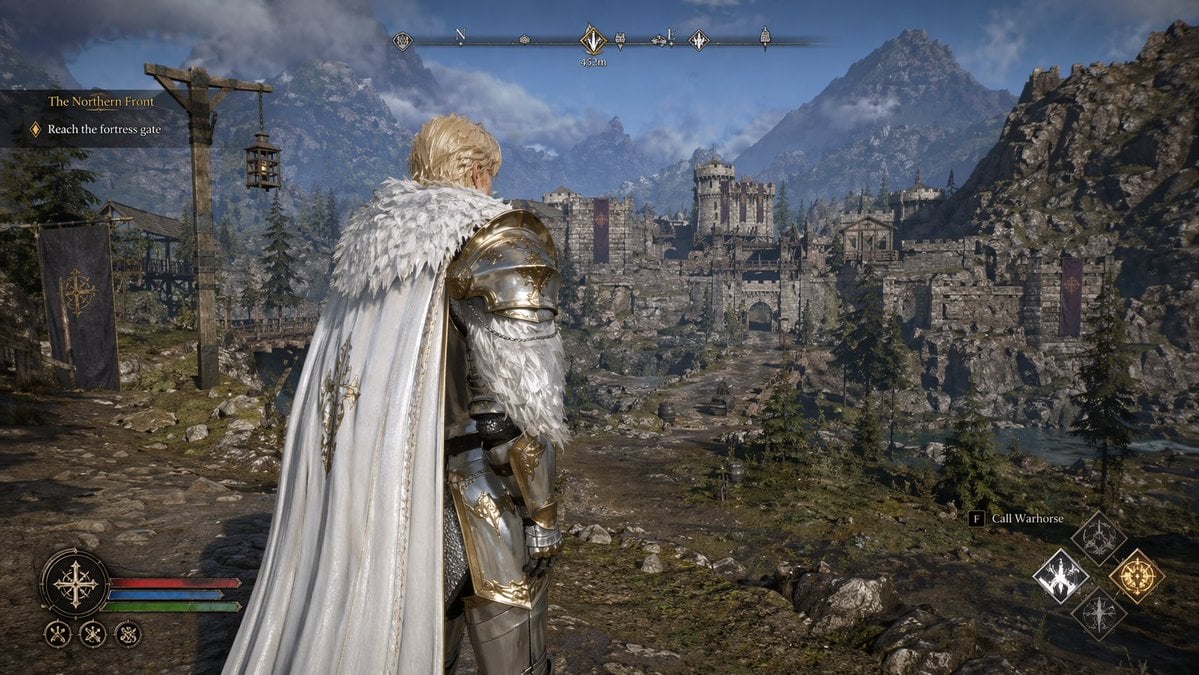
Open-world RPG screenshot style

Celestial Goddess Archer
NanoBanana2
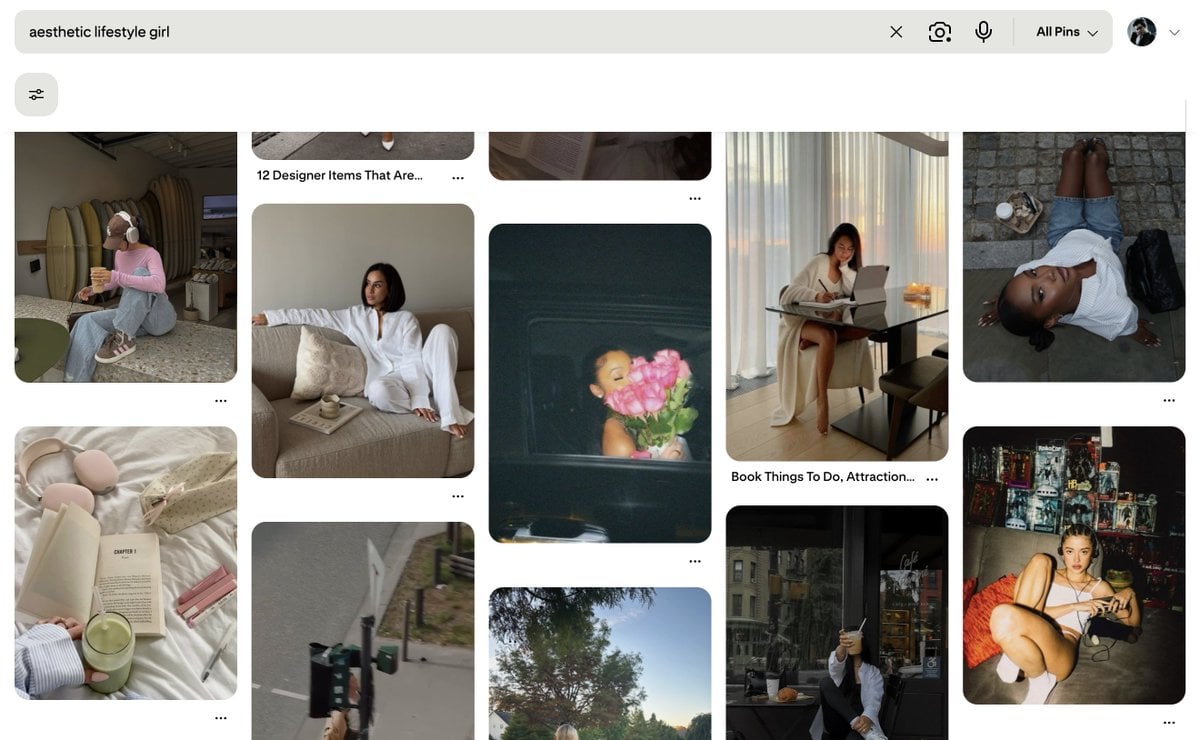
Existential Exhaustion Photorealistic Portrait
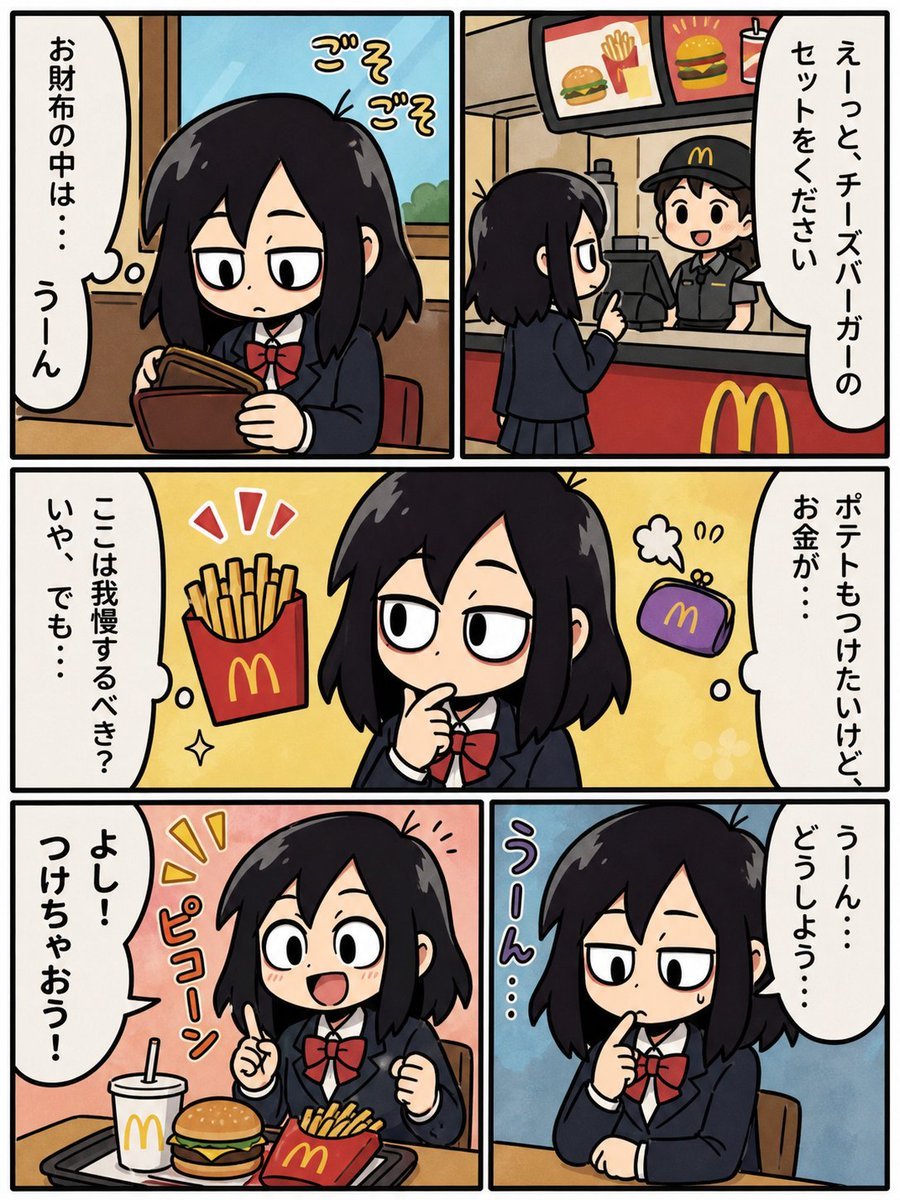
Fast Food Schoolgirl Manga Page
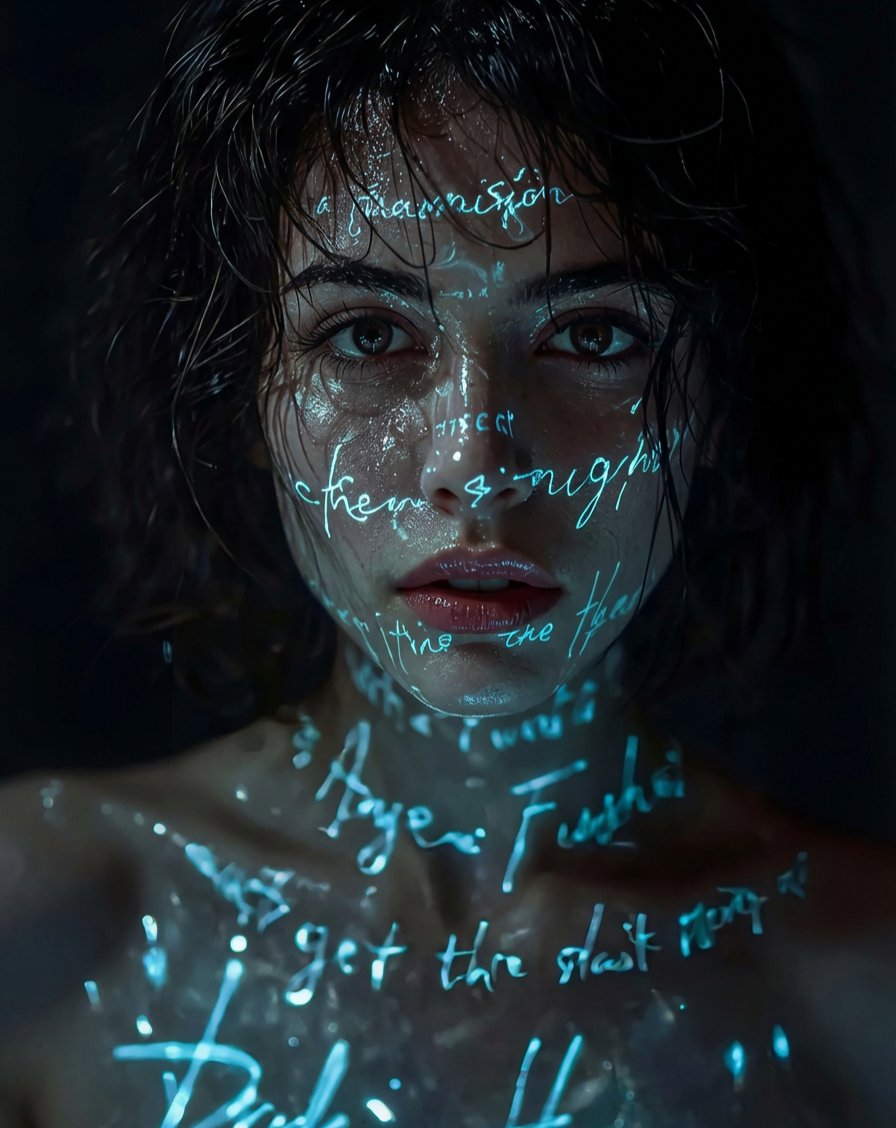
Pixar/DreamWorks Cozy Autumn 3D Girl Prompt

Whiteboard-style slide explaining a research paper
Browse template categories
Candid Street Smartphone Snapshot questions
How do I use the Candid Street Smartphone Snapshot template?
Add your photo if the template asks for one, edit the prompt if you like — the template's model and format are already selected — and press Generate. Your version opens in PicX Studio.
Can I customize the Candid Street Smartphone Snapshot template?
Yes. You can change the subject, setting, lighting, mood, format, and available model controls before creating your image.
Is the Candid Street Smartphone Snapshot template free?
Opening and editing this template is free. Generating uses credits, shown on the Generate button when you are signed in.
Which AI model should I use?
Start with GPT Image 2, which is the model associated with this template. You can compare another compatible model for a different finish.
Looking for something else? Browse all templates.

Your photo, any look
Thousands of ready templates for every top image and video model, from one credit balance.