
Futuristic Mall Fashion in 3050
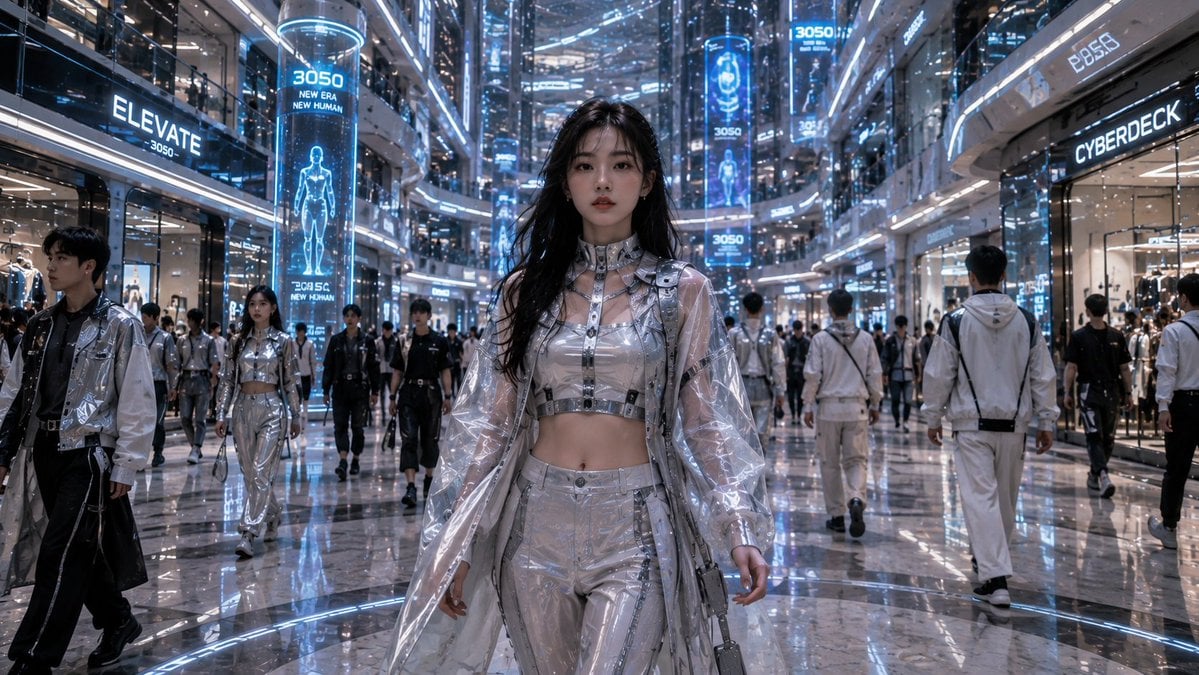
A photorealistic sci-fi fashion editorial scene set inside a luxury shopping mall of the year 3050, ideal for futuristic lifestyle and worldbuilding visuals.
- Prompt included
- Model and format preset
- Free template
The prompt behind this image
Copy the exact prompt behind Futuristic Mall Fashion in 3050, or open it in the studio and make it yours.
Create a cinematic photorealistic wide-angle scene of a futuristic luxury shopping mall in the year {argument name="year" default="3050"}, viewed from eye level down a glossy central atrium corridor. The main subject is a young East Asian woman walking directly toward the camera in the center foreground, confident and calm, with long slightly wet black hair, natural makeup, and a fashionable translucent silver cyberwear outfit: clear plastic long coat, metallic cropped top, high-waisted reflective pants, harness straps, buckles, small shoulder bag, and tech accessories. Surround her with a busy crowd of futuristic shoppers in monochrome black, white, and silver streetwear, including visible pedestrians walking both toward and away from camera, but keep the central woman sharply dominant. The mall architecture should feel enormous and vertical, with multiple glass balconies, curved storefronts, polished marble floors, mirror reflections, blue-white LED strips, transparent railings, and dense holographic advertising. Include exactly 3 prominent vertical blue hologram pillars in the atrium showing human-body interface graphics and the text “3050” plus “NEW ERA” and “NEW HUMAN.” Include exactly 4 prominent readable storefront or ad signs: “ELEVATE 3050” on the left, “CYBERDECK” on the right, “BP55” high on the right, and “3050” on a distant upper display. The visual mood is hyperreal sci-fi fashion editorial, cool blue lighting, reflective surfaces, shallow depth of field on the central model, intricate futuristic details everywhere, high dynamic range, crisp 16:9 composition, no cartoon styling, no retro grunge, no watermark.
How to use Futuristic Mall Fashion in 3050 in 3 steps
- 1Upload ImagePNG, JPG or paste
Add your photo
Upload the photo the template builds on. The prompt, model and format are already set.
- 2…a portrait of your subject in softgolden-hour light, 85mm…
Personalize
Edit the subject and creative details for your destination.
- 3Generate
Generate
Press Generate — your image is created in PicX Studio, so you can compare it with the original and refine one variable at a time.
More like this
Templates with the same subject, style or setup. Open one to see its prompt.

Futuristic Studio Neon Ring Minimalist Portrait

1988 Mall Style

Futuristic Chrome Helmet Fashion Portrait
Futuristic Chrome Helmet Fashion Portrait

80s College Gate

80s Polka Dot Saree

Polo Ralph Lauren Luxury American Heritage Fashion Campaign

Cinematic Street Fashion Photographer Portrait

High-Fashion Editorial Magazine Cover ICON

Fine Art Monochrome Fashion Portrait

Korean Streetwear Minimalist Campaign Portrait

Cinematic Korean Streetwear Street Portrait
Make it yours
Futuristic Mall Fashion in 3050 works as-is. These are the safest ways to change it without losing the look.
Change one field
Copy a single group, rewrite it, and generate again so you can see what that field is doing.
Keep the frame, change the subject
Hold the composition and light of Futuristic Mall Fashion in 3050, then swap wardrobe, props or the person for a new take.
| If the result… | Why | Fix |
|---|---|---|
| The result drifts from the preview | Too many fields changed at once. | Reuse Futuristic Mall Fashion in 3050 as-is first, then change one group — subject, light, or setting. |
| The model over-stylizes the scene | The prose prompt leaves finish and camera underspecified. | Add one camera or lighting sentence and stay on GPT Image 2. |
More GPT Image 2 templates
Other prompts made for GPT Image 2.

Six VTuber Japanese Logo Sheet

Realistic Portrait of Woman and Deer

The Vista Modular Condo Poster

AI Model Routing Comparison Infographic

2.5D Anime Art Board

Isometric Productivity Desk Scene

New York Double Exposure Poster

Four-Panel AI Landscape Comparison

Japanese Tatami Lifestyle Magazine Cover

NESCAFÉ Coffee Map Poster
More image prompts
Fresh picks from across the catalog.
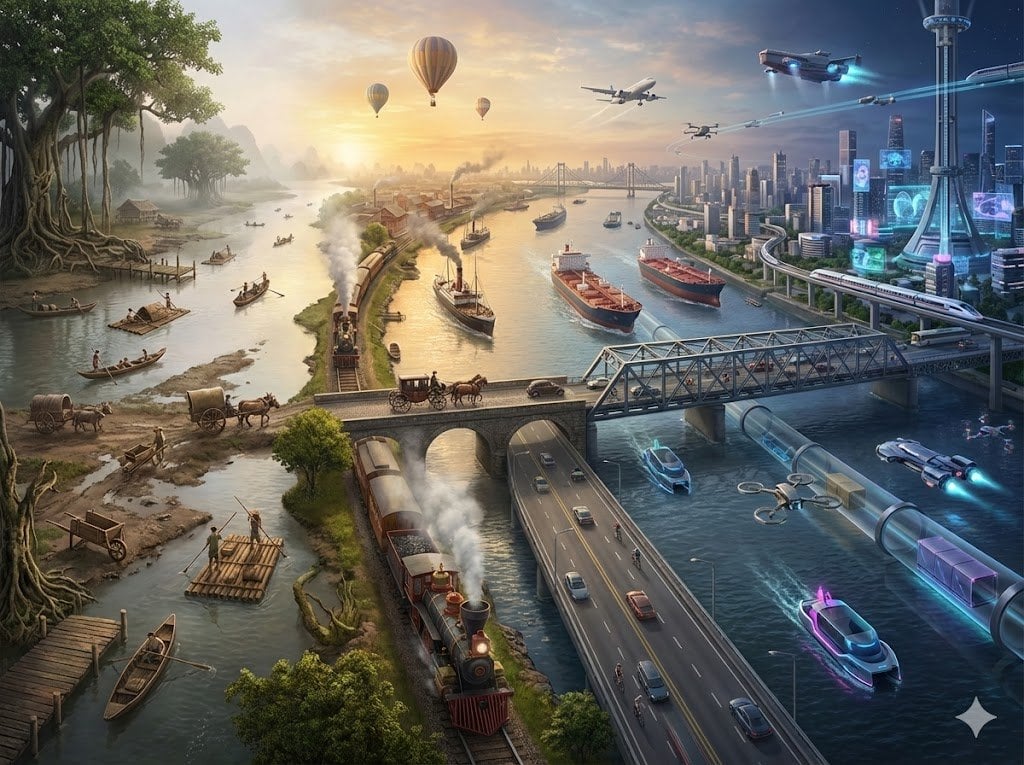
Hyper-realistic Transportation Evolution Panoramic Landscape Prompt
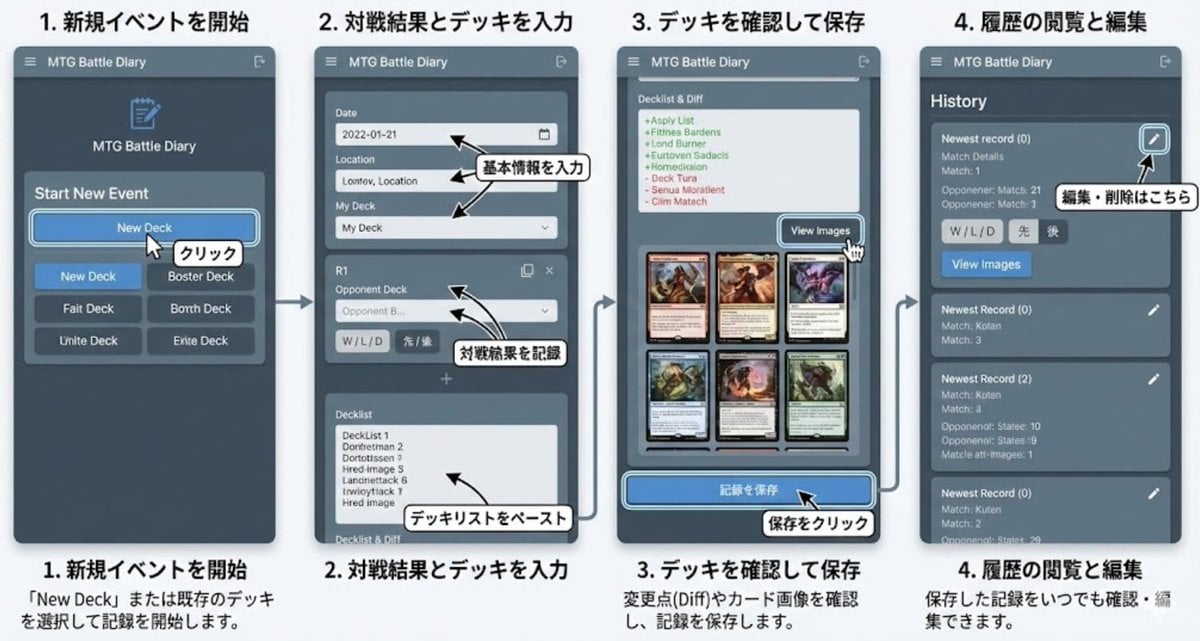
Generate documentation from source code
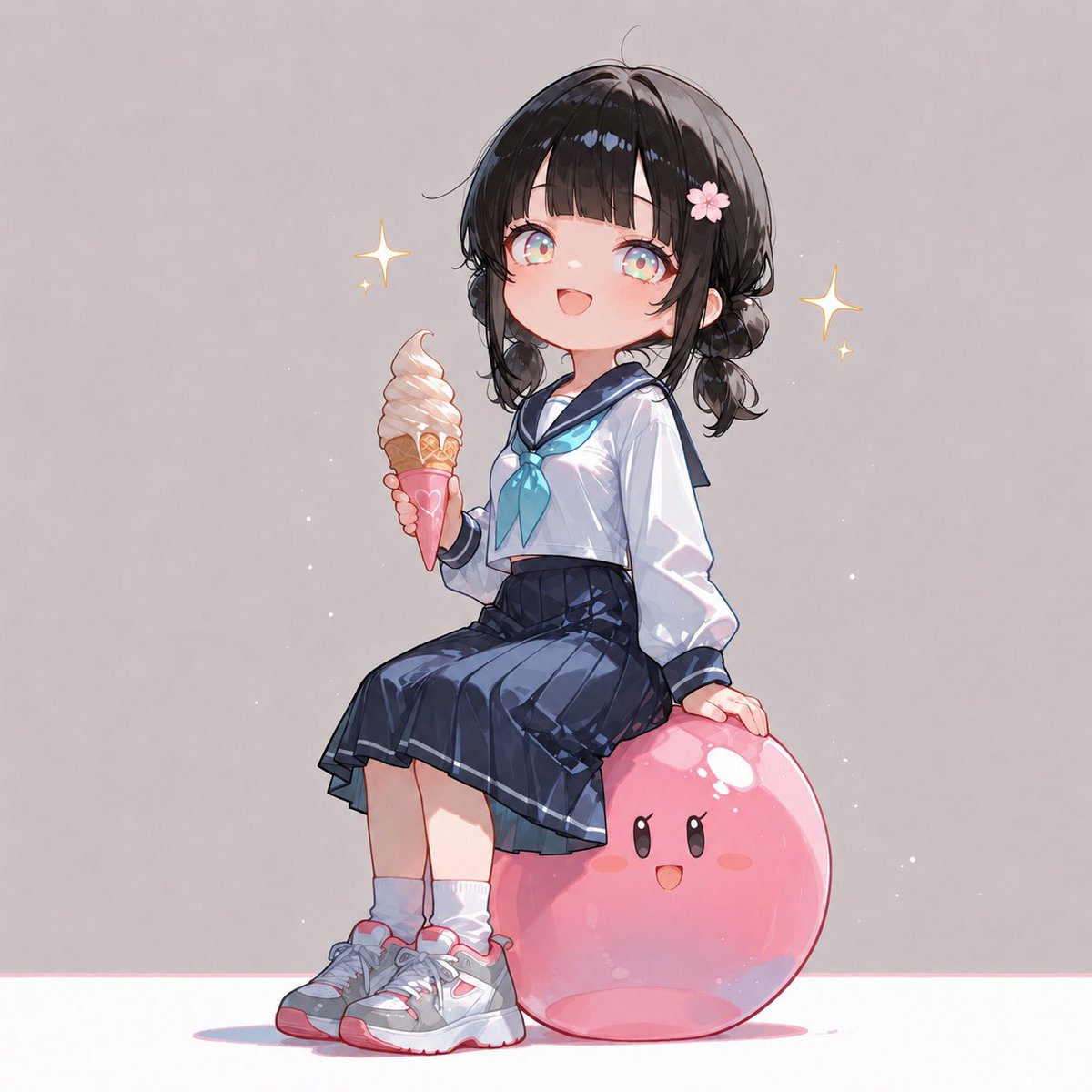
Anime Schoolgirl on Pink Slime
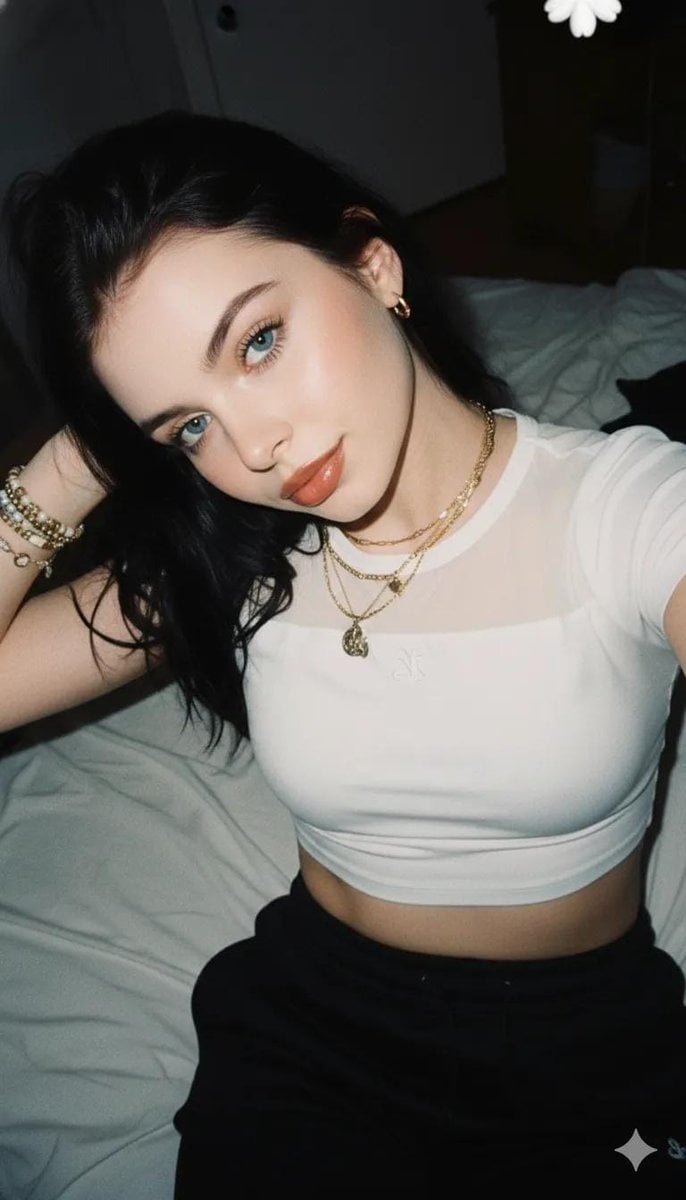
2000s Aesthetic Flash Selfie Prompt

Catgirl Maid Free Wallpaper Banner
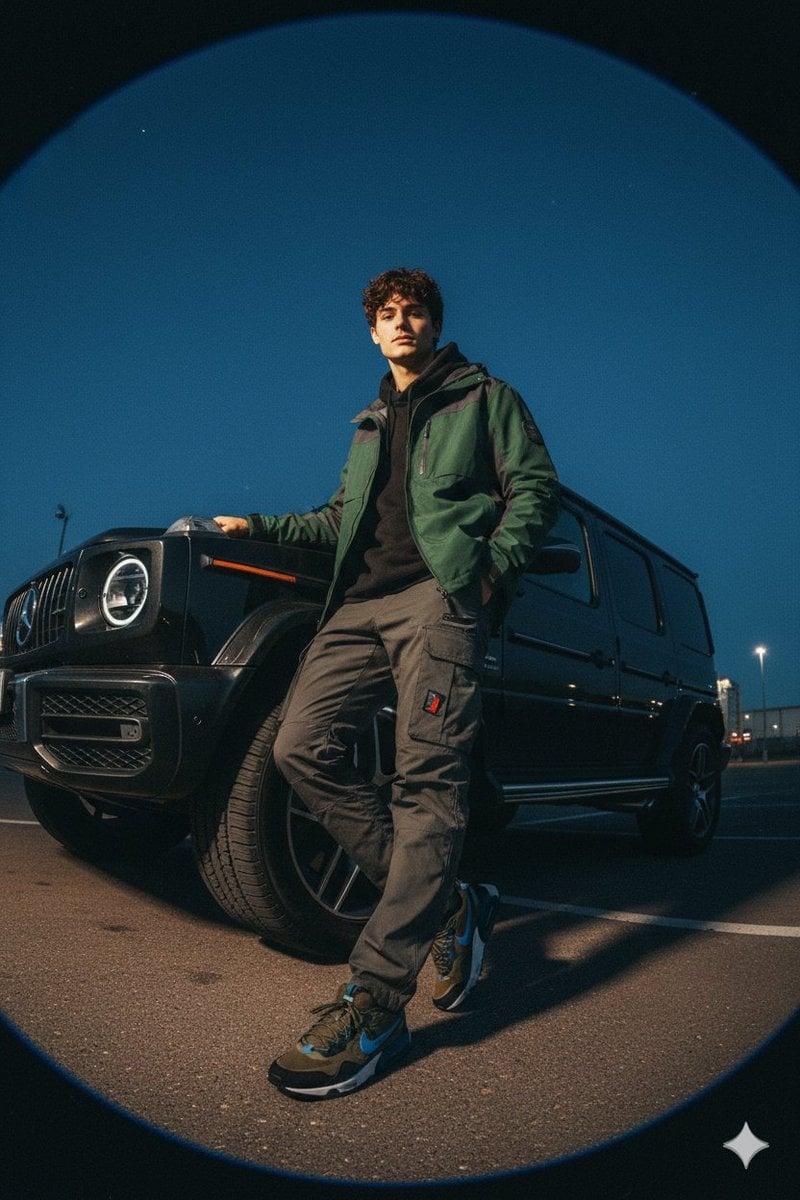
Gorpcore Fashion Campaign Image
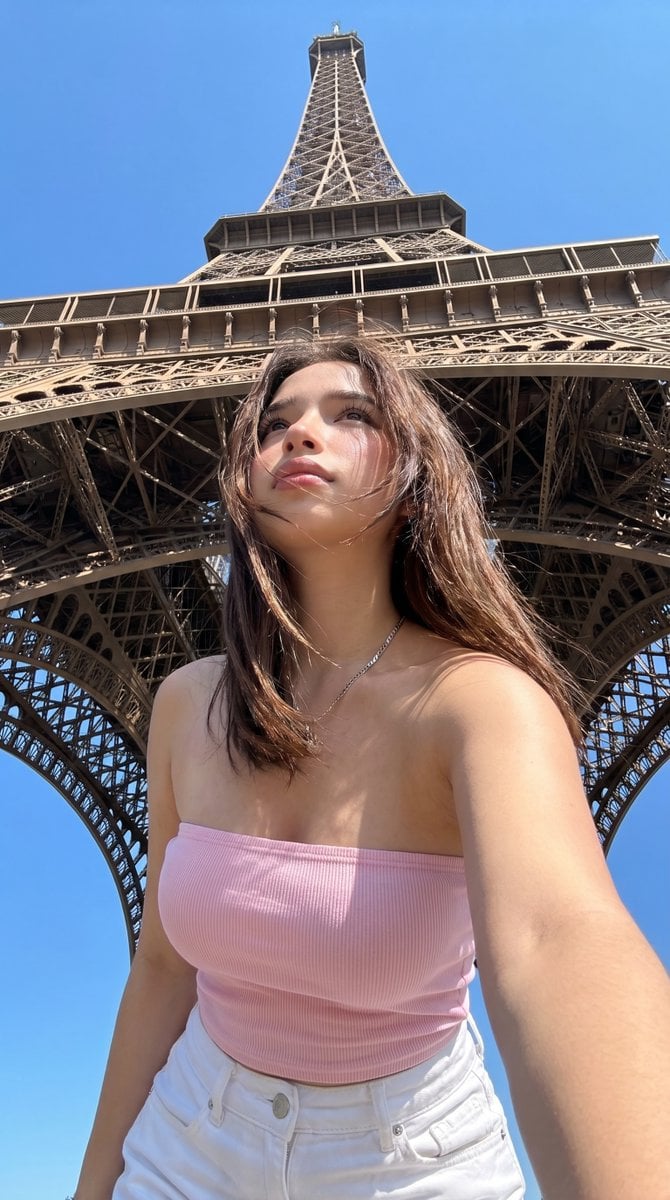
Eiffel Tower Low-Angle Selfie
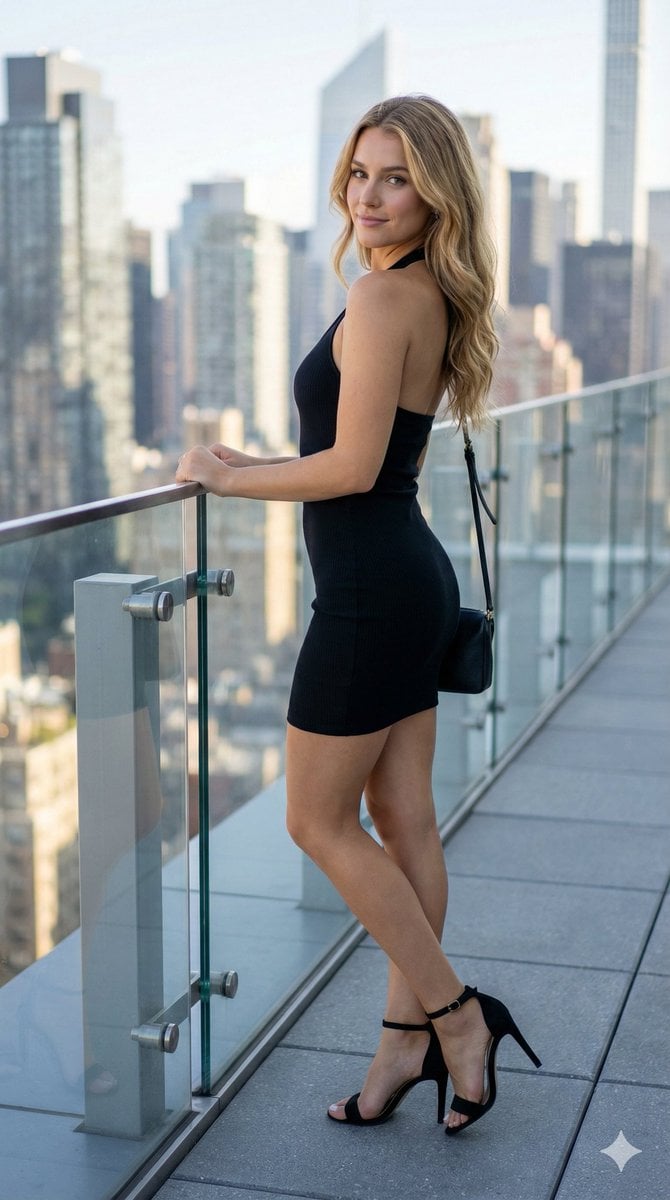
Rooftop Terrace Fashion Shot Prompt
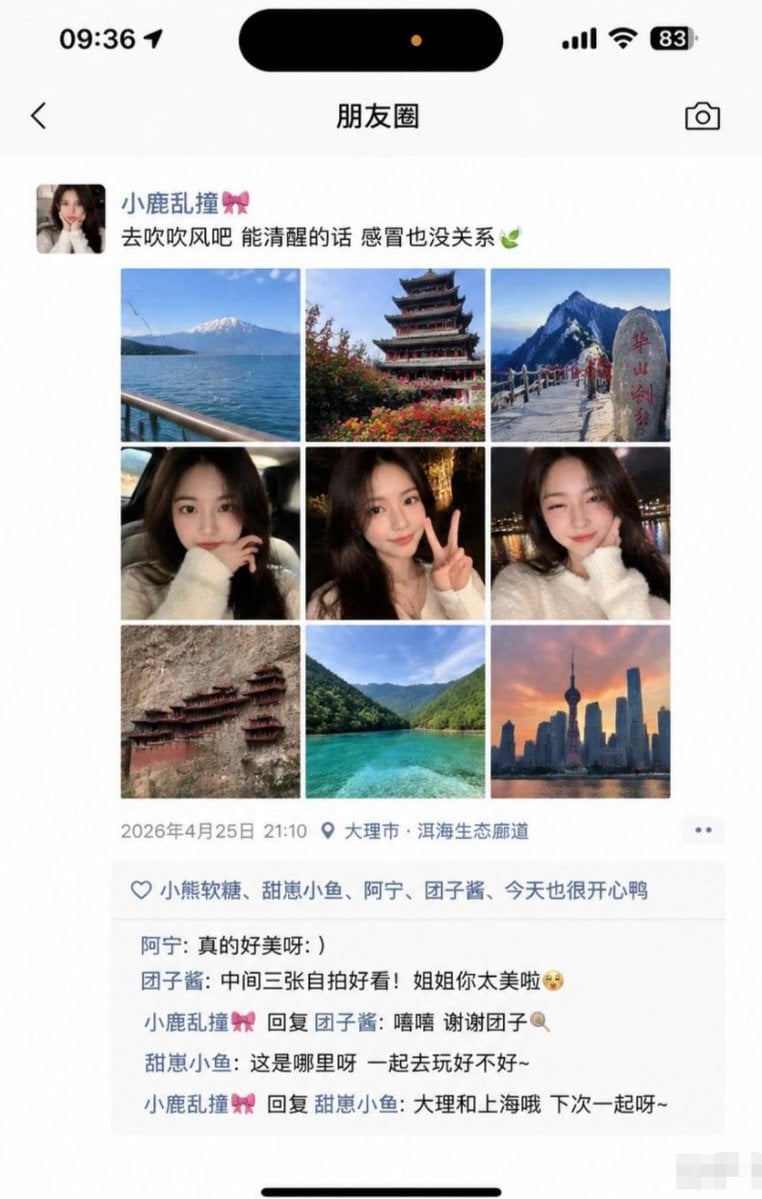
Social Media Screenshot Generator
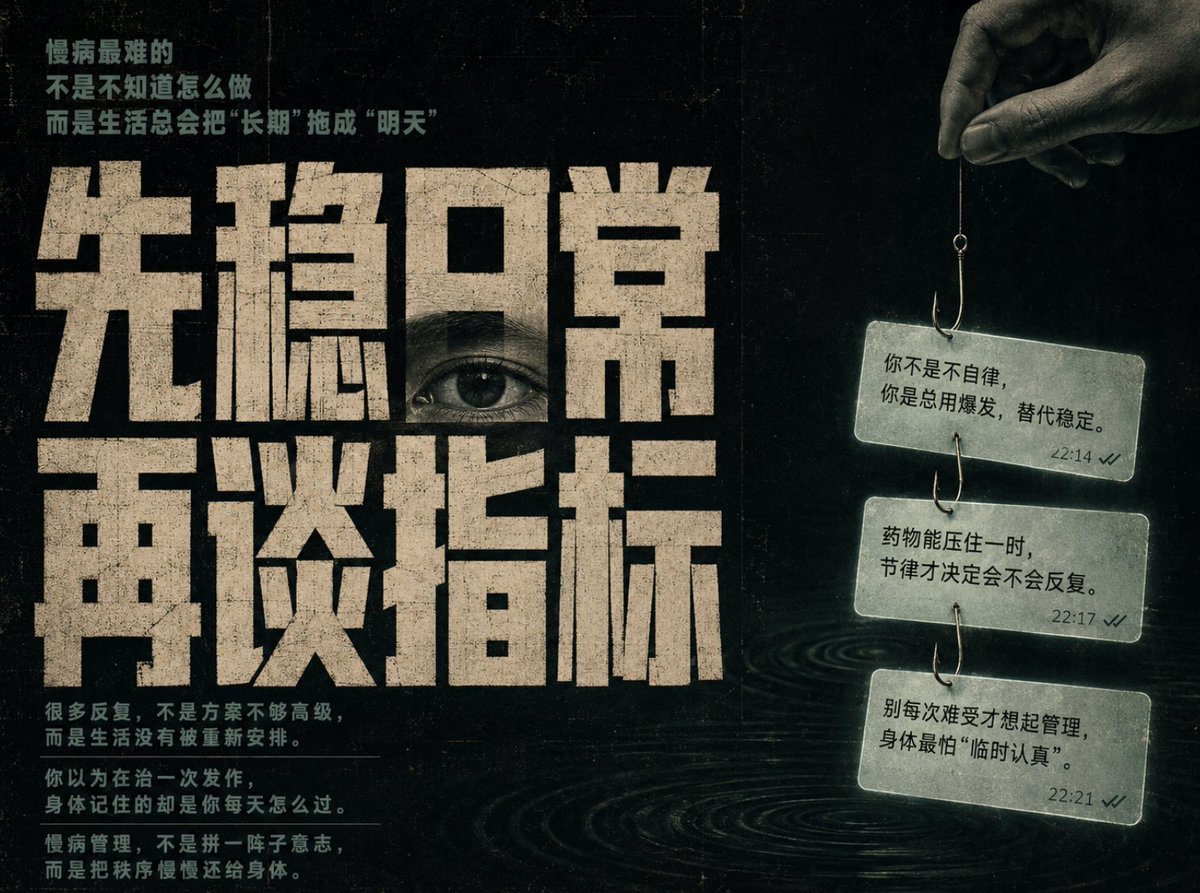
Conceptual Chinese Editorial Poster
Browse template categories
Futuristic Mall Fashion in 3050 questions
How do I use the Futuristic Mall Fashion in 3050 template?
Add your photo if the template asks for one, edit the prompt if you like — the template's model and format are already selected — and press Generate. Your version opens in PicX Studio.
Can I customize the Futuristic Mall Fashion in 3050 template?
Yes. You can change the subject, setting, lighting, mood, format, and available model controls before creating your image.
Is the Futuristic Mall Fashion in 3050 template free?
Opening and editing this template is free. Generating uses credits, shown on the Generate button when you are signed in.
Which AI model should I use?
Start with GPT Image 2, which is the model associated with this template. You can compare another compatible model for a different finish.
Looking for something else? Browse all templates.

Your photo, any look
Thousands of ready templates for every top image and video model, from one credit balance.