
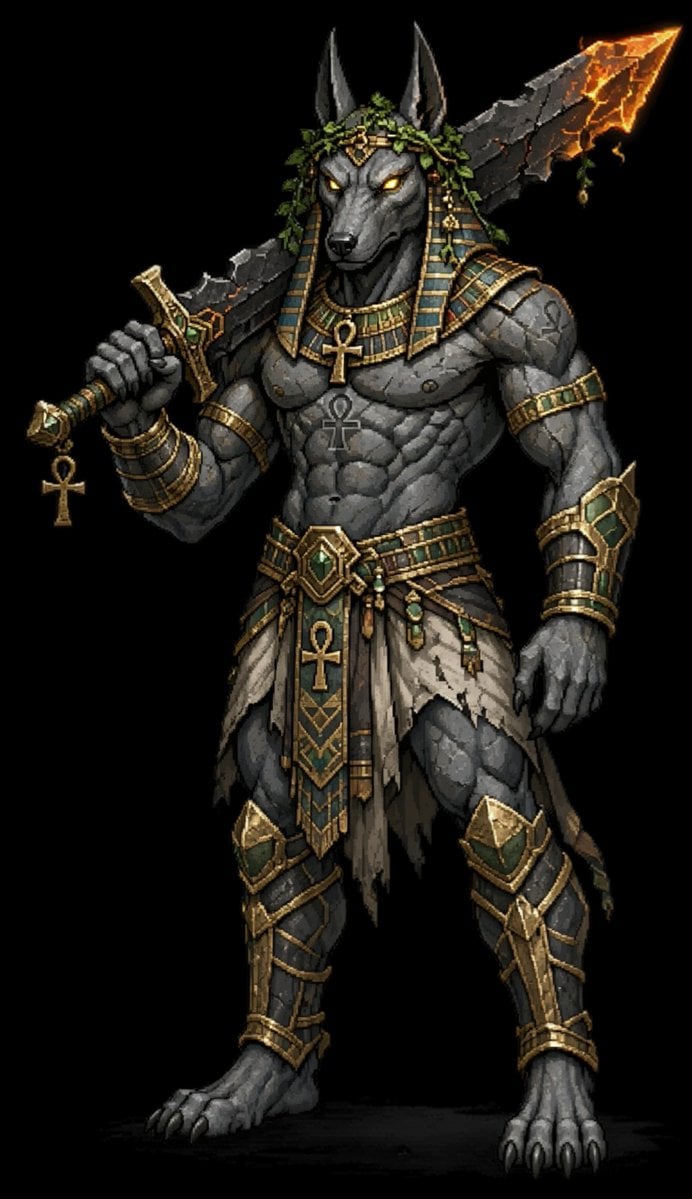
Anubis Dark Fantasy Pixel Warrior
A detailed prompt for generating a full-body pixel-art Egyptian jackal god warrior character suitable for fantasy game concept art.
- Prompt included
- Model and format preset
- Free template
The prompt behind this image
Copy the exact prompt behind Anubis Dark Fantasy Pixel Warrior, or open it in the studio and make it yours.
Create a full-body dark fantasy pixel-art character portrait of {argument name="character name" default="Anubis"}, an imposing anthropomorphic jackal-headed Egyptian god-warrior standing against a pure black background. The figure is centered, front-facing in a slight three-quarter stance, tall and extremely muscular, with charcoal-gray stone-like skin, a black jackal muzzle, tall pointed ears, sharp claws, bare digitigrade feet, and glowing {argument name="eye color" default="golden amber"} eyes. He wears ornate ancient Egyptian armor and jewelry in tarnished gold, dark teal enamel, and weathered linen. Count and include exactly 12 main visible costume and accessory elements: 1 striped pharaoh-style nemes headdress with gold trim and teal panels, 2 leafy green laurel or vine strands draped over the crown, 3 broad gold-and-teal collar necklace, 4 large gold ankh pendant at the chest, 5 smaller dark ankh marking or pendant on the abdomen, 6 stacked gold bracelets on the weapon-holding wrist, 7 gold-and-teal upper arm band, 8 ornate belt with a large central green gemstone, 9 hanging front loincloth panel with an ankh symbol and geometric Egyptian patterns, 10 tattered beige side skirt strips, 11 matching gold-and-teal forearm bracer, 12 matching gold-and-teal shin guards and knee plates. In his left hand he holds a massive cracked obsidian greatsword resting across his shoulders; the blade is jagged black stone with glowing orange lava fissures and a fiery molten tip. Add a dangling gold ankh charm from the sword hilt. The mood is regal, brutal, mythic, and intimidating. Use crisp high-detail 16-bit / 32-bit game sprite rendering, strong rim lighting, dramatic highlights on the gold, subtle lava glow from the sword, visible pixel texture, clean silhouette, no text, no border, no watermark, black empty background.
How to use Anubis Dark Fantasy Pixel Warrior in 3 steps
- 1Upload ImagePNG, JPG or paste
Add your photo
Upload the photo the template builds on. The prompt, model and format are already set.
- 2…a portrait of your subject in softgolden-hour light, 85mm…
Personalize
Edit the subject and creative details for your destination.
- 3Generate
Generate
Press Generate — your image is created in PicX Studio, so you can compare it with the original and refine one variable at a time.
More like this
Templates with the same subject, style or setup. Open one to see its prompt.
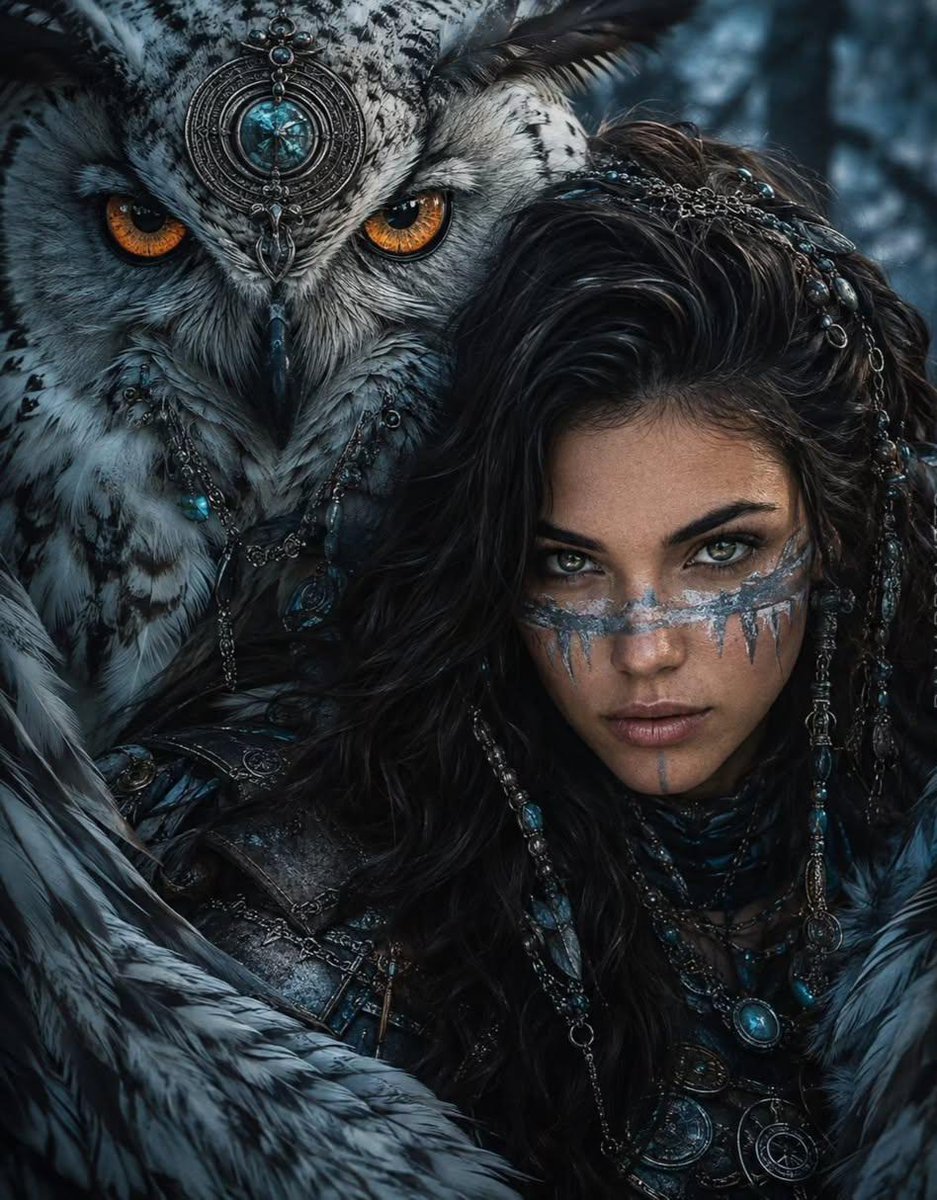
Tribal Fantasy Warrior with Guardian Owl
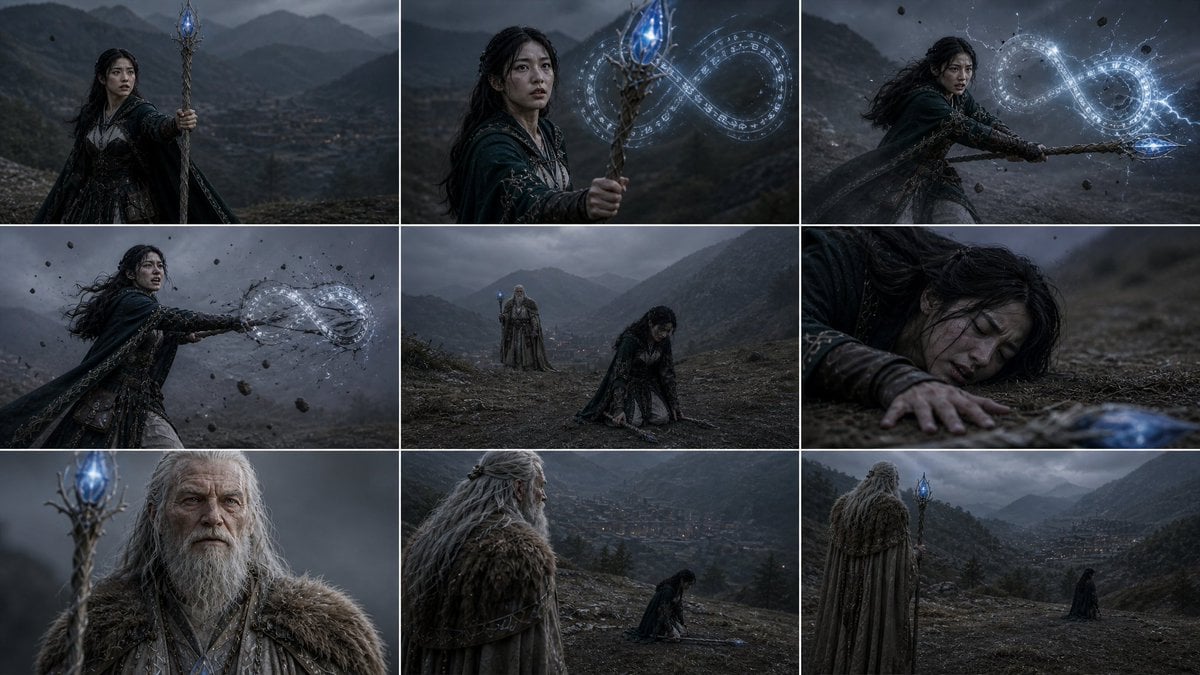
Dark Fantasy Sorceress Storyboard
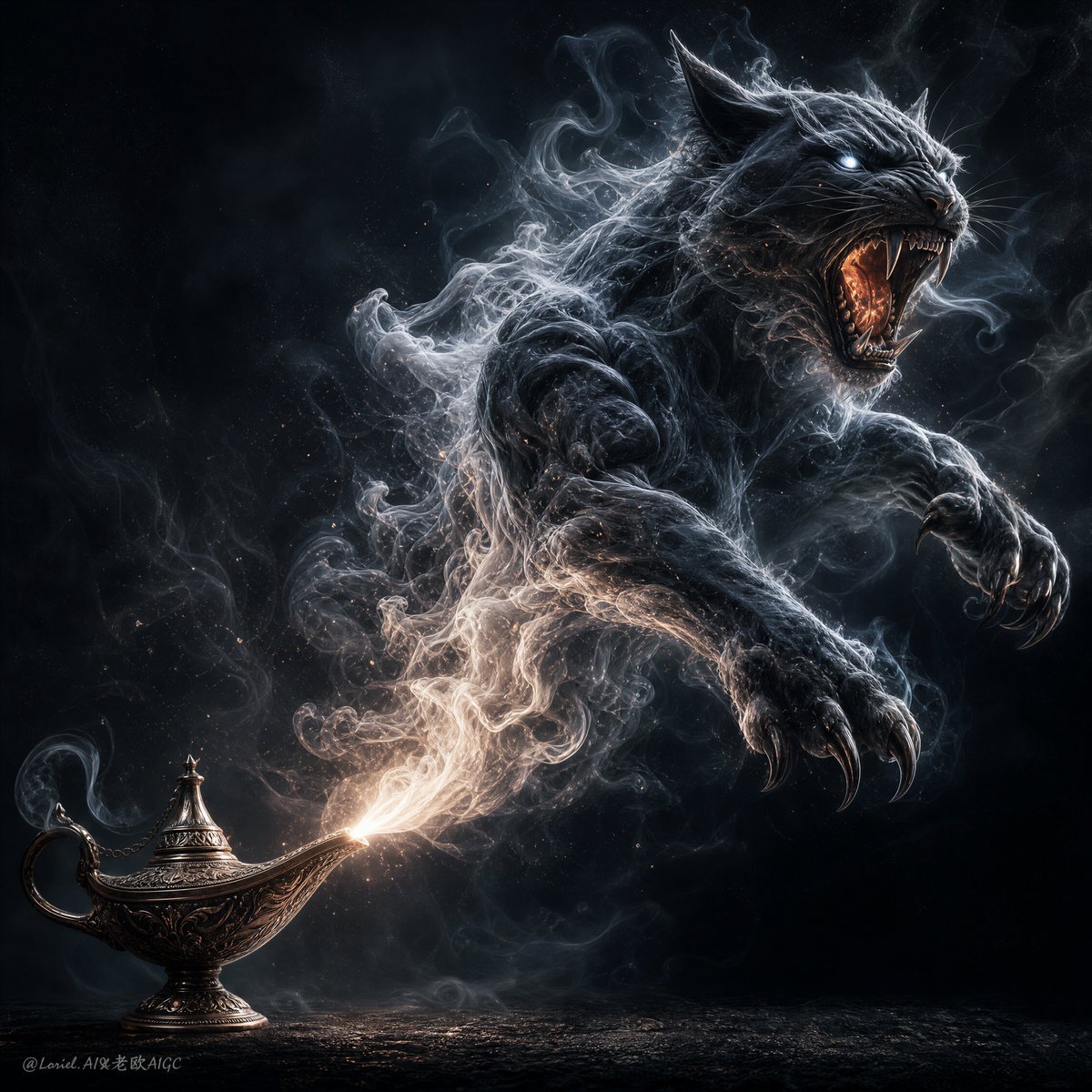
Dark Fantasy Smoke Monster Transformation
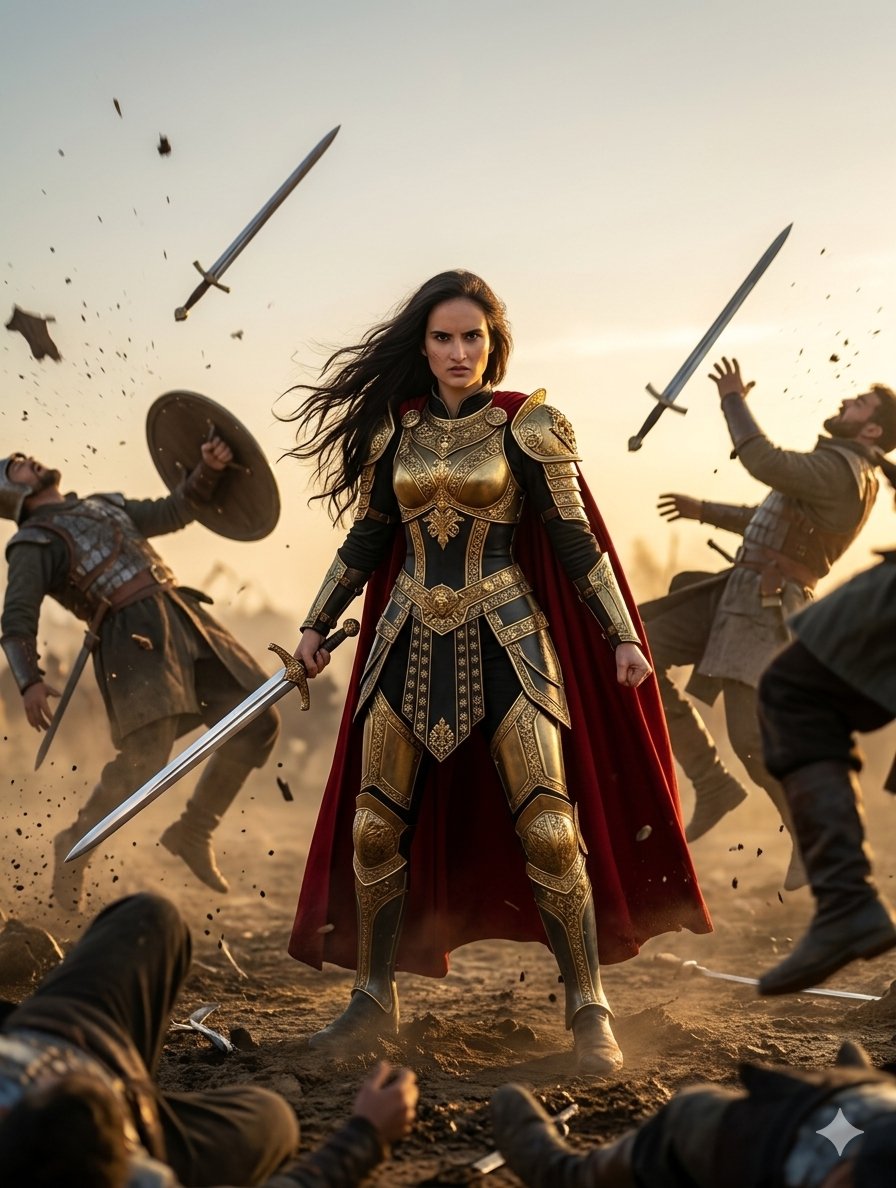
Heroic Fantasy Warrior Portrait
Pixel Limited Finale Fireworks
Pixel Limited Garden Maze
Pixel Limited Rooftop Concert
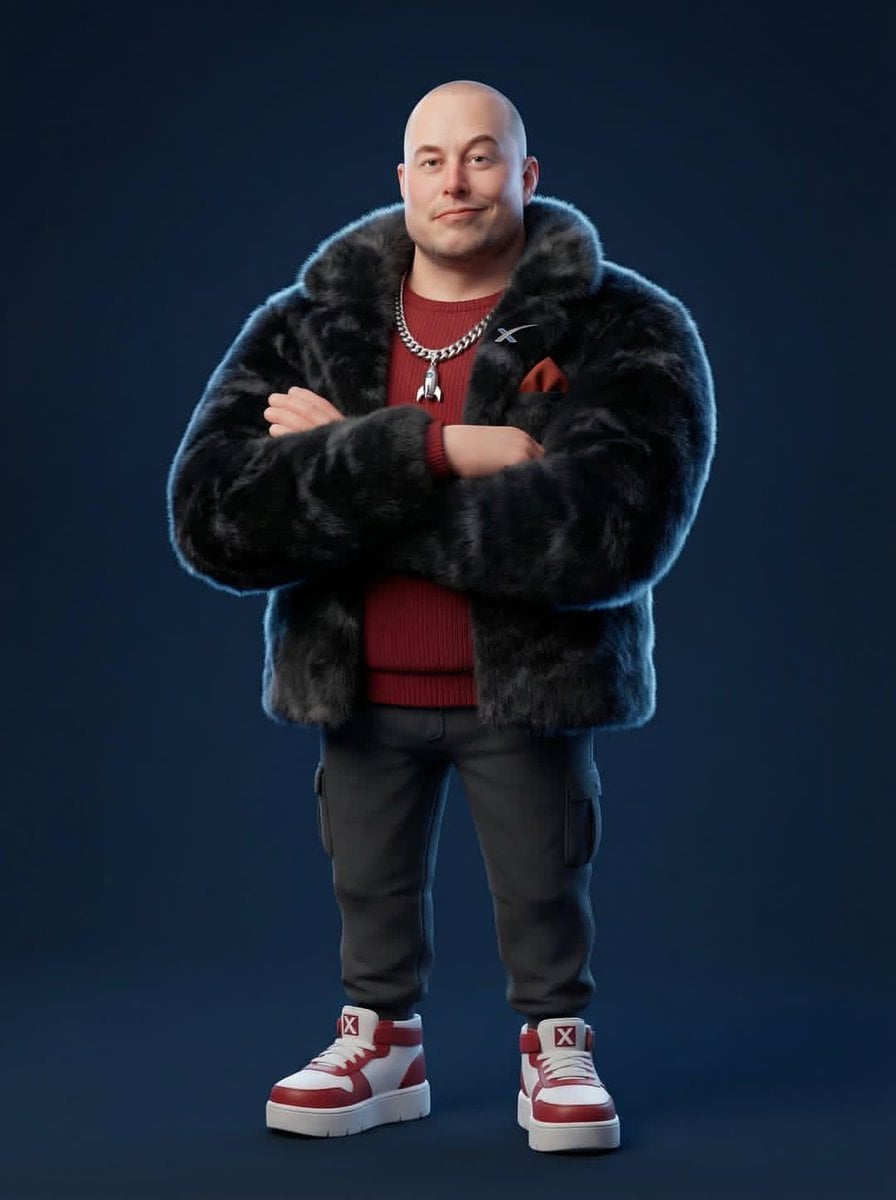
Pixel Limited Bicycle Coast
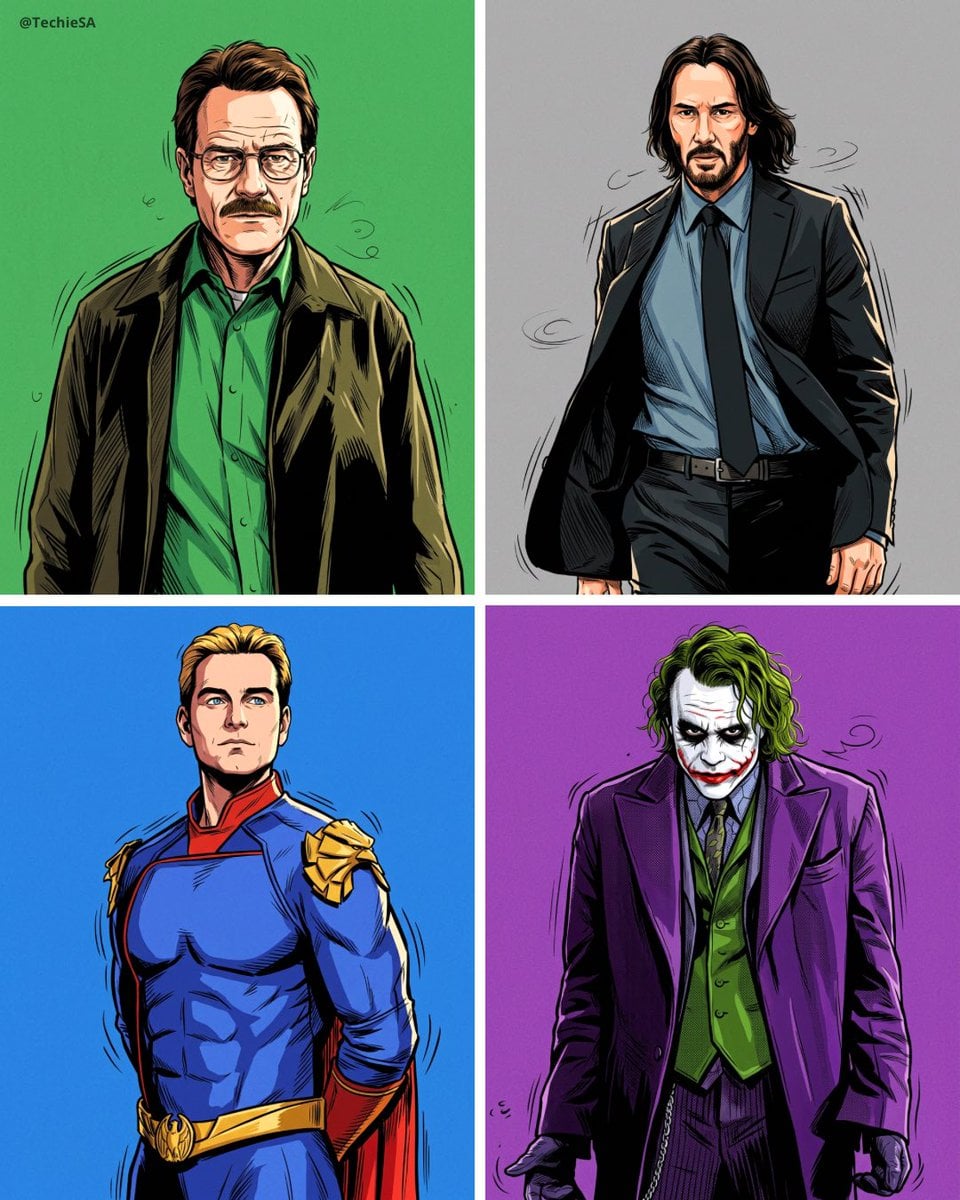
Pixel Limited Castle Gate

Pixel Limited Kitchen Chaos
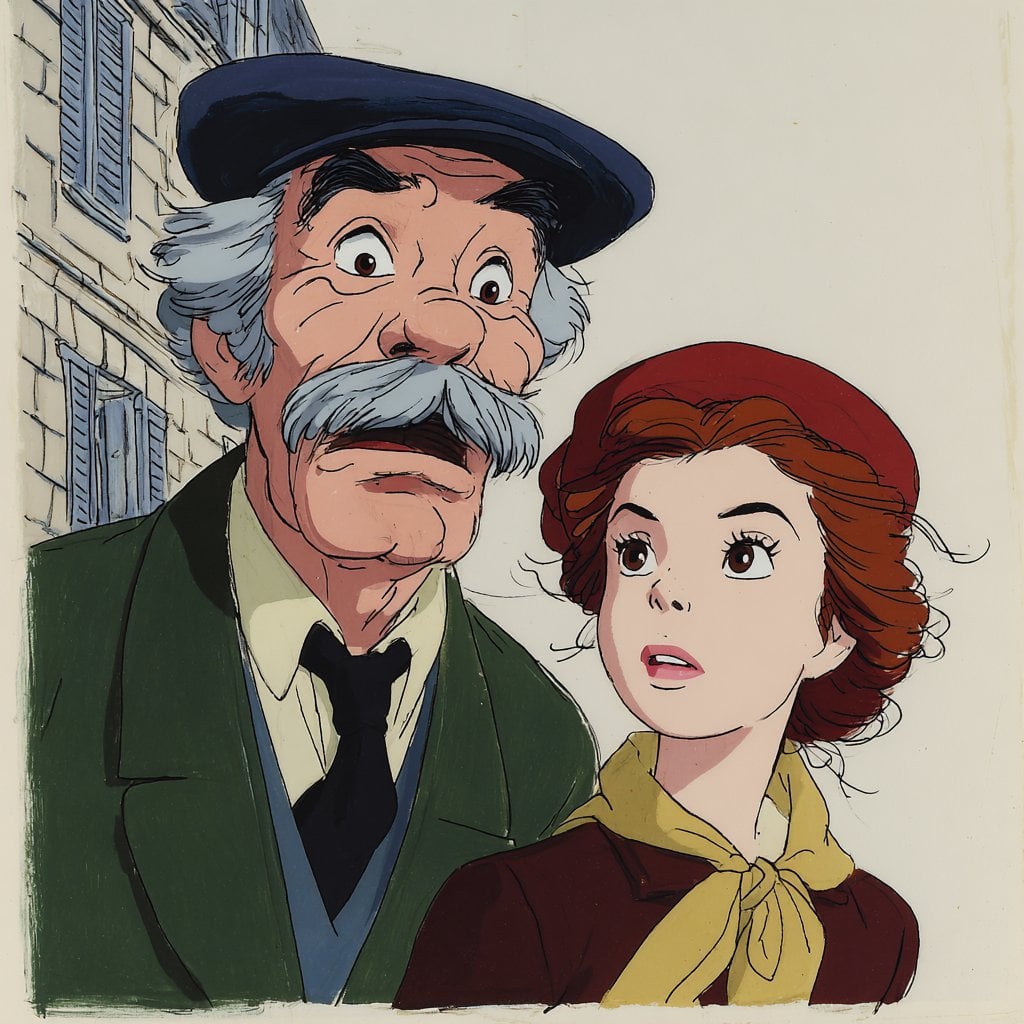
Pixel Limited Carnival Ride
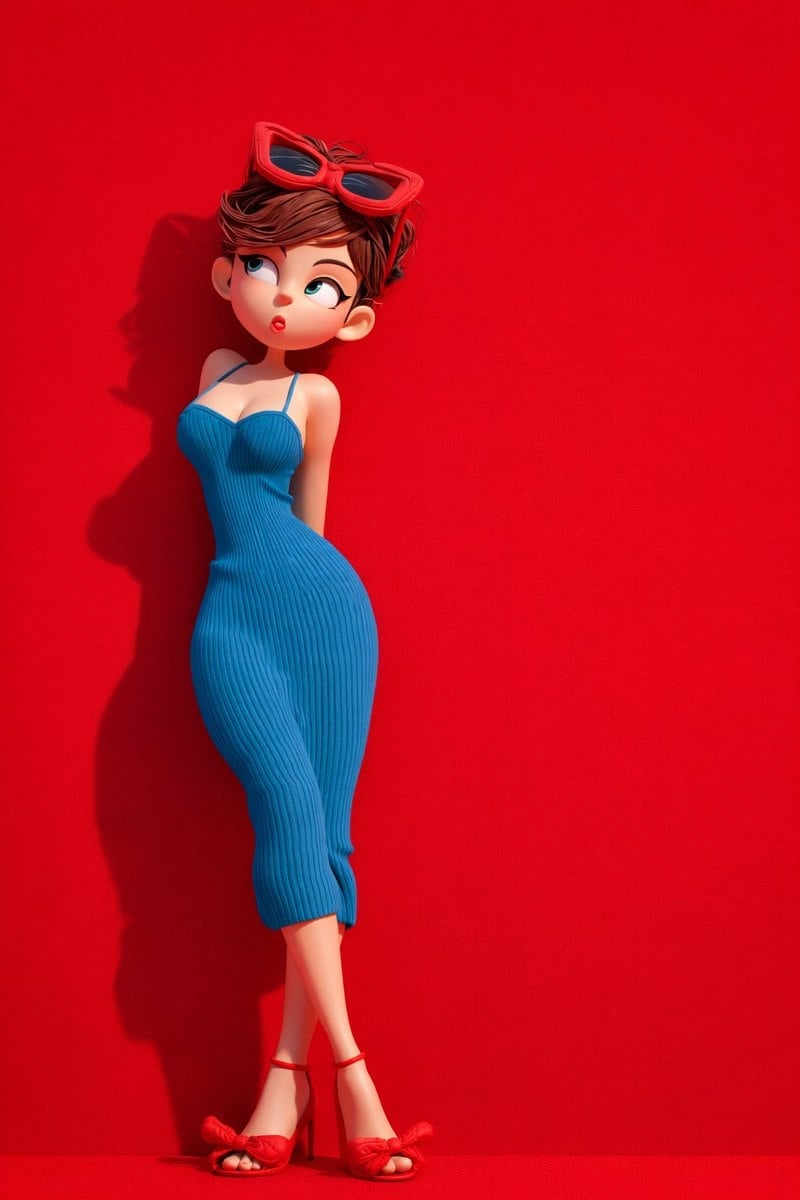
Pixel Limited Rainy Bus Stop
Make it yours
Anubis Dark Fantasy Pixel Warrior works as-is. These are the safest ways to change it without losing the look.
Change one field
Copy a single group, rewrite it, and generate again so you can see what that field is doing.
Keep the frame, change the subject
Hold the composition and light of Anubis Dark Fantasy Pixel Warrior, then swap wardrobe, props or the person for a new take.
| If the result… | Why | Fix |
|---|---|---|
| The result drifts from the preview | Too many fields changed at once. | Reuse Anubis Dark Fantasy Pixel Warrior as-is first, then change one group — subject, light, or setting. |
| The model over-stylizes the scene | The prose prompt leaves finish and camera underspecified. | Add one camera or lighting sentence and stay on GPT Image 2. |
More GPT Image 2 templates
Other prompts made for GPT Image 2.

Six VTuber Japanese Logo Sheet

Realistic Portrait of Woman and Deer

The Vista Modular Condo Poster

AI Model Routing Comparison Infographic

2.5D Anime Art Board

Isometric Productivity Desk Scene

New York Double Exposure Poster

Four-Panel AI Landscape Comparison

Japanese Tatami Lifestyle Magazine Cover

NESCAFÉ Coffee Map Poster
More image prompts
Fresh picks from across the catalog.
Antique Chinese Noblewoman Poster
Low-Angle Cinematic Portrait with Identity Lock
Anime Museum Poster with Kannon Statue
3D Isometric Miniature Models of Western TV Characters

Simple Livestream Screenshot
Netflix Neon Streaming Poster
AI Caricature Generation Prompt
Early 2000s Family Living Room Photo
Vogue Korea Editorial Portrait
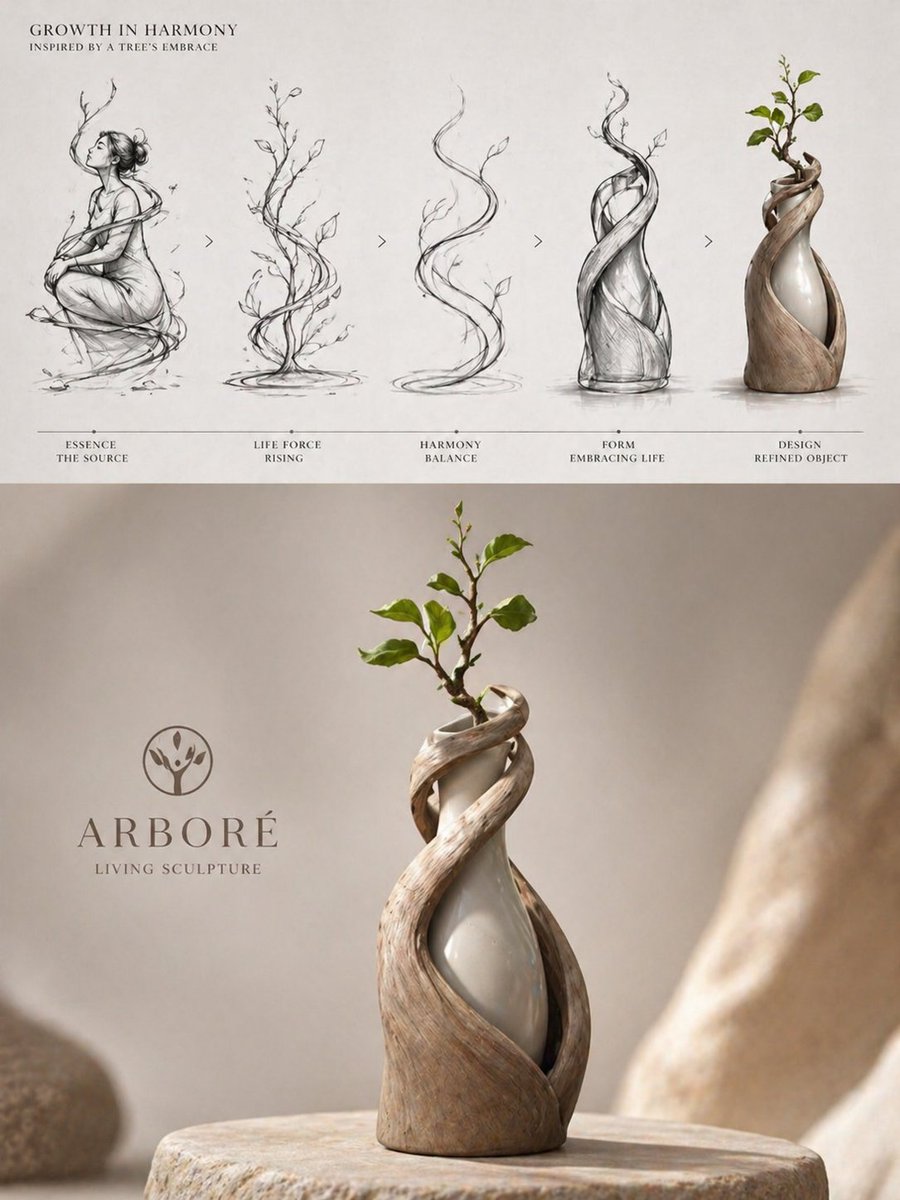
Luxury Biophilic Vase Concept Poster
Browse template categories
Anubis Dark Fantasy Pixel Warrior questions
How do I use the Anubis Dark Fantasy Pixel Warrior template?
Add your photo if the template asks for one, edit the prompt if you like — the template's model and format are already selected — and press Generate. Your version opens in PicX Studio.
Can I customize the Anubis Dark Fantasy Pixel Warrior template?
Yes. You can change the subject, setting, lighting, mood, format, and available model controls before creating your image.
Is the Anubis Dark Fantasy Pixel Warrior template free?
Opening and editing this template is free. Generating uses credits, shown on the Generate button when you are signed in.
Which AI model should I use?
Start with GPT Image 2, which is the model associated with this template. You can compare another compatible model for a different finish.
Looking for something else? Browse all templates.

Your photo, any look
Thousands of ready templates for every top image and video model, from one credit balance.