
Fanta Orange Planet Storyboard
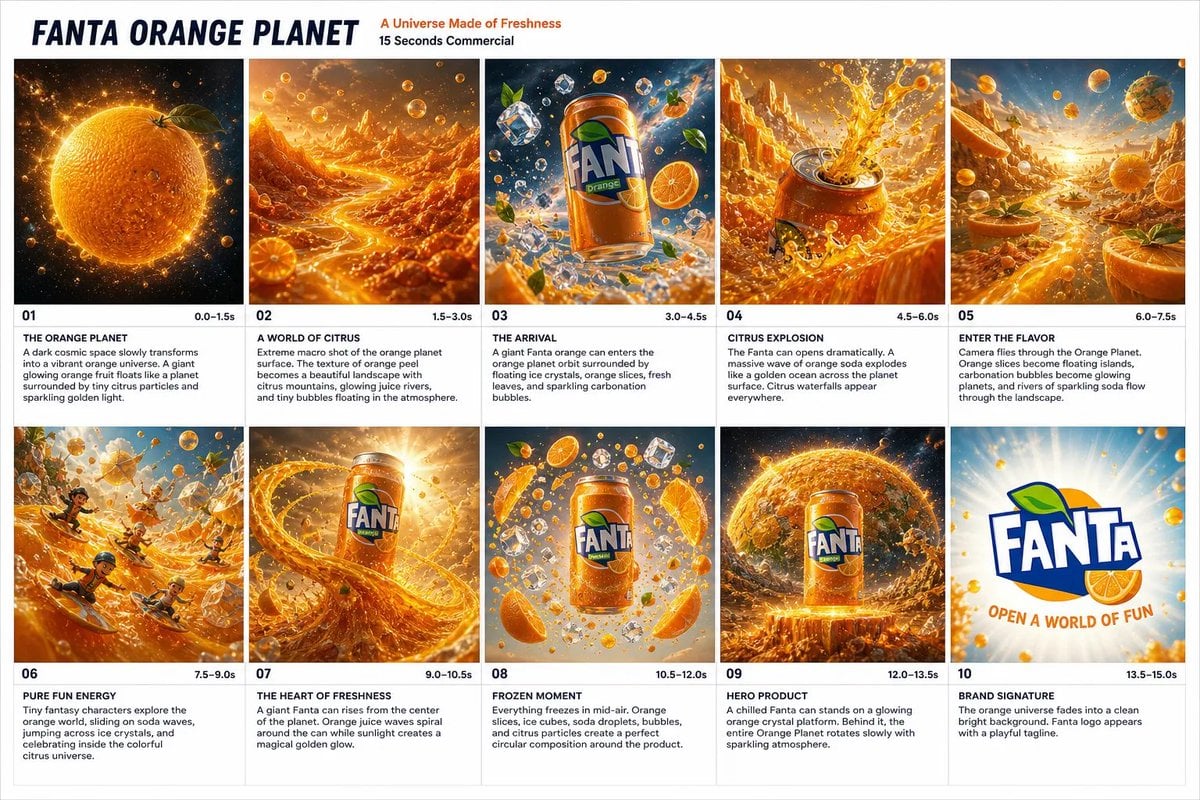
A cinematic 10-panel storyboard sheet for a vibrant Fanta Orange 15-second commercial concept set in a glowing citrus universe.
- Prompt included
- Model and format preset
- Free template
The prompt behind this image
Copy the exact prompt behind Fanta Orange Planet Storyboard, or open it in the studio and make it yours.
Goal: Create a polished advertising storyboard sheet for a 15-second Fanta Orange commercial titled {argument name="campaign title" default="FANTA ORANGE PLANET"}, with the subtitle {argument name="subtitle" default="A Universe Made of Freshness"} and small line “15 Seconds Commercial.” Canvas: Wide 3:2 landscape presentation board on a white background, clean agency storyboard layout. Use a bold top header area, then a 5-column by 2-row grid containing exactly 10 storyboard panels. Each panel has a cinematic orange sci-fi image on top and a white caption block beneath it with a scene number, timecode, bold scene title, and short description. Thin light-gray grid lines, crisp typography, premium commercial pitch-deck feel. Visual style: Hyper-detailed, glossy, high-energy beverage commercial concept art. Dominant colors are vivid orange, golden yellow, citrus green accents, deep cosmic blues, and white highlights. Use sparkling carbonation bubbles, floating orange slices, ice cubes, juice splashes, glowing citrus particles, soda rivers, and dramatic backlighting throughout. The brand should feel playful, fresh, explosive, and fantastical. Header text: Large navy italic uppercase title “FANTA ORANGE PLANET” on the left. To the right, orange text “A Universe Made of Freshness” and black text “15 Seconds Commercial.” Layout and panel count: Include exactly 10 numbered panels, arranged left to right across the top row as 01–05 and left to right across the bottom row as 06–10. Each panel must include its visible timecode and scene title. Panel details: 1. “01” timecode “0.0–1.5s”, title “THE ORANGE PLANET”: A dark cosmic space slowly transforms into a vibrant orange universe. A giant glowing orange fruit floats like a planet, surrounded by tiny citrus particles and sparkling golden light. 2. “02” timecode “1.5–3.0s”, title “A WORLD OF CITRUS”: Extreme macro shot of the orange planet surface. The texture of orange peel becomes a beautiful landscape with citrus mountains, glowing juice rivers, and tiny bubbles floating in the atmosphere. 3. “03” timecode “3.0–4.5s”, title “THE ARRIVAL”: A giant {argument name="soda can brand" default="Fanta orange"} can enters the orange planet orbit surrounded by floating ice crystals, orange slices, fresh leaves, and sparkling carbonation bubbles. 4. “04” timecode “4.5–6.0s”, title “CITRUS EXPLOSION”: The Fanta can opens dramatically. A massive wave of orange soda explodes like a golden ocean across the planet surface. Citrus waterfalls appear everywhere. 5. “05” timecode “6.0–7.5s”, title “ENTER THE FLAVOR”: Camera flies through the Orange Planet. Orange slices become floating islands, carbonation bubbles become glowing planets, and rivers of sparkling soda flow through the landscape. 6. “06” timecode “7.5–9.0s”, title “PURE FUN ENERGY”: Tiny fantasy characters explore the orange world, sliding on soda waves, jumping across ice crystals, and celebrating inside the colorful citrus universe. 7. “07” timecode “9.0–10.5s”, title “THE HEART OF FRESHNESS”: A giant Fanta can rises from the center of the planet. Orange juice waves spiral around the can while sunlight creates a magical golden glow. 8. “08” timecode “10.5–12.0s”, title “FROZEN MOMENT”: Everything freezes in mid-air. Orange slices, ice cubes, soda droplets, bubbles, and citrus particles create a perfect circular composition around the product. 9. “09” timecode “12.0–13.5s”, title “HERO PRODUCT”: A chilled Fanta can stands on a glowing orange crystal platform. Behind it, the entire Orange Planet rotates slowly with sparkling atmosphere. 10. “10” timecode “13.5–15.0s”, title “BRAND SIGNATURE”: Clean white radiant background with the large {argument name="logo text" default="FANTA"} logo centered, orange bubbles around it, and the tagline {argument name="tagline" default="OPEN A WORLD OF FUN"} below in curved orange lettering. Constraints: Use exactly 10 panels and no extra panels. Keep the storyboard captions legible and in English. Make the product can and logo look like a recognizable orange soda brand advertisement without adding unrelated brands, watermarks, or extra UI elements.
How to use Fanta Orange Planet Storyboard in 3 steps
- 1Upload ImagePNG, JPG or paste
Add your photo
Upload the photo the template builds on. The prompt, model and format are already set.
- 2…a portrait of your subject in softgolden-hour light, 85mm…
Personalize
Edit the subject and creative details for your destination.
- 3Generate
Generate
Press Generate — your image is created in PicX Studio, so you can compare it with the original and refine one variable at a time.
More like this
Templates with the same subject, style or setup. Open one to see its prompt.

Dark Fantasy Sorceress Storyboard

Headphones Lifestyle Nine Panel Grid

Fanta Orange Beverage Ad
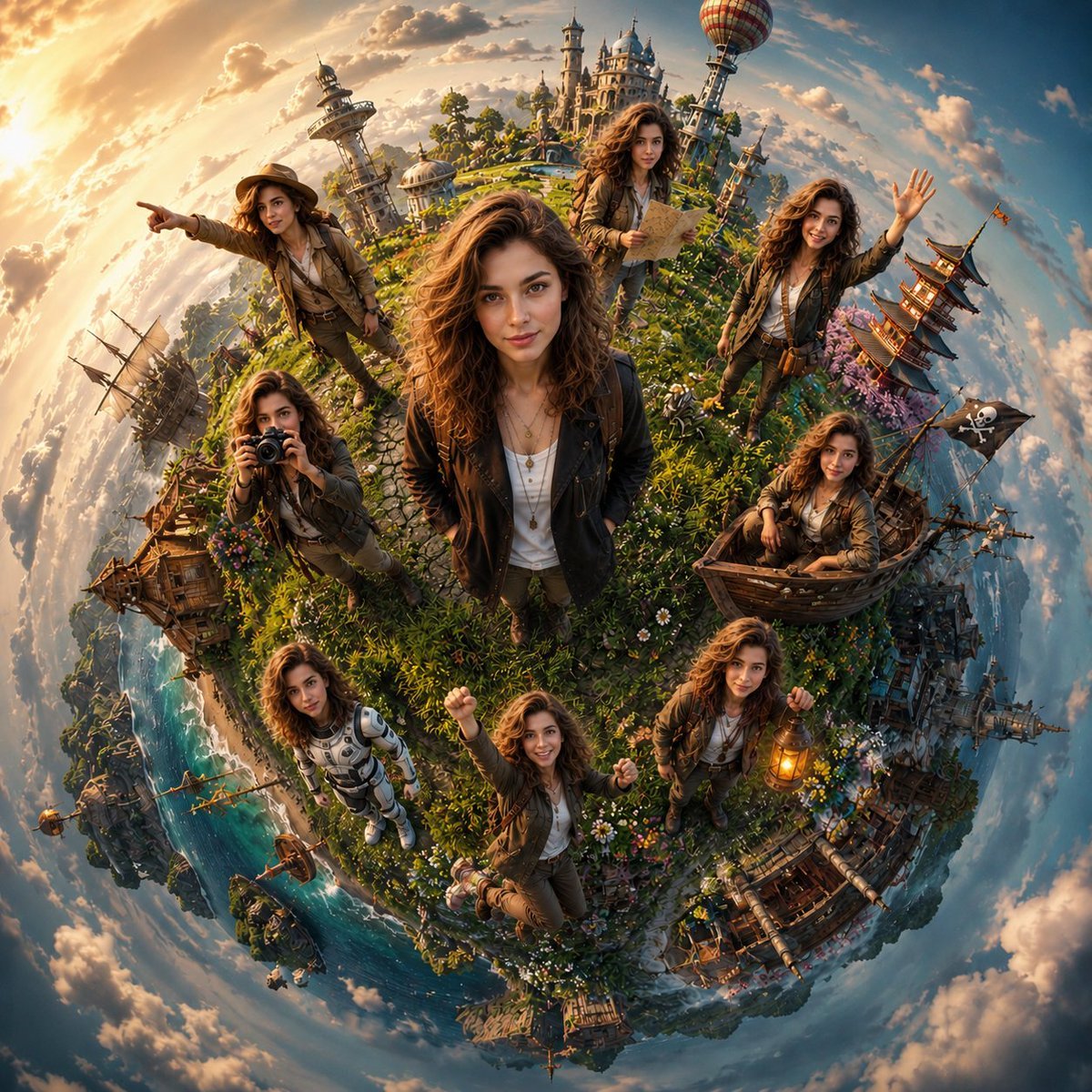
Cinematic Tiny Planet Fantasy World
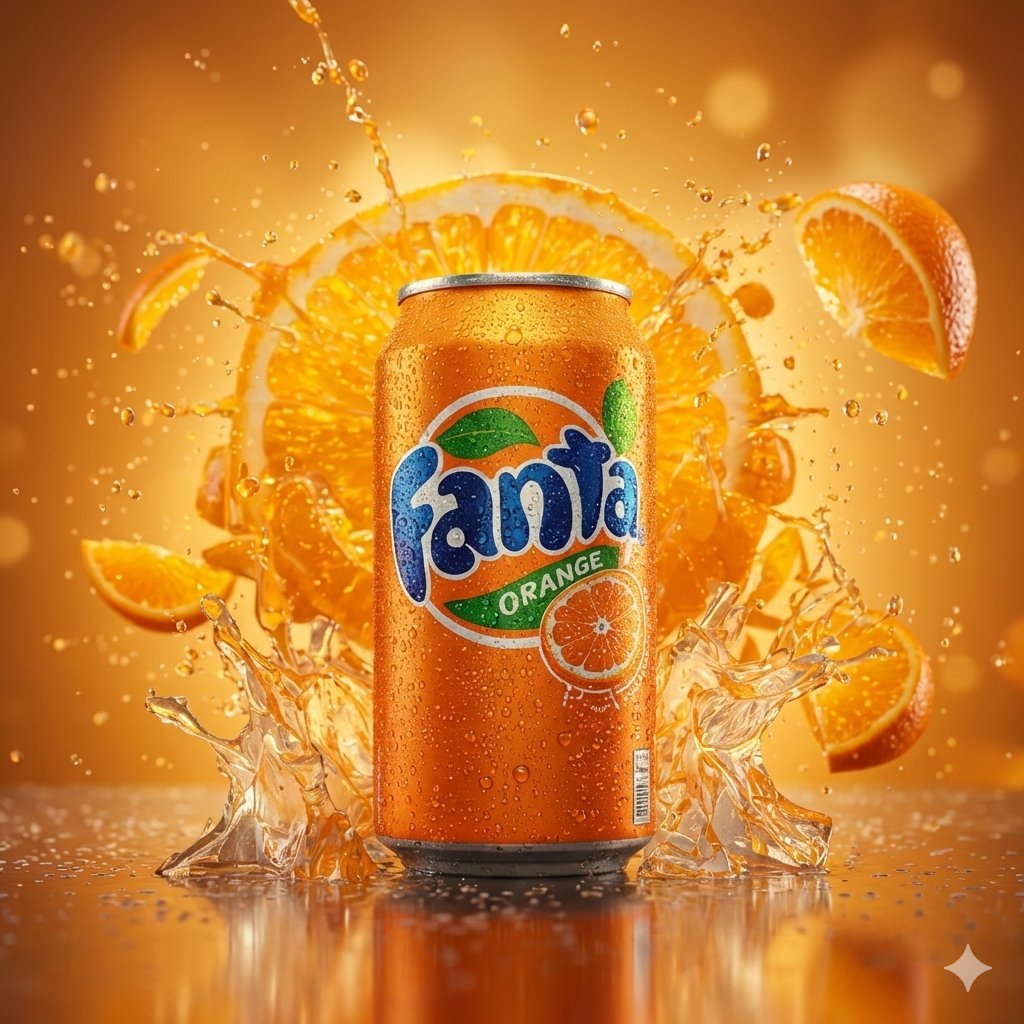
Hyper-realistic cinematic product shot of Fanta Orange can with exploding orange slices
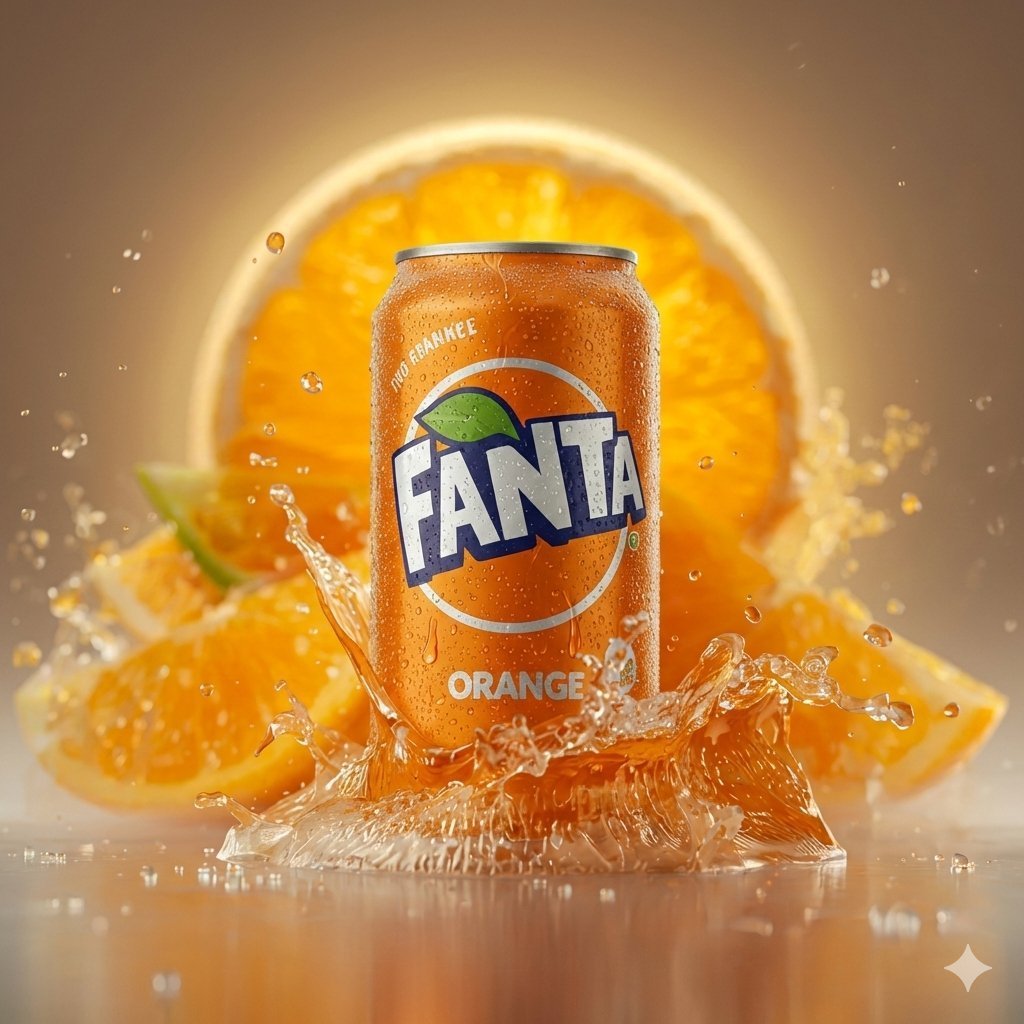
Hyper-realistic Cinematic Product Photo of Fanta Orange Can
Seedance - Storyboard to Movie
Imperial Research Bunker on Volcanic Planet
Tiny Planet Rooftop Portrait
Toronto Tiny Planet Travel Poster
Hyper-Realistic Desert Portrait with Planet
City Spherical Panorama Tiny Planet
Make it yours
Fanta Orange Planet Storyboard works as-is. These are the safest ways to change it without losing the look.
Change one field
Copy a single group, rewrite it, and generate again so you can see what that field is doing.
Keep the frame, change the subject
Hold the composition and light of Fanta Orange Planet Storyboard, then swap wardrobe, props or the person for a new take.
| If the result… | Why | Fix |
|---|---|---|
| The result drifts from the preview | Too many fields changed at once. | Reuse Fanta Orange Planet Storyboard as-is first, then change one group — subject, light, or setting. |
| The model over-stylizes the scene | The prose prompt leaves finish and camera underspecified. | Add one camera or lighting sentence and stay on GPT Image 2. |
More GPT Image 2 templates
Other prompts made for GPT Image 2.

Six VTuber Japanese Logo Sheet

Realistic Portrait of Woman and Deer

The Vista Modular Condo Poster

AI Model Routing Comparison Infographic

2.5D Anime Art Board

Isometric Productivity Desk Scene

New York Double Exposure Poster

Four-Panel AI Landscape Comparison

Japanese Tatami Lifestyle Magazine Cover

NESCAFÉ Coffee Map Poster
More image prompts
Fresh picks from across the catalog.
Overhead View of Saturday Morning Activity Prompt
Sci-Fi Movie Poster Generator
ChatGPT Joke Prescription Set
Cozy Bedroom Selfie Portrait Prompt
Vans Logo Street Fashion Portrait Replication

Golden Hour Korean Classroom Portrait
Nano Banana Pro Fitness Editorial Grid Prompt (Pink Activewear)
Forest Lifestyle Editorial Moodboard

Synthwave Neon Digital Portrait Prompt
Luxury Underwater Aquarium Lounge Portrait
Browse template categories
Fanta Orange Planet Storyboard questions
How do I use the Fanta Orange Planet Storyboard template?
Add your photo if the template asks for one, edit the prompt if you like — the template's model and format are already selected — and press Generate. Your version opens in PicX Studio.
Can I customize the Fanta Orange Planet Storyboard template?
Yes. You can change the subject, setting, lighting, mood, format, and available model controls before creating your image.
Is the Fanta Orange Planet Storyboard template free?
Opening and editing this template is free. Generating uses credits, shown on the Generate button when you are signed in.
Which AI model should I use?
Start with GPT Image 2, which is the model associated with this template. You can compare another compatible model for a different finish.
Looking for something else? Browse all templates.

Your photo, any look
Thousands of ready templates for every top image and video model, from one credit balance.