
Vintage Classic Cocktail Infographic
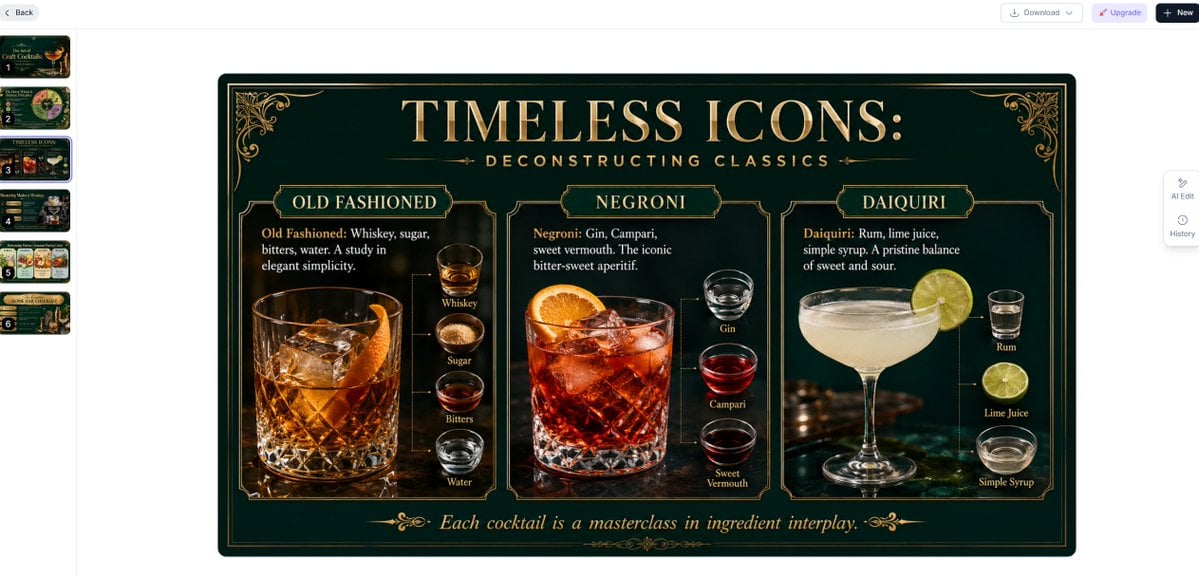
A luxurious Art Deco slide comparing Old Fashioned, Negroni, and Daiquiri ingredients for cocktail education or presentation decks.
- Prompt included
- Model and format preset
- Free template
The prompt behind this image
Copy the exact prompt behind Vintage Classic Cocktail Infographic, or open it in the studio and make it yours.
Goal: Create a single widescreen educational presentation slide infographic about {argument name="headline text" default="TIMELESS ICONS:"} and the deconstruction of classic cocktails, in a luxurious vintage speakeasy style. Canvas: 16:9 horizontal slide, dark emerald green background with a subtle vignette, thin double-line gold border, rounded dark frame, ornate Art Deco corner flourishes, and warm amber photographic lighting. Use elegant serif typography in metallic gold and cream, with the main title large and centered at the top and a small spaced subtitle beneath it reading {argument name="subtitle text" default="DECONSTRUCTING CLASSICS"}. Layout: Divide the slide into exactly 3 vertical cocktail panels with thin gold ornamental borders and small gold title plaques at the top of each panel. Each panel contains one large realistic cocktail photo on the left or center and a vertical ingredient stack on the right, connected by fine dotted gold guide lines. Add a centered italic footer quote along the bottom reading {argument name="footer quote" default="Each cocktail is a masterclass in ingredient interplay."}, flanked by small gold flourishes. Sections and visible content: Panel 1 is labeled OLD FASHIONED. It shows a large crystal rocks glass filled with amber whiskey, big clear ice cubes, and an orange peel garnish on a dark bar surface. Text paragraph: “Old Fashioned: Whiskey, sugar, bitters, water. A study in elegant simplicity.” Include exactly 4 ingredient mini-images with labels: Whiskey, Sugar, Bitters, Water. Panel 2 is labeled NEGRONI. It shows a large lowball glass with a deep red cocktail, ice cubes, and a bright orange slice garnish. Text paragraph: “Negroni: Gin, Campari, sweet vermouth. The iconic bitter-sweet aperitif.” Include exactly 3 ingredient mini-images with labels: Gin, Campari, Sweet Vermouth. Panel 3 is labeled DAIQUIRI. It shows a pale frothy daiquiri in a coupe glass with a lime wheel garnish. Text paragraph: “Daiquiri: Rum, lime juice, simple syrup. A pristine balance of sweet and sour.” Include exactly 3 ingredient mini-images with labels: Rum, Lime Juice, Simple Syrup. Visual style: Premium cocktail-menu infographic, photorealistic drinks and ingredient glasses, gold engraved ornamentation, dark green velvet-like background, warm highlights, high contrast, crisp readable labels, classic luxury bar atmosphere. Constraints: Use exactly 3 cocktail panels and exactly 10 ingredient mini-images total. Keep all text readable and correctly spelled. Do not add logos, watermarks, people, extra cocktails, or extra ingredient labels.
How to use Vintage Classic Cocktail Infographic in 3 steps
- 1Upload ImagePNG, JPG or paste
Add your photo
Upload the photo the template builds on. The prompt, model and format are already set.
- 2…a portrait of your subject in softgolden-hour light, 85mm…
Personalize
Edit the subject and creative details for your destination.
- 3Generate
Generate
Press Generate — your image is created in PicX Studio, so you can compare it with the original and refine one variable at a time.
More like this
Templates with the same subject, style or setup. Open one to see its prompt.

Make it yours
Vintage Classic Cocktail Infographic works as-is. These are the safest ways to change it without losing the look.
Change one field
Copy a single group, rewrite it, and generate again so you can see what that field is doing.
Keep the frame, change the subject
Hold the composition and light of Vintage Classic Cocktail Infographic, then swap wardrobe, props or the person for a new take.
| If the result… | Why | Fix |
|---|---|---|
| The result drifts from the preview | Too many fields changed at once. | Reuse Vintage Classic Cocktail Infographic as-is first, then change one group — subject, light, or setting. |
| The model over-stylizes the scene | The prose prompt leaves finish and camera underspecified. | Add one camera or lighting sentence and stay on GPT Image 2. |
More GPT Image 2 templates
Other prompts made for GPT Image 2.

Six VTuber Japanese Logo Sheet

Realistic Portrait of Woman and Deer

The Vista Modular Condo Poster

AI Model Routing Comparison Infographic

2.5D Anime Art Board

Isometric Productivity Desk Scene

New York Double Exposure Poster

Four-Panel AI Landscape Comparison

Japanese Tatami Lifestyle Magazine Cover

NESCAFÉ Coffee Map Poster
More image prompts
Fresh picks from across the catalog.

Cozy Night Living Room Candid
A Cartoonish Take on the Master of Mars
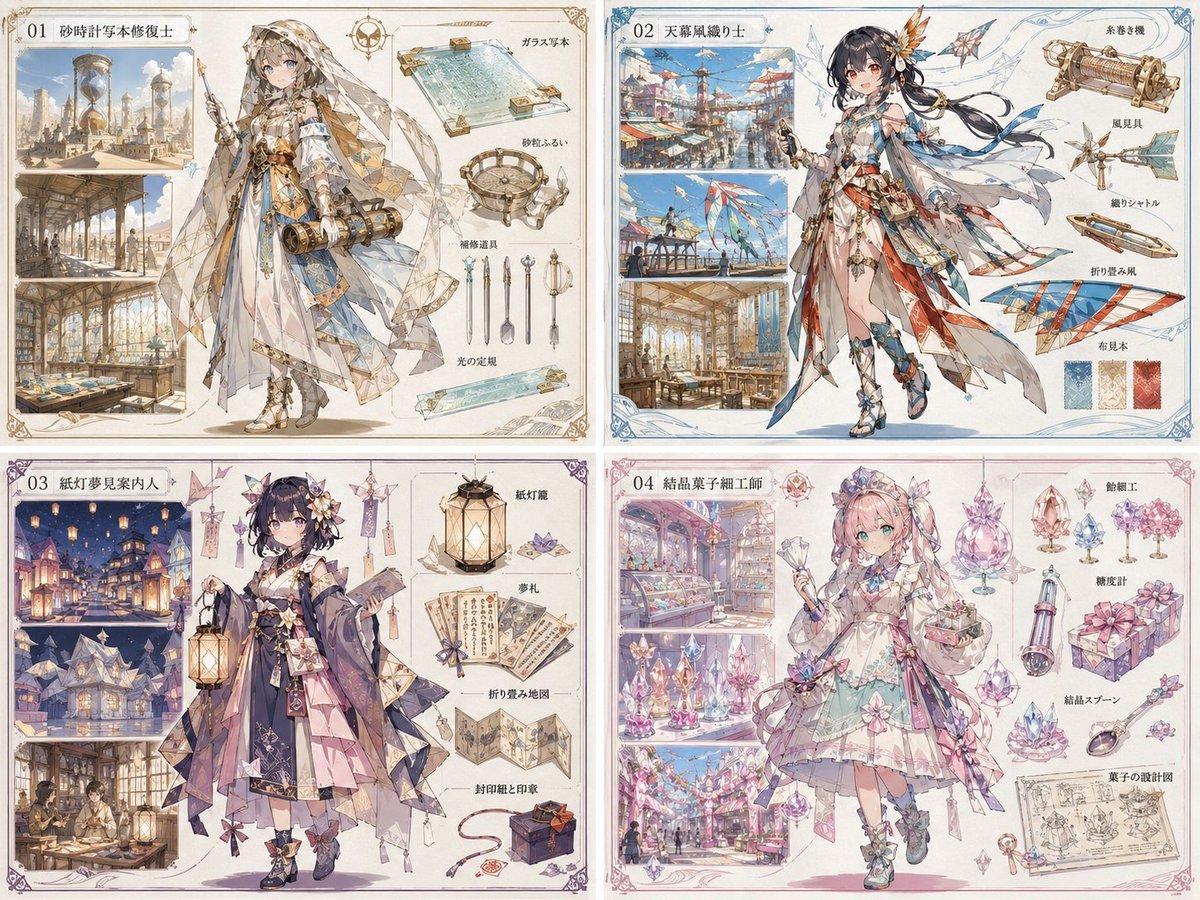
Anime World Building and Character Sheet
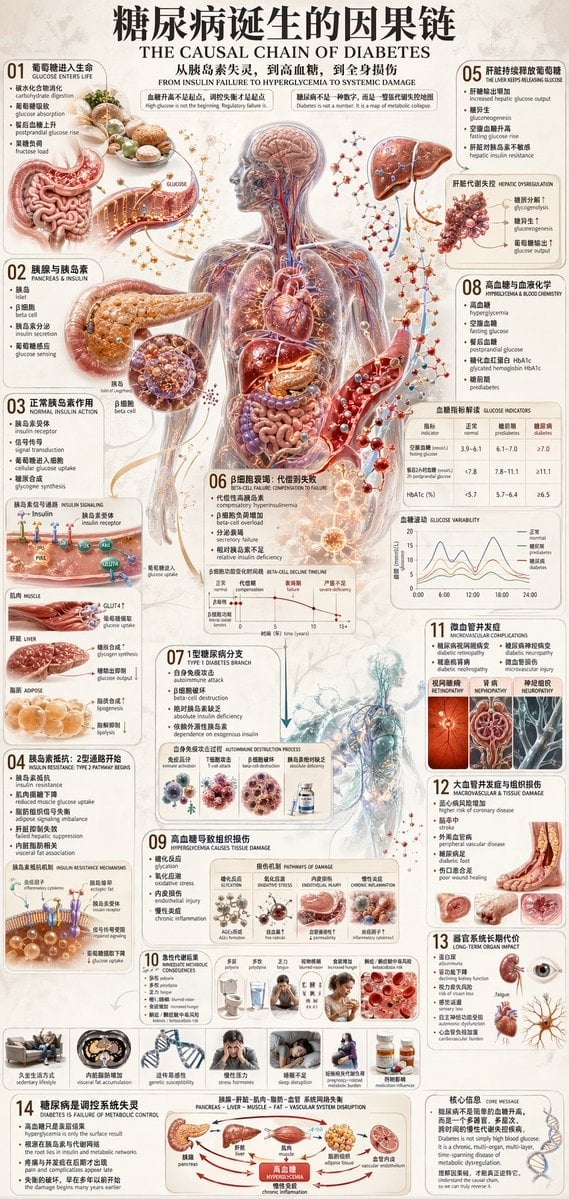
Diabetes Causal Chain Infographic
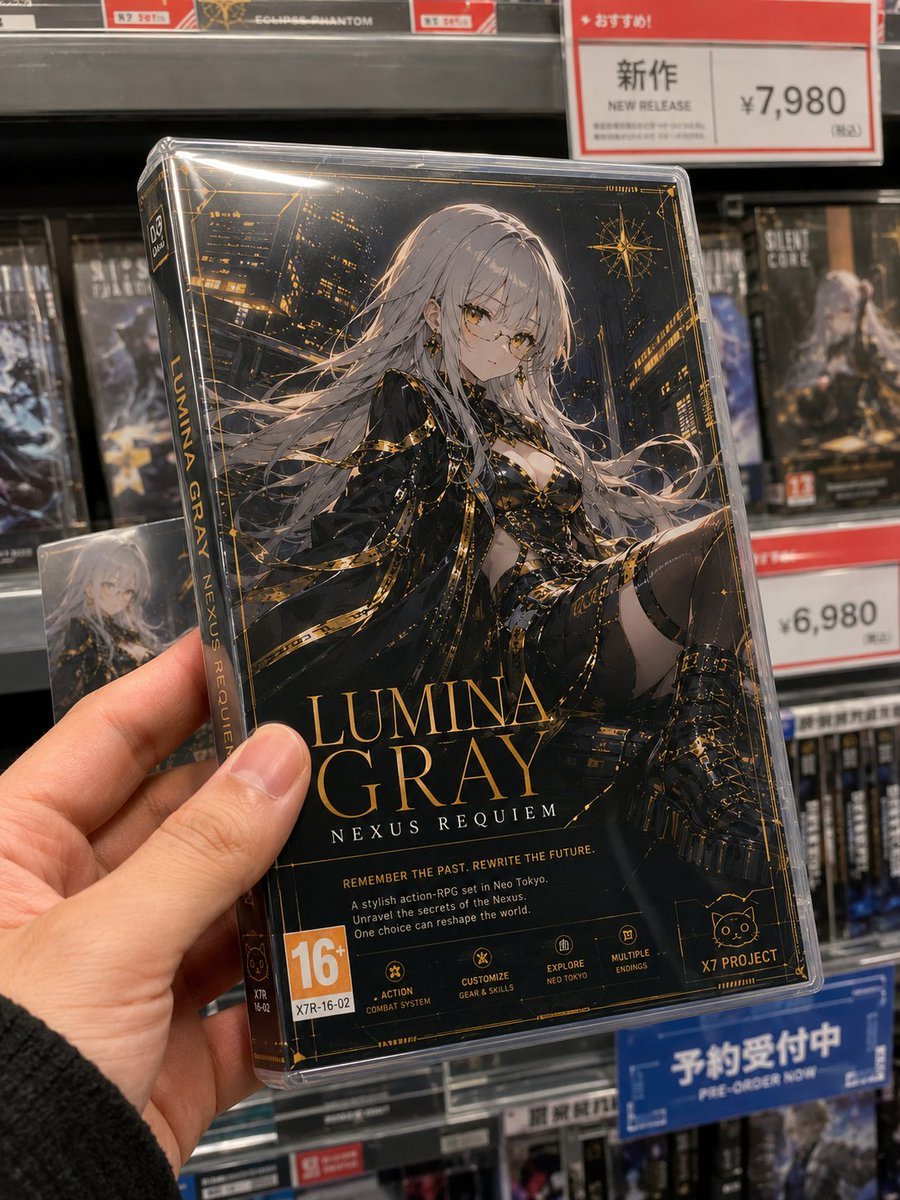
Fictional Game Case in Store
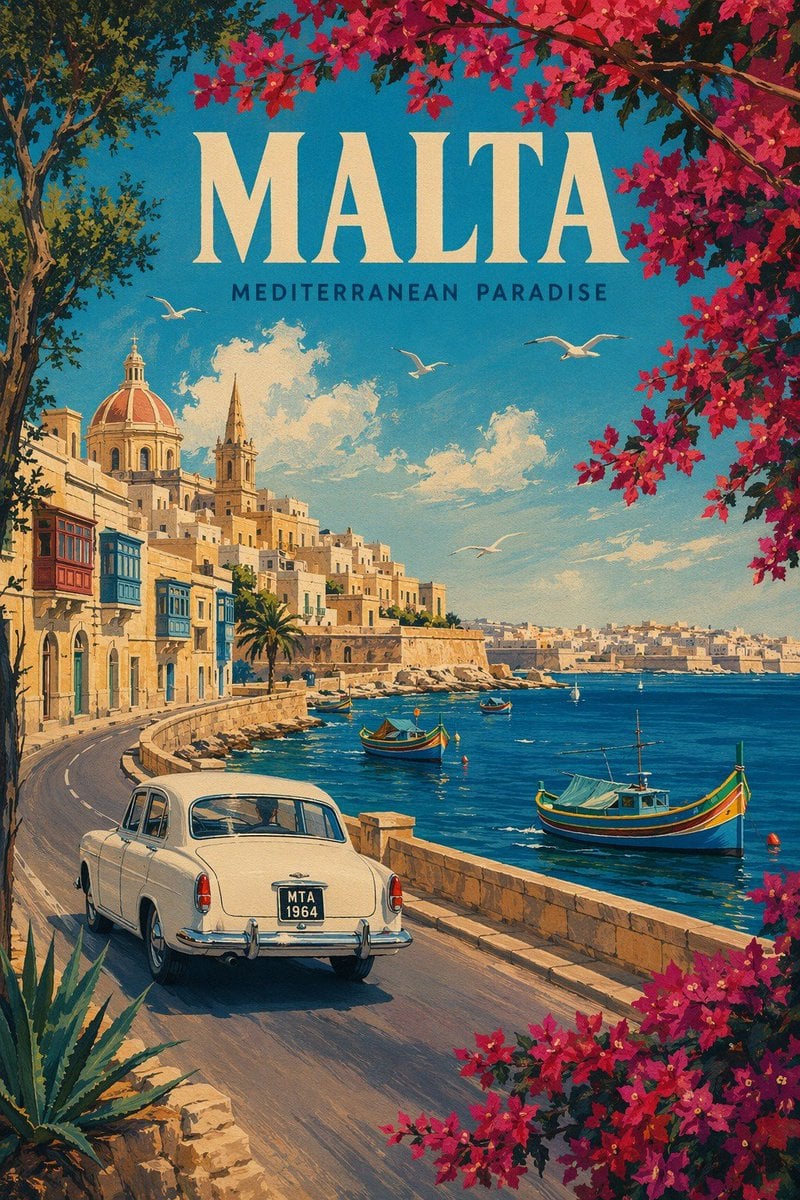
Vintage Malta Travel Poster
Bruno Fernandes Gold Record Poster
Winter Noir Cinematic Portrait of Man in Snowy Street
Dark Fantasy Anime Gothic Portrait
Kia Sportage Triptych Ad
Browse template categories
Vintage Classic Cocktail Infographic questions
How do I use the Vintage Classic Cocktail Infographic template?
Add your photo if the template asks for one, edit the prompt if you like — the template's model and format are already selected — and press Generate. Your version opens in PicX Studio.
Can I customize the Vintage Classic Cocktail Infographic template?
Yes. You can change the subject, setting, lighting, mood, format, and available model controls before creating your image.
Is the Vintage Classic Cocktail Infographic template free?
Opening and editing this template is free. Generating uses credits, shown on the Generate button when you are signed in.
Which AI model should I use?
Start with GPT Image 2, which is the model associated with this template. You can compare another compatible model for a different finish.
Looking for something else? Browse all templates.

Your photo, any look
Thousands of ready templates for every top image and video model, from one credit balance.