How do I use the Cinematic Actor Portrait Transformation template?
Choose the primary action to open PicX Studio with the available template settings. Review the model and format, personalize the creative direction, and generate when ready.
Transforms a reference portrait into a polished, naturally realistic cinematic actor-style headshot while preserving the original composition and lighting.

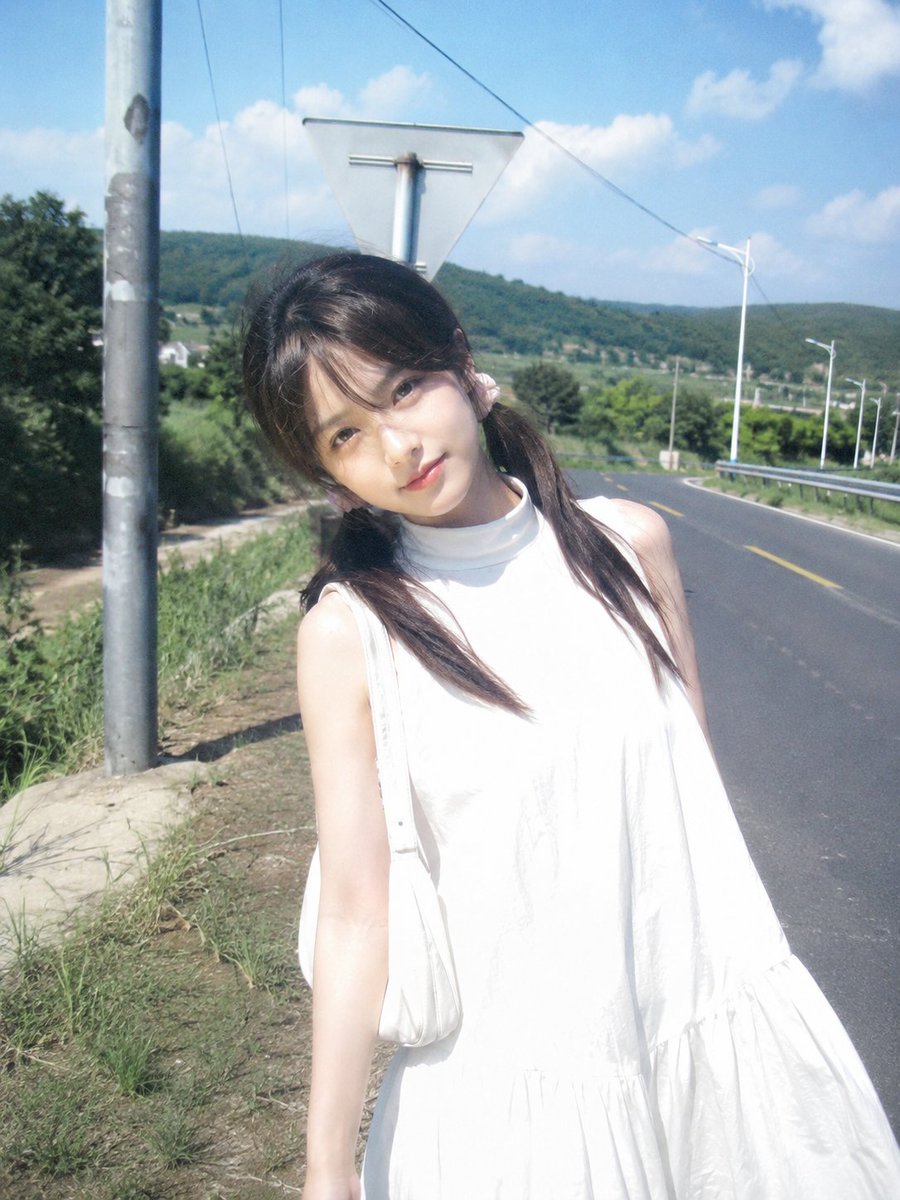
Using the provided reference image as the base portrait, transform the subject into a polished cinematic portrait of {argument name="target actor" default="Robert Downey Jr."}. Keep the same chest-up studio composition, direct eye contact, white sweatshirt, moody blue background, and warm orange side/rim lighting. Change the facial identity, haircut, and facial hair to match the target actor: shorter styled hair, trimmed goatee/mustache, sharper features, and a more refined naturally realistic look. Maintain realistic skin texture, professional portrait lighting, shallow depth of field, and high-end editorial finish. Do not add text, props, logos, or extra people.
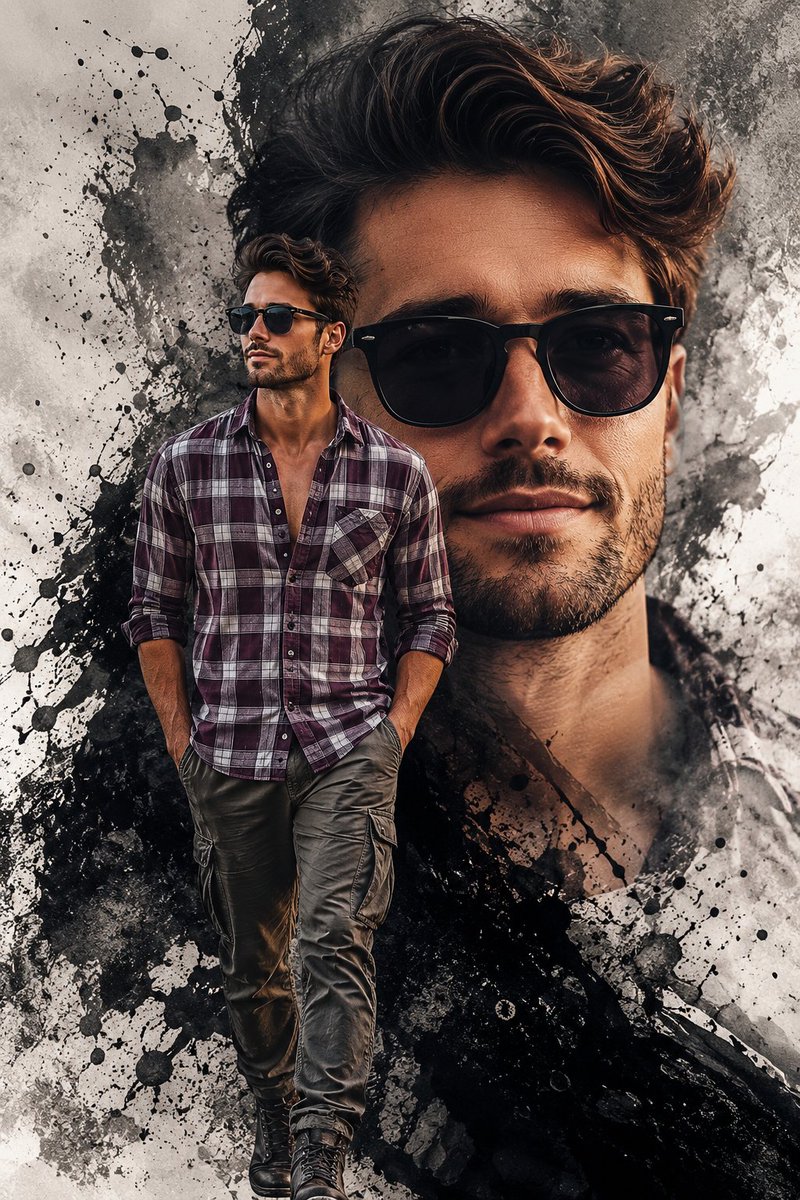
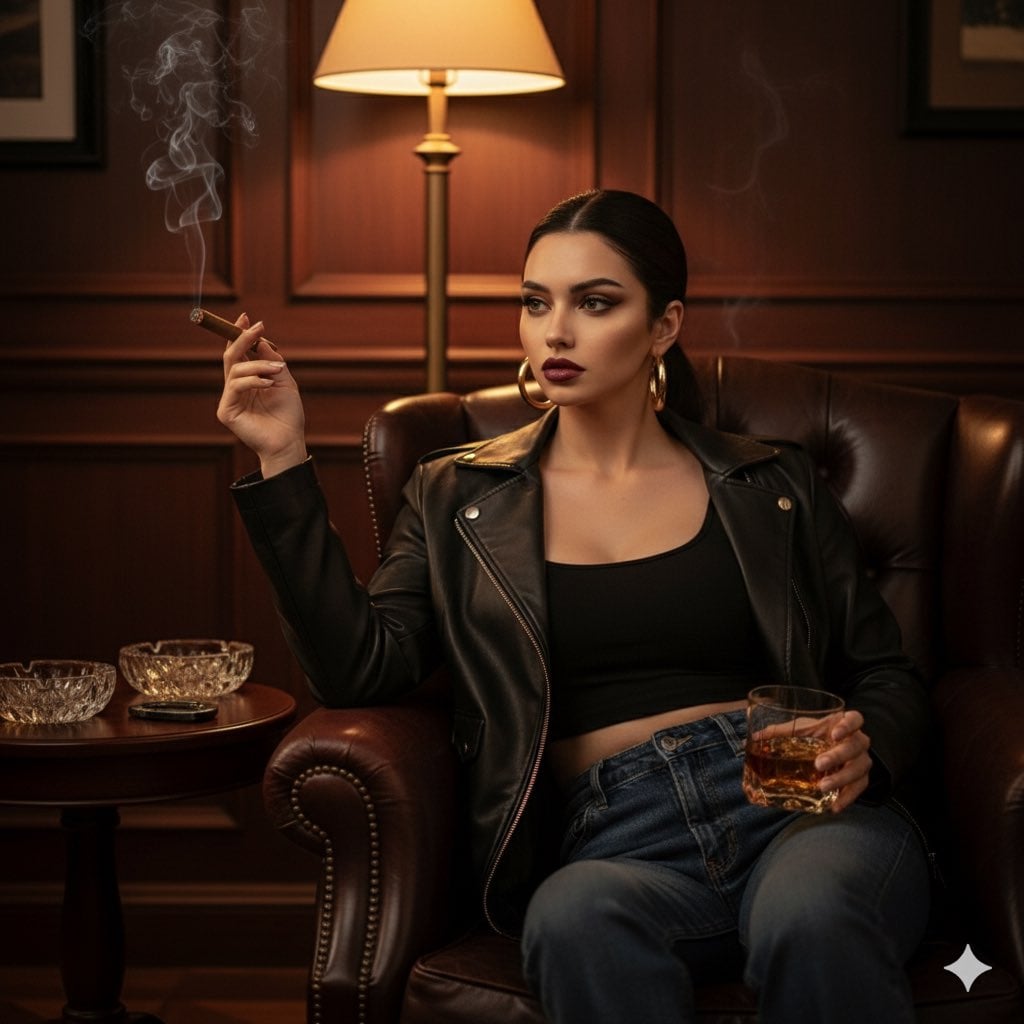
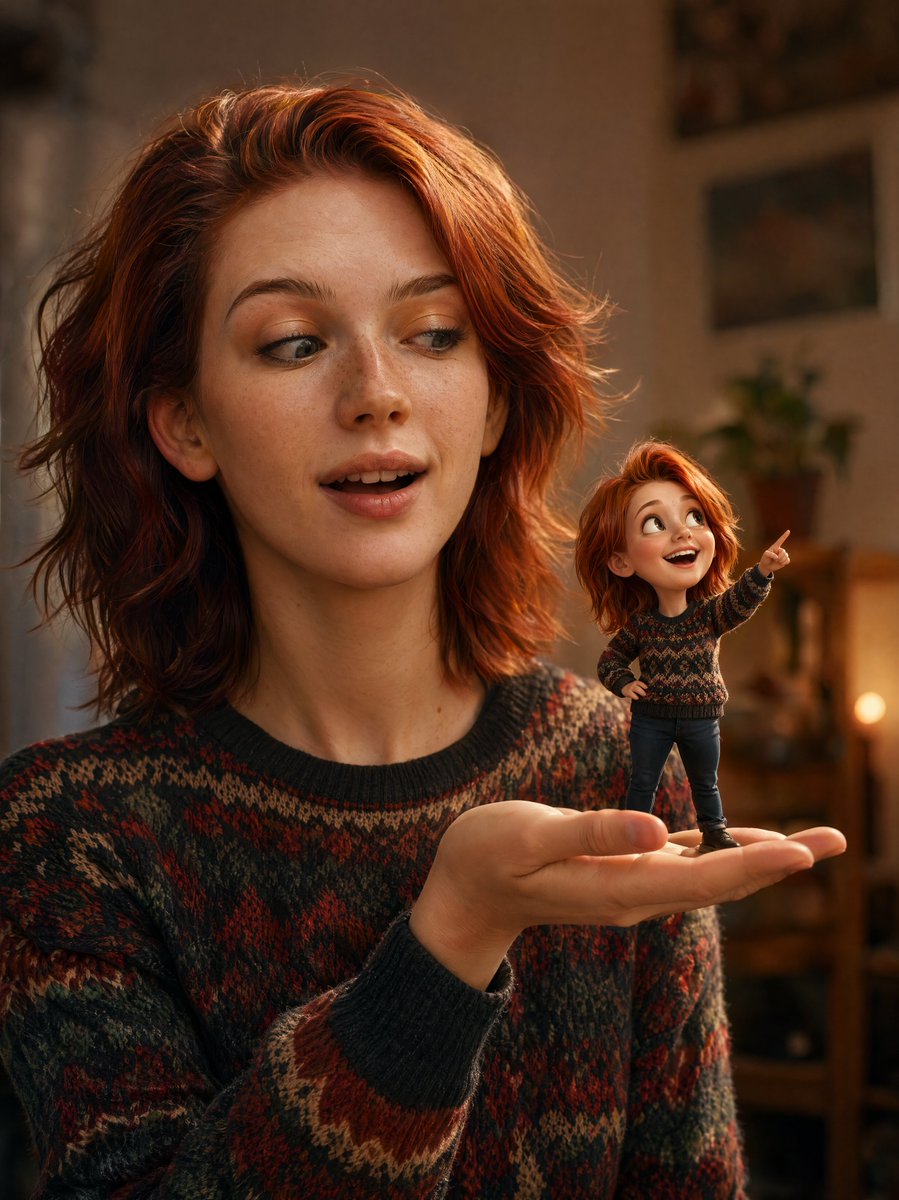
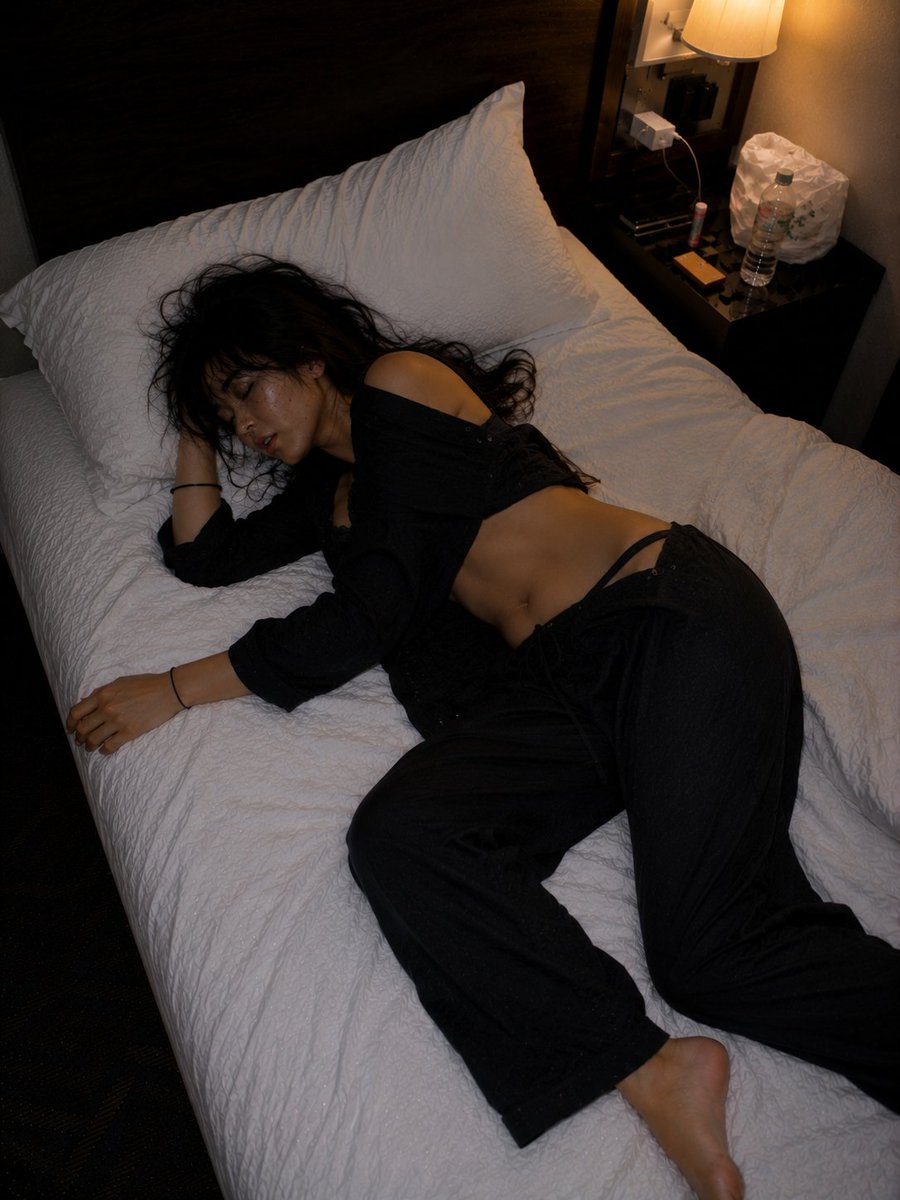
Cinematic Actor Portrait Transformation needs input media to work. Open it in the studio and these load alongside the prompt — pick whichever ones your chosen model can take.
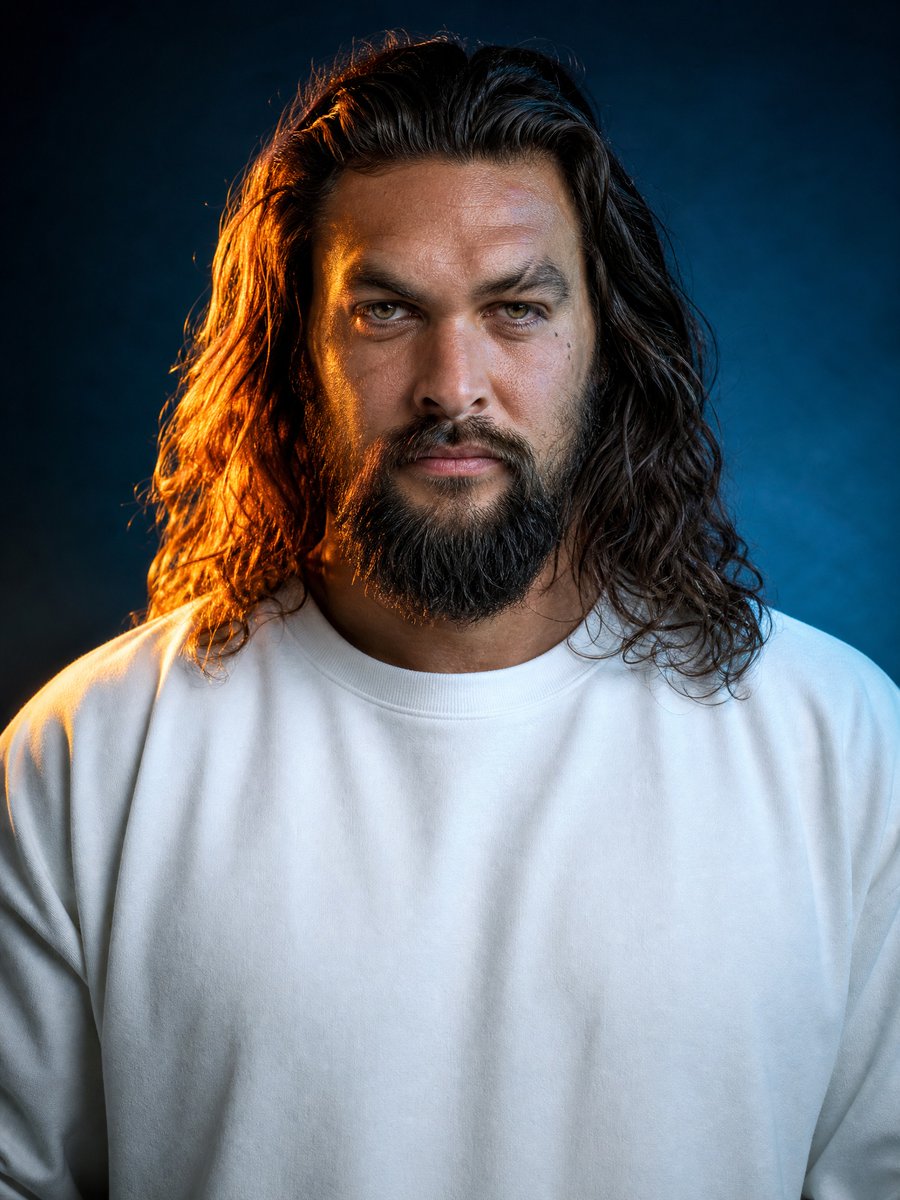
Choose the primary action to open PicX Studio with the available template settings. Review the model and format, personalize the creative direction, and generate when ready.
Yes. You can change the subject, setting, lighting, mood, format, and available model controls before creating your image.
This template is free to open and customize. Generation usage is shown in PicX Studio before you create.
Start with GPT Image 2, which is the model associated with this template. You can compare another compatible model for a different finish.
Follow a topic to a crawlable collection of related PicX Studio templates.